Tutorials and training
Update tutorial videos after a UI change
How to update tutorial videos after a UI change: tag each video by screen, triage every release, fix labels in place, and re-record only the videos that moved.
 Roozbeh Firoozmand
Tutorial and training videos: recording, narration, translation and upkeep.
How to update tutorial videos after a UI change: tag each video by screen, triage every release, fix labels in place, and re-record only the videos that moved.
Roozbeh Firoozmand
How to plan animated training videos with AI: when animation beats a screen recording, research-backed design rules, a lesson template and caption tips.
Roozbeh Firoozmand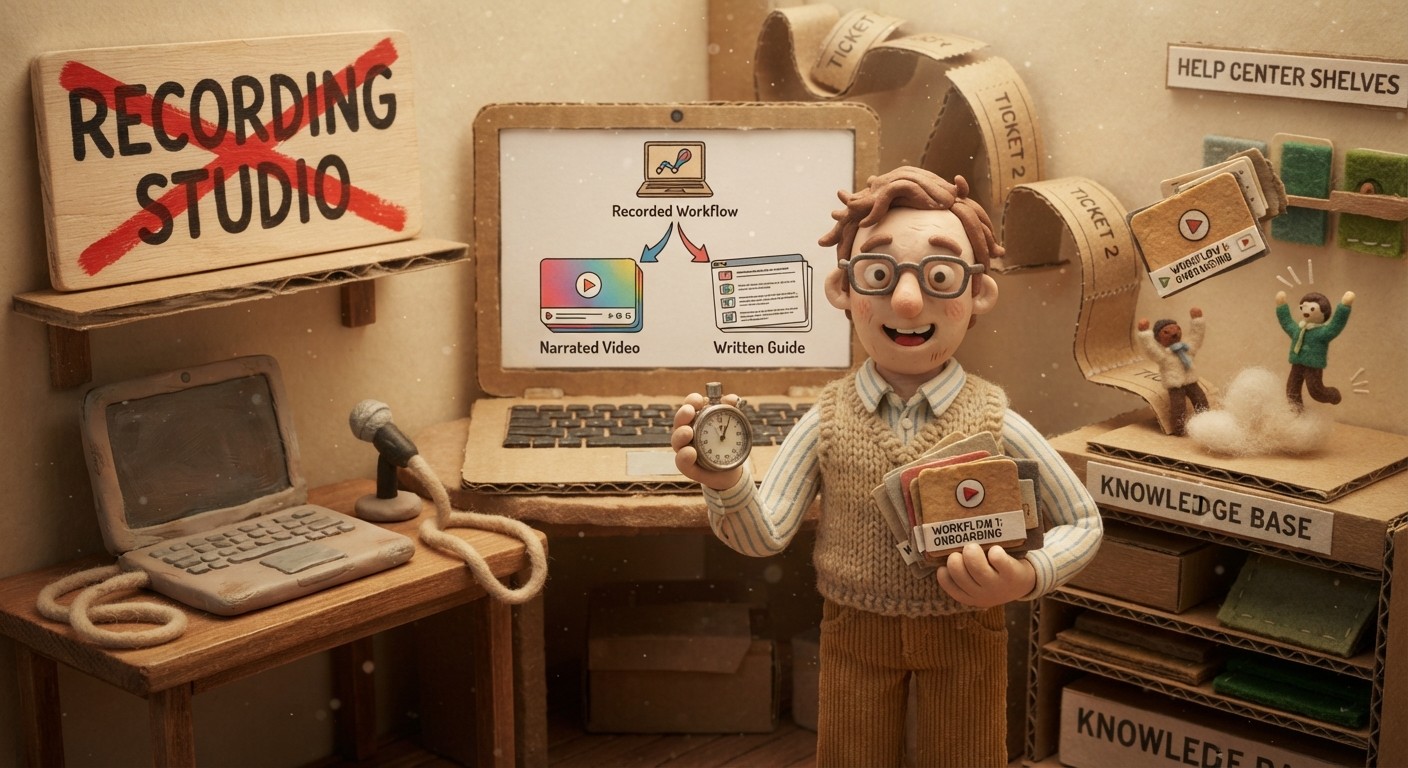
Create training videos faster with AI by recording the workflow once, generating narration, pairing it with a written guide, and updating content as the product changes.
Roozbeh Firoozmand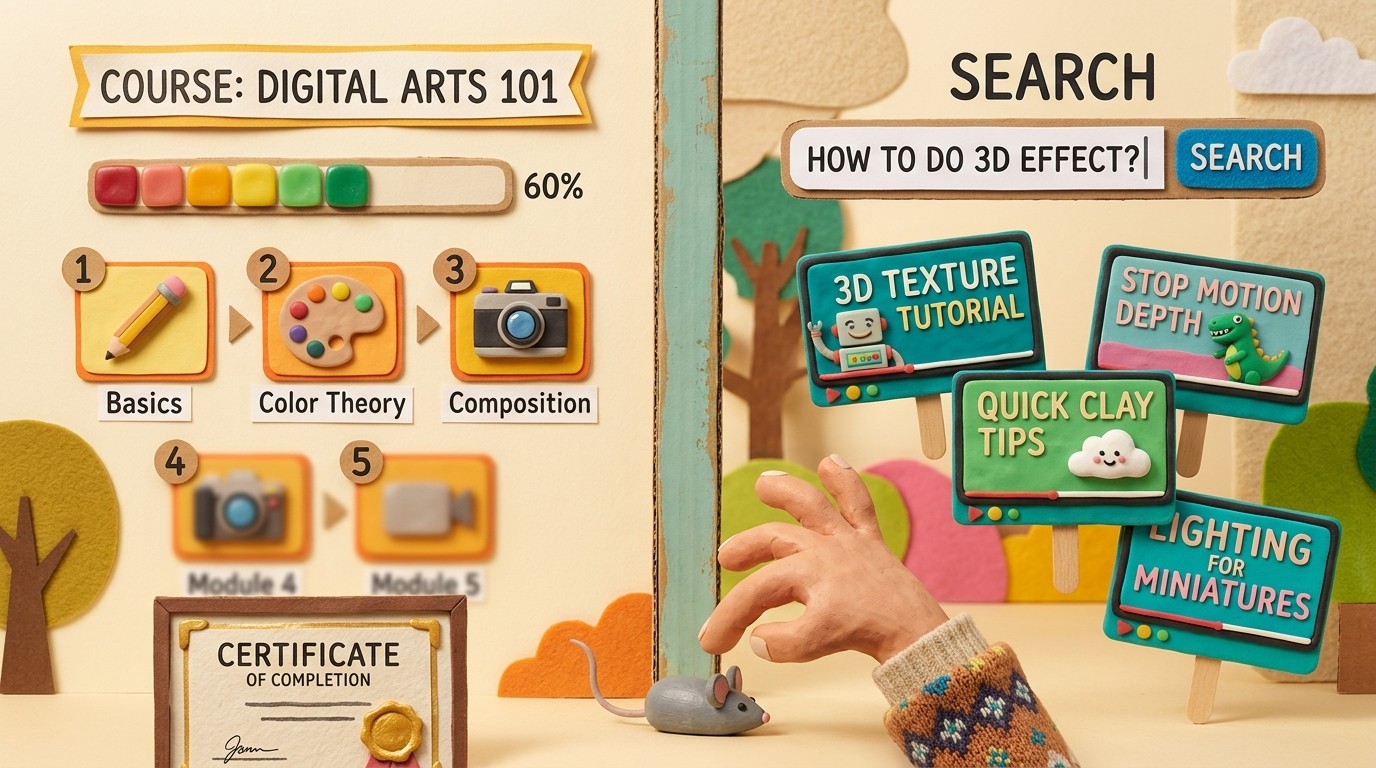
LMS and microlearning platforms solve different training problems. Here's how to pick the right one for customer education, employee training, or partner enablement.
Roozbeh Firoozmand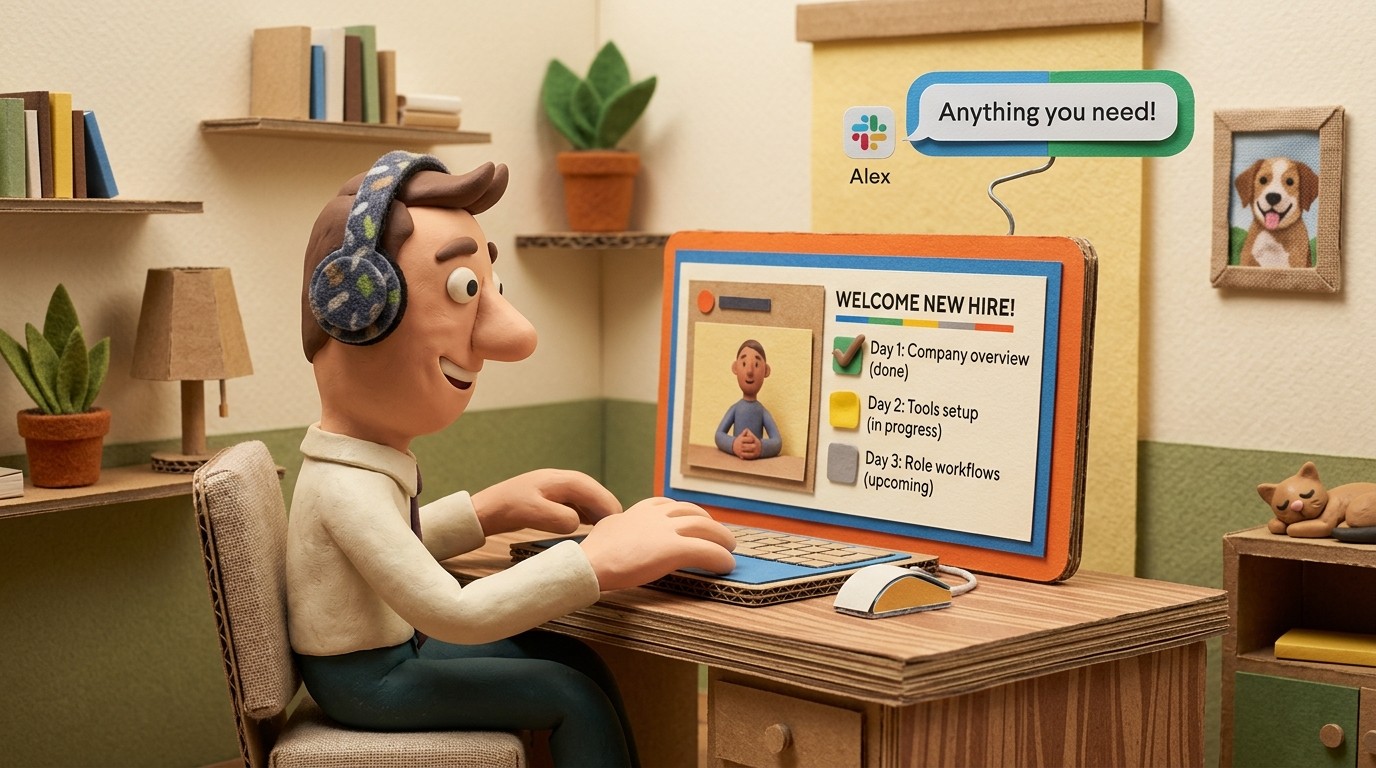
Remote employee onboarding fails when it's just documents and Zoom calls. Here's how video documentation makes remote onboarding faster and more consistent.
Roozbeh Firoozmand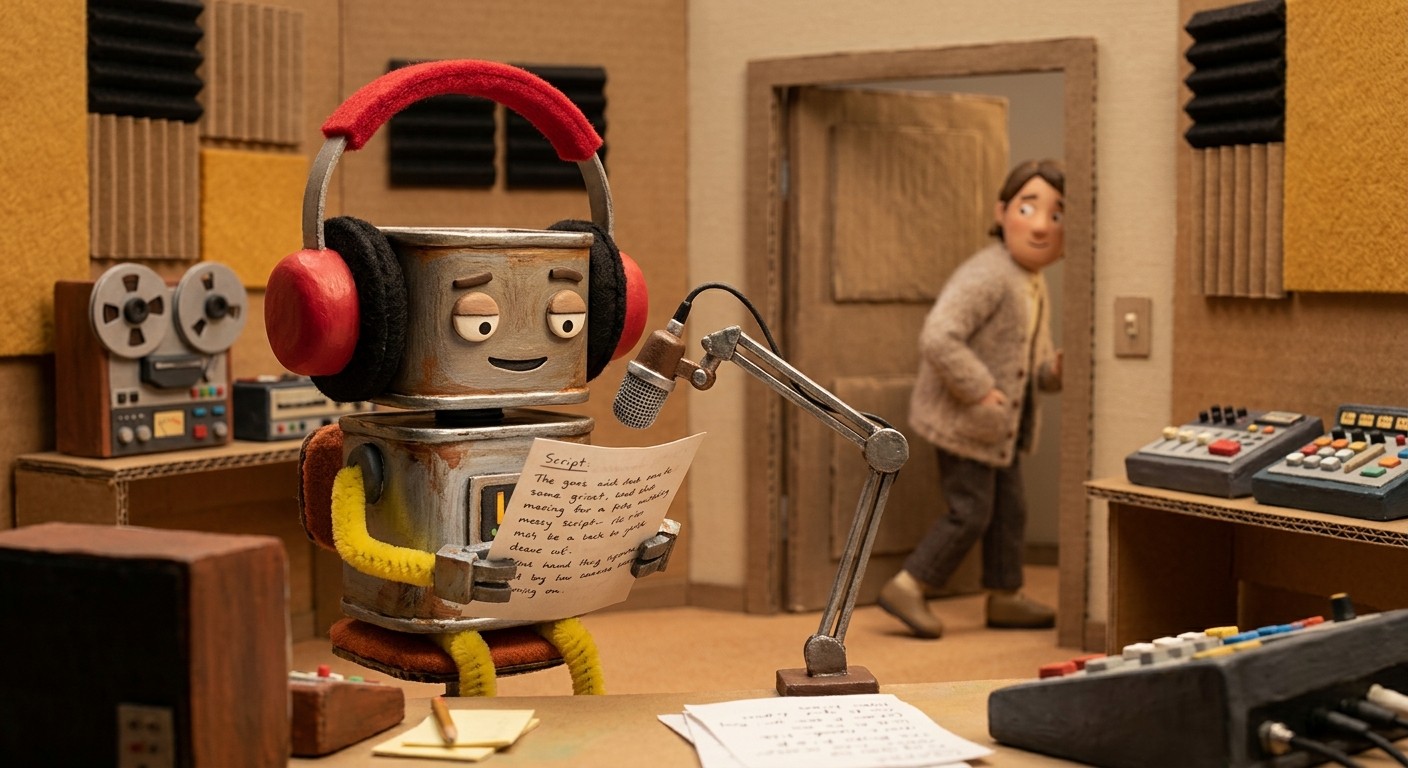
An AI voice-over tool turns silent screen recordings into professionally narrated videos. Here's how it works and what to look for in 2026.
Roozbeh Firoozmand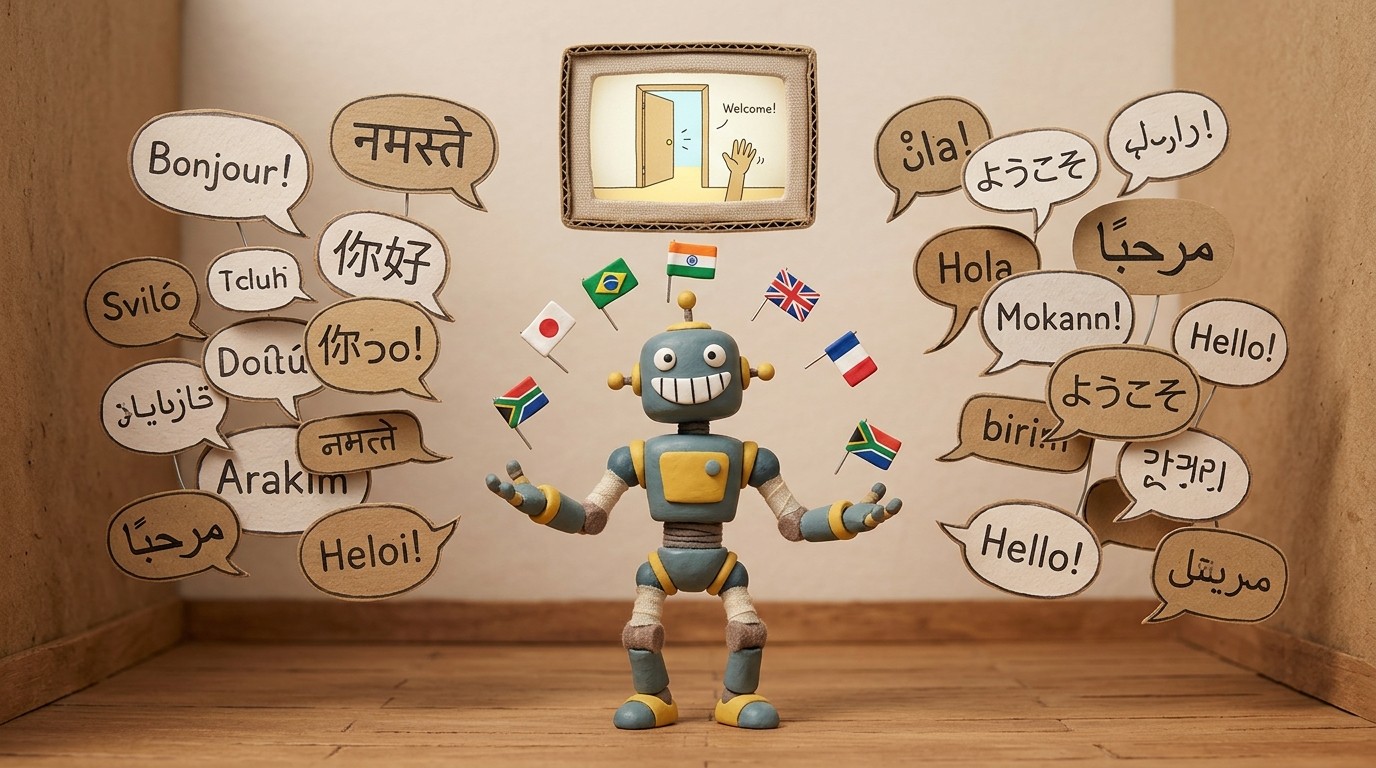
Learn how to translate tutorial videos into multiple languages automatically using AI. No re-recording, no translation agency, no extra production time.
Roozbeh Firoozmand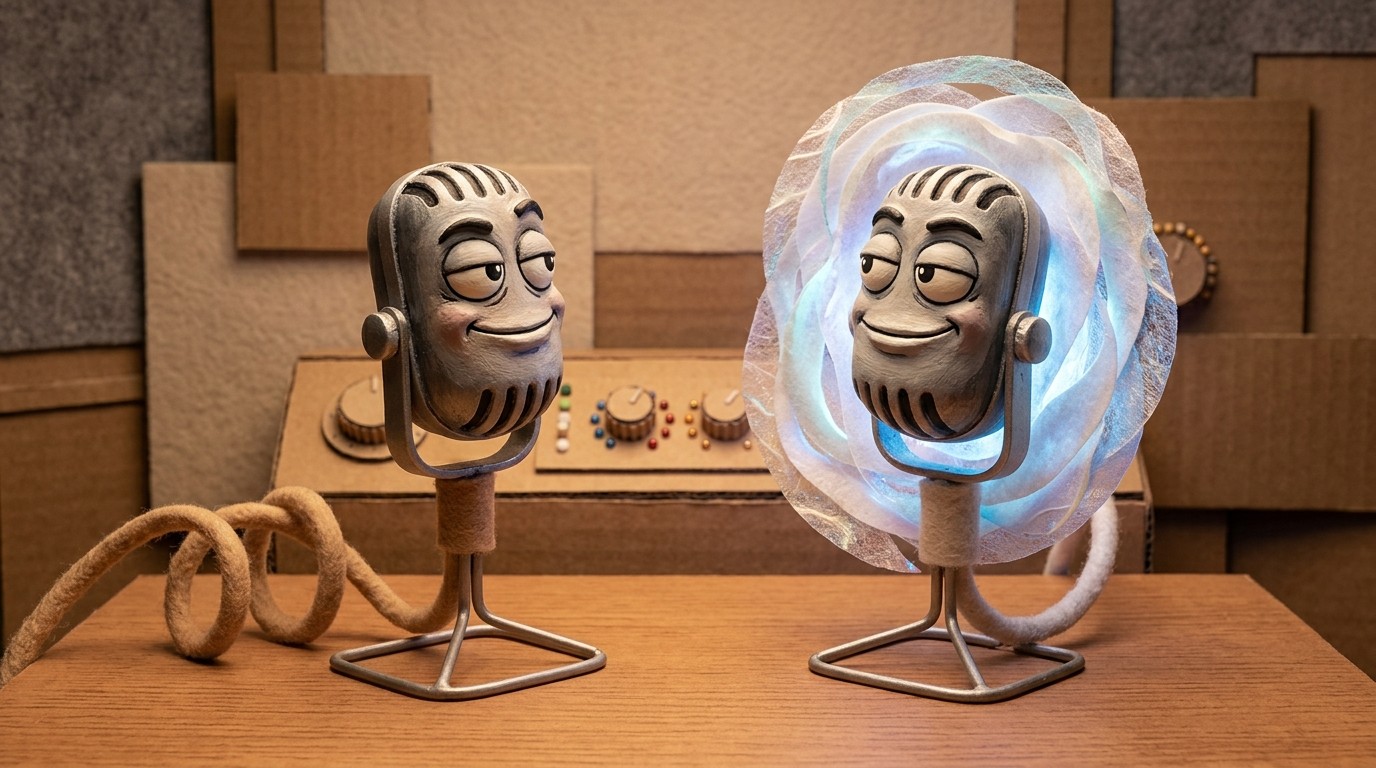
A voice cloning tool lets you narrate every tutorial in your own voice without re-recording each one. Here's how AI voice cloning works for SaaS video content.
Roozbeh Firoozmand
Speed up video production workflow by replacing manual editing, scripting, and narration with AI automation. Here's how SaaS teams do it in 2026.
Roozbeh Firoozmand
Learn how to create tutorial videos that are clear, engaging, and easy to maintain. A practical guide covering format, recording, narration, and publishing.
Roozbeh Firoozmand
Microlearning vs traditional training — what research actually shows about retention, completion rates, and ROI, and which approach works best for SaaS teams.
Roozbeh Firoozmand
Learn how to turn a screen recording into a professional tutorial video with AI narration, smart zoom, and captions — no editing skills or voiceover required.
Roozbeh Firoozmand
Collaborating on tutorial videos across a team raises real questions about access, quality consistency, and secure content handling. Here's how to get it right.
Roozbeh Firoozmand
Learn how to create training videos for software teams and customers using a training video generator. Covers formats, structure, production workflow, and maintenance.
Roozbeh Firoozmand
An AI training video maker lets software teams produce polished, narrated training videos from screen recordings — no editors, no studios, no scripts needed.
Roozbeh Firoozmand
Learn how to translate tutorial videos into multiple languages using AI — without re-recording, managing subtitle files, or outsourcing to a localization agency.
Roozbeh Firoozmand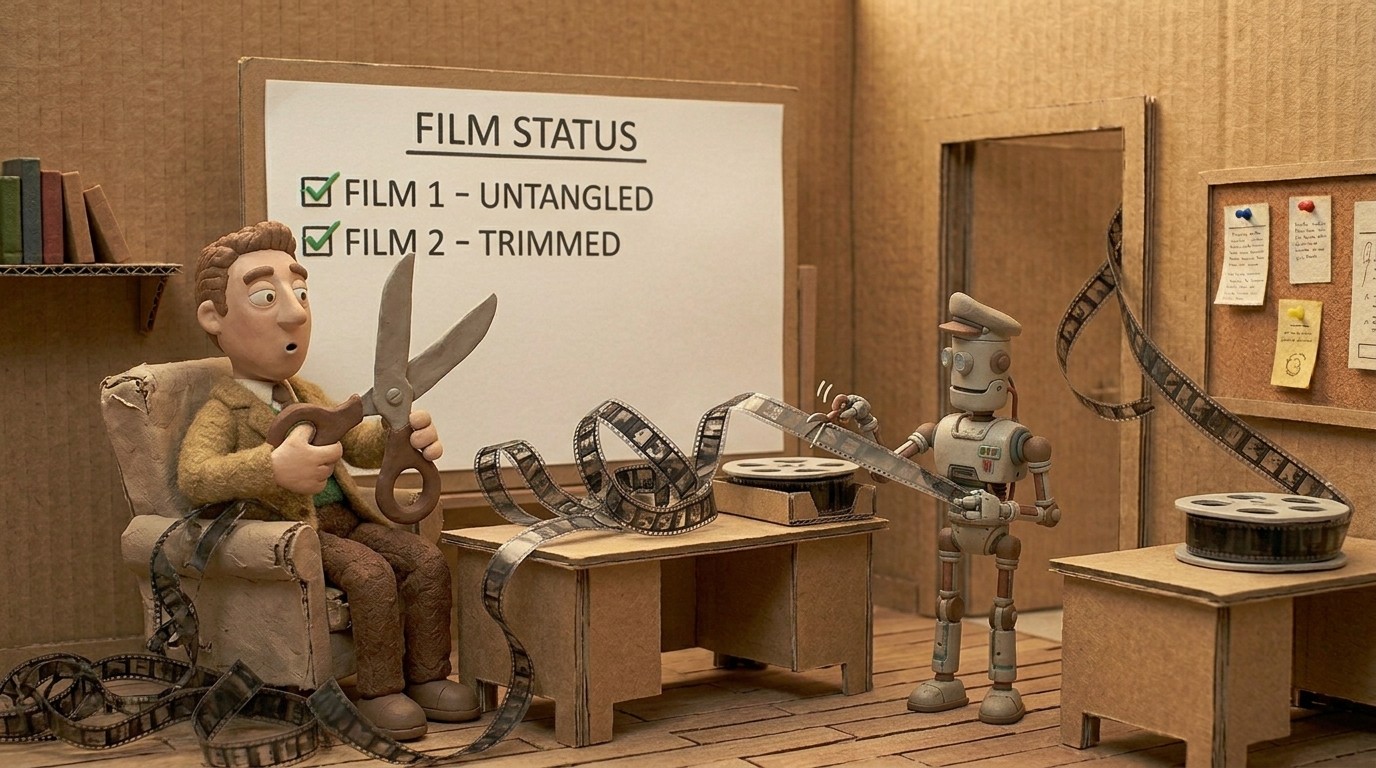
AI video editing tools reduce production time by automating the most time-consuming steps. Here's how AI editing saves time and what it means for tutorial video teams.
Roozbeh Firoozmand
Create tutorial videos faster by automating scripting, narration, and editing with AI. Here's the workflow that cuts production time from hours to minutes.
Roozbeh Firoozmand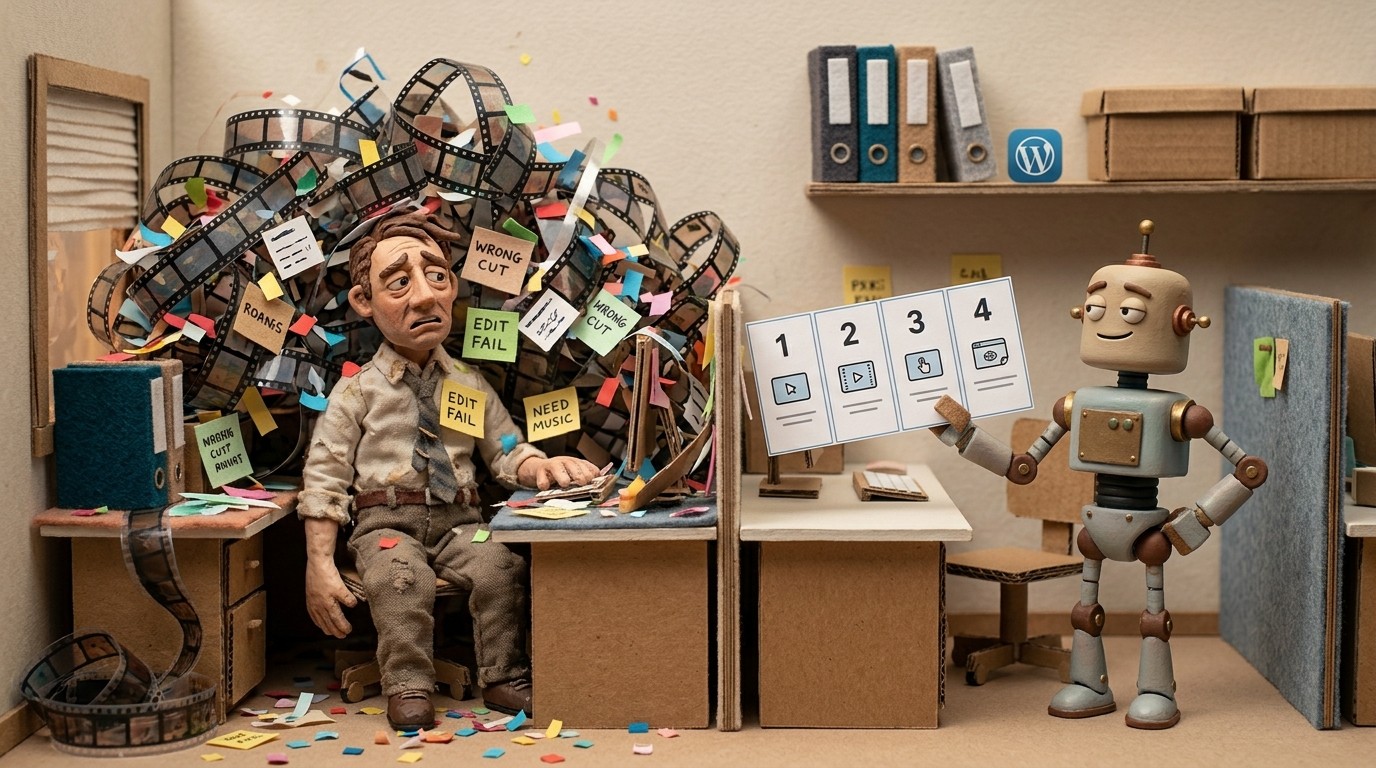
Raw screen recordings are full of dead time, wrong clicks, and no structure. Here's how to turn them into clean, step-by-step how-to guides automatically.
Roozbeh Firoozmand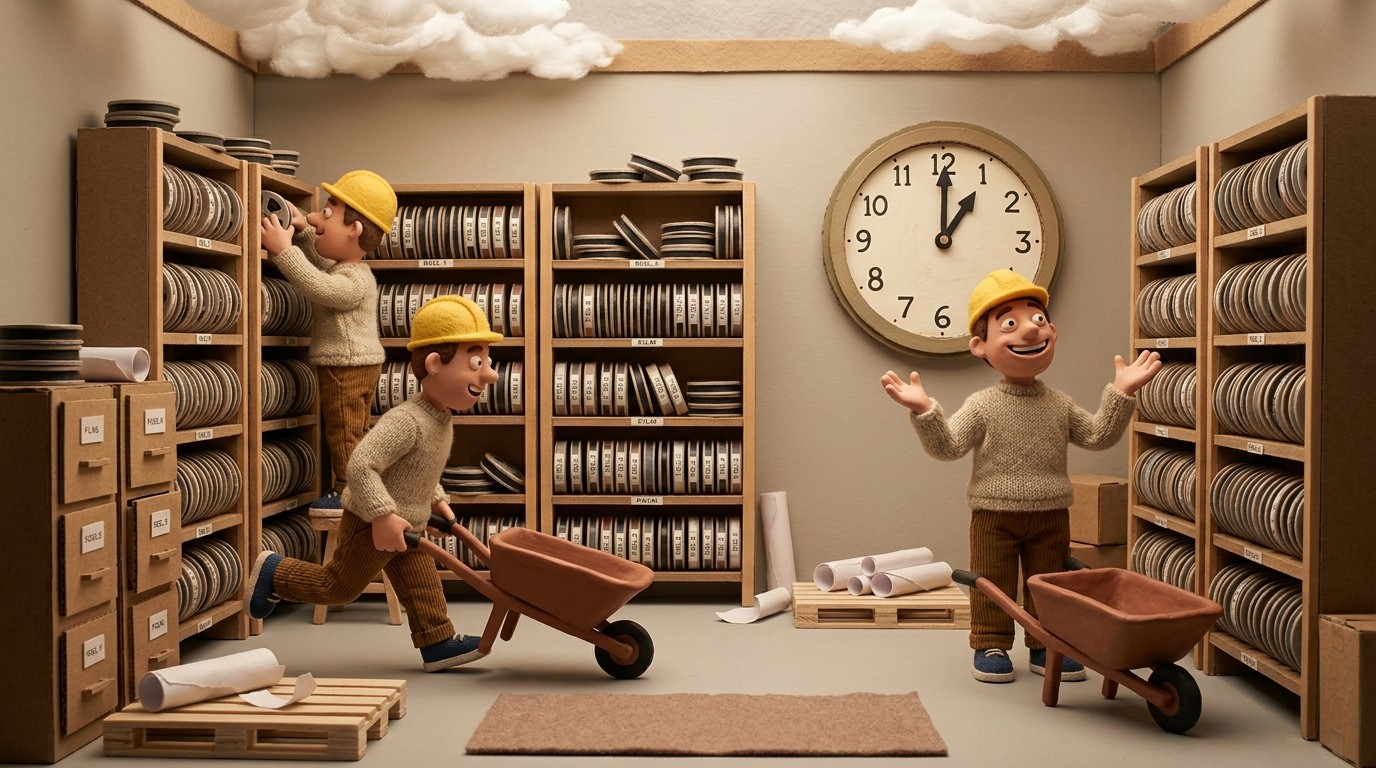
Learn how to build a video training library fast using AI tools. From recording to organizing to keeping content fresh — a practical guide for SaaS teams.
Roozbeh Firoozmand
Level up your AI-generated product tutorials with these 3 Clevera tips. Learn how to optimize AI narration, script structure, and visual flow for professional, high-converting videos.
Roozbeh Firoozmand
Master the art of the 60-second tutorial. Learn the proven AI how-to video script structures that maximize engagement and clarity for your product documentation in 2026.
Roozbeh Firoozmand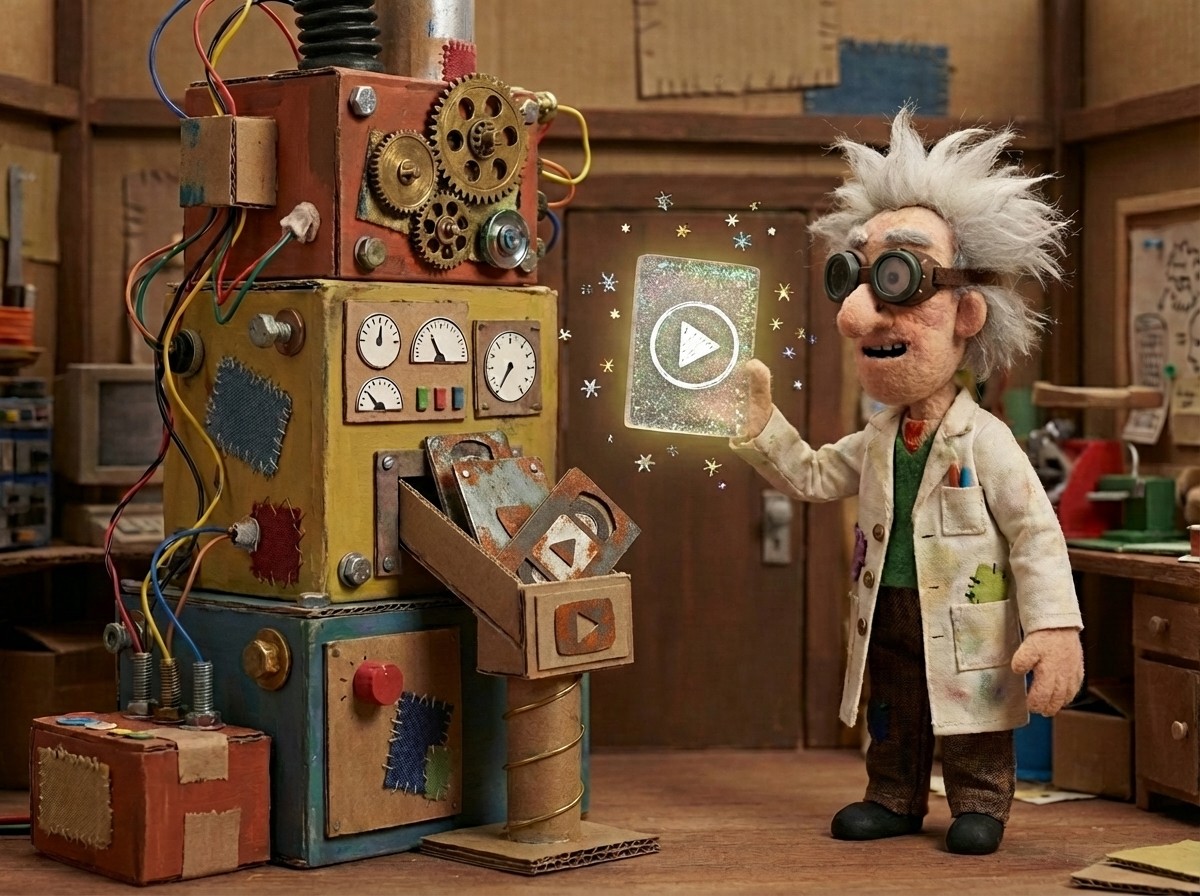
Turn any messy screen recording into a polished step-by-step how-to video with AI. No editing skills needed. See how Clevera does it in under 5 minutes.
Roozbeh Firoozmand
Don't let your tutorials go stale. Use this AI video tutorial maker checklist to ensure your product documentation stays accurate and up-to-date with every UI change.
Roozbeh FiroozmandCookies
We use cookies to understand how people find and use Clevera and to measure our ads. You choose what to allow. Read our Privacy policy.