How to translate tutorial videos without re-recording them
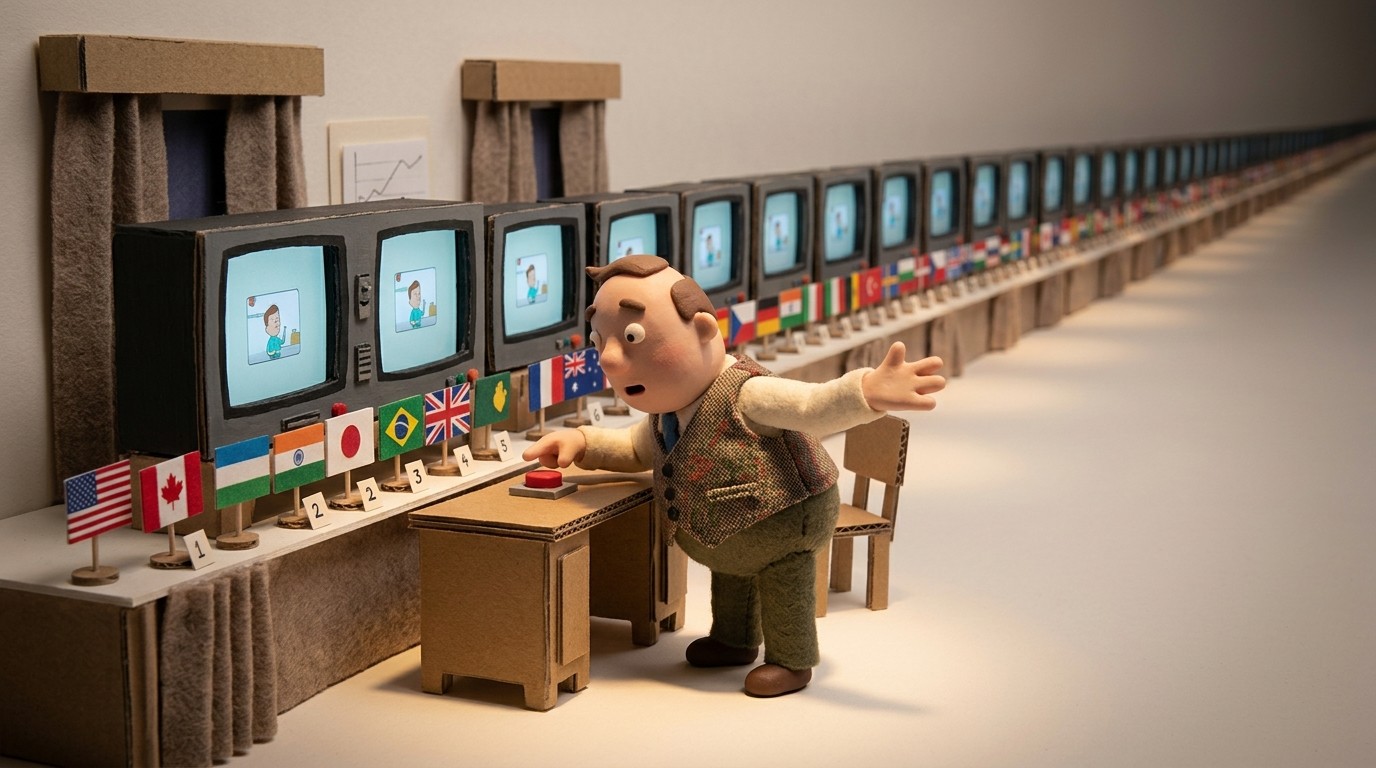
For most SaaS teams, translating tutorial videos sounds like a project that requires a localization agency, a budget approval, and 6 weeks of back-and-forth. So it doesn't get done. The English version of your onboarding walkthrough gets sent to users in France, Germany, Brazil, and Japan. Some figure it out. Many don't.
The problem with that approach isn't just the user experience — it's the business impact. Users who onboard in a language they're not comfortable in activate more slowly, ask more support questions, and churn at higher rates.
The good news: translating tutorial videos no longer requires re-recording, subtitle files, or outsourced voiceovers. Here's how AI-powered translation actually works, and what to look for in a tool that handles it well.
Why translating tutorial videos is harder than translating articles
Written documentation is relatively straightforward to translate — you run the text through a translation tool, review it, publish it. The process is well-understood and there are good tools for it.
Tutorial videos are harder for 3 reasons:
1. The narration is locked in the audio track. With a traditionally recorded video, changing the narration means either re-recording the whole thing with a new voice, overdubbing (which often sounds mismatched with the video), or adding subtitles and hoping users read them.
2. The narration and video must stay in sync. Even if you translate the script, translated audio is often a different length than the original — German and French tend to run longer than English, for example. Syncing a new audio track to an existing video requires re-editing.
3. Maintenance compounds the problem. Once you have translated videos, every update to the source requires re-translating. Teams that manage parallel files per language quickly fall behind.
AI-based approaches solve all 3 by separating the narration from the video at the source.
How AI translation for tutorial videos works
The most effective approach works like this:
- Record the workflow, not the voice. You capture your screen — no live narration required. The source content is the video of what's happening on screen, not a recorded voice.
- Generate AI narration in the source language. The AI generates a voiceover script from what happened in the recording. You review and edit it before publishing.
- Translate with a single action. Because the narration exists as text (a script), not a locked audio track, it can be translated into any target language and re-voiced by the AI in that language. The timing is adjusted automatically to match the video.
- Publish each language version. Each translated version is a self-contained video with native-sounding AI narration and matching captions in the target language.
- Update once, propagate everywhere. When you update the source video, translated versions can be regenerated from the updated source. You don't maintain separate files per language.
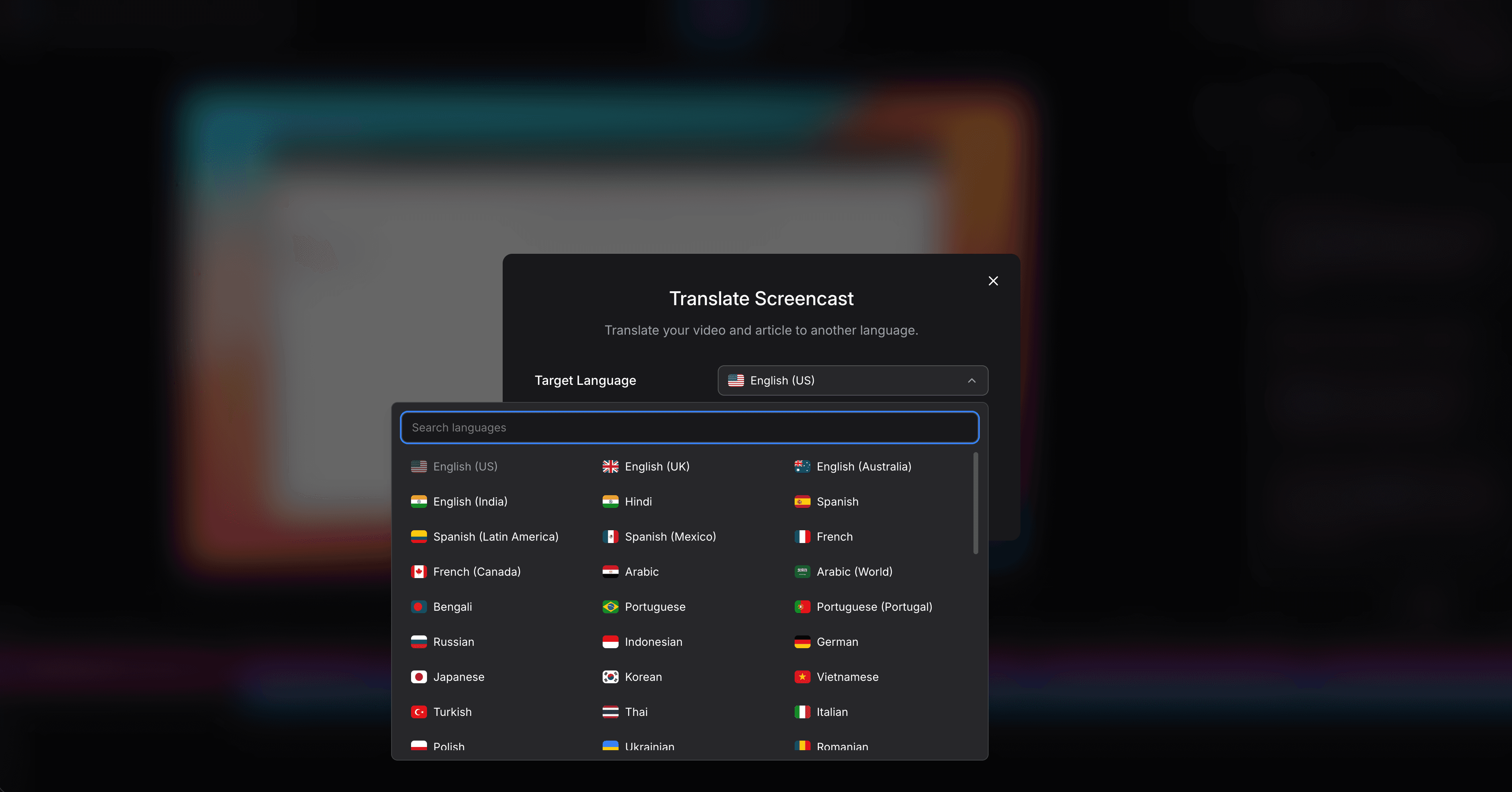
Clevera is built around this model. One recording produces narrated tutorial videos in 70+ languages, alongside a translated help article for each. The whole workflow — from recording to multilingual publishing — is handled in one tool.
What gets translated (and what doesn't)
When you translate tutorial videos with an AI tool, here's what should be covered:
Video narration: The AI voiceover is translated and re-voiced in the target language. This is the most important element — users need to hear instructions in a language they understand.
Captions/subtitles: Translated captions ensure the video is accessible to users who watch without sound, and to users who aren't fluent enough to follow audio alone.
Paired help articles: If your tutorial video is accompanied by a written guide (and it should be), that article should be translated too. Clevera generates both the video and the article from the same recording and translates both simultaneously.
What's not automatically translated: Text that appears in the screen recording itself — UI labels, button text, in-app messages — is part of the video image, not the narration. For full localization, you'd either use a localized version of your product during recording or add callout annotations that can be independently translated.
Multilingual tutorial videos: best practices
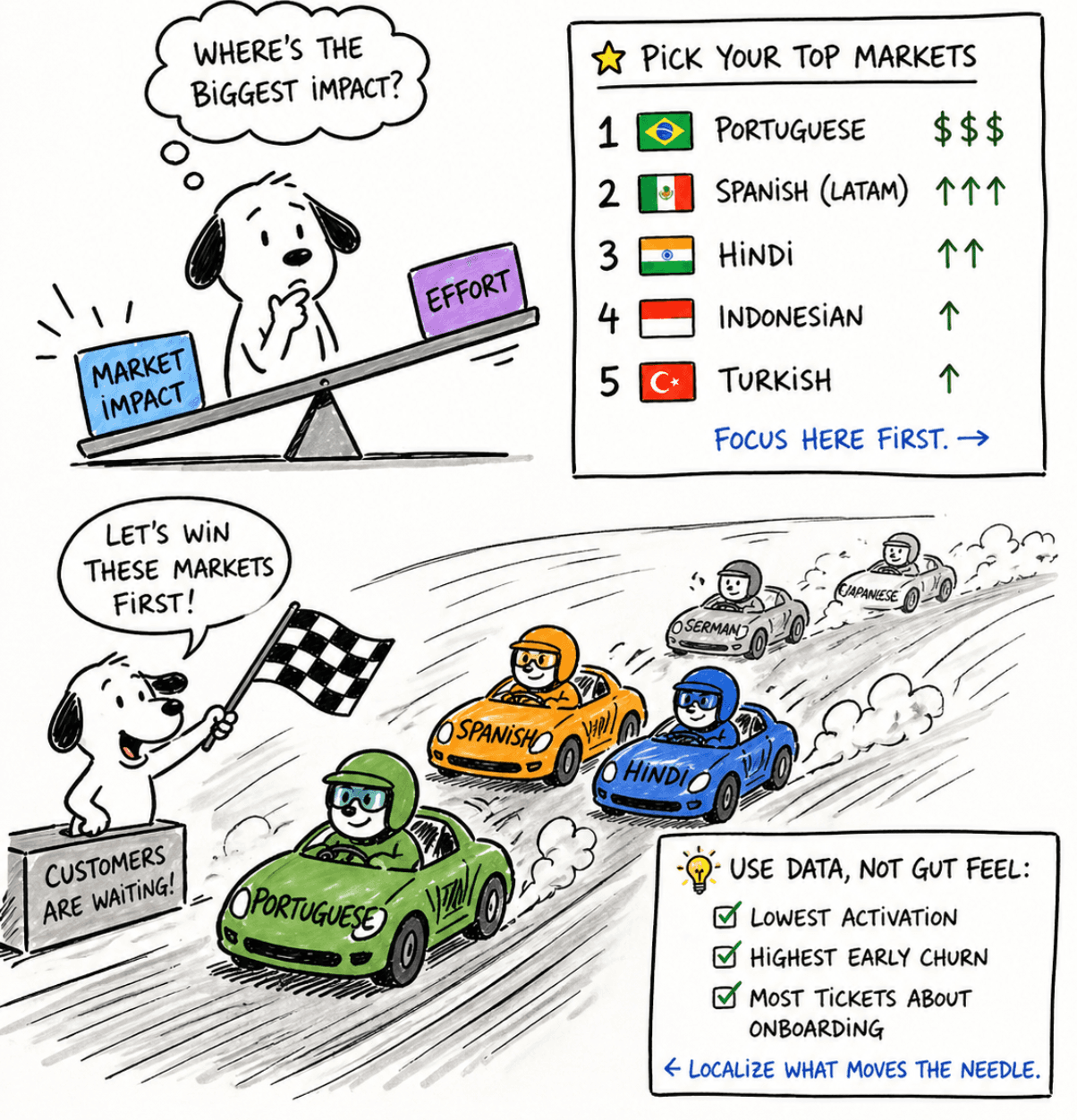
Prioritize by market, not by effort
Not every language needs to be done on day one. Start with your 3-5 highest-revenue or fastest-growing non-English markets. Use activation and support data to make the case: which markets have the lowest activation rates, the highest early churn, or the highest ticket volume about basic onboarding steps? Those are the languages to localize first.
Review AI translations for key markets
AI translation quality has improved dramatically, but it's not perfect for every language and every domain. For your highest-priority markets, have a native speaker do a review pass before publishing. Pay particular attention to:
- Product and feature names (don't translate brand names)
- Formal vs. informal register (this varies by market and product category)
- Technical terminology with established equivalents in the target language
For Tier 2 markets, a review pass may not be cost-justified — AI quality is usually sufficient for users to follow instructions, even if the phrasing isn't perfect.
Keep video content modular
Long tutorial videos are expensive to maintain in any language. A 20-minute onboarding walkthrough that changes when you ship a redesign means re-translating 20 minutes of content. Short, task-focused videos (3-5 minutes each) isolate updates — when one workflow changes, only that clip needs to be updated and re-translated.
Match language version to locale
If you're embedding tutorial videos in a localized help center or in-product experience, make sure the right language version is served based on the user's locale. This is usually handled by your help center platform (Zendesk, Intercom, Freshdesk) through separate language-specific content sections.
The case for video-first multilingual documentation
One pattern worth noting: teams that build multilingual tutorial video libraries tend to see improvements beyond just conversion in non-English markets. A few reasons:
Reduced support load: When users can self-serve in their language, they open fewer tickets. This is especially pronounced in markets where users are less likely to ask for help from an English-speaking support team.
Better async collaboration: For teams working across time zones and language backgrounds, having tutorial content in multiple languages means teammates can get answers without waiting for a sync call.
Trust and credibility: For markets where localized software experience is expected, a product that onboards users in their language signals investment and commitment — it differentiates in competitive deals.
Getting started
If you've been putting off tutorial video translation because it seemed too expensive or too complex, the AI-based workflow described here removes most of the friction. A team that already has English tutorial videos can have 5 translated language versions published in a few hours — not weeks.
Start with your most-watched tutorial, your highest-priority non-English market, and a review session with a native speaker. Publish it, measure activation for that cohort, and use the data to build the case for expanding the program.