For HR, L&D and operations teams
Stop losing knowledge when people leave
Clevera is AI for internal training. Whoever knows the process records it, or hands over the training deck, and Clevera turns it into a narrated training video and a written SOP your team can watch in their own language.
Screen recording
AI recorder
Training deck (PDF)
Written SOP
74 languages

Trusted by product teams worldwide







Training people
actually watch.

Tool walkthrough
Show a web tool step by step. The AI recorder can capture it for you.

Onboarding module
Get new hires through setup and their first tasks at their own pace.

Animated explainer
Explain a policy or a concept with motion graphics from a short brief.
Start from
what your team already has.
01
A screen recording
Whoever knows the process records it with the desktop app or the Chrome extension.
02
The AI recorder →
Describe the steps and an AI agent records the web tool. It’s read-only unless you allow changes.
03
Your training deck →
Turn a PDF deck or a set of screenshots into a narrated video.
04
A video you already have
Upload old training recordings and turn them into polished modules.
One recording,
a complete module.
The person who knows the process records it once. Clevera writes the narration, the SOP and the translations.
From expert to every hire
Capture: the process
A recording, the AI recorder or an existing deck
Get: video and SOP
A narrated training video and a written SOP with screenshots
Organise: by team
Collections with team-wide, private or named access
Translate: every office
Narration, captions and SOPs in any of 74 languages
Update: when tools change
Re-record the step that changed; every link shows the new version
Your terms,
your team’s library.
Collections with access
Team-wide, private, or specific people as viewers, editors or managers.
Free editors and viewers
Experts review and fix a module without a paid seat.
AI rules
Your terminology, product names and pronunciation in every script.
Templates
Intro, title cards and music saved once for every module.
AI avatar announcements
An AI avatar presents a policy or tool change. Starter and above.
Analytics
See which modules get watched: views, watch time and completion by collection.
“A real game changer! We created videos and tutorials covering our company’s product trainings, clinical studies, and detailed production processes. It’s incredibly fast and extremely smart. It saved us from around 150–200 hours of work and time loss.”
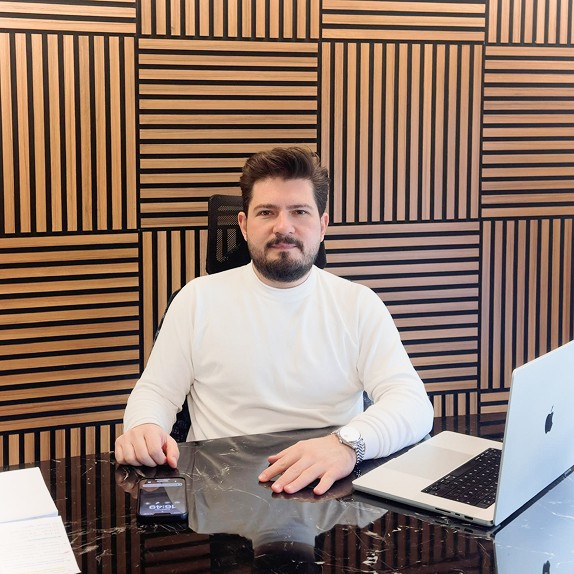
Cihan Savsar
Co-founder at Anocin
“Before Clevera, we were handling videos manually. Since switching, we’ve saved significant time and the process is far smoother. It’s been a genuinely useful tool for us.”

Grant Kim
Managing director at Blue Stone Solution
What comes
with Clevera.
74
74 languages
Narration, captions and articles, on every plan
Free
Editors and viewers
Unlimited on every plan; only creators are seats
0
Credits for exports
Rendering and exports never use credits
SOP
Written guide included
Every recording can also become a step-by-step SOP with screenshots
Keep exploring


Questions from training teams
Can we use the videos in our LMS?
Can I turn an existing training deck into a video?
Who can see our training videos?
Do reviewers need a paid seat?
What can the AI recorder record?
Can I export the SOP?
Which languages are supported?