Digital Adoption Platform Alternatives · 2026
12 Best Digital Adoption Platform Alternatives in 2026 (Lighter, Faster, More Affordable)
Traditional digital adoption platforms were built for enterprise IT rollouts — sprawling contracts, months-long implementations, and a price tag that makes most SaaS teams flinch before the first demo ends. In 2026, you don't need WalkMe or Whatfix to get users actually using your product.
$35,000
average annual cost of a traditional enterprise DAP
63%
of software features go unused due to inadequate user guidance
25-40%
reduction in support tickets with structured in-app walkthroughs
4-6 mo
average enterprise DAP implementation vs. days for lightweight alternatives
What is a digital adoption platform — and why are teams looking for alternatives?
A digital adoption platform (DAP) is software that overlays guided experiences on top of another application — in-app walkthroughs, tooltips, task checklists, smart hints — to help users understand and actually use the product in front of them. The original DAP players were designed for large enterprises rolling out complex internal software to thousands of employees. That's a legitimate use case, and those tools are genuinely built for it.
The problem is that 95% of SaaS companies don't have that problem. They have a different one: users who signed up, didn't understand the product fast enough, and churned. For that, a $78,000/year platform with a six-month implementation isn't the answer — it's an obstacle.
In 2026, the DAP alternative landscape has matured into three clear layers:
In-app guidance tools
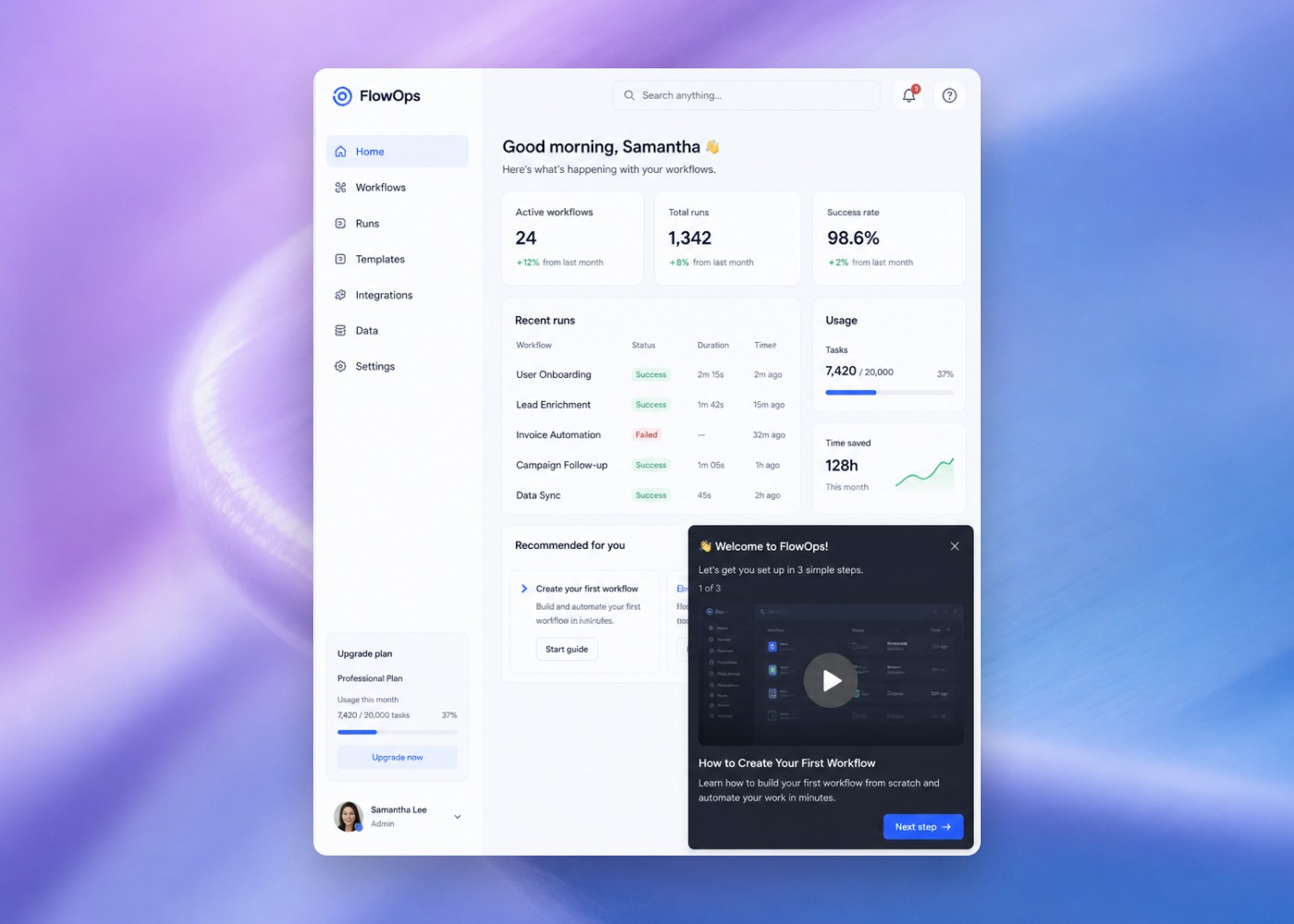
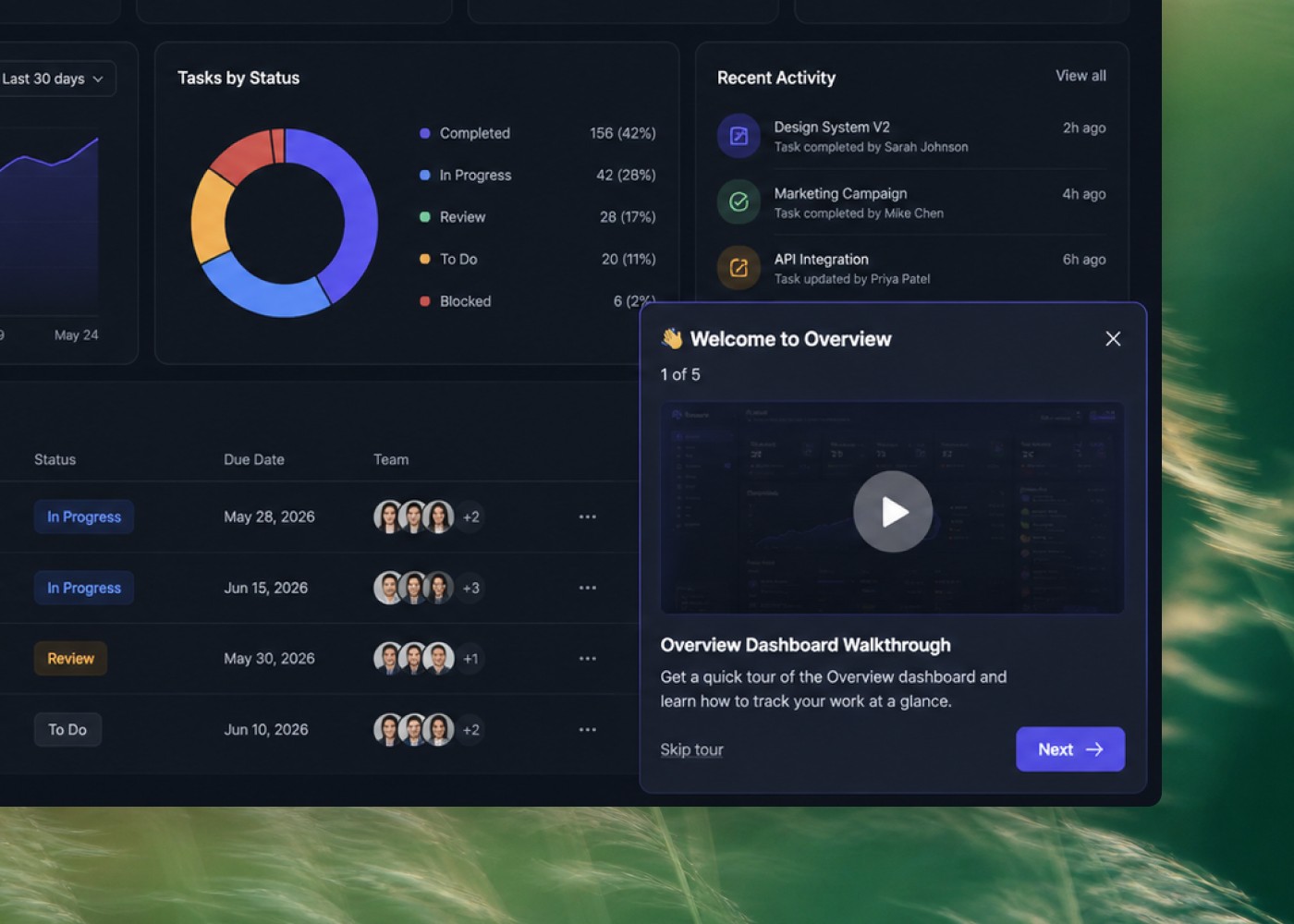
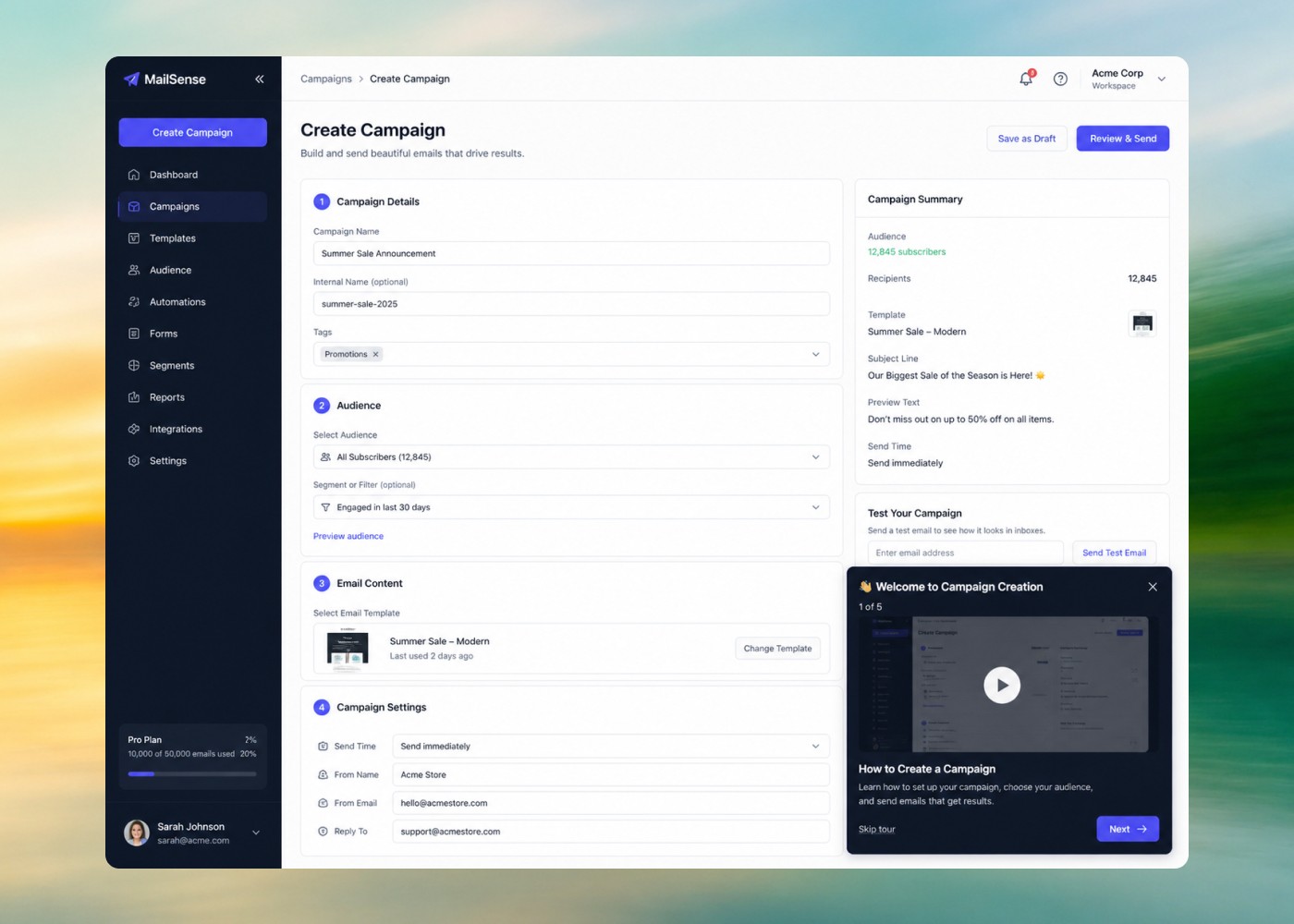
No-code platforms that overlay tours, tooltips, checklists, and launchers on your live product for logged-in users.
AI content tools
Platforms that generate narrated video walkthroughs and help articles that make in-app guidance actually land.
Conversational adoption tools
AI agents and help widgets that answer "how do I" questions the moment a user asks, without a pre-scripted tour.
Most SaaS teams need something from each layer. What they don't need is a single, heavy, expensive platform trying to do all three at once.
Quick comparison: top digital adoption platform alternatives 2026
| Tool | Best for | Starting price | No-code? | AI features |
|---|---|---|---|---|
| Clevera | AI-generated video walkthroughs + help articles | $29/mo | ||
| Userpilot | Behavioral in-app tours + adoption analytics | $249/mo | ||
| Appcues | No-code in-app product walkthroughs | $300/mo | Partial | |
| Chameleon | AI-powered tours + microsurveys | $279/mo | ||
| Userflow | Lightweight in-app flows for early-stage SaaS | $240/mo | Partial | |
| Pendo | Analytics-led adoption at mid-market scale | Custom | — | |
| CommandBar | AI user assistant + in-product copilot | $149/mo | ||
| Intercom | Conversational adoption + in-app tours | $74/mo | ||
| Scribe | Instant step-by-step process documentation | Free / $23/user/mo | ||
| Guidde | AI video SOPs and knowledge bases | Free / $16/user/mo | ||
| Stonly | Interactive decision-tree knowledge bases | $99/mo | Partial | |
| Arcade | Lightweight shareable product demos | Free / $32/user/mo |
The 12 best digital adoption platform alternatives for 2026
#1 — Featured Pick
AI Content Engine
Clevera
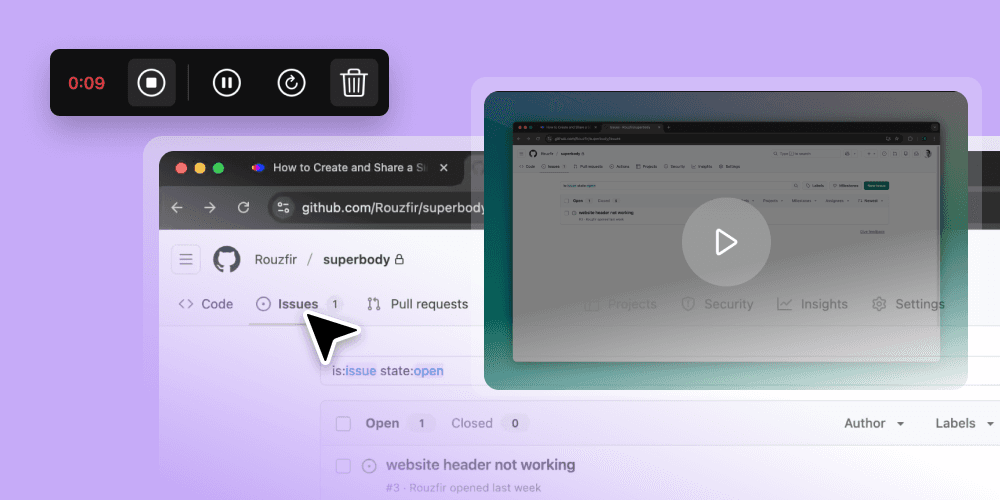
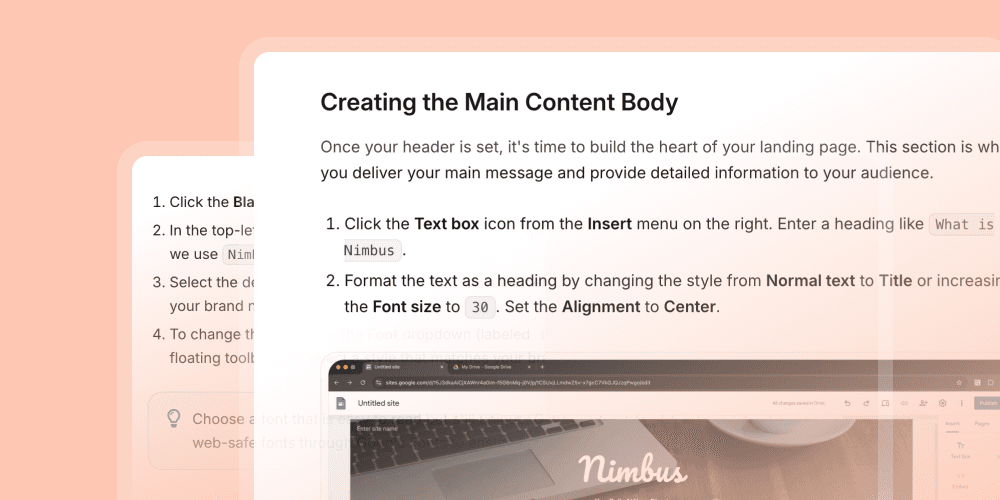
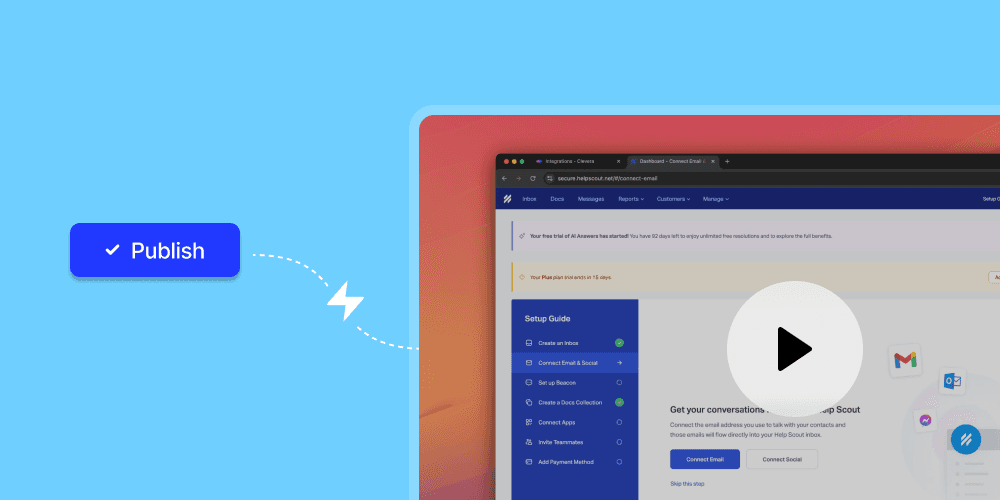
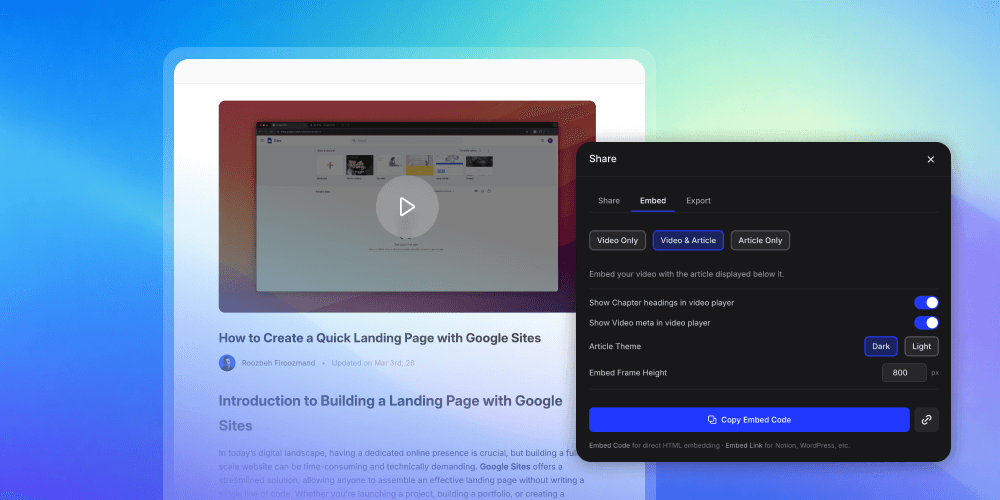
Best for: AI-generated video walkthroughs and help content. Every adoption tool on this list assumes you have clear, quality content to put inside it. Clevera is where that content gets built. Record your screen once — Clevera writes the voiceover script, applies a human-like AI voice from 100+ options, adds smart zoom and click highlights, and produces a publish-ready walkthrough video. The same recording simultaneously generates a formatted, step-by-step help article with screenshots.
AI voiceover script generated from screen recording — no writing required
100+ contextually-aware AI voices, not robotic text-to-speech
Step-by-step help article generated automatically alongside every video
LiveSync — update the script once and every embedded instance reflects the change
74-language translation in minutes, one click
Team roles, SAML/OIDC SSO, enterprise-grade infrastructure
Start free
From $29/month
#2 — In-App Guidance

Userpilot
Best for: behavioral in-app guidance and adoption analytics
Sits at the intersection of in-app walkthroughs and product analytics. Build no-code guided flows tied to behavioral event triggers. Funnel analysis, cohort reports, NPS, and a resource center widget all in one platform. Integrations with Amplitude, Mixpanel, Salesforce, and HubSpot.
From $249/month
Honest take: if you're already paying separately for analytics and in-app tools, Userpilot consolidates both at a comparable total cost.
#3 — No-Code Tours

Appcues
Best for: no-code in-app product walkthroughs
Lets non-technical teams build and deploy product tours, checklists, modals, and tooltips directly on your live product. Visual builder, A/B testing, NPS collection, and deep integrations with Segment, HubSpot, and Salesforce. The standard for PLG teams iterating independently of engineering.
From $300/month
Honest take: the gap between starter and growth plans is steep. Pre-Series A, look at Userflow first. Post-Series B with a product growth team, Appcues pays off quickly.
#4 — AI-Powered Tours
Chameleon
Best for: AI-powered in-app tours and in-product feedback
AI Copilot generates walkthrough campaigns, targeting rules, and copy from a prompt. Modals, banners, microsurveys, and an embeddable HelpBar (CMD+K). Rate limiting prevents walkthrough fatigue. AI Copilot meaningfully cuts configuration time over Appcues or Userflow.
From $279/month
Honest take: AI Copilot is genuinely useful, not cosmetic. The HelpBar alone is worth evaluating if you don't already have a CMD+K solution in your product.
#5 — Startup Budget
Userflow
Best for: lightweight in-app walkthroughs on a startup budget
Covers the core use cases — tours, checklists, modals, launchers — without the complexity or price of Appcues or Pendo. Fast to set up and easy to maintain. NPS surveys, user segmentation, a resource center widget, and native integrations with Segment, HubSpot, and Amplitude.
From $240/month
Honest take: what Appcues was five years ago — focused and fairly priced. Start here and upgrade when you genuinely outgrow it.
#6 — Enterprise Analytics
Pendo
Best for: analytics-led adoption at mid-market scale
The heavyweight. Retroactive analytics — tag features and see historical usage without re-deploying code. In-app walkthroughs, NPS, feedback, and AI-powered segmentation. Multi-product support and extensive integrations with Salesforce, Zendesk, and Gainsight. Analytics layer is best-in-class.
Custom — expect $15K–$140K+/year
Honest take: overkill for early-stage. The right call when analytics-led adoption is your priority and you need depth at scale.
#7 — AI User Assistant
CommandBar
Best for: AI user assistant and in-product copilot
AI Copilot answers user questions in natural language from your docs and opens the right part of your product contextually. Nudges, Spotlight (CMD+K) search, HelpHub, and checklists. Gets better the more content you feed it. The direction the DAP category is heading.
From $149/month
Honest take: scales better than fixed tours for complex products. Pair with Clevera for the video and article content it learns from.
#8 — Conversational
Intercom
Best for: conversational adoption at scale
Behavior-triggered in-app tours and onboarding checklists plus the Fin AI agent for automated adoption Q&A. 300+ integrations. If your team is answering the same setup question 50 times a week, Fin deflects them at scale. Fin's quality depends on your help content — where Clevera comes in.
From $74/month
Honest take: pays for itself on support deflection alone when handling high-volume self-serve products.
#9 — Process Documentation

Scribe
Best for: instant step-by-step process documentation
Captures your screen as you work and generates a step-by-step guide with annotated screenshots in seconds. No recording setup, no editing, no writing. The fastest path from "I know how to do this" to "here's the guide." Embeds in Confluence, Notion, Zendesk, and most help platforms.
Free / $23/user/month
Honest take: solves the "I'll document this later" problem. Scribes are static image-based guides — for narrated video walkthroughs, Clevera covers what Scribe leaves behind.
#10 — Video SOPs

Guidde
Best for: AI video SOPs and team knowledge bases
Turns screen recordings into narrated, step-by-step video guides. AI voiceover, annotated steps, and video playlists organized by team or topic. Embed in Slack, Notion, Confluence, or Zendesk. Branching video flows for multi-path processes.
Free / $16/user/month
Honest take: good for volume knowledge-base creation. Clevera produces higher-fidelity output with simultaneous article generation and LiveSync. Choose based on output quality requirements.
#11 — Interactive KB
Stonly
Best for: interactive decision-tree knowledge bases
Knowledge base platform built around branching, interactive guides. Users answer a question and Stonly surfaces the specific answer for their situation. AI-assisted guide creation, integration with Intercom/Zendesk, and multilingual support. Solves the "high bounce, low resolution" help center problem.
From $99/month
Honest take: static FAQs solve the "we wrote it down" problem, not the "users found the right answer" problem. Stonly's branching format addresses that gap without a full in-app tour infrastructure.
#12 — Product Demos

Arcade
Best for: lightweight shareable product demos
Creates click-through product tours in minutes, shareable via link or embedded on a webpage. Screenshot and video capture combined. AI voiceover, annotations, GIF/MP4 export, hotspot and branching steps. Fastest tool in the category for teams that need something polished quickly.
Free / $32/user/month
Honest take: wins on speed-to-publish. For "show, don't tell" moments — feature announcements, sales emails, product page demos — delivers in an afternoon what a video editor takes a week to produce.
How to choose the right digital adoption platform alternative
The tools above operate at different layers of the same problem. Choosing the right one means knowing which layer is actually broken for you right now.
Start by identifying where users drop off
Users don't understand the product after signing up
You need an in-app guidance tool (Userpilot, Appcues, Chameleon, or Userflow) that activates users from their first session through feature adoption.
Users ask the same "how do I" questions repeatedly
You need conversational adoption (CommandBar, Intercom) or a structured help content library (Clevera, Guidde, Scribe) that deflects those questions before they become tickets.
Prospects don't understand the product before signing up
You need an interactive demo tool (Arcade) that lets people explore before they commit.
Your help center has content but nobody uses it
You need a better delivery layer (Stonly for interactive guides, CommandBar for AI search, Intercom Fin for conversational answers).
Stack recommendations by team size
1–5 person team: Clevera + Userflow + Scribe. Affordable, fast to set up, covers video content, in-app tours, and quick process documentation without dedicated ops overhead.
5–20 person team: Clevera + Appcues or Chameleon + CommandBar. Covers the full adoption loop: video content, in-app guided flows, and an AI assistant for questions the tours don't catch.
20+ person / scaling: Clevera + Userpilot or Pendo + Stonly for a structured help center + Intercom for conversational coverage at volume.
Enterprise replacing WalkMe or Whatfix: Pendo (analytics depth) + Chameleon (guided flows) + Clevera (video content and help articles). Covers 90% of enterprise DAP output at a fraction of the contract size.
Frequently asked questions about digital adoption platform alternatives
What is a digital adoption platform alternative?
A digital adoption platform alternative is any tool that helps users understand and use software effectively — through in-app guidance, video walkthroughs, help content, or AI assistance — without requiring the enterprise contract, long implementation cycle, or complexity of traditional DAP platforms like WalkMe or Whatfix. Most SaaS teams find that a combination of a lightweight in-app tool plus a content generation platform like Clevera covers 90% of what a heavy enterprise DAP would deliver at a fraction of the cost.
What are the main differences between WalkMe and lighter-weight alternatives?
WalkMe and Whatfix were built for enterprise IT environments — guiding employees through complex, multi-system workflows across platforms like SAP, Salesforce, and Oracle. They require dedicated implementation resources, technical configuration, and long-term contracts. Lightweight SaaS alternatives (Appcues, Userpilot, Chameleon) are self-serve no-code platforms designed to deploy in days, be maintained by a single product or CS person, and scale with your product rather than requiring quarterly vendor touchpoints to update a tooltip.
Is there a free digital adoption platform alternative?
Yes. Arcade offers a free plan for up to three demos. Scribe's free plan covers unlimited guides with basic features. Guidde has a limited free tier. For in-app tour builders, most platforms offer free trials but not ongoing free plans. Clevera starts at $29/month — significantly below the entry point of most in-app DAP tools — covering the video and help article content layer that every adoption program needs.
How long does it take to implement a digital adoption platform alternative?
For in-app tour builders (Appcues, Userflow, Chameleon), expect 1–5 days from account creation to your first live flow — most require one snippet of JavaScript added to your product. For content tools like Clevera and Scribe, you can publish your first tutorial within the first hour. This is the most cited reason SaaS teams move away from enterprise DAPs: a 6-month WalkMe implementation timeline versus an afternoon with a lightweight alternative.
Can a lightweight DAP alternative scale to enterprise use?
For most SaaS companies, yes — with the right combination. Pendo scales to enterprise analytics requirements. Chameleon and Userpilot handle tens of thousands of monthly active users. Clevera's LiveSync and enterprise SSO make it viable for large teams. The one genuine advantage enterprise DAPs maintain is cross-application coverage — guiding employees through third-party software they didn't build, like Salesforce or Workday, which most SaaS-native tools don't support.
What's the biggest mistake teams make when choosing a digital adoption platform?
Solving the delivery problem before the content problem. Most teams invest in an in-app tour builder, spend weeks configuring flows, and then discover their tours underperform because the explanations inside them aren't actually clear. A tooltip that says "Click here to activate" isn't adoption content. A narrated video that shows what activating this feature does, what the result looks like, and what to do next — that's what drives real time-to-value. Build the content first. Then choose the delivery platform.
Build the adoption content your delivery platform needs
Most SaaS teams have a tour builder. They don't have the walkthrough content that makes it worth opening. Clevera turns a screen recording into a polished, narrated product video — and a step-by-step help article — in minutes. No video editor. No voiceover session. And every video is a live asset: update the script once, every embedded instance reflects the change automatically.
Start free