For agencies
One AI video tool for every client you serve
Clevera is the AI video tool for agencies that make product content. Keep each client in its own collection with its own AI rules and templates, then turn a recording, a link or a brief into demos, tutorials, launch clips and help articles.

Trusted by product teams worldwide





The problem
Client video work that doesn’t scale

Every client wants video, every month
Demos, tutorials, launch clips and help docs, and each one is a small production with its own script, voice-over and edit.

Each brand needs its own voice
Tone, terms and product names change from client to client. One slip in a script costs a review round.

Review rounds slow everything down
Scripts, voice-overs and edits bounce between your team and the client before anything ships.

Seats and tools add up
Paid seats for every reviewer, a separate tool for each format, and translation billed per market.
Why Clevera
One workspace for every client’s product content

Client videos in minutes, not weeks
Start from a screen recording, a website link, a PDF or a short brief. Clevera writes the script, records the voice-over and edits the video.

Feedback becomes a fix
Invite client reviewers as editors, which are free. They change the script, a scene or the article directly instead of sending notes.

Templates for each client
Save each client’s background, music, intro and title cards as a video template, and their docs style as an article template.

Delivered where clients publish
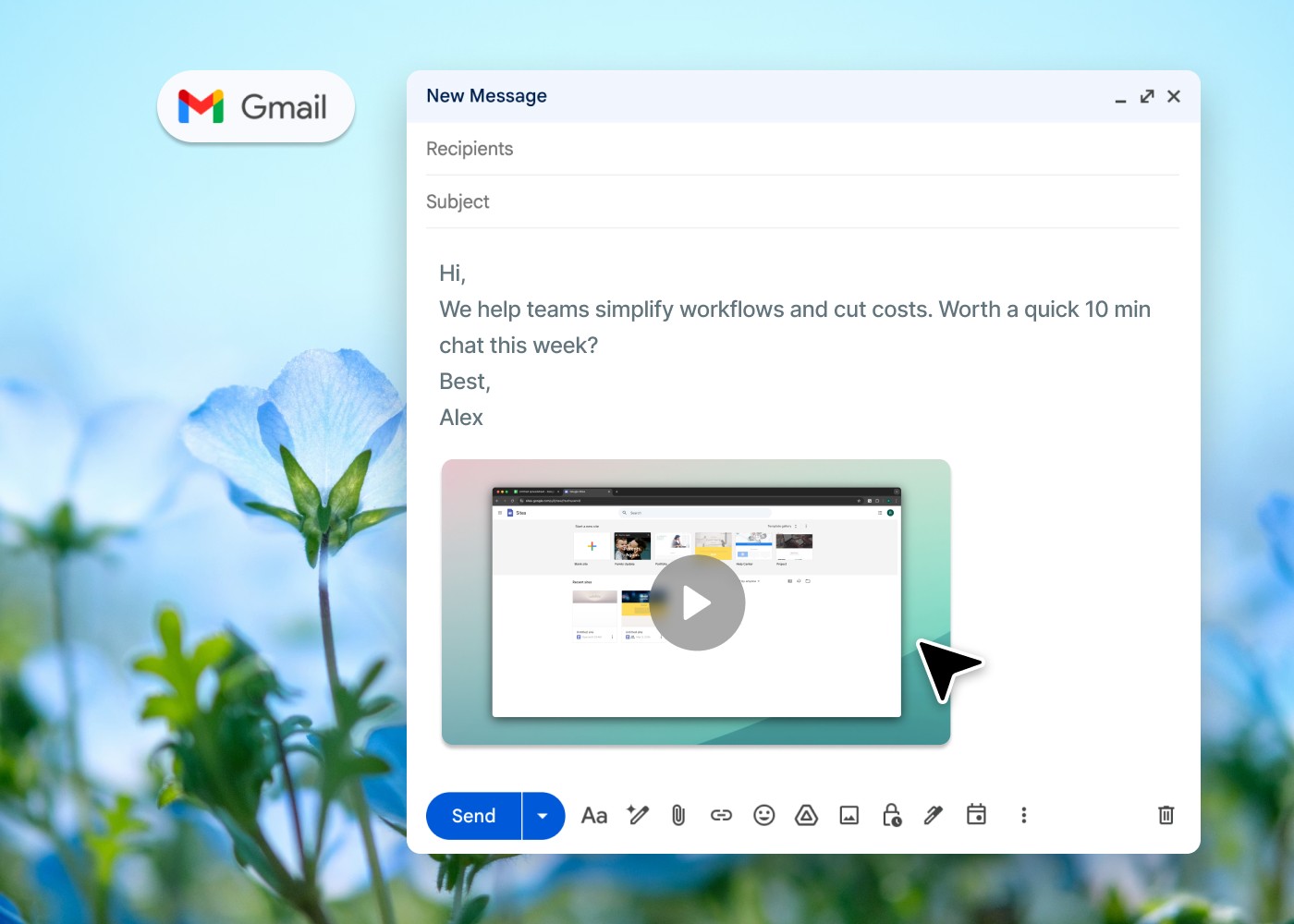
Share a link, embed the video on the client’s site or export an MP4. On Pro, publish articles to tools like Notion, Confluence and Help Scout.
Made with Clevera
Made with Clevera, for very different brands
Six example videos, each in its own brand look: a work app, a supplement range, headphones, a receipts app, a restaurant phone host and a dental clinic with an AI avatar. Unmute any clip to hear it.

Kelvo · product promo · 16:9
Made with Clevera

Anocin · brand film · 16:9
Made with Clevera

Orvel · brand film · 16:9
Made with Clevera

Ledgerleaf · launch teaser · 16:9
Made with Clevera

Tillo · product promo · 9:16
Made with Clevera

Brightline · AI avatar · 9:16
Made with Clevera
Features
Built for many brands in one workspace
A collection for each client
Give every client a collection with its own access: team-wide, private, or specific people as viewers, editors or managers. Filter credit usage by collection to see what each client’s work used.

Video and article from one source
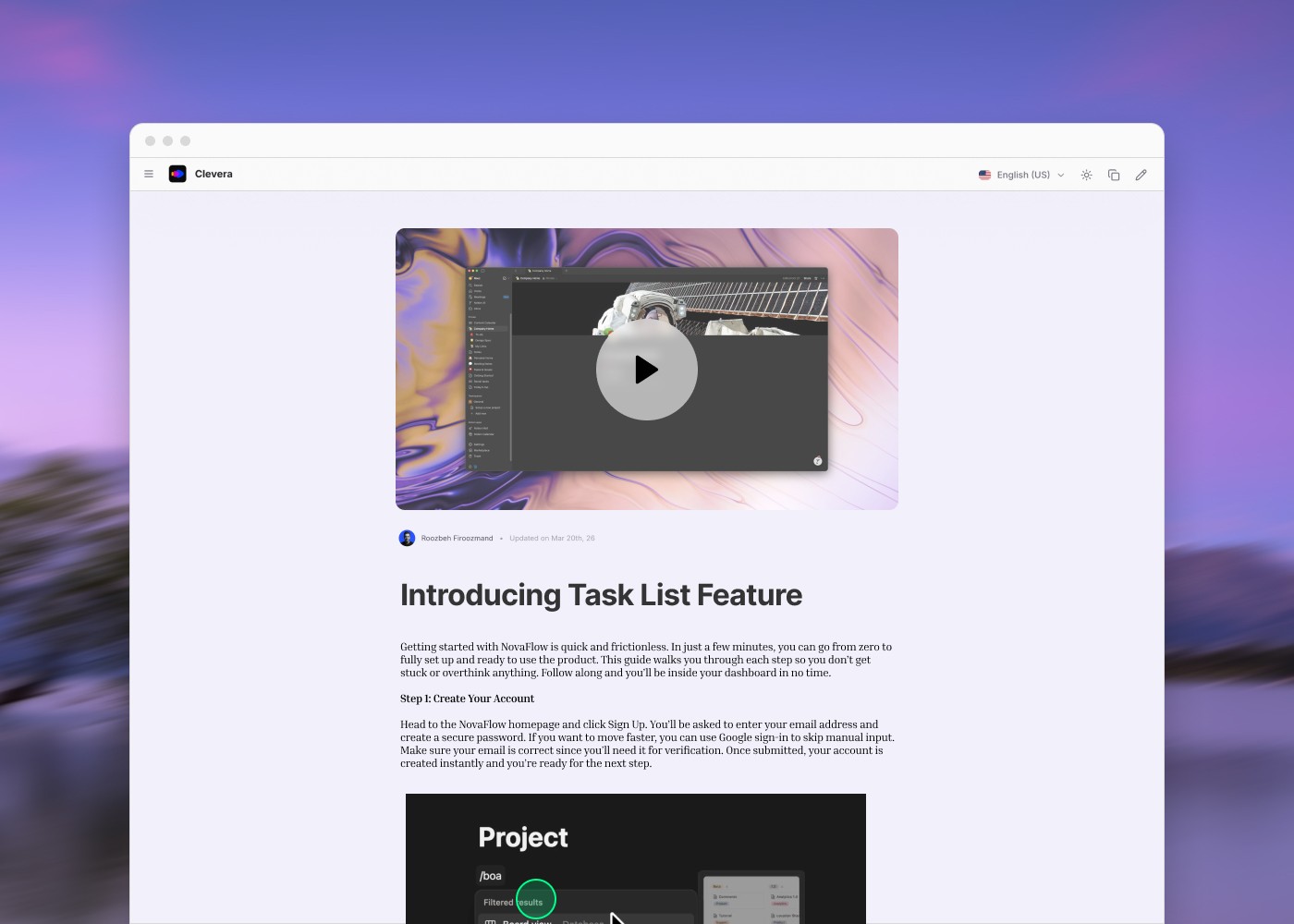
Turn the same recording into a narrated video and a written help article, ready for the client’s docs, blog or help center.
AI rules for each brand
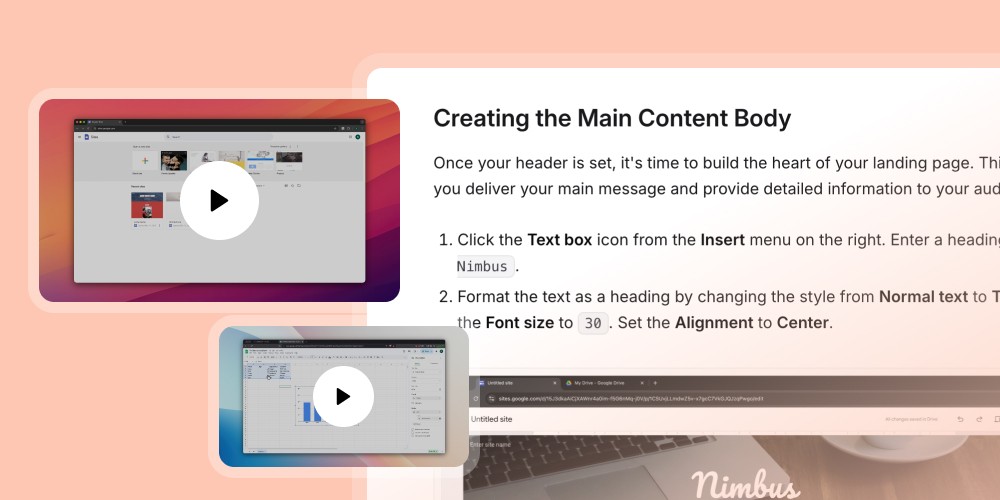
Save a rule set per client with context, audience, tone, product focus, do’s and don’ts and pronunciations. Pick it when you create, so every script sounds like that client.

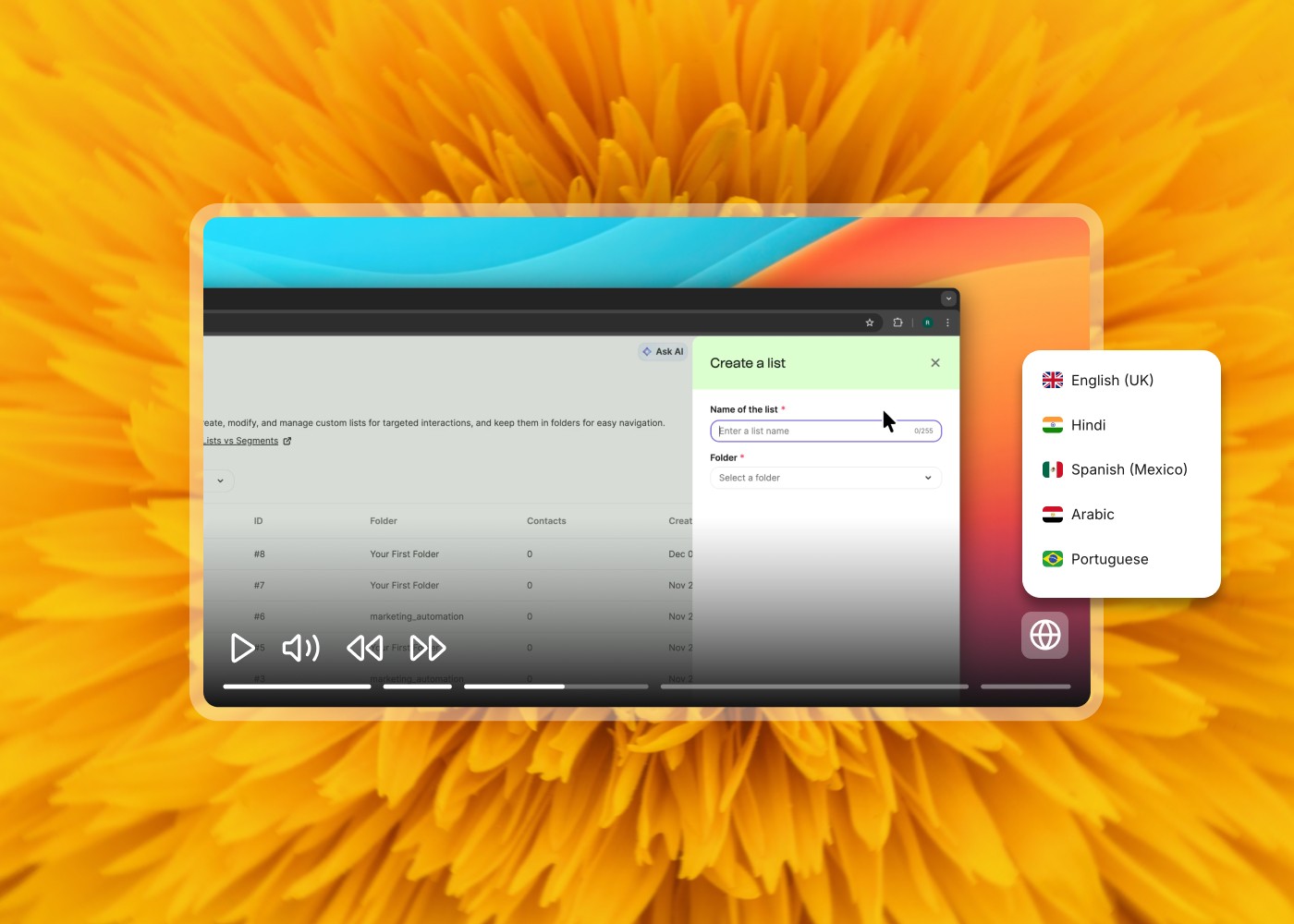
Translate into 74 languages
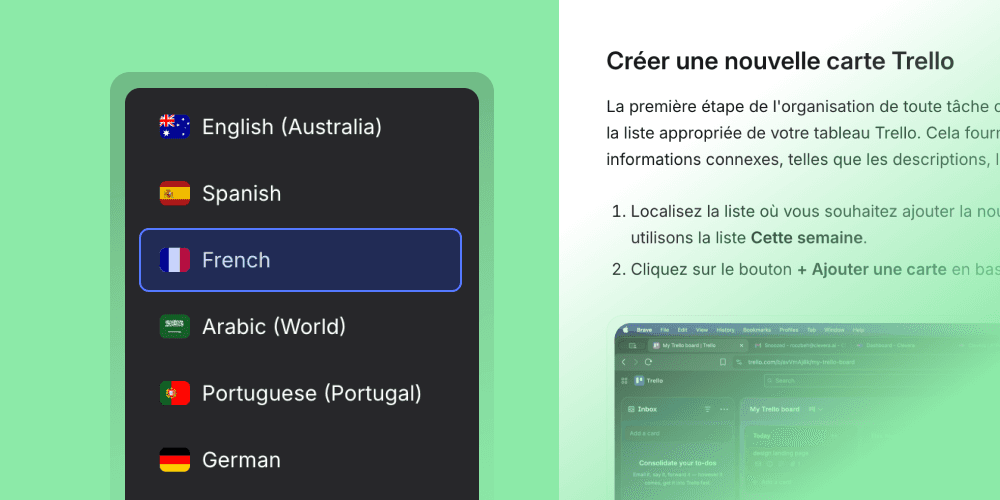
Translate the narration and the article into any of 74 languages for clients that sell in more than one market.
Delivery
Deliver where your clients publish
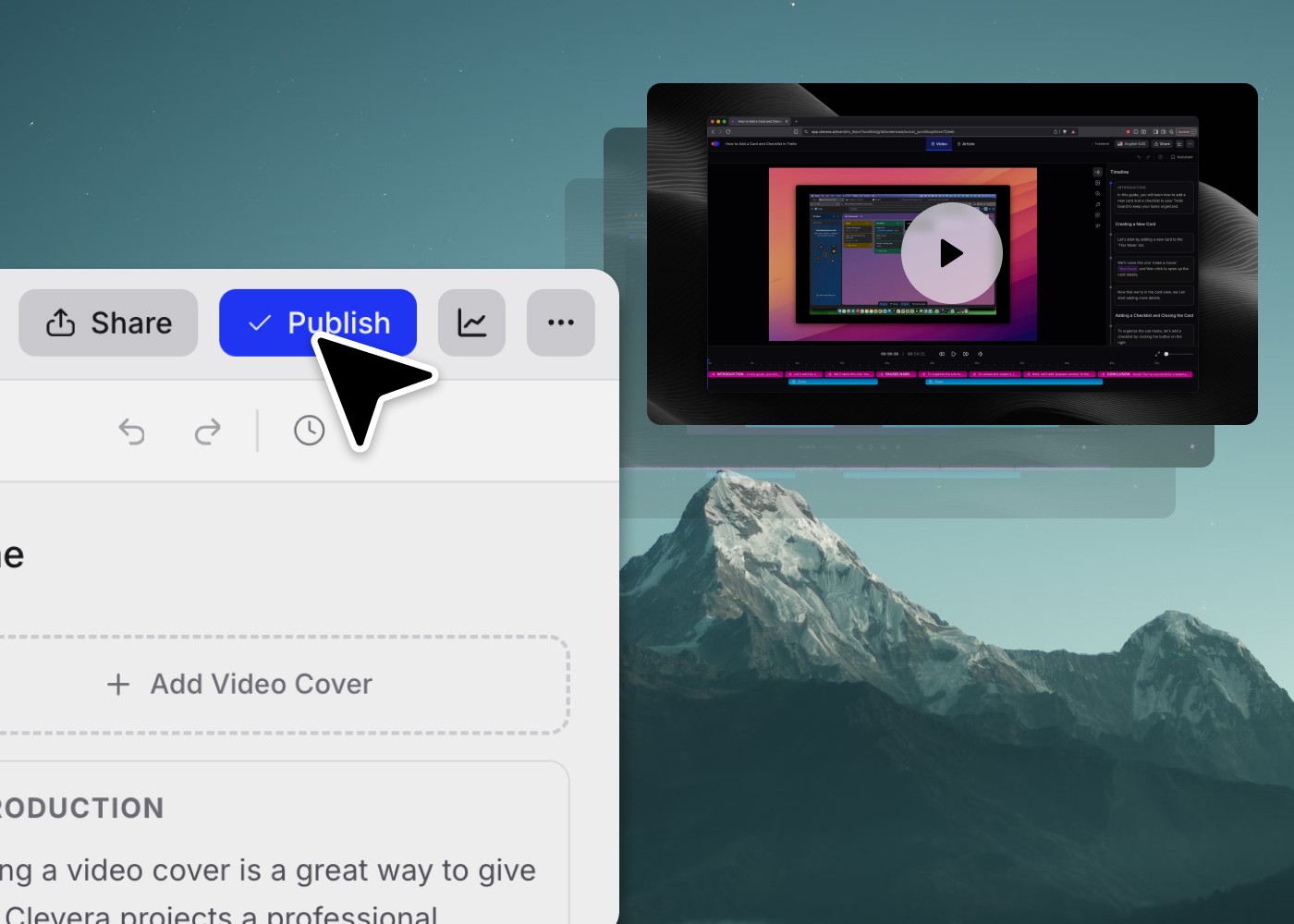
Embed videos on client sites, share a link or export an MP4. On Pro, publish articles to Notion, Confluence, ClickUp, Help Scout, ReadMe and more.






Use cases
What agencies make with Clevera
Team and cost
Pay for creators, not reviewers

Editors don’t need a seat. Invite reviewers and clients to edit at no cost.

Creators on Pro, sharing 4,000 credits a month plus 650 for each extra creator.

A month for each extra creator on Pro. Above 10 creators, Custom.

Credits used by exports and rendering, on every plan.
Questions agencies ask
Is Clevera white-label?
Can clients review their videos?
How do we keep each brand consistent?
How does billing work across clients?
Can we keep a separate workspace per client?
Which plan fits an agency?
What can we make for clients?
Bring every client into one studio
See how Clevera fits your agency’s workflow, or start free and make your first client video today.