Clevera for Notion
Turn one screen recording into a polished tutorial video and a step by step Notion page.

Why Notion teams use Clevera
Notion is where knowledge lives, but turning everyday work into clear, structured documentation still takes time.
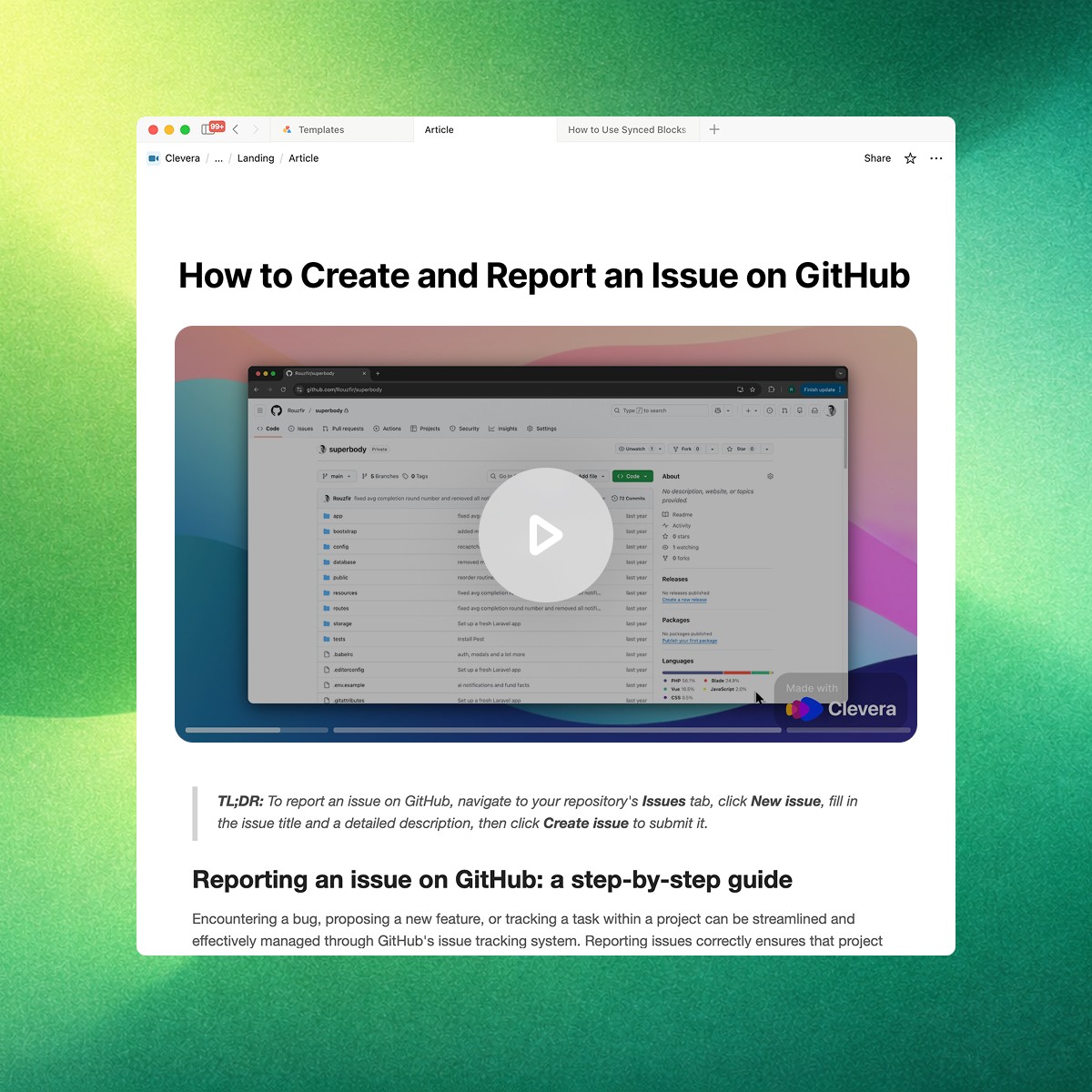
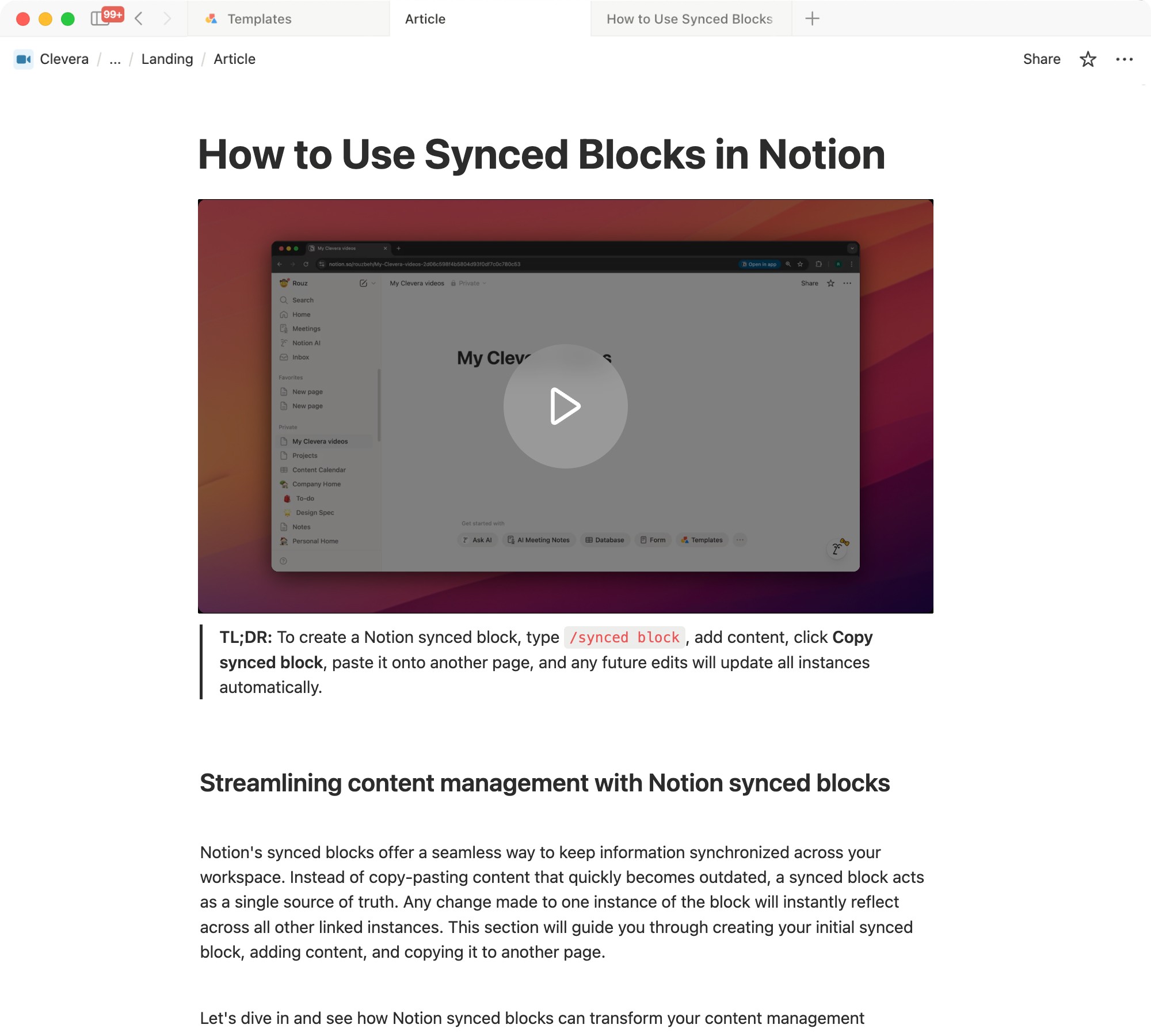
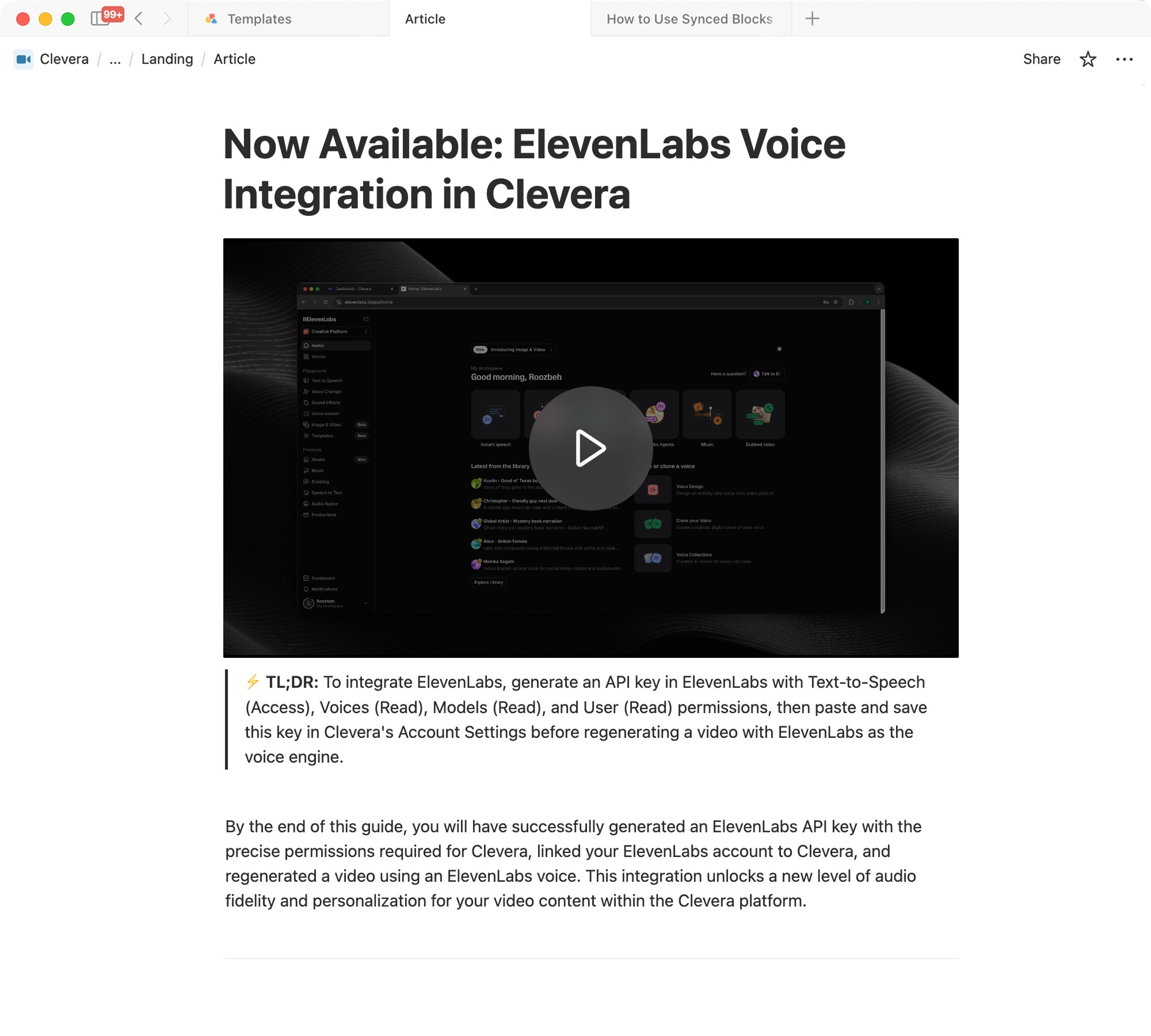
Turn a single screen recording into a short, clear video with a natural voiceover. Ideal for customers who prefer watching instead of reading.
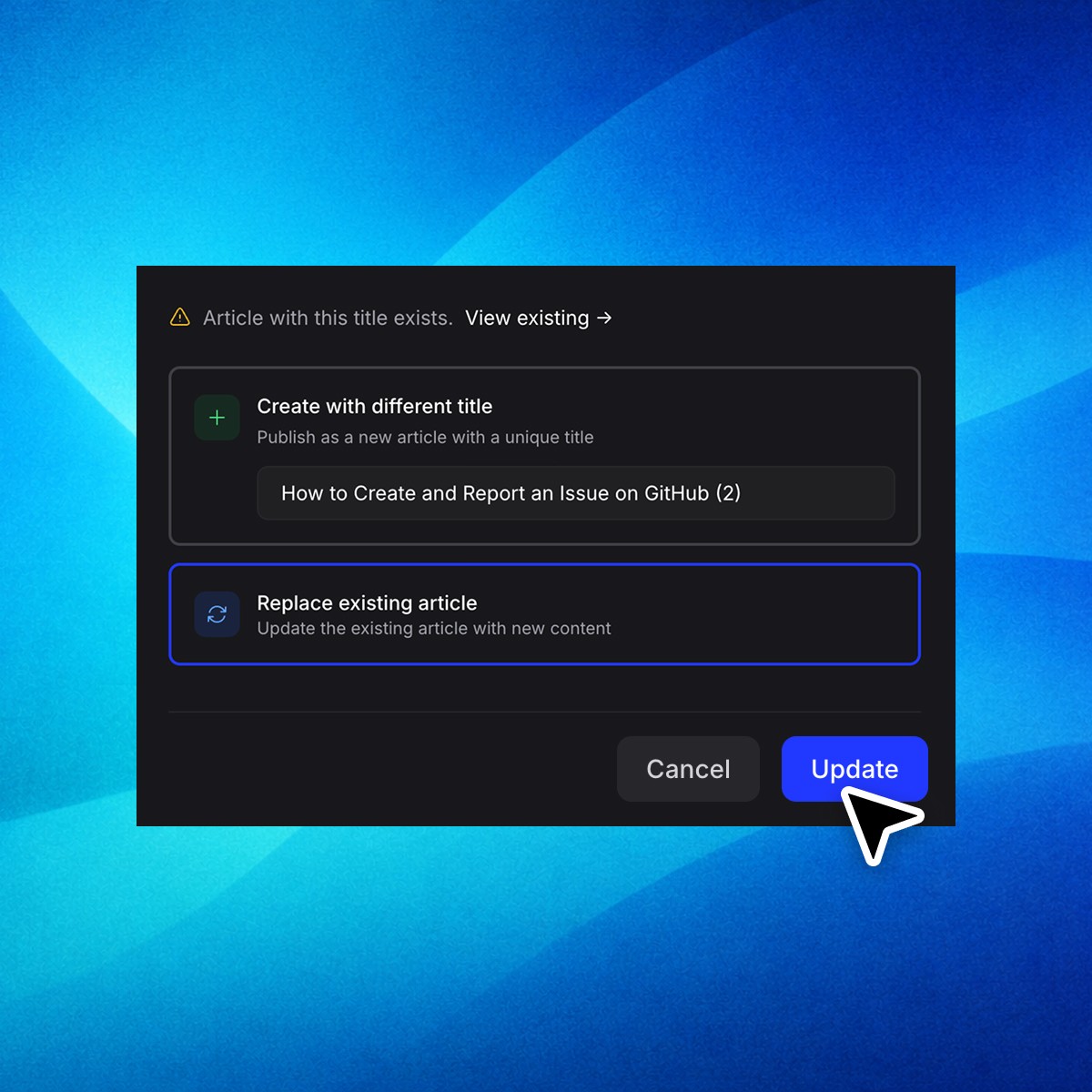
Keep Notion content in sync.
Update the video or article inside Clevera, then republish to the same location in Notion without creating duplicates or broken links.
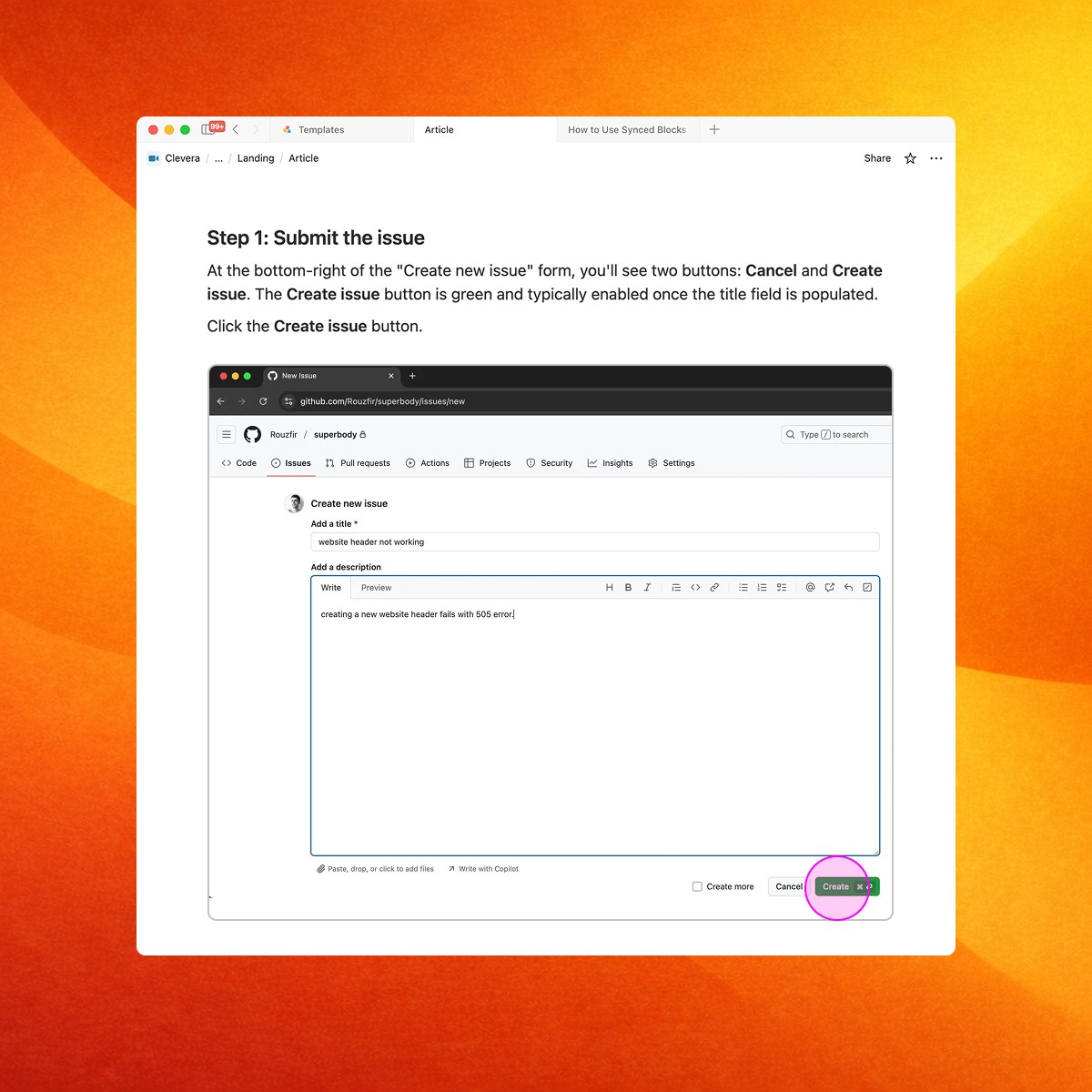
Automatic screenshots and markers
Clevera captures the key screenshots and automatically highlights important areas. No manual cropping and drawing boxes.
Record once.
Publish to Notion. Done.
1. Record your screen while doing the task
2. Clevera generates the video and the written guide
3. Export to Notion in one click
Popular Notion workflows
Real examples of how teams use Clevera to publish clear, video-first guides in Notion, in minutes