product walkthrough software 2026

The 12 Best Product Walkthrough Software Tools for 2026

Most users won't figure out your product on their own. Not because they're not smart — because they're busy, and a wall of UI with no guidance isn't a product tour. It's a puzzle. The tools below exist to close that gap: turning your product into something people actually understand, the first time they use it.

74%

of users abandon a product if they can't understand it in their first session

higher conversion for products with structured interactive walkthroughs

93%

of users expect companies to offer self-serve product guidance

30%

higher trial-to-paid conversion for SaaS tools with interactive demos

What is product walkthrough software?

Product walkthrough software helps teams guide users through a product — showing them what to do, where to click, and why it matters — without requiring a live demo or a support ticket. The category covers everything from interactive demos sent to prospects before they've even signed up, to in-app tours that fire when a logged-in user opens a new feature for the first time.

In 2026, the category has split into three distinct layers:

Interactive demo tools

build standalone, shareable product experiences for marketing and sales (pre-login, no live product required)

In-app walkthrough platforms

overlay guided tours, tooltips, and checklists directly on your live product for logged-in users

Video tutorial and content tools

create narrated, step-by-step product videos and help articles that live in your help center, portal, or embedded in-product

Most teams need more than one. The gap most miss: investing in delivery platforms without having quality content to put inside them.

How to use this guide:

Each tool below is evaluated for its primary strength. "Best for" isn't filler — it's where the tool genuinely earns its price. Read those labels first, then go deep on the two or three that match your motion.

Quick comparison: top product walkthrough software platforms 2026

ToolBest forStarting priceNo-code?AI features
CleveraAI-generated video walkthroughs + help articles$29/moFull AI
StorylaneInteractive HTML demos for sales & marketing$40/user/mo
ArcadeLightweight shareable click-through toursFree / $32/user/mo
NavatticHigh-fidelity interactive demo environments$500/moPartial
AppcuesNo-code in-app product walkthroughs$300/moPartial
UserpilotBehavioral in-app tours + adoption analytics$249/mo
PendoEnterprise analytics + in-app guidanceCustomPartial
ChameleonAI-powered in-app tours and microsurveys$279/mo
WalkMeEnterprise digital adoption across all appsCustomPartial
WhatfixEnterprise walkthroughs + sandbox environmentsCustomPartial
UserflowLightweight in-app flows for early-stage SaaS$240/moPartial
IntercomConversational walkthroughs + live product tours$74/mo

The 12 best product walkthrough software tools for 2026

#1 — Featured Pick
Video & help content

1. Clevera

Best for AI-generated video walkthroughs and help content

The problem it solves: You can build the best in-app tour in the world, and it still doesn't help the user who closed the modal, got confused three clicks later, and never came back. Clevera is what users find in your help center, embedded in your onboarding flow, or sent in a support reply — and it's the content that actually answers their question.

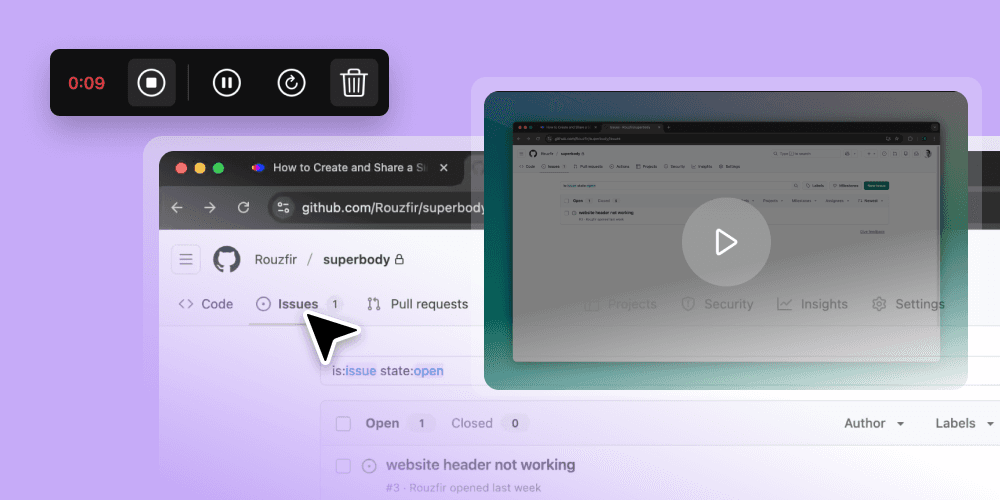
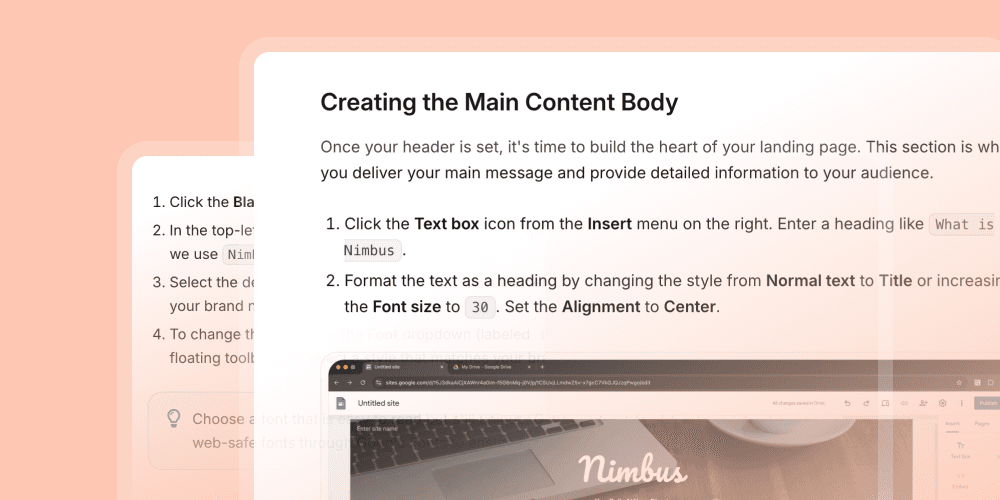
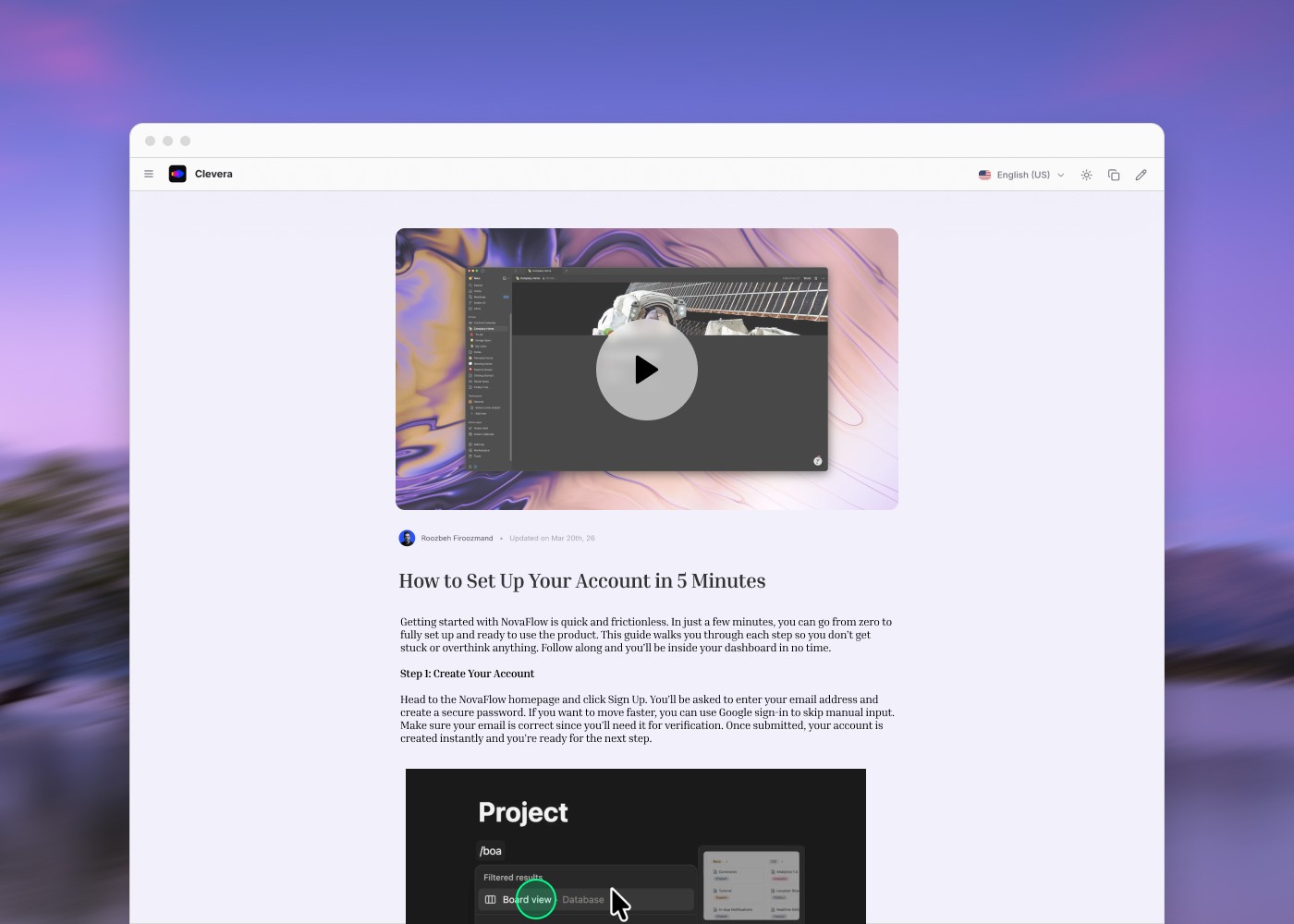
What it actually does: Clevera is an AI-powered product demo and tutorial generator. Record your screen once — Clevera takes it from there. It writes the voiceover script, applies a human-like AI voice (from 100+ options), adds smart zoom and click-highlight effects, and outputs a publish-ready walkthrough video. The same recording simultaneously generates a formatted, step-by-step help article with screenshots.

Where Clevera stands apart from every other tool in this list: it solves the content problem, not the delivery problem. Most walkthrough platforms assume you already have great explanations to put inside them. Clevera is how you build that content library — faster than any video editor, without a studio, without a voice actor, without a writer.

Key features:

→ AI script generation from screen recordings — no manual writing required

→ Step-by-step help article generated automatically alongside every video

→ Smart zoom, click highlights, and visual effects applied automatically

→ LiveSync — edit the script once, and every embedded instance of the video updates automatically

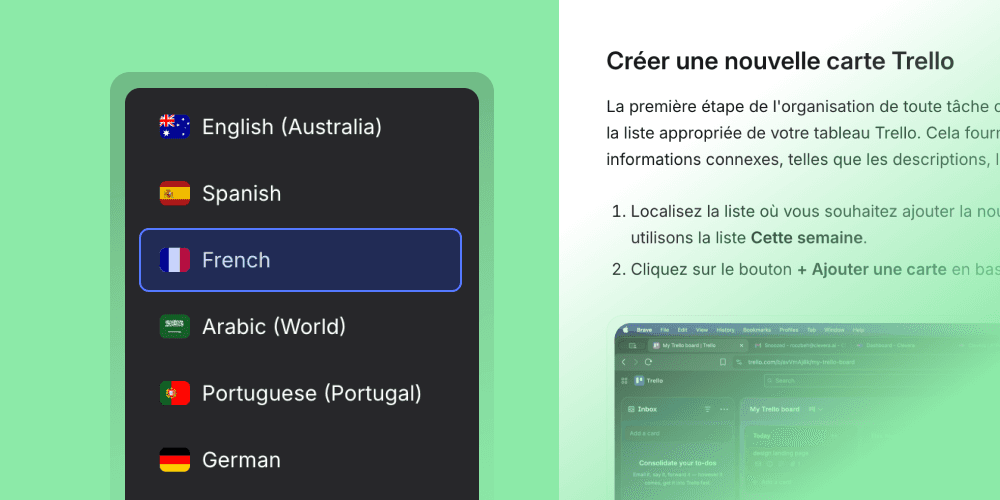
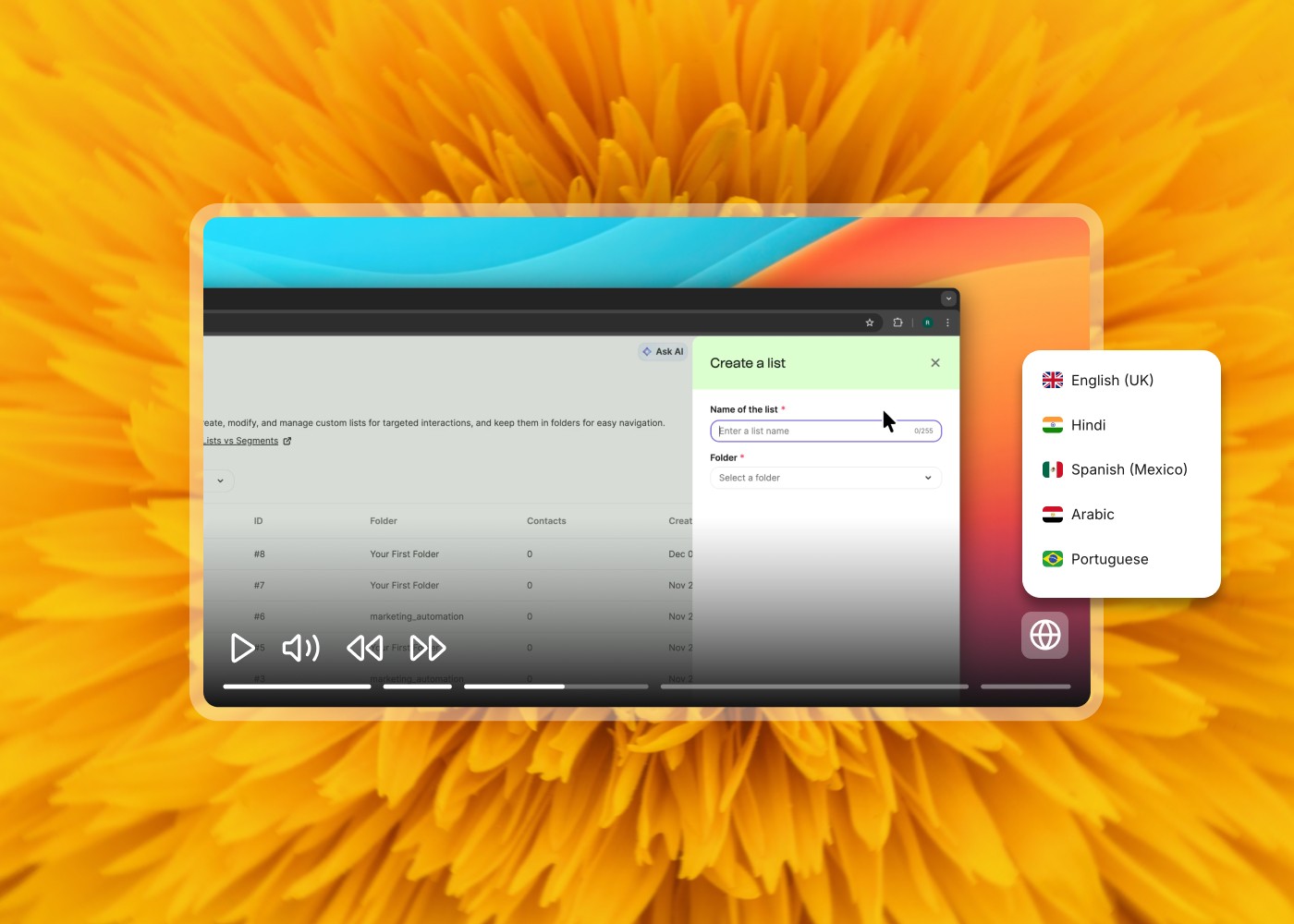
→ 74-language translation in minutes

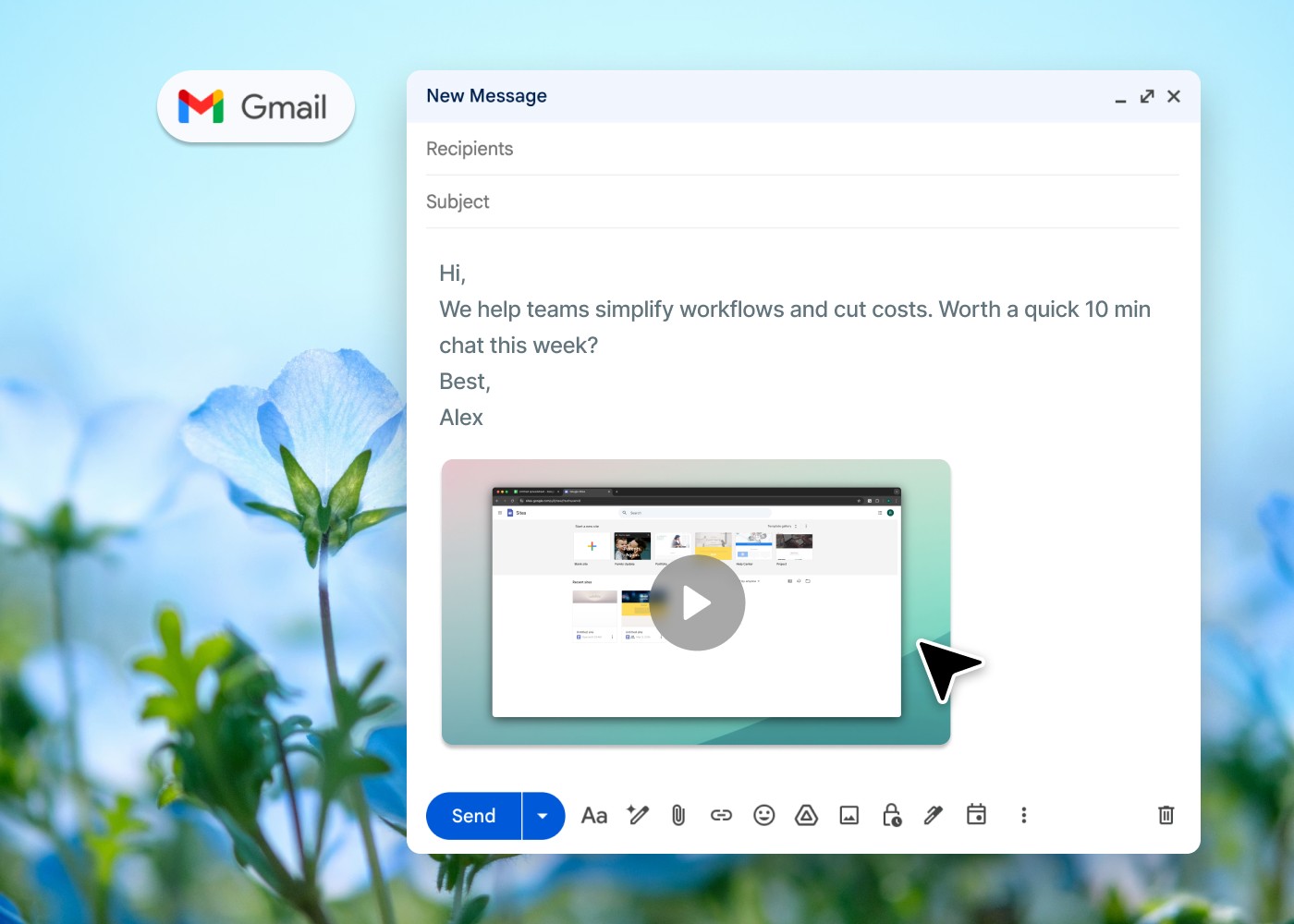
→ Embed anywhere: help centers, in-app resource centers, portals, email sequences, Intercom, Appcues

→ Team roles (Admin / Editor / Viewer), SAML/OIDC SSO, enterprise-grade infrastructure

Best for:

SaaS teams that need a scalable library of product walkthrough videos and help articles — especially when paired with an in-app guidance tool that surfaces Clevera content at the right moment. Also the fastest path to professional-grade walkthroughs for startups that don't have a video team.

Honest take:

Clevera doesn't replace your in-app tour builder or your interactive demo tool. It replaces the production bottleneck that prevents those tools from ever having quality content inside them. If your current walkthrough is a Loom recording with no narration — or you have no walkthroughs at all — this is where to start.

Start free

Starts at $29/month.

#2 — Interactive demos

Storylane

Best for: interactive HTML demos for sales and marketing

Storylane lets you build interactive, HTML-captured product demos — fully clickable replicas of your product that prospects can explore before they've signed up for a trial. The capture process clones your actual product UI, then lets you annotate it, add guides, blur sensitive data, and embed it on your website or send it in outbound sequences.

Key features

- HTML capture of your live product — no screenshots, fully interactive
- Annotation layer: step-by-step guides, tooltips, modals, zoom effects, voiceovers
- Blur and redact for data privacy in demos
- AI-assisted demo generation and personalization
- Embed on website, share via link, or integrate into HubSpot and Salesforce sequences
- Demo analytics: who viewed, which steps they completed, where they dropped
- Lead capture forms inside demos
- Branching demos for different personas or use cases

Best for

B2B SaaS sales and marketing teams that want prospects to experience the product before a demo call — or replace the "schedule a demo" CTA with something buyers can explore instantly. Strong for SDR teams adding product demos to outbound sequences.

Pricing

Starts at $40/user/month. No public free plan; free trials available.

Honest take

Storylane's HTML capture is among the strongest in its category. If your biggest pipeline problem is low demo conversion rates or long wait times between "interested" and "demo booked," Storylane addresses both — buyers self-qualify by exploring on their own time.

#3 — Interactive demos

Arcade

Best for: lightweight, shareable product tours

Arcade creates click-through product tours that can be built in minutes and shared as a link, embedded in a webpage, or dropped into an email. It's the fastest tool in this category for teams that need something good and shareable quickly — without the setup overhead of a full interactive demo platform.

Key features

- Screenshot and video capture combined into a single, interactive tour- AI voiceover, copy generation, and on-screen annotations- GIF and MP4 export for use in social, email, and sales assets- Hotspot and branching step options- Analytics on views, clicks, and completion rates- Integrations with HubSpot, Salesforce, and Notion- Free plan available (3 demos, no time limit)

Best for

Product teams announcing features, marketing teams building website demo embeds, and SDRs who want a polished "see it in action" link without scheduling a call. Arcade is also the most budget-accessible tool in this list for teams that need to move fast.

Pricing

Free plan (3 demos). Pro starts at $32/user/month with AI features and exports.

Honest take

Arcade wins on speed-to-publish. It's not the most customizable interactive demo tool — Storylane and Navattic go deeper on HTML fidelity and branching. But for most teams' "show, don't tell" needs, Arcade delivers in an afternoon what a full video editor might take a week to produce.

#4 — Interactive demos

Navattic

Best for: high-fidelity interactive demo environments

Navattic produces the highest-fidelity HTML product demos in this category. Its capture goes deeper than most tools — creating interactive replicas that accurately reflect complex product UIs, including multi-step workflows, dynamic data, and app-specific interactions that screenshot-based tools can't replicate.

Key features

- Deep HTML capture for complex, data-rich product interfaces- Demo branching for different buyer personas and use cases- Demo templates with shareable and embeddable delivery- Account-based personalization (ABM): auto-populate company name, logo, rep info- Demo analytics: view time, step engagement, CTA clicks- Integrations with HubSpot, Marketo, Salesforce, and Clearbit- Demo playlists for gated content or email sequences

Best for

Enterprise sales teams with complex products that standard screenshot captures can't represent accurately. Also strong for teams running ABM campaigns where personalized, account-specific demos move deals faster.

Pricing

No free plan. Starts at $500/month (annual). ABM and enterprise features require higher tiers.

Honest take

Navattic is the premium end of the interactive demo market. The fidelity is genuinely better for complex products — if your product has nuanced UI that other capture tools distort, that difference matters. If you're early-stage or your product is straightforward, you're paying for fidelity you don't need.

#5 — In-app walkthroughs

Appcues

Best for: no-code in-app product walkthroughs

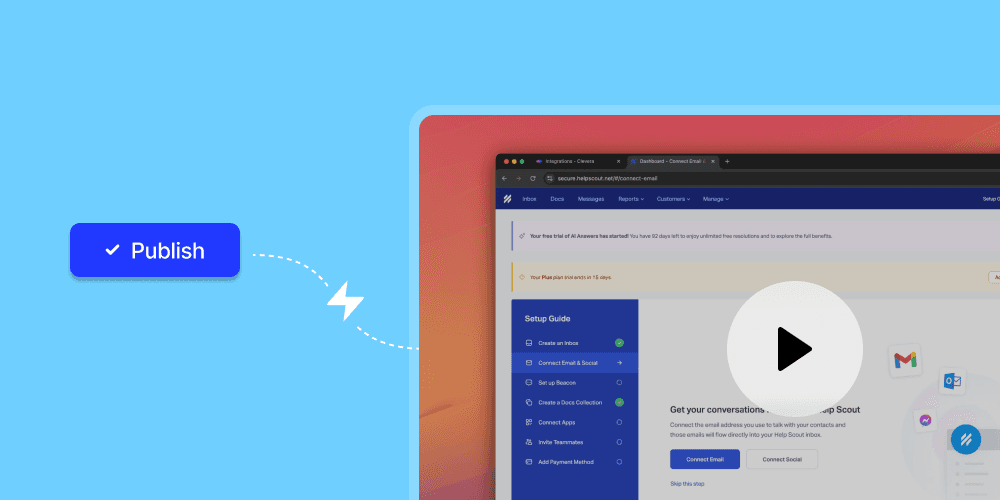
Appcues lets non-technical teams design and deploy in-app walkthrough experiences — product tours, checklists, modals, tooltips, and slideouts — directly overlaid on your live product, without writing code or involving engineering. You click on elements in your actual product and build guided flows on top of them.

Key features

- Visual flow builder overlaid on your live product- Segmentation by user role, plan, behavior, and lifecycle stage- Onboarding checklists and launchers- NPS and in-app survey collection- A/B testing on walkthrough flows- Integrations with Segment, HubSpot, Salesforce, Heap, and Amplitude- Flow analytics: completion rates, drop-off points, feature adoption lift

Best for

Product-led SaaS with self-serve activation, where in-product walkthroughs are the primary onboarding motion and time-to-first-value is the north-star metric. Appcues works best when product teams — not CS — own the walkthrough layer.

Pricing

Starts at $300/month (Start plan). Grow plan at $1,000/month for advanced A/B testing and targeting.

Honest take

The price jump from starter to growth is steep. For pre-Series A teams, Userflow or Chameleon gives you 80% of the capability at a fraction of the cost. For post-Series B companies with a dedicated product growth function, Appcues' depth on targeting and testing pays for itself quickly.

#6 — In-app walkthroughs

Userpilot

Best for: behavioral targeting and adoption analytics

Userpilot sits at the intersection of in-app walkthroughs and product analytics. You build no-code guided flows — tours, checklists, banners, modals — and connect them directly to behavioral data. Trigger a walkthrough when a user hasn't activated a feature after three days. Segment users who completed Step 1 but dropped at Step 2. Track adoption rates per feature, not just per flow.

Key features

- In-app walkthrough builder with behavioral and event-based triggers- Feature tagging and adoption tracking without code changes- Funnel analysis, cohort reports, and path analytics- In-app surveys (NPS, CSAT, open-ended)- AI-assisted walkthrough content suggestions- Resource center: self-serve help widget inside your product- Integrations with Amplitude, Mixpanel, Salesforce, and Intercom

Best for

Growth and product teams that want guided walkthroughs and usage analytics in one platform — without stitching together a separate analytics tool and a separate in-app tool.

Pricing

Starts at $249/month (billed annually).

Honest take

Userpilot's analytics layer is its real differentiator. If you're already paying for both a standalone analytics platform and a separate walkthrough tool, Userpilot consolidates both at a comparable total cost and with tighter integration between the two.

#7 — Enterprise analytics & guidance

Pendo

Best for: enterprise-scale analytics and in-app guidance

Pendo is the heavyweight in the in-app walkthrough and product analytics category. It combines deep behavioral analytics — session data, feature adoption heatmaps, retention cohorts — with in-app guided walkthroughs, tooltips, and resource centers. It also includes a feedback module for collecting and prioritizing user requests at scale.

Key features

- Retroactive analytics — tag features and access historical usage data without re-deploying- In-app guided walkthroughs, launchers, and resource centers- NPS and feedback collection integrated with the analytics layer- AI-powered user segmentation and walkthrough recommendations- Extensive integrations: Salesforce, Zendesk, Gainsight, Slack- Pendo AI for behavioral insights and content recommendations- Multi-product and multi-app support

Best for

Enterprise SaaS with large, complex products and multiple user personas. Pendo is built for teams that need to understand product behavior across tens of thousands of users and act on it — not teams with 500 monthly active users and a single onboarding flow.

Pricing

Custom (enterprise). No public pricing. Expect $15,000–$140,000+ annually depending on MAUs and plan.

Honest take

Pendo's analytics are best-in-class. Its in-app walkthrough builder is solid but not as polished as Appcues or Chameleon. If analytics-led product adoption is your priority at scale, Pendo is the right call. If you want the best guided tour builder, Appcues or Chameleon edge it out.

#8 — AI in-app tours

Chameleon

Best for: AI-powered in-app tours and in-product feedback

Chameleon is built for teams that want more than a flow builder — it layers AI directly into the creation process. Chameleon's Copilot can generate walkthrough campaigns, set audience targeting rules, and surface performance insights from your existing data. Beyond tours, it handles modals, banners, microsurveys, and an embeddable HelpBar (CMD+K search) — all in one platform.

Key features

- AI Copilot: generate walkthroughs, audiences, and copy from a prompt- Product tours, tooltips, modals, banners, and checklists- Embeddable HelpBar (CMD+K) for self-serve search inside your product- Microsurveys at any trigger point (NPS, CSAT, custom)- A/B testing with AI-assisted variant generation- 30+ integrations: Segment, Amplitude, Mixpanel, HubSpot, Salesforce, Intercom- Rate limiting to prevent walkthrough fatigue

Best for

Growth-stage SaaS teams that want AI to reduce the manual work of building and optimizing walkthrough flows — especially teams running multiple experiments across different user segments simultaneously.

Pricing

HelpBar is free. Startup plan starts at $279/month (billed annually, up to 2,000 MTUs). Growth adds advanced targeting, A/B testing, and integrations.

Honest take

Chameleon's AI layer is genuinely useful — not just a chatbot bolted on. The Copilot meaningfully cuts the time to configure targeting rules and generate copy. For teams that find building walkthrough variations tedious, this is a meaningful differentiator over Appcues or Userflow.

#9 — Digital adoption

WalkMe

Best for: enterprise digital adoption across all applications

WalkMe is the enterprise standard for digital adoption platforms (DAP). It overlays on top of any web-based application — including third-party software and internal tools — to guide users through complex workflows with contextual walkthroughs, smart tips, and step-level automation. WalkMe isn't limited to your product; it works across your entire enterprise software stack.

Key features

- Cross-application guidance (your product, Salesforce, SAP, ServiceNow, and any web app)- SmartWalk-Thrus for step-by-step process walkthroughs with in-app validation- WorkStation for employee-facing adoption of internal tooling- AI-driven walkthrough recommendations and behavioral drop-off analysis- Compliance and governance features for regulated industries- Integrations with all major enterprise platforms- Enterprise-grade analytics on adoption, completion, and time-on-task

Best for

Enterprise companies onboarding users onto complex, multi-system workflows — or rolling out new software to large employee bases. Also strong for enterprise SaaS customers who need guided adoption within their customers' own environments.

Pricing

Custom enterprise pricing. Average contracts are among the highest in this category — commonly $78,000+/year, with larger deals reaching $400,000+.

Honest take

WalkMe is powerful and heavy. It takes time and technical resources to deploy well. For a startup or clean SaaS product with a straightforward UI, it's overkill. For a Fortune 500 deploying a new ERP system to 10,000 employees, it's the right tool.

#10 — Digital adoption

Whatfix

Best for: enterprise walkthroughs with sandbox environments

Whatfix is a digital adoption platform that covers in-app walkthroughs, self-help widgets, and analytics — but its standout capability is Mirror: a sandbox product replica that lets users practice workflows without touching live data. It's the only tool in this list that lets organizations train users on real product scenarios in a safe, consequence-free environment.

Key features

- In-app walkthroughs, task lists, and smart tips- Self-help widget with search and embedded content- Whatfix Mirror: sandbox replicas of your web application for risk-free training- Product analytics: feature adoption, workflow completion, help content usage- Automated walkthrough translation for global teams- Integrations with Salesforce, SAP, Workday, and major enterprise platforms- Compliance-ready with SOC 2 Type II and GDPR support

Best for

Enterprise SaaS and software companies that need to train users on high-stakes workflows — healthcare systems, financial platforms, complex CRMs — where practicing in production isn't an option.

Pricing

Custom. Contact for pricing. Enterprise-tier contracts.

Honest take

If Mirror is relevant to your use case, Whatfix is the only tool that offers it. For companies where "I made a mistake during training" has real consequences — data loss, compliance flags, irreversible actions — that capability is a genuine differentiator, not just a nice-to-have.

#11 — In-app walkthroughs

Userflow

Best for: lightweight in-app walkthroughs on a startup budget

Userflow is a no-code in-app walkthrough builder that covers the core use cases — tours, checklists, modals, launchers, resource centers — without the complexity or price of Appcues or Pendo. It's fast to set up, easy to maintain by a single person, and covers the vast majority of what early-stage SaaS teams need from a guided walkthrough tool.

Key features

- Flow builder with conditional branching and targeting- Onboarding checklists and launchers- NPS and in-app survey collection- Resource center (self-serve help widget)- User segmentation and event-based targeting- Analytics on flow performance and feature completion- Native integrations with Segment, HubSpot, and Amplitude

Best for

Early-stage and growth-stage SaaS teams that need solid in-app walkthroughs without paying $300–$500/month to get started. Also the right fit for companies where one person is doing double-duty as product manager and product growth.

Pricing

Starts at $240/month (billed annually).

Honest take

Userflow is what Appcues was five years ago — focused, fast, and sensibly priced. It doesn't have Appcues' A/B testing depth or Pendo's analytics layer. If you don't need those capabilities yet, you're paying for features you won't use. Start with Userflow, migrate up when you genuinely outgrow it.

#12 — Messaging & tours

Intercom

Best for: conversational product walkthroughs at scale

Intercom is a customer messaging platform with a real in-product walkthrough layer built in. It triggers automated sequences — in-app chat, email, push — based on user behavior, and includes product tours and onboarding checklists. Its Fin AI agent handles repetitive walkthrough questions automatically, answering "how do I do X" the moment a user asks — without a support rep.

Key features

- Behavior-triggered in-app product tours and checklists- Fin AI agent: automated answers to walkthrough and how-to questions- Outbound email and in-app sequences tied to lifecycle events- Shared inbox for CS team handoff when Fin escalates- Full customer data platform and CRM built-in- 300+ integrations across the SaaS stack

Best for

Teams that want their walkthrough layer and support platform in one place — or companies that handle most product guidance conversationally rather than through step-by-step tours. Especially effective for high-volume self-serve products where repetitive "how do I" questions would otherwise flood a support queue.

Pricing

Starts at $74/month (Essential). Scales significantly with seat count and Fin AI usage volume.

Honest take

Intercom's Fin AI agent has become genuinely strong for deflecting walkthrough questions at scale. If your team is answering the same "how do I set up X" question fifty times a week, Intercom pays for itself on deflection alone — and the guided tours are a real bonus on top of that.

How to choose the right product walkthrough software for your team

The tools above solve different layers of the same problem. Here's how to think about which ones belong in your stack:

Start with your walkthrough motion:

Pre-signup / marketing-led → You need an interactive demo tool (Arcade, Storylane, or Navattic) to let prospects explore before committing to a trial or a demo call

Post-signup / product-led → You need an in-app walkthrough platform (Appcues, Userpilot, Chameleon, or Userflow) that guides logged-in users from their first session through feature activation

Help center / async support → You need video tutorial content (Clevera) that users can find, watch, and apply without needing to contact support

Enterprise / cross-app → You need a digital adoption platform (WalkMe or Whatfix) that can overlay guidance across your entire software environment

Most teams need a combination:

1–5 person product team → Clevera + Arcade + Userflow. Affordable, fast to deploy, covers pre-signup demos, in-app tours, and video content.

5–20 person product/CS team → Clevera + Appcues or Chameleon + Storylane for outbound demos.

20+ team / scaling → Clevera + Userpilot or Pendo + Navattic for high-fidelity pre-signup demos + Intercom for conversational coverage.

Enterprise → Pendo or WalkMe + Whatfix for sandbox training + Clevera for the async video and help content library.

The one thing every walkthrough stack needs:

Every tool above assumes you have clear, quality content to deliver. A tooltip that says "Configure your settings here" isn't a walkthrough — it's an instruction without an explanation. A product tour that completes but doesn't land sends users to go-live without real understanding. That's where churn comes from 60 days later. Clevera closes that gap — it's the fastest way to build a library of polished, narrated product walkthroughs and help articles that every other platform in this list can surface at the right moment.

Why most product walkthroughs fail — and it's not the tool

The average SaaS product tour has a 40–60% completion rate. The average user who completes a tour can recall two steps from it three days later. The problem isn't the delivery mechanism. It's that the content inside the tour doesn't actually explain what the product does or why it matters.

A guided tooltip that says "Click here to create your first workflow" is not a walkthrough. A 90-second narrated video that shows exactly what a workflow does, what the output looks like, and what happens next — that's a walkthrough.

Clevera was built specifically to make that kind of content fast to produce at scale — for teams that don't have a video team, a voiceover budget, or three days to spend re-recording takes every time the product changes.

Frequently asked questions about product walkthrough software

What is the difference between a product walkthrough and a product tour?

The terms are often used interchangeably, but there's a useful distinction: a product tour typically refers to the initial, first-session experience that orients a new user to the product's core interface. A product walkthrough tends to refer to deeper, task-specific guidance — showing users exactly how to complete a workflow, set up a feature, or reach a specific outcome. In 2026, most tools in this category support both.

What is the difference between interactive demo software and in-app walkthrough software?

Interactive demo software (Storylane, Arcade, Navattic) creates standalone product experiences that work without requiring a user to be logged into your product — used primarily for marketing and sales, before a prospect signs up. In-app walkthrough software (Appcues, Userpilot, Pendo) overlays guided experiences on your live product for logged-in users — used for onboarding and feature adoption. These are separate categories that serve different parts of the funnel.

Can product walkthrough software reduce support ticket volume?

Yes — and it's one of the most measurable ROI cases for the category. Teams that deploy structured in-app walkthroughs alongside searchable video tutorials typically see 25–40% reductions in "how do I" support tickets within 60–90 days. The deflection happens both proactively (walkthroughs that prevent confusion before it turns into a ticket) and reactively (help center video content that users find instead of filing a request).

How much does product walkthrough software cost in 2026?

The range spans from free to enterprise contract-level. Lightweight tools like Clevera ($29/month) and Arcade (free to $32/user/month) are accessible for small teams. In-app walkthrough platforms run $240–$300/month at entry level. Mid-market tools like Storylane and Chameleon run $280–$500/month. Enterprise platforms (Pendo, WalkMe, Whatfix, Navattic) require custom contracts that typically start at $15,000–$20,000/year and scale to $400,000+ for large deployments.

What should I look for in product walkthrough software in 2026?

Five things: (1) Coverage — does it handle your full walkthrough motion (pre-signup demos, in-app tours, async video content), or just one layer? (2) AI capabilities — specifically, does AI reduce the time to create and maintain walkthrough content, or is it cosmetic? (3) LiveSync or equivalent — what happens when your product UI changes? Manual updates that break embedded tours are a real ongoing cost. (4) Analytics depth — can you see where users drop, which walkthroughs drive activation, and which ones aren't working? (5) Integration fit — does it connect cleanly with your CRM, help center, and product analytics tools?

Do I need both interactive demo software and in-app walkthrough software?

For most growth-stage SaaS companies: yes. Interactive demos convert more prospects before they've signed up. In-app walkthroughs activate users who have signed up. They serve different audiences at different stages of the funnel and don't replace each other. The content layer — narrated video walkthroughs and help articles — is the one asset that spans both: it lives in your help center, gets embedded in your in-app resource center, and can be linked from your pre-signup demo.

Start building product walkthroughs that actually land

Most teams have the delivery platform. They don't have the walkthrough content that makes it worth opening.

Clevera turns a screen recording into a polished, narrated product walkthrough video — and a step-by-step help article — in minutes. No video editor. No voiceover session. No writer. And every video is a live asset: update the script once, and every place it's embedded reflects the change automatically.

Try Clevera free →

product walkthrough software 2026

The 12 Best Product Walkthrough Software Tools for 2026

Most users won't figure out your product on their own. Not because they're not smart — because they're busy, and a wall of UI with no guidance isn't a product tour. It's a puzzle. The tools below exist to close that gap: turning your product into something people actually understand, the first time they use it.