Customer onboarding automation
Automate onboarding videos and guides from a single recording.
Clevera replaces manual onboarding content creation with an AI workflow that generates tutorial videos and written guides automatically. No scripting, no editing, no repetitive walkthrough calls — just scalable onboarding content ready to deliver in minutes.
Trusted by product teams worldwide





The problem
Why customer onboarding doesn't scale

Every new customer needs the same walkthrough
Your CS team repeats the same onboarding call, the same product tour, the same setup steps — dozens of times a week. It doesn't get faster and it doesn't scale with your customer base.

Onboarding materials go stale after every release
A UI update, a renamed feature, a new setup step — and your onboarding videos and guides are wrong. Customers follow outdated instructions and get stuck before they even start.

Slow time-to-value drives early churn
Customers who don’t reach their first win quickly don’t renew. When onboarding relies on scheduled calls and static PDFs, time-to-value stretches out — and churn follows.

Building onboarding content takes more than you have
Creating polished tutorial videos requires a script, a recording, editing, voiceover, and review. Most teams either skip it, outsource it, or ship something they're not proud of.
How it works
Record the onboarding flow once. Clevera does the rest.

Record your onboarding walkthrough
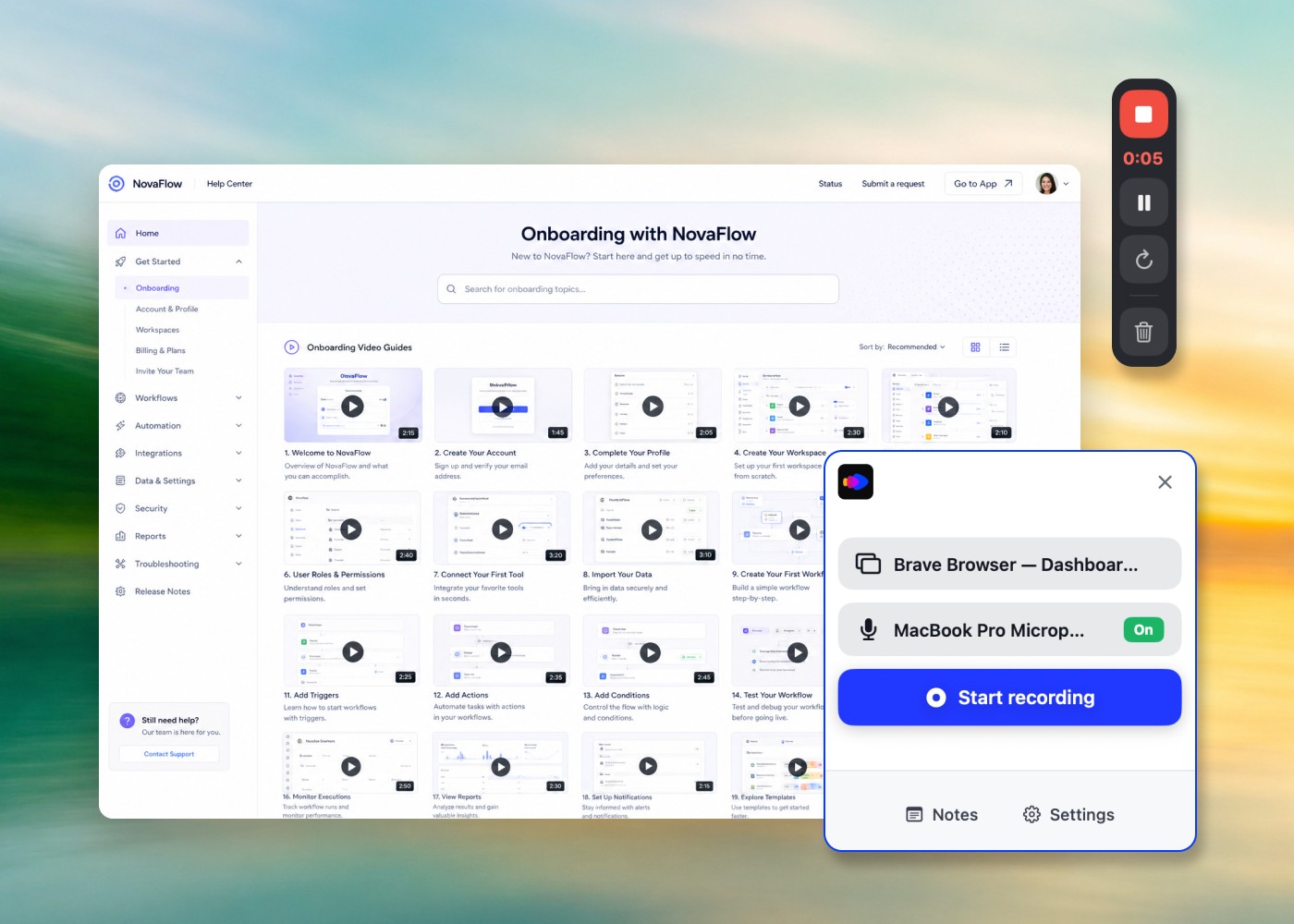
Record yourself walking through setup or key features, or let the AI recorder capture the flow in your web app. No script or rehearsal needed.

AI builds the tutorial video and guide
Clevera’s AI generates a narrated tutorial video with smart zoom and highlights, and the same recording can become a written step-by-step guide.

Personalise per customer or segment
Edit the script and title cards for each plan, role or use case and regenerate the voice-over, so every segment gets its own version without re-recording.

Deliver via email, in-product, or help center
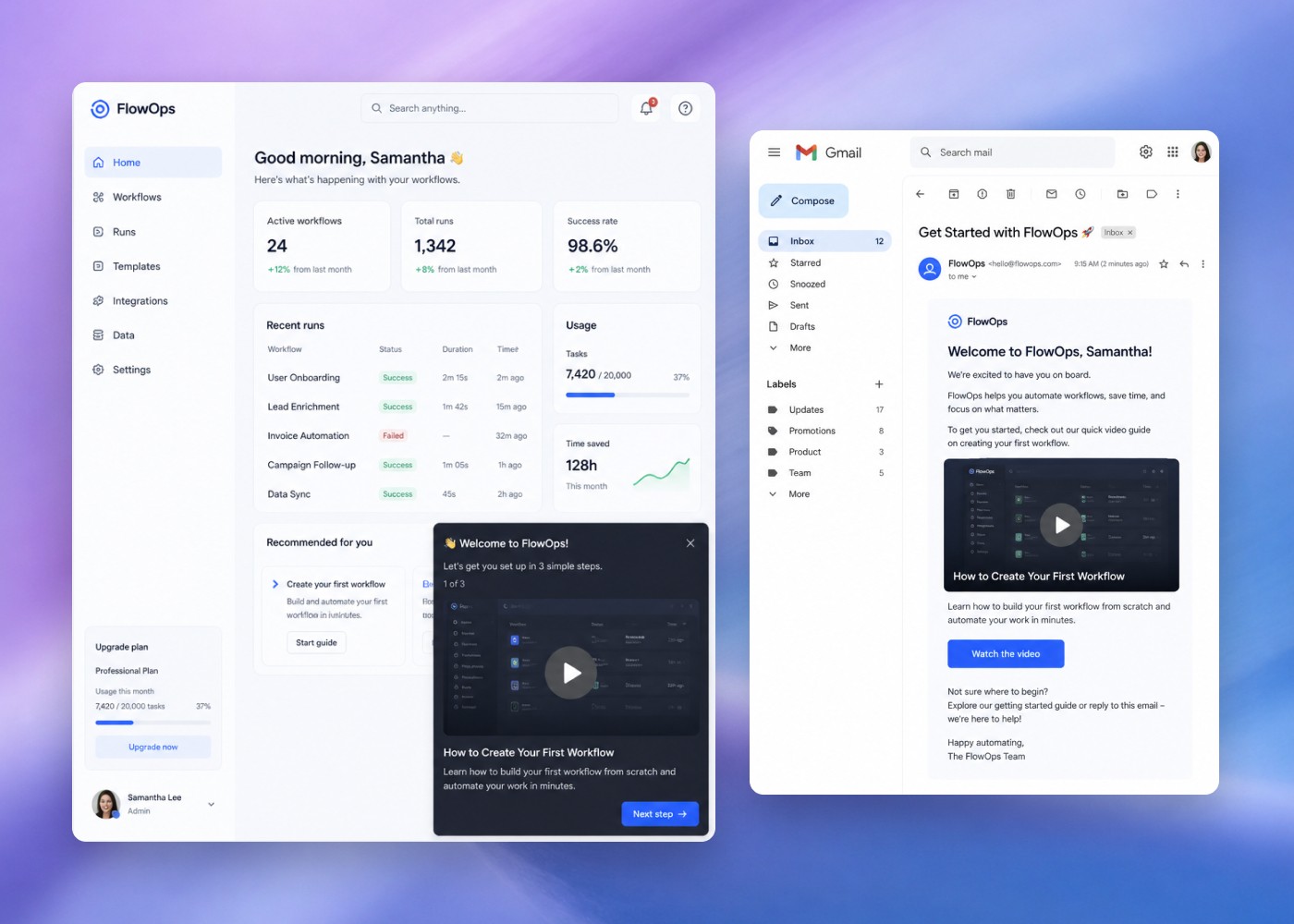
Share a link in your onboarding emails, embed the video in your product or help center, or publish the guide to your docs tool on Pro. Customers get the right content at the right moment.
Features
Everything you need to onboard customers at scale
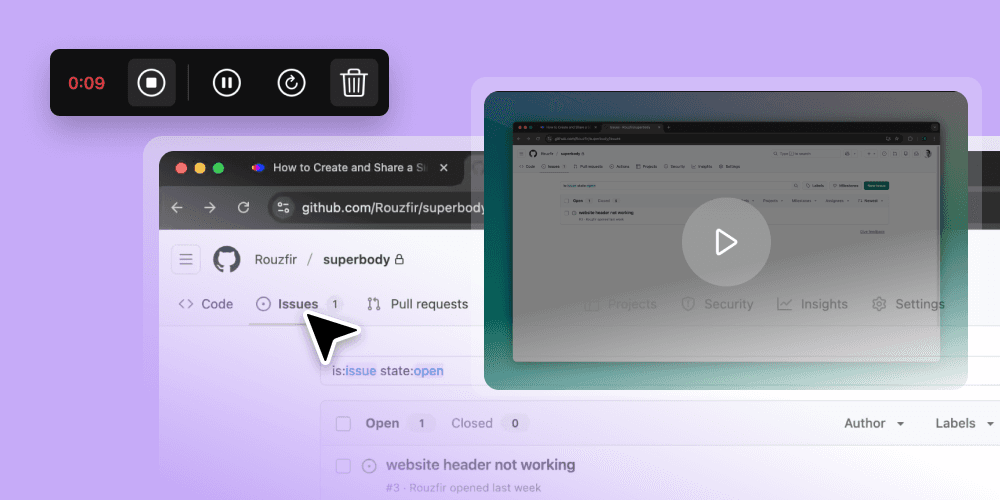
Tutorial videos from screen recordings
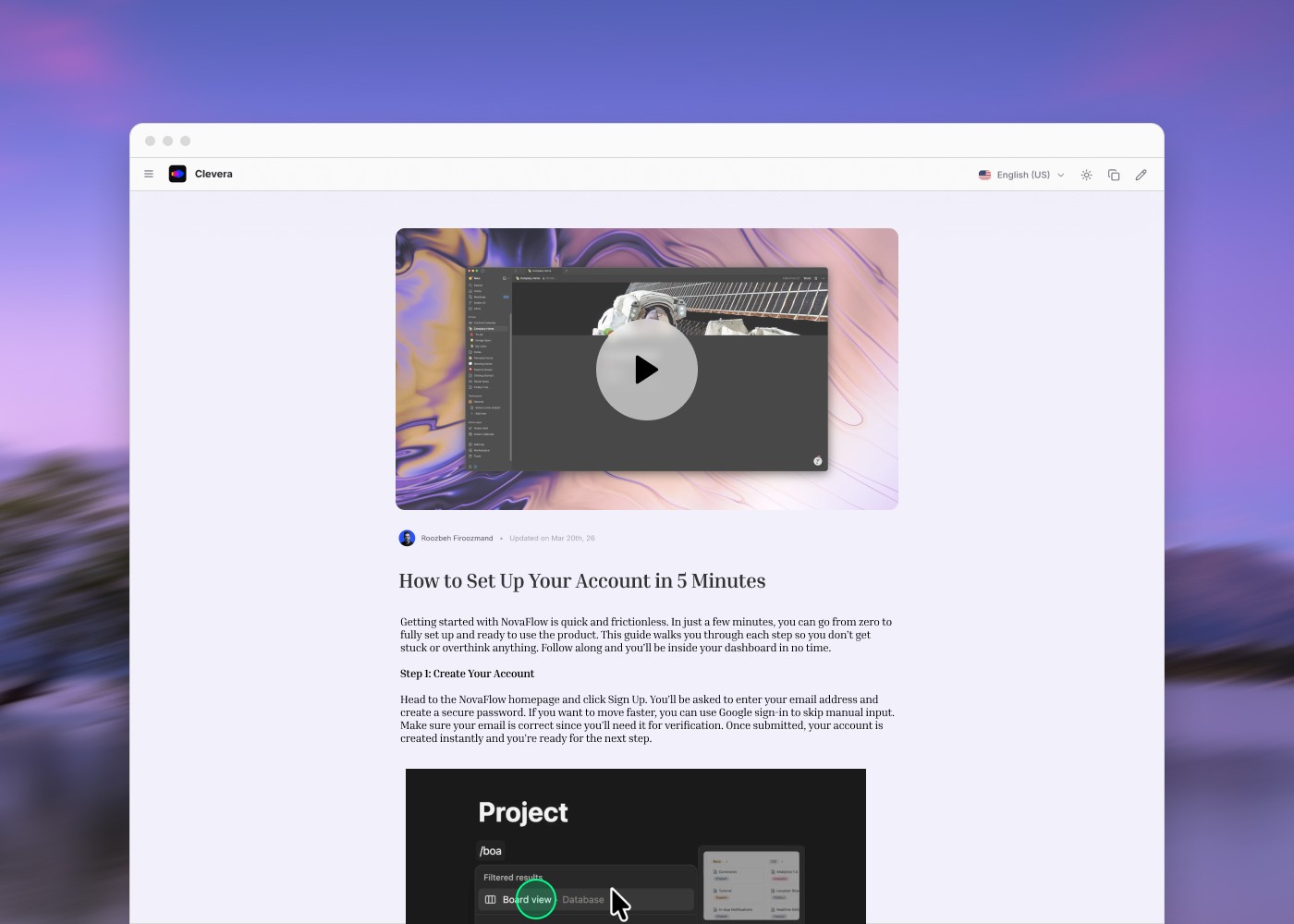
Record any onboarding flow and Clevera produces a polished tutorial video — AI narration, smart zoom, highlights — without editing software or a production team.
Written guide alongside every video
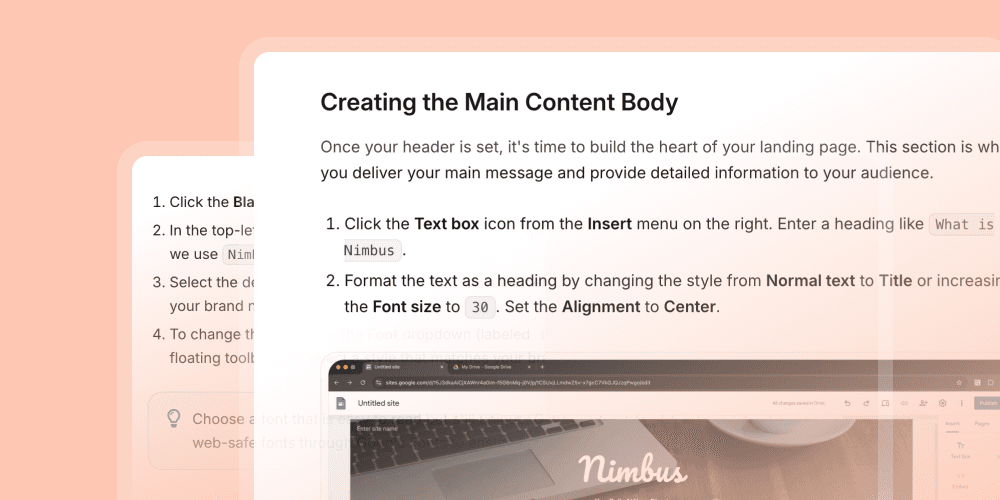
The same recording can also become a formatted step-by-step written guide. Customers who prefer to read get the same quality experience as those who watch.
LiveSync — one link, latest version
Edit a step’s narration or text and every onboarding link and embed shows the new version instantly. When the product changes, re-record that step and keep the same link.
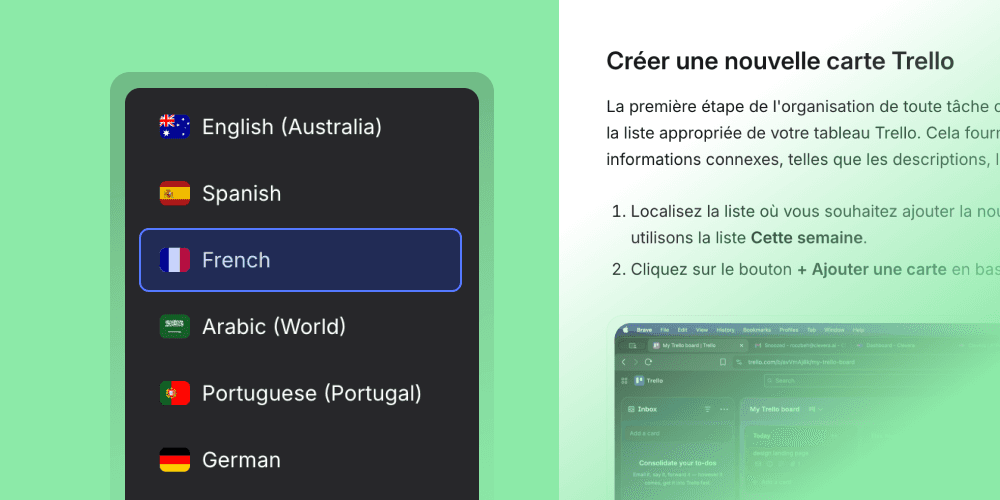
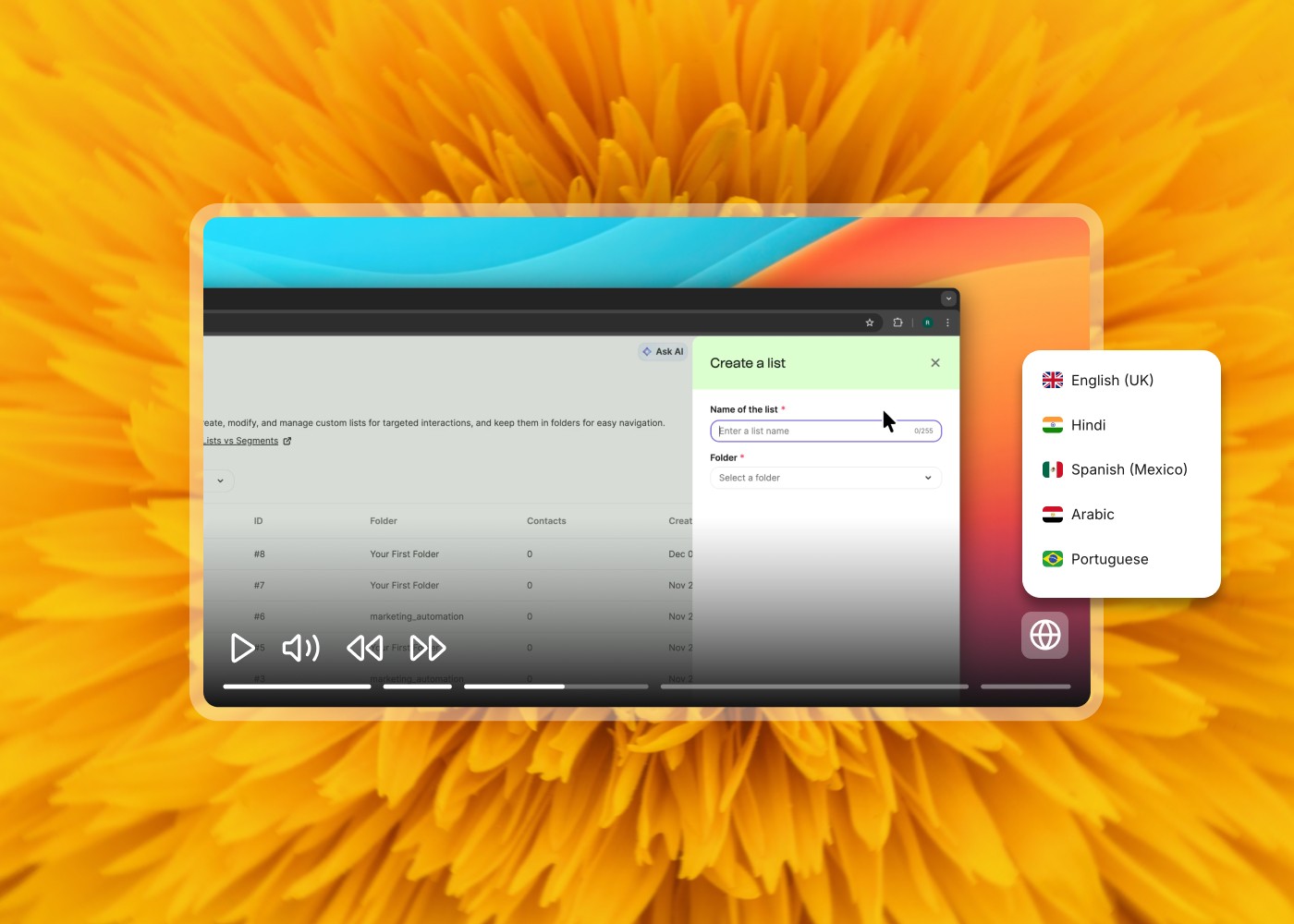
Translate into 74 languages, one recording
Localise your entire onboarding library without re-recording. Every language gets accurate, narrated onboarding content from a single source — so global customers get the same first-day experience.
Integrations
Publish where your customers already look








Editors and viewers, unlimited on every plan

Tutorial video and written guide, same recording

Languages for global customer onboarding

Credits used by rendering and exports
Use cases
Who uses Clevera to automate customer onboarding
Examples
See what teams built with Clevera
Explore examples of product tutorials, onboarding videos, and help-center guides created from simple screen recordings.
Go deeper on customer onboarding automation
These guides cover how to scale, structure, and improve your customer onboarding — from video best practices to time-to-value strategy. For the full tool comparison, see the onboarding automation software guide.

How to scale customer onboarding without a video team
A practical guide to building a scalable onboarding content library from screen recordings — without hiring editors or video producers.

Customer onboarding video best practices in 2026
What makes onboarding videos actually work — structure, length, format, and the mistakes most teams make.

User onboarding checklist for SaaS
The steps every SaaS onboarding flow should cover — from first login to first value — with a checklist you can adapt for your product.

Time-to-value SaaS onboarding strategy
How to measure and reduce time-to-value in your onboarding flow — and why it's the metric that predicts retention more than any other.
Frequently asked questions
What is customer onboarding automation software?
Customer onboarding automation software helps teams deliver a consistent, scalable onboarding experience without relying on live calls or manual content creation. Clevera automates the content side — turning screen recordings into tutorial videos and written guides that are quick to update when your product changes and reach customers in 74 languages.
How does Clevera automate customer onboarding content?
Record your screen walking through any part of the onboarding flow, let the AI recorder capture it from a written instruction, or start from an onboarding deck. Clevera produces a narrated tutorial video with smart zoom and highlights, and the same source can become a written step-by-step guide to share as a link or embed.
How does Clevera keep onboarding content up to date?
When the product changes, re-record the steps that changed, or rerun the AI recorder, and update the video and guide. Edits to narration and text show up instantly on every link and embed through LiveSync, so new customers always see the current version.
Can I create different onboarding content for different customer segments?
Yes. You can record separate flows for different plans, roles, or use cases and publish targeted onboarding tracks for each segment. Clevera's translations also let you localise each track into 74 languages without re-recording.
Where can I deliver Clevera onboarding content to customers?
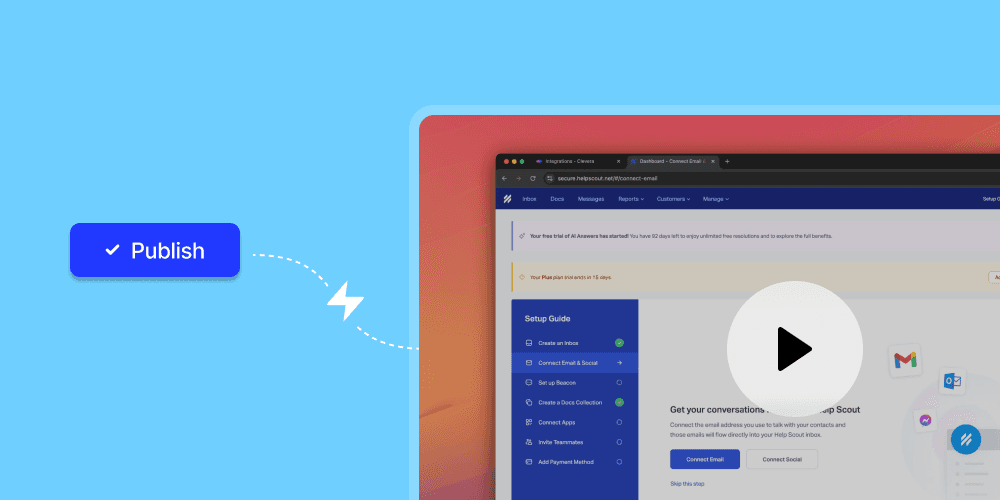
Share a video link in onboarding emails, or embed the video in your product, help center or website. On Pro, written guides publish to Notion, Confluence, Help Scout, GitBook and more; Intercom is planned.
Does Clevera replace my customer success team?
No — it handles the repeatable, scalable parts of onboarding so your CS team can focus on the conversations that actually need a human. Complex setups, strategic guidance, and relationship-building stay with your team. The routine walkthroughs and feature explanations get handled by Clevera's content.
Your first onboarding video, ready in minutes
Record your onboarding flow once. Clevera builds the tutorial video and writes the guide, and every edit goes live wherever they’re shared, so every customer gets a great first day, at any scale.