Product launch video maker
Every video your launch needs,
from one source.
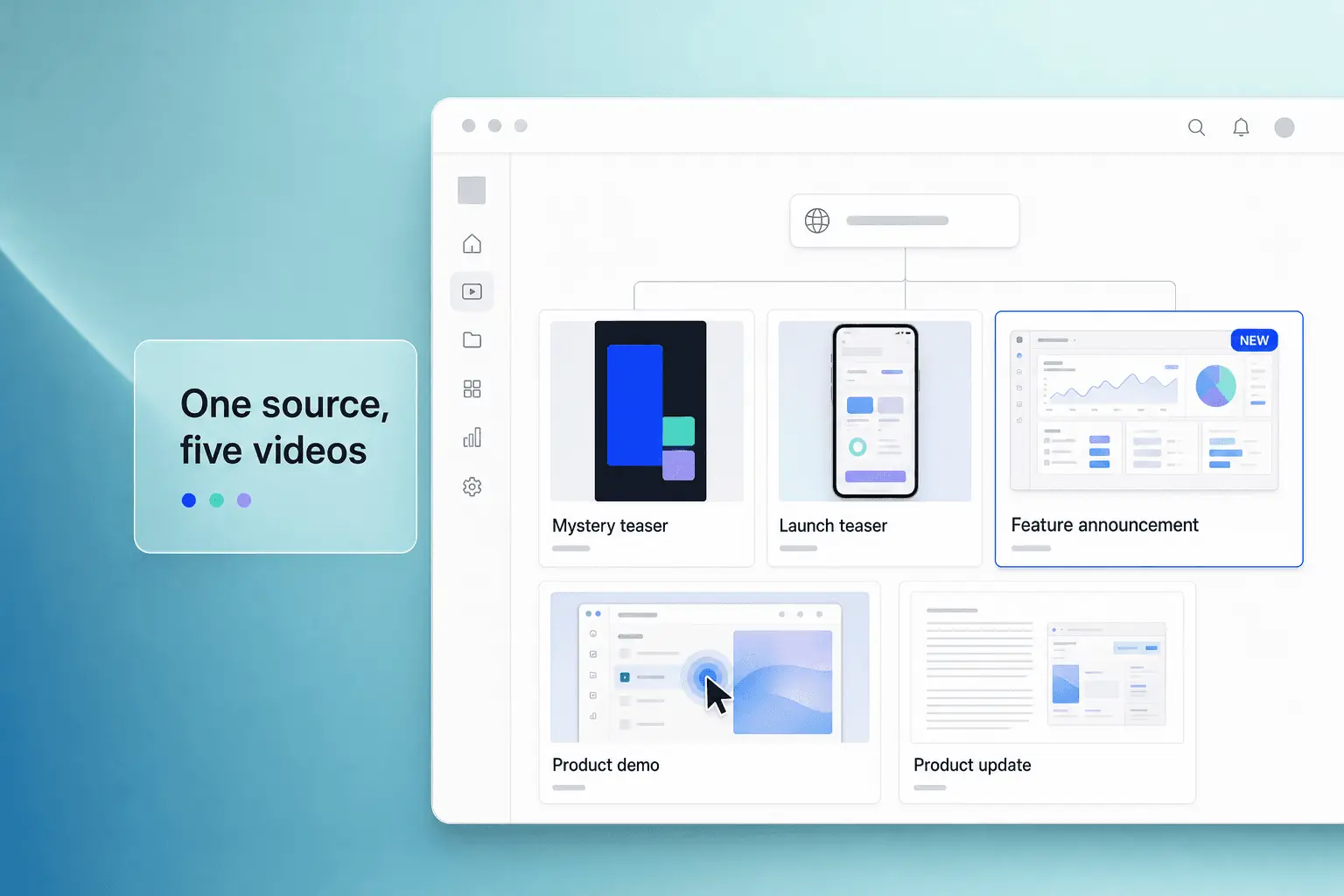
Clevera is a product launch video maker for SaaS teams. Paste a link, upload a recording or describe the launch in a few sentences, and get a mystery teaser, a launch teaser, a feature announcement and a narrated demo, each in your brand and sized for its channel.
No footage needed
9:16 to 16:9
74 languages
Exports never use credits
Trusted by product teams worldwide














Real launch videos,
made with Clevera.
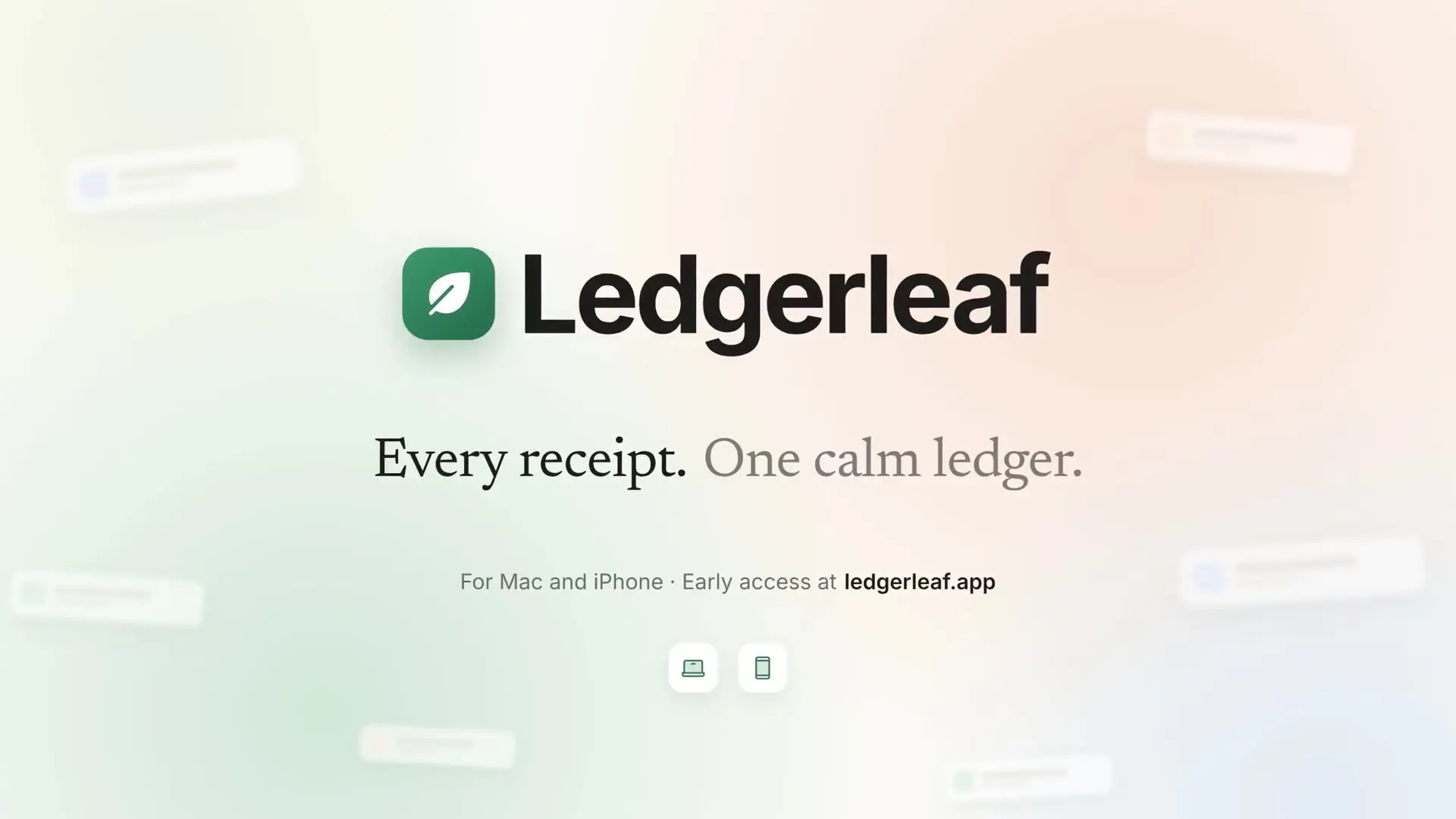
Ledgerleaf · launch teaser
A launch for a receipts app: the hook, the product working, then the name.
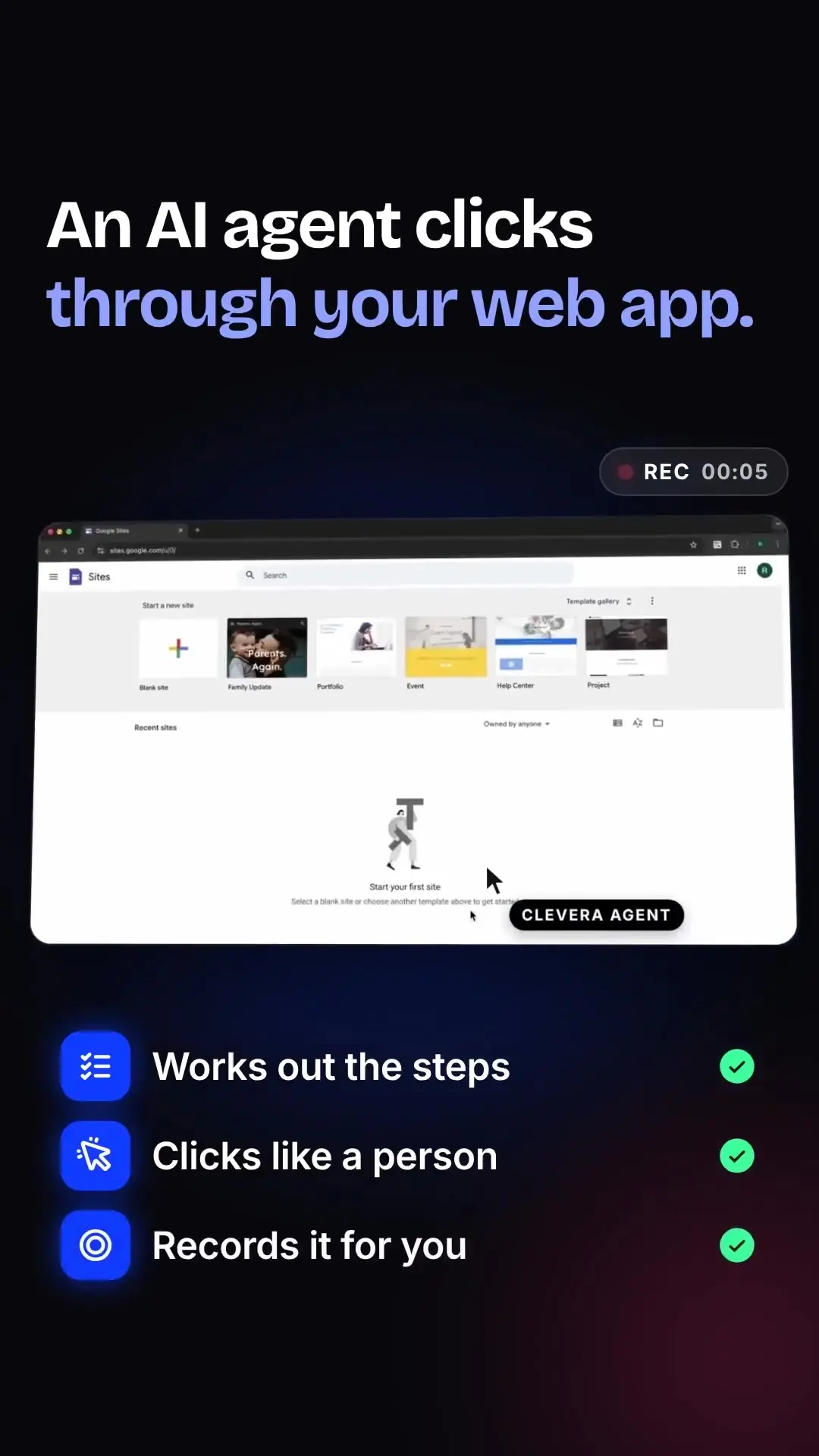
Clevera AI recorder · launch teaser
Clevera’s own teaser for a new feature, with music and motion.
A product launch video maker
for the whole kit.
A launch is not one video. It is a set of short videos with different jobs, from the first hint to the full walkthrough. Clevera makes each one as its own item, so you can edit, export and post them separately.
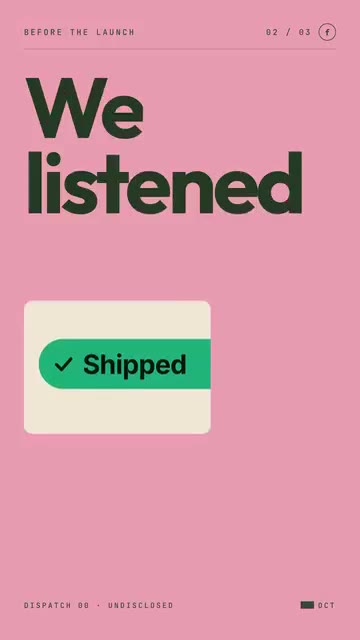
Before launch
Mystery teaser
9:16
About 35 s
Music, no voice
Fragments and a promise. Nothing named yet, so people start asking.
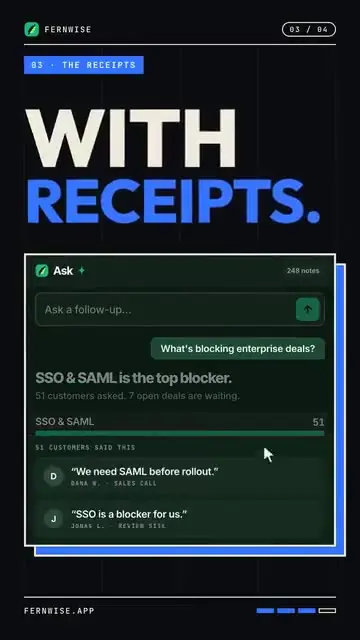
Launch day
Launch teaser
9:16
About 35 s
Music, no voice
What’s new, shown working in a few fast beats, named, with the ask.
Launch day and after
Feature announcement
16:9
60 s
Voice-over and captions
Name what shipped, show it working and ask for the click. Runs up to about 4 minutes when you need more.
Product launch · New feature · New version
Product demo
Narrated
From a recording, PDF or screenshots
The full workflow with an AI-written script and voice-over, for your launch page and Product Hunt gallery.
The written version
Product update article
Article
Markdown and HTML
The release write-up for your changelog, blog or help center, from the same source.
A launch video timeline,
from T-14 to T+7.
T is launch day. Lock your source two weeks out, then cut every video from it on a schedule.
T-14
Lock the source
Scripts done and one end-to-end recording, or your link and brief.
T-10
Mystery teaser
One post on X and LinkedIn. No product name, no link.
T-5
Date reveal
A launch teaser with the date and your waitlist link.
T-1
Schedule
Demo on YouTube and not private. Teasers queued for every channel.
T0
Launch
Launch teaser everywhere, the demo on your launch page and Product Hunt.
T+1 to T+3
Feature announcements
One per headline feature, plus the in-app version.
T+7
Cut-downs and recap
Short single-feature clips for ads and sales, and a recap post.
Start from one recording,
one link or a few sentences.
Record the product once, paste your landing or changelog page, or just describe the launch. Clevera reads your site for product facts, screenshots and your logo, then builds each video around them. If something the video needs is missing, it asks before it generates.
A recording → the narrated product demo
Desktop app, Chrome extension or a video you upload.
A link → teasers and announcements
Built with your real screenshots and logo, pulled from the page.
A few sentences → a mystery teaser
No footage at all. Describe what to hint at and when.
On brand,
without a motion designer.
Every scene is built as motion graphics from your own product, in a Look you choose.
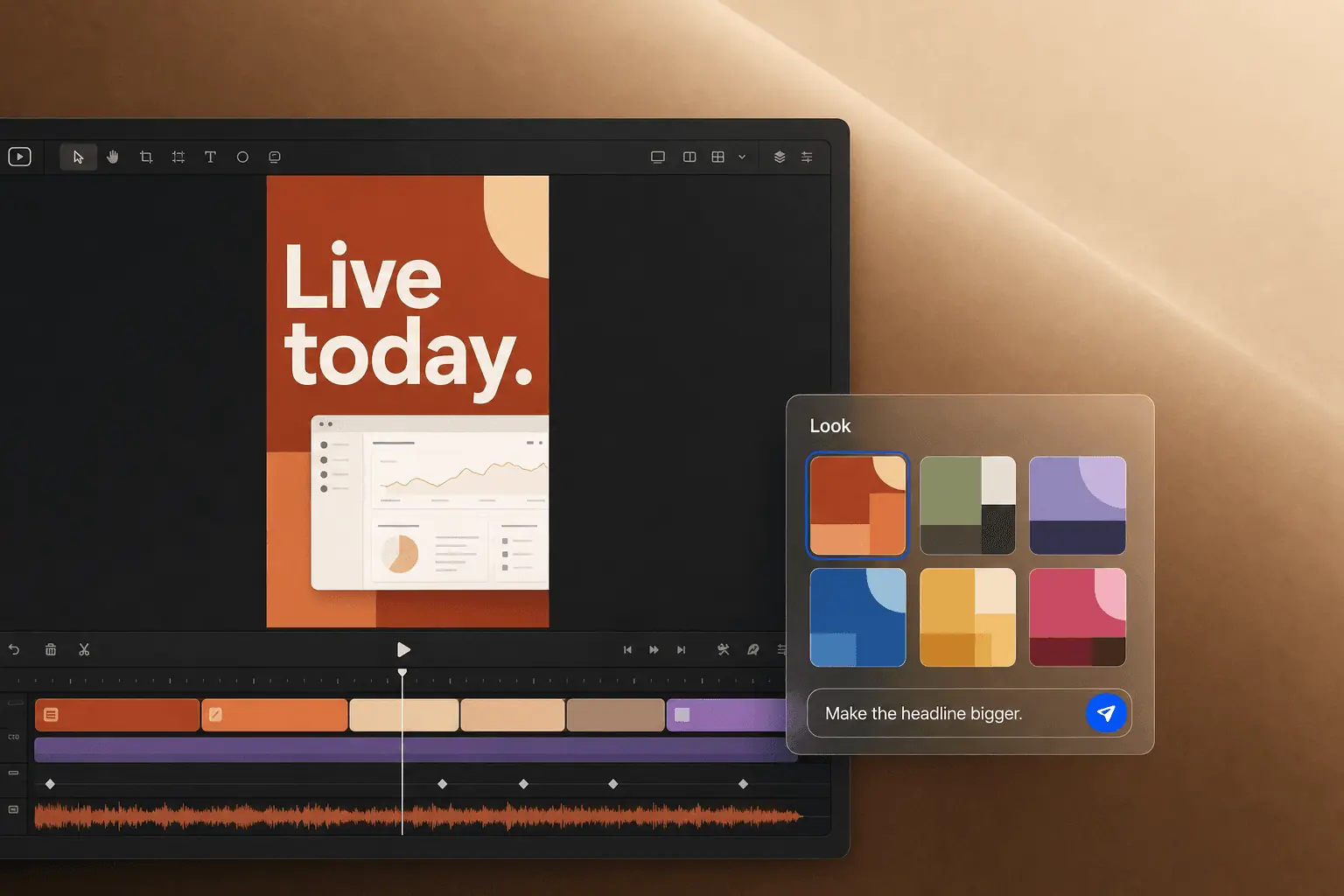
A Look for every launch
Let AI pick, or choose one of 7 styles, from Candy Brick to Zine collage, and adjust the colours.
Your product, not stock
Scenes use your own screenshots, footage and logo.
Edit by asking
Tell the AI assistant “make the headline bigger” and it makes that change. Revision history keeps every version.
Voice, music and captions
Voice-over where the type has one, music and sound effects, and a captions style you pick.
Templates for demos
Title cards, logo reveals and background music saved as team templates.
74 languages
Narrate and translate your demos into any of 74 languages for every market you launch in.
Sized for every channel
on launch day.
Pick the format before you generate: 9:16, 4:5, 1:1 or 16:9, plus 4:3, 3:4, 2:3, 12:5 and custom sizes. Export MP4 at 1080p, 2K or 4K at 60 fps. Exports go up to 2K on Starter and 4K on Pro, and never use credits.
1080p → 4K
16:9
Product Hunt & YouTube
4:5
Feed posts
1:1
LinkedIn & X
9:16
Reels, Shorts & Stories
Launching
on Product Hunt?
T-1
Demo on YouTube, not private
T0
Teaser at 12:01 AM PST
Every post
Made to work on mute
Built for the teams
who launch.
Questions about product launch videos
A tool for the videos around a release: teasers before launch, an announcement on the day and a demo people watch when they’re deciding. Clevera makes each one from the same recording, link or brief, as separate videos you can edit.
Yes. Use the mystery teaser to hint at what’s coming without naming it, or a launch teaser with the date and your waitlist link in the brief.
Teasers default to about 35 seconds and a feature announcement to 60 seconds. You can pick about 35 seconds, 60 seconds or 2 minutes, and a feature announcement can run up to about 4 minutes.
No. Teasers and announcements can start from a link, images, a PDF or a few sentences. For a narrated product demo, start from a screen recording, a PDF or screenshots.
9:16, 4:5, 1:1 and 16:9, plus 4:3, 3:4, 2:3, 12:5 and custom sizes. Teasers default to 9:16 and feature announcements to 16:9.
Yes. Ask the AI assistant for a change in plain words, add text, shapes, images or music yourself, and restore an earlier version from revision history.
Product demos and articles are on the Free plan, with videos up to 3 minutes. Teasers and feature announcements are social & promo videos, which come with Starter ($29 a month billed yearly) and up.
Your whole launch,
ready by launch day.
Start with one link or one recording. Clevera makes the teasers, the announcement and the demo.