How Documentation Reduces Support Tickets: 10 Strategies That Actually Work

Your support queue is a list of documentation failures. Every "how do I…" ticket that lands in your inbox is a question your knowledge base didn't answer — or didn't answer well enough. The teams running lean CS operations aren't doing more. They're documenting better.

$22

average cost to resolve a single support ticket

81%

of customers try to self-serve before contacting support

20–40%

reduction in support volume for teams with an active knowledge base

67%

of customers prefer self-service over speaking with a company representative

Why documentation reduces support volume

12 min read

Documentation that reduces support tickets isn't a nicety. It's a cost center that pays for itself — and then some.

A support team handling 500 tickets a month at $22 per ticket is spending $11,000 every month answering questions. If a well-maintained knowledge base deflects 30% of those tickets, that's $3,300 saved per month — $39,600 a year — before accounting for faster resolution times, higher CSAT, and the hours your team gets back to focus on complex cases.

The gap between teams that see those gains and teams that don't isn't budget. It's execution. Most teams have a knowledge base. Few have one that actually works — because the documentation is outdated, hard to search, or too text-heavy for users to act on.

This guide covers 10 specific ways quality documentation reduces support tickets, what separates a deflection-worthy knowledge base from a shelf of articles nobody reads, and how to close the gap.

1. A searchable knowledge base answers questions at the moment they arise

The ticket it kills:

"How do I do X?"

The most common support tickets are also the most predictable — questions about features users don't know how to use. A searchable knowledge base catches those questions before they become tickets, at the exact moment the user is confused and looking for help.

The keyword is searchable. Most knowledge bases fail here. Articles exist — but users can't find them. They type a question in slightly different words, get zero results, and open a ticket. Not because the answer wasn't documented, but because the search couldn't connect their phrasing to your article title.

What works:

• Tag articles with the exact language users use in support tickets, not just internal product terminology

• Write article titles as questions ("How do I add a team member?" not "User management")

• Surface the top 5–10 articles on your KB homepage — most tickets come from a short list of topics

• Index your KB in Google so users searching externally find your docs before contacting support

The compounding effect: Every well-placed knowledge base article pays off indefinitely. You write it once, it deflects the same question for the next three years. A ticket answered by a CSM pays off once.

Who it helps most: Support leads, CS managers, anyone tracking ticket-to-resolution cost.

2. Video tutorials reduce "how do I" tickets by showing, not telling

The ticket it kills:

Any procedural "how do I" ticket — setup, configuration, feature activation, workflow questions.

Written documentation has a ceiling. For procedural tasks — anything that requires clicking through multiple screens — text and screenshots lose users at step three. They misread the instruction, click the wrong thing, and open a ticket. Or they skim to the end without following each step, end up in the wrong state, and open a ticket.

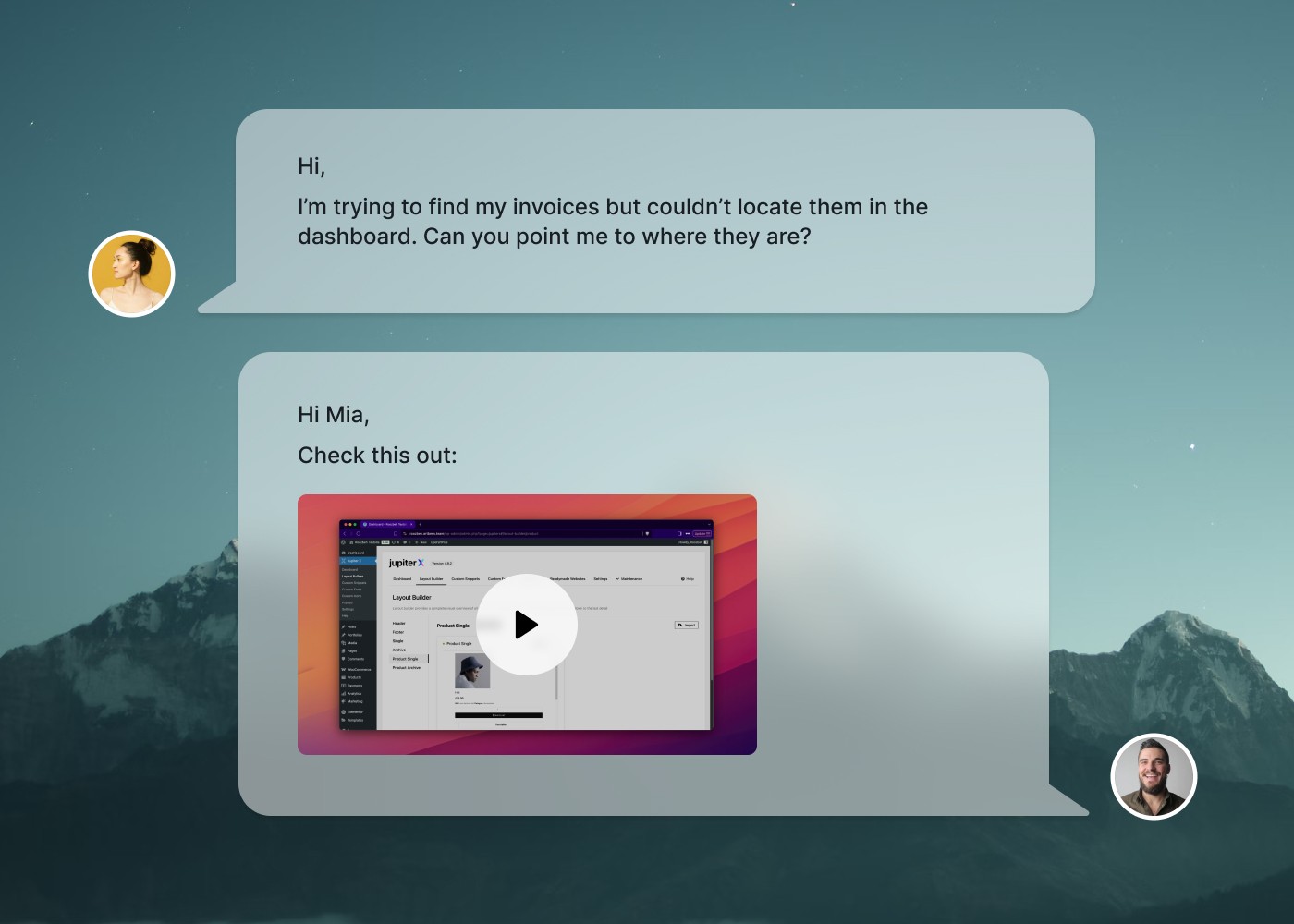
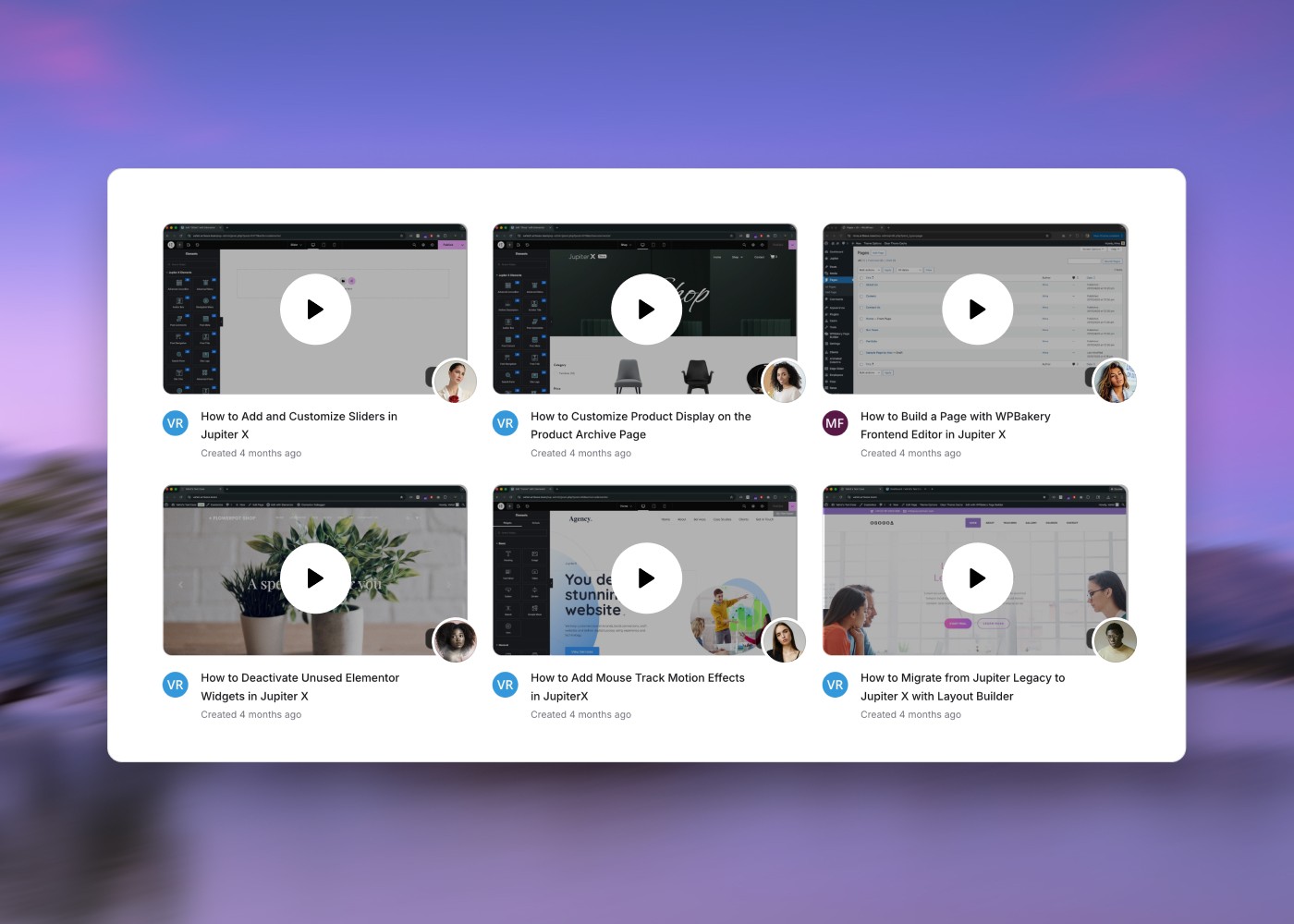
Video eliminates that ambiguity. A 90-second narrated walkthrough showing exactly what to click and what to expect at each step reduces procedural "how do I" tickets more than any written article can.

The catch: most teams don't have video tutorials because creating them feels expensive and slow. You need a script, a recording, editing, a voice, captions, and somewhere to host it — and then the product ships a UI change and the whole video is wrong.

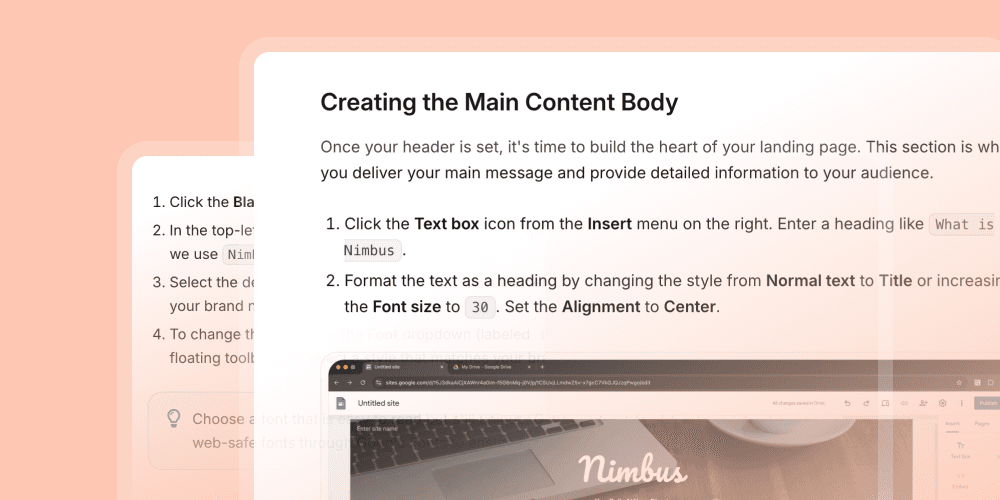
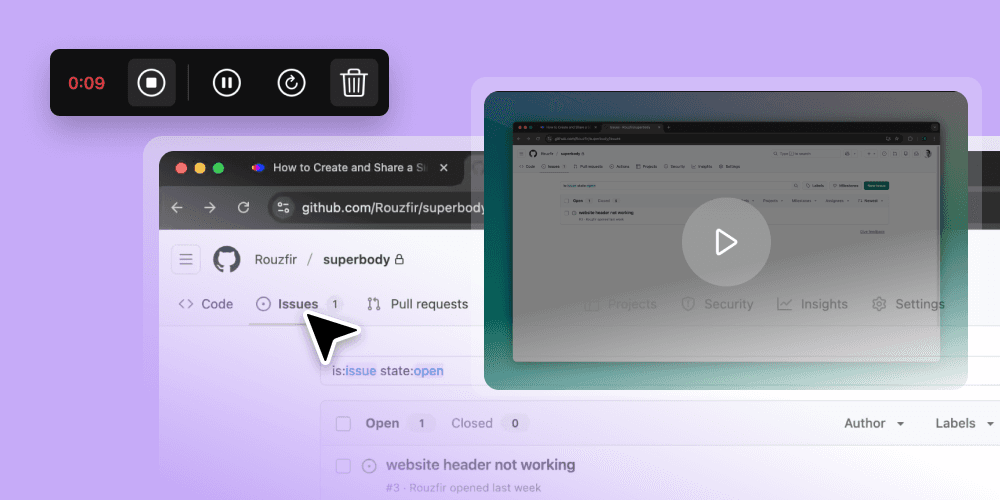
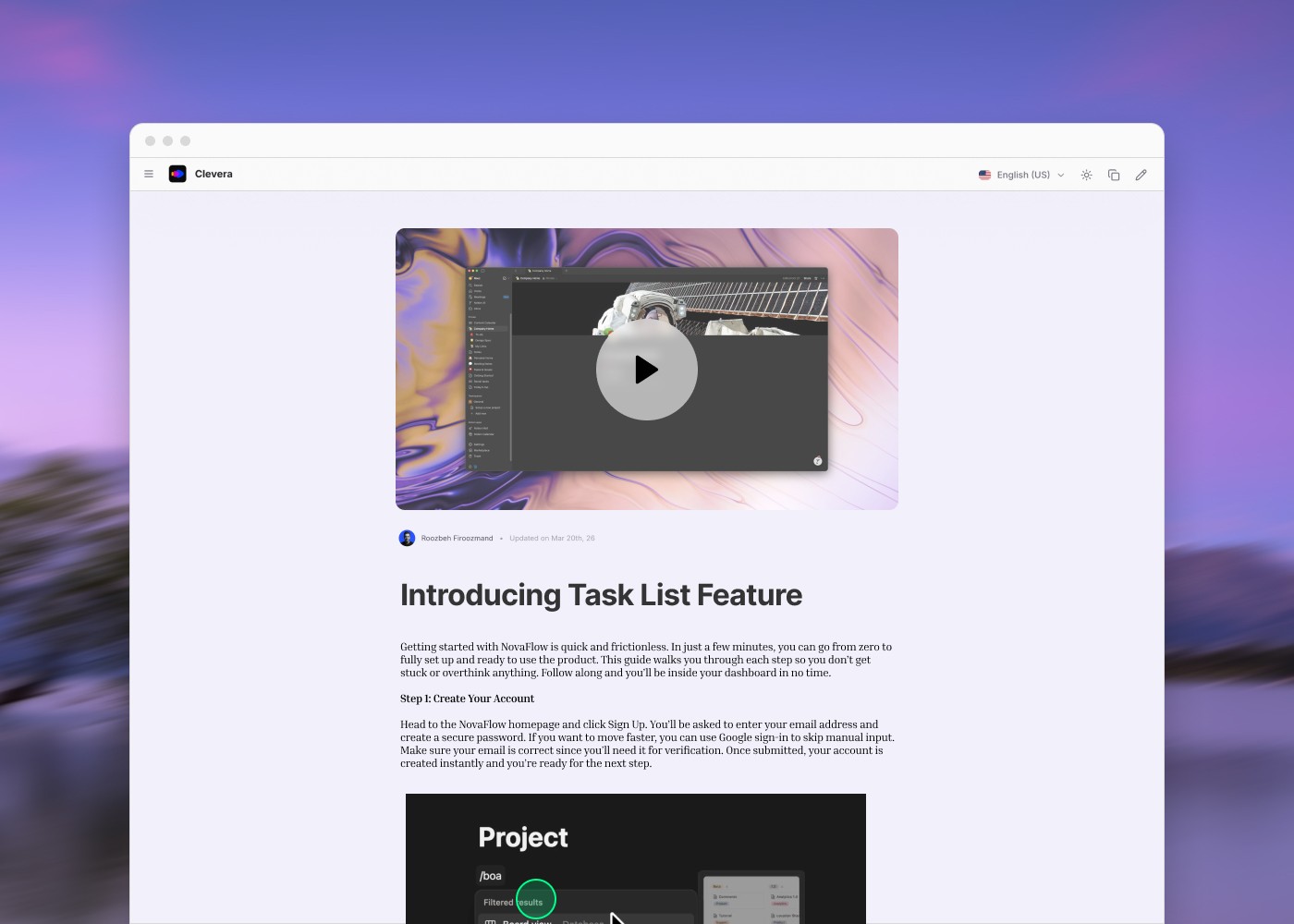
That's changed. Clevera turns a single screen recording into a polished, narrated product tutorial — with an AI voice, smart zoom, and click highlights applied automatically. The same recording also generates a formatted step-by-step help article with screenshots. One recording becomes two formats. When the product changes, you update the script and every embedded version reflects the change — no re-recording, no re-export.

For support and CS teams, this means you can document every procedural flow in video without a video team. Record it once. Embed it in your help center, your onboarding flows, your chatbot responses. Every "how do I" ticket you'd otherwise answer manually becomes a video link your users can watch in two minutes.

Who it helps most: Support teams drowning in repetitive procedural tickets. Product teams who need to document every new feature release.

3. FAQ pages eliminate your highest-volume ticket categories

The ticket it kills:

Repetitive questions — billing, account management, password resets, common errors.

Every support team has a list of tickets they could answer in their sleep. The same 10–15 questions account for 40–60% of total ticket volume. An FAQ page that answers those questions clearly and visibly doesn't just deflect tickets — it deflects your most predictable, lowest-complexity tickets, freeing your team to focus on the cases that actually need a human.

The mechanics of a FAQ page that works:

Pull your FAQ topics directly from your ticket data, not from what you think users ask. Filter your last 90 days of tickets, group by category, and build your FAQ around the top 15. Review it quarterly. Update it when new ticket categories appear. Remove questions that no longer generate volume.

Position the FAQ everywhere a user is likely to have questions: the pricing page, the checkout flow, the account settings, the in-app help widget. A FAQ buried in the footer of your help center won't deflect tickets. A FAQ that appears contextually — triggered when a user visits your billing settings — will.

Include a "Was this helpful?" signal. FAQ entries that users mark unhelpful are your next tickets. Fix them before they arrive.

Who it helps most: Support teams with high ticket volume; CS teams managing self-serve customer segments.

4. Onboarding documentation front-loads answers to first-week questions

The ticket it kills:

New-user support volume — the spike in tickets that happens in the first 7–14 days after signup.

The majority of support tickets happen early. New users don't know the product. They make mistakes. They get stuck. They're trying to do something for the first time in an unfamiliar UI. The ticket spike in the first two weeks after signup is predictable, and it's largely preventable with onboarding documentation that answers first-week questions before users think to ask them.

What this looks like in practice:

An onboarding email sequence that links to specific help articles and tutorials — not to a generic knowledge base homepage. A product tour that embeds video explanations at the moments users typically stall. A getting-started guide that covers the three or four flows new users always struggle with.

The ROI is disproportionate. A user who gets through their first week without opening a support ticket is less likely to open one in week two, week three, or month two. Users who reach their first "aha moment" without friction churn dramatically less. Documentation reduces support tickets — but in the onboarding window, it also reduces churn.

The critical failure mode:

Onboarding documentation that's a generic product tour of every feature. New users don't need to know everything. They need to know the three things that let them reach value in their first session. Document those. The rest can wait.

Who it helps most: CS and onboarding teams at SaaS companies where the first 14 days are the highest-risk retention window.

5. Contextual in-product help deflects tickets before users leave the product

The ticket it kills:

"I can't figure out how to…" tickets triggered by confusion at a specific point in the product UI.

The most powerful documentation is the kind that appears in the exact moment of confusion — without requiring the user to navigate to a separate help center. In-product contextual help (tooltips, embedded help widgets, resource centers, empty-state guidance) deflects tickets by surfacing the right answer at the exact point of need.

What documentation goes in-product:

• Tooltips on complex fields or settings ("What does this mean?")

• Empty-state copy that shows what to do next, not just that no data exists yet

• Resource centers embedded in the product sidebar — not a separate tab

• Checklist-style getting-started flows that surface step-by-step tutorials at each point

What to embed inside those in-product surfaces: video tutorials. Text alone gets skipped. A 60-second video showing exactly what to do in this screen — triggered in-context — gets watched. If you're using an in-app guide platform (Appcues, Userpilot, Pendo), the content inside those flows determines whether users follow through. Great in-product guidance is built on great documentation. The delivery layer and the content layer are both required.

Who it helps most: Product-led SaaS teams where self-serve adoption is the primary motion.

6. Keeping documentation current prevents "this is wrong" escalations

The ticket it kills:

"Your documentation is outdated" / "This doesn't match what I see in the product" — one of the most frustrating ticket types to receive.

Stale documentation doesn't just fail to deflect tickets — it generates them. A user follows a help article step by step, reaches step four, and realizes the UI they're looking at doesn't match the screenshot. They lose confidence in the product, stop trusting your documentation, and open a ticket.

Documentation maintenance is where most teams break down. Articles get written for a product launch and never revisited. The product ships six updates. The docs still describe version one.

What works:

• Assign documentation ownership per product area. Someone on every feature team is responsible for updating the relevant help articles when the feature ships.

• Use a "last reviewed" date on help articles. Articles not reviewed in 90 days get flagged for audit.

• Build documentation into your release process. The PR doesn't close until the help article is updated.

The video problem: video documentation ages faster than text because the UI is visible in every frame. A single button rename breaks a walkthrough. This is why Clevera's LiveSync architecture matters for support teams — update the script, and every embedded instance of that video reflects the change automatically. You don't need to re-record, re-export, or find every place the video is embedded. Update once, fix everywhere.

Who it helps most: Support teams where "outdated docs" is a recurring ticket category; product teams shipping frequent UI changes.

7. Multi-format documentation increases deflection rates across learning styles

The ticket it kills:

Tickets from users who read the article and still couldn't do the task.

Some users follow text instructions without issue. Others need to see it done. Some want to read and watch. Documentation that only exists in one format misses users who don't absorb information that way — and those users end up in your ticket queue.

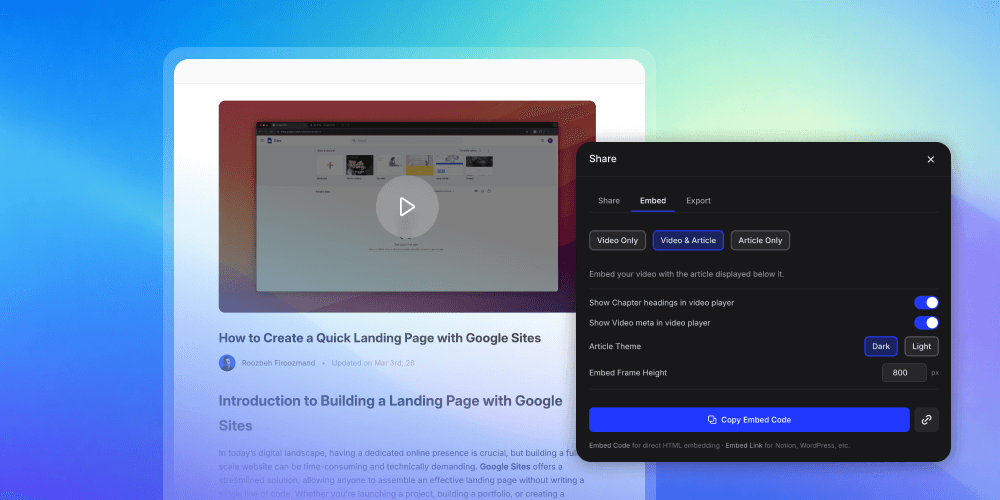
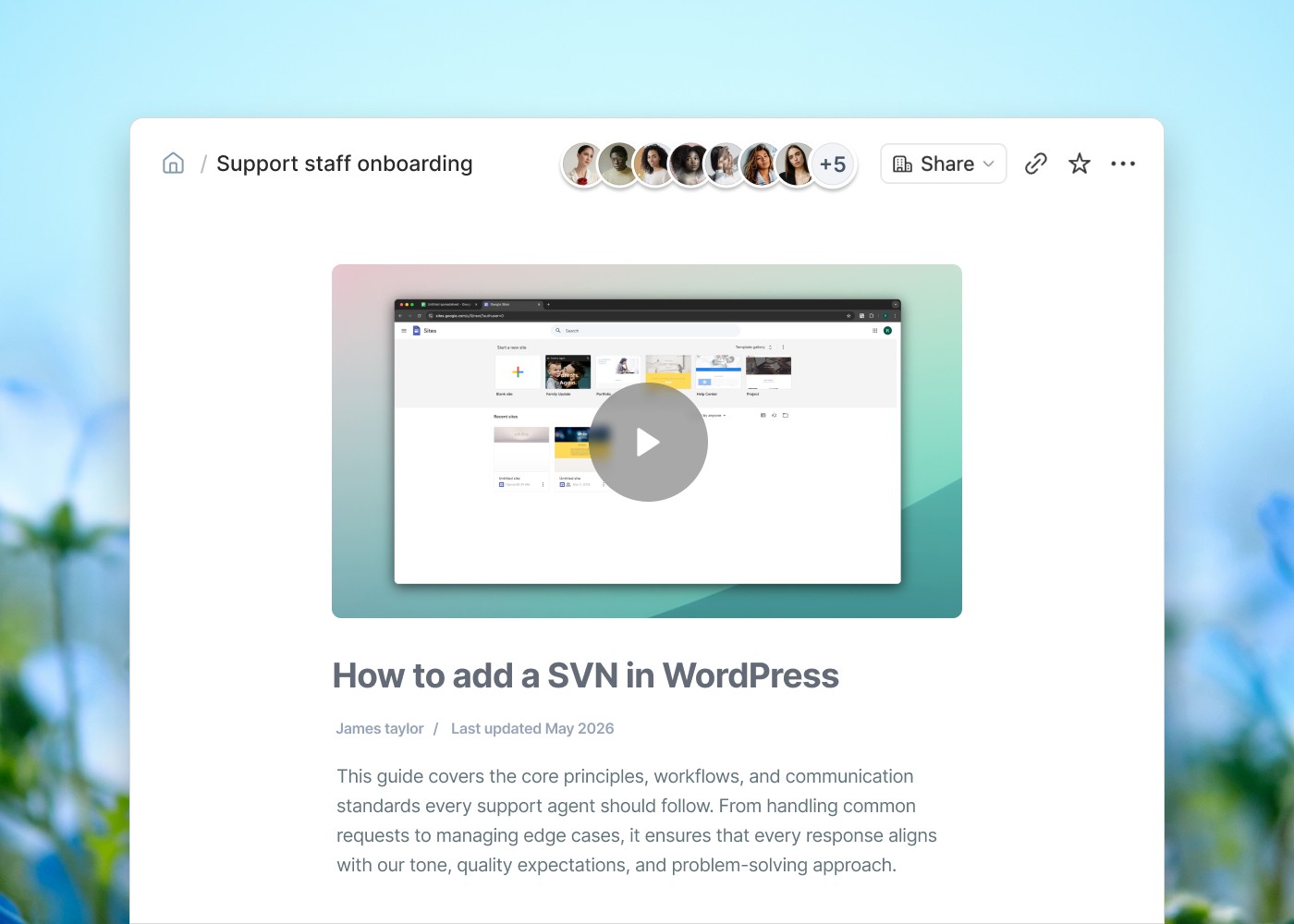
The most effective knowledge base articles pair text with video. A written step-by-step, with a 2-minute video embedded at the top showing the same steps. Users who prefer reading follow the text. Users who prefer watching click play. Users who need both reference one format while watching the other.

The data backs this up: help articles with embedded video see significantly higher user satisfaction scores and lower ticket reopens than text-only articles on the same topic. The format isn't decorative — it determines whether the user successfully completes the task.

Historically, the cost of multi-format documentation was the blocker. Writing an article is fast. Recording, editing, voicing, and exporting a video is slow. Clevera closes that gap — your screen recording simultaneously generates the video and the formatted article. You end up with both formats in the time it would normally take to write one.

Who it helps most: Any team documenting procedural, UI-heavy workflows where text alone consistently fails to deflect tickets.

8. KB analytics surface which features generate the most tickets — before they flood your queue

The ticket it kills:

Preventable tickets from gaps in documentation coverage.

The best documentation programs aren't reactive — they're predictive. Knowledge base analytics tell you which articles are searched most (content users are looking for that may not exist), which articles have the lowest satisfaction ratings (content that's failing), and which topics are missing entirely (gaps where tickets are the only fallback).

What to track in your knowledge base:

• Search terms with no results: Every zero-result search is a ticket waiting to happen. This list tells you what to write next.

• Article rating / helpful vs. not helpful: Articles consistently marked unhelpful need to be rewritten or replaced with video.

• Article abandonment rate: Users who open an article and immediately leave didn't find what they needed.

• Ticket-to-article correlation: Which articles are most frequently linked in support ticket resolutions? Those are your most valuable KB assets. Make sure they're prominent.

Cross-reference this data with your support ticket categories monthly. The topics generating the most tickets with the lowest KB coverage are your documentation priorities. Address those first and you'll see the fastest reduction in support volume.

Who it helps most: Support ops, CS managers, anyone responsible for self-service deflection rate as a KPI.

9. Translated documentation reduces support costs in international markets

The ticket it kills:

Non-English support tickets and escalations from international users who can't self-serve in their language.

For SaaS companies expanding internationally, a monolingual knowledge base is a direct cause of elevated support costs in international markets. Users who can't find answers in their language can't self-serve. They open tickets. Those tickets require support resources — often specialized ones — and take longer to resolve.

The math is simple: translated documentation that deflects international tickets is cheaper than staffing multilingual support to handle them.

The production blocker: translating a knowledge base is expensive and slow when done manually. Each article requires a translator. Each video requires a new voice recording in each language. This is why most teams don't do it, and why international ticket volume stays elevated.

Clevera supports 74-language translation built into the workflow. Your tutorial video and its companion article are translated in minutes, not weeks — including the AI voiceover, which is re-generated in the target language, not subtitled over English audio. A Spanish-speaking user watches a Spanish-voiced walkthrough and reads a Spanish article. That's the deflection experience they need to not open a ticket.

Who it helps most: SaaS companies with international customer bases and international support costs that are disproportionate to the revenue from those markets.

10. A feedback loop between support and docs turns every ticket into a future deflection

The ticket it kills:

Recurring tickets — the same question asked by different users over weeks and months.

The most sustainable documentation strategy isn't a one-time writing sprint. It's a system where support tickets continuously improve your knowledge base. Every ticket your team answers is a signal: something wasn't documented clearly enough, or wasn't documented at all. If you capture that signal and act on it, the same ticket becomes rarer every month.

What this loop looks like in practice:

Your support team tags tickets by category. Weekly, someone reviews the tags and flags new or recurring topics. Those topics become documentation tasks assigned to the appropriate team member. New articles or updated videos get published. Next month, tickets on that topic drop.

The teams that run this loop see compounding returns on documentation quality — and on support team capacity. Support tickets don't just get answered. They get prevented.

The operational requirement: documentation creation has to be fast enough to keep up with the loop. If writing an article takes two days and producing a video takes a week, you'll always be behind. If Clevera turns a screen recording into a help article and video in five to ten minutes, the loop can actually run. Content creation stops being the bottleneck.

Who it helps most: Support leads and CS ops teams building scalable self-service programs, not just reactive KB maintenance.

What separates a knowledge base that deflects tickets from one that doesn't

Most teams have documentation. Fewer have documentation that actually reduces support volume in a measurable way. The difference comes down to four things:

Coverage vs. comprehensiveness

Coverage means you have an article for every topic. Comprehensiveness means each article actually answers the question — not just describes the feature. Coverage without comprehensiveness creates articles users open and immediately abandon, then turn into tickets anyway.

Findability vs. existence

A knowledge base article that users can't find doesn't deflect anything. Findability is a function of search quality, article titling, internal linking, and prominent placement of high-traffic articles. Most KB audits reveal the same thing: the documentation exists, the user just couldn't find it.

Currency vs. history

Documentation that's current deflects tickets. Documentation that describes an old version of the product generates them. A knowledge base without an active maintenance process decays in quality with every product update.

Format vs. preference

Text-only documentation works for text learners. Video works for visual learners. Format diversity across your knowledge base widens the surface area of self-service deflection. The most effective articles offer both.

The documentation gap no one tracks

Here's a metric most support teams don't look at: how many tickets per month are opened by users who visited a knowledge base article in the 24 hours before opening the ticket?

That number tells you the documentation failure rate — users who tried to self-serve, couldn't, and escalated. For most teams, it's between 15–30% of total ticket volume. Those users found a relevant article. It just didn't give them what they needed to succeed.

The fix isn't more documentation. It's better documentation — specifically, richer formats. The articles those users found were probably text-only. Adding a narrated video tutorial to the most-visited articles in your knowledge base — the ones users are already finding — is the fastest way to close that deflection gap.

How to prioritize your documentation investment for maximum ticket deflection

If you're building or improving your knowledge base with ticket deflection as the goal, here's the sequence that produces results fastest:

Step 1 — Pull your top 15 ticket categories from the last 90 days.

These are your documentation priorities. Not what you think users need. What they're actually asking.

Step 2 — Check KB coverage against those 15 categories.

For each category, does a help article exist? Does it have a video? Is it accurate? Is it findable in your KB search? Mark the gaps.

Step 3 — Fill the gaps in order of ticket volume.

Start with your highest-volume ticket categories. Build a text article plus an embedded video for each. One recording in Clevera gives you both formats.

Step 4 — Add contextual placement.

Surface your highest-traffic KB articles inside the product — in tooltips, resource centers, and onboarding flows — at the moments users most need them. Don't wait for users to navigate to your help center.

Step 5 — Measure deflection rate, not just content volume.

Track self-service resolution rate (users who visited KB and did not open a ticket) monthly. This is the metric that tells you whether your documentation strategy is working.

Step 6 — Run the feedback loop.

Review new ticket categories weekly. Convert recurring tickets into new documentation immediately, while the context is fresh.

Frequently asked questions about how documentation reduces support tickets

How much can a knowledge base actually reduce support ticket volume?

Teams that maintain an active knowledge base — with comprehensive coverage, regular updates, and a mix of text and video formats — typically see 20–40% reductions in overall support volume. The range is wide because it depends heavily on the quality and findability of the documentation, not just its existence. Teams that also embed documentation contextually in-product see the higher end of that range.

What is the ROI of investing in documentation to reduce support tickets?

The math is straightforward: multiply your average ticket resolution cost (industry average is approximately $22 for a tier-1 support ticket) by the number of tickets your knowledge base deflects monthly. For a team handling 1,000 tickets per month at 30% deflection, that's $6,600/month — $79,200/year — in avoided support cost. That's before accounting for CSM capacity freed for higher-value work, faster response times, and improved customer satisfaction.

What types of tickets does documentation not deflect?

Documentation is most effective at deflecting repetitive, predictable questions about how the product works. It's less effective for tickets that require investigation of a customer-specific issue (bugs, billing discrepancies, edge-case errors) or relationship-driven questions (contract renewals, escalations). Those still need a human. The goal of documentation is to clear the predictable ticket volume so your team has capacity for the complex cases.

How often should a knowledge base be updated to remain effective at deflecting tickets?

Every time you ship a UI change that affects a documented flow. Quarterly for all high-traffic articles regardless of changes. Monthly for your FAQ page, reviewed against ticket data. Articles that haven't been reviewed in 90 days should be flagged for audit — they're likely outdated. Stale documentation doesn't just fail to deflect tickets; it generates them.

What's the difference between documentation that reduces support costs vs. documentation that doesn't?

The difference comes down to four factors: findability (can users locate the article when they need it), format (does the article use the right format for the task), accuracy (does it reflect the current state of the product), and placement (is it surfaced contextually at the moment of confusion). Documentation that checks all four deflects tickets. Documentation that misses any one of them often doesn't.

How do video tutorials reduce support tickets differently than text articles?

Video tutorials are significantly more effective for procedural tasks — anything requiring a user to click through multiple steps in a UI. Text instructions require accurate mental modeling of a UI the user doesn't know well. Video removes that requirement. Users watch what to click and see what to expect at each step. This reduces both the misexecution rate and the abandonment rate. Studies consistently show video documentation produces higher task completion rates than text-only for UI-heavy workflows.

Build documentation that actually deflects tickets — starting this week

Every support ticket in your queue is a documentation gap. Clevera turns a screen recording into a polished, narrated product tutorial and a formatted help article in minutes. No video editor. No voiceover session. No separate writing process. One recording gives you both formats. When your product changes, update the script and every embedded instance updates automatically.