Best AI Knowledge Base Software for SaaS in 2026

Support tickets don't pile up because your team is slow. They pile up because your knowledge base isn't doing the job. Roughly 40% of support requests are "how-to" questions — issues where a clear article or video walkthrough would have answered the question without a ticket.
The best knowledge base software for SaaS companies in 2026 goes beyond storing documentation. Whether you searched for AI knowledge base tools or a hosted help center, the job is the same: create content faster, keep it current as the product changes, and surface answers at the exact moment users need them. We compared 10 platforms on creation speed, AI search, video support, pricing, and ticket-deflection fit.
Table of contents
TL;DR: quick picks
What to look for in AI knowledge base software for SaaS
AI knowledge base software comparison
The 10 best AI knowledge base software tools for SaaS in 2026
How to choose the right AI knowledge base software for your team
FAQ
TL;DR: quick picks
Best overall knowledge base platform: Document360, when you already have content and need hosting, search, analytics, and governance.
Best for AI search and answer widgets: Helpjuice or Document360 (Eddy), when customers need instant answers from your help center.
Best for video-heavy SaaS documentation: Clevera, because it turns screen recordings into narrated tutorial videos and written help articles.
Best budget option: Scribe, when screenshots and step guides are enough.
Best for teams already on Zendesk or Intercom: Zendesk Guide or Intercom Fin, depending on where tickets and chat already live.
What to look for in AI knowledge base software for SaaS
Not all AI knowledge base software is built for SaaS support. Five things separate tools that deflect tickets from tools that archive them:
Content creation speed. A knowledge base you can't build fast won't have enough coverage. Tools that generate documentation from screen recordings or existing workflows compound your KB coverage over time, without requiring a dedicated content team.
Search quality. AI-powered search that understands what users are actually asking (not keyword-matching your article titles) determines whether the KB deflects the ticket or sends the user back to the queue.
Video support. For procedural, UI-heavy workflows, text-only articles consistently underperform. Video tutorials deflect "how do I" tickets at a meaningfully higher rate than written steps alone. Tools that generate or support embedded video close the gap text leaves open.
Maintenance efficiency. SaaS products ship constantly. Documentation that's difficult to update goes stale fast, and stale documentation generates escalations from users who followed instructions that no longer match what they see in the product.
Deflection analytics. Strong KB platforms show which searches fail, which articles drive resolution, and where content gaps still send users to support. Without that signal, teams guess at what to document next.
AI knowledge base software comparison
Tool | Best for | Starting price | G2 score | AI search | Video support | Content creation | Ticket-deflection fit |
|---|---|---|---|---|---|---|---|
Clevera | Creating KB content from product recordings | From $29/mo annually | No public G2 profile yet | No | Yes | Video + article generation | Best for filling coverage gaps fast |
Document360 | Managing a structured customer KB | Quote-based public plans | 4.7/5 | Yes | Embed support | AI writing assistance | Strong platform layer |
Guru | Internal support knowledge | Per-seat; verify vendor page | 4.7/5 | Yes | Limited | Knowledge cards | Strong for rep productivity |
Scribe | Screenshot process guides | Free; Pro from $23/user/mo | 4.8/5 | No | No | Step guides | Good for simple internal docs |
Helpjuice | Branded self-service KB | From ~$120/mo (4 users) | 4.6/5 | Yes | Embed support | Manual + AI assistance | Strong customer-facing KB |
Tettra | Internal team wiki | Verify vendor page | 4.7/5 | Yes | Limited | Q&A backlog | Good for internal support knowledge |
Notion AI | Flexible team wiki | Free; Plus from $10/user/mo | 4.7/5 | Yes | Embed support | AI writing assistance | Light KB and internal docs |
Zendesk Guide | Support teams already on Zendesk | Suite plans; verify | 4.3/5 | Yes | Embed support | Manual + AI assistance | Strong if tickets live in Zendesk |
Intercom Fin | AI support inside Intercom | Fin add-on; verify | 4.5/5 | Yes | Embed support | Manual + AI assistance | Strong for chat-first support |
Help Scout Docs | Customer docs for Help Scout teams | Standard from $25/user/mo | 4.4/5 | Basic | Embed support | Manual docs | Strong for simple support portals |
Pricing, review scores, and AI feature names change often. G2 ratings are July 2026 snapshots where a matching public profile was available; treat this table as a buyer shortlist and verify vendor pages before publishing or purchasing.
The 10 best AI knowledge base software tools for SaaS in 2026
1. Clevera: best for building KB content from screen recordings

Best for: SaaS support and CS teams who need to build and maintain a high-coverage knowledge base without a dedicated content team.
Most AI knowledge base platforms assume you already have content. Clevera produces it. Record your screen while performing a task, and Clevera's AI generates a polished, narrated how-to video and a formatted help article from that recording — among other outputs you can create from the same source. Both formats are publication-ready in 5 to 10 minutes.
The AI handles everything in between: writing the voiceover script based on what happened on screen, syncing narration with video timing, applying smart zoom to key interactions, smoothing out accidental clicks, and composing a structured help article with automatically selected screenshots. You don't write a script. You don't edit footage. You don't maintain two separate workflows for video and text.
Article output exports directly to Zendesk, Intercom, Help Scout, Confluence, Notion, Gitbook, Readme, and more. When you embed a video in your help center, Clevera's LiveSync updates narration, overlays, and styling on the existing footage across every embedded instance — without re-exporting or hunting down old links. If the product UI itself changes, you still need new screen footage; LiveSync is for keeping narration and presentation current on the recording you already have.
For SaaS teams serving international users, Clevera translates both the article and the video into 70+ languages, including AI-generated voiceovers in the target language, not subtitles laid over English audio.
Where it fits: Clevera creates and publishes content. It's not a full knowledge base platform with analytics dashboards or content governance at scale. Most support teams use it alongside an existing KB platform (Zendesk, Confluence, Help Scout) to solve the creation bottleneck rather than replace the hosting layer. As a content engine for knowledge bases that actually deflect tickets, Clevera is the fastest way on this list to turn product workflows into video and article coverage.
G2: No public G2 profile yet.
Pricing: Starter from $29/month billed annually.
2. Document360: best for managing a large-scale knowledge base
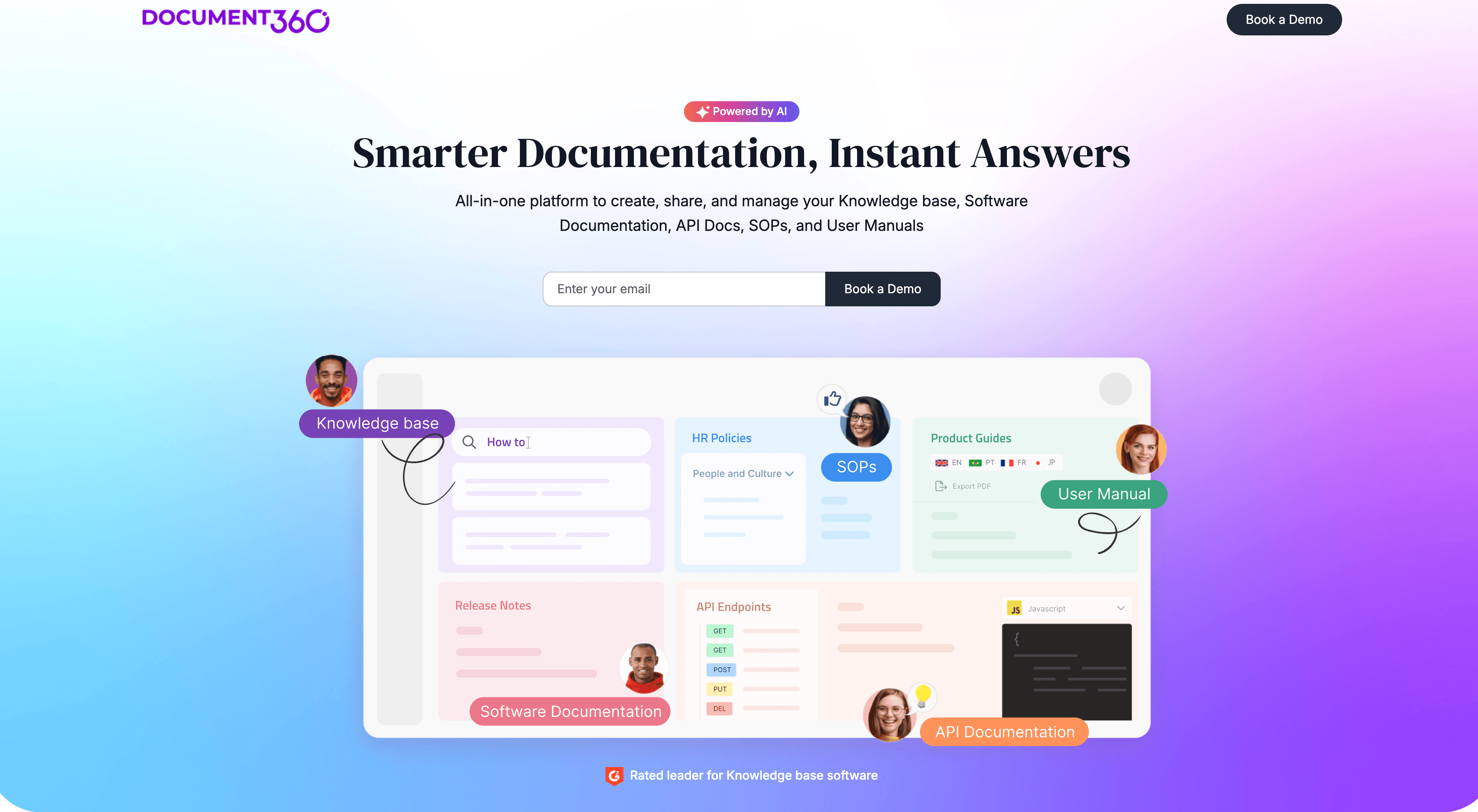
Best for: Support teams that have content and need a scalable platform to host, organize, and search it.
Document360 is a purpose-built knowledge base platform with AI-powered search, an AI writing assistant, article versioning, and an AI chat widget (Eddy) you can embed on your support pages or inside your product. It's designed for teams managing large documentation libraries across multiple product areas.
The search performs well on natural language queries, connecting what users actually type to relevant articles even when the phrasing doesn't match article titles. Eddy answers questions directly from your content without requiring users to navigate to a specific article, which reduces friction in the self-service experience.
Knowledge base analytics give support teams visibility into search terms with no results, article satisfaction ratings, and traffic by content area, which is exactly the data you need to prioritize documentation efforts against real ticket drivers.
The gap: Document360 doesn't generate content for you. Articles are written manually or with general-purpose AI writing assistance. For teams with a backlog of undocumented flows, combining it with a content creation tool like Clevera addresses both the creation and the hosting problem.
G2: 4.7/5.
3. Guru: best for support teams who need answers surfaced in context
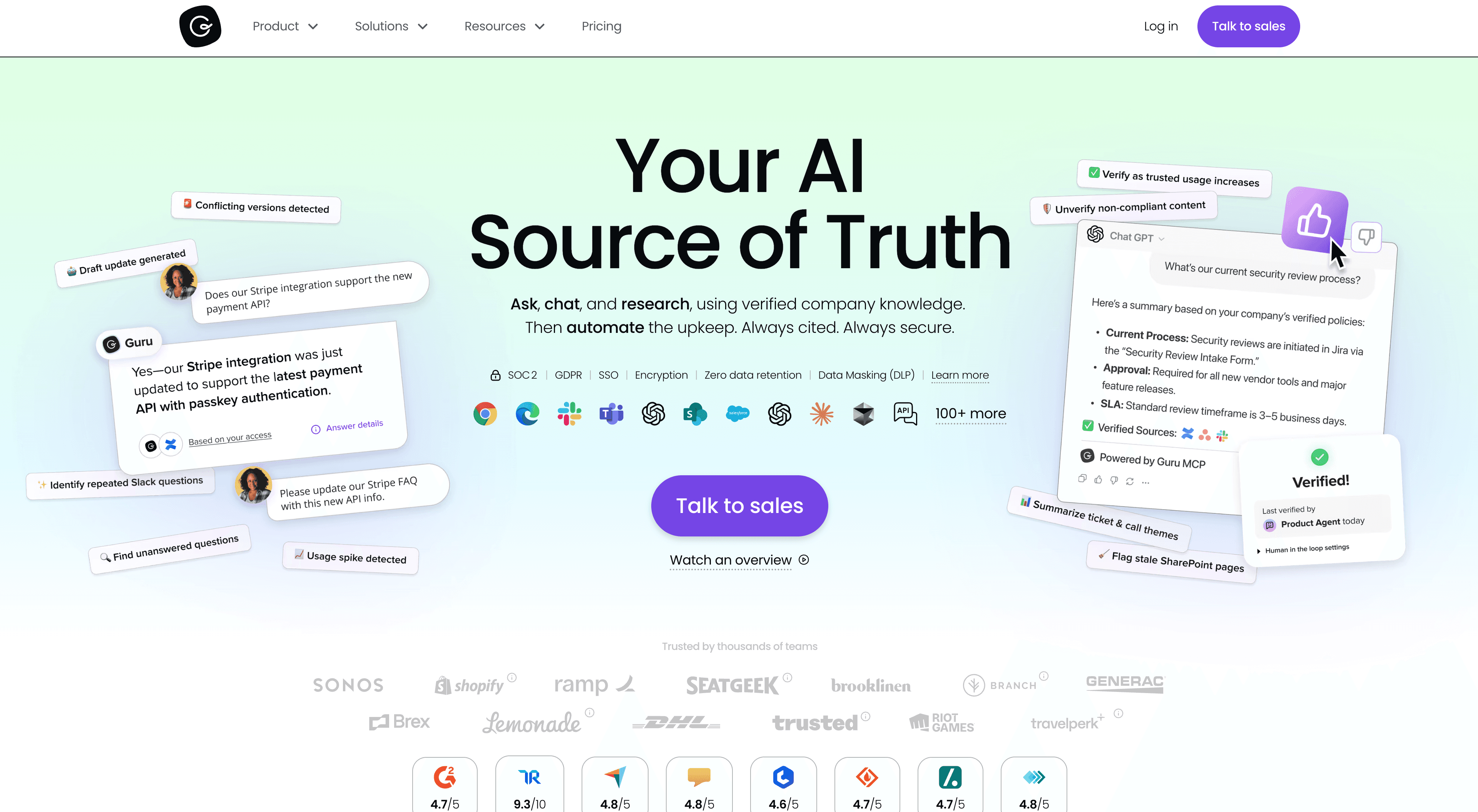
Best for: Support and CS reps who need knowledge surfaced inside their existing tools during live tickets.
Guru is an AI knowledge management platform that sits inside your workflow. It surfaces relevant knowledge cards in Slack, via a browser sidebar, and inside tools like Salesforce and Zendesk while reps are working. When someone is handling a ticket and needs a quick answer, Guru suggests relevant content without requiring them to leave their queue.
The AI Q&A feature lets team members ask questions in plain language and get sourced answers from your verified knowledge base, with citations to the specific cards the answer was drawn from. Answers are grounded in your content, not generated from scratch.
Guru is primarily built for internal team knowledge rather than external customer-facing KB. It's the right choice when the problem is support rep productivity and institutional knowledge access, not customer self-service coverage.
G2: 4.7/5.
4. Scribe: best for quick, screenshot-based process documentation
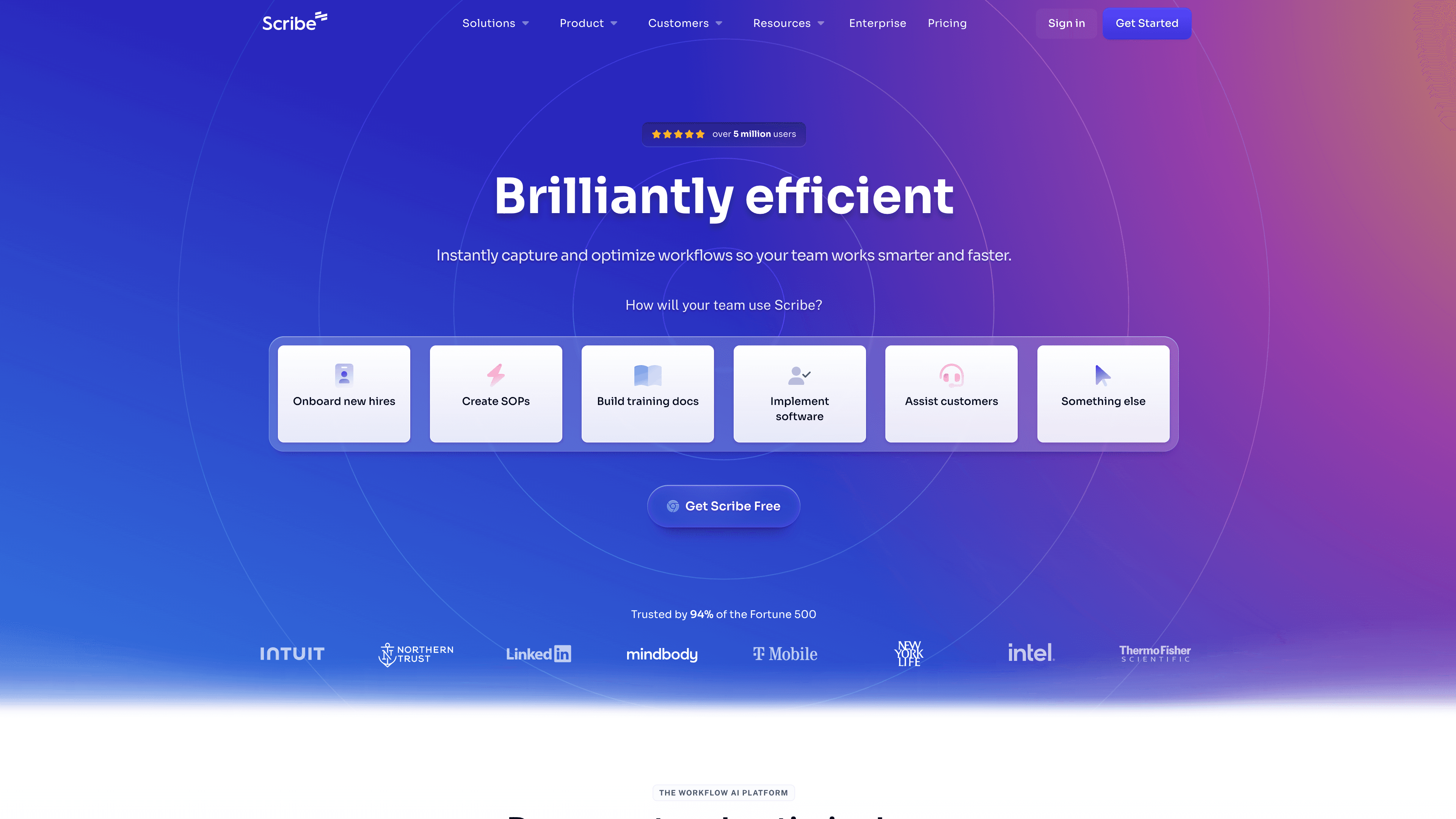
Best for: Teams that need lightweight step-by-step process guides fast, without video.
Scribe auto-generates step-by-step documentation from screen activity. Complete a workflow, and Scribe captures each step with a screenshot and produces a formatted guide you can share or embed.
It's fast. For internal process docs, simple one-page how-tos, and situations where a screenshot at each step is enough, Scribe works well. The output is clean, scannable, and easy to share.
The limitation for serious ticket deflection: Scribe produces static, screenshot-based guides without narrated video. For procedural flows where users need to see a workflow in motion, screenshot-only documentation can still leave gaps. It's most effective for internal documentation and straightforward single-path flows.
G2: 4.8/5.
5. Helpjuice: best for searchable, customer-facing knowledge bases
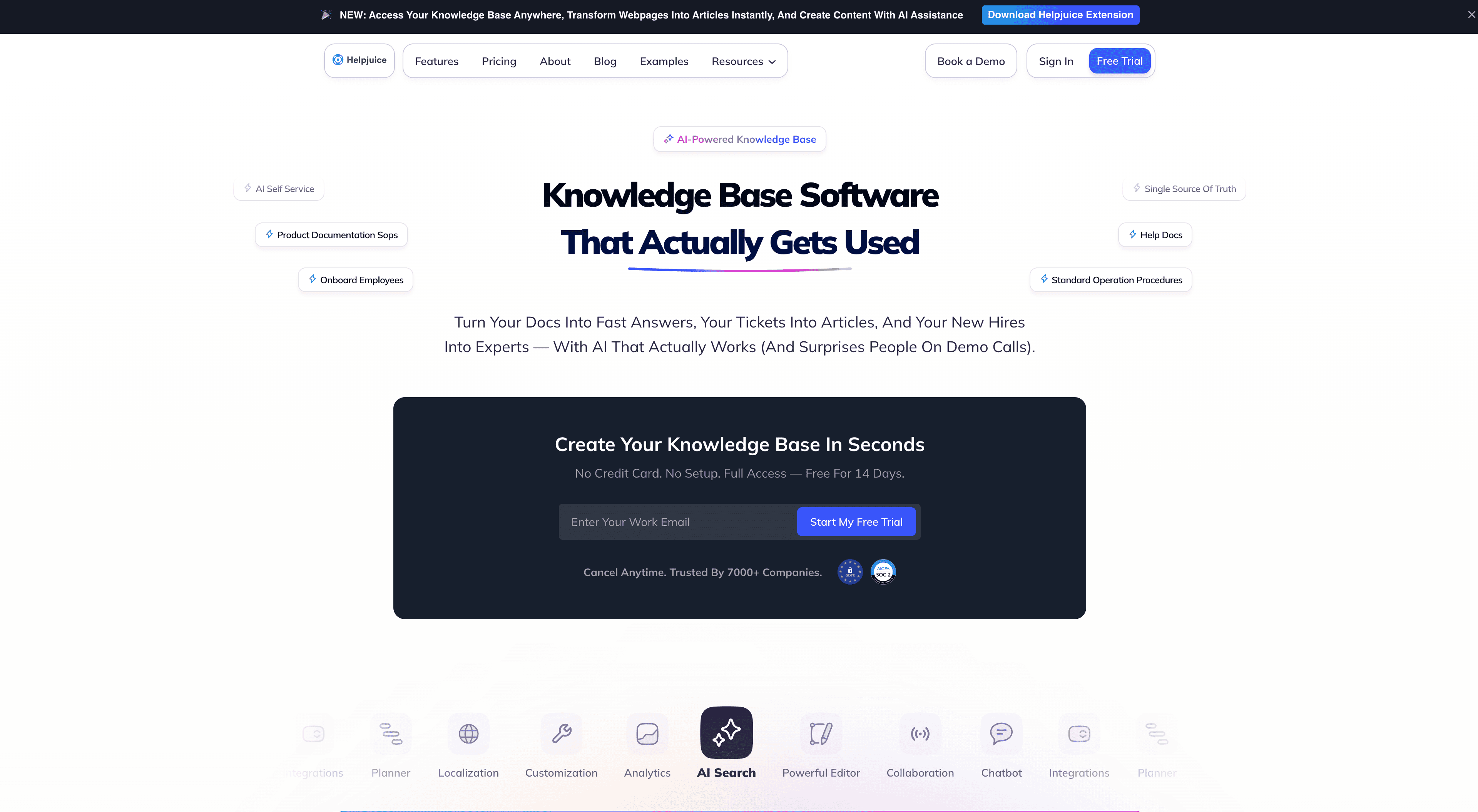
Best for: SaaS companies that want a standalone, branded self-service knowledge base with strong search and clean customization.
Helpjuice is a dedicated KB platform built around search quality and design flexibility. Its AI-powered search ranks results based on what users are trying to accomplish, not on keyword density in article titles.
The platform includes article analytics, satisfaction feedback widgets, and team collaboration features. Layout and branding customization goes further than most KB platforms, which matters when the knowledge base is embedded inside the product experience rather than tucked behind a "Help" link.
Video support is basic (external embeds from YouTube or Vimeo). For teams with strong written documentation who want a polished, search-optimized self-service layer, it's a solid hosting choice.
G2: 4.6/5.
6. Tettra: best for internal team knowledge management
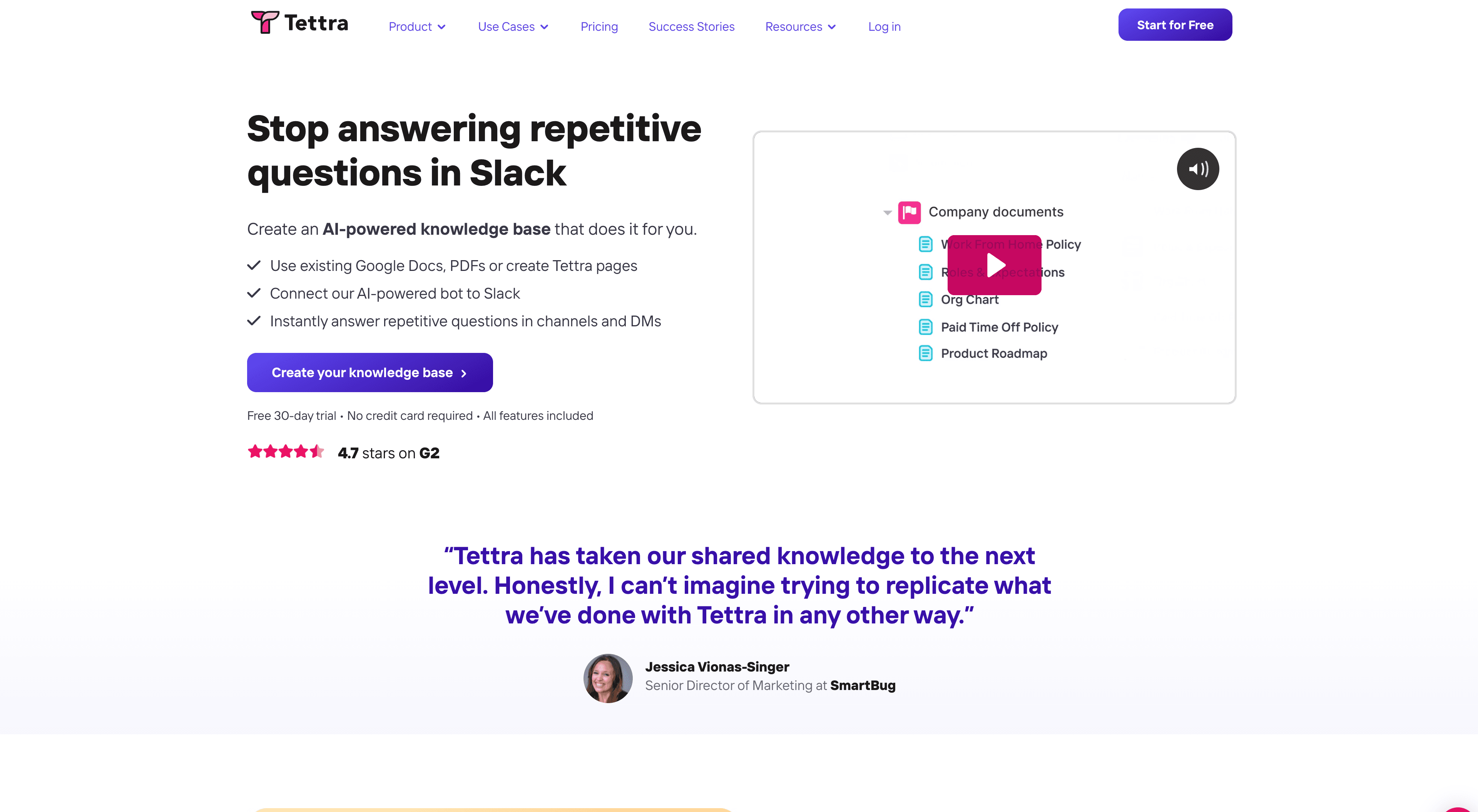
Best for: SaaS support and CS teams building a searchable internal resource to reduce rep-to-rep knowledge dependency.
Tettra is an AI-powered internal wiki built around Q&A workflows. Team members ask questions, and Tettra's AI surfaces answers from your documented content with citations. Questions that don't match existing documentation create a visible backlog for knowledge managers to address.
It's not well-suited to external-facing customer knowledge bases, but for support teams building shared institutional knowledge, Tettra reduces the overhead of asking colleagues on Slack for answers that should already be written down.
G2: 4.7/5.
7. Notion AI: best for flexible, company-wide knowledge bases
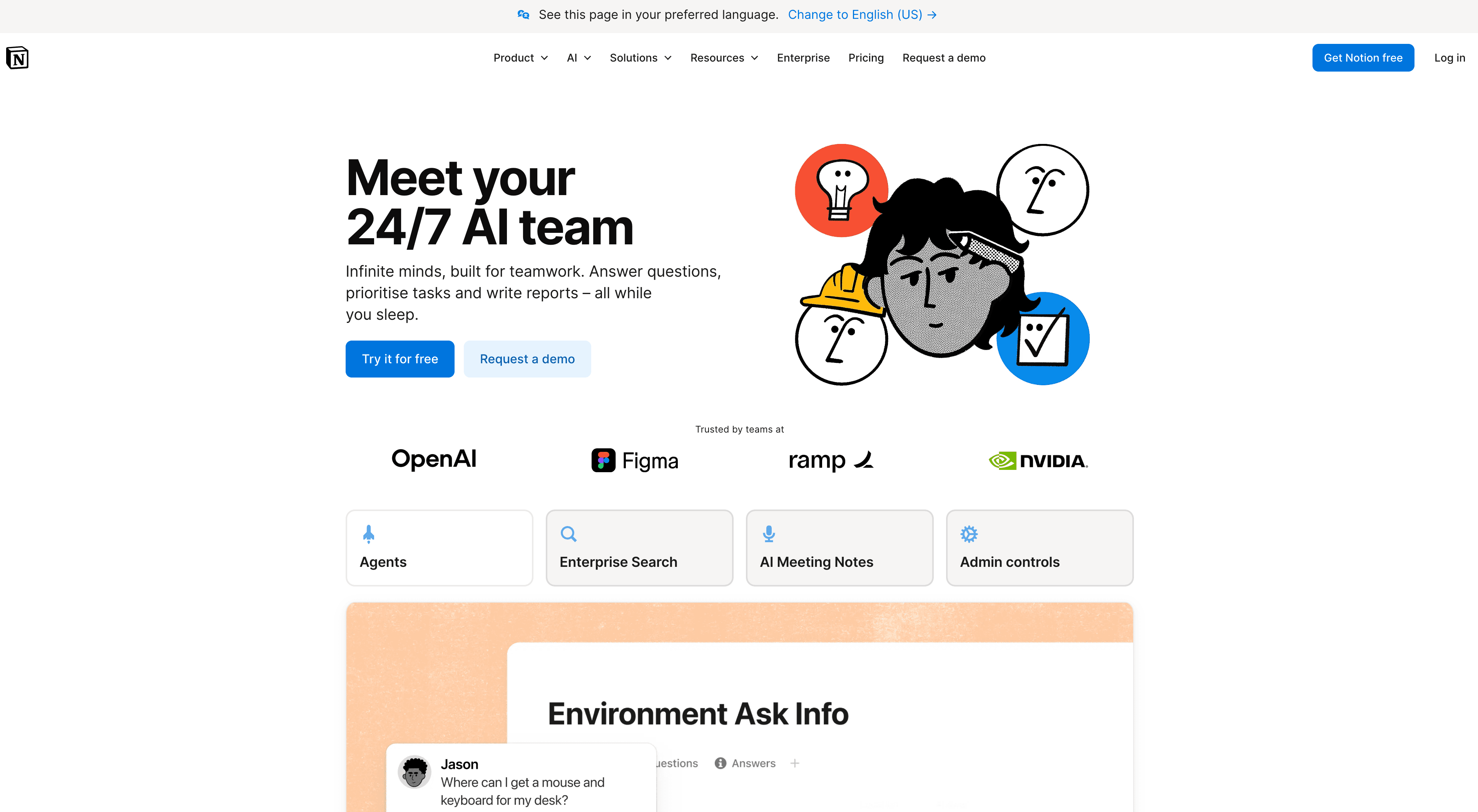
Best for: Teams already using Notion for documentation who want AI search and writing assistance without switching platforms.
Notion AI adds Q&A, writing assistance, and AI-powered search to Notion's flexible wiki structure. Teams managing product specs, runbooks, and KB articles in Notion can extend those with AI features without a migration.
The strength is adoption. Notion is already widely used, so there's no friction getting people to use it. The limitation is that it isn't purpose-built for customer-facing support knowledge bases. Structured KB features like article feedback ratings, category navigation, and widget embedding into your product UI are better served by a dedicated platform.
For internal knowledge and light external documentation, it works. For a self-service deflection program with measurable KPIs, most teams pair it with a more structured KB platform.
G2: 4.7/5.
8. Zendesk Guide: best for teams already running support in Zendesk
Best for: Support teams that want the knowledge base, ticket queue, help center, and customer self-service layer inside one ecosystem.
Zendesk Guide is the natural choice when your support operation already runs on Zendesk. It gives teams a structured help center, article management, ticket deflection paths, and AI-assisted support features inside the broader Zendesk platform.
The tradeoff is content creation. Zendesk can host, organize, and surface articles, but it does not watch your product workflow and create a narrated tutorial video plus article from that recording. SaaS teams with fast-moving UI flows often pair Zendesk Guide with Clevera: Clevera creates the product education content, Zendesk hosts it where customers already ask for help.
G2: 4.3/5.
9. Intercom Fin: best for chat-first AI support
Best for: SaaS teams that use Intercom as the main support, onboarding, and customer messaging layer.
Intercom Fin answers customer questions from approved knowledge sources and works well when support happens inside chat, product messages, and help-center surfaces. For teams already using Intercom, it can reduce repetitive support work by giving users answers before a human teammate joins the conversation.
Fin still depends on the quality and coverage of the source content. If key workflows are missing, outdated, or text-only when users need a visual walkthrough, the answer layer has less to work with. That is where a content engine like Clevera fits: create the video and article first, then let Intercom surface it.
G2: 4.5/5.
10. Help Scout Docs: best for simple customer docs
Best for: Small support teams that want clean, customer-facing documentation connected to Help Scout.
Help Scout Docs is lightweight, clear, and practical for teams that want a customer help center without a heavyweight documentation platform. It works best when your support process already lives in Help Scout and your documentation needs are straightforward.
The limitation is depth. Docs gives you a place to publish and organize articles, but it does not automate rich product education from screen recordings. If your backlog is mostly "we need to create the articles and videos," use Clevera for creation, then publish the final content into Help Scout Docs.
G2: 4.4/5.
How to choose the right AI knowledge base software for your team
The clearest way to narrow the list is to identify your primary bottleneck.
If your bottleneck is content creation — you don't have enough articles, your videos are outdated, or documenting a new feature release takes too long — start with Clevera. It closes the creation gap that keeps KB coverage perpetually behind product development, and pairs with any KB platform you're already using.
If your bottleneck is content management — you have plenty of articles but they're hard to find, poorly organized, or your search isn't connecting users to them — Document360 or Helpjuice are the platforms to evaluate.
If your bottleneck is team knowledge access — support reps spend too much time looking up answers during tickets or onboarding new teammates is slow — Guru or Tettra address that problem directly.
Most mature support operations end up with two tools: one that creates and maintains content efficiently, and one that hosts and surfaces it. For the creation-vs-hosting split in more detail, see our roundup of best help documentation software. The best AI knowledge base platforms for SaaS support are the ones that keep both sides current as the product moves.
FAQ
What is the best knowledge base software for SaaS companies in 2026?
It depends on the bottleneck. If you need a hosted help center with search, analytics, and governance, Document360, Zendesk Guide, Intercom Fin, and Helpjuice are the usual shortlist. If the gap is creating the articles and tutorial videos in the first place, Clevera is stronger: one screen recording becomes a narrated how-to video and a written help article you export into the knowledge base you already use.
What is the best AI knowledge base software for SaaS in 2026?
The best choice depends on the bottleneck. Clevera is strongest when your team needs to create help content from product workflows. Document360, Zendesk Guide, Intercom Fin, and Helpjuice are stronger when you already have content and need a hosted knowledge base or answer layer.
How does AI knowledge base software reduce support tickets?
AI knowledge base software reduces tickets by improving coverage and answer quality. Creation tools help teams document more workflows, while AI search and answer tools help users find the right article before they open a ticket. Video tutorials are especially effective for procedural "how do I" questions that otherwise become repetitive support volume.
Do I need a separate tool to create KB content vs host it?
Usually, yes — at least in practice. Most SaaS teams use one tool to create tutorials and articles (for example Clevera, Scribe, or manual authoring) and a second platform to host, search, and measure self-service (for example Document360, Zendesk Guide, Intercom, or Help Scout Docs). Clevera is the creation engine; it exports into the platform where customers already look for help.
Which AI knowledge base tools support video tutorials?
Clevera generates narrated tutorial videos and help articles from screen recordings. Document360, Helpjuice, Zendesk Guide, Intercom, Help Scout Docs, and Notion support embedded video in articles, but they do not automatically create that video from a product workflow. Scribe and Guru are primarily text- or screenshot-first.
How much does AI knowledge base software cost for SaaS teams?
Budget options like Scribe start free. Clevera starts at $29/month billed annually for creation workflows. Help Scout Docs starts around $25/user/month. Helpjuice and Document360 scale on higher-tier plans. Zendesk and Intercom pricing depends on suite and add-ons such as Fin. Verify current pricing on each vendor's site before procurement.
Start with the content gap
The AI knowledge base tools that generate the most ticket deflection aren't the ones with the most features. They're the ones your team actually keeps current. That starts with making content creation fast enough that it doesn't fall behind every product update.
Clevera turns any screen recording into a formatted help article and a narrated tutorial video. Record the flow once, get both formats, export to your existing KB platform in minutes. When narration or presentation needs to change, LiveSync updates embedded videos from one place.