Product walkthrough vs interactive demo: what's the difference and when to use each
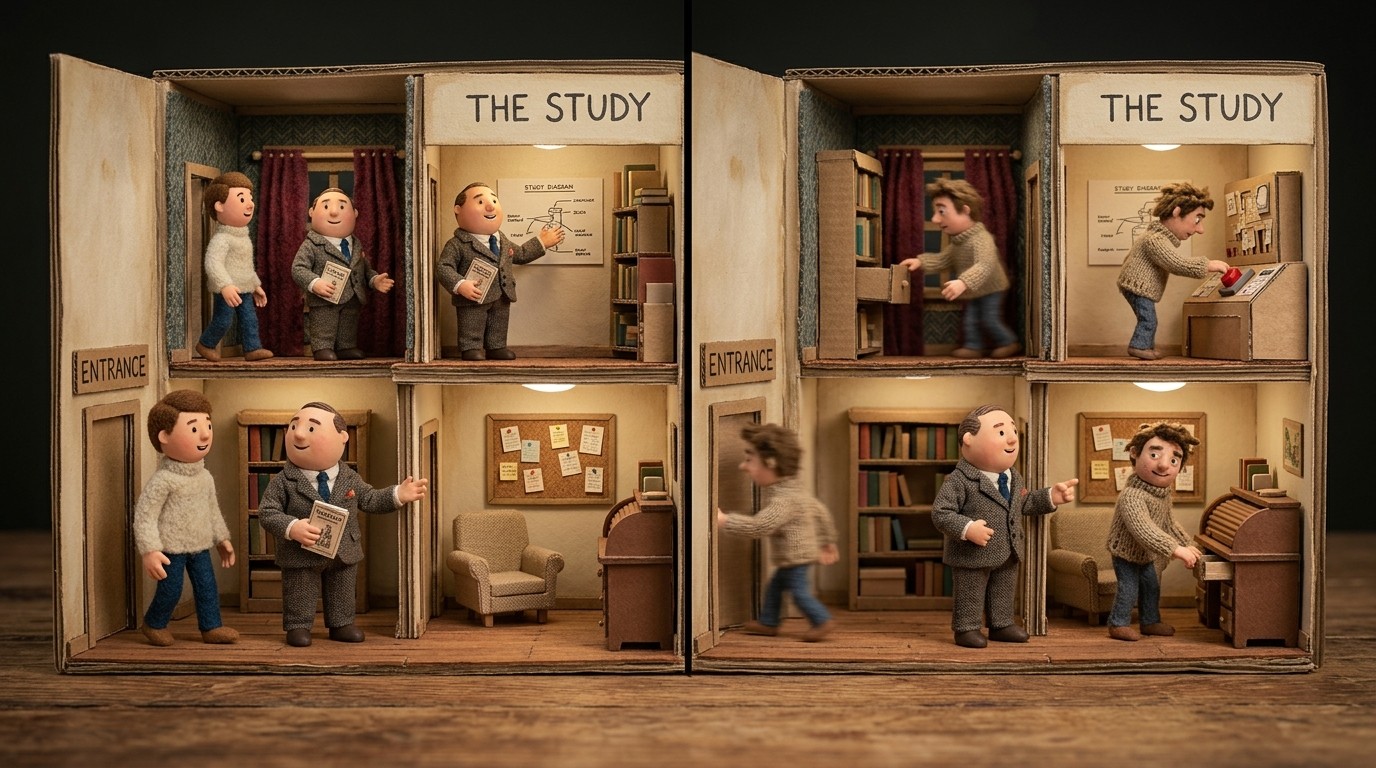
They look similar on the surface, but a product walkthrough and an interactive demo serve different audiences, live in different parts of your funnel, and require completely different tooling. Picking the wrong format for the moment is a quiet conversion killer. Here's how to tell them apart and when each one belongs.
What a product walkthrough actually is
A product walkthrough is a guided, linear tour of how your product works. It shows someone a specific feature or workflow step by step, usually through a narrated video or a structured help article with annotated screenshots. The person consuming it follows along rather than clicking through a replica of your UI.
Walkthroughs live in help centers, onboarding email sequences, YouTube channels, and embedded within apps. Their job is education. You're showing a customer how to accomplish something in the product, not convincing a prospect that it's worth trying.
This makes walkthroughs the workhorse of post-sale communication. When a user files a support ticket asking how to set up an integration or configure a workflow, a 2-minute walkthrough video answers that question faster than any written FAQ and with far less room for misinterpretation. The format also scales: 1 video covers the same question for 500 customers at the same time.
What an interactive demo actually is
An interactive demo is a clickable, self-guided experience built from a sandbox or screenshot-based replica of your product. Instead of watching someone else navigate the UI, the viewer clicks through it themselves, guided by tooltips and hotspots that direct their attention through a specific flow.
Interactive demos primarily live on marketing websites, in sales emails, and in leave-behinds after discovery calls. They're designed for prospects who haven't signed up yet. The goal is conversion, not education. You're giving a buyer a feel for what the product is like before they commit to a free trial or a sales call.
Building a good interactive demo requires dedicated tooling, Navattic, Reprise, Arcade, and Walnut are the most common, along with a real time investment. You'll define click paths, write tooltip copy, stitch together the flow, and maintain it every time the UI shifts. It's not a one-afternoon project, and the ongoing upkeep is easy to underestimate.
Demo video vs interactive demo: the format difference that matters
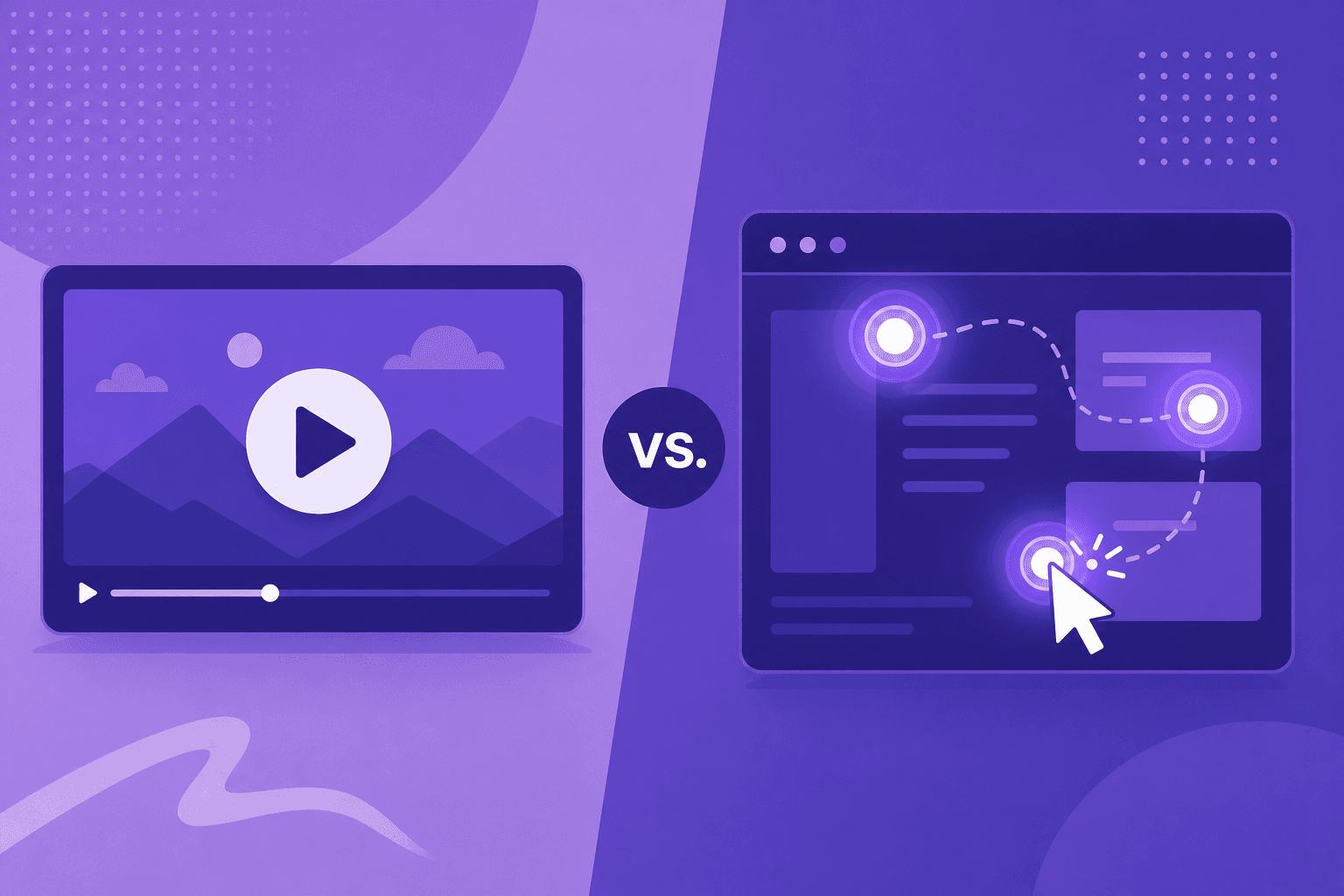
A demo video is passive. You hit play and watch someone navigate the product while a narrator explains what's happening. An interactive demo is active. You click, explore, and move through the experience at your own pace, within the guardrails the creator set.
Neither wins universally. What matters is the viewer's context and what you need them to do next.
A prospect landing on your pricing page for the first time is better served by a sharp 90-second demo video that delivers the core value quickly. A buyer who's already shortlisting 3 vendors and wants to test a specific workflow on their own terms is better served by an interactive demo that lets them go deeper without scheduling a call.
The mistake most teams make is defaulting to 1 format across all contexts. Videos end up in sales decks where interactivity would close more deals. Interactive demos get dropped into help centers where a clean, linear walkthrough would serve the customer better. Neither format is lazy by nature. Putting them in the wrong context is.
Interactive walkthrough vs product tour: clearing up the terminology
These terms get blurred constantly, and it causes real confusion when teams are deciding what to build. A quick map:
A product tour is an in-app overlay sequence that fires when a new user first logs in, walking them around the interface with tooltips and modal prompts. It's short, onboarding-focused, and lives inside the actual product.
An interactive walkthrough typically refers to a clickable demo environment built outside the product, using screenshots or a sandboxed environment, that guides a prospect or user through a specific flow. This is what tools like Navattic and Arcade produce.
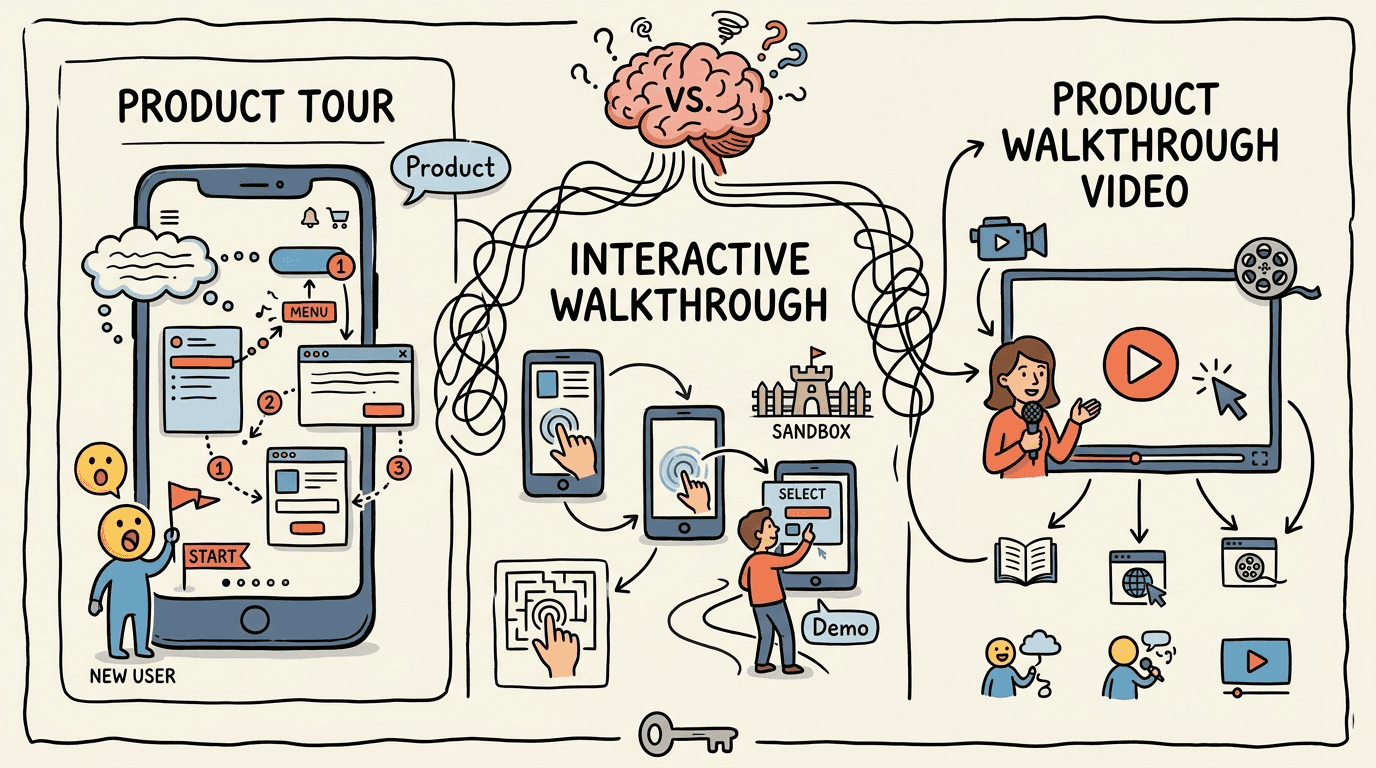
A product walkthrough video is a recorded, narrated screen capture showing a person going through a feature or workflow step by step. It's the most portable format because it embeds anywhere, integrates into documentation, and can be updated without breaking live links across your site.
Knowing which is which matters when you're purchasing tools, briefing your content team, or explaining to a stakeholder why you need 3 different formats for 3 different jobs.
When each format earns its place
Use product walkthrough videos and help articles when:
You're producing onboarding content that customers follow after signing up
You need help center documentation covering specific features or workflows
You're announcing a new feature and want to show it working in full context
You're supporting customers post-sale with content they can rewatch or search
You need to scale documentation across a product with many features and flows
Use interactive demos when:
You're building a top-of-funnel experience on your website or landing pages
You want prospects to experience a high-value workflow before a sales conversation
You're running outbound campaigns and need a self-serve leave-behind
You want buyers to self-qualify on feature fit before they talk to sales
Most teams doing this well use both. The walkthrough educates and retains. The interactive demo attracts and converts. The teams that struggle are usually the ones who picked 1 format and applied it everywhere.
How to build product walkthroughs without the production bottleneck
The idea of producing walkthrough videos at scale sounds good in planning. The reality is that recording, scripting, adding voiceover, editing, and writing the companion help article for each feature is a 2-4 hour process per workflow, minimum. Multiply that across a product with dozens of features, and the content backlog becomes a permanent fixture on every sprint's back burner.
Clevera cuts that cycle to minutes. You record your screen as you go through the feature, and Clevera's AI writes the voiceover script, applies narration, times it to the recording, and generates a parallel step-by-step help article with screenshots, all from the same capture. 1 recording, 2 outputs, no video editor, no separate writing pass.
When the UI changes (and it will), you re-record and every embed updates automatically through Clevera's LiveSync. No manual re-exporting, no stale screenshots sitting in your help center, no outdated documentation a customer discovers while trying to do something at 11pm.
For teams that need to ship walkthroughs consistently across onboarding, support, and feature education, Clevera removes the part of the process that creates the backlog. The broader guide to building product walkthroughs covers the full strategy if you're deciding how to approach this at scale.
The format that fits the moment
Product walkthroughs and interactive demos aren't competing formats. They're built for different people at different points in the relationship with your product. Conflating them means the wrong experience ends up in the wrong place: prospects who bounce because a passive video didn't give them what they needed, customers who churn because nobody showed them how to get value from the features they paid for.
Match the format to the context. Build each one with enough quality to do its job. Then set up a workflow that lets you keep both current without burning your team out.