how to translate product documentation into multiple languages with ai
How to Translate Product Documentation into Multiple Languages with AI: 7 Steps + Best Tools for 2026
Most teams treat multilingual documentation as a phase two problem — something to figure out after the English docs are solid. By then, the backlog is months deep and growing. AI changes that equation entirely. Here's exactly how to translate your product documentation into 70+ languages without a localization agency, without a translation team, and without re-recording every time your product ships an update.
72%
of consumers are more likely to buy when product information is in their native language
56%
of global users say getting information in their own language is more important than price
40%
of support tickets can be traced back to documentation that doesn't exist in the user's language
10x
faster: average time to publish multilingual docs with AI vs. manual translation workflows
What does it mean to translate product documentation with AI?
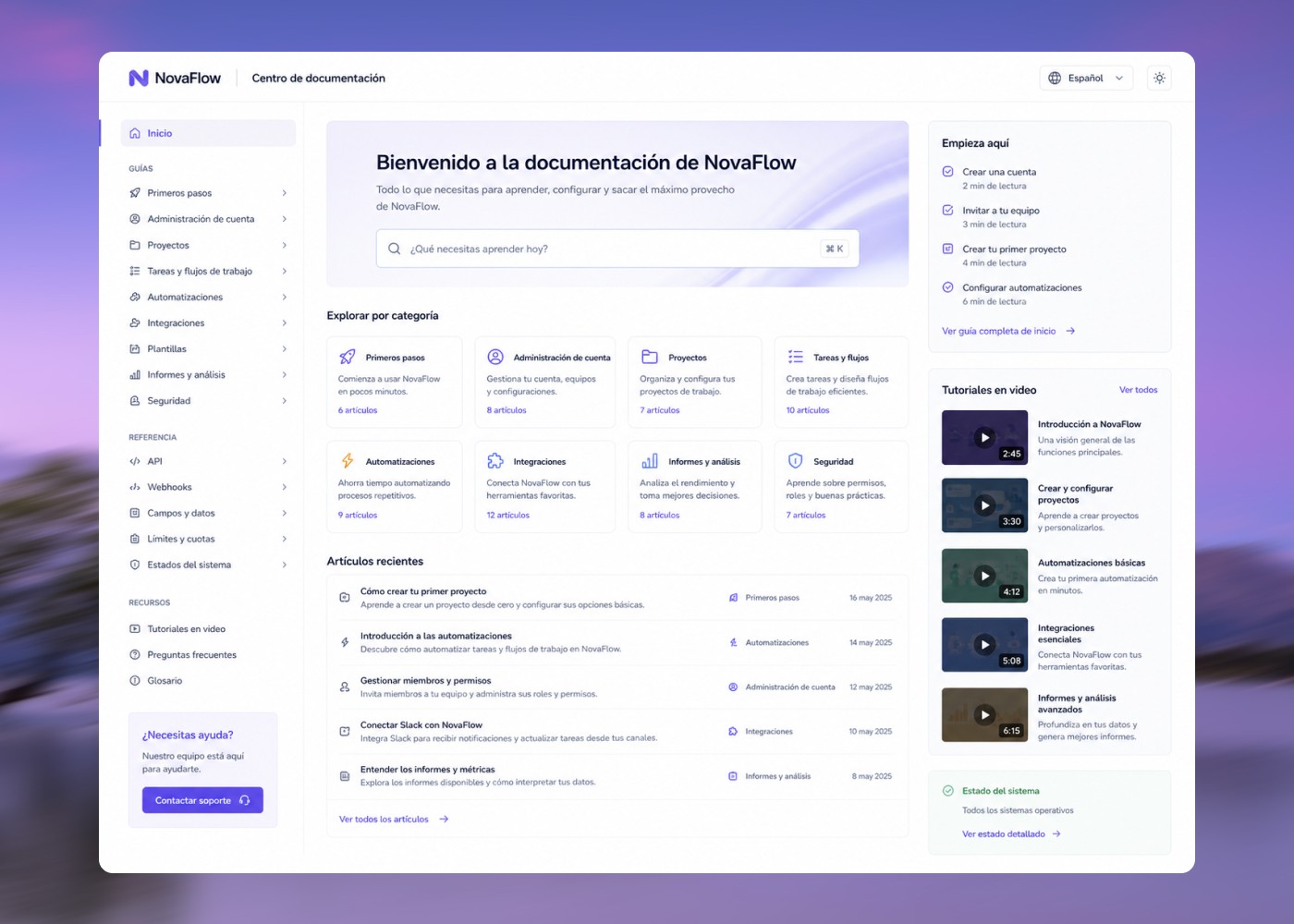
Translating product documentation with AI means using machine learning models — for language, voice, and content structuring — to convert your existing help articles, video tutorials, and onboarding content into accurate, natural-sounding versions in other languages. Automatically. Without hiring a translator for every language or re-recording a video every time you add a target market.
In 2026, this goes well beyond copy-pasting text into Google Translate. Modern AI localization handles:
Text-based docs
Help center articles, knowledge bases, release notes, API docs — translated at publication-grade quality
Video tutorials and screen recordings
AI voice narration in the target language, synced to the original visual content, without re-recording
Structured documentation systems
Where changes to the source language automatically propagate to all translated versions
The right combination depends on what kind of product docs you're producing. This guide covers all three — and shows you how to build a multilingual documentation workflow that doesn't fall apart the moment your product ships an update.
How to use this guide:
The 7-step process below applies to any multilingual documentation workflow. The tools section covers your best options by documentation type. If your docs include video tutorials or screen recordings, start with Step 3 — that's where most teams underestimate the scope.
Quick comparison: best AI tools for translating product documentation
How to translate product documentation into multiple languages with AI: 7 steps
Step 1
Audit your existing documentation before you translate anything
Translating bad documentation into 10 languages gives you bad documentation in 10 languages.
Before you run anything through an AI translation tool, spend 30 minutes answering two questions. What documentation actually exists, and is it accurate? Run through your most-visited help articles, your onboarding videos, and your in-app tooltips. If your English docs have outdated screenshots, instructions that no longer match the UI, or steps that have changed since the last release — fix those first. AI translation preserves your mistakes at scale.
What documentation is missing entirely? The gaps in your English documentation are guaranteed to become gaps in every other language. Before investing in translation infrastructure, make sure the source content is worth investing in.
Triage by impact, not by volume: Don't start with the docs that are easiest to translate. Start with the content that new users hit in their first 48 hours, the help articles that get the most traffic, and the topics that generate the most support tickets. Topics that generate high ticket volume and low help article traffic are your highest-priority translation targets — that's where a translated article eliminates the most inbound requests.
Step 2
Choose your target languages strategically
"We should support every language" is not a strategy. Each language you add has a maintenance cost.
Pull your app's user location data or your website analytics and look at where your non-English traffic is coming from. Segment by active users, not signups — activated users who completed onboarding are a better signal than people who bounced on day one. Cross-reference with your support ticket data.
Tier your language priorities: Tier 1 (launch with): Languages where you already have significant user volume — typically Spanish, French, German, Portuguese, Japanese, or whatever your analytics shows. Tier 2 (next 90 days): Languages where you have growth targets but limited current volume. Tier 3 (roadmap): Languages for markets you're not actively pursuing yet but want coverage for.
The advantage of AI-powered translation tools is that Tier 2 and Tier 3 don't require proportionally more work than Tier 1. Once your source content is AI-ready, adding a language is closer to a setting than a project.
Step 3
Separate your text documentation from your video documentation — they require different approaches
This is where most teams underestimate the scope of multilingual documentation.
Text-based documentation (help articles, tooltips, release notes, API docs, onboarding emails) can be processed by neural machine translation tools with minimal manual review for most major languages. Tools like DeepL, Lokalise, and Google Cloud Translation handle this well. Your workflow is: source text → translate → human review for terminology → publish.
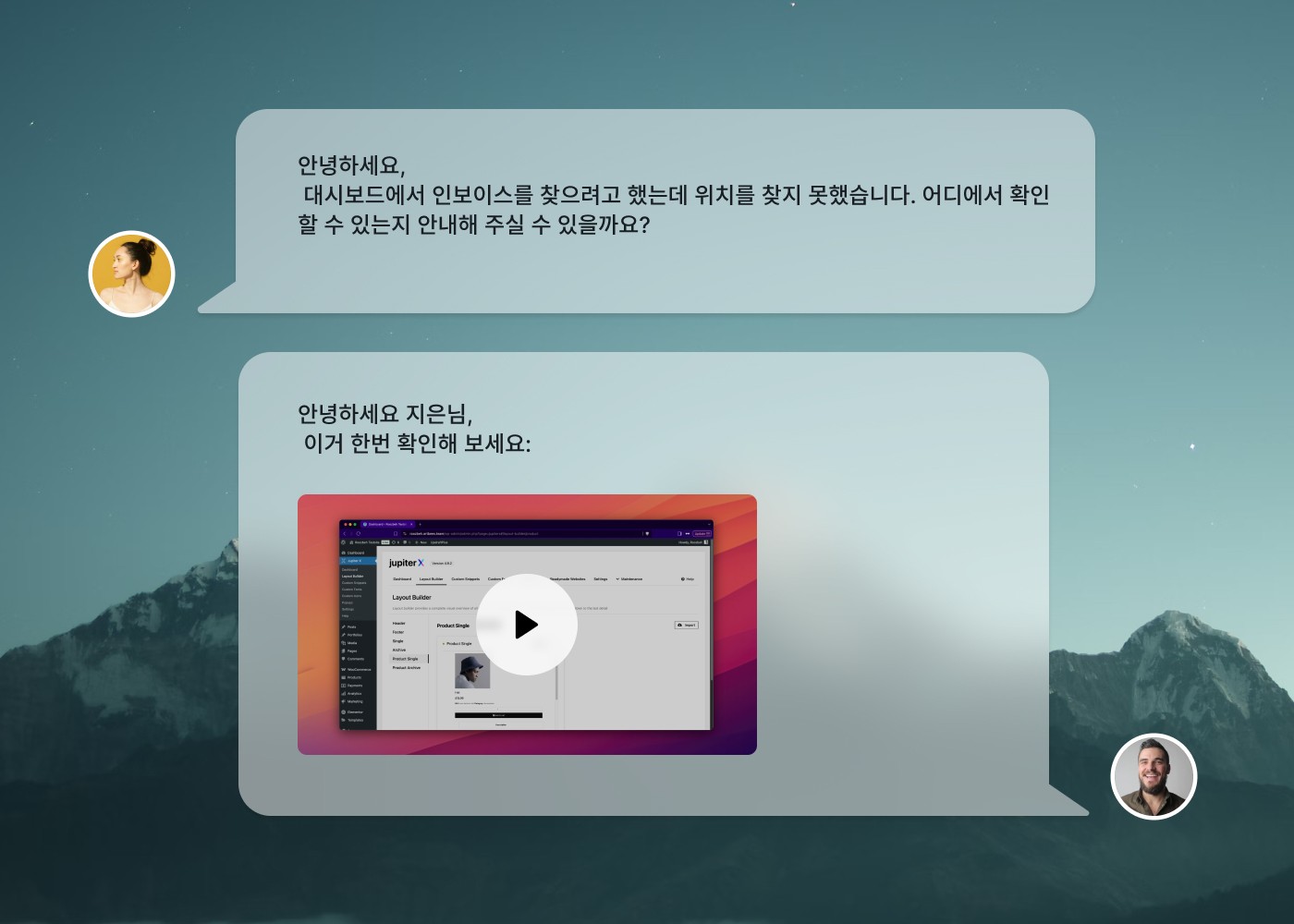
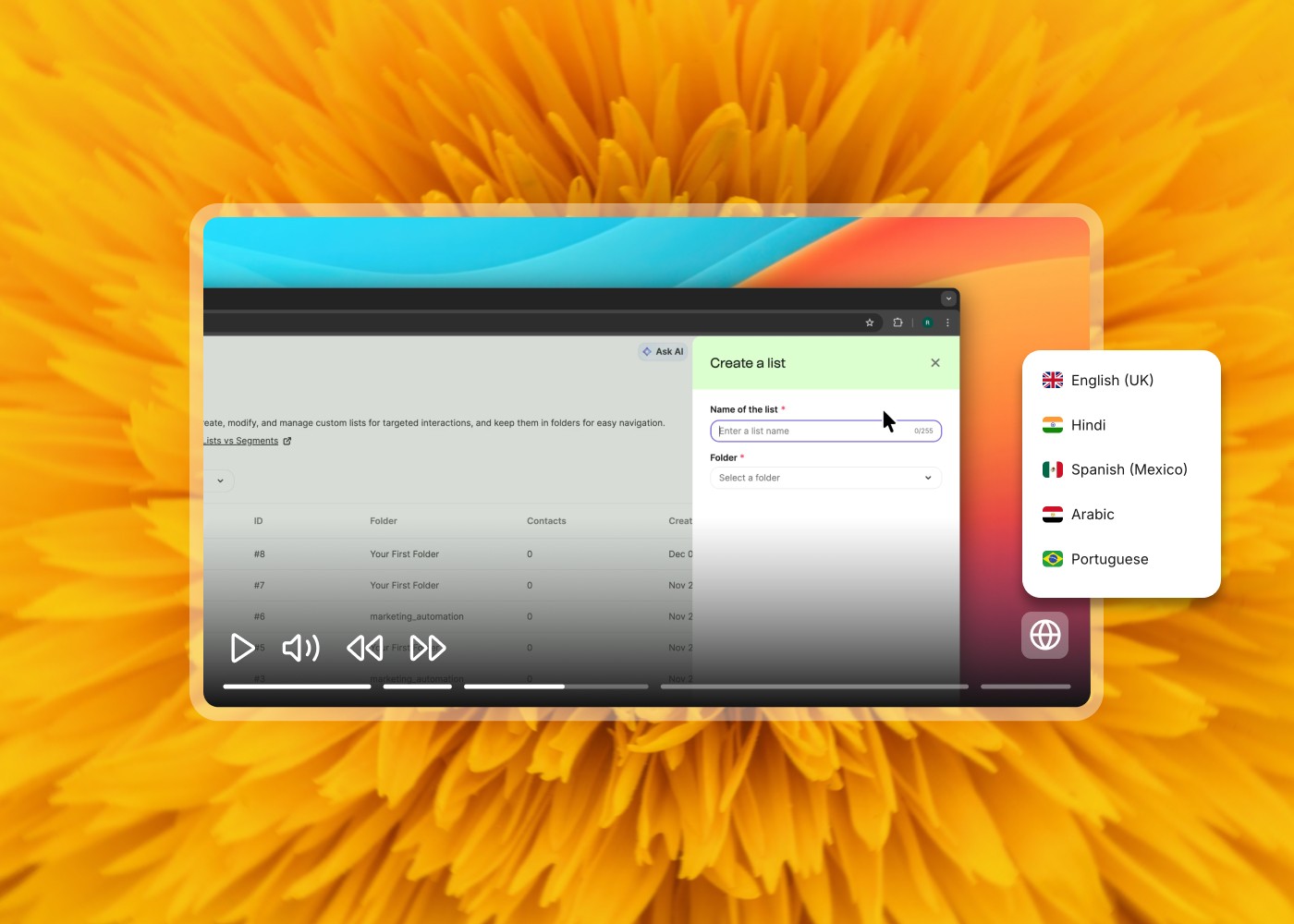
Video documentation (screen recording tutorials, product demos, onboarding walkthroughs) requires translating not just words, but audio — the narration track. The AI approach: re-narrate the video in the target language using an AI voice trained on native speakers of that language, synchronized to the original visual timeline. No re-recording. No new voice actor. A 5-minute tutorial in English becomes a 5-minute tutorial in French, German, Japanese, and Portuguese — in minutes, not weeks.
Clevera handles this natively. A screen recording you create in English can be translated and re-narrated in 74 languages directly in the platform. The companion help article updates in the same workflow. Most localization platforms handle text well and don't touch video — plan for this gap before you pick your tooling.
Step 4
Run your text documentation through AI translation — and know what to review
Modern neural machine translation is not the Google Translate of 2015.
What AI translation handles well: Instructional content with clear, step-by-step structure · Short, unambiguous sentences · Common technical language · High-volume languages: Spanish, French, German, Italian, Portuguese, Dutch, Polish, Japanese, Chinese (Simplified)
What still requires human review: Product-specific terminology and feature names · UI labels and button names · Idiomatic phrases or colloquialisms · Legal or compliance language where precision is non-negotiable
Build a termbase before you start: A termbase is a list of terms that should not be translated — your product name, feature names, branded terms — plus approved translations for terms that should be consistent across your entire documentation set. Set one up before you run your first translation pass. Retrofitting a termbase into 500 already-translated articles is significantly more work.
Step 5
Translate your video tutorials with AI voice narration
If your product documentation includes video tutorials, this is the step that saves you the most time.
The traditional video translation workflow (and why it's broken): Record in English → hire a translator → script translated → find a voice actor in target language → book recording session → re-record the narration → re-edit the video → export → publish. Multiply by every language. Multiply by every time your product changes. For a company with 30 tutorial videos and 5 target languages, that's 150 individual video production projects.
With Clevera, the workflow is: record your screen tutorial once in your source language → select target languages → AI translates the script and applies a native-sounding AI voice in each language → the translated video is synced to your original visual content. A 5-minute screen tutorial in English becomes the same 5-minute tutorial in French, German, Spanish, Japanese, and Portuguese — without re-recording.
The AI voice in each language is drawn from 100+ options across 74 languages. Pronunciation of product-specific terms can be corrected inline without touching the video timeline. The companion help article is also translated in the same workflow.
Step 6
Localize, don't just translate
Translation converts words. Localization converts meaning.
Date and number formats: If your documentation includes timestamps, version numbers, or pricing, make sure they match the convention of the target locale. 04/05/2026 means different dates in the US and Europe.
Formal vs. informal register: German, French, and several other languages have formal and informal second-person forms. Product documentation that switches between forms unpredictably reads as careless to native speakers. Pick one and apply it consistently across every article in that locale.
The practical takeaway: For Tier 1 languages with significant user volume, budget for a native-speaker review pass on your top 20 articles. Not a translation job — a localization check. This is the difference between documentation that's technically correct and documentation that your users actually trust.
Step 7
Keep multilingual docs in sync when your product changes
This is the part that breaks most multilingual documentation programs.
Every time your product changes — a UI update, a new feature, a renamed button, a changed workflow — every translated version of that documentation is now wrong. If you have 40 articles in 6 languages, a single significant product update can invalidate 240 pieces of content. Manually tracking and updating these is unsustainable at any meaningful scale.
The solution: start with a single-source approach. Every piece of documentation should have one authoritative source — the original language version — and all translations should be derived from that source. Tools that enforce single-source translation workflows (Lokalise, Phrase, Crowdin) help with text documentation. When you update the English source, the platform flags the corresponding translated articles as "outdated" and queues them for re-translation.
For video documentation, Clevera's LiveSync is the equivalent. When you update the script of a published tutorial — to reflect a UI change, a new step, or a corrected instruction — every embedded version of that video across all languages reflects the change automatically. You update the source once. The AI re-generates the voice narration. Every language version is back in sync.
Set a review cadence regardless: Schedule a quarterly review of your most-visited documentation across all languages. Check for: content that's drifted from the source, terminology that's been updated in the product but not reflected in older articles, and gaps in coverage where new features exist in English but haven't been translated yet.
The best AI tools for translating product documentation in 2026
#1 — Featured Pick
Screen-based tutorials + help articles
1. Clevera
Best for screen-based tutorials and help articles in 70+ languages
The problem it solves: Your screen recordings and video tutorials are the hardest part of your documentation to translate. Hiring a voice actor for each language, re-recording the narration, re-editing the video to sync — it's a production project, not a documentation task. Clevera turns that into a setting, not a project.
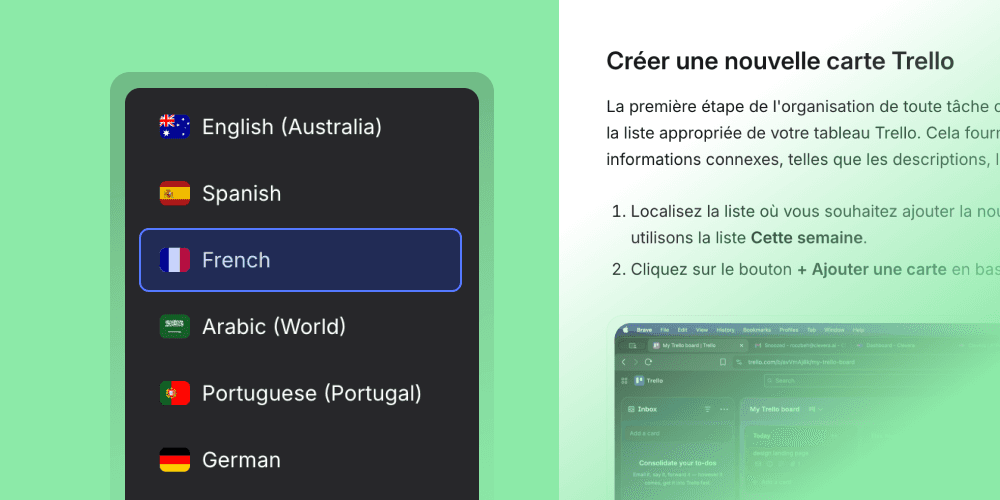
What it actually does: Clevera is an AI-powered documentation generator that turns a screen recording into a narrated tutorial video and a formatted help article — simultaneously. When you're ready to go multilingual, you select your target languages and Clevera translates the script, applies a natural-sounding AI voice in the target language, and syncs it to your original visual content. The companion help article is translated in the same workflow.
Where it stands apart from text-only localization tools: Clevera solves the video translation problem that tools like Lokalise and Phrase don't touch. LiveSync is what makes multilingual documentation sustainable at scale. Update the source video script — for a UI change, a new step, anything — and every language version is automatically regenerated. Every embedded instance across your help center, onboarding portal, or LMS reflects the change without a manual re-export.
Key features:
→ Screen recording → narrated tutorial video + help article, in one workflow
→ 74-language translation with AI voice narration in each language
→ 100+ AI voices — preview and select for each locale before publishing
→ Inline pronunciation correction for product-specific terms — no re-recording
→ LiveSync — update the source, all language versions regenerate automatically
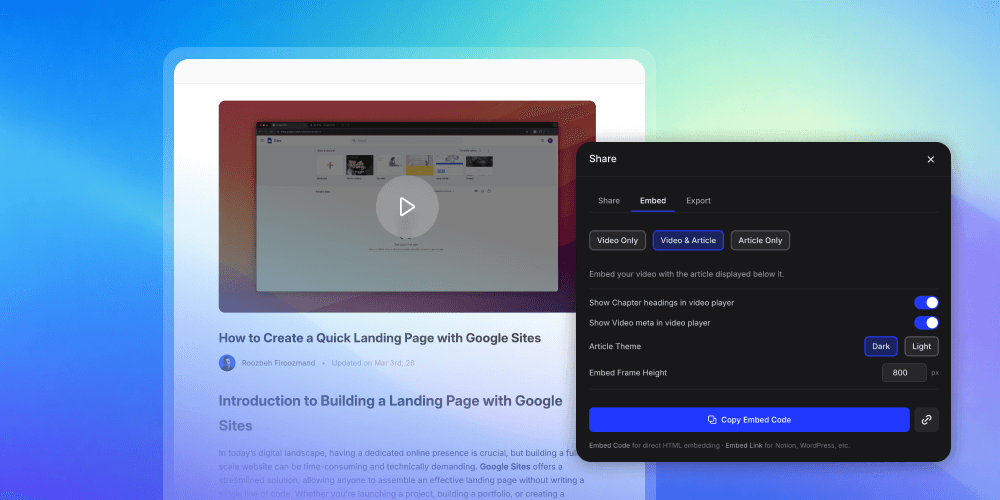
→ Embed anywhere: help centers, Notion, LMS, onboarding portals
→ Team roles (Admin / Editor / Viewer) + SAML/OIDC SSO for enterprise teams
Best for:
SaaS product teams, customer success, and support teams who produce screen-based tutorials and help articles and need to deliver them in multiple languages without building a localization team.
Honest take:
If your documentation includes any video content — tutorials, walkthroughs, onboarding flows — Clevera is where multilingual documentation becomes practical rather than aspirational. Text translation tools handle one part of the problem. Clevera handles the whole thing.
Start free
Starts at $29/month.
#2 — Text translation
DeepL
Best for high-accuracy text translation
DeepL is a neural machine translation tool that consistently produces more natural, fluent translations than general-purpose alternatives — particularly for European languages. It supports 31 languages, offers an API for integration into documentation pipelines, and includes a glossary feature for protecting product-specific terminology from being mistranslated.
Key features
Neural machine translation with best-in-class fluency for major European languages · Glossary management for product terminology · DeepL Write for style and tone improvements · API access for pipeline integration · Document translation (PDF, Word, PowerPoint) without losing formatting
Best for
Teams translating text-heavy help centers, knowledge bases, and structured documentation into European languages where translation quality and natural fluency matter.
Pricing
Free tier available. DeepL Pro from $8.74/month. API pricing by character volume.
Honest take
For text-based documentation in European languages, DeepL is the quality standard. It doesn't handle video, it doesn't manage localization workflows at scale, and its language coverage thins out for Asian and Middle Eastern languages. Pair it with a localization platform (Lokalise, Crowdin) for workflow management and Clevera for video translation.
#3 — Localization platform
Lokalise
Best for managing localization workflows across a documentation system
Lokalise is a localization management platform: a central system where translated strings live, where translators (human or AI) work, where updates to source content are flagged for re-translation, and where translated content is pushed back to your publishing platform.
Key features
Translation memory · AI translation integration (DeepL, OpenAI, Google) with quality estimation · In-context editing · Automated file sync with GitHub, GitLab, Bitbucket · Workflow automation · Glossary and style guide enforcement · 50+ integrations including Zendesk, Intercom, Confluence
Best for
Product teams with a significant volume of text-based documentation across multiple languages who need structured workflow — not just translation, but translation management, version control, and publishing automation.
Pricing
Starts at $120/month (Essential). Professional from $230/month. Enterprise custom.
Honest take
Lokalise is the right tool when your localization operation has grown to the point where spreadsheets and ad-hoc processes break down. It doesn't solve the video translation problem — pair it with Clevera for that.
#4 — Collaborative localization
Crowdin
Best for collaborative localization with community or in-house translators
Crowdin is a localization platform similar to Lokalise but with a stronger emphasis on community-based translation workflows — useful for open-source projects, developer documentation, and products that involve a global contributor community. It also supports AI translation, with integrations to DeepL, OpenAI, and Google Translate for automated first-pass translation before human review.
Key features
Crowdsourced translation workflows · AI translation with pre-translation and quality scoring · GitHub, GitLab, Bitbucket integration · Translation memory and glossary management · OTA content delivery for mobile app localization
Pricing
Free (up to 50K strings, 2 projects). Team from $50/month. Business from $170/month. Enterprise custom.
Honest take
Crowdin's community translation model is its differentiation. If your product has an engaged global community willing to help localize your docs, Crowdin is the best infrastructure for that workflow. Neither handles video — that's Clevera's domain.
#5 — Enterprise translation management
Phrase
Best for enterprise translation management at scale
Phrase (formerly Memsource) is an enterprise translation management system (TMS) that handles the full localization workflow: project management, translation memory, machine translation integrations, vendor management, quality assurance, and delivery. It's the tool large organizations use when localization is a significant operational function.
Key features
Translation memory across all projects and languages · Machine translation hub connecting multiple MT engines · Automated quality assurance checks · Advanced project management for multi-vendor operations · 50+ integrations including Confluence, Zendesk, HubSpot · Linguistic QA tools and in-context editors
Pricing
Custom. Primarily enterprise contracts.
Honest take
Phrase is built for organizations where localization is a department, not a task. If you're a growth-stage SaaS team trying to get documentation into 5 languages, start with Lokalise or Crowdin and graduate to Phrase when the volume and complexity justify it.
#6 — Managed localization
Smartling
Best for enterprises that want managed localization services
Smartling combines a translation management platform with access to professional human translators — it's the option for organizations that want AI-assisted translation with human review built into the service. Smartling's quality score system, translation memory, and global network of specialist translators make it a managed localization service as much as a SaaS tool.
Key features
AI translation with human review included in managed service tiers · SmartMatch translation memory · Quality scoring and automated QA · Visual context for translators · Integrations with Zendesk, Salesforce, HubSpot, Confluence · Dedicated localization program managers
Pricing
Custom. Enterprise contracts.
Honest take
Smartling is the right call when you need publication-quality translation with professional accountability — for documentation where a mistranslation has legal or compliance implications, or where brand precision in every language matters to executive stakeholders. For most SaaS product documentation, the cost is above what the use case requires.
#7 — API-driven translation
Google Cloud Translation
Best for bulk API-driven translation at scale
Google Cloud Translation is an API-based neural machine translation service that covers 130+ languages — the broadest coverage of any tool in this category. It's not a product with a UI for documentation workflows; it's a translation engine you integrate into your own pipeline. Best used as the translation engine powering a custom workflow, a CMS integration, or a script that processes large documentation sets programmatically.
Key features
130+ languages — widest coverage available · Basic (phrase-based) and Advanced (neural) models · AutoML Translation for training custom models on domain-specific content · Translation memory through Glossaries and Adaptive MT · Batch translation for large document sets · Integration with Google Cloud ecosystem
Pricing
Pay-per-use. $20 per million characters (Basic). $40 per million (Advanced). Free tier: 500K characters/month.
Honest take
Google Cloud Translation is powerful and highly scalable, but it requires engineering to use effectively. For teams without the capacity to build a custom integration, start with Lokalise or DeepL — both have Google Translate built into their platforms as an MT engine option. Use Cloud Translation directly when you outgrow off-the-shelf tools or need languages that the alternatives don't cover.
How to choose the right AI translation approach for your docs
Match the tool to your documentation type:
Screen-based tutorials and video walkthroughs
Clevera is the only tool in this list that translates your video narration and your companion help article from the same source recording — in 74 languages, without re-recording. If your docs include video, start here.
Text-based help articles and knowledge bases
DeepL for quality. Lokalise or Crowdin for workflow management at scale. Use both together: DeepL as the MT engine feeding into Lokalise for review and publishing.
Enterprise, high-volume, or compliance-sensitive documentation
Phrase or Smartling for managed workflows with professional review layers and quality guarantees.
Large-scale programmatic translation across 100+ languages
Google Cloud Translation API, integrated into your own pipeline. Requires engineering investment.
Then match to your team's capacity:
1–3 person team, no dedicated localization resources
Clevera for video + help articles, DeepL for standalone text translation. Both are genuinely self-serve. You can ship multilingual documentation without a localization team.
5–15 person team with some operational bandwidth
Add Lokalise or Crowdin to manage the workflow at scale. Use Clevera for the video layer that those platforms don't touch.
Enterprise with a localization function
Phrase or Smartling for text workflow management, Clevera for video documentation, native-speaker review built into the process for Tier 1 languages.
The one gap to plan for: Text localization platforms are mature and well-supported. Video translation is where most multilingual documentation programs have a blind spot. If your product documentation includes tutorials and screen recordings — and if it doesn't, it probably should — make sure your localization stack explicitly handles video, not just text.
The real cost of documentation that's English-only
A global SaaS user who can't find help content in their language doesn't file a support ticket — they churn. The correlation between language coverage in documentation and user retention is well-documented, but most product teams treat localization as a nice-to-have because the production cost feels prohibitive.
With AI translation tools, that math has changed. The same screen recording that creates your English tutorial can generate a natural-sounding tutorial in French, German, Spanish, and Japanese in the same workflow — without a translator, without a voice actor, without re-recording. The 74-language AI voice library in Clevera means the barrier to going multilingual is now closer to an afternoon of work than a quarter-long localization project.
The teams still treating multilingual documentation as a "phase two" problem are leaving support volume, retention, and market share on the table. Phase two started.
Frequently asked questions about translating product documentation with AI
What is the best AI tool for translating product documentation into multiple languages?
It depends on your documentation type. For video tutorials and screen recordings, Clevera is the only tool that translates your narration and help article from a single source recording in 74 languages — without re-recording. For text-based documentation, DeepL produces the highest-quality output for major languages and Lokalise handles the workflow management. Most teams need both: a video translation layer and a text localization platform.
How accurate is AI translation for product documentation?
For major world languages (Spanish, French, German, Portuguese, Italian, Dutch, Japanese, Chinese Simplified), modern neural machine translation produces publication-quality output that requires only a terminology review pass — not a full translation check. Accuracy is lower for less common languages and for highly idiomatic content. A termbase significantly improves consistency and accuracy across your entire documentation set.
How long does it take to translate product documentation with AI?
For text-based docs, AI translation is near-instant. A 1,000-word help article runs through DeepL in seconds. A 40-article knowledge base can be processed in minutes via API. Budget 15–30 minutes per article for a native-speaker check on Tier 1 languages. For video tutorials, Clevera's workflow takes the same recording you used for your English tutorial and produces a translated, narrated version in the target language in a few minutes.
How do I keep translated documentation accurate when my product changes?
For text-based docs, use a localization platform (Lokalise, Phrase, or Crowdin) that flags translated articles as outdated when the source content changes. For video documentation, Clevera's LiveSync feature automatically regenerates all translated versions when you update the source script — no manual re-export required.
Can AI translation handle product-specific terminology and feature names?
With proper configuration, yes. Most translation tools support glossaries or termbases — lists of terms that should not be translated (your product name, feature names) or should always be translated the same way. Set up your termbase before you start your first translation run. Retrofitting it afterward is significantly more work.
What languages does AI translation support?
Coverage varies by tool. DeepL supports 31 languages with high quality. Google Cloud Translation covers 130+ languages. Clevera supports 74 languages for video narration. Most enterprise localization platforms support 50+ languages for text. For less common languages, AI translation quality varies — plan for more human review time and verify coverage for your specific target locales before committing to a tool.
Do I need to hire translators if I use AI translation tools?
For most SaaS product documentation in major world languages, AI translation with a terminology review is sufficient. You don't need a full-time translator — but a native speaker who can review your top 20 articles per language (especially for Tier 1 markets) is worth the investment. AI handles the translation. Human review handles the judgment calls that AI gets wrong.
How much does it cost to translate product documentation with AI?
AI translation tools range from free (DeepL free tier, Google Cloud free tier) to $29/month for Clevera to $120+/month for localization platform subscriptions. Compare this to traditional human translation, which typically runs $0.10–$0.30 per word per language — a 500-page documentation set in 5 languages could cost $50,000–$150,000 with a professional translation agency. For most teams, AI translation recovers its cost on the first documentation project.
Start publishing multilingual product documentation — in minutes, not months
Your product works for users in 74 languages. Your documentation shouldn't be the reason they can't get help in theirs.
Clevera turns your screen recording into a narrated tutorial video and a step-by-step help article — then publishes them in the languages your users actually speak. One recording. Every language. And when your product changes, everything stays in sync.
Record your screen. AI handles the translation.
Try Clevera free →