AI documentation translation for SaaS teams: what it is and how to do it right
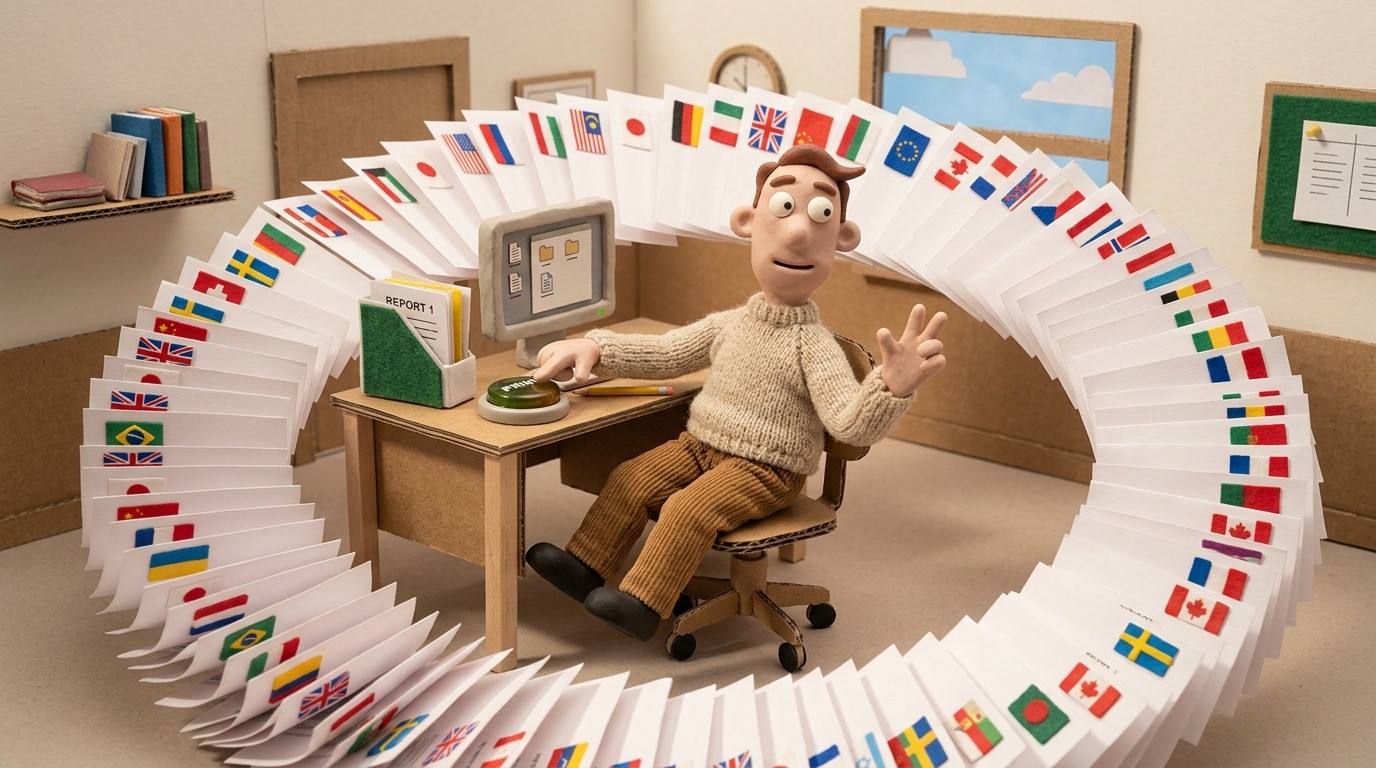
If your product works in English but your users are in Germany, Japan, Brazil, and France, your documentation is only doing a fraction of its job. AI documentation translation closes that gap without requiring a separate localization team, per-language writers, or a workflow that slows everything down.
Here's what SaaS teams need to understand about how AI translation works for documentation, where it performs well, and how to build a multilingual help center without doubling your workload.
What AI documentation translation actually means
AI documentation translation is the automated conversion of written help articles, tutorials, and video narrations from one language into another, using machine learning models trained on large multilingual datasets.
Modern AI translation has improved significantly. For product documentation specifically, where the language is instructional, precise, and mostly free of idioms and cultural references, AI translation produces output that's close to native quality for most major languages. It's not replacing human translators for brand-forward marketing copy, but for step-by-step how-to content, it's accurate and fast enough to be production-ready.
For SaaS teams, this matters because your documentation isn't just a support resource. It's a product experience. When a user in Tokyo can't understand your onboarding guide, or a customer in São Paulo reads a help article translated awkwardly, it creates friction that undermines the product itself.
Why SaaS teams specifically need AI translation for docs
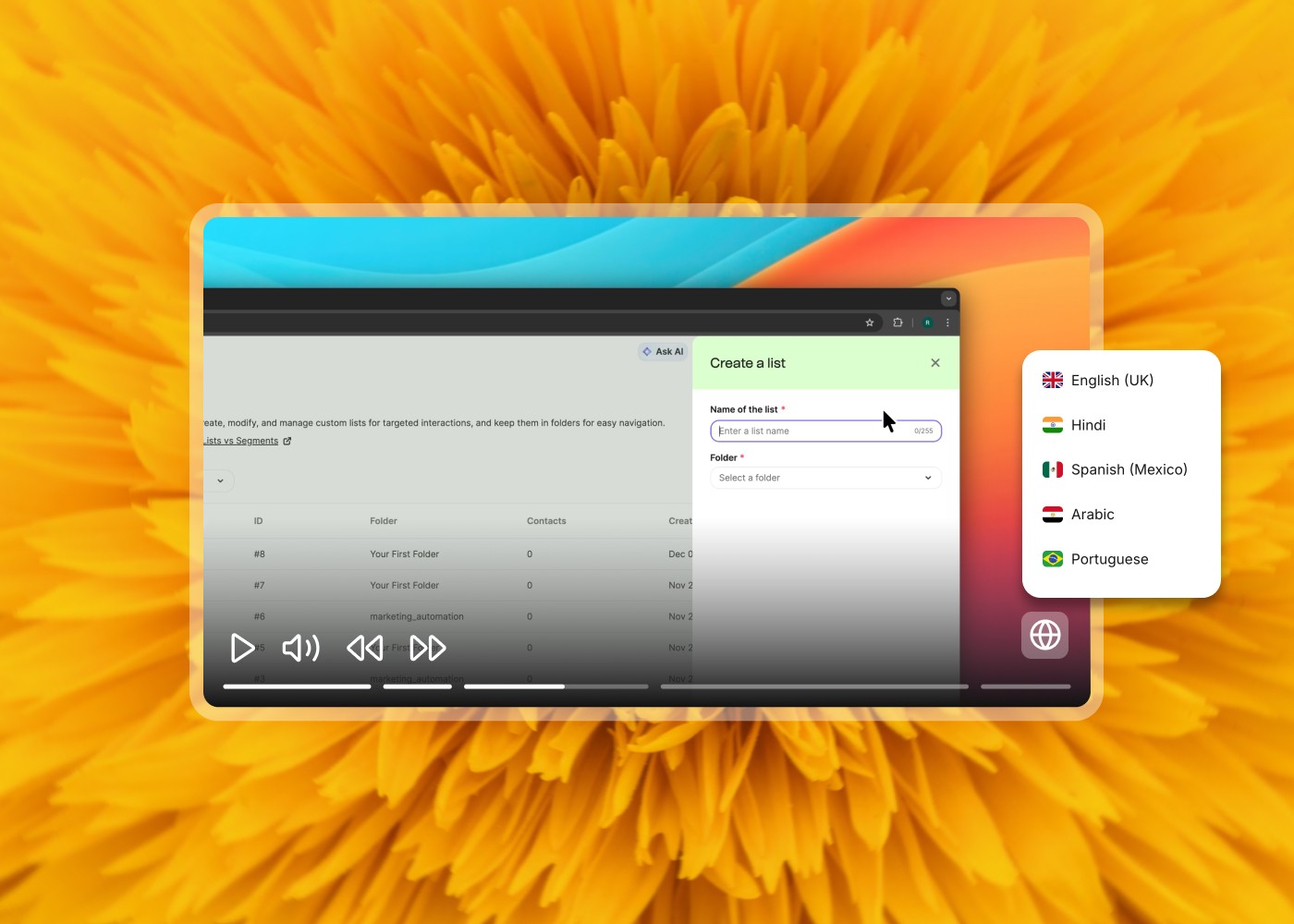
SaaS products serve global users by design. But the documentation workflow is almost always built for one language — usually English — with translation treated as an afterthought. This creates a few common problems:
Coverage gaps: only your most-visited articles get translated, leaving long-tail content in English regardless of the user's language preference.
Stale translations: when the product updates, the English docs are updated first. The translated versions lag behind by weeks or months, creating a situation where non-English users are working from outdated instructions.
Dual maintenance: if you translate manually, you're maintaining 2 or more versions of every document. Each update means coordinating a translation job, reviewing the output, and republishing. That operational overhead grows with every language you add.
Inconsistent quality: human translation quality varies by vendor and budget. AI translation, applied consistently, produces uniform output across all languages.
AI-powered documentation translation solves all 4 of these by making translation automatic, fast, and part of the same workflow as content creation.
How Clevera handles documentation translation
Clevera takes a different approach to localization compared to tools that translate documents after the fact. When you record your screen and Clevera generates a tutorial video and help article, translation is built into the same pipeline.
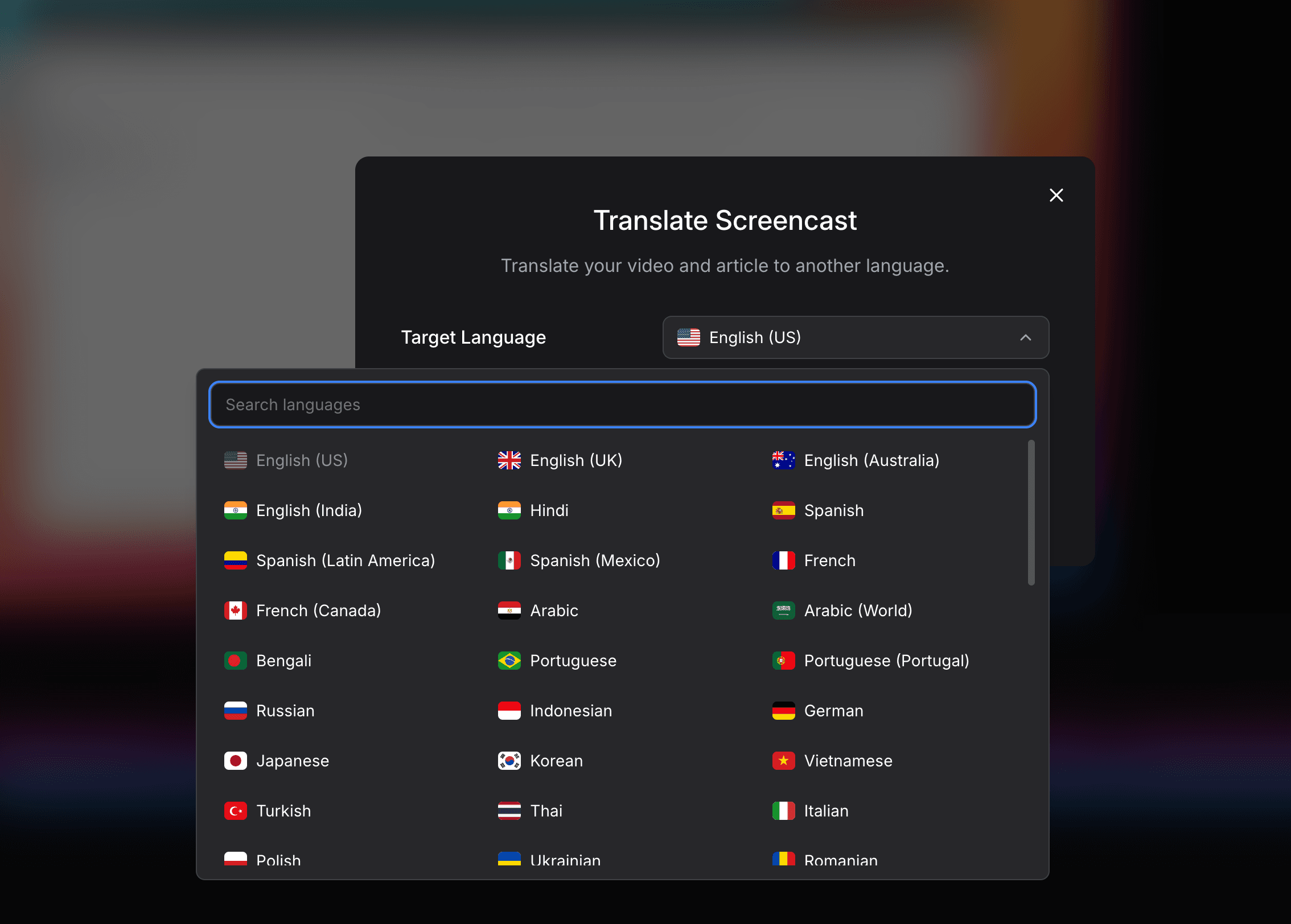
After generating your English-language video and article, you can translate both into 70+ languages with a single click. The translated article reflects the same structure, screenshots, and formatting as the original. The video gets re-narrated in the target language using AI voiceover, not just subtitles. A French user doesn't read a subtitle track; they watch a French-narrated video with a voiceover that sounds like it was recorded natively.
This matters for 2 reasons:
Synchronization: the video narration and the written article are translated together. You don't end up with an article in Spanish and a video still in English. The user experience is consistent across both formats and across all languages.
Speed: a typical documentation workflow might take days to coordinate translation for each language. With Clevera, translation across all supported languages takes minutes. When your product updates and you re-record the affected flow, the translated versions update in the same pass.
How to localize your help center with AI translation
The practical workflow for SaaS teams building multilingual documentation:
1. Create in your primary language first: write and publish your help articles and tutorial videos in English (or whichever language your team works in natively). Don't try to create multiple languages simultaneously — it adds complexity without benefit at the creation stage.
2. Use AI translation for initial localization: once an article or video is ready in your primary language, run it through your translation pipeline. With Clevera, this is a one-click operation that generates all language versions simultaneously.
3. Prioritize by user geography: check which languages your actual users speak before deciding which localizations to prioritize. Your analytics will show you where your user base is concentrated. Start there rather than translating into every possible language at once.
4. Review high-stakes content: for onboarding flows, billing documentation, and security-related content, have a native speaker review the AI-translated output before publishing. For how-to tutorials where the action is demonstrated in a video, the stakes are lower and AI output is usually sufficient without review.
5. Keep translations in sync with source content: the most common localization failure is drift between the English source and translated versions. Whenever you update source content, trigger the translation pipeline at the same time. Don't let translated docs lag behind.
Learn in depth: How to Translate Product Documentation with AI
What languages matter most for SaaS documentation
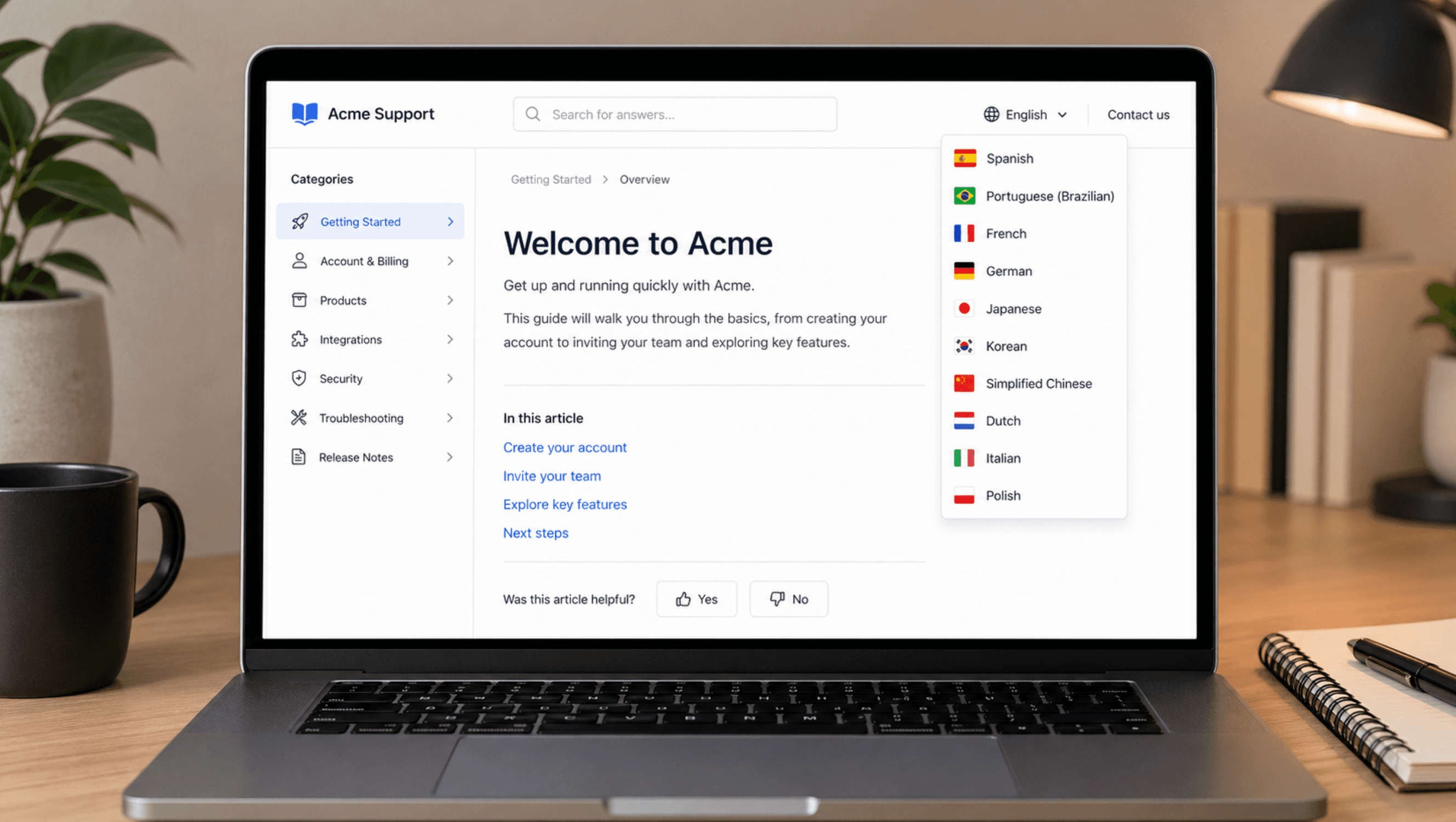
The languages that serve the highest number of non-English software users include Spanish, Portuguese (Brazilian), French, German, Japanese, Korean, Simplified Chinese, Dutch, Italian, and Polish. Together these cover a significant share of the global SaaS user base.
Clevera supports 70+ languages including all of the above, plus Arabic, Hindi, Turkish, Indonesian, Vietnamese, Thai, and many others. For teams with users in emerging markets, having local-language documentation is often a differentiator that competitors without localization can't match.
A note on video translation vs. article translation
Many localization tools translate text well but ignore the video component. For SaaS documentation that includes narrated tutorial videos, this creates a split experience: the article is in the user's language but the video narration is still in English.
This is particularly damaging for onboarding content, where users are new to the product and most dependent on clear explanation. A narrated video in the user's own language communicates more effectively than subtitles over English audio.
If your documentation workflow produces both video and written content, make sure your translation pipeline handles both. For teams that use Clevera, this is automatic. For teams using separate tools for video and text, it's worth auditing whether your video content is actually being localized alongside your articles.
The practical upside of consistent multilingual documentation
Teams that build localization into their documentation workflow from the start tend to see 3 measurable outcomes: lower support ticket volume from non-English users, faster time-to-value for new users in non-English markets, and higher retention in markets where local-language support is a baseline expectation rather than a differentiator.
The investment is lower than it's ever been. AI translation makes multilingual documentation achievable for teams of any size, not just enterprise companies with dedicated localization departments.