Best tutorial maker tools in 2026: 7 AI picks for SaaS compared

For product teams, customer success, and SaaS support, the best AI tutorial maker turns a screen recording into a finished training asset: a narrated how-to video and a structured help article, without a video editor or live voiceover. This list compares software tutorial tools, not general eLearning course builders. LMS platforms such as Thinkific or Teachable are a different category.
Pricing and G2 figures below were checked in September 2026.
Not ready to compare tools yet? See how Clevera's AI tutorial maker works, from screen recording to finished narrated video and help article, before diving into the full comparison.
Comparing general tutorial video makers (Camtasia, ScreenFlow, Descript) rather than AI-first SaaS tools? See our best tutorial video maker tools roundup. For transcript editors, clip-repurposing, avatars, and NLEs, see best AI video editing tools.
Best overall: Clevera is the best AI tutorial maker for SaaS teams that need a polished how-to video and a publish-ready help article from one recording. The same source can also yield a product demo, teaser, styled/share-ready video, or cleaned-up video when those formats fit the job.
Table of contents
- At a glance: AI tutorial makers compared
- What makes an AI tutorial maker SaaS-ready?
- The 7 best AI tutorial makers
- How to choose
- FAQ
At a glance: AI tutorial makers compared
| Tool | Best for | Video | Auto-narration | Help articles | Translation | Starting price | G2 rating |
|---|---|---|---|---|---|---|---|
| Clevera | SaaS tutorials (how-to video + docs) | Yes | Yes (how-to/demo) | Yes | 70+ languages | From $29/mo annual | No public G2 rating yet |
| Guidde | Video-first walkthroughs | Yes | Unlimited AI TTS on Business+ | Limited | Capture 50+; auto-translate Enterprise add-on | Free; Pro from $19/creator/mo annual | 4.8/5 (97) |
| Scribe | Fast screenshot guides | Movie view of stills, not MP4 | Read-aloud on Movies | Yes | Enterprise (~10 languages) | Free; Pro Personal from $25/seat/mo annual | 4.8/5 (954) |
| Tango | Screenshot workflow guides | Video Embeds (Pro+ iframe, not MP4) | Optional on Video Embeds | Yes | Enterprise (help lists 10 languages) | Free; Pro Team from $15/user/mo annual (3+ users) | 4.7/5 (514) |
| Clueso | Video + documentation for larger teams | Yes | Yes | Yes | 37+ languages | Free; Solo from $40/mo yearly | 4.8/5 (110) |
| Descript | Mixed video production | Yes | Yes | No | Business tier (dub 30+) | Free; Hobbyist from $16/person/mo annual | 4.6/5 (837) |
| Loom | Async screen share | Yes | You narrate live; AI on Business+AI | Video-to-text on AI tier | Captions in 50+ languages | Free; Business from $18/user/mo monthly | 4.7/5 (2,409) |
| Supademo | Interactive product demos (table only) | Optional | AI clone on Growth | No | Check vendor | Free; Scale from $38/creator/mo annual | 4.7/5 (625) |
| iorad | Interactive step-guide training (table only) | Watch mode | TTS on paid | Step lists | 100+ on Enterprise | Free public; Individual from $200/mo | 4.7/5 (51) |
Supademo and iorad sit on many "tutorial maker" roundups, but they are the wrong job for SaaS how-to video plus a help article. See interactive demo software for that category. Verify each vendor's pricing page before you buy.
What makes an AI tutorial maker SaaS-ready?
SaaS teams need a different tool than course creators. An LMS or AI course builder helps with quizzes, SCORM exports, student management, and lesson packaging. An AI tutorial maker for software teams should help you document changing product workflows quickly.
- Screen recording built for software workflows: it should capture clicks, screens, browser tabs, and desktop apps without turning every tutorial into a manual editing project.
- Automatic voiceover: you should not have to narrate while recording. The best AI tutorial software writes the script from the screen activity and converts it into natural-sounding audio.
- Real editing automation: mistake removal, timing adjustment, smart zoom, cursor polish, and visual cleanup should happen automatically.
- Video and written article output: SaaS tutorials usually need both formats. Some users watch; others scan a help article. How-to video and article are separate items you can pair for sharing.
- Low-friction updates: your product changes. The best AI tutorial maker is the one that makes re-creation as fast as initial creation, so your library stays current. LiveSync can update narration, overlays, styling, and edits on existing footage. It does not restage the UI when the product has changed. Record or upload again when screens have moved.
If you want the product workflow behind that model, the AI tutorial maker page shows how Clevera records, narrates, edits, translates, and publishes tutorials from one screen recording.
The 7 best AI tutorial makers
1. Clevera
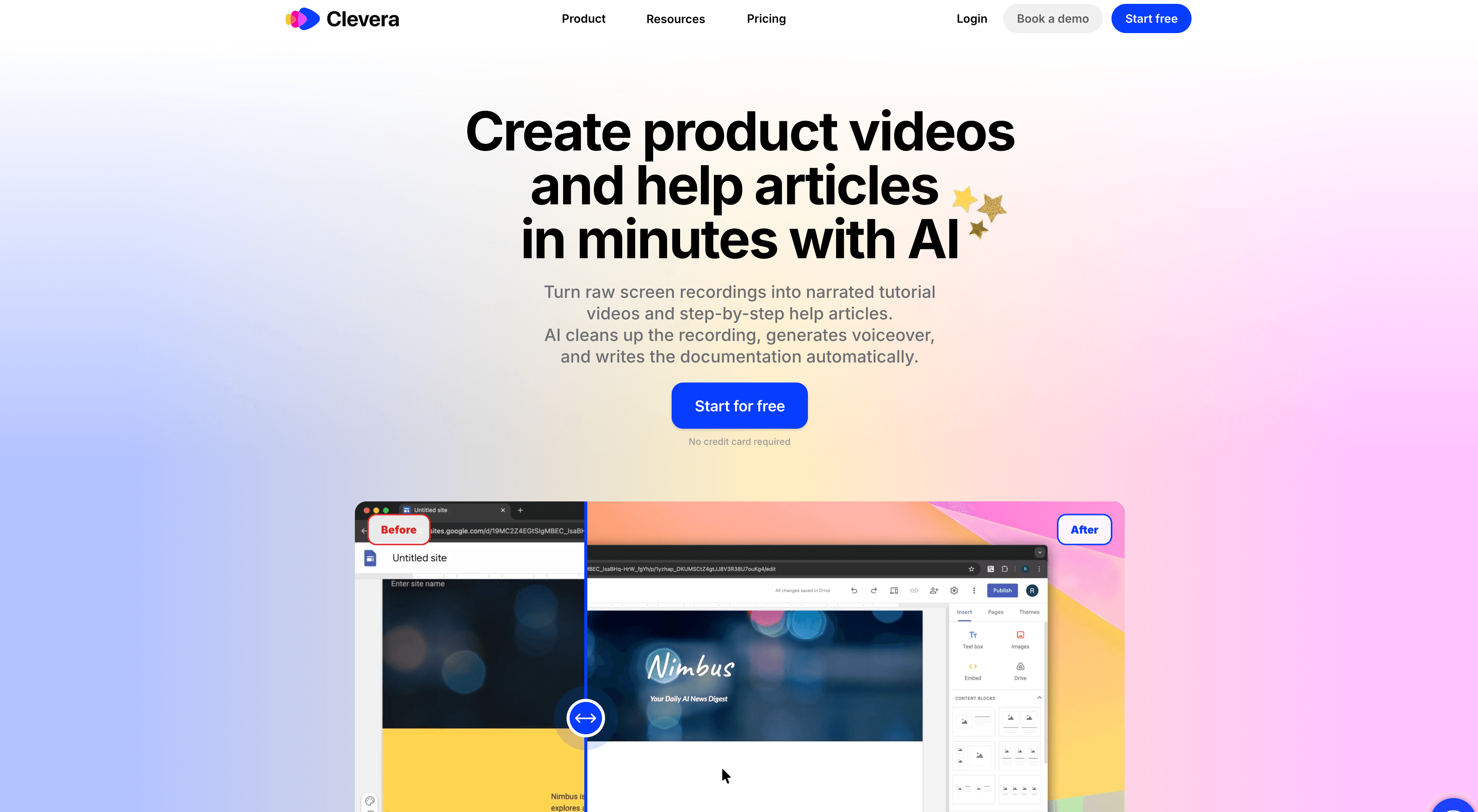
Best for: product, CS, and support teams who need how-to video and written documentation from a single recording
Clevera is the most complete AI tutorial maker for software teams in 2026. Record with the desktop app (macOS or Windows, full OS) or the Chrome extension (web in Chrome), or upload an existing screen recording. After capture, you can generate a how-to video with AI narration, a separate article with screenshots, and other Content items from the same source when you need them: product demo (AI voice), teaser (music and title cards, no AI voice), styled/share-ready (your voice), or cleaned-up (your voice, tighter pauses).
For this comparison, the how-to job is the one that matters. The AI:
- Removes accidental clicks, pauses, and off-path navigation
- Analyzes on-screen context to write a narration script that explains each step
- Generates AI voiceover synced to the video
- Applies smart zoom and cursor smoothing
- Produces a structured article with numbered steps, screenshots, captions, and headers
What makes it the top pick:
No narration during recording: anyone on your team who knows the product can record a how-to. You don't need someone comfortable on mic.
LiveSync: publish a tutorial video and edit narration, overlays, styling, or other edits later. Changes apply across embeds. When the product UI changes, record or upload a new walkthrough. LiveSync does not replace the pixels on screen.
Article quality: the help article is context-rich documentation with proper structure, ready to publish to Notion, Confluence, GitHub, HelpScout, Gitbook, ClickUp, Readme, Bitbucket, and more.
70+ language translation: translate both the how-to video narration and the article into 70+ languages.
Team-wide consistency: because AI handles scripting and narration on how-to and demo formats, tutorials sound consistent regardless of who recorded.
Repurpose existing footage: upload screen recordings you already have instead of capturing again when the workflow is still accurate.
Pros:
- How-to video plus a publish-ready article from one recording, with other formats available from the same source.
- LiveSync keeps embedded tutorials current after narration and overlay edits, without replacing links.
Watch out:
- Not a general LMS or course builder for quizzes, certificates, and student management.
- Not an interactive HTML demo builder. If you need click-through demos, see interactive demo software.
For teams that want a current tutorial library without a production team, Clevera is the clear starting point.
See the full AI tutorial maker workflow if you want to evaluate Clevera before comparing every tool in this list.
2. Guidde
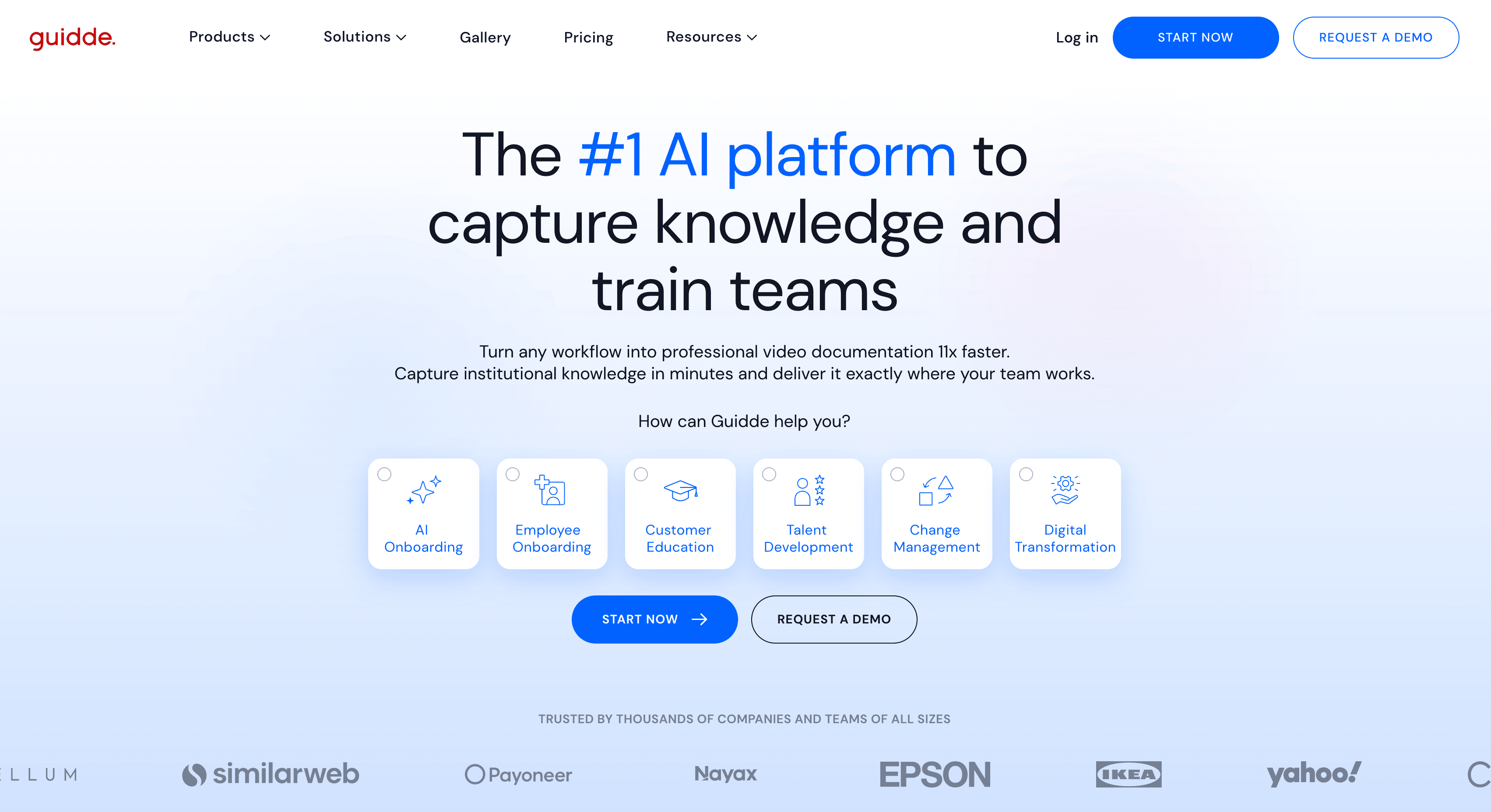
Best for: video-first tutorials with on-screen callout annotations
Guidde records your screen and generates a narrated video with detected steps and visual overlays. Free and Pro capture web apps via Chrome or Edge. Desktop and mobile capture start on Business. Unlimited AI text-to-voice is Business+, not Pro. Pro remains $19 per creator per month on annual billing ($29 monthly) as of September 2026.
The written document can stay synced with the video or detach, with Word/PDF/HTML/Markdown export. It is still a generated step article, not a full help-center CMS. Automatic multi-language translation is an Enterprise add-on.
Pros:
- Strong video-first workflow with callouts, branding, and AI voiceover on higher plans.
- Useful when customer-facing tutorials need polish but not deep written docs.
Watch out:
- If you are comparing Guidde alternatives, check whether you need full help article output, desktop capture on Pro, and updateable embeds, not only video guides.
3. Scribe
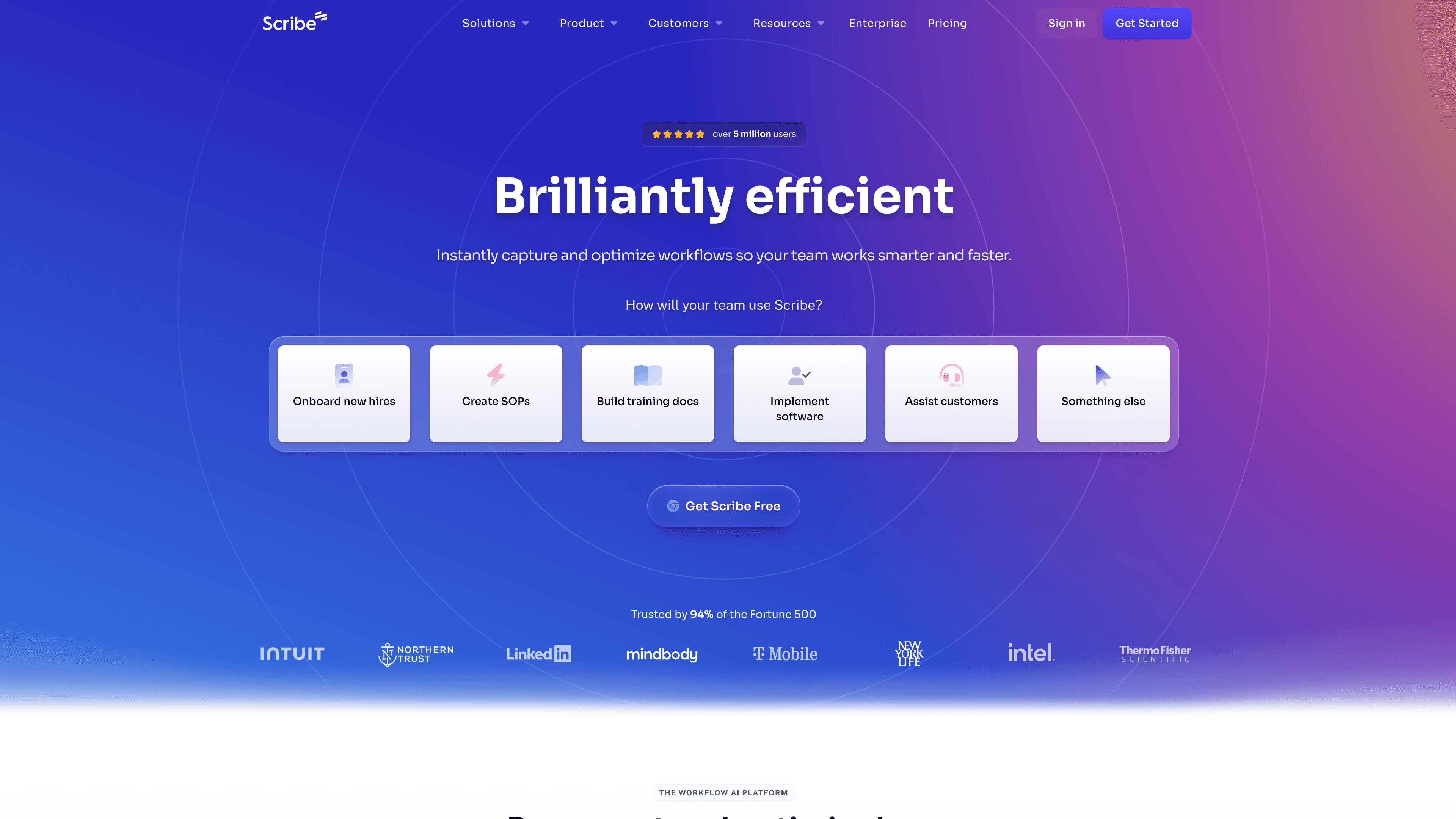
Best for: lightweight written process guides, fast
Scribe captures your click workflow and auto-generates a numbered step guide with annotated screenshots. Desktop and mobile capture are Pro+. Primary output is a written step guide. Scribe Movies are playback of those stills with optional read-aloud, not a recorded screen video or MP4 tutorial.
Scribe works well for internal SOPs, IT runbooks, and operational how-tos where "show the steps" is enough. It is less suited for customer-facing tutorials that benefit from narration and polish. Pro Personal starts at $25 per seat per month billed annually. Language translation is Enterprise-only.
Pros:
- Very fast for written SOPs and screenshot-based process docs.
- Strong fit for internal operations teams that need repeatable written instructions.
Watch out:
- If you are reviewing Scribe alternatives, the main trade-off is clear: Scribe is documentation-first, not a full AI tutorial video maker.
4. Tango
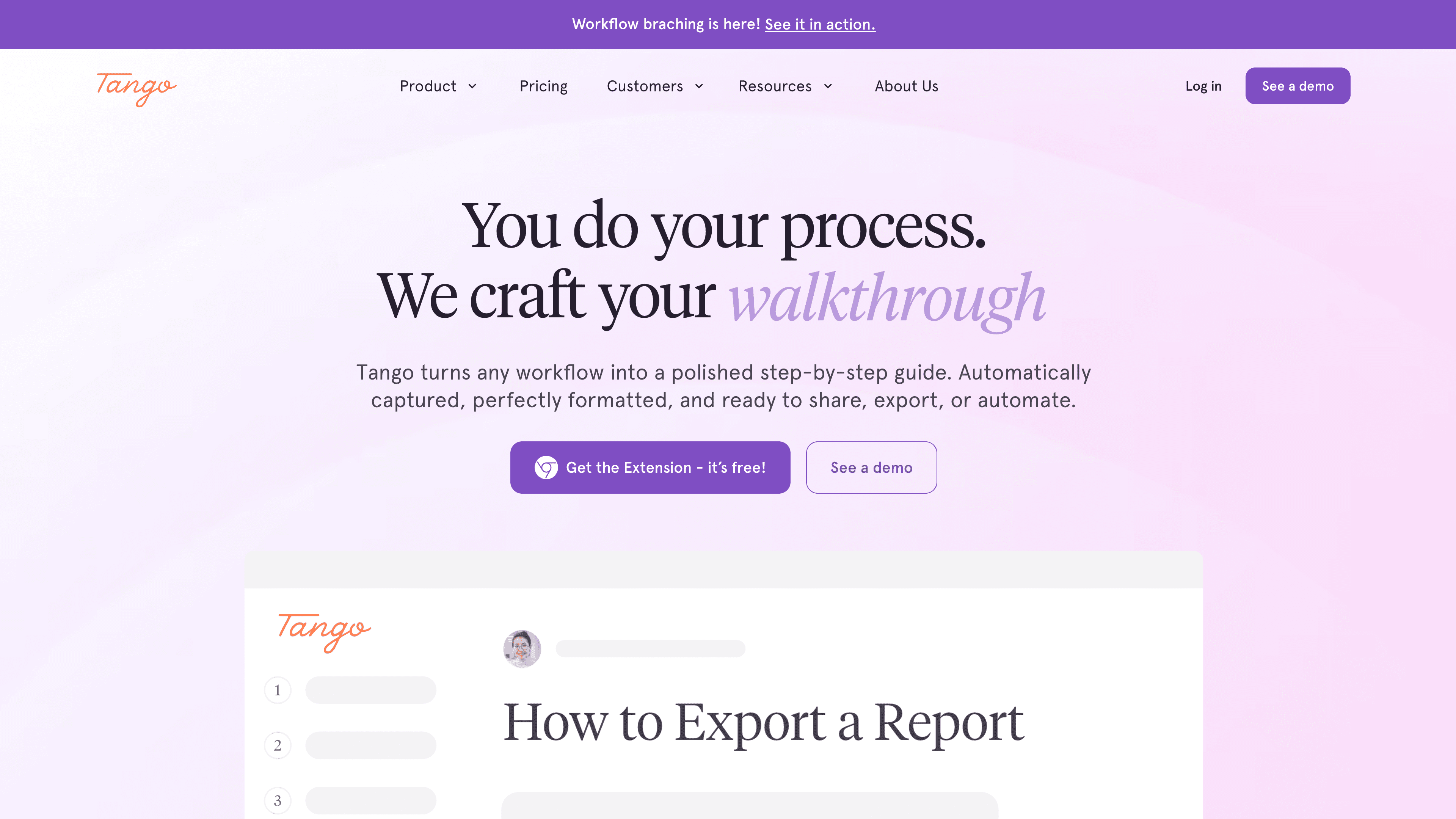
Best for: screenshot workflow tutorials with optional in-browser Guide Me
Tango is a process-capture tool, not a screen recorder. The Chrome extension still captures web apps as screenshot step guides. It is no longer browser-only: a desktop app for Mac and Windows ships on Pro and Enterprise. Guide Me overlays the next click in the browser for extension-captured web workflows. It does not run on desktop captures or uploaded screenshots.
Video exists only as Pro+ Video Embeds: an iframe of stills with optional AI narration from step titles. There is no MP4 download of a recorded how-to. Translation is Enterprise-only. Pro Team is $15 per user per month billed annually for 3 or more users. Pro Personal for 1-2 users is $22 per user per month annual.
For web (and, on Pro, desktop) process docs where users follow written guides, Tango is a polished screenshot option. If you also need a narrated how-to MP4 plus a help article, you still need a second tool.
Pros:
- Clean workflow capture with a polished written-guide format, plus desktop capture on Pro.
- Guide Me helps in-browser adoption for extension-captured flows.
Watch out:
- It is not the right choice if your primary output needs to be narrated video tutorials. If you are comparing Tango alternatives, weigh screenshot guides and Video Embeds against tools that ship recorded how-to video and help articles.
5. Clueso
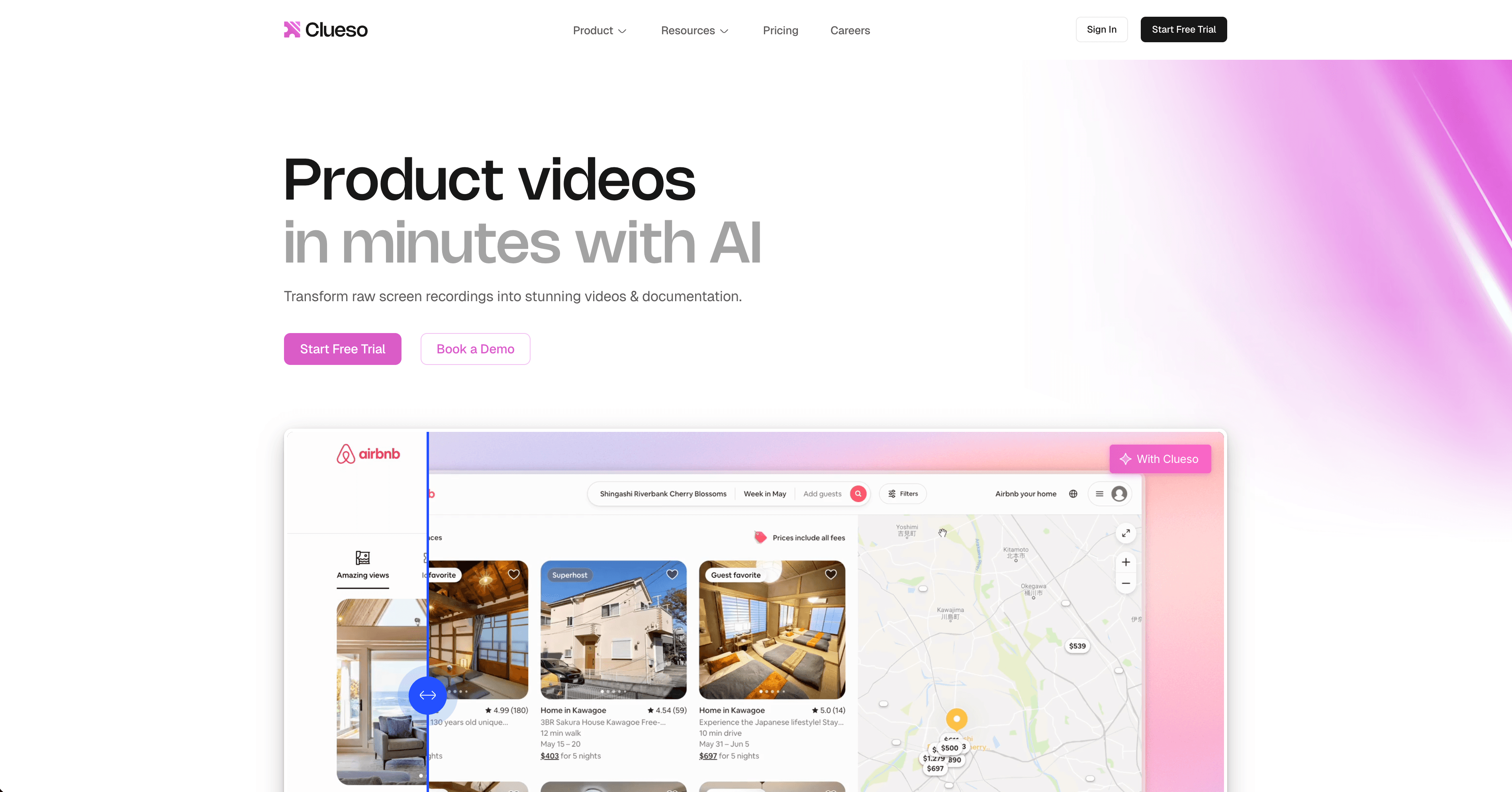
Best for: polished video tutorials and documentation for larger teams
Clueso turns screen recordings, uploads, slide decks, and documents into polished walkthrough videos with AI narration, plus a generated step-by-step article. Capture is the browser extension or upload. There is no native full-OS desktop recorder on the public pricing page. Translation is listed at 37+ languages on pricing.
The plan formerly called Starter is gone. Lowest paid is Solo at $40 per month billed yearly ($50 monthly), with annual export-minute caps. Business is $120 per month yearly.
Pros:
- Produces polished product videos from recordings, uploads, decks, and documents.
- Includes AI voiceover, translation, and step-by-step documentation features.
Watch out:
- Export minutes are capped. Solo and Business can be more than a small SaaS team needs if the job is repeatable product education, not high-production campaigns.
6. Descript
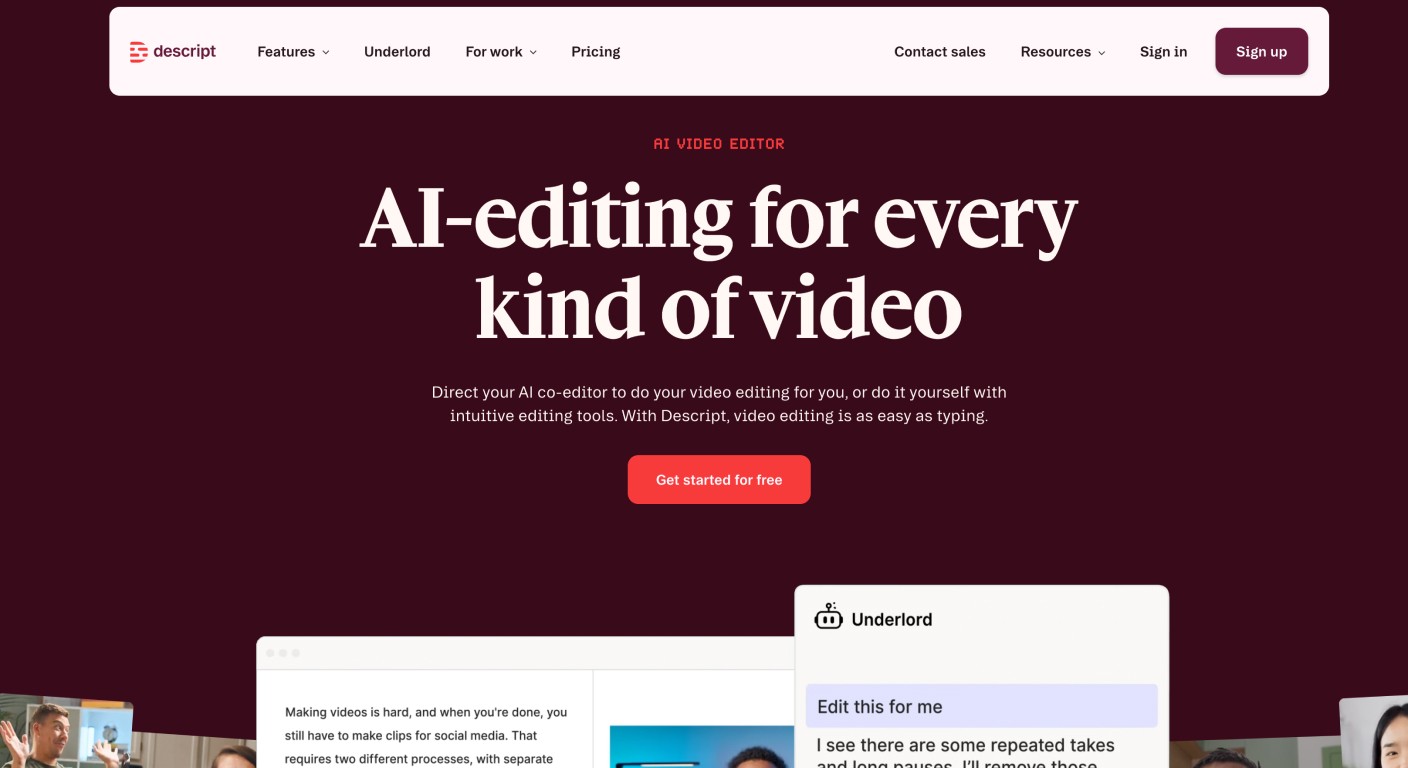
Best for: teams that produce varied video content beyond tutorials
Descript is a full video and podcast editing platform: transcript-based editing, filler-word removal, AI voice cloning, and screen recording. You work in the editor to shape the final video. For tutorial production specifically, that is slower than an AI generator. For teams that produce interviews, podcasts, and marketing video alongside product tutorials, Descript handles those formats in one place.
It does not produce a structured SaaS help article as a first-class output. Hobbyist starts at $16 per person per month billed annually.
If the job is editing spoken-word and social footage rather than generating a how-to library, compare best AI video editing tools. If you are evaluating Descript alternatives for repeatable product education, weigh a creative editor against AI tutorial makers.
Pros:
- Excellent transcript-based editing for teams that create many content types.
- Strong AI features for filler-word removal, voice, captions, and generated media.
Watch out:
- For software tutorials, you still spend time editing. It does not automatically turn one workflow recording into a finished help article.
7. Loom
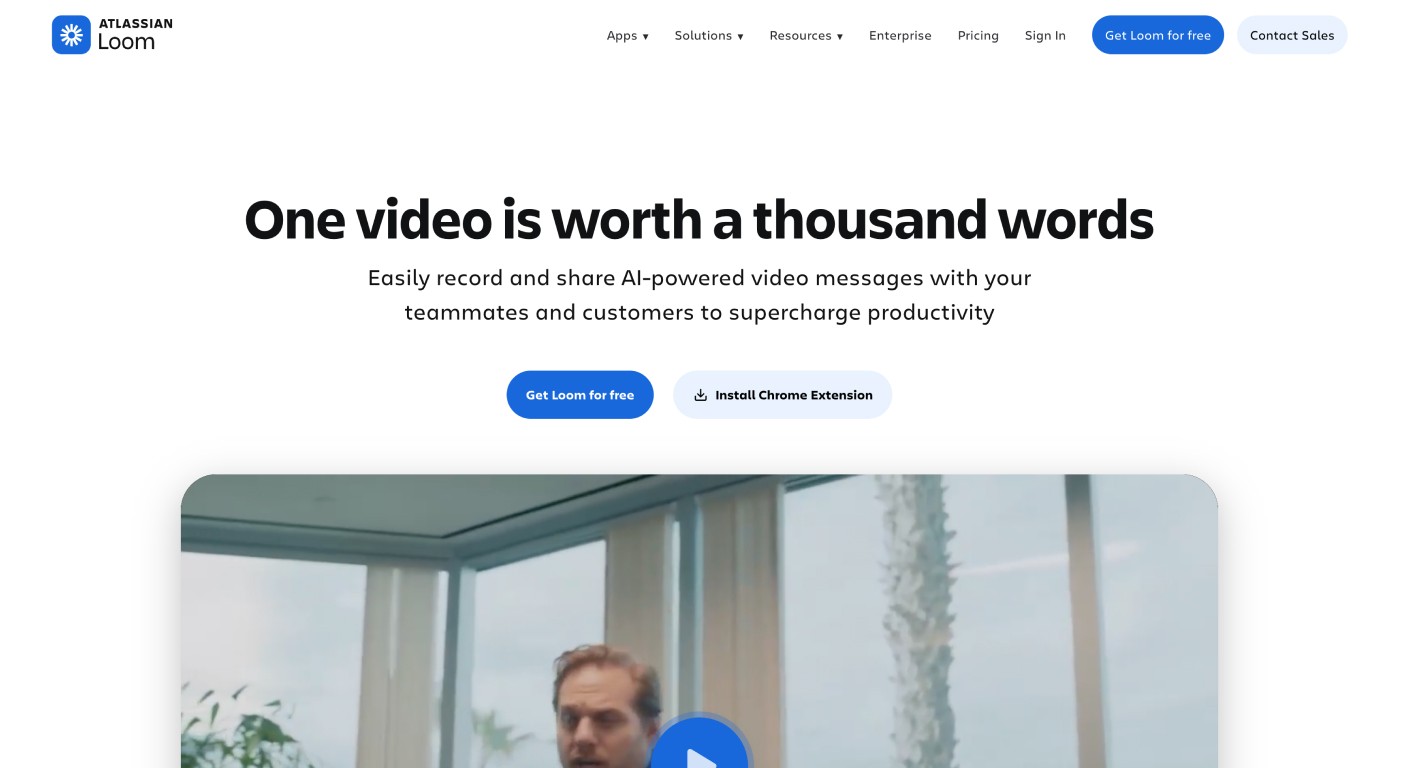
Best for: async screen recording and quick team explanations
Loom is the fastest tool on this list for async communication. Record your screen, camera, and voice, send a link, and let teammates or customers watch. You still narrate live. Loom AI (Business + AI / Enterprise) adds summaries, chapters, filler-word removal, and video-to-text after the fact. Video-to-text is a transcript or workflow doc of the recording, not a publish-ready help-center article.
Business starts at $18 per user per month on monthly billing. For SaaS teams replacing ad hoc Looms with a durable tutorial library, use the Clevera vs Loom comparison to decide whether you need quick messages or reusable product education.
Pros:
- Very fast screen recording and sharing, with broad team adoption.
- Useful for async support replies, bug walkthroughs, design feedback, and internal updates.
Watch out:
- Most tutorial structure still depends on the person recording. It is not purpose-built to generate polished how-to video plus documentation from a silent workflow.
How to choose
Use these 3 questions to narrow the list quickly:
1. Do you need video, articles, or both?
If you need both a narrated how-to video and a written help article, start with Clevera. If you only need written guides, compare Scribe and Tango. If you only need quick videos, compare Guidde, Clueso, Loom, and Descript. If you need a click-through demo, leave this list and open interactive demo software.
2. Do you need multilingual tutorial output?
If translation matters for your help center, onboarding, or support team, choose a tool that translates the actual tutorial asset, not only captions. Clevera is the strongest fit when both video narration and the article need to move into multiple languages.
3. Do you need embedded tutorials to stay current after product updates?
If your tutorials live inside help centers, onboarding flows, or product pages, update workflow matters as much as initial creation. Clevera's LiveSync is built for narration, overlay, and styling edits on existing footage. Record again when the UI changes. Loom and Descript are better for one-off videos. Scribe and Tango are better for written internal process docs.
The real question is how much of your tutorial production you want to automate. If the answer is "as much as possible," the tool list gets shorter quickly.
If you're ready to move from research to production, start with Clevera's AI tutorial maker and use this roundup only to sanity-check the category.
FAQ
What is the best tutorial maker? The best tutorial maker depends on your workflow, but for SaaS teams and product education, Clevera is one of the strongest options in 2026. It creates AI-narrated how-to videos and written step-by-step guides from a screen recording, and can generate other video formats from the same source when you need them.
Is there a free tutorial maker tool? Yes. Several tutorial makers offer free plans or free trials. Tools like Guidde, Scribe, and Loom include limited free tiers. Advanced AI narration, exports, and collaboration features usually require a paid plan.
What's the difference between a tutorial maker and a video editor? A tutorial maker is built to turn a workflow into a finished training asset: it captures steps, creates narration, adds screenshots or captions, and often publishes a written guide alongside the video. A video editor gives you timeline controls for cutting footage, but usually leaves scripting, narration, formatting, and documentation structure to you. See best AI video editing tools if the job is editing, not generating a how-to.
How do I create tutorial videos quickly? Use an AI tutorial maker that automates scripting, narration, editing, and formatting. With Clevera, you record your screen once (desktop, Chrome extension, or upload) and generate a polished how-to video plus a written guide, without a live voiceover or a long edit session.
Is Guidde or Clevera better for SaaS teams? Guidde is a strong choice when you only need AI-narrated video with on-screen callouts and you are fine with Pro staying web-only. Clevera is usually the better fit for SaaS teams that want a narrated how-to video and a publish-ready help article, plus translation and LiveSync for embedded content. If written documentation and multilingual help centers matter, Clevera covers more of the workflow.
Can AI tutorial makers translate tutorial videos into multiple languages? Some tools translate text only. Clevera translates both video narration and the paired help article in one click across 70+ languages. Guidde auto-translation is an Enterprise add-on. Scribe and Tango translation is Enterprise-only. Check each tool's current localization features before you commit.
What's the difference between a tutorial maker, tutorial builder, and tutorial creator? Search uses the three phrases interchangeably. For SaaS, a tutorial maker is the category in this article: capture a product workflow and generate how-to video plus docs. A tutorial builder often means an interactive demo or click-through (Supademo, iorad). A tutorial creator is a looser label that also covers course builders and general video editors. If you need click-through demos, use interactive demo software. If you need a help-center how-to, stay on this list.