Best help documentation software in 2026: 7 tools compared

The best help documentation software depends on the job you are trying to solve. Some tools create help content from screen recordings. Others publish and organize a help center. You need both: a fast way to turn product knowledge into tutorials, and a searchable place for those tutorials to live. Some teams buy two tools for that. Others now get both from one.
Not ready to compare tools yet? See how Clevera's AI documentation generator turns screen recordings into narrated videos and help articles, then publishes them to your own docs site.
TL;DR
- Best for creating and hosting help docs from screen recordings: Clevera
- Best for quick written process guides: Scribe
- Best for browser-only workflow guides: Tango
- Best dedicated knowledge base platform: Document360
- Best flexible team wiki: Notion
- Best support-connected help center: Help Scout Docs
- Best internal enterprise documentation: Confluence
- Best setup for SaaS teams: record once in Clevera, then publish to a Clevera doc site, or embed the videos in the help center you already run
- Best for AI-assistant-friendly docs: Clevera doc sites ship llms.txt, llms-full.txt, JSON-LD, and an Ask AI assistant for readers
Table of contents
- Four jobs help documentation software needs to do
- Quick comparison: best help documentation software in 2026
- Creation tools
- Knowledge base platforms
- Keeping help documentation accurate after every release
- How to combine creation and platform tools
- FAQ
Four jobs help documentation software needs to do
Most "best help documentation software" lists mix tools that solve different problems. Before comparing logos, separate the work into four jobs.
| Job | What the software does | Typical tools |
|---|---|---|
| Create | Turns product workflows into help articles, tutorial videos, SOPs, screenshots, or narrated walkthroughs | Clevera, Scribe, Tango |
| Publish and host | Gives users a searchable place to browse documentation | Clevera doc sites, Document360, Help Scout Docs, Confluence, Notion |
| Keep current | Helps teams update documentation when the product changes | Clevera LiveSync, version history, review workflows, stale-content reports |
| Answer and search | Helps customers, teammates, and AI assistants find the right answer without opening a ticket | Knowledge base search, AI answers such as Clevera's Ask AI, llms.txt, article suggestions |
If your biggest bottleneck is creating content, start with an AI documentation generator like Clevera. If your biggest bottleneck is organizing and serving articles you already have, look at Document360, Help Scout Docs, or Confluence. If you need both and don't want two tools, Clevera now covers creation and hosting.
Quick comparison: best help documentation software in 2026
| Tool | Primary job | Starting price | G2 rating | Maintenance signal | Best for |
|---|---|---|---|---|---|
| Clevera | Create how-to videos and help articles, then host them on your own docs site | Free; Starter from $29/mo billed yearly | No public G2 rating yet | LiveSync on embeds, site versions and rollback, content-gap reports | SaaS product, support, and CS teams |
| Scribe | Create written step-by-step guides | Free; Pro Personal from $23/user/mo | 4.8/5 | Easy guide editing; manual republishing | Internal process documentation |
| Tango | Create browser workflow guides | Free; Pro from $15/user/mo annually for 3+ users | 4.7/5 | Manual guide updates | Web-only SOPs and onboarding |
| Document360 | Publish a dedicated knowledge base | Quote-based public plans | 4.7/5 | Versioning, workflows, analytics, AI search | Customer help centers and technical docs |
| Notion | Publish internal or lightweight external docs | Free; Plus from $10/user/mo annually | 4.7/5 | Page history, owners, databases, Notion AI | Flexible team wikis |
| Help Scout Docs | Publish support-connected help docs | Standard from $25/user/mo | 4.4/5 | Article edits inside support workflow | Support teams using Help Scout |
| Confluence | Publish internal documentation at scale | Free; Standard from about $6/user/mo | 4.1/5 | Version history, page hierarchy, Jira workflows | Engineering-heavy internal docs |
Pricing and review scores change often. Use the table as a current short list, then verify final procurement details on each vendor's pricing page.
Creation tools
1. Clevera
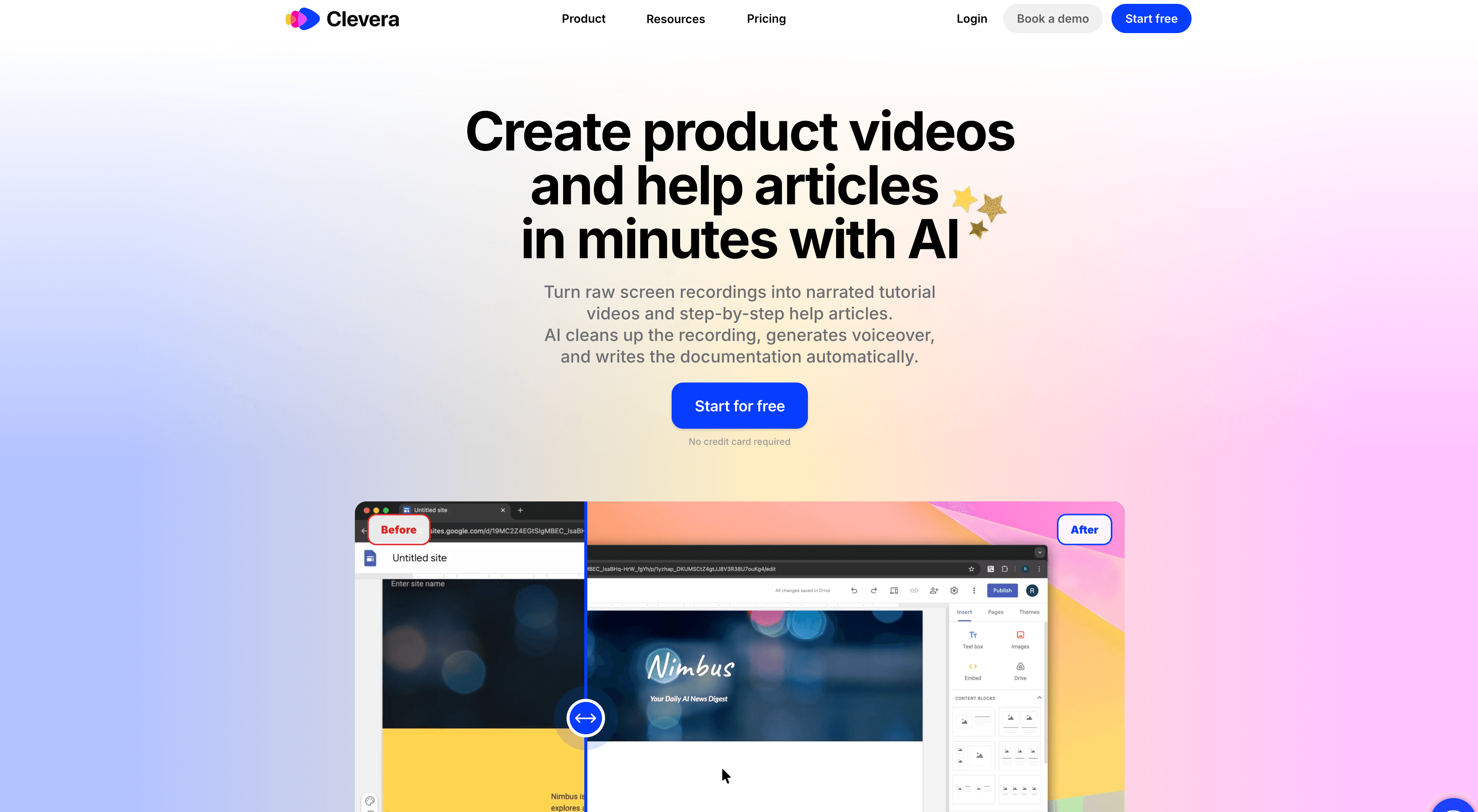
Best for: teams that want narrated how-to videos and help articles from one recording, published to their own docs site
Clevera writes your help docs from a screen recording and hosts them. Record a workflow once and you get an AI-narrated how-to video and a step-by-step help article. Then publish the article to a Clevera doc site, or embed the video in any help center that accepts HTML.
The video comes with narration, smart zoom, cursor smoothing, and clean pacing. The article has headings, numbered steps, and screenshots. Some readers want to watch and others want to scan, so having both from one recording saves you a second pass.
What makes Clevera different:
- Create and host in one place: every plan includes a doc site at
your-site.clevera.help. Starter and up can use your own domain, such as help.example.com. Edit an article and its page updates on the next publish. - Ready for AI assistants: doc sites ship a sitemap, llms.txt, llms-full.txt, and JSON-LD for articles, videos, FAQs, and breadcrumbs. Readers get Ask AI, which answers from your published pages and lists its sources.
- Free import: move an existing help center from GitBook, Mintlify, ReadMe, Document360, Docusaurus, Zendesk, Intercom, Help Scout, or Notion, with pages, images, and structure. Translations and redirects for old addresses come over when your old tool supports them (Zendesk does; Help Scout has no translations). Export any site as HTML or Markdown, also free.
- Agents can write docs too: on Pro and up, Claude and ChatGPT connect without a token, and Claude Code, Codex, or Cursor connect with an API token. They can draft, translate, and publish doc-site pages through MCP or the REST API. You set spend caps per job, day, and month, and anything above your auto-approve line waits for an owner or admin.
- LiveSync: edit a published video's narration or overlays and every embed updates. New footage still needs a new recording.
- 74 languages: translate videos and articles for a multilingual help center. Site titles and menu labels are translated for you.
- Still works with your current help center: embed videos on any page that accepts HTML, and on Pro export articles to Notion, Confluence, Help Scout, GitBook, ReadMe, GitHub, and more.
The launch notes cover the full feature list.
Where Clevera isn't the right fit: if your docs need to live inside a support inbox, Help Scout Docs is the closer match. If your knowledge base is mostly internal engineering pages tied to Jira, Confluence is. And if you only want quick screenshot guides with no video, Scribe or Tango will do the job.
2. Scribe
Best for: quick written step-by-step guides for internal processes
Scribe captures click workflows and generates annotated screenshot guides automatically. It is fast for SOPs, onboarding checklists, and internal tool documentation. The tradeoff is format: Scribe is built around written guides, not narrated tutorial videos.
Choose Scribe if your team mainly needs fast written process documentation. Choose Clevera if you need the same workflow to produce both a video tutorial and a help article.
3. Tango
Best for: browser-based process documentation
Tango captures browser workflows and turns them into clean numbered guides. It is useful for teams documenting web app workflows, onboarding steps, and repeatable internal processes.
Tango is less suitable when you need native desktop recording, narrated tutorial videos, or polished customer-facing product education. It is best treated as a lightweight guide creation tool rather than a full help documentation system.
Knowledge base platforms
4. Document360
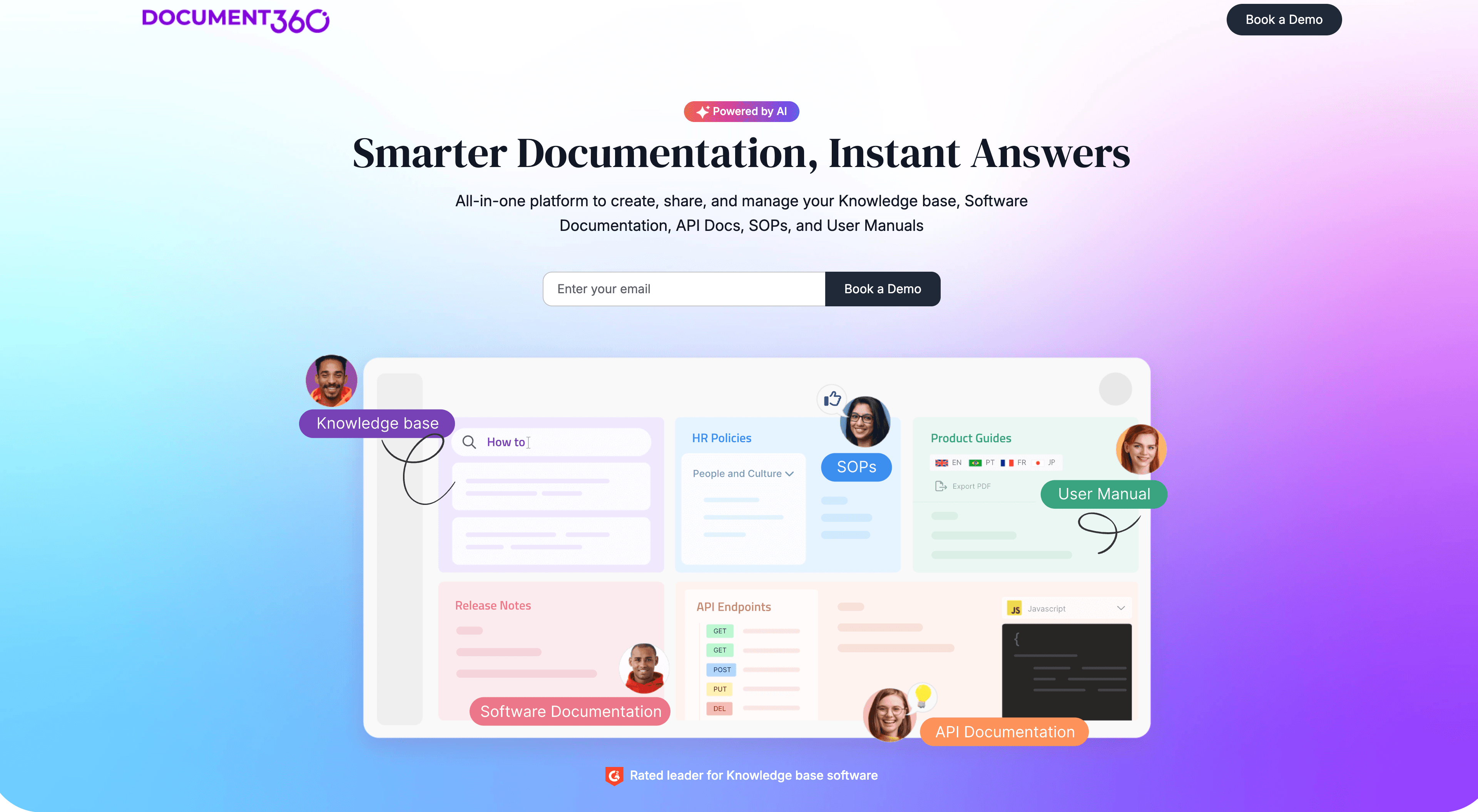
Best for: a dedicated help center with strong organization, governance, and search
Document360 is a purpose-built knowledge base platform for public help centers, private documentation portals, and structured product documentation. It is strong on category management, versioning, analytics, review workflows, localization, and AI search.
Document360 does not replace a creation workflow for tutorial videos. It is better as the place where finished docs live. If you stay on Document360, make the videos in Clevera and embed them in your articles. If you'd rather create and host in one tool, Clevera imports a Document360 site for free.
5. Notion
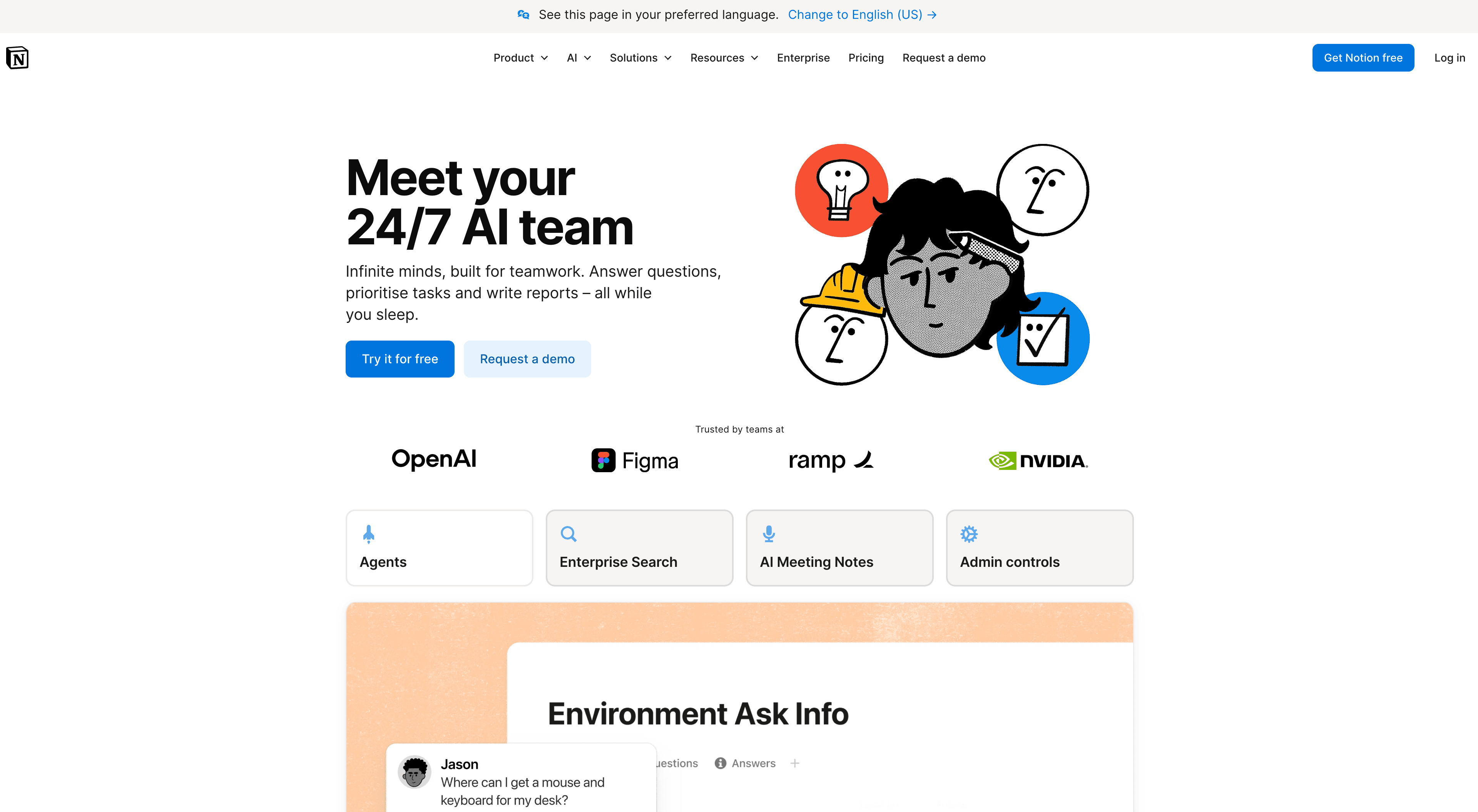
Best for: flexible internal documentation and lightweight external docs
Notion works well when documentation needs to live close to project notes, specs, tasks, and team knowledge. It is flexible and familiar, and Notion AI can help rewrite or structure rough notes.
Notion is not a full customer support knowledge base in the way Document360 or Help Scout Docs is. It is a good fit for internal docs, onboarding resources, and lightweight public documentation where flexibility matters more than help center structure.
6. Help Scout Docs
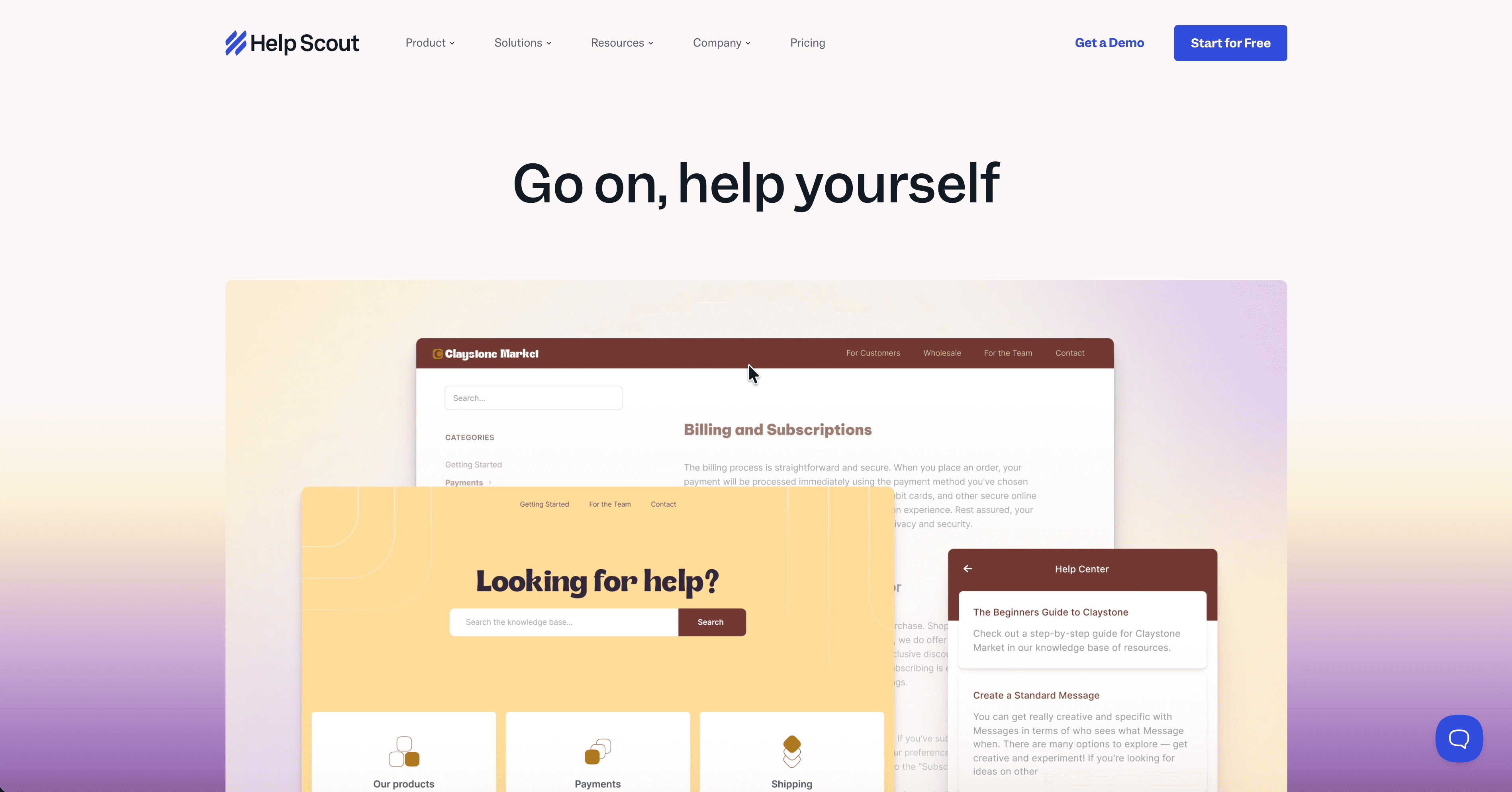
Best for: support teams that want docs connected to the support inbox
Help Scout Docs is strongest when your support team already works in Help Scout. Agents can search and share help articles from the same support workflow, and customers can self-serve through a simple branded knowledge base.
The main limitation is content creation. Help Scout gives you a place to publish docs; it does not automatically turn a product walkthrough into a tutorial video and article. Clevera fills that gap: embed its videos in your Help Scout articles, or on Pro export the articles straight to Help Scout.
7. Confluence
Best for: internal documentation at scale, especially in engineering-heavy teams
Confluence is Atlassian's documentation and knowledge management platform. It is powerful for engineering docs, internal process documentation, product requirements, runbooks, and team knowledge, especially when the organization already uses Jira.
For customer-facing support documentation, Confluence is usually less polished than a dedicated help center. For internal documentation and technical teams, it remains one of the standard choices.
Keeping help documentation accurate after every release
The highest-ranking help documentation pages increasingly focus on maintenance, not just creation. That is because stale documentation is the real failure mode: the help center looks full, but the screenshots are old, the steps do not match the product, and support still gets tickets.
A strong maintenance workflow should answer three questions:
- Who owns this article or tutorial?
- How does the team know when the product changed?
- How quickly can the published version be updated everywhere it appears?
Clevera helps most with the third, and its insights show where docs have fallen behind. On a Clevera doc site you see views, page ratings, the questions readers ask Ask AI, and searches that found nothing, with a button to write the missing article. Edit an article and its page updates on the next publish, and you can roll back a site version if something goes wrong. For embedded videos, LiveSync updates every embed when you edit narration or overlays. For a deeper workflow, see our guide to automating documentation from screen recordings. After a release, AI changelog generators cover the announcement. Pair each entry with a walkthrough so customers can use what shipped.
Dedicated knowledge base platforms add deeper governance: owners, approvals, and review dates. Large teams with strict review rules may still want one, with Clevera feeding it videos.
How to combine creation and platform tools
There are two good setups for SaaS teams.
One tool. Record in Clevera, get the how-to video and article, and publish both to a Clevera doc site on your own domain. Search, Ask AI, translations, insights, and the AI-assistant files come with the site. Use this if you're starting fresh or tired of keeping two tools in sync.
Clevera plus your current help center. Keep Document360, Help Scout Docs, Confluence, Notion, Zendesk, or Intercom for categories, permissions, and navigation. Make the videos and articles in Clevera, paste the video embed into your articles, and use LiveSync when narration or overlays need a refresh. Use this if your help center is deeply tied to a support inbox or an approval process.
Either way, the trap is the same: a screen recorder alone won't give you a searchable help center, and a knowledge base alone won't make the tutorials.
FAQ
What is the best help documentation software for SaaS?
For SaaS teams that need to create customer-facing help content quickly, Clevera is the best fit: one recording gives you a narrated how-to video and a written help article, and you can publish both to a Clevera doc site. If your team already runs Document360, Help Scout Docs, Confluence, or Notion, embed Clevera's videos there instead.
Can Clevera host my help center?
Yes. Every plan includes a doc site at your-site.clevera.help, and Starter and up can use your own domain. You can import an existing site from GitBook, Mintlify, ReadMe, Document360, Zendesk, Intercom, and others for free. help.clevera.ai is a live example.
Which documentation tools work best with AI assistants like ChatGPT and Claude?
Look for docs that assistants can read and cite: a sitemap, llms.txt, llms-full.txt, and structured data. Clevera doc sites ship all four, plus an Ask AI assistant for readers that answers from your published pages and lists its sources.
Can AI agents write and publish help docs?
In Clevera, yes, on Pro and up. Claude, ChatGPT, Claude Code, Codex, and Cursor can request videos and articles from a recording and draft, translate, and publish doc-site pages through MCP or the API. You cap what they spend per job, day, and month.
Do I need a documentation creation tool or a knowledge base platform first?
If you already have content but users cannot find it, start with a knowledge base platform. If your team struggles to create or update content, start with a creation tool like Clevera. Many teams need both, but the bottleneck tells you what to buy first.
What is the best tool for turning screen recordings into help docs?
Clevera is the strongest option when you want both a tutorial video and a written article from the same recording. Scribe and Tango are good alternatives when you only need screenshot-based written guides.
How do I keep help documentation from going stale?
Assign owners, review analytics, track product changes, and use workflows that make updates easy. On a Clevera doc site, searches with no result point to the articles you're missing, and you can roll back a bad publish. LiveSync updates embedded videos when you edit narration or overlays. Dedicated knowledge base platforms add owners, approvals, and review dates.
Do help centers still need video tutorials?
Yes. Written articles are better for scanning and search, while video tutorials are better for complex product workflows, onboarding, and visual learning. The best help documentation systems offer both formats so users can choose how they want to learn.
Which tools are best for AI knowledge base software for SaaS?
For a ranked comparison focused on AI search, video support, and ticket deflection across 10 platforms, see AI knowledge base software for SaaS in 2026.