Best video product demo software in 2026

Video product demo software helps SaaS teams turn a workflow into a narrated walkthrough buyers, users, and internal teams can watch on their own time. It is the right category when you need explanation, not a clickable sandbox.
This guide focuses on video demos: screen recordings, narrated product walkthroughs, async follow-up clips, onboarding demos, and reusable demo libraries. If you need clickable HTML tours, sandbox environments, or sales-led interactive demo tools, use the dedicated interactive demo software comparison instead.
Here are the best video product demo software options in 2026, starting with tools that can turn a screen recording into a polished narrated demo.
Exploring how AI creates narrated demos from screen recordings? See how Clevera's product demo generator works - from screen recording to finished narrated demo video - before comparing tools.
Looking for interactive or sales demo software? Start with best interactive demo software for clickable tours, sandbox demo environments, and revenue-team demo platforms. This page stays focused on video demos.
Video demo tools
1. Clevera
Best for: narrated product demo videos and documentation from a single screen recording
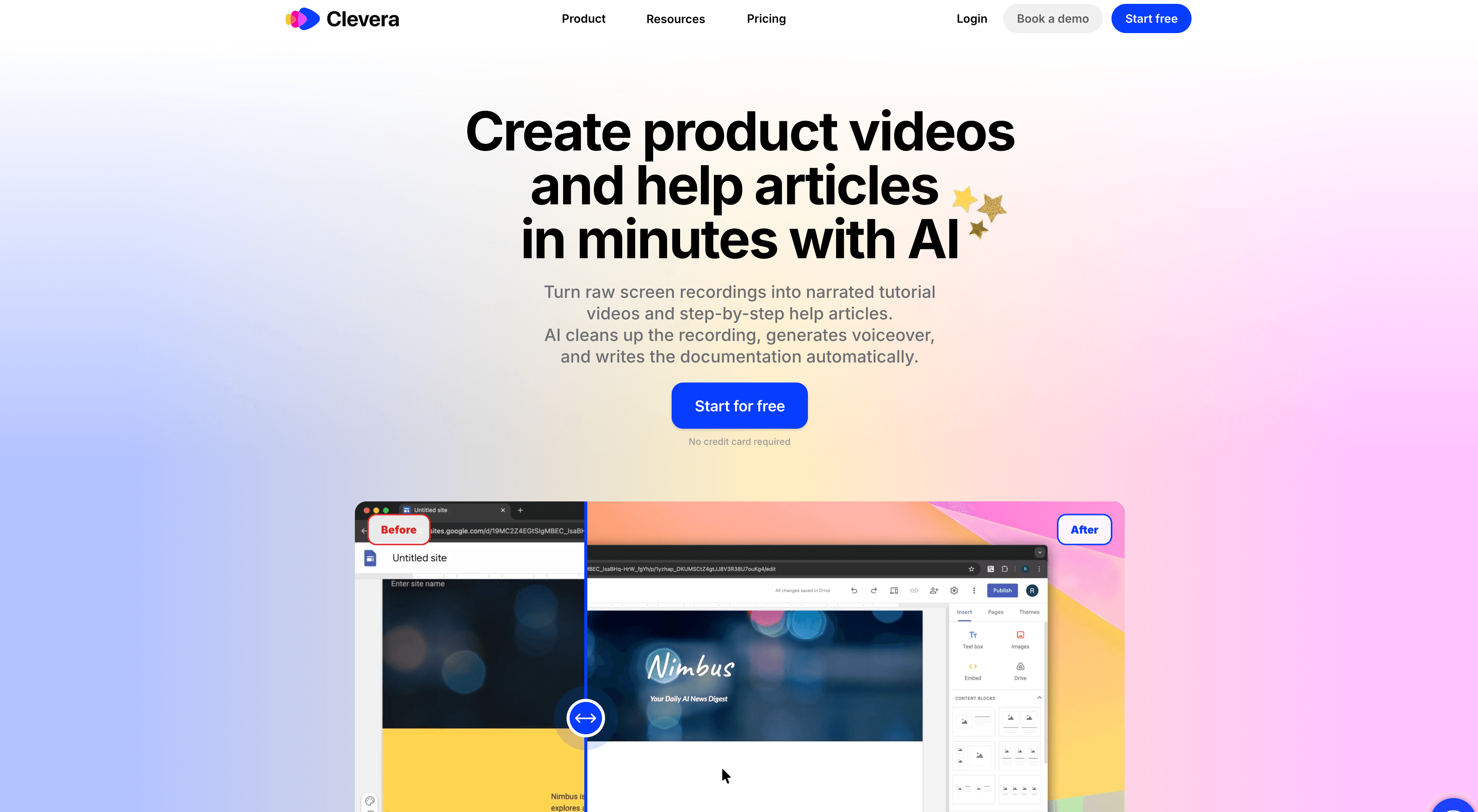
Clevera is the top video demo creation tool for product teams and SaaS companies. Record your screen while walking through the product, and Clevera's AI produces a polished, narrated demo video automatically - no script, no editing, no voiceover session required.
The AI processes your recording and handles everything between raw capture and finished demo: it removes mistakes and pauses, writes a contextual narration script based on what's on screen, generates natural-sounding AI voiceover, applies smart zoom to key interactions, and smooths cursor movement throughout. The result is a produced-quality demo video from a single screen recording session.
Alongside the video, Clevera generates an optional step-by-step written article with embedded screenshots - giving you a video demo and written product walkthrough from the same recording.
Why Clevera leads this category:
No narration during recording: the AI writes the voiceover from screen context. Anyone on your team can record a demo without preparation or mic setup.
LiveSync for embedded demos: publish a demo video once and it stays live. Update the narration, add a callout, or change the style after publishing - every embed reflects the change immediately. When your product UI updates, re-record and the new version is live across all embeds without replacing links.
Product demo automation at scale: because each demo takes minutes to produce, building a full library of feature demos, onboarding walkthroughs, and use-case demonstrations becomes practical. Teams that previously had 5 demos can have 50.
Multilingual demos: translate both video narration and written article into 70+ languages with one click - critical for products with international users.
Clevera is the right choice when your demo needs to explain the product clearly, work async, and live inside your help center, onboarding flow, or sales follow-up emails.
2. Loom
Best for: quick async video demos for one-to-one sales and team communication
Loom records your screen and face and shares the recording as a link. It's fast for quick one-to-one demos in sales conversations - record a short walkthrough for a specific prospect and send it in an email. The output is a raw recording with no AI editing, no narration generation, and no written documentation. It's a communication tool, not a production tool. Good for quick async context-sharing; not for building a library of polished product demos.
When you need interactive or sales demo software
Video demo software is not the right fit for every demo job. If you want buyers to click through a simulated product, compare interactive demo software such as Arcade, Navattic, Storylane, Supademo, Walnut, and Demostack. That guide owns the clickable-tour, sandbox, and sales demo software intent.
Use this page when the output should be a watchable demo video: a narrated walkthrough for onboarding, a reusable feature demo for your help center, or an async follow-up clip that explains a workflow clearly.
How to choose
| Tool | Primary use case | Sales | CS / onboarding | Marketing |
|---|---|---|---|---|
| Clevera | Narrated video demos + help articles | Async follow-up | Help center, onboarding | Product education |
| Loom | Quick screen recordings | One-to-one async | Internal training | Light marketing clips |
| Use case | Best tool |
|---|---|
| Narrated video demos for help center and onboarding | Clevera |
| Quick one-to-one async demo for a sales prospect | Loom |
| Self-guided interactive tour on a marketing page | See interactive demo software |
| Personalized demos for enterprise sales calls | See sales demo software |
The most common combination for SaaS companies: Clevera for building a library of polished video demos that live in the help center and onboarding flows, plus an interactive tour tool (see the interactive demo software comparison) for the marketing page. The video demos explain features in depth; the interactive tour lets prospects explore before signing up.
Most teams don't need every demo category on day 1. Start with video demos if your main problem is explanation, onboarding, or reusable async follow-up. Add interactive tours when marketing needs a self-guided landing-page experience.