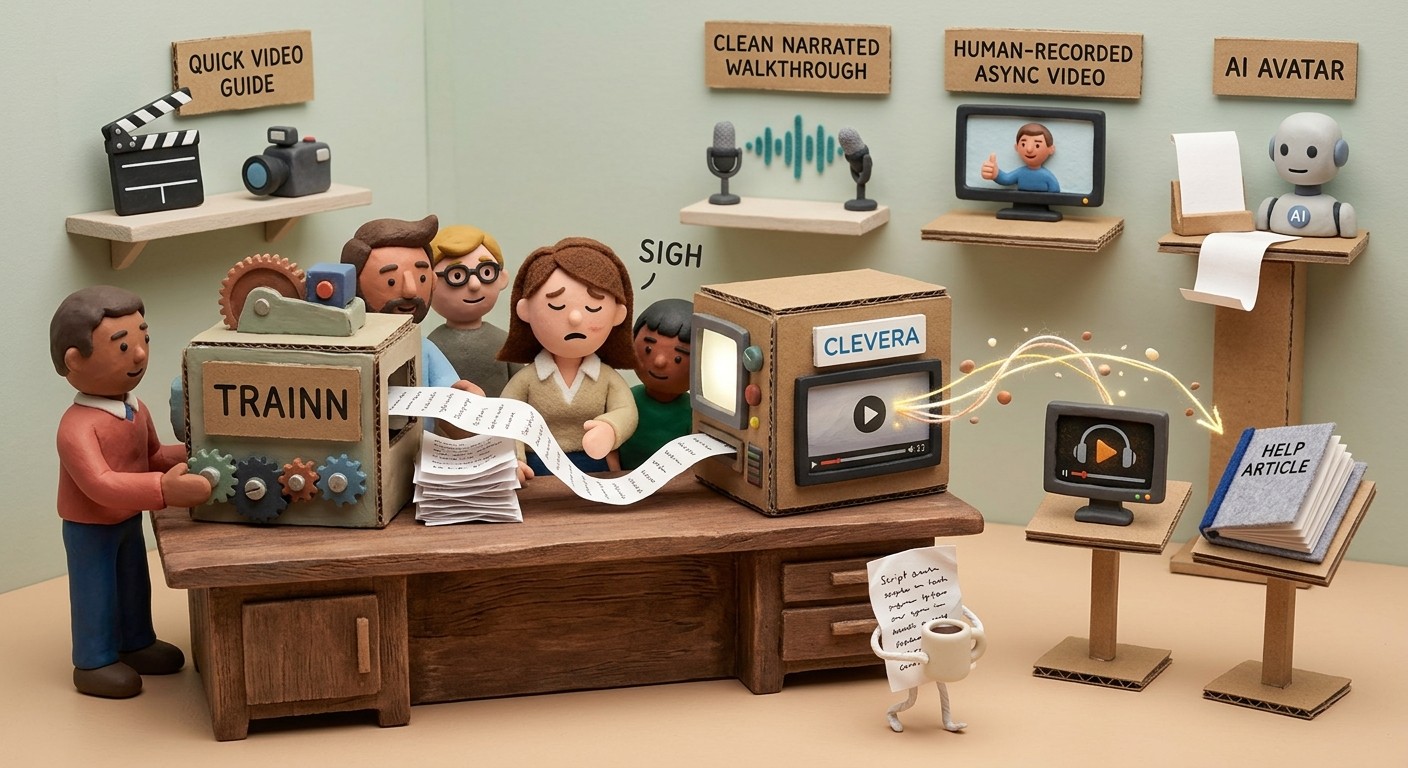
Best interactive demo software in 2026: 12 tools compared
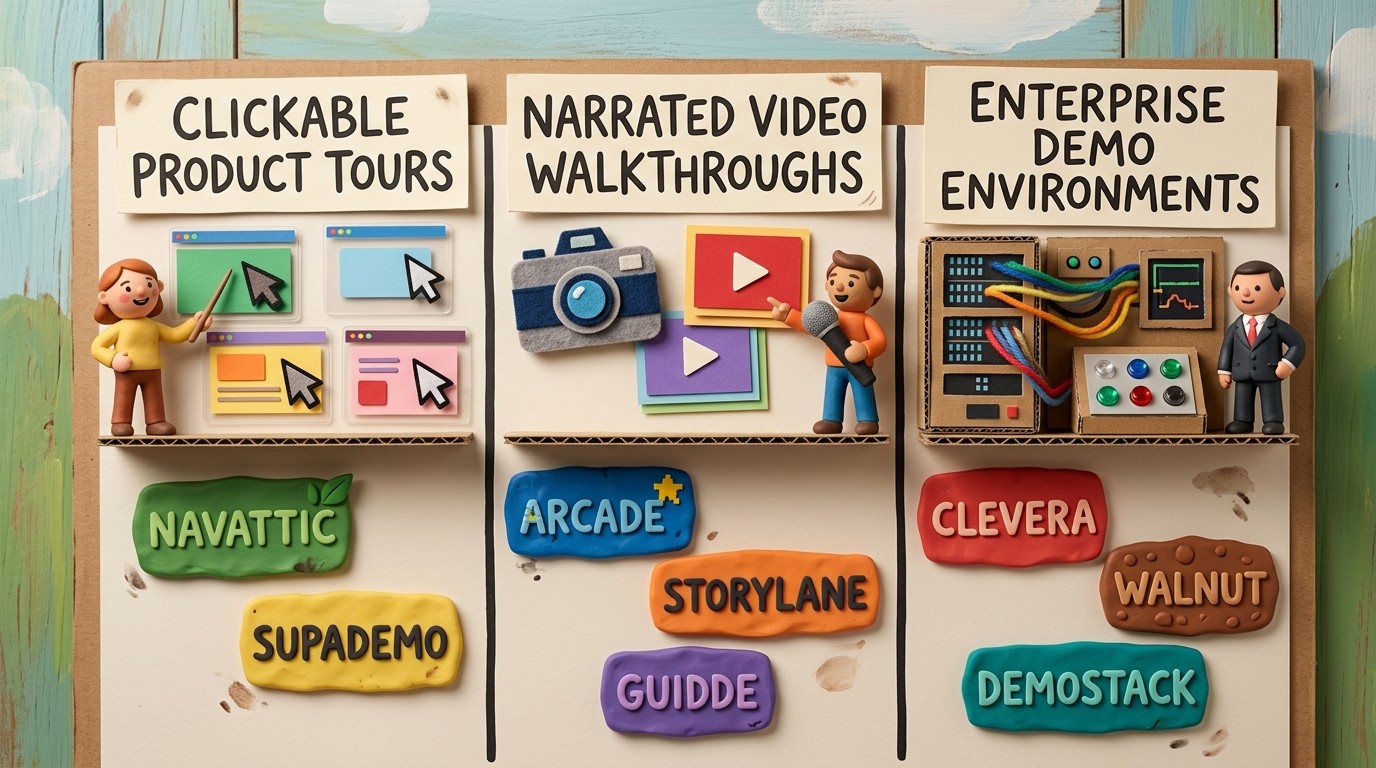
Choosing sales demo software or interactive demo software in 2026 means picking between three demo generations — screenshot tours, HTML captures, and sandbox environments — plus narrated video for async follow-up. This guide compares 12 platforms with G2 ratings, starting prices, format fit, AI features, and the GTM motion each tool supports best.
Building narrated demo videos? See how Clevera's product demo generator turns screen recordings into polished demo videos and help articles - before comparing clickable tour tools below.
Related roundups: This page owns clickable and HTML interactive demos. For AI narrated video demo tools, see the separate roundup. For a three-format overview (video, interactive, sales), see best product demo software.
Table of contents
TL;DR: best picks by demo job
Quick comparison: best interactive demo software in 2026
How we ranked these interactive demo tools
Best sales demo software for revenue teams (2026)
How interactive demo software is evaluated in 2026
What "interactive demo" actually means
Tool profiles
Which tool should you choose?
FAQ
TL;DR: best picks by demo job
Best narrated video demo and docs: Clevera, when the demo needs explanation, training value, and a written guide.
Best clickable product tour starting point: Arcade, especially for product marketing teams that want polished self-guided demos.
Best interactive demo analytics: Navattic or Storylane, when sales and marketing teams need lead capture and CRM context.
Best enterprise demo environment: Walnut, Reprise, or Demostack, depending on sandbox complexity and sales engineering needs.
Best budget HTML demo option: Supademo or HowdyGo, if the team wants to test interactive demos before committing to enterprise tooling.
Best AI demo automation angle: Consensus, when sales teams want AI-assisted demo flows for complex buying committees.
Quick comparison: best interactive demo software in 2026
Tool | Best for | Demo format | Gen / category | Pricing signal | G2 rating | CRM / analytics | AI features | Strongest fit |
|---|---|---|---|---|---|---|---|---|
Clevera | AI video demos plus help articles | Narrated video + written guide | Video adjunct | Starts at $29/month, billed annually | No public G2 profile yet | Live embeds, not tour analytics | AI script, voiceover, article generation, translation | Onboarding, support, training, and reusable demo libraries |
Arcade | Polished interactive product stories | Screenshot/HTML demos + AI videos | Gen 1/2 | Free plan; Growth from $42.50/seat/month annually | 4.6/5 (177) | Forms, CTAs, analytics | AI copy, voiceover, translation, AI videos | Product marketing and growth teams |
Storylane | HTML demos with lead analytics | Screenshot and HTML interactive demos | Gen 1/2 | Free tier; verify paid plan fit | 4.8/5 (1,405) | Lead capture, integrations, engagement data | AI voiceover and demo assistance | Demand gen and sales-led demo pages |
Navattic | Enterprise interactive demos | HTML interactive demos | Gen 2 | G2 lists free, $40, and $500 tiers; verify vendor page | 4.8/5 (917) | CRM and marketing automation analytics | Limited content automation; strong analytics | Sales teams that need account-level demo engagement |
Supademo | Affordable interactive demos | Guided screenshot, HTML, sandbox, and video demos | Gen 1/2 | Free plan; Scale from $38/creator/month | 4.7/5 (620) | Lead capture and demo analytics on paid tiers | AI text personalization, voice cloning on higher tiers | Early-stage teams and customer education |
Walnut | Personalized sales demos | Interactive demo environments | Gen 3 | G2 lists Ignite from $750/year; verify contract terms | 4.5/5 (151) | Salesforce, HubSpot, Marketo, analytics | Personalization and sales workflow automation | Enterprise sales engineering |
Demostack | Controlled demo environments | Demo environment cloning | Gen 3 | Custom enterprise pricing | 4.7/5 | Sales engineering demo controls | Personalization, data, and demo environment controls | Complex enterprise sales cycles |
Guidde | Fast AI-narrated walkthroughs | Step-based video walkthroughs | Video adjunct | Public tiers vary; verify before publishing | 4.8/5 (82) | Sharing and video engagement, not CRM-led tours | AI voiceover and step text | CS and support teams making quick how-to videos |
Consensus | AI-assisted demo automation | Interactive demo automation | Gen 2/3 | G2 lists Starter from $600/month for 5 users | 4.7/5 (1,714) | Buyer enablement and demo engagement | AI demo assistance and buyer enablement | Complex B2B buying committees |
Reprise | Enterprise product replicas | Sandbox and app demo environments | Gen 3 | Custom/verify | 4.4/5 (175) | Enterprise demo analytics and sales workflow fit | Demo environment controls | Enterprise sales engineering |
HowdyGo | Affordable HTML demos | HTML product demos | Gen 2 | Starter from $159/month | 5.0/5 (30) | CRM sync and demo analytics | Demo capture assistance, AI voiceovers | Early-stage teams testing HTML demos |
Guideflow | PLG interactive demos | Interactive demos and onboarding flows | Gen 2 | Public/verify | 5.0/5 (141) | Demo engagement and onboarding analytics | AI assistance varies by plan | Product-led growth teams |
Pricing, review scores, and AI feature names change often in this category. G2 ratings are July 2026 snapshots where a matching public profile was available; treat the table as a shortlist filter, then verify vendor pages before buying.
How we ranked these interactive demo tools
We ranked tools by the job a SaaS team is usually hiring interactive demo software to do, not by logo recognition alone.
Format fit: whether the tool creates screenshot tours, HTML captures, sandbox environments, narrated videos, or a mix.
Commercial proof: public review signal, pricing transparency, recognizable customer fit, and how clearly the vendor explains the demo job.
GTM usefulness: lead capture, CRM sync, analytics, personalization, and whether a sales or marketing team can use the demo in real campaigns.
AI depth: whether AI helps with real demo creation, copy, voiceover, personalization, or analysis instead of only adding generic polish.
Maintenance cost: how much work it takes to update demos when the product changes.
Best sales demo software for revenue teams (2026)
Sales demo software usually means one of three jobs: self-guided clickable tours for pipeline (Storylane, Navattic, Supademo), personalized sandbox environments for enterprise calls (Walnut, Demostack), or polished async video follow-up after a meeting (Clevera, Loom). Most revenue teams need at least two - a top-of-funnel interactive demo and a reliable way to send tailored walkthroughs without re-recording from scratch.
Use the table above to shortlist by format. Walnut and Demostack lead for enterprise personalization; Storylane and Navattic fit mid-market teams that need CRM-linked demo analytics; Clevera covers narrated video demos and help articles when sellers need explanation, not just exploration.
How interactive demo software is evaluated in 2026
Interactive demo buyers are really comparing 3 generations of demo software.
Generation | Format | Example tools | Best GTM job |
|---|---|---|---|
Gen 1 | Screenshot and guided product tours | Arcade, Supademo, Storylane | Fast website demos, onboarding snippets, and campaign assets |
Gen 2 | HTML or DOM-captured demos with analytics | Navattic, HowdyGo, Guideflow | Lead capture, account engagement, and product-led growth |
Gen 3 | Sandboxes and controlled demo environments | Walnut, Reprise, Demostack | Enterprise sales, complex workflows, and sales engineering |
Clevera sits outside the clickable-tour ladder because it creates narrated product demo videos and written articles rather than simulated click paths. That is a strength when the demo needs to teach. It is a mismatch when the buyer needs to click through a product replica.
Buyers increasingly prefer self-serve product exploration before talking to sales. Commonly cited B2B buying-journey research from Gartner puts that preference around 77% of buyers. Teams investing in Gen 2 and Gen 3 demos often cite stronger conversion from guided exploration; Navattic has published customer outcomes claiming roughly 2× demo conversion versus static alternatives. Treat those figures as vendor-reported or third-party research signals, then validate against your funnel.
What "interactive demo" actually means
The category has 3 formats that often get mixed together:
Clickable product tours use screenshots or HTML captures of your product UI. Viewers click through steps, trigger branches, and explore features at their own pace. Arcade, Storylane, Supademo, and Navattic are common examples.
Narrated video demos turn a screen recording into a guided explanation. The viewer watches rather than clicks. Clevera belongs here, with the added benefit that every recording can also become a written how-to article.
Demo environments create controlled versions of your product for sales teams. These are useful when reps need personalized data, prospect-specific flows, or a stable demo account that does not break before a call. Walnut and Demostack fit this pattern.
None of these formats is universally better. Clickable demos are strongest for top-of-funnel exploration. Narrated videos work better when users need explanation, training, or documentation. Demo environments help enterprise sales teams control high-stakes live selling moments.
For the broader comparison between walkthroughs and clickable demos, see best product demo software (video vs interactive vs sales formats).
1. Clevera

Example: narrated product demo from a screen recording — not a clickable tour.
Best for: narrated video demos and written how-to articles from one recording
Clevera is not a clickable tour builder. It is the strongest choice when your team needs polished product demo videos, onboarding tutorials, training videos, and help articles without a video production workflow.
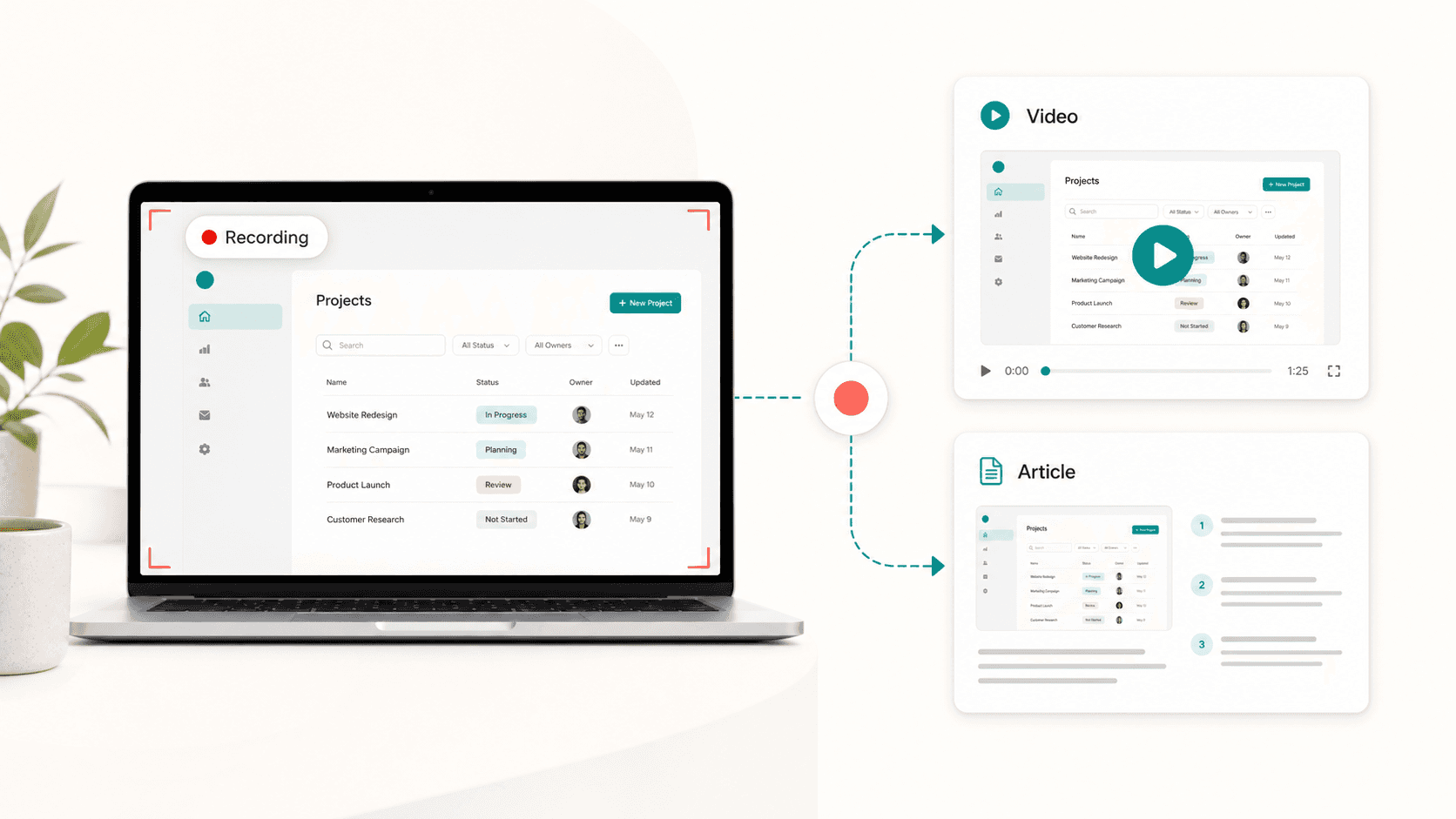
You record your screen with the desktop app, the Chrome extension, or upload an existing recording from a tool like Loom, OBS, or QuickTime. The recording can be silent or include existing narration. Clevera's AI analyzes the workflow, writes a contextual script, generates a natural voiceover, syncs the narration to the video, and creates a structured written article with numbered steps and screenshots.
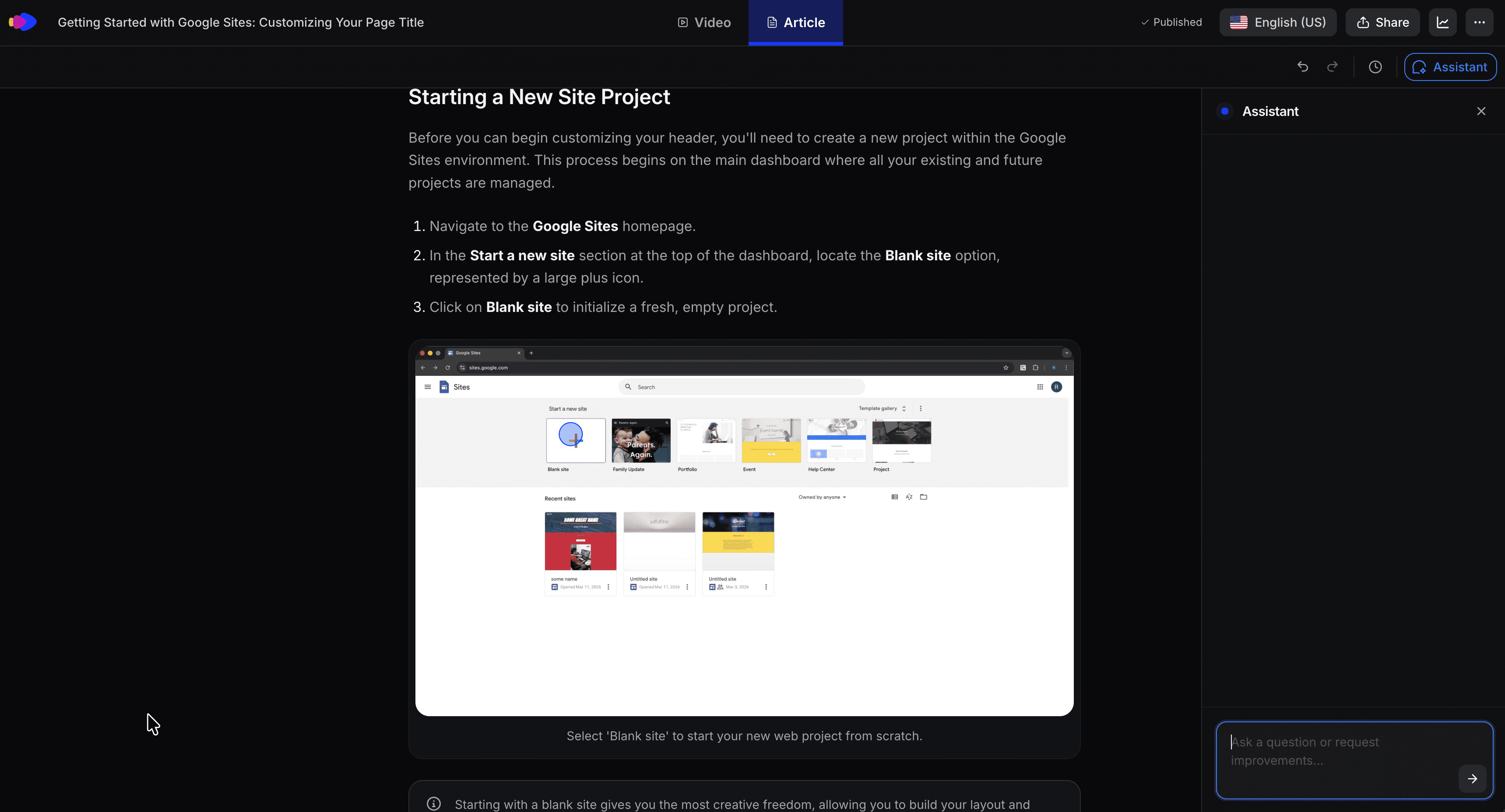
That matters when the demo needs to teach. A prospect can watch a sales follow-up video, a new customer can replay the onboarding walkthrough, and a support user can skim the written article. One source recording can become multiple independent Content items — including a product demo video, how-to video, styled/share-ready video (your voice preserved), cleaned-up video, teaser clip, and written article.
Key strengths:
AI-generated narration from silent or spoken screen recordings
Written help article generated alongside the video
LiveSync embeds that update everywhere after edits
Exports and publishing paths for Notion, Confluence, Zendesk, Intercom, GitHub, and more
Translation for video and article in 70+ languages
Pricing starts at $29/month, billed annually
Clevera is the wrong fit if buyers need to click through a simulated version of your product on a landing page. But if your goal is a scalable library of product demo videos and documentation, Clevera removes the production bottleneck.
Explore Clevera's product demo generator
2. Arcade
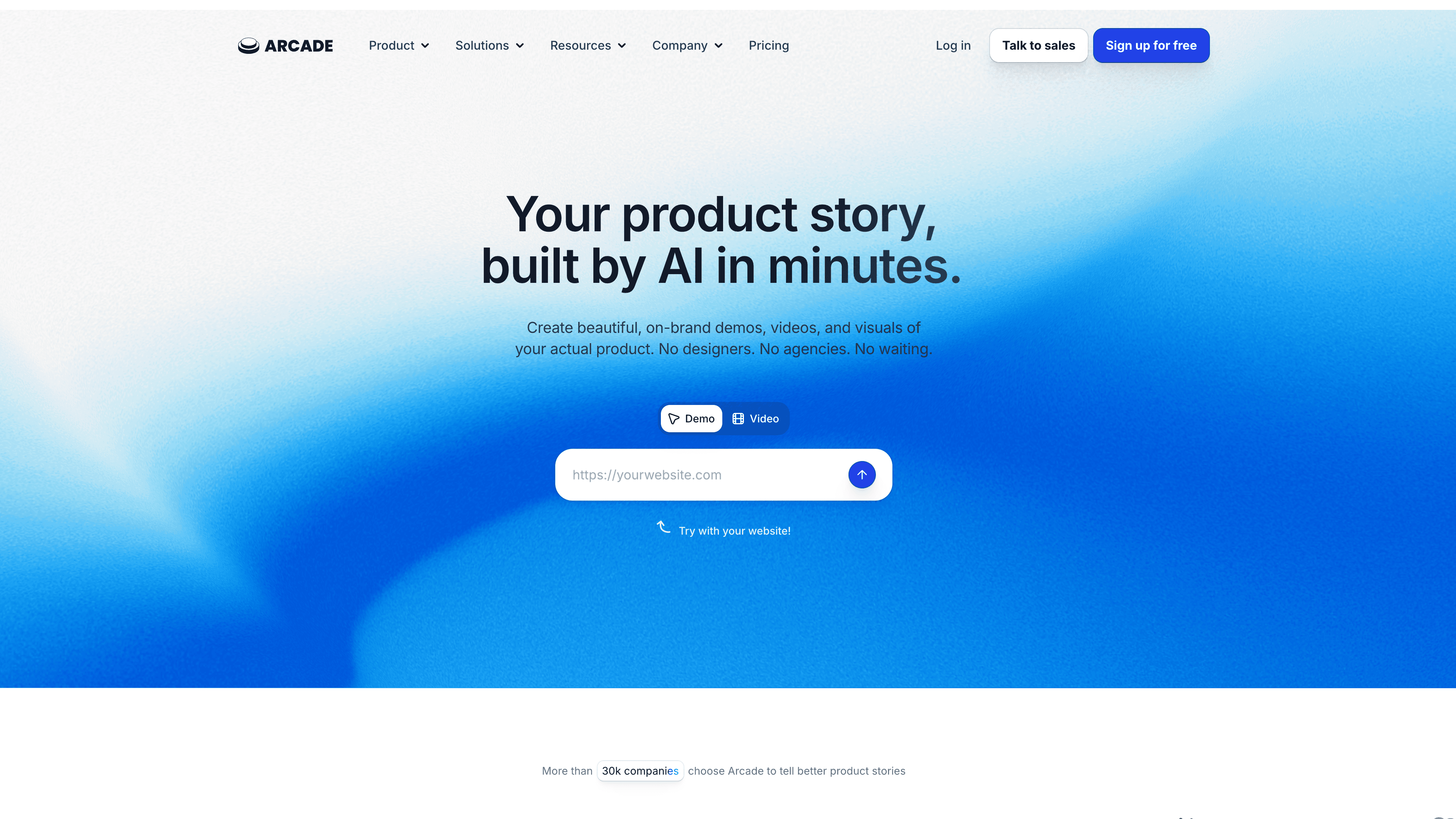
Best for: polished interactive product stories for marketing pages
Arcade is one of the strongest interactive demo tools for teams that care about presentation quality. It supports demos, AI videos, branching, CTAs, forms, analytics, and translations. The output is built for marketing and growth teams that want prospects to experience the product before booking a call.
Arcade's pricing is accessible compared with enterprise demo tools: the free plan includes 1 published demo and 1 published video, while the Growth plan is listed at $42.50 per seat per month on annual billing. Enterprise adds HTML capture, custom domains, SSO, offline access, and higher AI credits.
The trade-off is content work. Arcade can help with AI copy and voiceover, but your team still owns the demo narrative, branching logic, and positioning.
Best for: Product marketing and growth teams that want interactive demos on landing pages, emails, and campaign pages.
3. Storylane
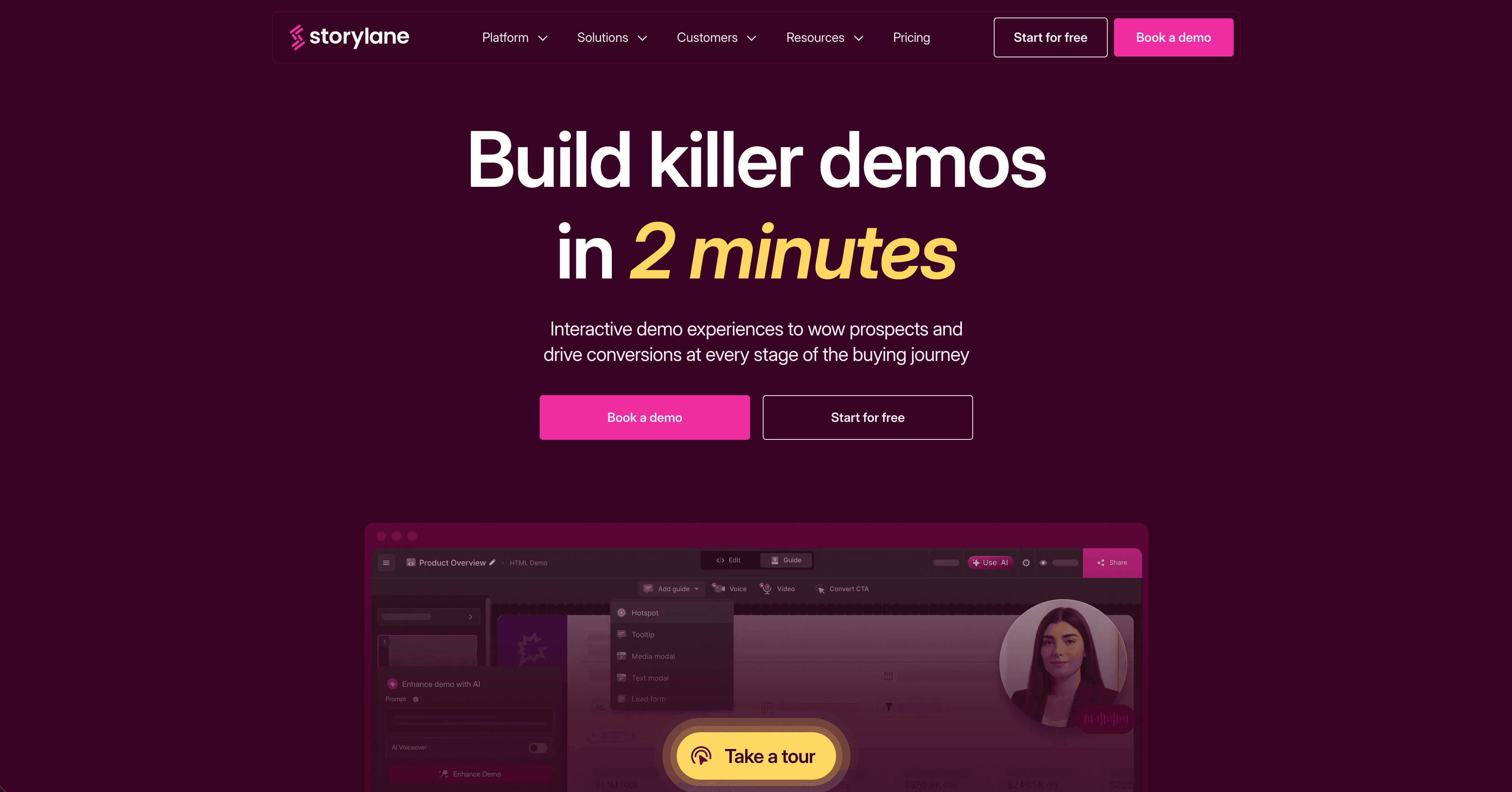
Best for: HTML demos with lead analytics and sales engagement
Storylane is built for GTM teams that want self-guided demos with personalization, lead capture, and engagement analytics. Its HTML demos feel closer to the real product than a simple screenshot tour.
The main buying consideration is pricing and plan fit. Storylane's meaningful HTML and analytics capabilities usually sit above the entry tier, so teams should check whether they need screenshot demos, HTML demos, AI voiceover, or account-level analytics before committing.
Storylane is a strong fit when the demo's job is pipeline generation. It is less useful when the output needs to become a help article or training video library.
Best for: Mid-market SaaS GTM teams that want interactive demos with lead analytics.
4. Navattic
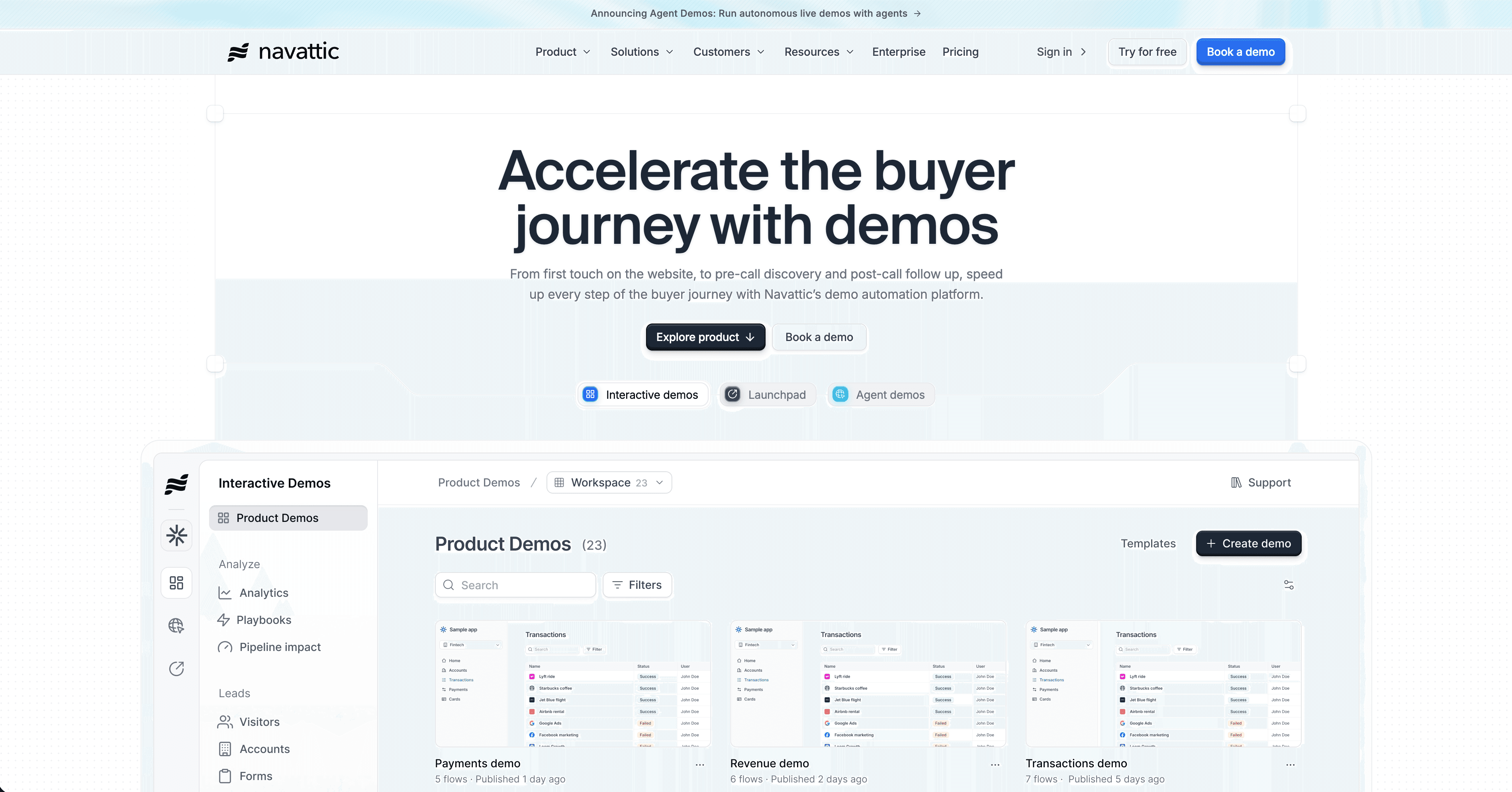
Best for: enterprise interactive demos with CRM-synced analytics
Navattic is a mature interactive demo platform for sales-led teams, especially when demo engagement data needs to flow into Salesforce, HubSpot, Marketo, or a sales process where reps care which features a prospect explored.
Navattic is not the cheapest way to test interactive demos. It is a better fit once demo engagement is already a serious GTM motion.
Best for: Enterprise and mid-market sales teams that treat demo engagement as a pipeline signal.
5. Supademo
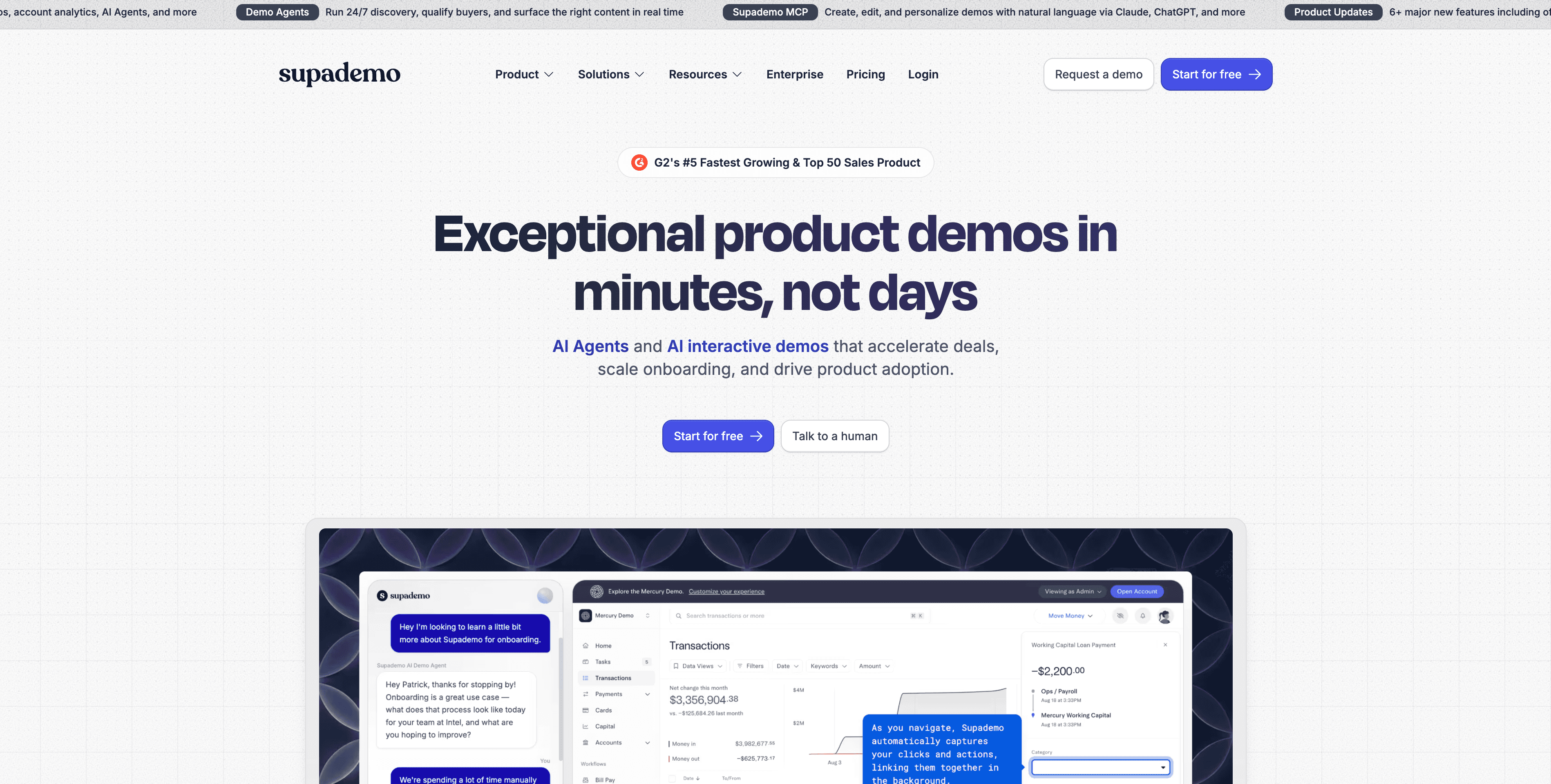
Best for: quick interactive demos at a lower price point
Supademo is the budget-friendly interactive demo option that has grown into a broader demo platform. It offers a free plan, Scale from $38 per creator per month, and Growth from $350 per month for 5 creators. Higher tiers add guided HTML demos, sandbox demos, voice cloning, AI data editing, and more collaboration options.
For early-stage teams, the appeal is obvious: you can build demos quickly without enterprise contracts. Supademo also includes AI text personalization, unlimited external views on paid plans, and sharing formats like links, embeds, videos, and PDFs.
Best for: Early-stage and budget-conscious SaaS teams that need interactive demos quickly.
6. Walnut
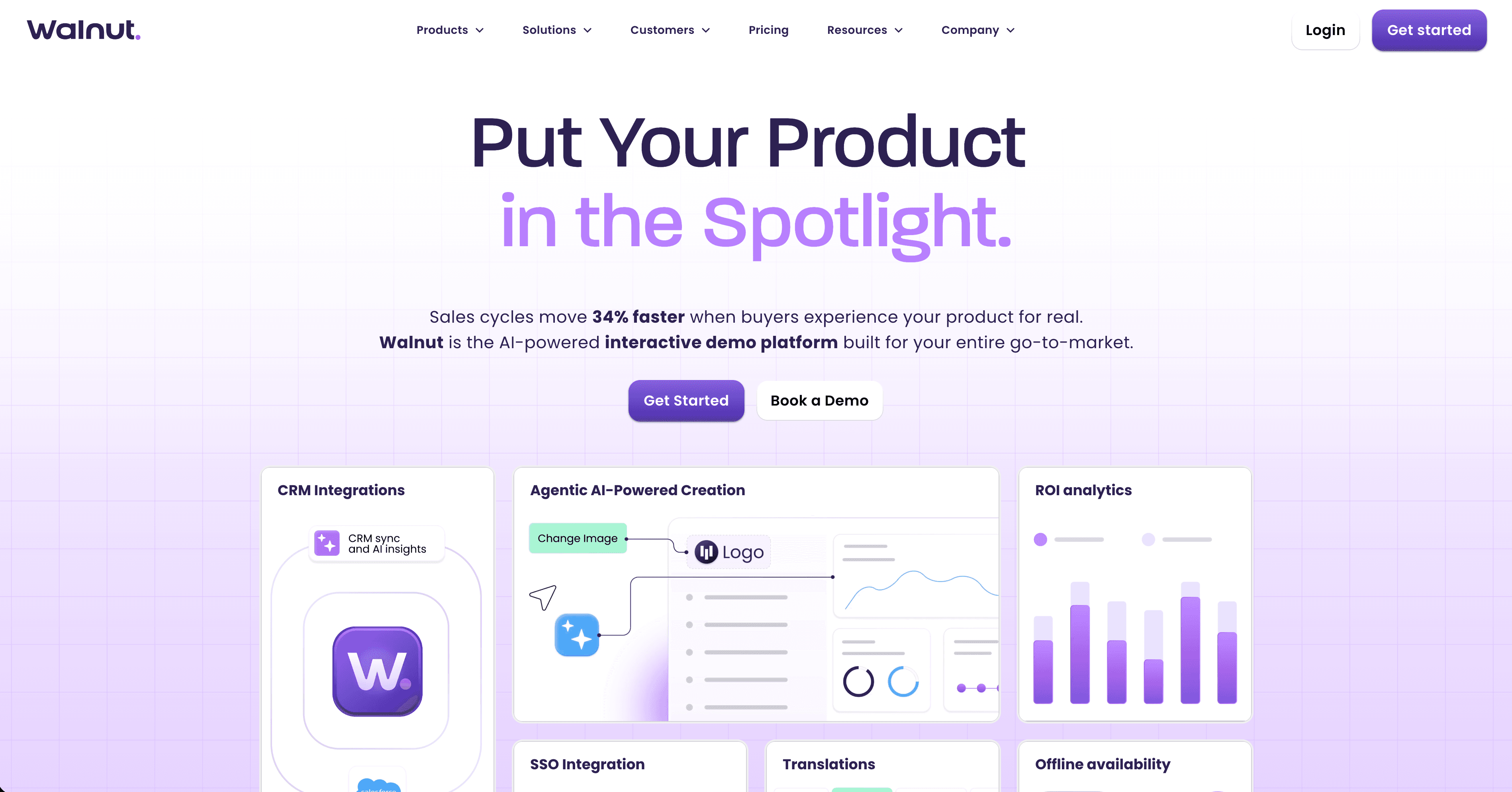
Best for: personalized sales demos for enterprise teams
Walnut helps sales and sales engineering teams build personalized product demos for prospects. Instead of relying on a fragile live demo account, teams can create controlled demo flows and tailor the experience by persona or account.
Pricing is custom and enterprise-oriented, so it belongs on the shortlist only when the sales motion justifies implementation time and budget.
Best for: Enterprise sales teams that need personalized demo environments across many reps and accounts.
7. Demostack
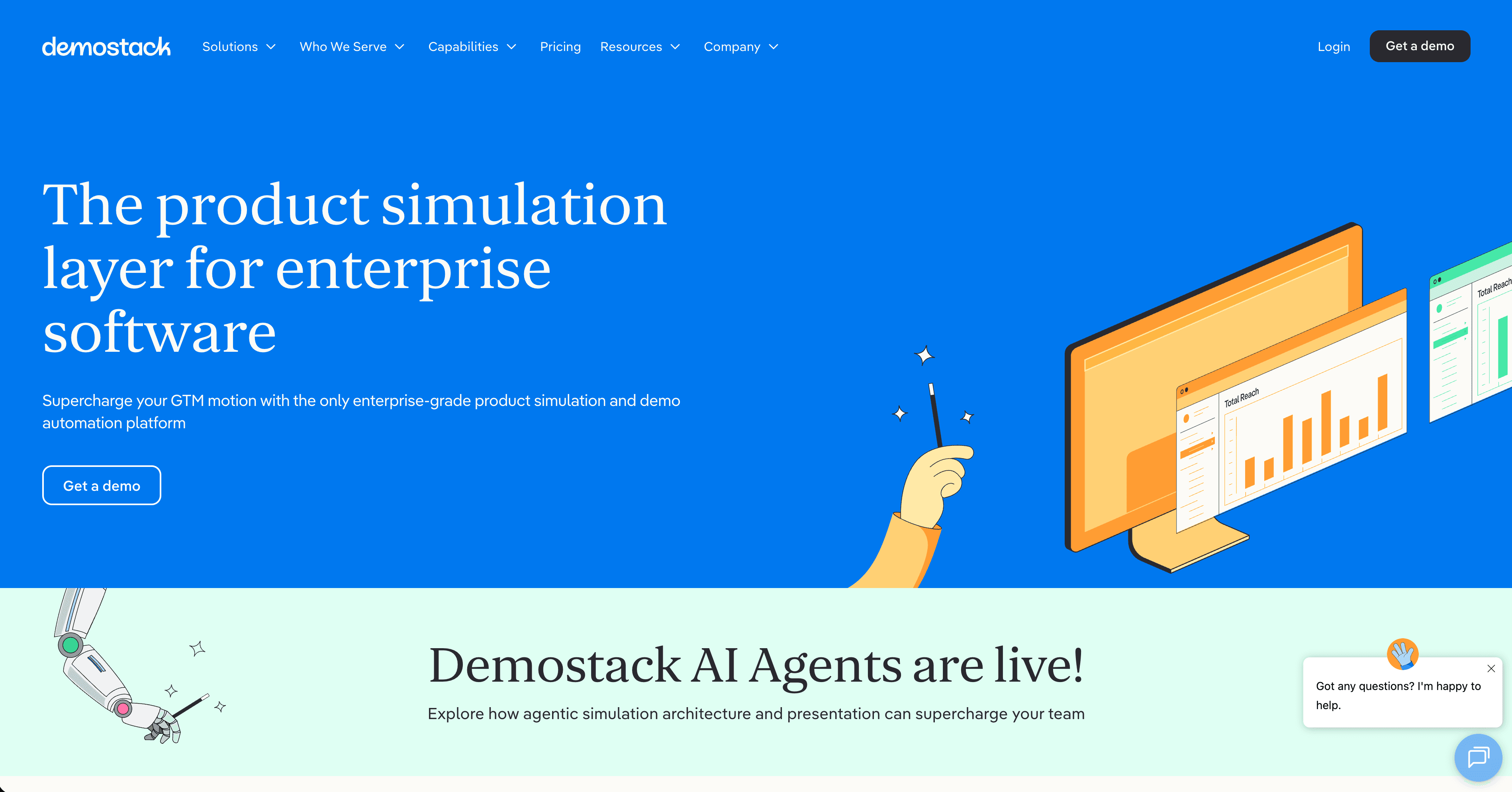
Best for: complex demo environments and sales engineering control
Demostack is another enterprise option for teams that need stable, customizable demo environments without relying on production data, fragile staging environments, or manual reset work between calls.
The platform is more infrastructure-heavy than lightweight interactive demo tools, so it is rarely the right starting point for a small team that only needs an embeddable product tour.
Best for: Sales engineering teams with complex products, long sales cycles, and high demo reliability requirements.
8. Guidde
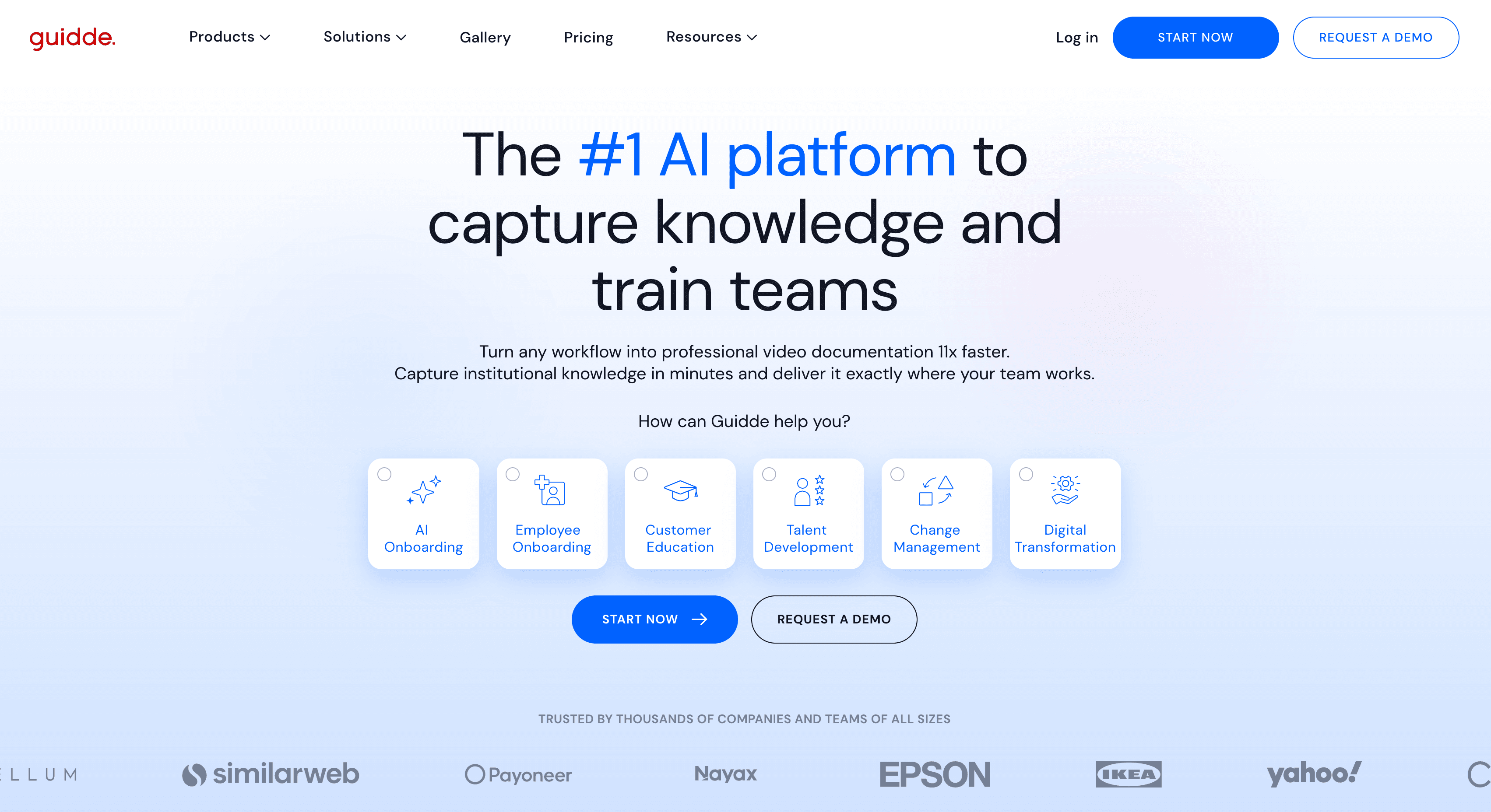
Best for: fast AI-narrated support walkthroughs
Guidde is closer to Clevera than to Navattic or Storylane. It records workflows and generates AI-narrated, step-based videos for customer success and support teams.
The difference is depth and output mix. Clevera is stronger when you need a polished video and a detailed written article from the same recording. Guidde is useful when the primary goal is a quick visual walkthrough with narration.
Best for: CS and support teams creating quick product explainers for existing users.
9. Consensus
Best for: AI-assisted demo automation for complex B2B sales
Consensus focuses on demo automation for buying committees. The product helps sellers deliver the right demo experience to different stakeholders without running the same live walkthrough repeatedly. G2 lists 4.7/5 (1,714 reviews) and a Starter tier from $600/month for 5 users — verify current plans before procurement.
Pros:
Strong fit for multi-stakeholder B2B buying committees
AI-assisted demo flows reduce repetitive live walkthrough work
Watch out: Overkill if you only need lightweight website tours or help-center videos.
10. Reprise
Best for: enterprise sandbox and product replica demos
Reprise helps teams create controlled product demo environments for sales and sales engineering. It is useful when the real product is too complex, too fragile, or too sensitive to use directly in every sales call. G2 shows 4.4/5 (175 reviews); pricing is typically custom enterprise.
Pros:
Reliable product replicas for complex enterprise sales cycles
Strong sandbox controls for sales engineering teams
Watch out: Implementation weight is high for teams without dedicated sales engineering support.
11. HowdyGo
Best for: affordable HTML demos for early-stage teams
HowdyGo is a practical option for teams that want HTML-style interactive demos without starting with a large enterprise demo platform. G2 lists 5.0/5 (30 reviews) and a Starter tier from $159/month — strong scores, but review volume is still modest.
Pros:
Lower-cost entry into HTML interactive demos
CRM sync and demo analytics on paid tiers
Watch out: Not a substitute for full sandbox environments in complex enterprise sales.
12. Guideflow
Best for: product-led onboarding and interactive demo flows
Guideflow targets teams that want guided product experiences for onboarding, PLG education, and marketing pages. G2 shows 5.0/5 (141 reviews) — high score with a mid-market review base.
Pros:
Strong fit for PLG onboarding and conversion-focused demo flows
Useful middle ground between lightweight tours and enterprise sandboxes
Watch out: Less useful when buyers need narrated explanation plus a written guide — Clevera fits that job better.
Which tool should you choose?
Use case | Best choice |
|---|---|
Help center videos and written documentation | Clevera |
Product marketing landing-page demos | Arcade |
Lead capture and account-level demo analytics | Storylane or Navattic |
Budget-friendly interactive demos | Supademo |
AI-assisted demo automation for buying committees | Consensus |
Personalized enterprise sales demos | Walnut or Reprise |
Controlled demo environments for complex products | Demostack |
Lightweight HTML demos | HowdyGo |
Product-led onboarding demo flows | Guideflow |
Quick narrated support walkthroughs | Guidde |
If your goal is buyer exploration, choose a clickable demo tool. If your goal is user comprehension, choose a narrated video and documentation tool. If your goal is enterprise sales control, choose a demo environment platform.
Most SaaS teams eventually use more than 1 format. A common stack is Clevera for product demo videos, onboarding, and help documentation, plus Arcade, Supademo, Storylane, or Navattic for interactive demos on sales and marketing pages.
For adjacent demo automation workflows, see AI demo builder that writes demo content automatically and product walkthrough software.
FAQ
What is the best sales demo software for SaaS?
It depends on your sales motion. Walnut and Demostack are the strongest fits for enterprise teams that need personalized sandbox demos per account. Storylane and Navattic work well when demo engagement data must flow into CRM and marketing automation. Clevera is the better pick for async video follow-up and reusable demo libraries - narrated walkthroughs plus written guides from one recording. Loom covers quick one-to-one clips when polish matters less than speed.
What is the best interactive demo software for SaaS teams?
For clickable marketing demos, Arcade is the most accessible starting point and Navattic is stronger for enterprise analytics. For narrated product demo videos and help articles, Clevera is the better fit because it creates the explanation layer from a screen recording.
Is an interactive demo better than a product demo video?
Not always. Interactive demos are better when prospects need to explore a product before talking to sales. Product demo videos are better when users need guidance, onboarding, training, or support documentation.
What is the cheapest interactive demo software?
Supademo and Arcade both have practical entry points for small teams. Supademo has a free plan and a Scale plan from $38 per creator per month. Arcade has a free plan and a Growth plan listed at $42.50 per seat per month on annual billing.
Does Clevera create clickable interactive demos?
No. Clevera creates narrated product demo videos and written help articles from screen recordings. It is best for reusable explanation content, not self-guided clickable product simulations.
What is the difference between Gen 1, Gen 2, and Gen 3 demo software?
Gen 1 tools create screenshot-based tours. Gen 2 tools capture richer HTML or DOM experiences with analytics. Gen 3 tools create controlled demo environments or product replicas for enterprise sales teams.
Which interactive demo software has the best G2 rating?
Among the tools checked in July 2026, HowdyGo and Guideflow show the highest visible G2 score at 5.0/5, but both have smaller review counts than category leaders. For higher-volume review proof, Storylane and Navattic both show 4.8/5 with hundreds or more reviews. Ratings and review counts change often, so verify G2 before making a procurement decision.
Is Consensus or Storylane better for AI demo creation?
Consensus is stronger when the buying process needs AI-assisted demo automation across a complex committee. Storylane is stronger when the team wants self-guided HTML demos with lead capture and sales engagement analytics.