AI demo builders that write demo content automatically (2026)
Recording your screen is the easy part. Writing the script, recording the narration, adding captions, and editing the footage into something a user will actually watch — that's where most of the time goes. The majority of demo tools stop at the recording. The ones below go further.
This list covers AI demo builders that genuinely write demo content for you. Not "AI-assisted," not "one-click templates." Tools where the AI watches what you do on screen, understands the context, and generates the narration, step descriptions, or both without you drafting a word.
What "writes content automatically" actually means
There's a difference between a tool that lets you add AI voiceover to existing slides and one that generates a full narration script from scratch based on what it sees on screen. The first saves a few minutes. The second removes the content work entirely.
The tools in this list are the second kind — or close to it. They analyze your screen actions and produce step descriptions, narration scripts, or written articles automatically. No prompting, no scripting, no recording yourself talking.
1. Clevera
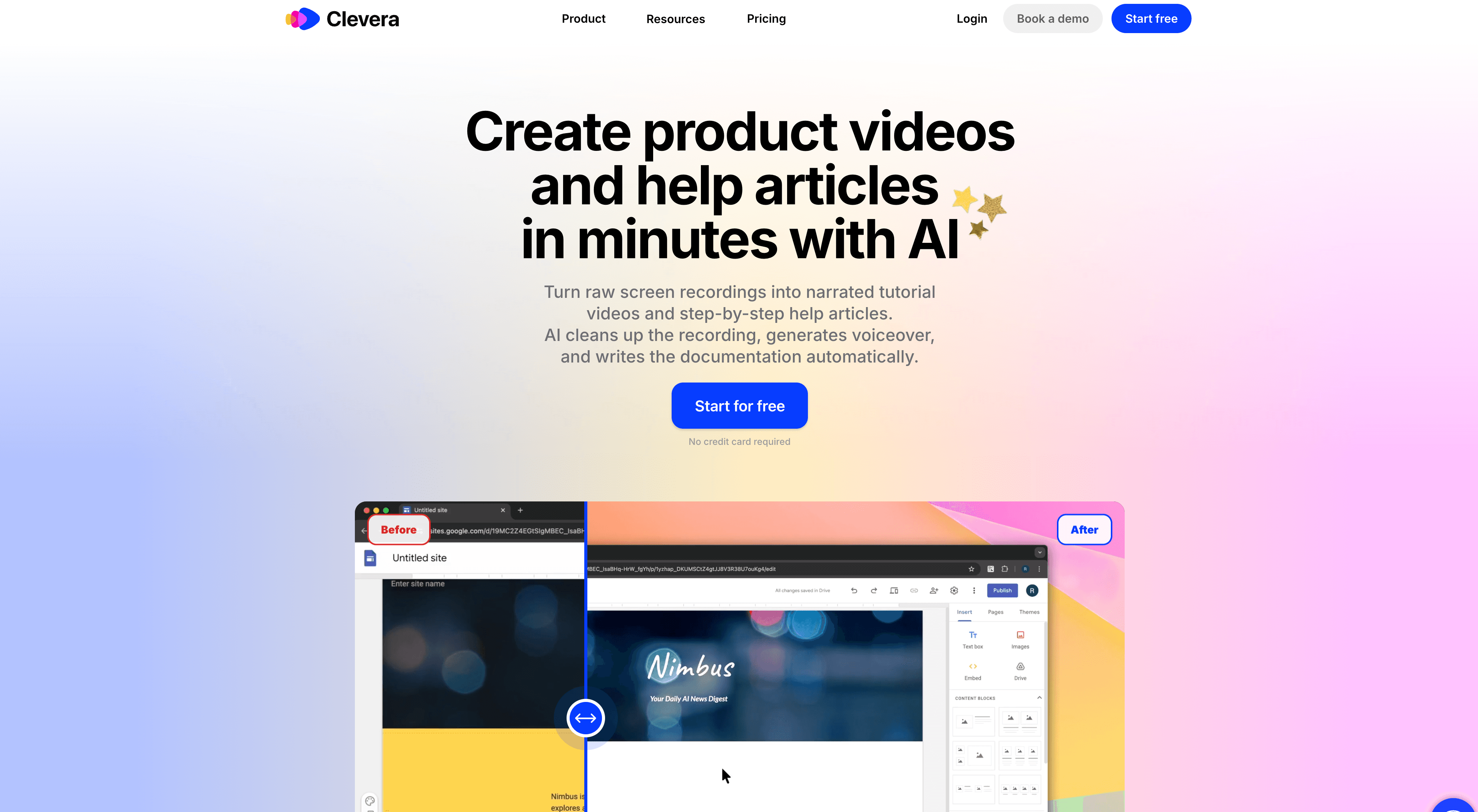
Best for: product teams that need both narrated video demos and written documentation from one recording
Clevera records your screen, then its AI analyzes every on-screen action and generates a complete voiceover script from scratch. The AI reads the context — what application you're in, what the action accomplishes, what step it belongs to — and writes narration that explains the purpose of each action, not just names what you clicked.
From the same recording, Clevera also generates a structured how-to article with step titles, descriptions, and screenshots selected automatically. One 5-minute screen recording produces a polished narrated video and a ready-to-publish written guide.
What separates Clevera from the others on this list is depth. Most tools generate a sentence per step. Clevera writes narration that explains the why behind each action, making the output genuinely useful for onboarding and training — not just marketing demos.
Other content generation details worth knowing:
Clevera removes accidental clicks, pauses, and off-task footage automatically before generating the script
The AI applies smart zoom to key interactions in the video so the content is visually directed, not just narrated
Scripts are fully editable: rewrite any section manually or ask the AI to adjust tone, extend an explanation, or simplify language
Videos publish as live embeds: update the narration or visuals later, and changes appear instantly everywhere the video is embedded (Clevera calls this LiveSync)
Clevera exports articles as Markdown or HTML and publishes directly to Notion, Confluence, Zendesk, Intercom, GitHub, Gitbook, Readme, and more.
Pricing: Starter at $29/month (annual), Pro at $99/month (annual)
See how Clevera's AI product demo generator works
2. Guidde
Best for: lightweight video walkthroughs with fast AI narration
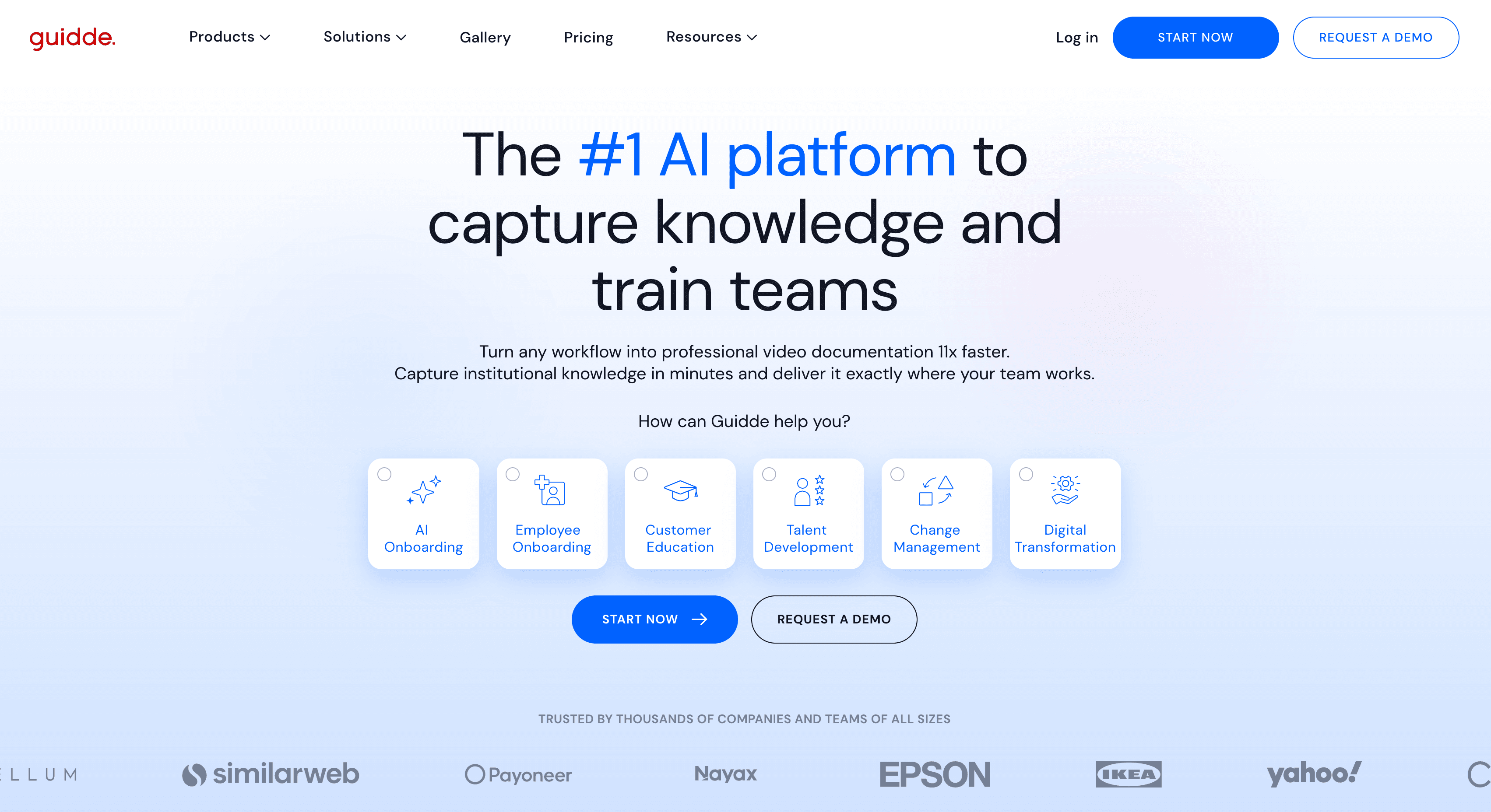
Guidde records your screen and uses AI to generate voiceover narration for each step automatically. The output is a short video walkthrough with AI narration and visual click-indicators that highlight where each interaction happened.
The AI-generated scripts are functional and cover the basics of what's happening on screen. The contextual depth is lighter than Clevera — Guidde tends to describe actions more literally rather than explaining their purpose within a workflow. For quick product walkthroughs where speed matters more than depth, that's often fine.
Guidde doesn't generate a written article alongside the video, so if you need both formats, you'll need to handle the written documentation separately.
Best for: Teams that need fast, lightweight demo videos without a full production workflow.
3. Scribe
Best for: text-based step-by-step guides with AI-written descriptions
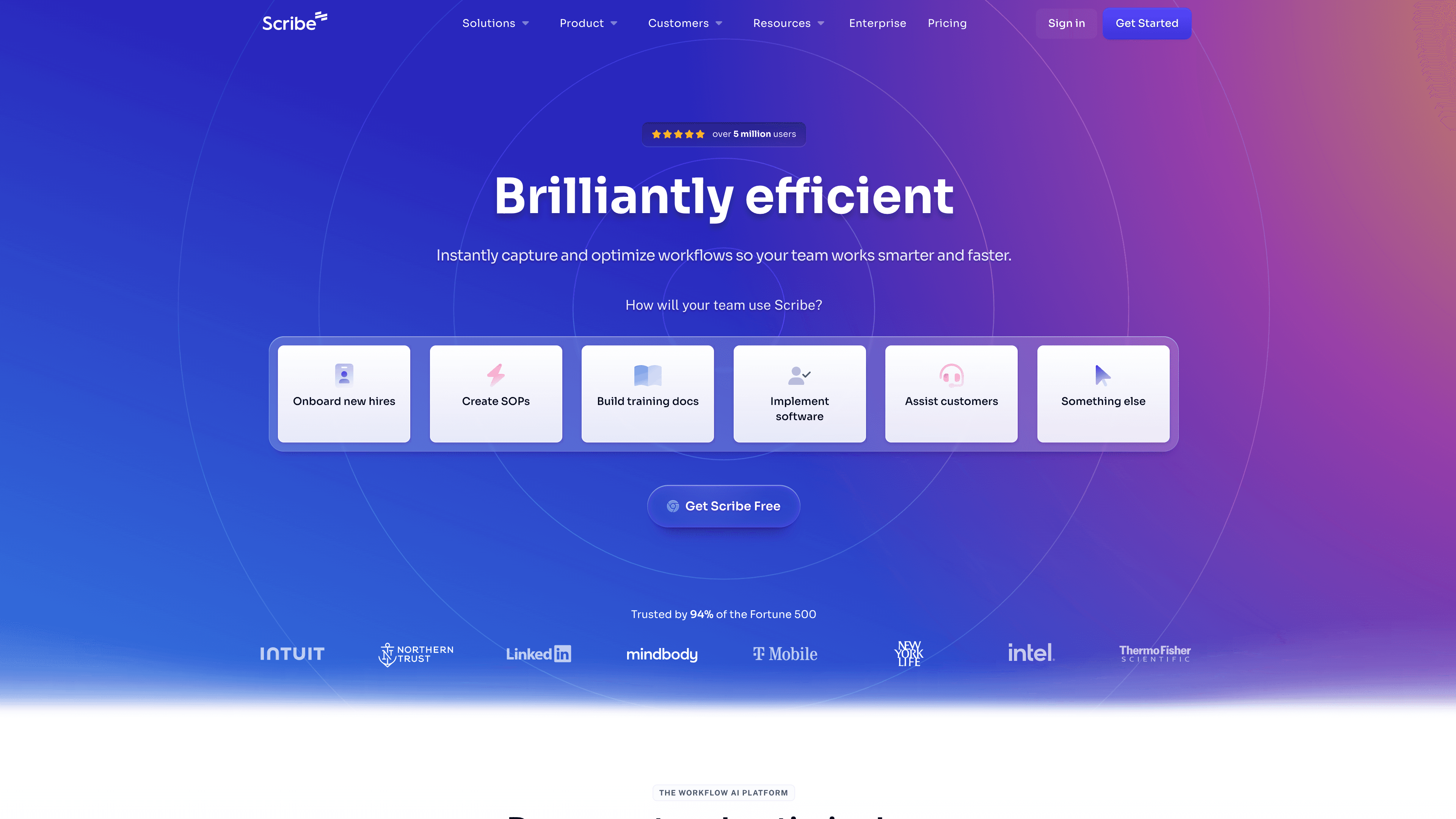
Scribe generates step-by-step guides from screen actions, with AI-written descriptions for each step and auto-captured screenshots. It's primarily a documentation tool rather than a video demo builder, but the content generation is fully automatic.
The difference from Clevera is format: Scribe produces text guides, not narrated videos. If your demo use case is closer to "show someone how to do a task in writing" than "show a prospect what the product can do in video," Scribe is a strong fit.
Best for: Support and customer success teams creating text-based how-to guides at scale.
4. Tango
Best for: quick internal process documentation without video
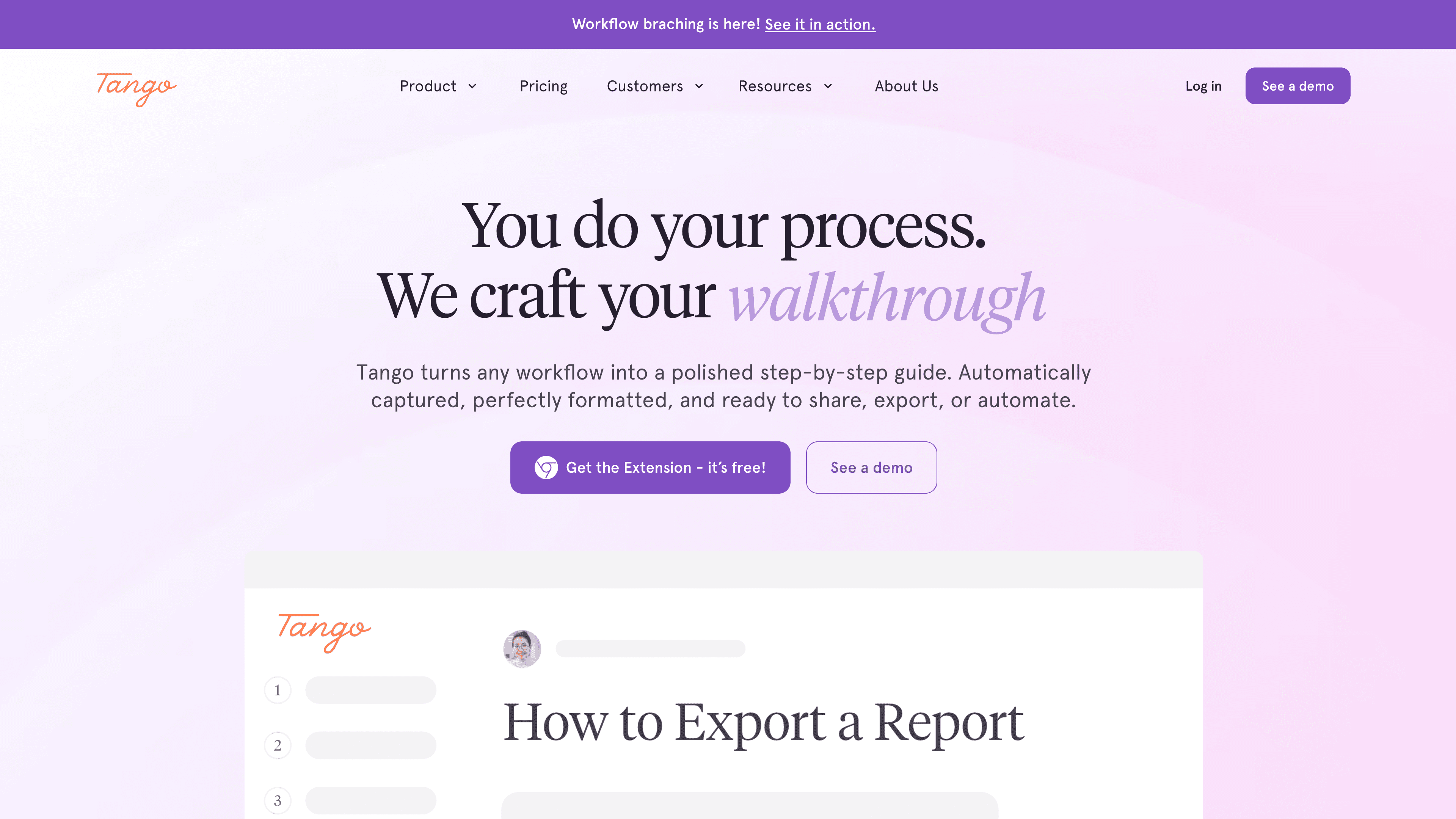
Tango captures screen actions and generates a step-by-step guide with screenshots and basic AI-written descriptions. The content generation is simpler than Clevera or Scribe — descriptions are more literal and less contextually rich — but the tool is fast, browser-based, and requires almost no setup.
It's better suited for internal SOPs and process documentation than polished product demos.
Best for: Teams that need quick internal guides without narration or video.
Which one fits your workflow
If you need a tool that writes demo content without any scripting work on your part — and produces both a narrated video and a written article — Clevera covers the full workflow. The content generation goes further than any other tool here because the AI writes to explain, not just to label.
For video-only output at speed, Guidde is solid. For text-only guides, Scribe or Tango handle the job faster with less setup.
The real question is what format your demo needs to live in, and whether you're producing demos for marketing, for user onboarding, or for support. If you need to auto-generate demo content across multiple features without a dedicated production team, that answer usually points directly to one tool on this list.