For tutorial creators and YouTubers
Spend your time recording, not editing
Clevera is an AI tutorial maker for creators. Record once and Clevera writes and voices a narrated tutorial, then turns the same recording into a product demo, social clips and the written article, in 74 languages.
AI voice-over
Editable script
Product demo
Social clips
Written article


Trusted by product teams worldwide







One recording,
every format you post.


Hook reel
A vertical cut for Shorts and Reels. One limited clip on Free, more on Starter and above.

Feature spotlight
One tool or trick in 35 seconds. One limited clip on Free, more on Starter and above.
Record the way
you already do.
01
The desktop app
Record anything on screen on Mac or Windows. No mic needed.
02
The Chrome extension
Record web flows straight from the browser, without installing the app.
03
A video you already have
Upload a take from OBS, Loom or QuickTime and Clevera writes the voice-over.
04
The AI recorder →
Describe a web walkthrough and an AI agent records it for you.
From one recording
to everywhere you post.
Clevera writes the script, voices it and turns the same source into every format you publish.
A tutorial with Clevera
Record: once
The desktop app, the Chrome extension or an upload
Script: written for you
Narration written from what happens on screen; edit any line
Voice: AI voice-over
Pick a voice and tone; zooms and cursor smoothing added
Repurpose: demo, clips, article
A product demo, vertical clips (one on Free, more on Starter and above) and the written article
Translate: new audiences
Voice and captions in any of 74 languages
Made by AI,
edited by you.
AI voice-over
Natural AI voices and tones, with no mic and no retakes.
Editable script
Rewrite any line by hand or with AI and the voice-over is regenerated.
Smart zooms
Key clicks are highlighted, the cursor is smoothed and moments are zoomed.
Social clips
Hook reels and feature spotlights from the same source. One limited clip on Free, more on Starter and above.
Written article
A step-by-step article with screenshots for your blog or newsletter.
Prefer your own voice?
Clean-up removes pauses and dead time and keeps your narration.
“I used to spend more time editing than recording. Now I record, Clevera does the rest, and the video is live the same day. I went from two uploads a week to five without working any harder.”
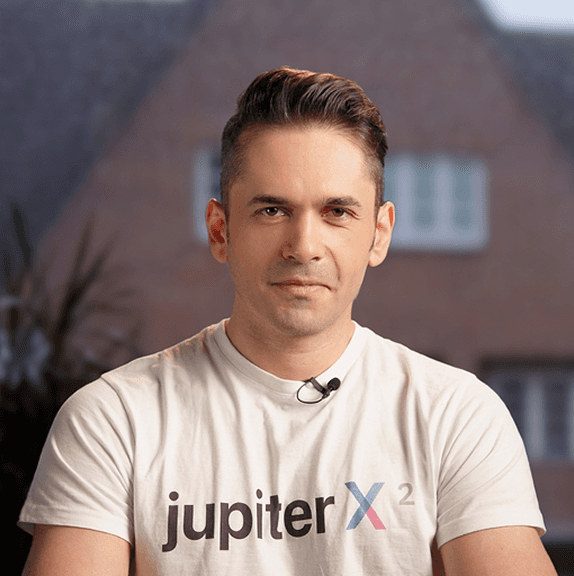
Maziar Firoozmand
CMO at JupiterX
What comes
with Clevera.
74
74 languages
Narration, captions and articles, on every plan
0
Credits for exports
Rendering and exports never use credits
4K
Export quality
Up to 4K on Pro and 2K on Starter, at 60 fps
3 min
Free plan videos
Videos up to 3 minutes and 100 credits a month, no card needed
Keep exploring


Questions from creators
Do I need to narrate while I record?
Can I fix a line without re-recording?
Can I turn a tutorial into an article?
Can I make Shorts and Reels from a tutorial?
What export quality do I get?
Which languages can I publish in?