Help center software
Free on every plan
Your own domain
Ask AI built in
Free import
Trusted by product teams worldwide







Every article comes
with its video.
Record your screen once. Clevera writes the step-by-step article, makes the how-to video and puts the video right in the page. Readers watch or read, whichever is faster.
An AI assistant that
answers from your docs.
Answers with sources
Ask AI replies from your published pages only and lists the pages it used, so readers can check.
In the reader’s language
Readers ask in their own language and get the answer in it, in every language your site publishes.
No credits to run it
Answers use no credits. Every plan includes a monthly allowance, from 300 answers on Free to 5,000 on Pro.
Turn it on in a few minutes with the Ask AI setup guide.
What teams use it for.
Cut support tickets
Ask AI answers from your docs with sources, and searches with no result show you what to write next.
Product docs and release notes
Keep guides and a changelog on one site. Readers follow your updates with RSS.
Internal knowledge base
Put SOPs and handbooks behind a password or workspace sign-in. On Pro.
Everything a help center needs,
already built.
Your own domain
Free at your-site.clevera.help, or help.yourcompany.com from Starter. The setup checks your DNS and turns on SSL.
Search that finds it
Readers press ⌘K and land on the right page. Nothing to set up.
74 languages
Readers switch language in the header. Titles and menus are translated for you.
Private sites
Lock a site with a password or workspace sign-in. On Pro.
A changelog with RSS
Post release notes next to your docs. Readers can subscribe.
Ready for AI search
Every publish makes a sitemap, llms.txt and structured data.
Free
help center on every plan
0
credits to host it
74
languages
Your brand, your pages
Add your logo, brand color, fonts, header and footer. Create About, FAQ or legal pages, and let AI draft them.
Your agent keeps it current
Connect Claude, ChatGPT or Cursor and ask it to draft, translate or publish pages after each release. On Pro.
Write it once.
Keep it current.
Write in an editor your team already knows, or let Clevera write the article from a screen recording. Edit an article and its page updates on the next publish.
/ callout
Callout
Table
Toggle
Video
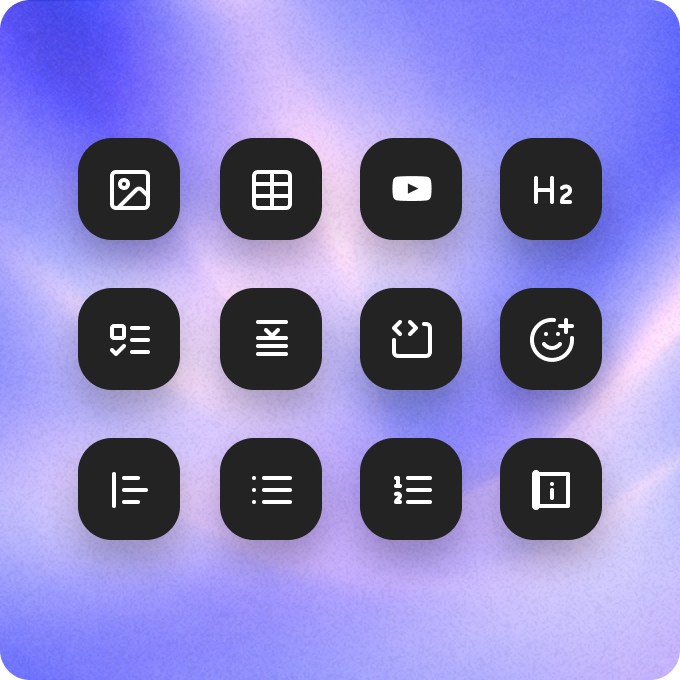
Every block you need
Callouts, tables, toggles, code, images and Clevera videos, from one slash menu.
MR
LK
JS
Maya
Leo
Live collaboration
Edit articles together, with live cursors.
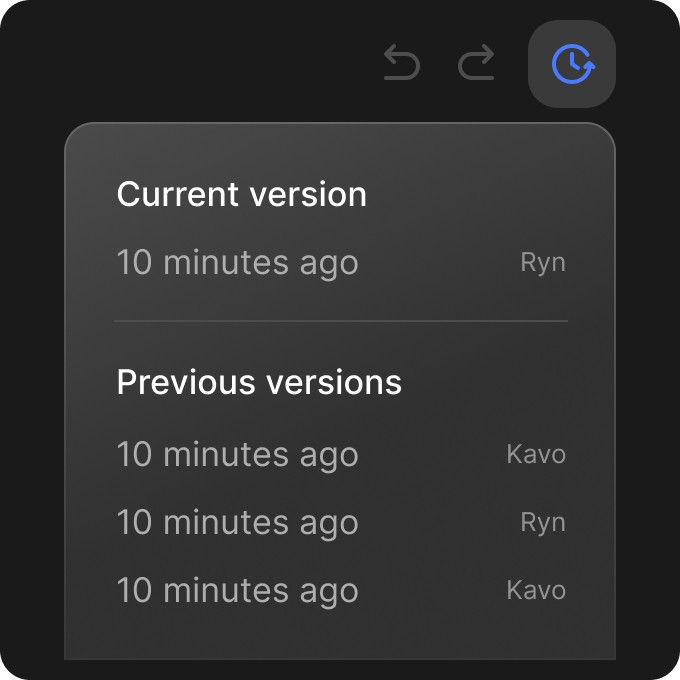
Revision history
Every change saved. Restore any version in one click.
Improve writing
Continue writing
Make it shorter
AI in the editor
Improve, shorten or translate a paragraph without leaving the page.
One help center,
in 74 languages.
Publish your site in the languages your customers read. Titles and menu labels are translated for you, readers switch language in the header, and right-to-left languages read the right way.
EN
AR
Know what to
write next.
Searches with no result
See what readers searched for and didn’t find, and what they asked Ask AI, with Write article next to each gap.
Publish and roll back
Changes wait until you publish. Every version is kept, so you can go back.
Ratings and messages
Readers rate each page and tell you what’s wrong. It lands in your inbox.
Move your docs
in an afternoon.
Import from Mintlify, GitBook, Docusaurus, Zendesk, Intercom, Help Scout, ReadMe, Document360, Notion or any public docs site. Pages, images, translations and redirects for old links come with it. Import and export are free.
Questions
What is Clevera’s help center?
Is it really free?
Can I use my own domain?
Can I move my current help center?
How does Ask AI work?
Can I keep a help center private?
Can I make articles from screen recordings?