AI demo software that generates demo scripts automatically (2026)
Writing a demo script takes longer than most people expect. You need to figure out what to say at each step, how to explain the value of each interaction, and how to pace the narration so it doesn't drag. For teams creating multiple demos — across features, onboarding flows, or support content — the scripting work is often what kills throughput.
A growing set of tools solve this by generating the script automatically from your screen recording. You show the tool what you're doing, and the AI writes what to say about it.
Here's how the best AI demo tools handle script generation in 2026, and what differentiates them.
What automatic script generation actually requires
Not all "AI voiceover" tools generate a script from scratch. Some require you to provide the script and then generate a voice for it. Others use templates or prompts that you fill out. Only a subset analyze what's on screen and write contextual narration without any input from you.
That distinction matters. The tools below generate scripts from screen content — meaning the AI reads the context of each action and writes narration to match.
1. Clevera
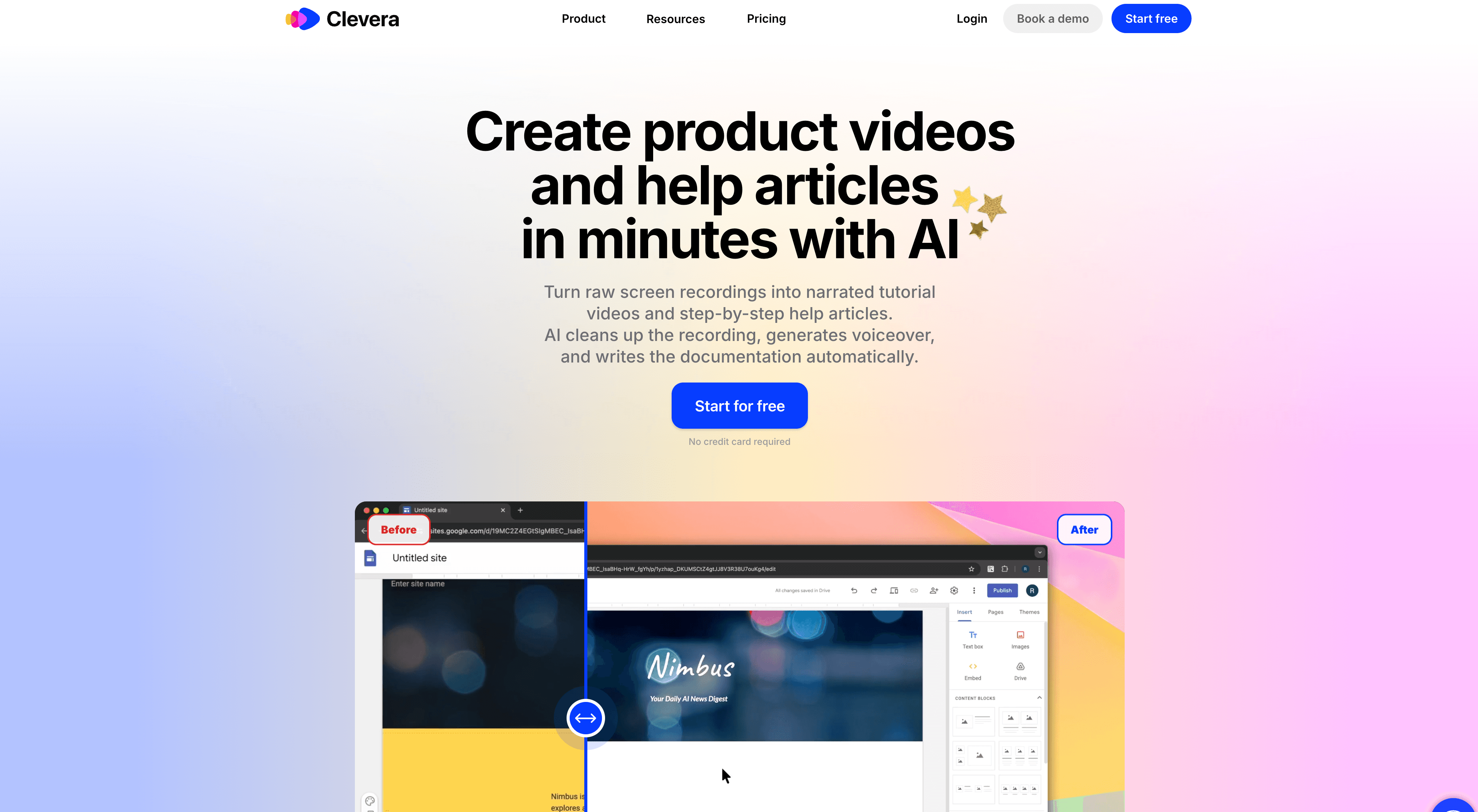
Best for: contextual demo scripts that explain the purpose behind each action
Clevera records your screen and generates a complete narration script automatically. The AI doesn't just describe what button you clicked. It analyzes the full context — what application you're in, what the action accomplishes within the workflow, what step this belongs to — and writes narration that explains the why, not just the what.
That contextual depth makes a real difference. A script that says "Click the publish button to make your changes live across all existing embeds without re-exporting" is more useful to a viewer than "Click publish." Clevera generates the former.
The script is then used to produce an AI voiceover that syncs naturally with the video. You can edit any part of the script manually, or use Clevera's AI editor to adjust tone, extend an explanation, simplify language, or rewrite a section entirely. Any change to the script instantly regenerates the affected video segment.
A few other details that matter for demo production:
Clevera removes accidental clicks, pauses, and off-task footage before generating the script, so the narration is based on a clean version of the recording
Smart zoom is applied automatically to highlight the most relevant on-screen area during each narrated step
The finished video publishes as a live embed. Update the script later and the changes appear in all existing embeds instantly (Clevera calls this LiveSync)
From the same recording, Clevera generates a written how-to article alongside the video — same content, two formats
For teams using an AI product demo generator at volume, auto-generating the demo script removes the single biggest time cost in the workflow.
Pricing: Starter at $29/month (annual), Pro at $99/month (annual)
2. Guidde
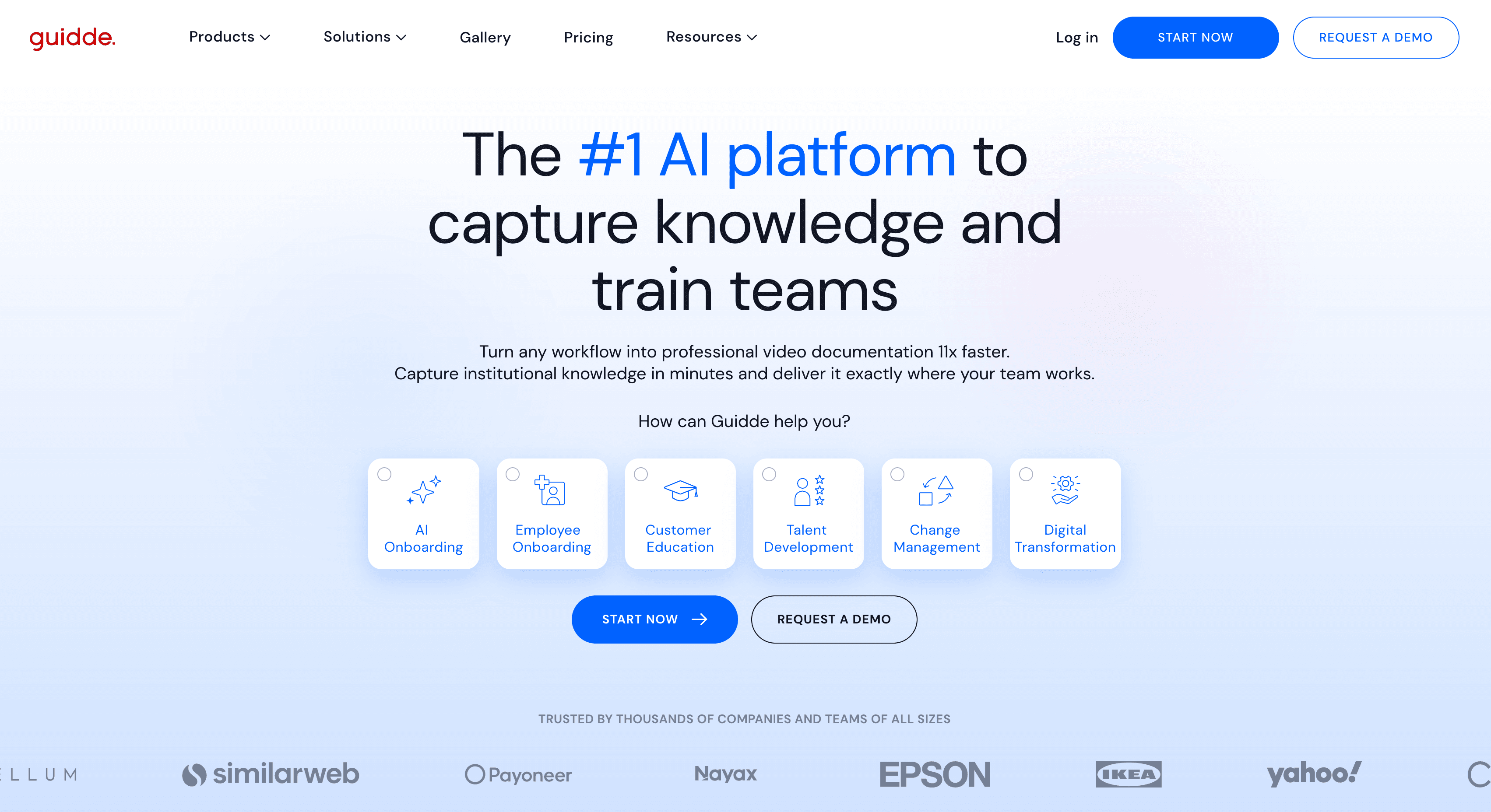
Best for: fast AI narration on short product walkthroughs
Guidde records your screen and generates step-level AI narration automatically. The script is produced per-step based on what Guidde sees in each frame, and the output is a narrated video with visual annotations highlighting each click.
The narration is functional and accurate. Where Guidde differs from Clevera is in script depth: Guidde tends to describe what happened rather than explaining its significance within a workflow. For quick internal walkthroughs, that level of narration is often sufficient.
Guidde doesn't generate a written article alongside the video. If you need documentation as well, that's a separate workflow.
Best for: Teams that need narrated demo videos fast and don't need deep contextual scripting.
3. Descript
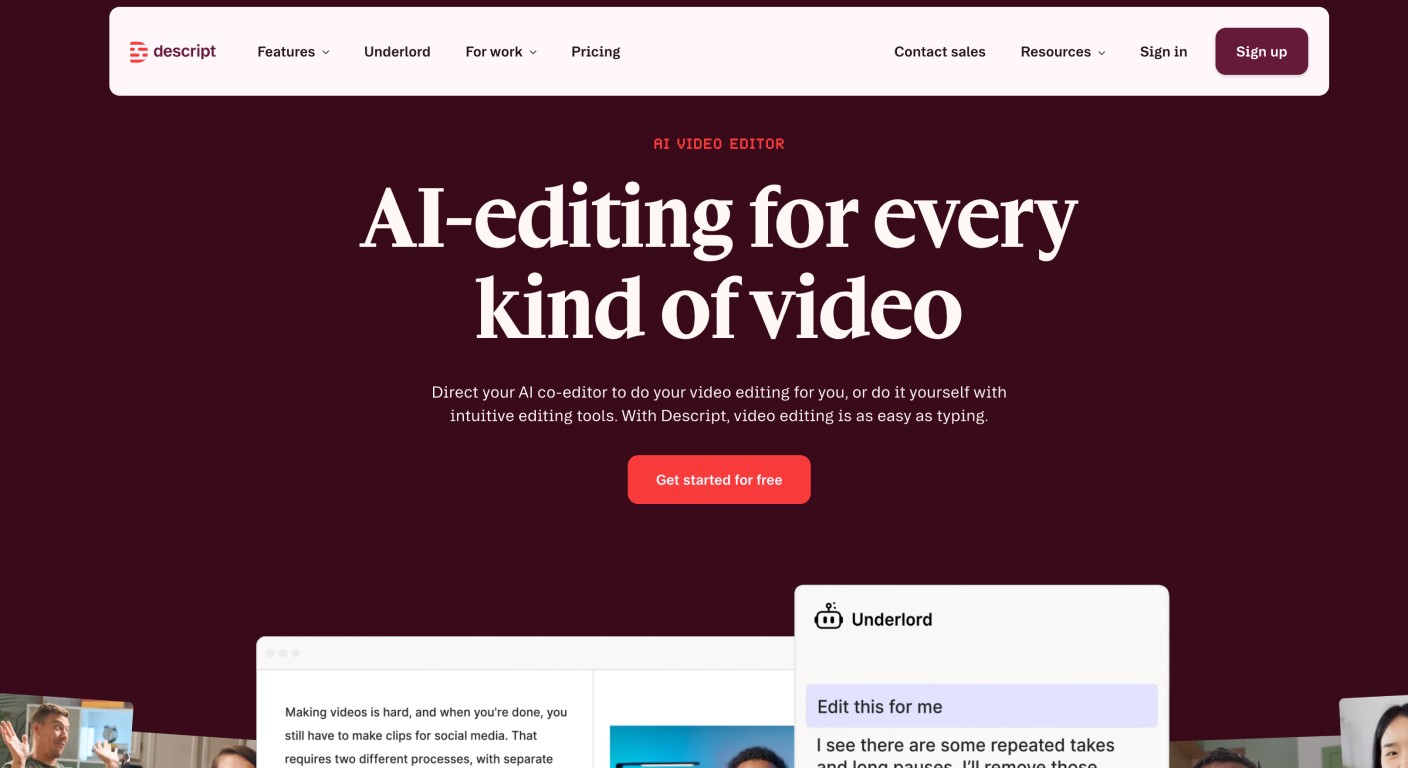
Best for: AI-assisted script editing on top of existing narration
Descript takes a different approach. Rather than generating a full script from scratch, Descript transcribes any narration you record, lets you edit the video by editing the text transcript, and uses AI to enhance or rephrase the narration you already have.
This makes Descript well-suited for teams that prefer to record their own voice and then clean it up, rather than delegating the writing to AI. The AI assists the script rather than generating it from screen context.
If your team records demos with a narrator, Descript is an excellent post-production tool. If you want the AI to write the script for you without recording narration, you'll be working around its model rather than with it.
Best for: Teams with dedicated narrators who need efficient transcript-based video editing.
4. Synthesia
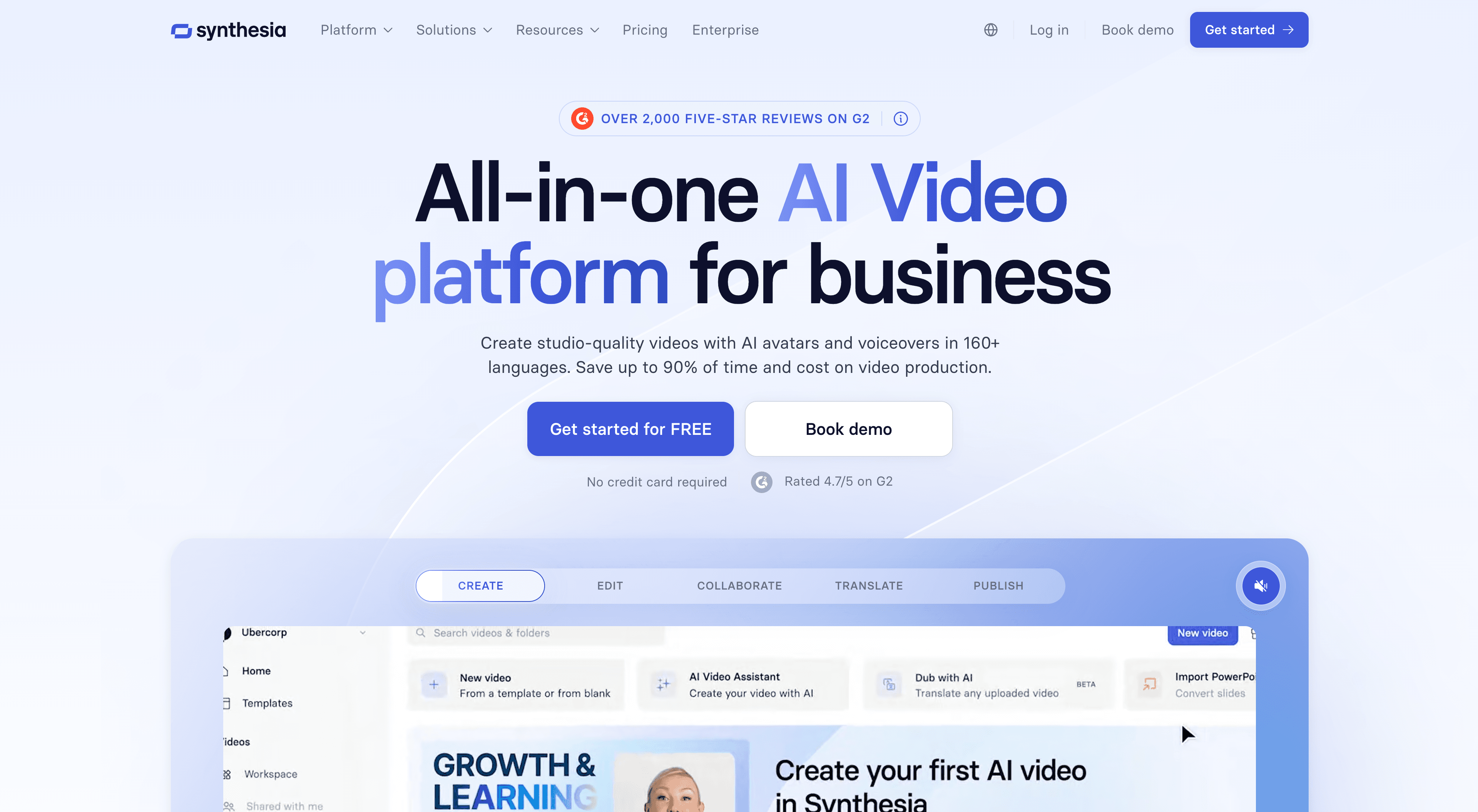
Best for: script-based demo videos with AI avatar presenters
Synthesia works in reverse: you write the script first, then Synthesia generates a video with an AI avatar reading it. There's no screen recording, no automatic script generation from screen context — the script is entirely yours to write.
It belongs on this list because teams sometimes use Synthesia to produce demo content at scale, and the AI avatar delivery removes the need for a human presenter. But the scripting work is manual. Synthesia handles the video production, not the content generation.
Best for: Marketing teams producing polished presenter-led demo content where visual consistency matters and scripting resources exist.
Choosing based on your script generation needs
The tools here serve meaningfully different workflows:
Tool | Script source | Output |
|---|---|---|
Clevera | AI generates from screen context | Video + article |
Guidde | AI generates from screen actions | Video only |
Descript | You narrate, AI enhances | Video only |
Synthesia | You write the script | Video (avatar) |
If the goal is to eliminate scripting work entirely, Clevera and Guidde are the direct options. Clevera goes further on contextual depth and is the only tool that produces written documentation alongside the video from the same recording.
If you have narrators but want a faster post-production workflow, Descript handles that well. If presenter-led video is the format, Synthesia is purpose-built for it.