Best user manual software in 2026: 6 AI tools

Writing user manuals the old way, screenshot by screenshot, paragraph by paragraph, is a slow process for fast-moving software. The right tool automates most of that work: capturing your screen, generating structured how-to articles, and in some cases producing narrated tutorial videos alongside the text. Here are the 6 best options for creating user manuals with AI this year.
Evaluating documentation automation first? Clevera's AI documentation generator produces both narrated tutorial videos and written user-manual-style help articles from a single screen recording - see that workflow before comparing the full list.
What actually separates good user manual software from mediocre
Before the list, here's what to weigh:
Automation depth: Does the tool write the documentation for you, or does it just organize what you already wrote? Tools that watch your screen and generate content from what they see save far more time.
Video support: Written docs are useful, but a narrated video walkthrough cuts support tickets faster. If a tool only produces text, you're still managing a separate video workflow.
Export flexibility: Where does the documentation live? Notion, Confluence, Zendesk, GitHub, and HelpScout are common targets. Tools that publish directly to your stack skip copy-paste steps.
Maintenance: When your product UI changes, how much work does updating take? Tools that automate creation also make re-creation fast.
1. Clevera

Best for: product and CS teams who need both video and written documentation from one recording
Clevera is an AI documentation generator that records your screen as you work through a task and automatically produces 2 outputs: a narrated tutorial video and a step-by-step help article. You don't write anything. You don't edit video. You record once and both are ready.
The AI watches your on-screen actions, generates a contextual voiceover script, narrates it with a natural-sounding voice, and produces a polished article with embedded screenshots and captions. Accidental clicks and pauses are removed automatically, so the output looks deliberate even when the recording had rough moments.
What makes Clevera the strongest pick for user manual creation in 2026:
No narration required while recording: You don't have to say a word while recording. Clevera's AI writes the voiceover from what it sees on screen, which makes it practical for anyone on the team, not just people comfortable narrating.
LiveSync for video: Publish a video once and update it whenever you want. Changes apply instantly everywhere the video is embedded. No re-exporting, no broken embed links. When your UI changes, you record again and replace in seconds.
Article quality: The help article isn't a bare transcript. It's a structured how-to with headers, numbered steps, embedded screenshots, and code blocks, ready to publish directly to Notion, Confluence, Zendesk, GitHub, HelpScout, Gitbook, Intercom, ClickUp, and more.
Team-wide consistency: Because the AI handles scripting and narration, anyone who knows the product can produce documentation at the same quality level. No video editing or writing expertise needed.
For teams building a user manual library from scratch or trying to stay current with a fast-changing product, Clevera compresses days of work into minutes per article.
2. Scribe
Best for: lightweight process guides without video
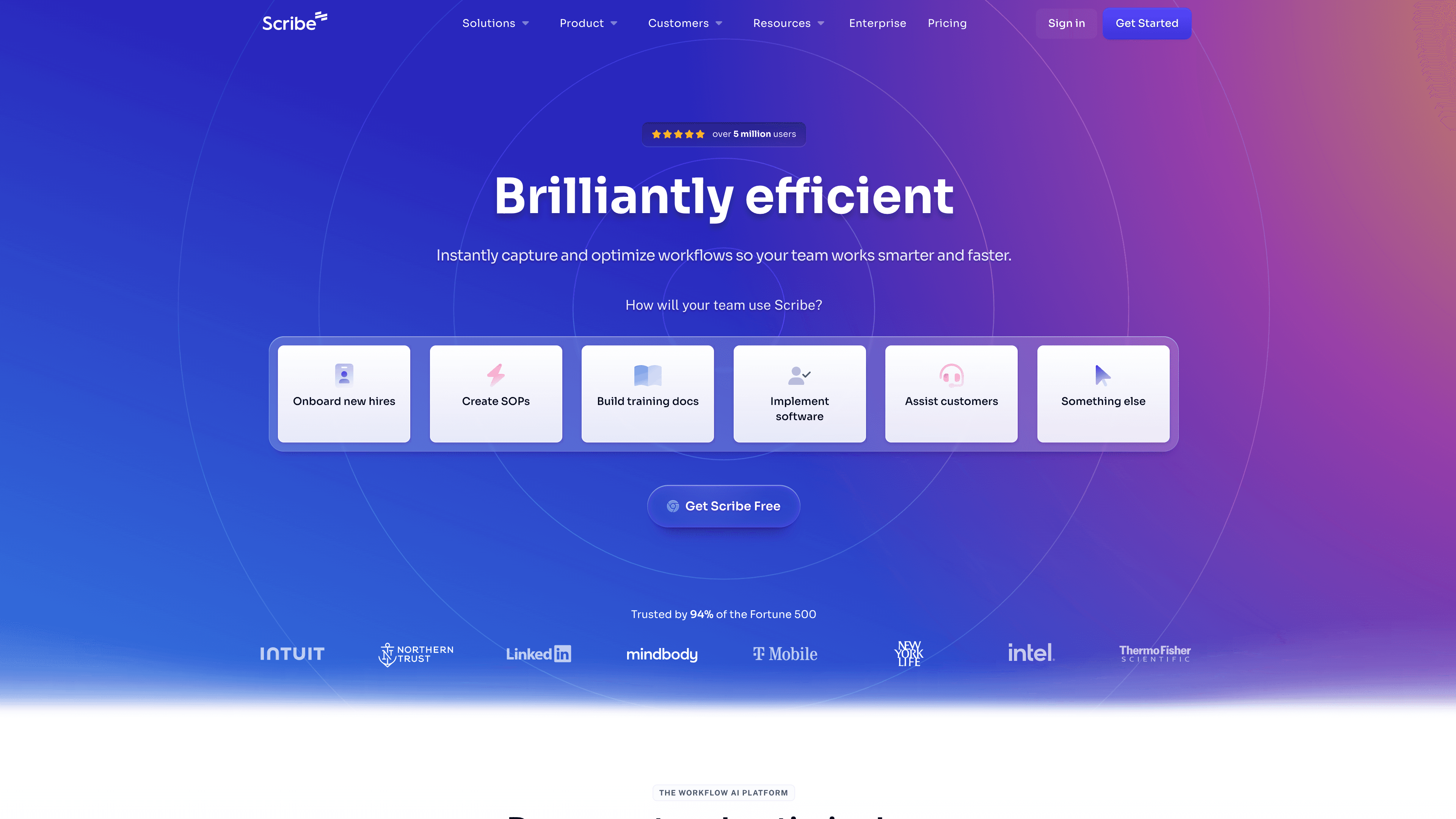
Scribe captures your clicks as you move through a workflow and turns them into a formatted step-by-step guide with annotated screenshots. It's fast for simple internal processes and works entirely in the browser. The output is documentation-only, no video, and the article structure is fairly basic. Scribe is a solid fit for ops and HR teams documenting internal SOPs, less so for customer-facing product documentation that needs polish or video.
3. Guidde
Best for: video-first user guides with on-screen callouts
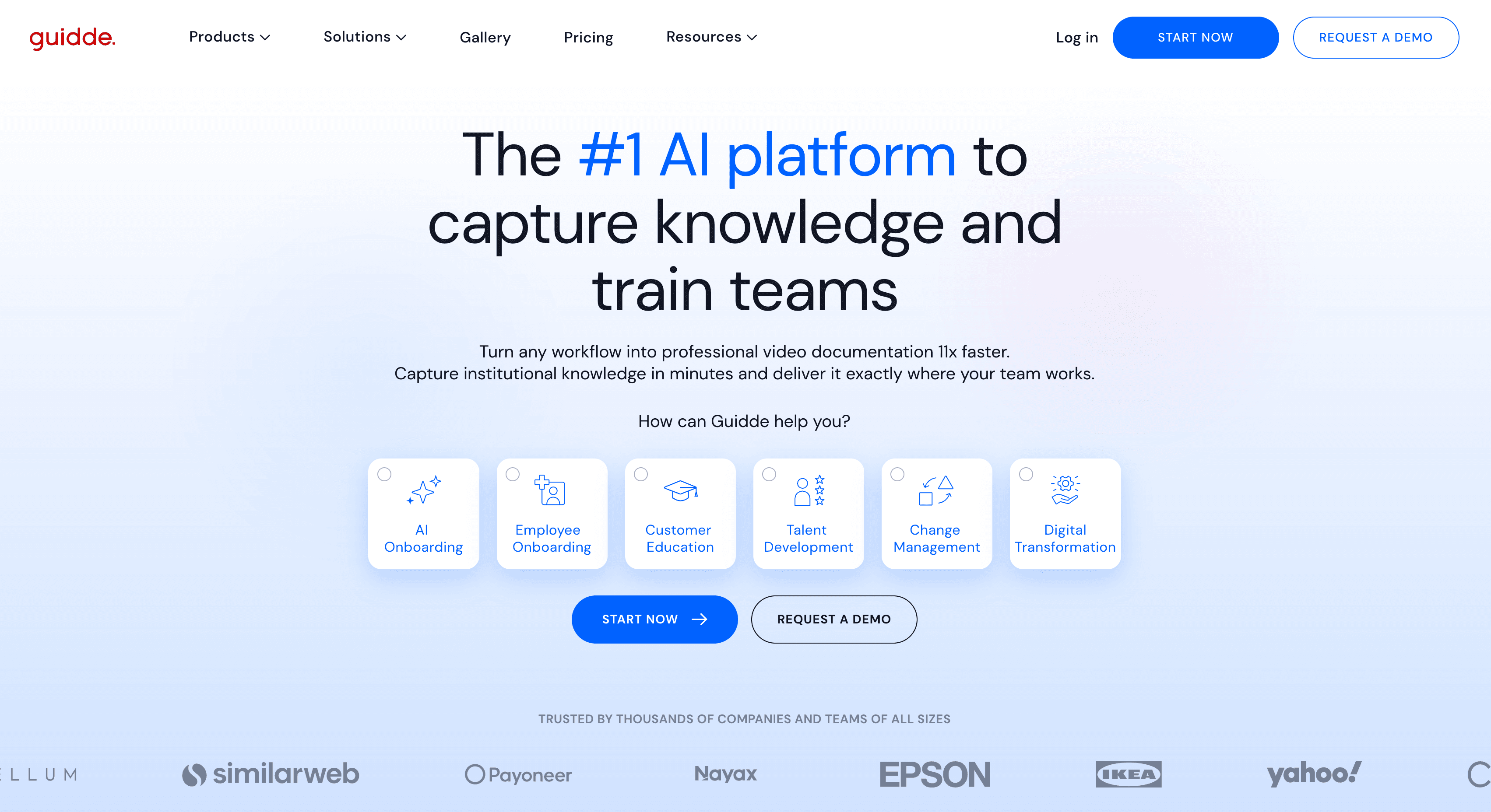
Guidde records your screen and generates a narrated video with auto-detected steps and annotation overlays. The output is primarily video, with limited written documentation alongside it. If your users prefer watching over reading, Guidde handles that well. Teams that need a strong written article output alongside video will find Clevera more complete.
4. Tango
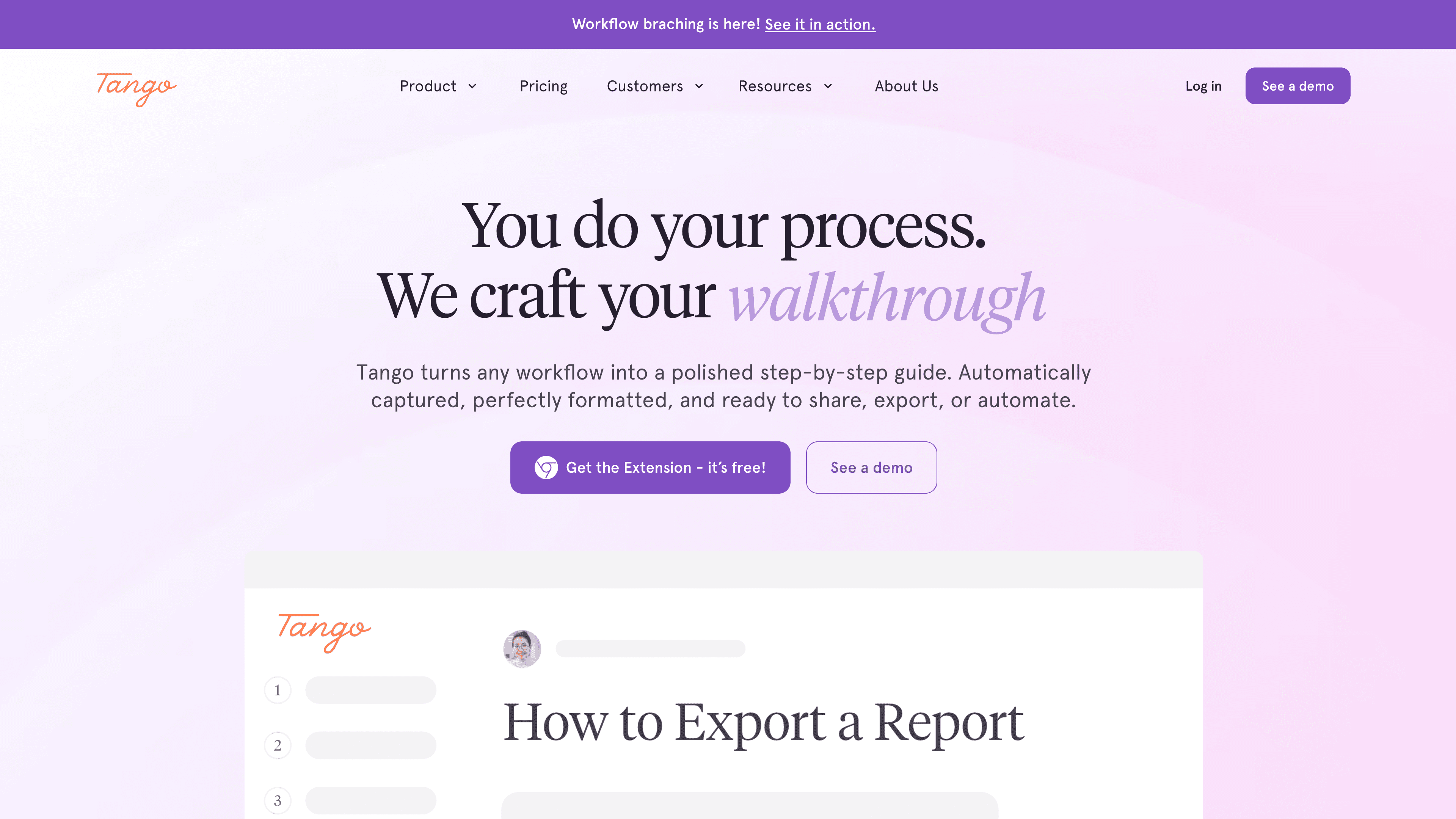
Best for: browser-based workflow documentation with step numbering
Tango captures web app workflows and generates numbered step guides with screenshots. It's clean and fast for browser-only processes. The tool doesn't work for native desktop software, and like Scribe, produces documentation only, no video. Good for web app teams with simple documentation needs.
5. Clueso
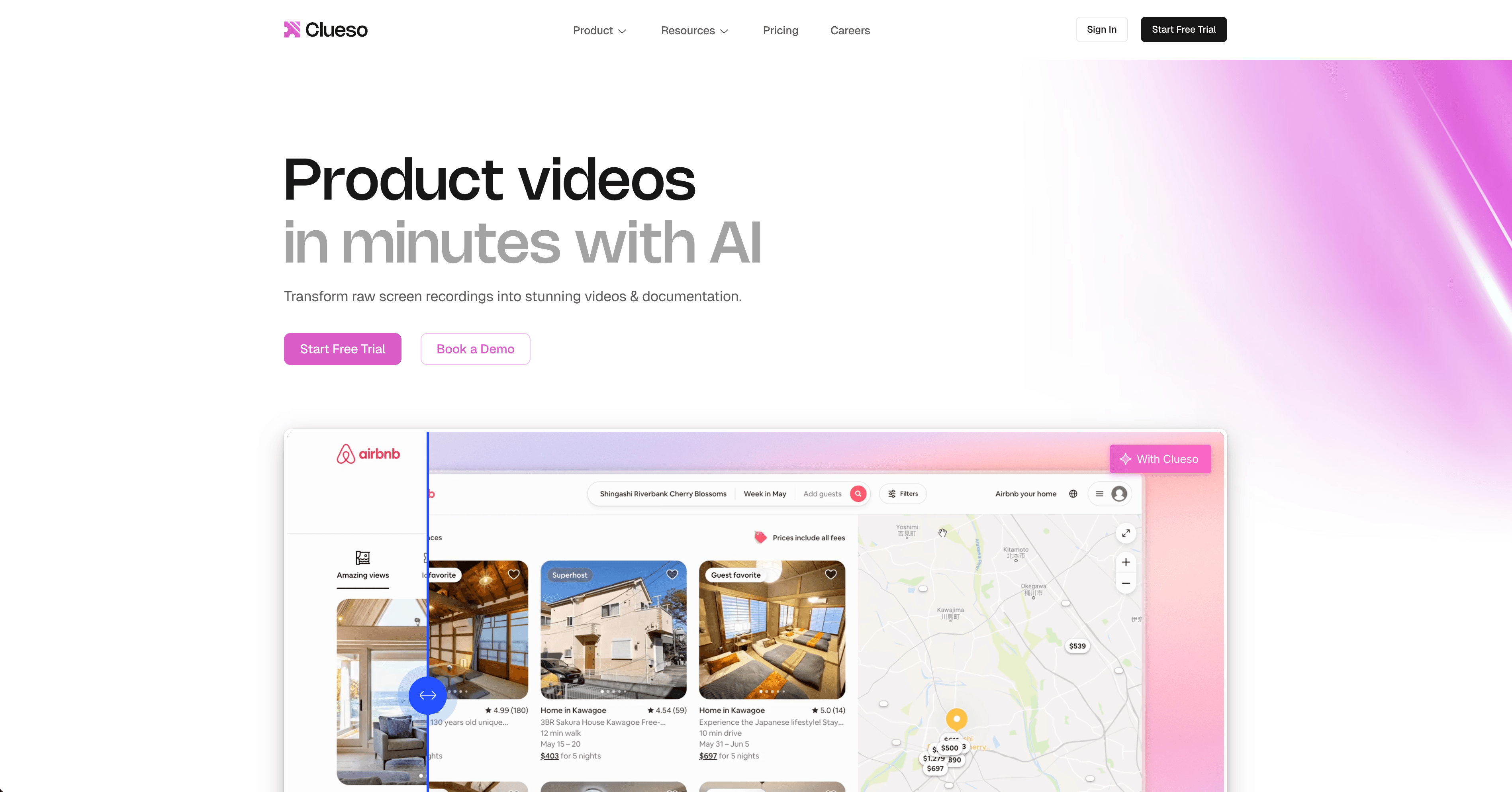
Best for: short product walkthrough videos
Clueso converts screen recordings into polished short videos with AI narration. It's video-first with basic script generation. It doesn't produce help articles and the AI processing depth is lower than Clevera's, but it's a straightforward option for teams that need video output only and don't require a documentation article alongside it.
6. Notion + manual screenshots
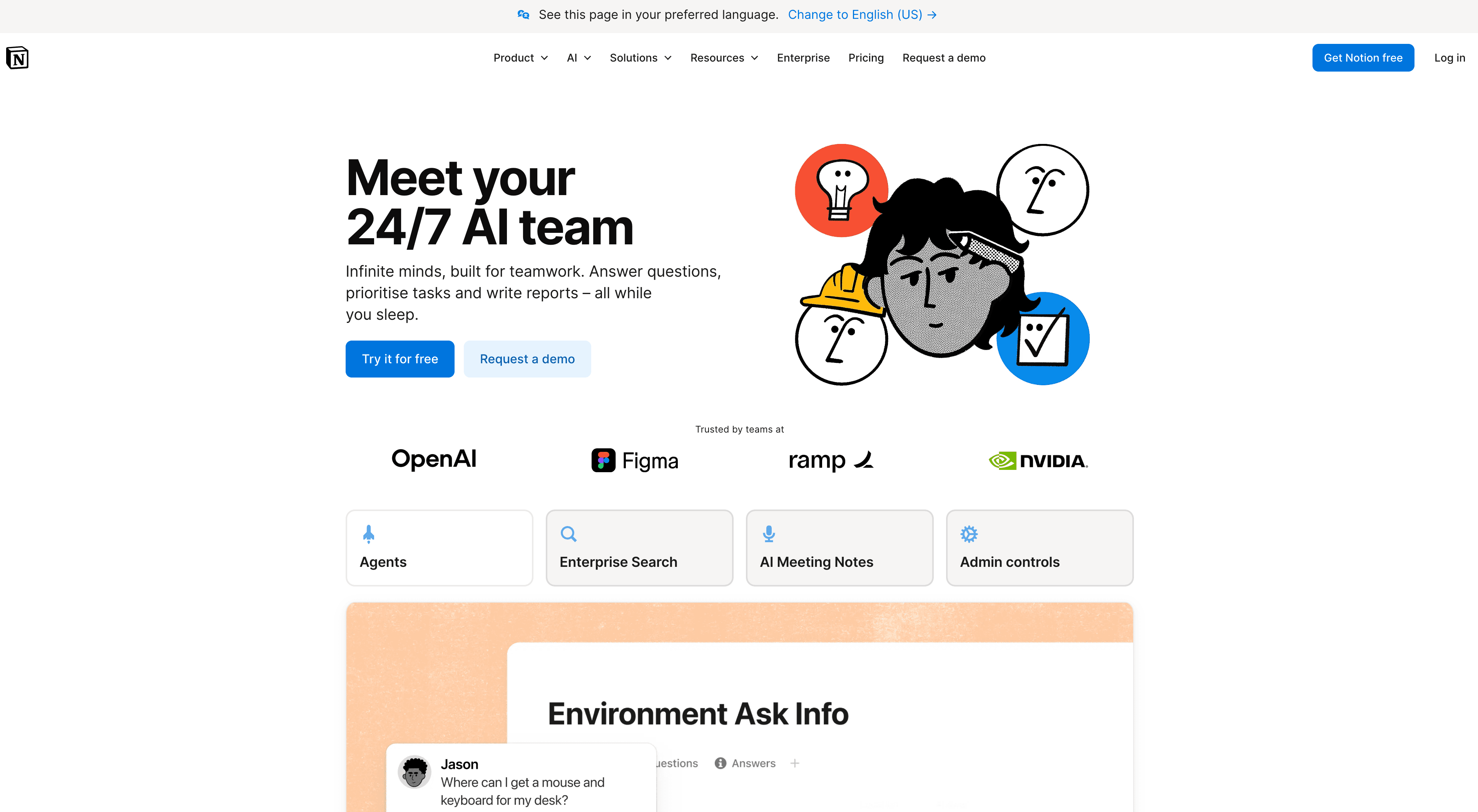
Best for: teams that already write well and just need a home for their docs
If your team already creates documentation by hand and just needs a structured, searchable place to publish it, Notion (or Confluence) does the job. It's not automation, it's just a well-organized workspace. The writing and screenshots are still entirely on you. Worth naming because many teams don't need an automation tool, they need a better publishing destination.
How to choose
If you need both written and video documentation, and you need to produce and update it at scale, Clevera covers both without doubling your workload. If you only need lightweight step-by-step guides and don't need video, Scribe or Tango are efficient. For video-only output, Guidde and Clueso are reasonable choices.
The key question is: how much time do you spend per document, and how often does your product change? The answer tells you how much automation you actually need.
FAQ
What is the best user manual software?
For software products that change often, the best user manual software captures the workflow once and produces both a written manual-style article and a narrated how-to video. Clevera does that from a screen recording (desktop app, Chrome extension, or upload). Scribe and Tango are better if you only need screenshot step guides. Guidde and Clueso are better if you only need a short video.
What software is used for user manual creation?
Teams use three patterns: (1) generate article plus video from a recording (Clevera), (2) auto-capture click-by-click screenshot guides (Scribe, Tango), or (3) write in a wiki and paste screenshots by hand (Notion, Confluence). If user manual creation is a weekly job, not a one-off, start with AI user manuals rather than a blank wiki page.