Clevera vs Trainn: which tool is better for customer onboarding? (2026)
Trainn converts scripts you write into voiceover. Clevera generates the script automatically from a silent recording. Here's the honest comparison for onboarding teams.
 Roozbeh Firoozmand5 min read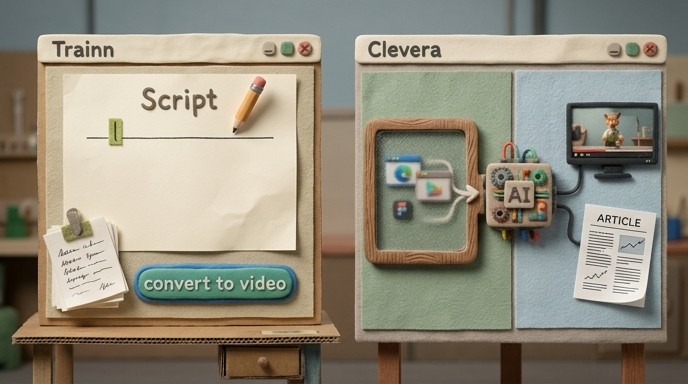
Both Clevera and Trainn help SaaS teams create onboarding video content. But how they do it — and how much work they leave on your team — is completely different. Trainn converts a script you write into a narrated video. Clevera generates the script itself from a screen recording. That difference shapes everything downstream.
What each tool does
Trainn is a customer education platform. Its core workflow requires a script first: you write the narration, Trainn converts it to an AI voiceover, and the result is a video your customers can watch. Beyond video, Trainn also offers an Academy builder for structured training courses and learner progress analytics.
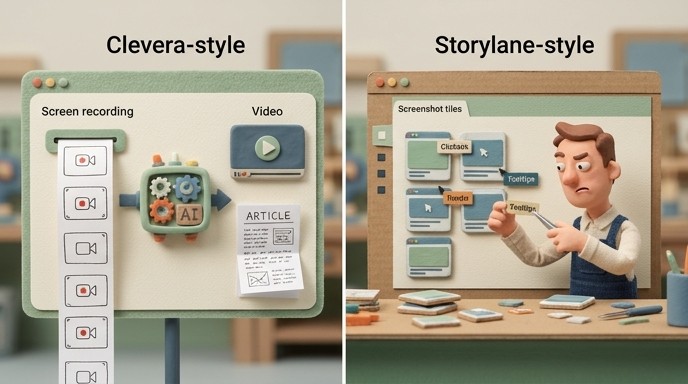
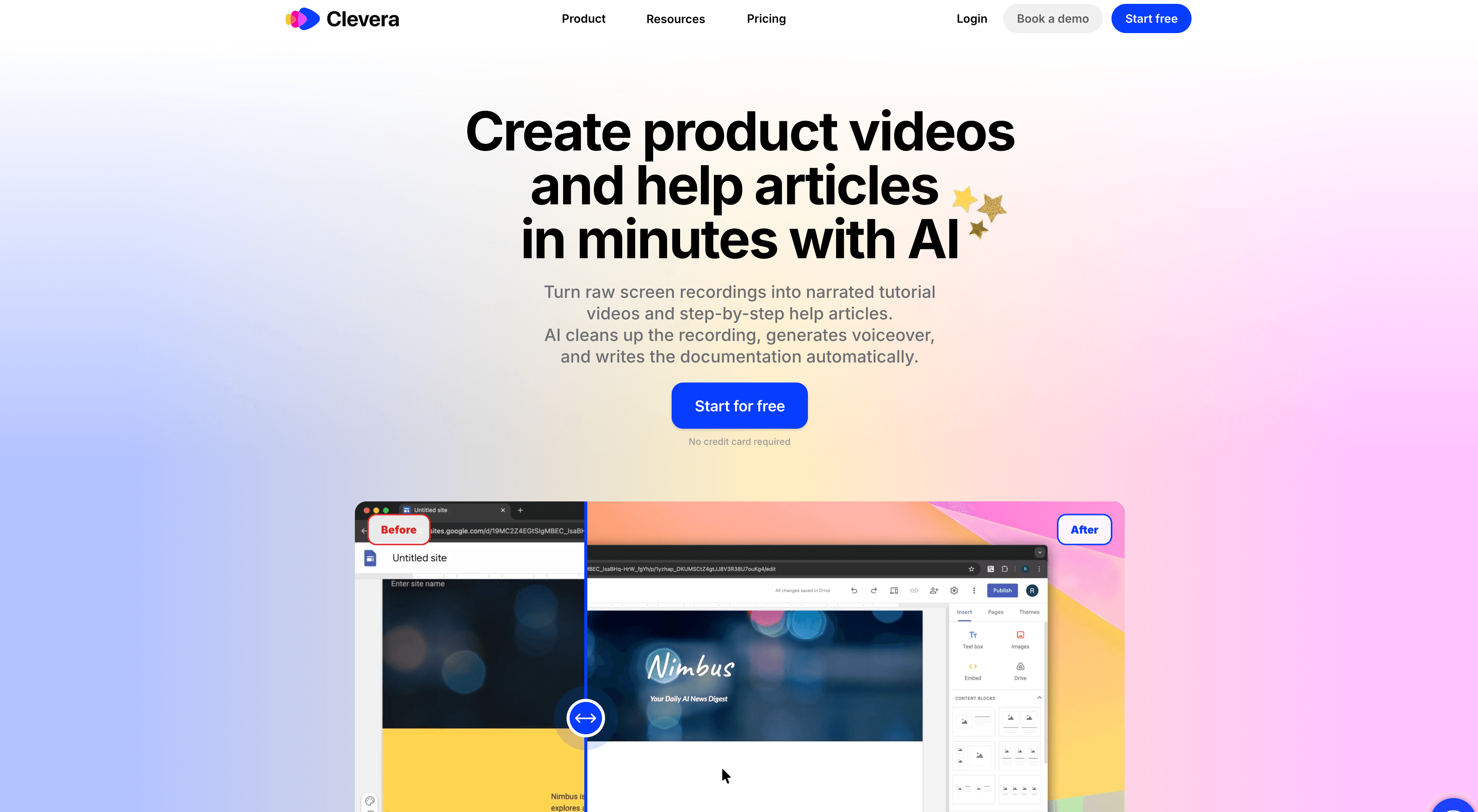
Clevera skips the script entirely. You record your screen while walking through any product workflow — silently, no preparation needed — and Clevera's AI analyzes what happened on screen and generates the narration automatically. It describes not just what you clicked but why each step matters in the context of the workflow. The output is a finished narrated video and a structured how-to article, simultaneously, from one recording.
The core gap: Trainn handles the production side of content creation. Clevera handles the production side and the authoring side.
The content bottleneck neither tool discusses enough
Every onboarding video team eventually hits the same wall: the content itself.
Recording a video is fast. Editing a video is manageable. But writing a clear, accurate, appropriately detailed narration script for 40 product workflows takes real time. It requires someone who understands the product deeply enough to explain not just what to click but what the user accomplishes by clicking it.
Trainn's model assumes that person exists on your team and has the bandwidth to write. Clevera's model is built for teams where that assumption doesn't hold — where a PM, a CSM, or a support lead needs to produce a library of onboarding content without a dedicated writer or video editor.
Feature comparison
| Feature | Clevera | Trainn |
|---|---|---|
| Script generation | AI generates from silent recording | Manual — you write the script |
| AI voiceover | Yes — from AI-generated script | Yes — from your written script |
| Written how-to article | Yes — auto-generated alongside video | No |
| Structured course/Academy builder | No | Yes |
| Learner progress tracking | No | Yes |
| Live video embeds (update without re-exporting) | Yes (LiveSync) | No |
| Publishing to help platforms | Notion, Confluence, GitHub, etc. | Limited |
| Translation | 74 languages (video + article) | Limited |
| Pricing (entry) | $29/month (annual) | ~$200/month equivalent ($2,400/year entry) |
Where Trainn wins
Trainn's differentiation is the Academy layer. You can build multi-module training programs, organize content into structured courses, and track how learners progress through the material. For teams running customer education programs with formal completion metrics — certifications, product training requirements, onboarding checkpoints tied to account health — that courseware infrastructure is genuinely useful.
Trainn is also useful when your team prefers to control the narration precisely. If you're writing careful scripts for compliance-sensitive workflows or highly nuanced product configurations where every word matters, the manual authoring approach gives you that control.
Where Clevera wins
Clevera wins on the speed and volume of content production — specifically for teams who don't have the time or resources to write scripts.
A CSM team documenting 25 onboarding workflows faces a real comparison. With Trainn: write 25 scripts, submit them, produce 25 videos. With Clevera: record 25 silent walkthroughs, get 25 narrated videos and 25 how-to articles. For most CS and product teams operating without a content function, that's not a minor difference.
The simultaneous article output is also worth noting. Trainn produces video. Clevera produces video and a structured how-to article from the same recording. For teams maintaining a help center alongside a video library — which is most onboarding teams — that halves the work at every step.
LiveSync matters for fast-shipping products. When your UI changes, you update the recording or the script and the new version appears instantly in every embed. Every location where that video was published reflects the change. No re-exporting, no hunting down stale links in your help center.
The pricing difference is significant. Trainn starts at $2,400/year. Clevera starts at $29/month (annual). For teams still validating whether a video onboarding library moves the metrics, the ability to start at lower cost matters.
When to use Clevera
- You need onboarding videos and help articles, not formal training courses with completion tracking
- You want the narration generated automatically from what the AI sees on screen — no script writing
- Your team is producing a high volume of content across many product workflows
- LiveSync (publish once, update everywhere) is important given how frequently your product ships
- You need content in multiple languages
When to use Trainn
- You're building a structured customer Academy with courses, modules, and learner progress tracking
- Precise manual control over narration matters for your content or compliance requirements
- Your team has scripting resources and wants to control the exact wording in each video
- You need formal completion metrics tied to learner accounts
The bottom line
If your goal is a formal customer education program with structured courses and progress data, Trainn is purpose-built for that. If your goal is a full library of onboarding videos and help center documentation without a content team, Clevera removes more of the manual work than any comparable tool.
For teams that need both — a video library and structured training — the combination of Clevera for content production and a lightweight LMS for delivery can cover more ground at lower cost than a single platform that bundles both.
See how Clevera handles customer onboarding video production