AI help center generator
No help center yet?
Generate it from your app.
Clevera Autopilot learns your brand, explores your app, plans the site, then records a how-to video and writes an article for each page, in your languages. You approve every step and publish when it looks right.
Your website
Your app
A test account
Your languages
Your approval
Trusted by product teams worldwide










From an empty workspace
to a finished help center.
One Autopilot recipe, Build a help center from my app, does the whole job in steps. Each step shows what it will do and waits for you.
1 · It learns your brand
Give it your website. Clevera saves your logo, colors and fonts as a Brand for your help center.
2 · It explores your app, signed in
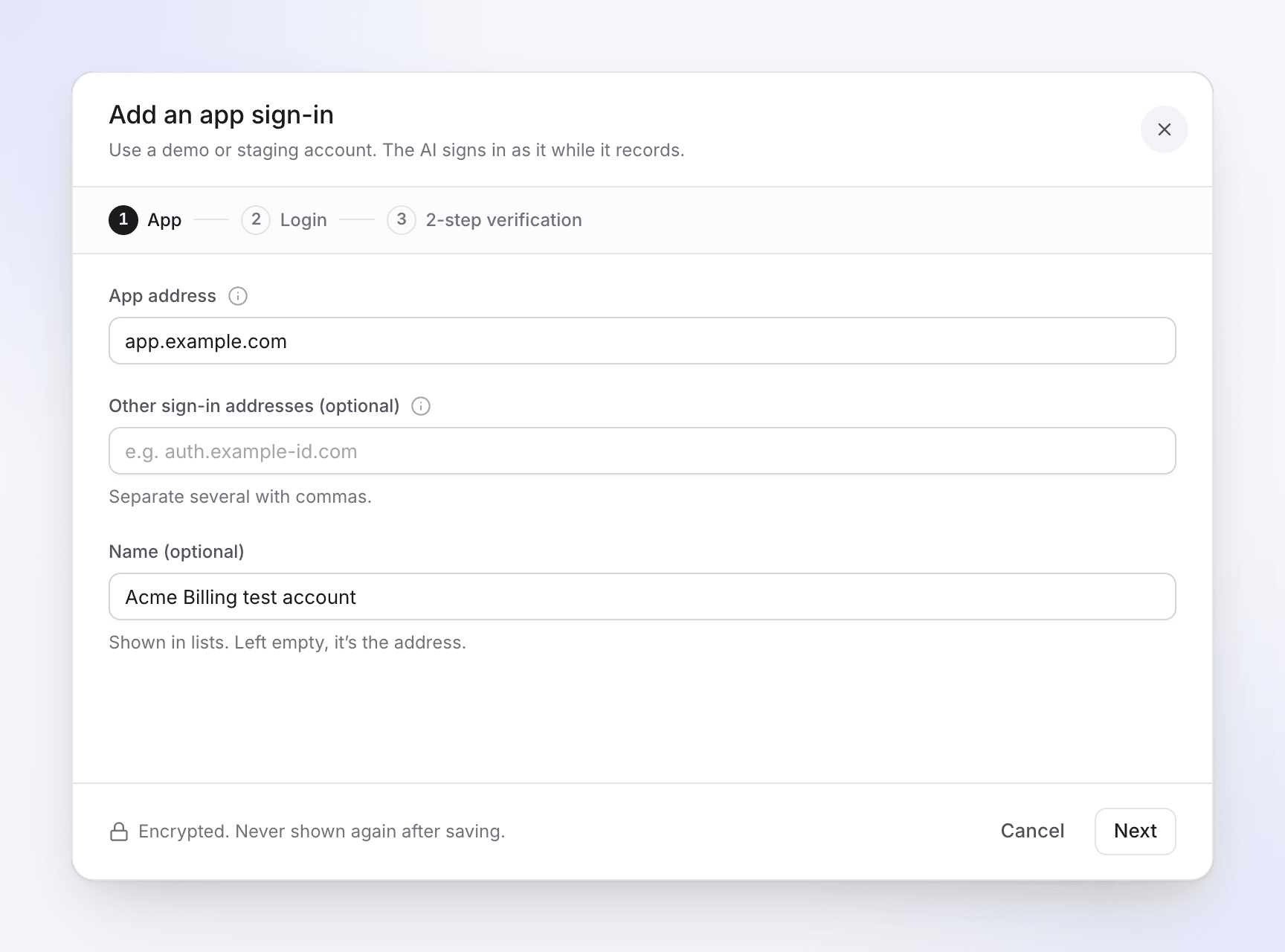
Save a test account once. The password is encrypted and never passes through the chat. By default the AI only looks around and saves nothing.
3 · It plans the site
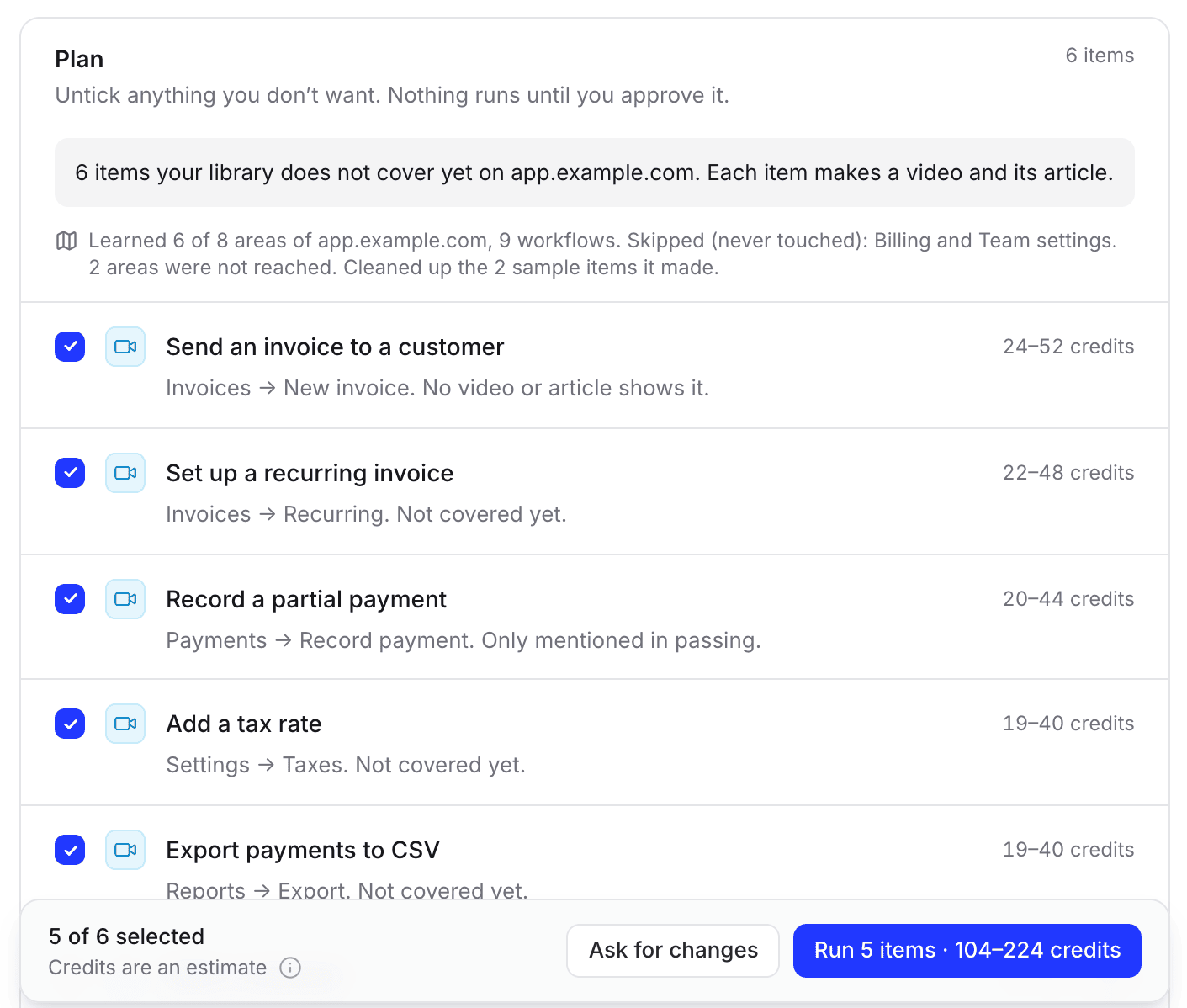
Sections and pages, each line with a reason and a credit range. Untick what you don’t want or ask for changes. Planning is free.
4 · It records and writes
A narrated how-to video and a step-by-step article for each page, in your languages. Articles arrive as drafts.
Answer a few questions.
Review the site.
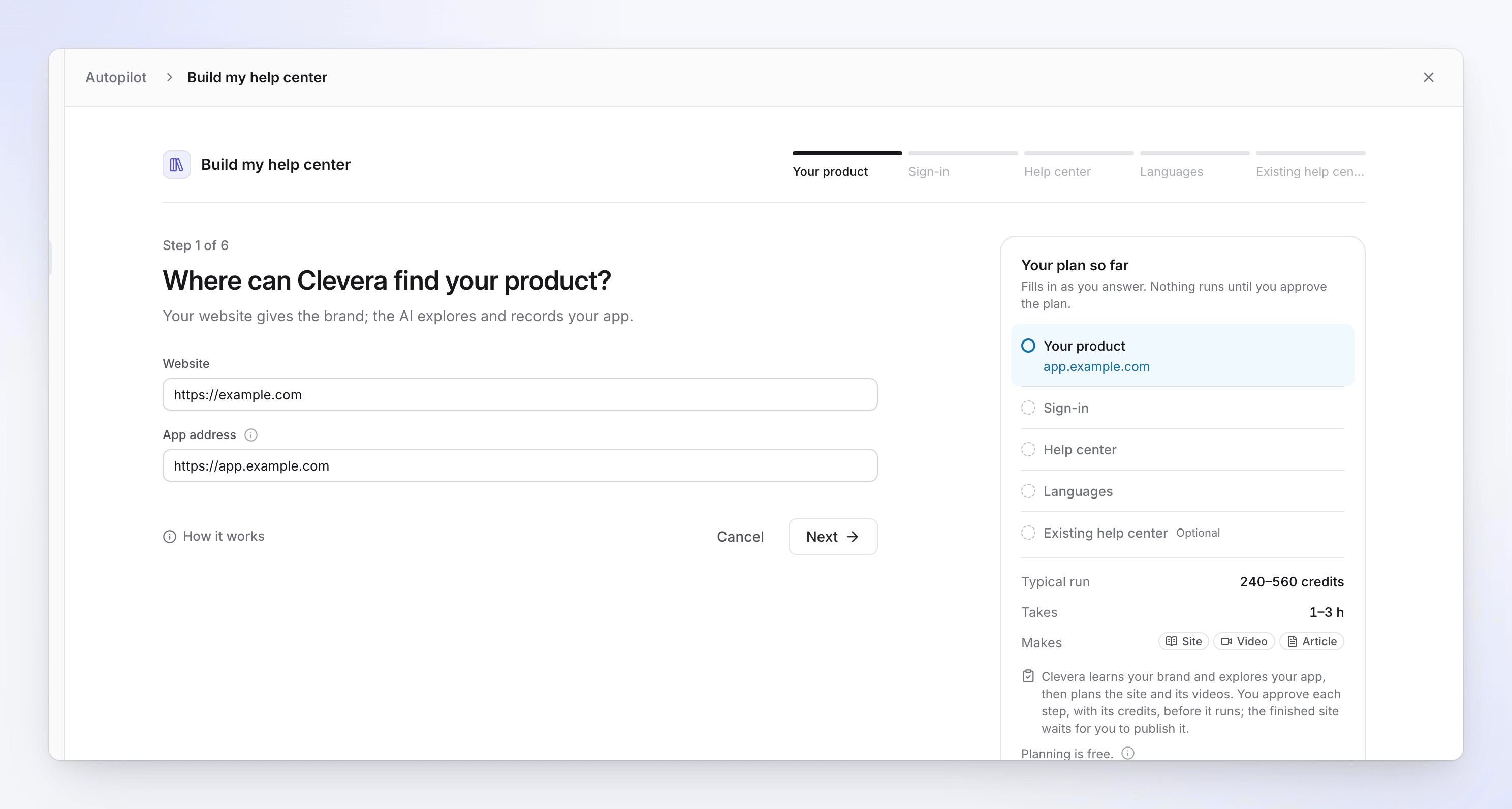
Tell Autopilot where your product lives, how to sign in, what to call the help center and which languages you need. Already have a help center somewhere? It can import that first.
- Typically 240 to 560 credits for the whole build
- You approve each step before it runs
- Nothing goes live until you publish
Autopilot is on Pro and above, by invitation: click Autopilot in the sidebar and ask for one. How Autopilot works
You see the cost
before it runs.
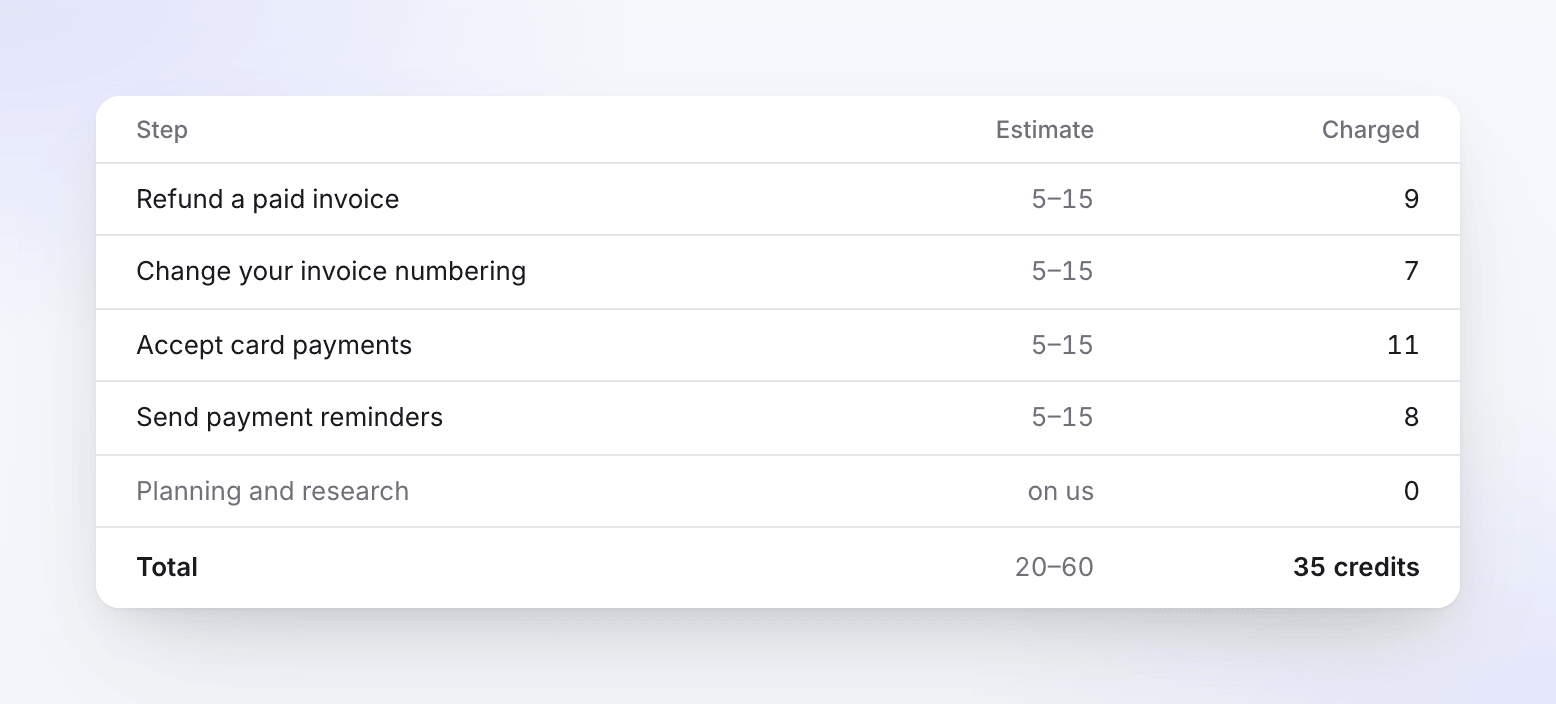
Every plan line shows a credit range, and nothing runs until you press Run. When the work is done, a receipt sets the estimate next to what was charged for each item.
Planning and research cost nothing. Steps that fail are refunded. Owners and admins can set a monthly credit cap for the workspace.
Before it runs
- A credit range per line
- Untick what you don’t want
- Runs only when you say so
What you get:
a help center that answers.
The result is a Clevera help center, free on every plan. Hosting, page views and Ask AI answers within your plan use no credits.
On your own domain
Free at your-site.clevera.help, or at help.yourcompany.com from Starter. The setup checks your DNS and turns on SSL.
Search and Ask AI
⌘K search, and an AI that answers from your published pages and lists them. 300 answers a month on Free, 1,000 on Starter, 5,000 on Pro.
In your readers’ languages
74 languages and regional variants. Publish 2 on Free, 5 on Starter, all of them on Pro.
Insights on what’s missing
See the searches that found nothing and the questions Ask AI couldn’t answer, with Write article next to each gap. Plus page ratings, views and visitors.
You ship a release.
The help center keeps up.
Connect GitHub, GitLab or Bitbucket, or point Autopilot at your changelog page. On each release it reads the videos and articles the change touches and decides for each: fine, a text fix or a reshoot.
The plan waits for your Run. Text fixes arrive as drafts, and a reshot video replaces the old one at the same link. Usually 10 to 150 credits a run.
No invitation yet?
Build it yourself.
Autopilot does the building for you. Everything it uses is also yours to use by hand, on any plan, Free included.
Record each flow once
Use the desktop app for Mac, Windows or Linux, upload a video, or let the AI click through your web app. Clevera writes the article (usually 5 to 15 credits) and makes the how-to video (usually 20 to 50). Publish both to your free help center.
Or bring the one you have
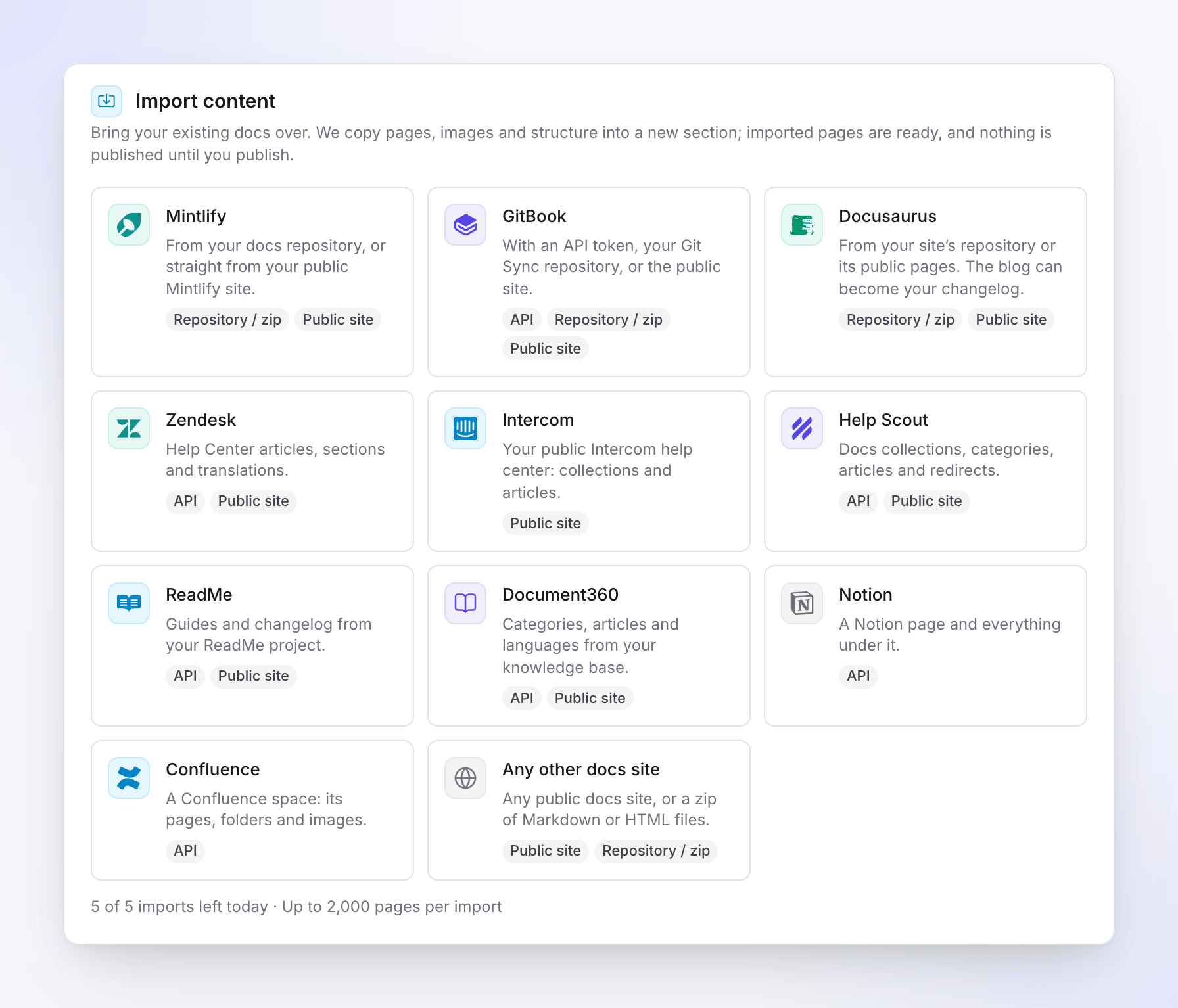
Import from Zendesk Guide, Intercom, Help Scout, GitBook, Mintlify, ReadMe, Document360, Docusaurus, Notion, Confluence or any public docs site. Pages, images and links come over, free on every plan.
Go deeper.


Autopilot: help center automation you approve
What Autopilot does, item by item, and what it costs.


Questions
With the Autopilot recipe “Build a help center from my app”. It learns your brand from your website, explores your app with AI, plans the site, then records a how-to video and writes an article for each page, in your languages. You approve each step and review the site before you publish it.
A build typically uses 240 to 560 credits, and planning is free. Autopilot is on Pro and above, by invitation: click Autopilot in the sidebar and choose “Get an invitation”. The help center itself is free on every plan. See pricing.
With an app sign-in you save once. The password is encrypted and never passes through the chat. Use a test account: by default the AI only looks around and saves nothing. If your product doesn’t need a sign-in, it explores your public pages only.
No. Each step waits for your approval, help articles arrive as drafts, and you review the site before it goes live. No Autopilot recipe publishes for you.
Yes. The recipe can import your existing help center first. Import is also free on every plan without Autopilot: Zendesk Guide, Intercom Articles, Help Scout Docs, GitBook, Mintlify, ReadMe, Document360, Docusaurus, Notion, Confluence, or any public docs website.
Yes. Record each flow with the desktop app, upload a video or let the AI record your web app. Clevera writes an article (usually 5 to 15 credits) and makes a how-to video (usually 20 to 50) from each recording, and you publish them to your free help center. Free includes 100 credits a month and videos up to 3 minutes.
With the Autopilot recipe “Keep my help center up to date when we ship”. It reads releases or merged pull requests on GitHub, GitLab or Bitbucket, or your changelog page, and plans a fix for each affected video and article. The plan waits for your Run, usually 10 to 150 credits a run.
It has no ticketing and no chat widget, so keep your helpdesk for tickets. There are no API reference pages and no custom CSS or JavaScript. Ask AI is a monthly answer allowance, not unlimited.