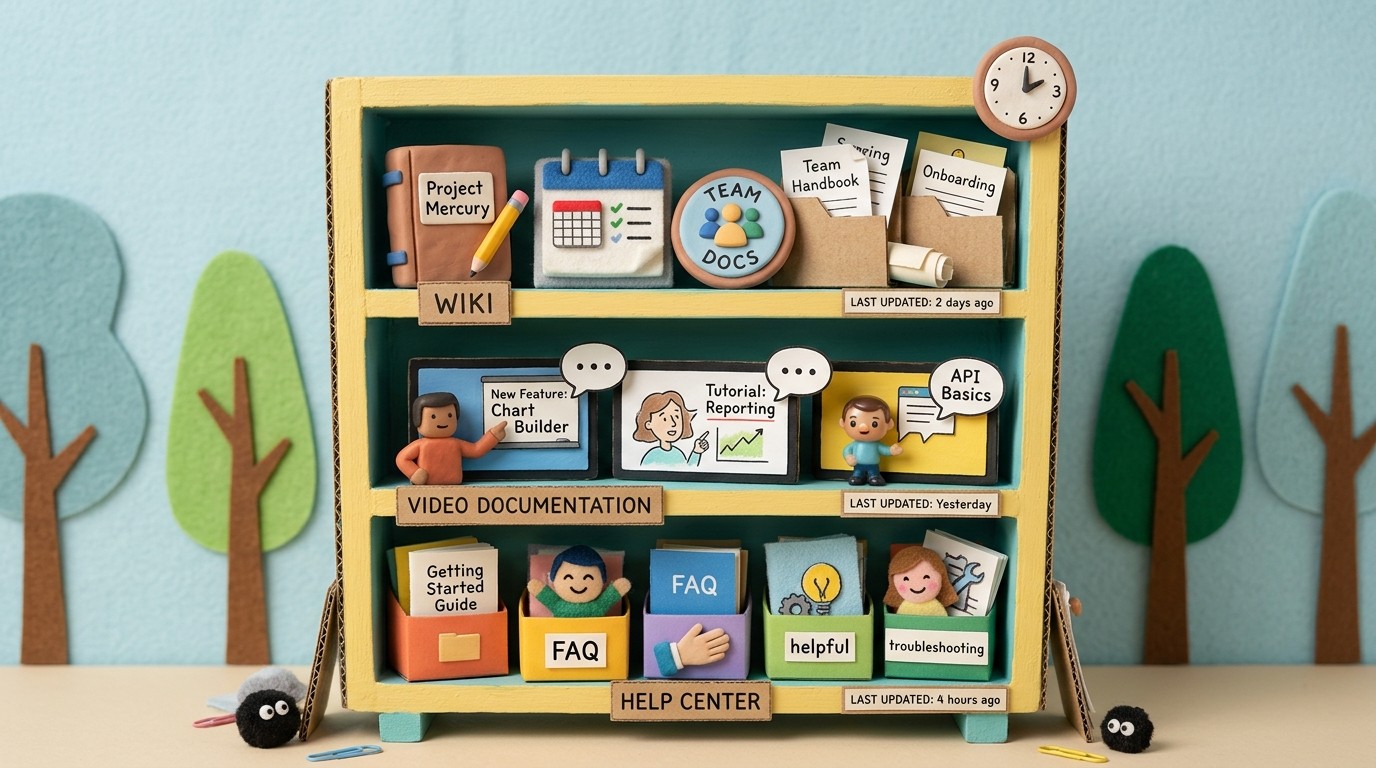
Help center vs knowledge base vs wiki: what's the difference?
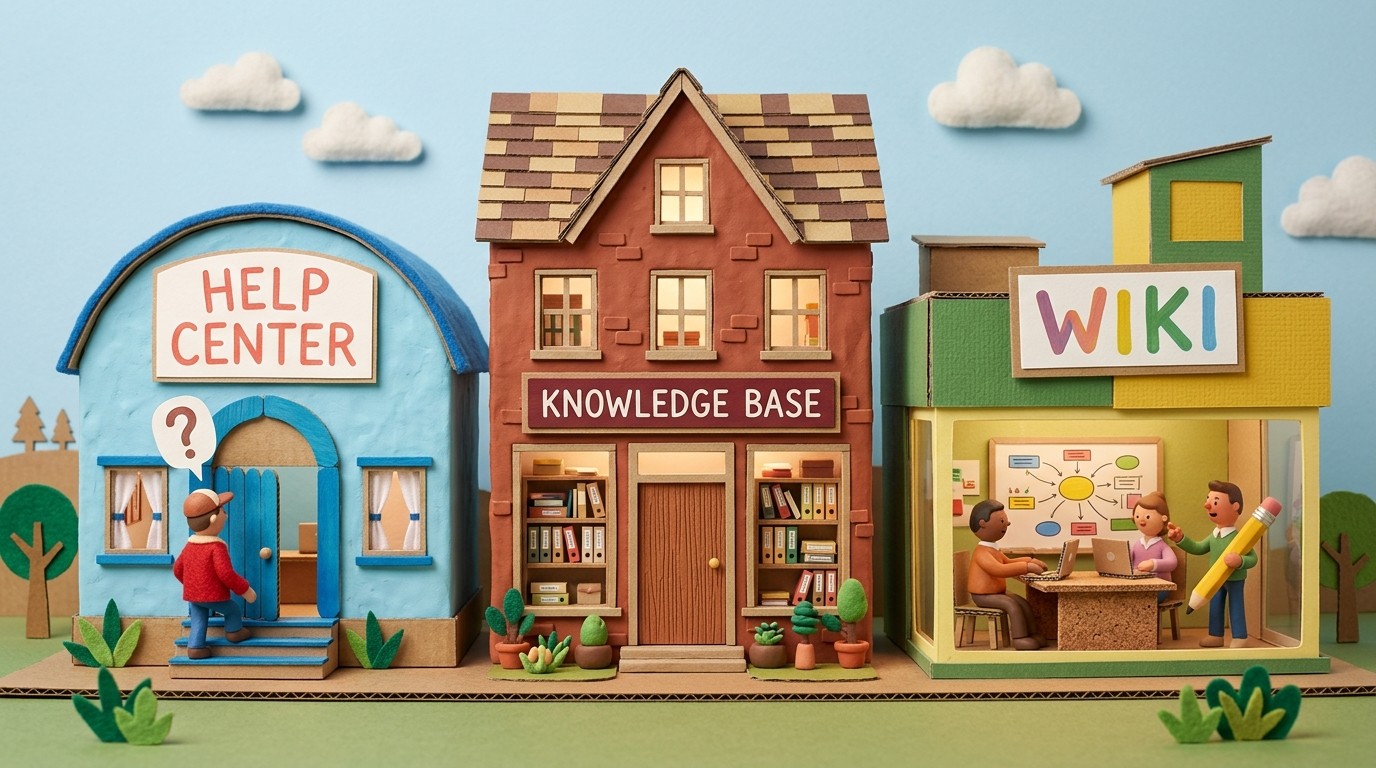
Help center, knowledge base, and wiki are used interchangeably in most SaaS companies — often by the same team in the same meeting. They aren't the same thing. Each serves a distinct audience with distinct needs, and building the wrong one for the job creates documentation that technically exists but doesn't function.
Here's what each term actually means, how they differ, and how to decide which you need.
The help center
A help center is customer-facing self-serve documentation. It exists to help customers answer their own questions without contacting support. The audience is external: current customers (and sometimes prospects) who are looking for how-to guidance, troubleshooting help, or answers to common questions about your product.
The goal of a help center is ticket deflection and customer success. A well-built help center reduces the volume of support contacts by making answers findable before a customer opens a ticket.
What a help center contains:
How-to guides for core product workflows
Troubleshooting articles for common errors and failure states
Setup and configuration documentation for getting started
FAQ content for common pre-purchase and post-purchase questions
Tutorial videos explaining key workflows for first-time users
What a help center is optimized for: scannability, searchability, and discoverability. Customers arrive with a specific question. The help center needs to surface the answer in under 60 seconds, in a format they can act on immediately.
Tools commonly used for help centers: Zendesk Guide, Intercom Articles, Freshdesk, Document360, HelpScout Docs.

The knowledge base
Knowledge base is the broader term that a help center is a subset of. A knowledge base is any organized repository of information and documentation — it can be internal, external, or both.
The term gets confusing because it's used in 3 different ways:
Customer-facing knowledge base: functionally identical to a help center. Many companies use the terms interchangeably for their self-serve support content.
Internal knowledge base: documentation for the team — processes, runbooks, policies, how-to guides for internal tools. The audience is employees, not customers.
Combined knowledge base: a unified repository containing both customer-facing help content and internal documentation, usually with permission controls separating what's visible to whom.
The important distinction: when someone says "knowledge base," clarify whether they mean customer-facing, internal, or both. The right tool, content strategy, and success metrics are different for each.
The wiki
A wiki is a collaboratively editable documentation system where any authorized team member can create, edit, and link pages. The original model is Wikipedia; the SaaS equivalent is Notion, Confluence, or GitHub wikis.
Wikis are almost always internal. They serve the team, not the customer. A company wiki might contain:
The employee handbook and HR policies
Engineering architecture documentation and runbooks
Team-specific processes and workflows
Meeting notes and decision records
Onboarding documentation for new hires
What distinguishes a wiki from other documentation is the collaborative editing model and the flexibility of content. Wikis are built for teams to maintain and update organically. They're not optimized for the self-serve customer support use case — search is usually weaker, discoverability is lower, and the content structure assumes some prior context from the reader.
Tools commonly used for wikis: Notion, Confluence, Coda, GitHub Wiki, Nuclino.
The key distinctions
Help center | Knowledge base | Wiki | |
|---|---|---|---|
Primary audience | Customers | Customers or employees | Employees |
Purpose | Ticket deflection, customer success | Information retrieval | Collaborative knowledge management |
Optimized for | Discoverability, scannability | Search, structure | Collaboration, flexibility |
Typical content | How-to guides, troubleshooting, FAQs | How-to guides, processes, policies | Processes, decisions, meeting notes |
Maintenance model | Owned by CS/documentation team | Owned by specific teams | Collaborative, distributed ownership |
Common tools | Zendesk, Intercom, Document360 | Zendesk, Document360, Guru | Notion, Confluence |

Which one does your SaaS need?
The answer for most SaaS companies is: more than one.
A help center is non-optional. If customers are using your product, they will have questions. Those questions should be answerable without human intervention. A well-maintained help center with current how-to articles and tutorial videos for core workflows is the minimum viable documentation infrastructure.
An internal wiki is close to non-optional for teams above 10 people. Process documentation, onboarding guides for new hires, and engineering runbooks need somewhere to live. Without a wiki, that knowledge lives in people's heads and leaks out when they leave.
An internal knowledge base (or internal help center) makes sense when you have a CS or sales team that needs quick access to structured answers during customer conversations. Tools like Guru or Confluence serve this use case — giving customer-facing team members searchable access to approved information they can share or reference in real time.
The documentation gap that creates the most problems
Most SaaS companies invest in a wiki early (usually Notion or Confluence) and in a help center eventually (usually Zendesk or Intercom). The gap they underinvest in is content quality and currency.
Having a help center is not the same as having a help center that deflects tickets. A help center with outdated tutorials, missing workflows, and hard-to-find articles doesn't reduce support volume — it frustrates customers who search, find something that doesn't match the current product, and open a ticket anyway.
The content quality gap is a production problem: teams don't have enough writing or video production capacity to build and maintain a complete, accurate help center at the pace the product ships.
AI documentation tools address this production problem directly. A platform that generates narrated tutorial videos and written how-to articles from screen recordings reduces the per-article production time from hours to minutes, making comprehensive, current help center coverage achievable without a dedicated documentation team.
See how Clevera generates help center content from screen recordings
FAQ on documentation terminology
Is a FAQ a knowledge base? A FAQ section is a format within a knowledge base or help center, not a separate system. FAQs work well for high-volume, short-answer questions. They don't scale as a primary self-serve documentation strategy.
What's the difference between a knowledge base and a content management system? A CMS manages content for publication (websites, marketing pages, blog posts). A knowledge base manages documentation for information retrieval. Some overlap exists when a help center is built on a CMS, but the purpose and optimization are different.
Should internal and external documentation be in the same tool? Usually not. Customer-facing help centers are optimized for discoverability by people with no prior context. Internal wikis are optimized for collaboration by people who already know where things are. Trying to serve both audiences from one system typically serves neither well.