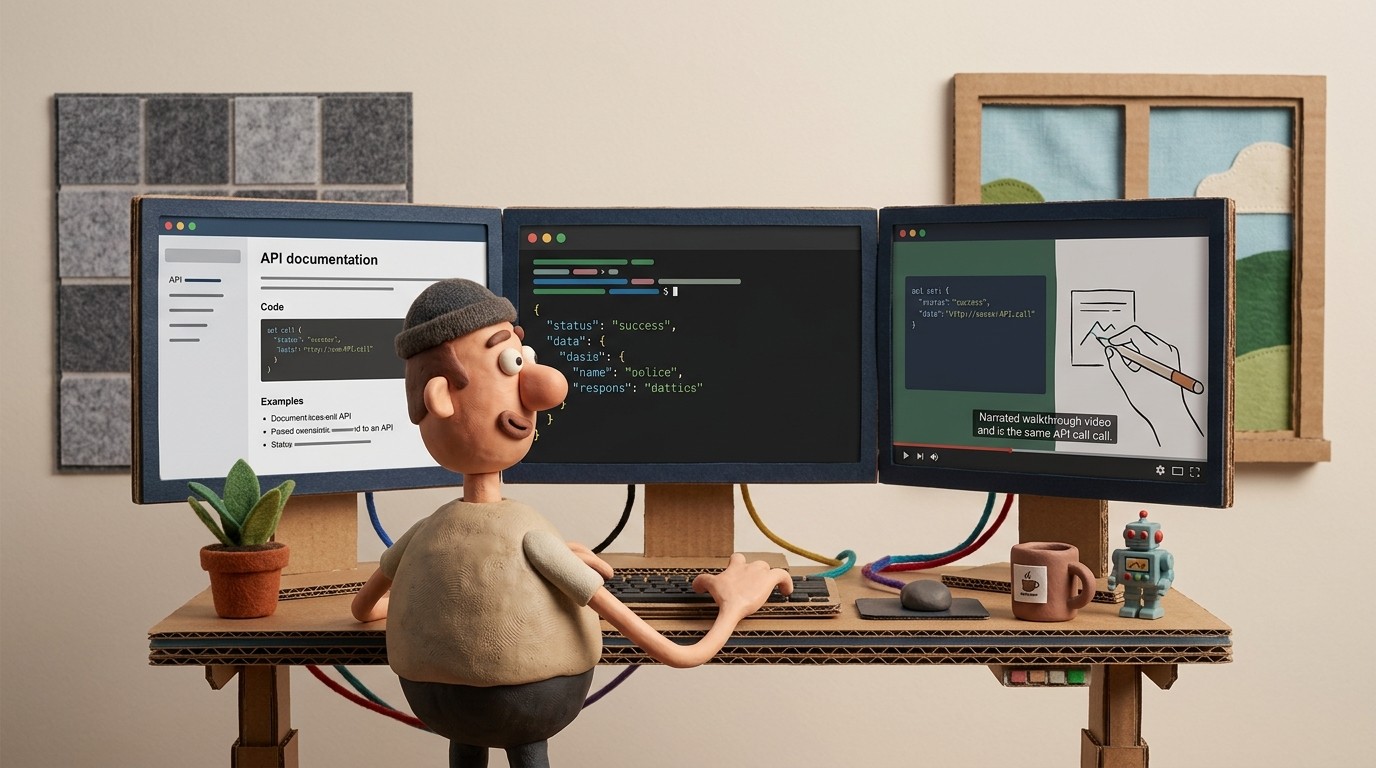
Best internal documentation platforms for remote teams
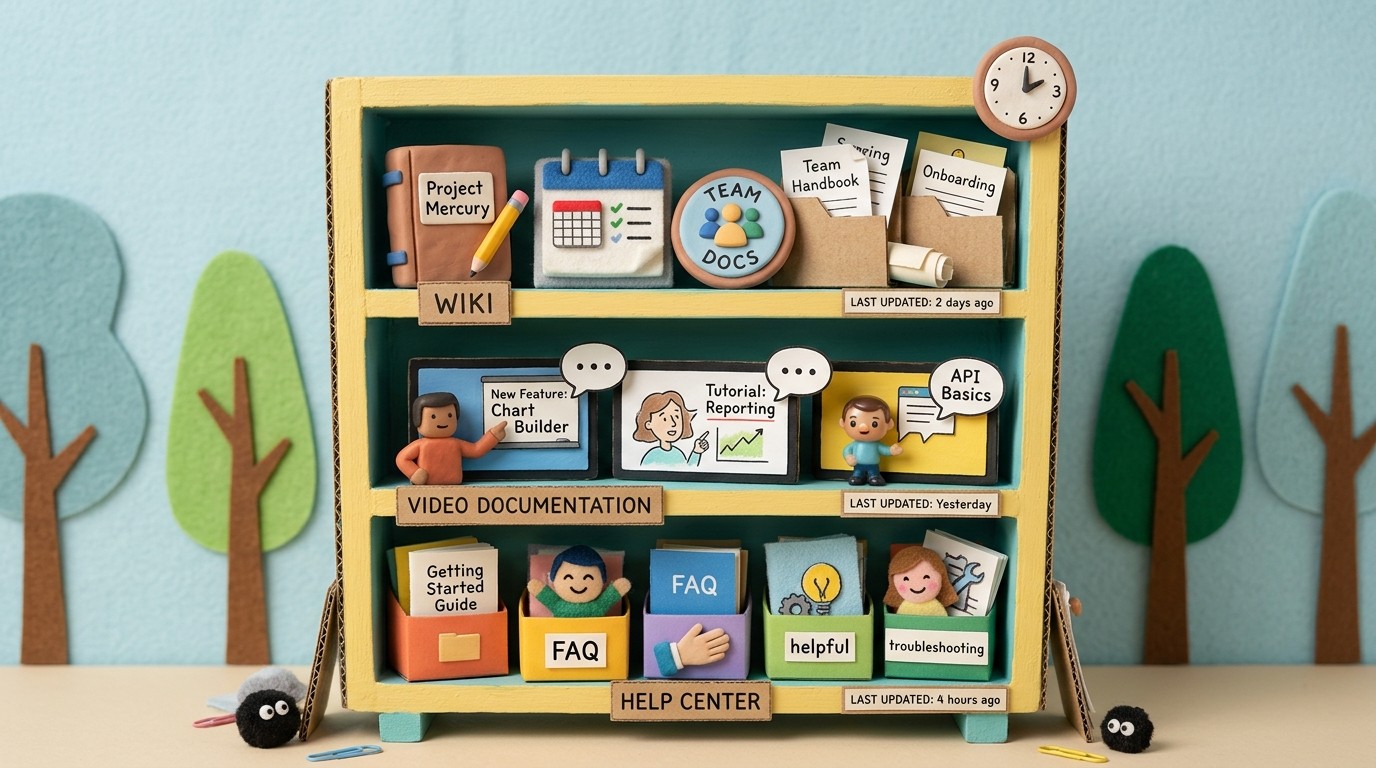
Remote teams have a structural documentation problem. In-office teams compensate for weak documentation with proximity — someone asks a question, the answer lives two desks over, the workflow gets explained in 5 minutes. Remote teams don't have that fallback. When documentation is missing or outdated, remote employees wait for an async reply, schedule a call, or make their best guess.
The tools remote teams choose for documentation directly affect how well they function. This guide covers the leading options across the 4 categories remote teams actually need: writing and wikis, video documentation, knowledge bases, and AI-generation tools.
Category 1: Writing and wiki tools
Notion
The most widely-adopted wiki tool for remote teams. Notion combines documents, databases, project management, and wikis in a single product with a flexible block-based editor. Remote teams use it for company wikis, onboarding documentation, meeting notes, and project management.
Strengths: highly flexible, good collaboration features, strong permission controls, extensive integrations. Notion's database views make it useful for tracking documentation coverage across a product.
Limitations: can become disorganized quickly if not actively maintained. Search is functional but not fast. Not optimized for video documentation — videos are embedded rather than native.
Best for: general-purpose remote team wikis, documentation that needs to be connected to project management, companies that want one tool for most written collaboration.
Confluence
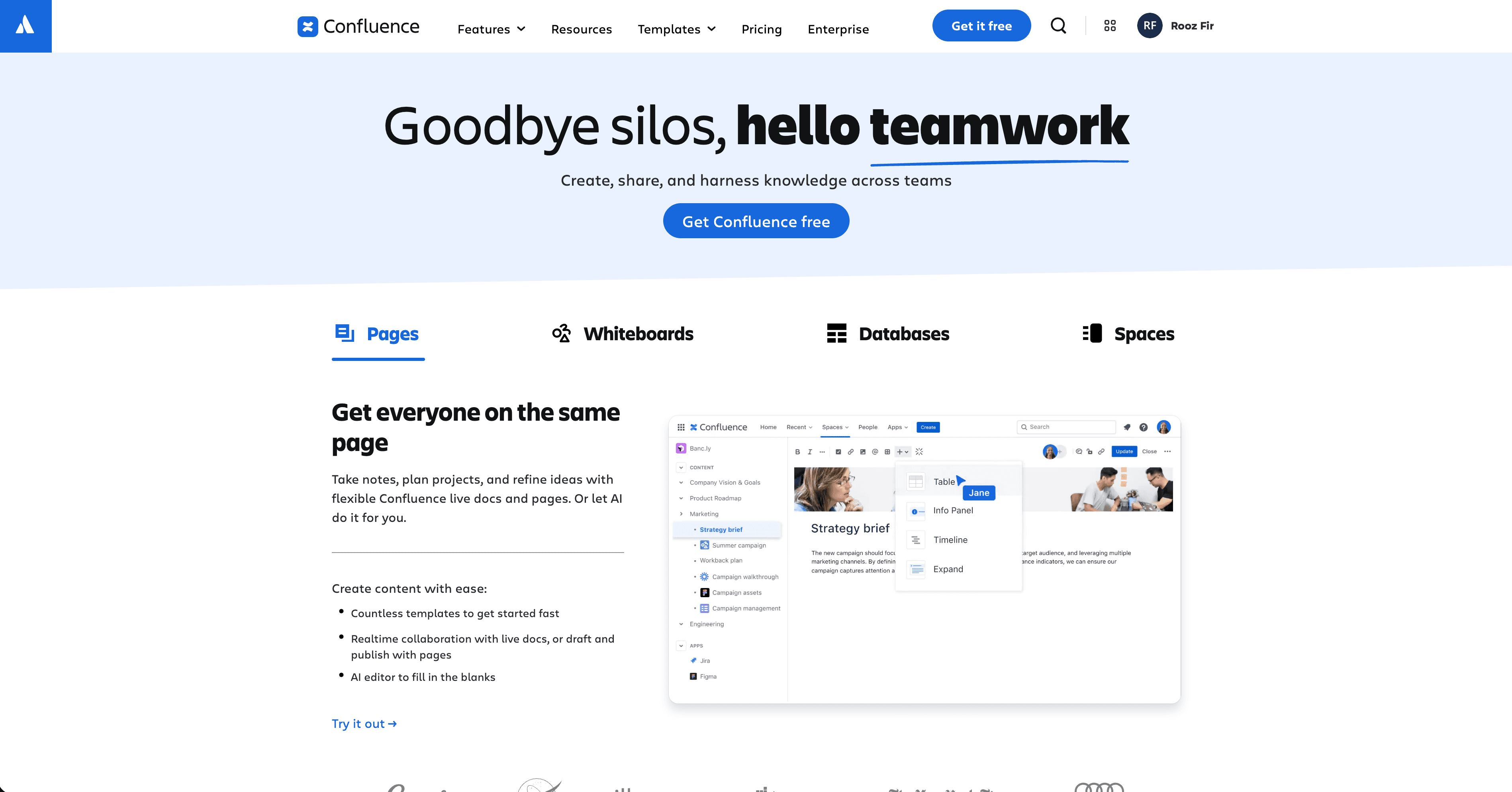
Atlassian's enterprise wiki platform. More structured than Notion, better suited to large teams with defined spaces for different departments. Native integration with Jira makes it the default for engineering and product teams already on the Atlassian stack.
Strengths: strong permission management, structured page hierarchy, good for compliance-sensitive documentation, excellent Jira integration.
Limitations: steeper learning curve than Notion, UI feels dated for non-enterprise users, can be heavy for smaller teams.
Best for: engineering and product organizations on the Atlassian stack, teams needing structured permissions and audit trails.
Coda
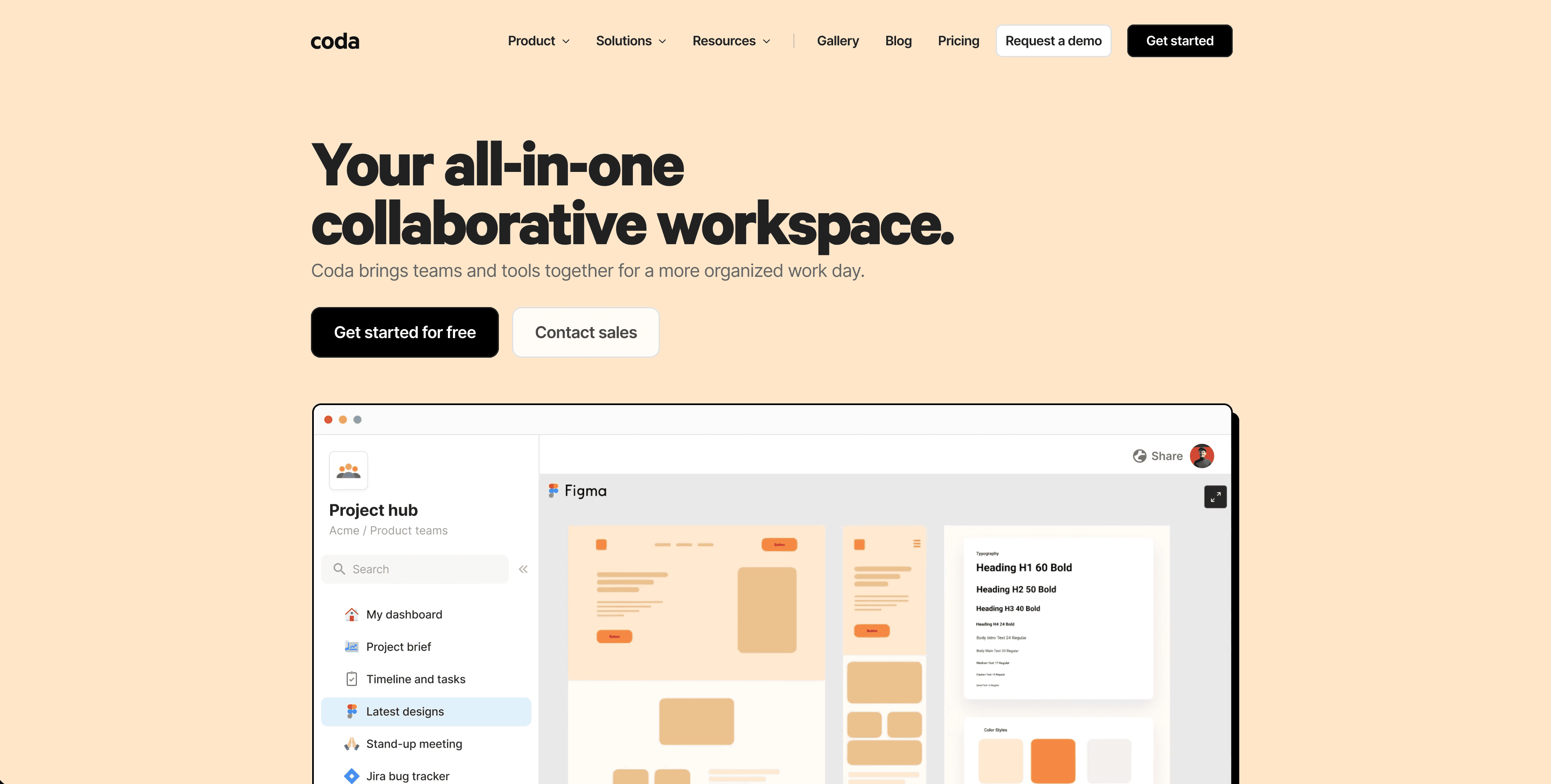
A docs-as-databases tool that blends documents, spreadsheets, and apps. More powerful than Notion for teams that want to build internal tooling inside documents.
Best for: teams that want document + data + automation in one place, especially for internal ops workflows.

Category 2: Video documentation tools
Loom
The default async video tool for remote teams. Loom lets anyone record and share a screen recording with a talking-head overlay, making it fast to send a video message or quick walkthrough.
Strengths: fast to record and share, good for one-time communication videos, widely adopted, integrates with Notion and Slack.
Limitations: videos require narration at record time — if you make a mistake, you re-record. No AI-generated narration or written documentation output. Videos are communication assets, not documentation assets — they're hard to organize into a searchable library, go stale without a maintenance process, and can't generate written how-to articles alongside the video.
Best for: one-off async communication, quick walkthroughs to share in Slack, personal explanation videos. Not ideal for building a structured, maintained documentation library.
Clevera

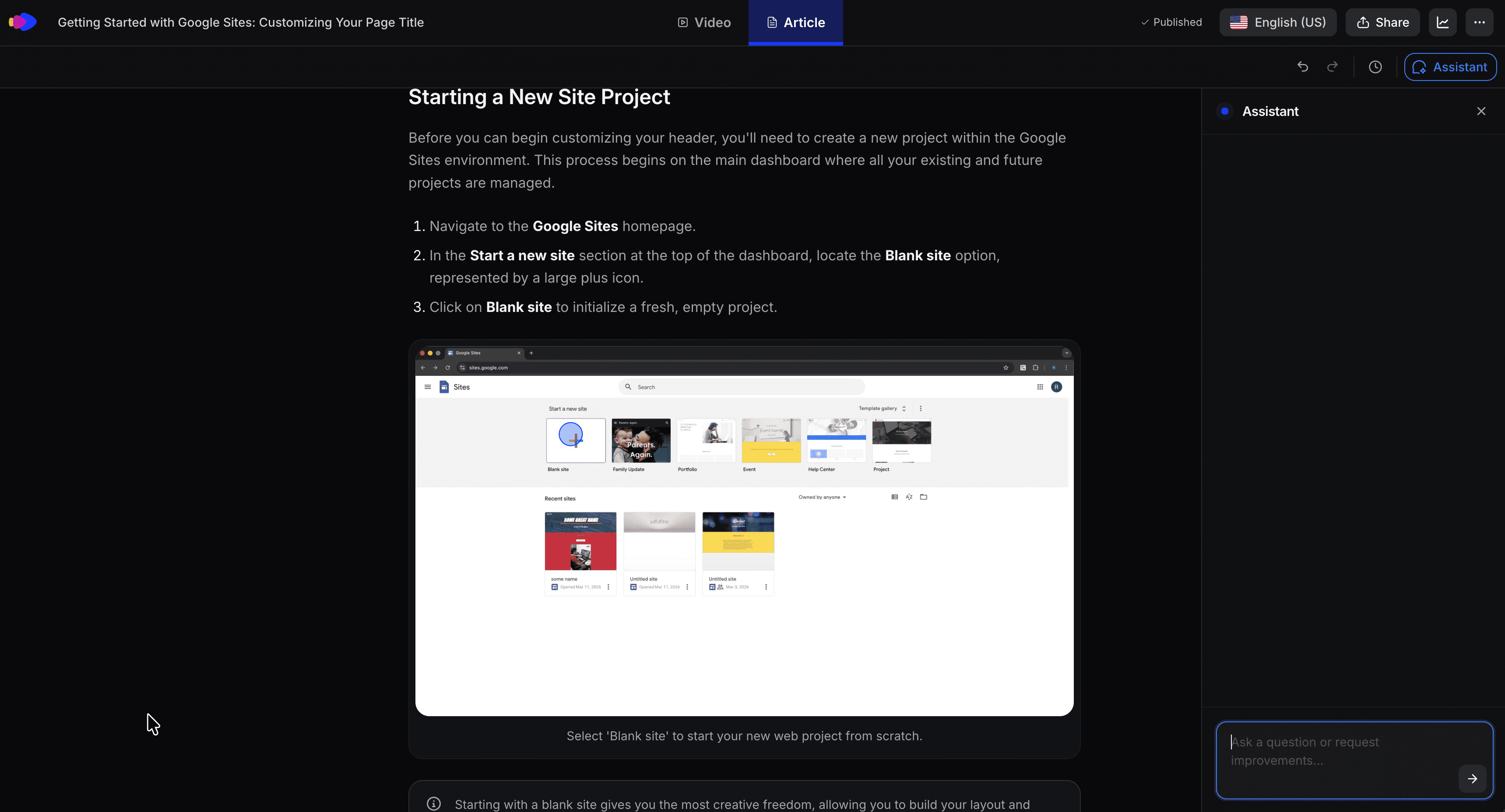
AI-powered documentation tool that generates narrated tutorial videos and written how-to articles from silent screen recordings. A team member records their screen without speaking; Clevera generates the narration script, produces the voiceover, and creates a structured article simultaneously.
Strengths: no narration required during recording (eliminates re-recording mistakes), produces both video and written documentation from one recording, LiveSync ensures updates propagate to all embed locations, publishes directly to Notion, Confluence, Zendesk, Intercom, and other platforms, supports 74 languages.
Best for: teams building and maintaining structured documentation libraries — onboarding documentation, help centers, process documentation, product tutorials. The right tool when documentation needs to be created at volume, kept current, and published across multiple platforms.
See how Clevera generates documentation from screen recordings
Guidde
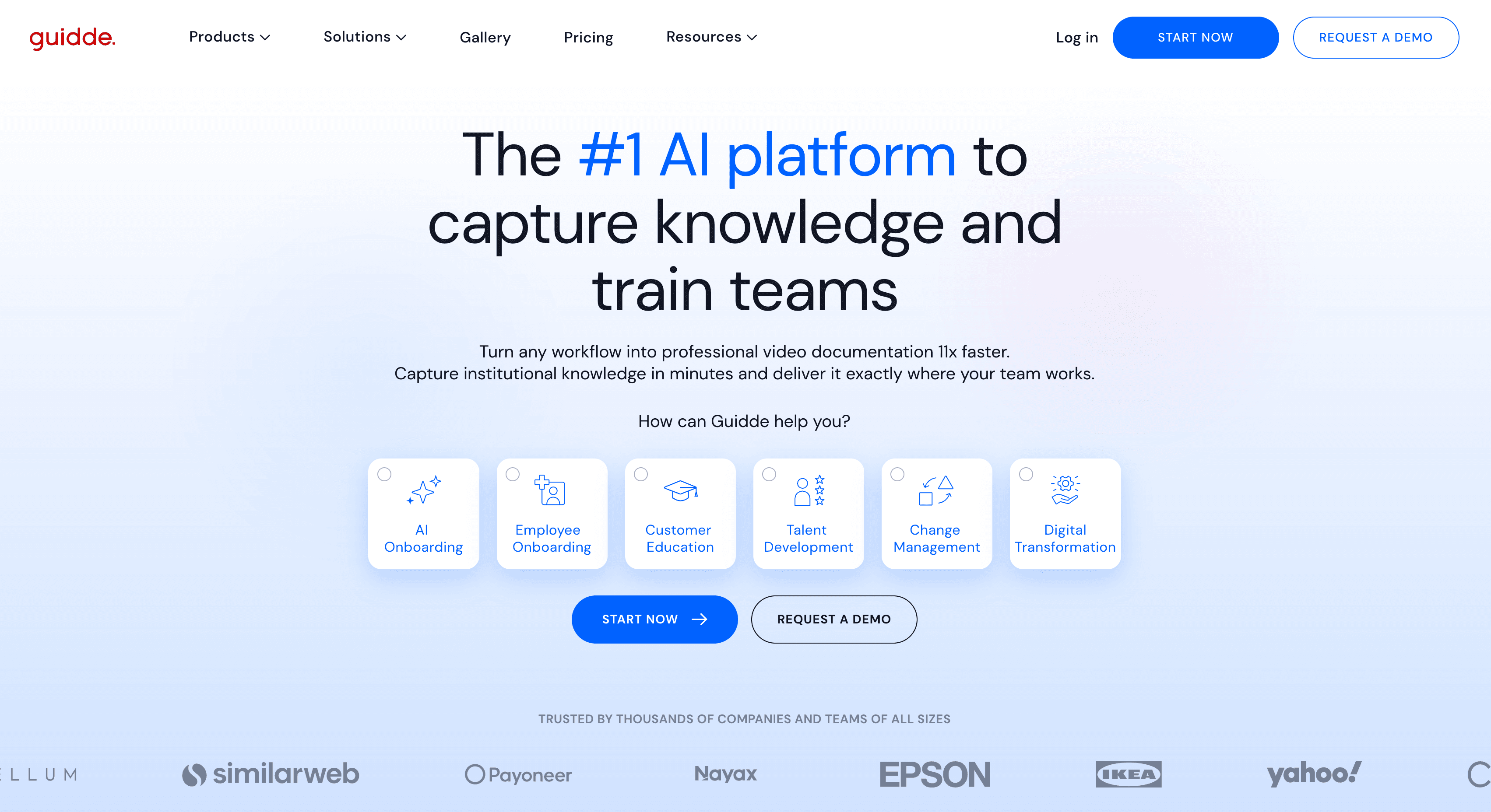
AI-narrated video documentation with browser extension capture. Records workflows and generates step-by-step video guides. Lighter than Clevera, focused primarily on step-by-step guides rather than full tutorial videos.
Best for: teams wanting quick step-by-step guide creation with minimal overhead.
Category 3: Help center and knowledge base tools
Zendesk Guide
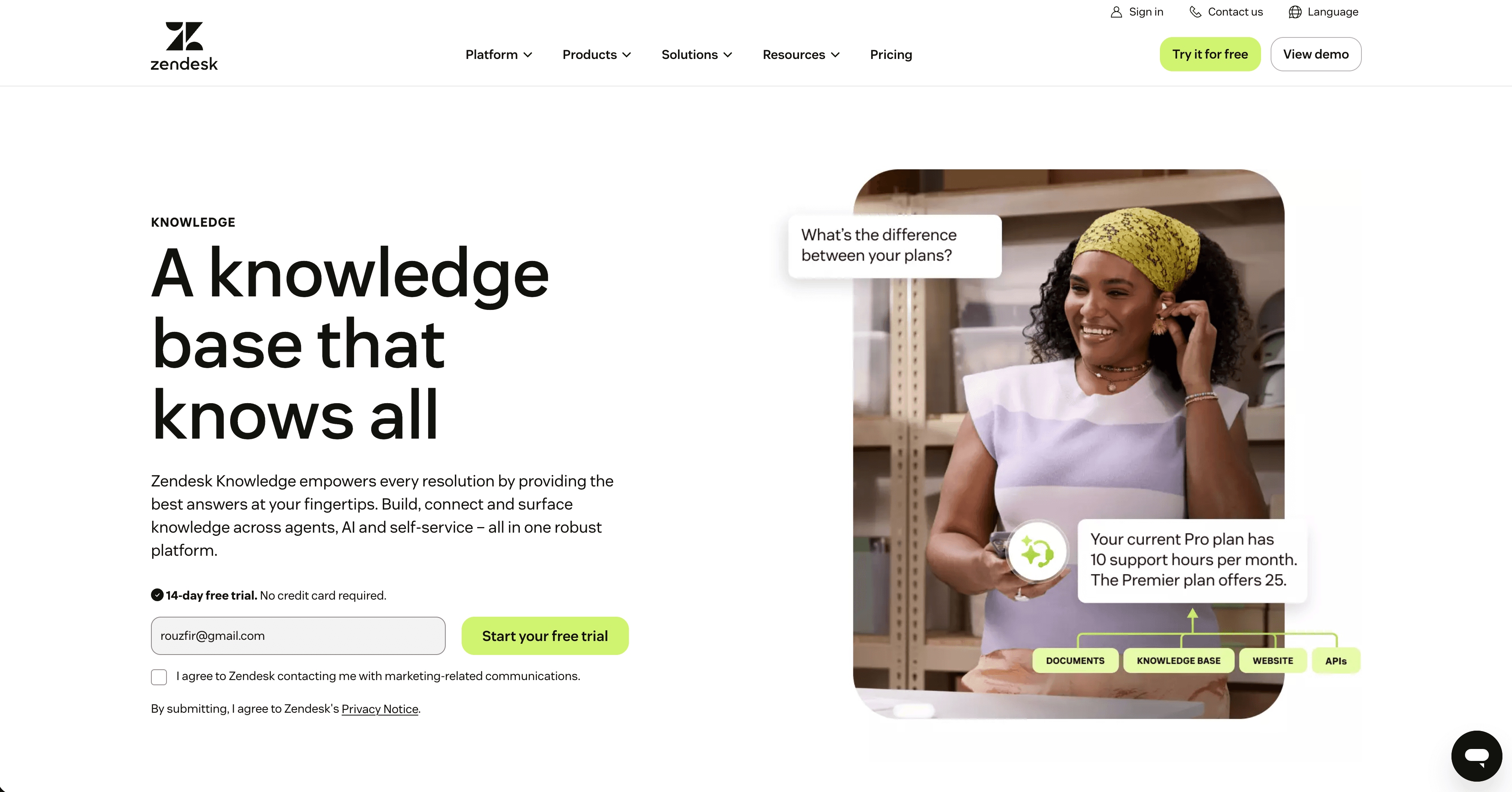
The most widely deployed help center platform for SaaS companies. Part of the Zendesk support suite, so native integration with support ticket workflow is the primary advantage.
Best for: support teams that want their help center and ticketing in the same platform.
Intercom Articles
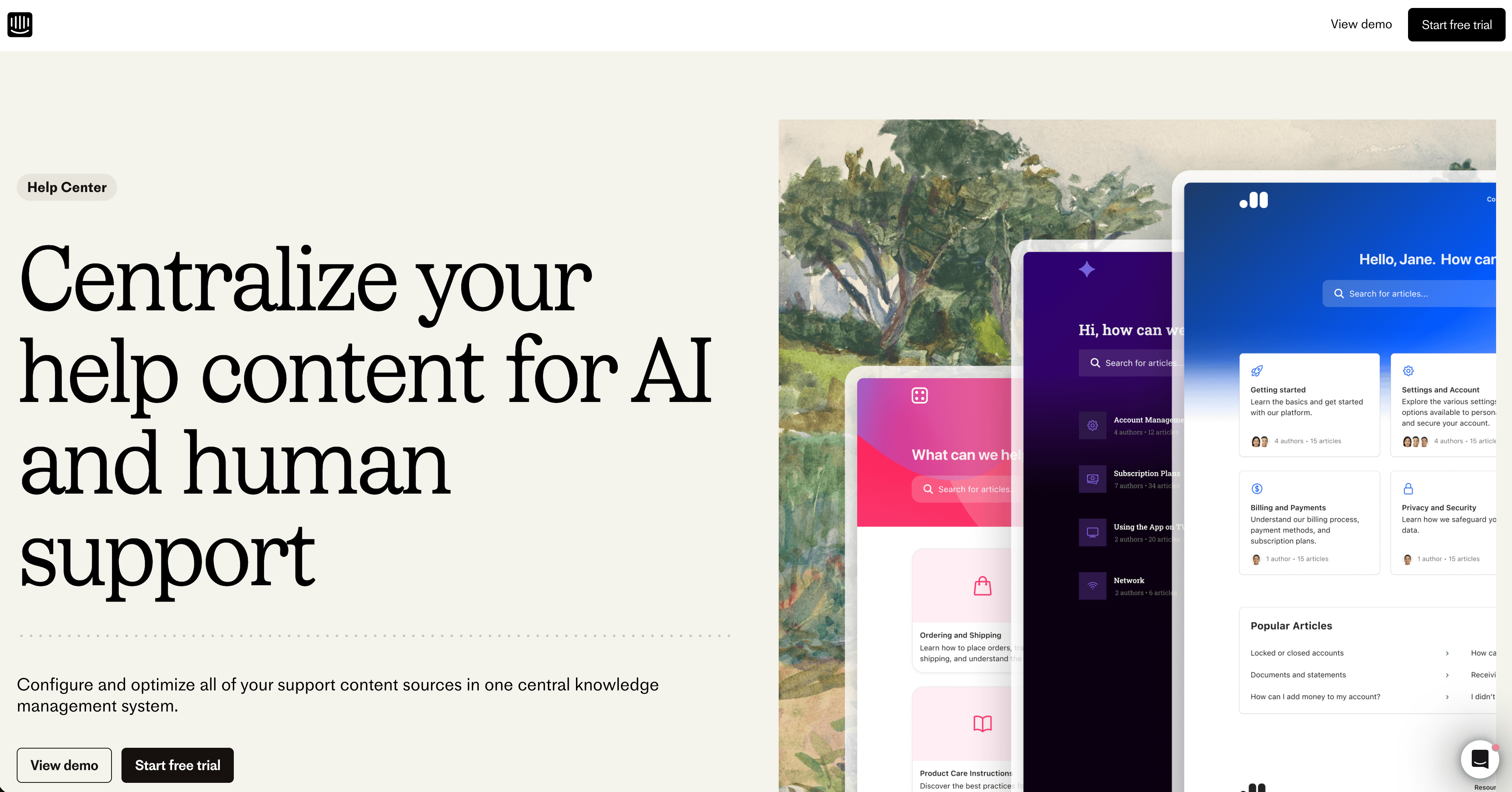
Intercom's built-in help center, tightly integrated with in-app chat and automated support workflows. Articles can be surfaced proactively by Fin (Intercom's AI) when customers start conversations.
Best for: product-led companies already using Intercom for customer communication who want help content accessible within the in-app chat experience.
Document360
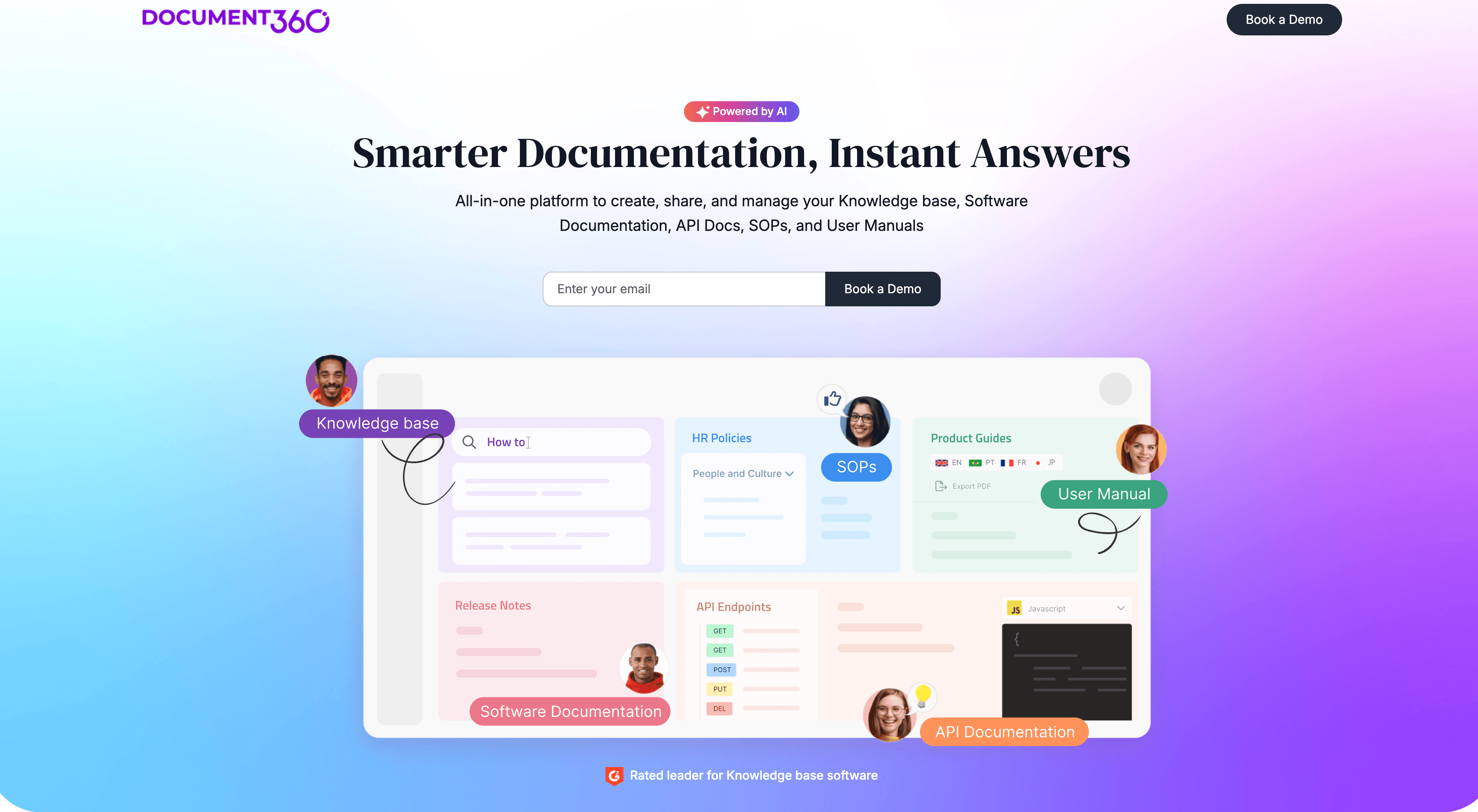
Dedicated knowledge base platform with versioning, analytics, and a clean authoring experience. Stronger on structure and analytics than Notion or Confluence for customer-facing help centers.
Best for: teams that want a standalone, professionally structured customer-facing knowledge base with strong search and analytics.
GitBook
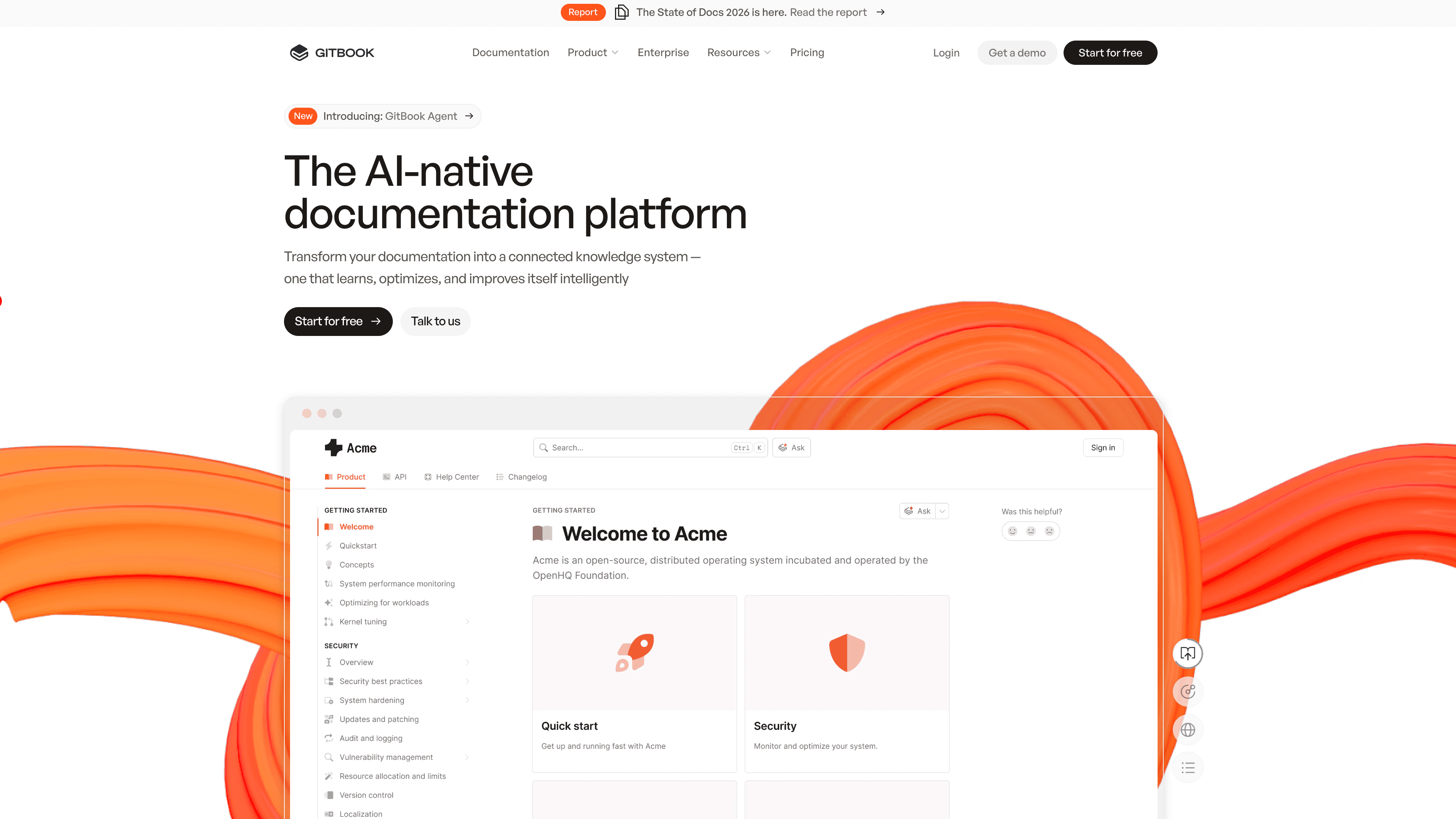
Developer-focused documentation platform. Clean interface, native Markdown support, Git-based publishing workflow. Common choice for API documentation and developer-facing knowledge bases.
Best for: developer documentation, API references, open-source project documentation.
Category 4: AI documentation generation
Clevera
Primary value for remote teams: eliminates the narration and writing barriers that keep teams from producing and maintaining video + article documentation at scale. Record once, get a narrated video and a written article. When the product or process changes, re-record in 20 minutes.
Scribe
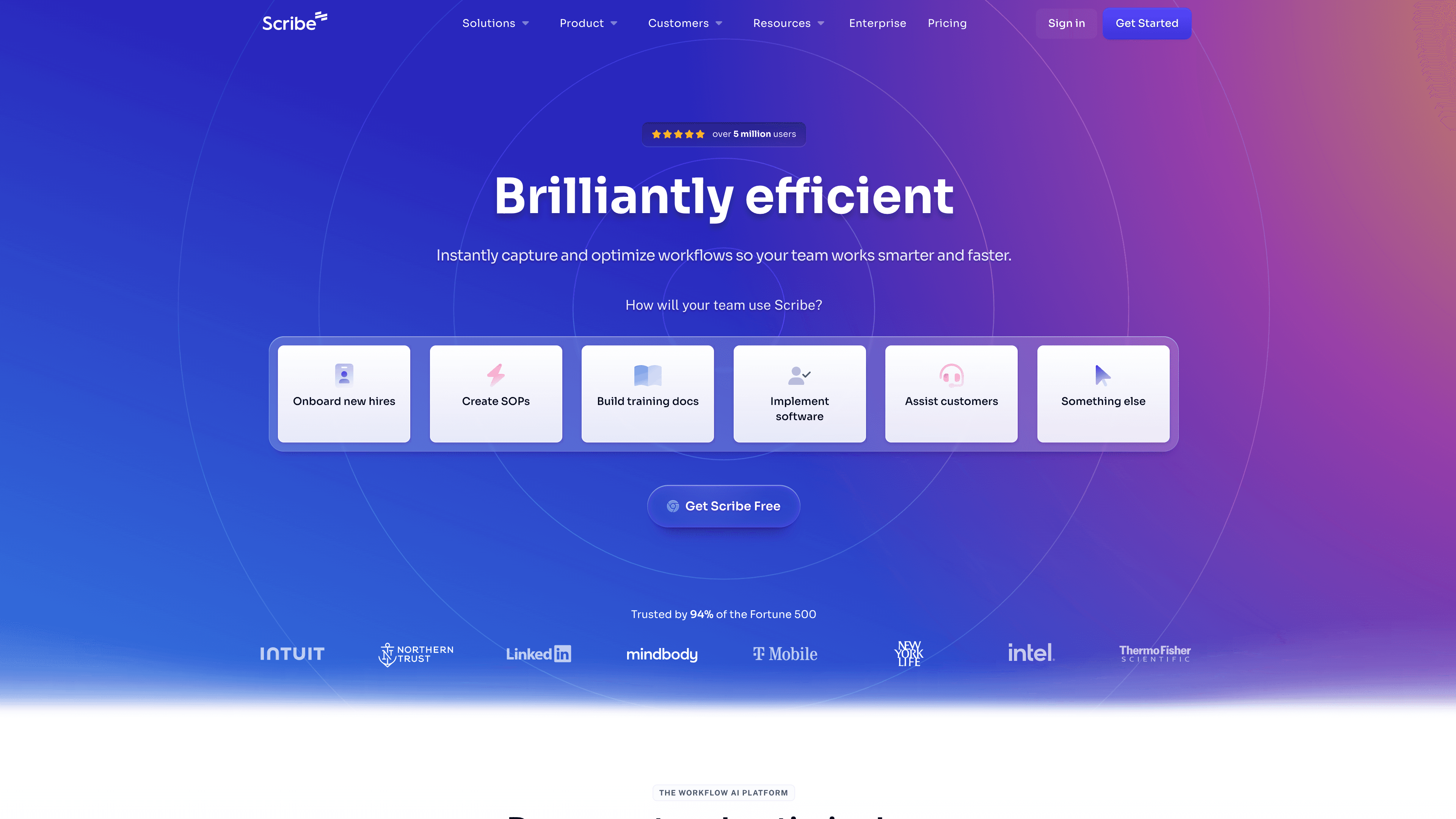
Captures workflows in the browser or desktop and generates step-by-step guides with annotated screenshots. Text-based output, no video. Fast for creating simple how-to guides.
Best for: teams that want lightweight process documentation in screenshot + text format. Less suited for complex workflows or content that benefits from narrated video.
Tango
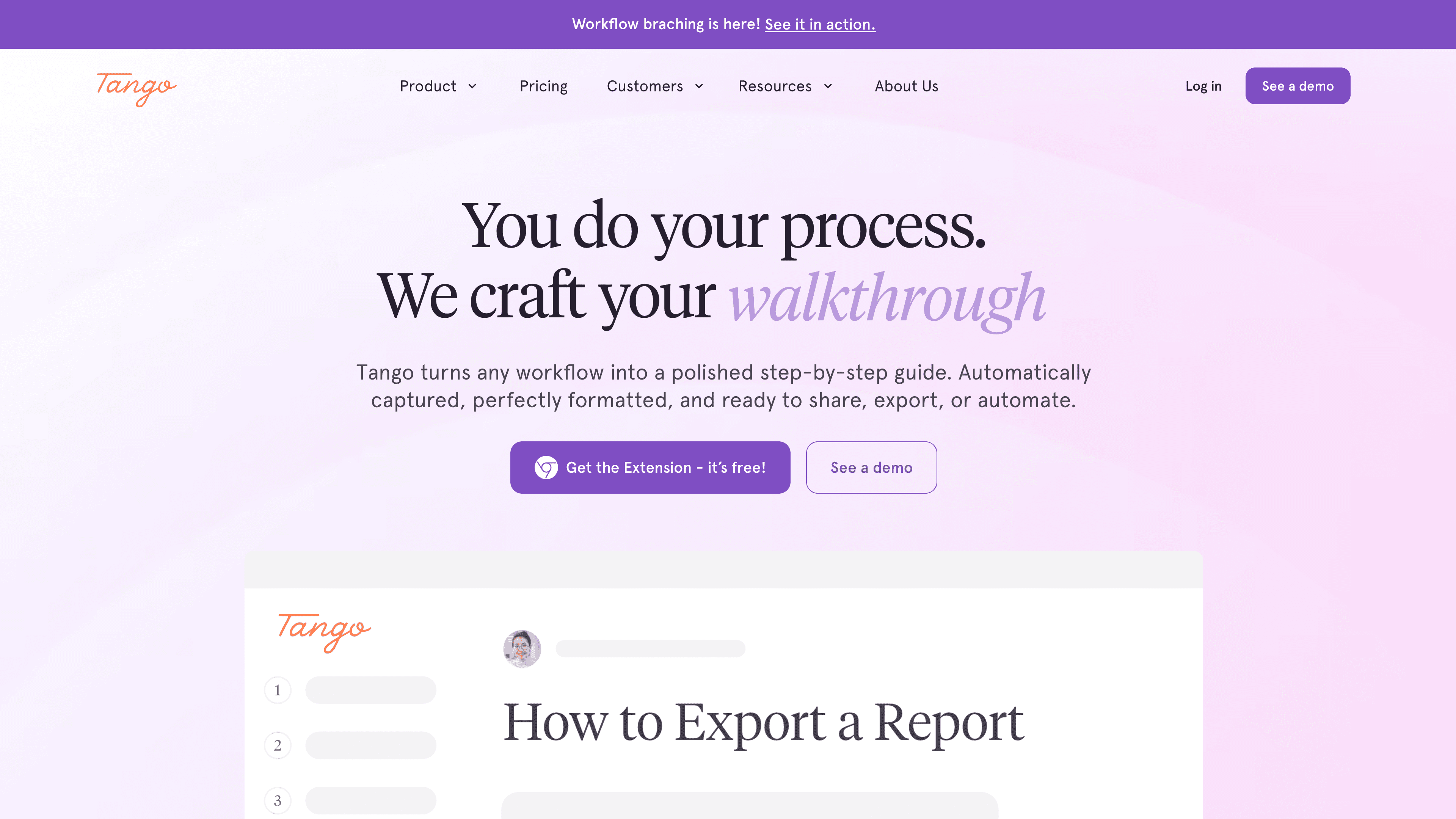
Similar to Scribe — captures clicks and keystrokes and generates visual step-by-step guides automatically. Strong browser extension for capturing web app workflows.
Best for: product and CS teams documenting web-based software workflows quickly.
How to pick for your remote team
The right combination depends on what your team primarily needs:
If you need a wiki and written documentation home: Notion (flexibility-first) or Confluence (structure-first).
If you need to build and maintain a video + article documentation library: Clevera for generation, paired with your wiki of choice for organization and publishing.
If you need async communication videos: Loom for one-off sharing.
If you need a customer-facing help center: Zendesk Guide or Document360 for most SaaS teams; Intercom Articles if you're already on Intercom.
If you need quick process documentation without video: Scribe or Tango.
Most remote teams at growth stage end up with 3 tools: a wiki (Notion or Confluence), an AI documentation generation tool for video + article content (Clevera), and a help center platform (Zendesk or Intercom). The combination covers written collaboration, video-based documentation production, and customer-facing self-serve support.