How to document API changes with screen recordings
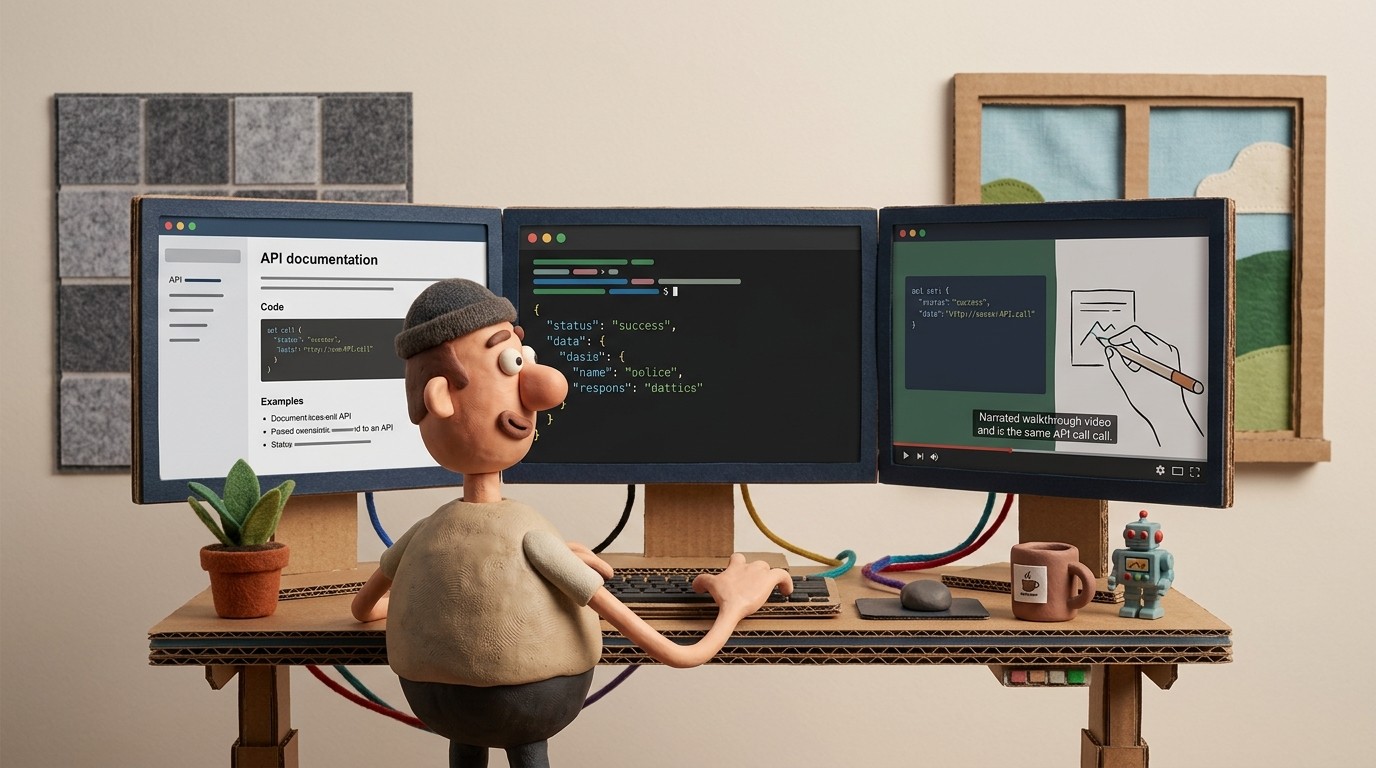
API documentation is primarily text-based — endpoint references, parameter tables, authentication headers, code samples. That's appropriate. Developers working with an API need scannable text they can read and copy from, not a video to scrub through.
But API change documentation has a different problem than API reference documentation. When an API changes significantly — a new authentication flow, a breaking change in how pagination works, a new webhook payload structure — developers need to understand not just what changed, but why, what the migration path looks like, and how to verify their implementation is correct.
That's where screen recordings have a specific, underutilized role.
The gap in traditional API change documentation
Standard API change documentation covers the "what": a changelog entry describing the change, updated reference docs showing the new parameter structure, a migration guide with code snippets.
What it rarely covers well:
The developer workflow for migrating. A written migration guide describes steps. A screen recording shows a developer actually opening their code, finding the affected calls, making the changes, testing in a sandbox, and verifying the response. That workflow demonstration conveys context that code snippets alone don't.
The test environment walkthrough. When an API ships a significant change, developers need to test their integration before the change goes live in production. A recorded walkthrough of how to set up a test environment, what requests to run, what the expected response should look like, and how to interpret errors reduces implementation support tickets dramatically.
The Postman or curl demonstration. For developers evaluating a new API feature or working through a breaking change, watching someone make the API call, seeing the live response, and hearing narration explaining what each field means is faster than reading endpoint documentation in isolation.
When screen recordings add value to API documentation
Not all API documentation benefits from video. Reference documentation — endpoint tables, parameter definitions, response schemas — is better as text that developers can ctrl+F. Video for this content wastes everyone's time.
The categories where screen recordings add genuine value:
Authentication and credential setup. Multi-step authentication flows — OAuth 2.0 authorization, API key generation, webhook secret configuration — are hard to describe in text alone. Showing the sequence of UI screens, the console output to look for, and the test request that confirms authentication is working reduces setup support tickets significantly.
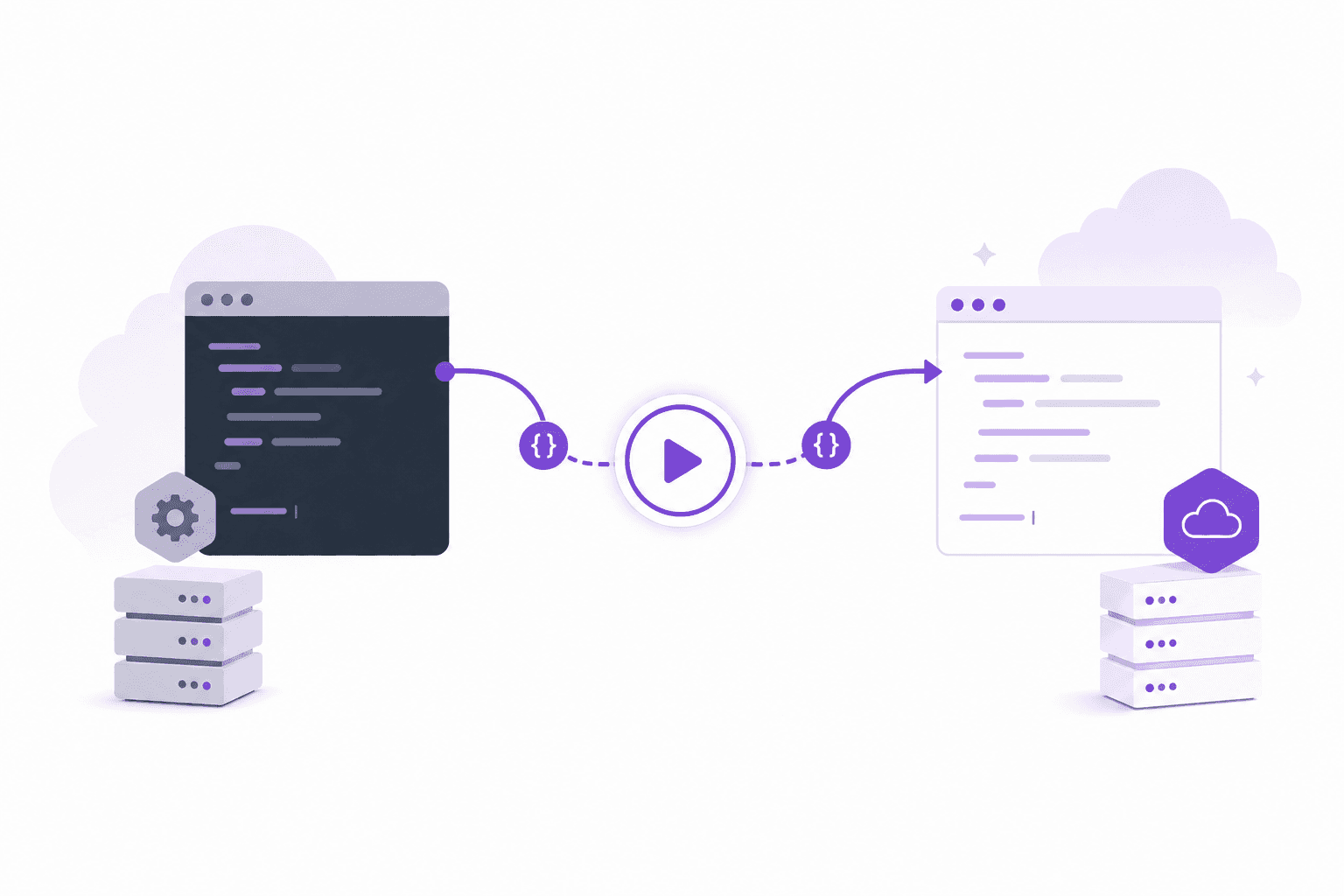
Breaking change migration walkthroughs. When a breaking change requires developers to update their integration, a recorded walkthrough showing the migration path from old implementation to new — with a working code example and live API response — is more useful than a written migration guide for most developers.
New endpoint walkthroughs. When a significant new API capability ships, a 5-8 minute recorded walkthrough showing the endpoint in use — what to send, what you get back, common error states, practical use cases — gives developers confidence before they write their first line of integration code.
Webhook event documentation. Webhook payloads can be complex. A recorded walkthrough showing a webhook being triggered, the raw payload in a receiving endpoint, and how to parse the relevant fields out of it conveys more than a JSON schema table.
SDK setup and first call. For teams shipping client SDKs, a screen recording of installing the SDK, making the first authenticated call, and getting a real response back reduces friction at the most critical part of the developer journey — the first 15 minutes.
The silent recording approach for technical content
Developer-facing screen recordings have a specific challenge: the person doing the recording needs to demonstrate actual code and API calls, not just a GUI. That means switching between a terminal, a code editor, a browser, and potentially a tool like Postman.
Narrating while doing this is difficult. Scripts require preparation. Re-recording mistakes requires patience.
AI-narrated screen recording tools solve this. A developer or developer relations engineer records their screen silently while demonstrating the workflow — running commands in terminal, making API calls, checking responses in Postman, editing code. No narration required during recording. The AI analyzes the workflow and generates contextual narration explaining what's happening at each step.
The output is a narrated walkthrough that sounds like a competent developer explaining their work — because the narration is generated from the actual workflow being demonstrated, not from a script that describes a hypothetical workflow.
Pairing video with text for API change documentation
The most useful API change documentation combines both formats:
Written component: the changelog entry (what changed and why), the updated reference documentation (the new parameter structure, response schema, error codes), and the migration guide (step-by-step written instructions with code snippets).
Video component: a narrated screen recording showing the migration in practice — making the actual API calls, seeing the live responses, handling the common error states.
The written component is what developers return to while implementing. The video is what they watch first to understand what they're about to implement. Developers who watch the video first complete migrations faster and open fewer support tickets because they have a mental model of the workflow before they start writing code.
Keeping API change documentation current
API documentation has a specific staleness problem: it's versioned. An API v2 migration guide describes a workflow that may not be relevant after v3 ships. Keeping version-specific documentation clearly labeled prevents developers from following outdated migration instructions.
For teams using live embeds, video documentation for a specific API version can be clearly versioned and archived when the version is deprecated. New versions get new recordings rather than updates to the existing ones — preserving the documentation for developers who are still on older versions while making the current migration path clear.
See how Clevera generates narrated technical walkthroughs from screen recordings
A practical API change documentation workflow
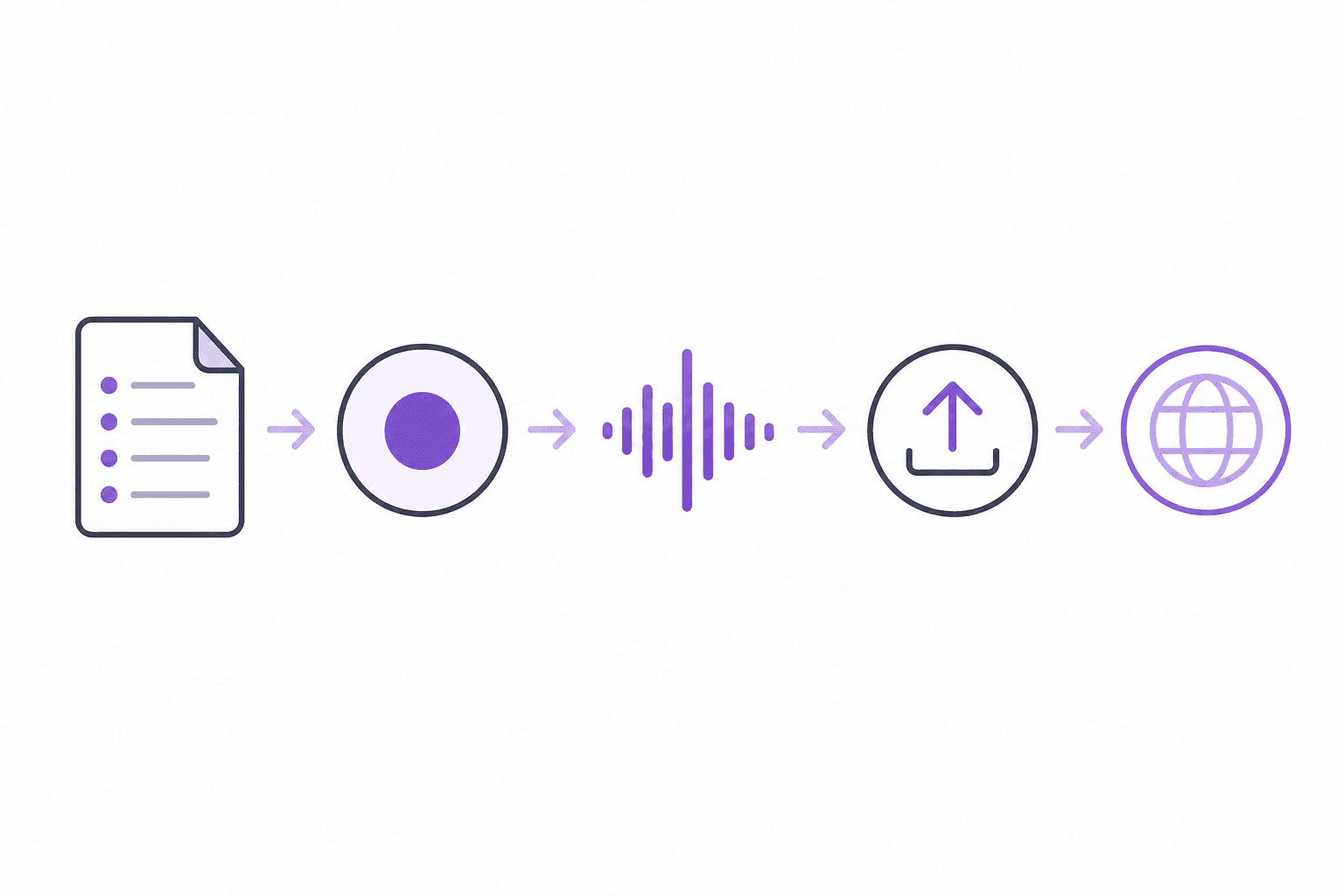
For each significant API change:
Update reference documentation (endpoint tables, parameter definitions, response schemas)
Write the changelog entry and migration guide
Record a silent screen walkthrough demonstrating the migration path: old implementation, the change, the new implementation, testing and verification
Submit the recording for AI narration generation
Review the narrated walkthrough and publish alongside the written migration guide
Link the video from the changelog entry, the migration guide, and any developer community announcements
Total production time for the video component using AI screen recording tools: 30-45 minutes including recording and review. The overhead is low enough to include in the sprint release workflow rather than treating it as a post-release afterthought.