Partner enablement documentation: how to build a library that actually scales

Channel partners, resellers, and integration partners present a documentation problem that's structurally different from customer documentation. Customers who get stuck can open a support ticket. Partners who get stuck send prospects to a competitor, quietly disengage from selling your product, or introduce your product incorrectly to accounts you'll never know about.
The consequence of poor partner documentation is invisible, delayed, and often attributed to other causes. Partner enablement programs that look fine on paper — training sessions attended, certifications completed — produce weak results when the underlying documentation doesn't hold up.
Here's how to build a partner documentation library that actually enables partners to sell and support your product at scale.
What partner documentation is supposed to do
Partner documentation serves 3 functions that customer documentation doesn't:
Enable partners to sell your product accurately. A partner who doesn't understand your product positioning, differentiation, and ideal customer profile will sell it incorrectly — to the wrong accounts, with the wrong value proposition, creating the wrong expectations. Sales enablement content for partners is documentation, not just training.
Enable partners to support your product without you. Partners who can't troubleshoot common customer issues on their own route every problem back to your team. That's not scale. A partner documentation library that covers the most common support scenarios removes that dependency.
Enable partners to train their own teams. As a partner organization grows, new sales reps and account managers join who weren't at the original training. A video-based partner enablement library lets partners train internally without requiring your team to re-deliver the same sessions.
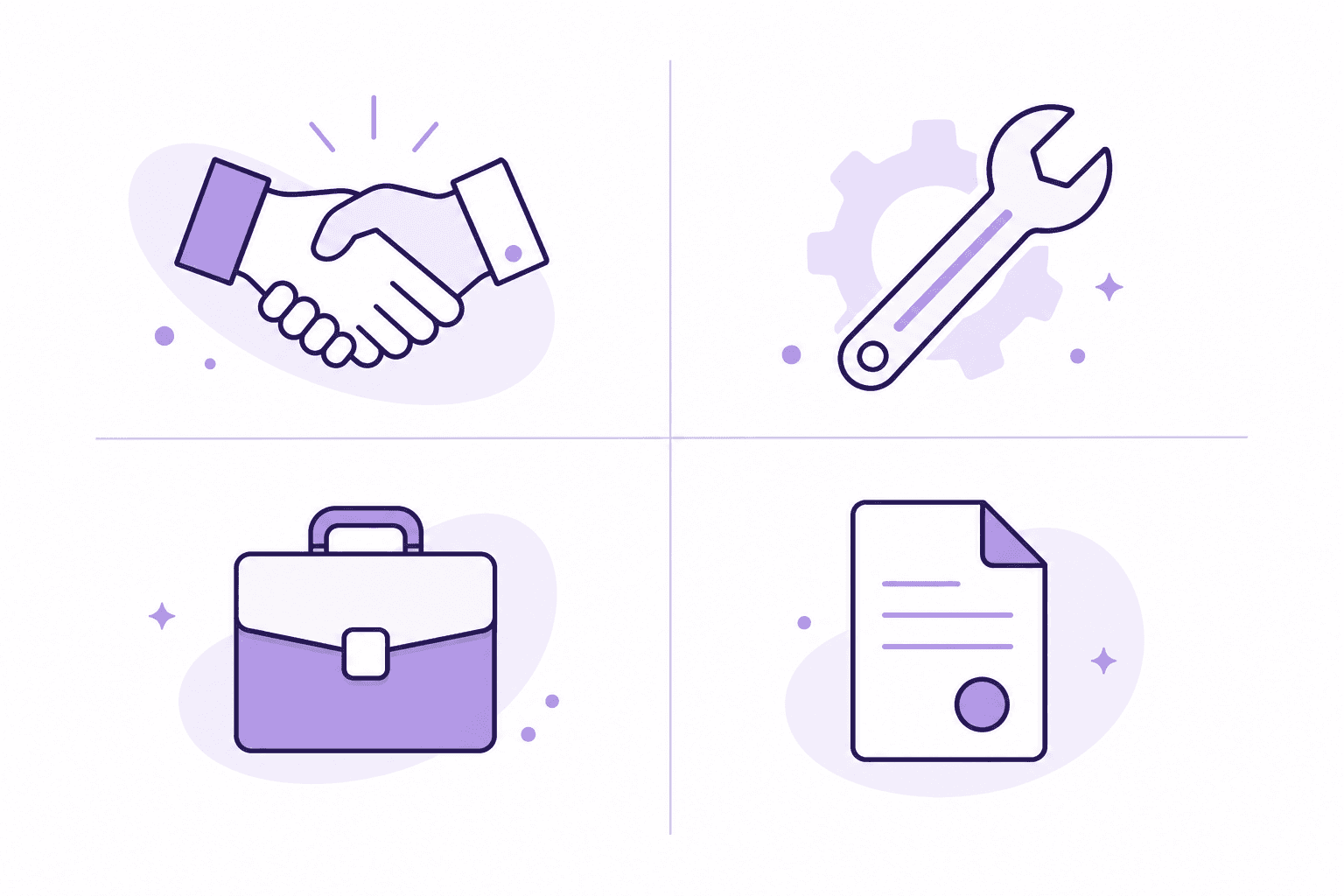
The 4 types of content every partner library needs
1. Product overview and positioning documentation
Before a partner can sell your product, they need a clear mental model of what it does, who it's for, and how it's positioned relative to alternatives. This is often covered in a one-time training session — which is not documentation.
Documentation for this category should include:
A recorded product overview walkthrough (not a slide deck — a narrated screen recording showing the product doing the thing it does)
Ideal customer profile with specific firmographic and behavioral signals
Competitive positioning: what Clevera does that alternatives don't, framed in language a partner can use in a sales conversation
Talk tracks and objection handling, as recorded walkthroughs or structured written guides
These stay relatively stable but need updating when major product changes alter the positioning.
2. Technical setup and integration documentation
For partners who implement or integrate your product, technical documentation is the core of the relationship. Missing or outdated setup docs create failed implementations, partner frustration, and customer churn that gets blamed on the product rather than the setup.
Technical partner documentation should cover:
Step-by-step environment and account setup
Integration configuration for the systems partners commonly connect to yours
Error states and troubleshooting — the 10 most common implementation problems and how to resolve them
Admin configuration options and their recommended settings by customer type
This category needs video coverage for complex workflows. A 5-minute narrated screen recording of an integration setup communicates what 3 pages of written documentation often can't.
3. Deal support materials
Partners need materials they can use in active sales cycles:
Product one-pagers and competitive battlecards
Demo scripts and recorded demo walkthroughs showing the product in the most common sales scenarios
ROI calculators or business case frameworks
Customer reference stories by vertical or use case
The demo walkthroughs are worth prioritizing. A partner sales rep who can watch a 5-minute narrated recording of a product demo before a customer call performs better than one who has to wing it or wait for your team to join the call.
4. Customer-facing documentation partners can use
Partners who support customers need content they can share directly: help center articles, tutorial videos, onboarding walkthroughs. In many partner models, the same documentation your customers use is appropriate to white-label or share via the partner.
Coordinating this layer matters: partners who send customers to outdated help center articles, or create their own documentation that contradicts yours, create confusion that's difficult to trace back to the source.
The production problem that kills partner documentation programs
Partner documentation programs fail most often because the initial content gets built and the updates don't follow.
The scenario: your team delivers a comprehensive partner training and documentation library at launch. Partners get certified. Six months later, you ship 3 significant product updates. The partner documentation still describes the old version. Partners are demonstrating features with the wrong UI, configuring integrations with outdated settings, and telling customers the wrong things about how your product works.
Fixing this requires two things:
A process that flags partner documentation for update when the product changes. The same sprint-level documentation review that applies to customer documentation applies to partner documentation. When a workflow changes, the partner documentation for that workflow gets queued for update.
A production workflow fast enough to keep pace. If updating a partner video walkthrough takes 3-4 hours per video, teams fall behind. If it takes 20-30 minutes using AI screen recording tools, teams can keep documentation current with the product's release cadence.
Video documentation for partners: what changes the equation
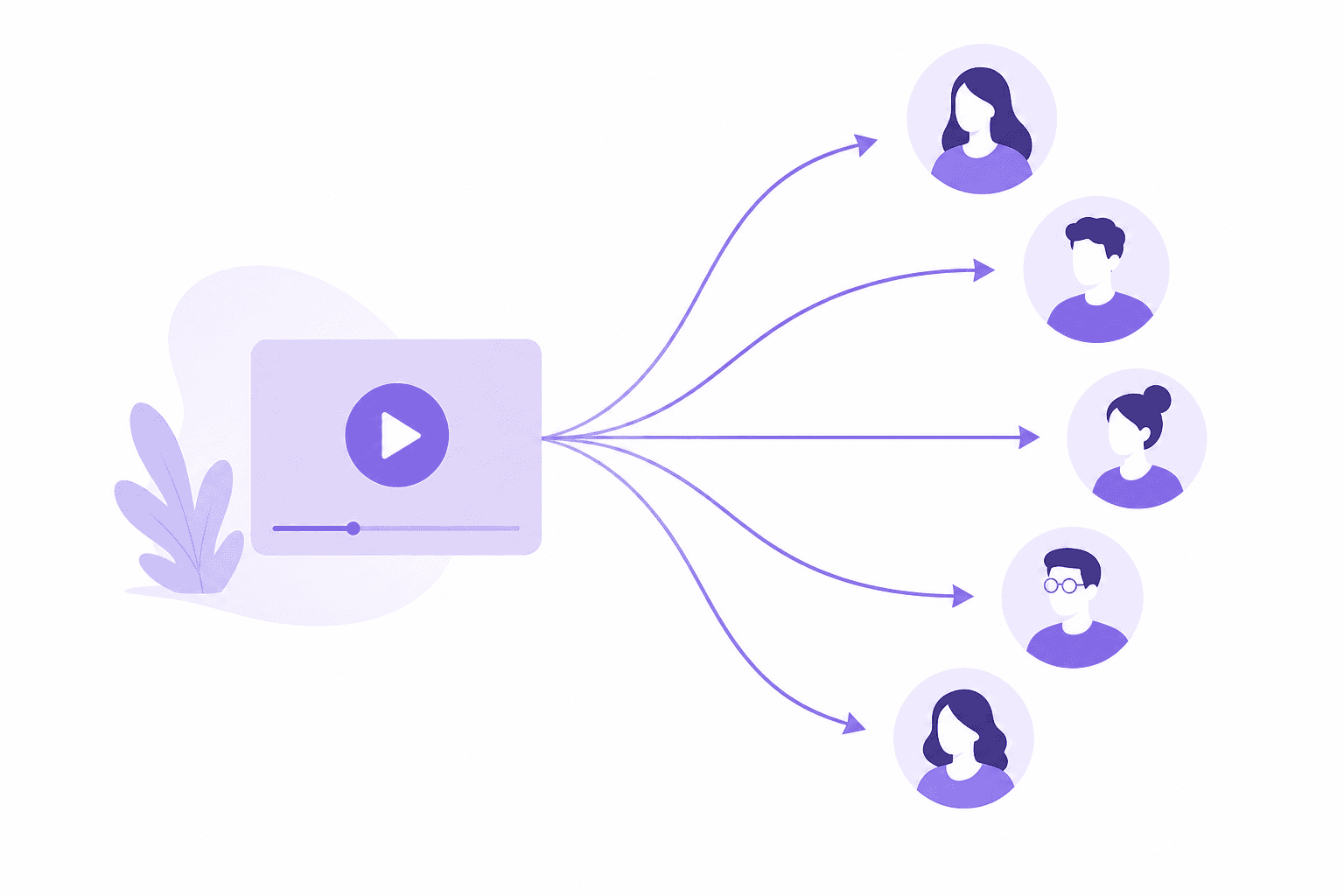
Partner-facing video documentation has a specific advantage over customer-facing documentation: it can be reused internally by partners for training their own teams.
A narrated walkthrough of your product's core sales demo, produced once by your team, can be used by a partner's regional sales manager to onboard 5 new account executives. A technical setup walkthrough can be watched by a partner's implementation consultant before their first deployment.
This multiplies the value of each recording beyond the initial audience. The production economics get better the larger the partner network grows: the same video that cost 20 minutes to produce serves 200 partner reps without additional effort.
AI-narrated screen recordings are particularly useful here because they produce consistent, professional output from silent recordings — no camera, no scripted presentation, no studio. A product manager records their screen walking through a partner workflow; the AI generates the narration; the result is a professional training video partners can use with their teams.
See how Clevera generates narrated partner enablement videos from screen recordings
Organizing and distributing partner documentation
A partner enablement library that's hard to navigate is nearly as useless as one that doesn't exist.
Keep partner documentation separate from customer documentation. Partners often need context — competitive positioning, deal support materials, implementation details — that you don't want publicly visible to all customers. A dedicated partner portal, even a simple one, is better than adding partner content to your public help center.
Organize by partner journey stage, not by product area. New partners need different content than active partners working their first deal than certified partners doing implementations. Stage-based organization is more navigable for the partner than a flat content library organized by feature.
Use live embeds for video content. When partner documentation links to a video via a live embed (rather than a downloaded file or static link), updating the video updates every location where it's been shared. A partner who bookmarked a setup walkthrough gets the updated version automatically when you re-record it.