How to onboard remote employees with video documentation

Remote onboarding has a structural disadvantage compared to in-person onboarding: new hires can't absorb context by proximity. They can't overhear a sales call, watch how a team lead runs a stand-up, or ask a quick question to the person two desks over. Everything they learn has to be deliberately transferred — through calls, documentation, or structured experience in the product.
Most remote onboarding programs handle the calls part reasonably well and the documentation part poorly. The result is that new hires take 30-60 days longer to become productive than they should, and senior team members spend disproportionate time repeating the same explanations.
Video documentation is the part of the onboarding stack that addresses this gap. Here's how to build it.
Why remote onboarding documentation usually fails
Documentation-heavy onboarding fails in predictable ways:
It's text-heavy for content that's inherently visual. A new hire who needs to learn how to use your internal tools, navigate your CRM, or understand your product's architecture is not well-served by a 40-page Notion document. They need to see the thing being done.
It assumes context the new hire doesn't have. "Set up your local environment following the engineering wiki" is a reasonable instruction for someone who knows where the wiki is, what "local environment" means in your stack, and what "set up" involves. A new hire may not know any of those things.
It goes out of date and nobody updates it. A new hire who finds a step that doesn't match the current product, tool, or process loses confidence in all the other documentation. Outdated onboarding docs send new hires to ask a colleague — defeating the purpose.
It's synchronous-dependent. When onboarding documentation is weak, new hires compensate by scheduling more 1-on-1 calls. For remote teams across multiple time zones, that scheduling overhead compounds quickly.
What remote onboarding video documentation actually includes
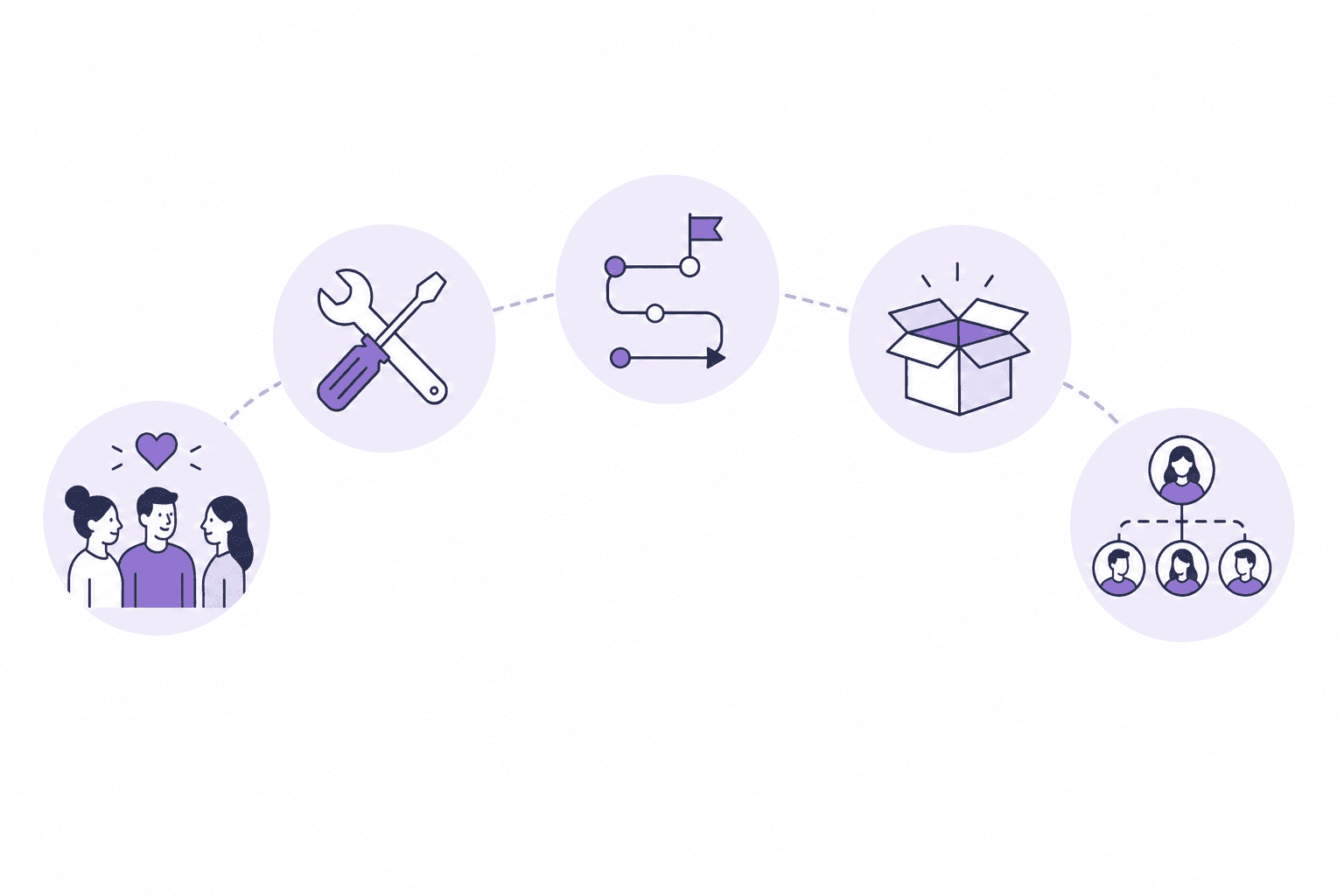
A complete video-based onboarding library for a remote employee covers 5 areas:
1. Company context and culture
Not a handbook — a narrated tour. A 10-15 minute recording from a founder or exec walking through the company's history, positioning, how decisions get made, and what the team culture actually looks like in practice. This is higher impact than a slide deck because it conveys tone, priority, and personality in a way text cannot.
2. Tools and systems walkthroughs
Every tool a new hire will use in their first 30 days needs a recorded walkthrough: the project management system, the communication tools, the product itself, internal dashboards, any custom internal tooling. These are the recordings that prevent the most repetitive questions.
Format: screen recordings showing navigation, key workflows, and common tasks within each tool. No prior knowledge of the tool should be assumed. AI-narrated screen recordings work well here — they produce clear, instructional narration without requiring someone to talk and click simultaneously.
3. Role-specific workflow documentation
Beyond company-wide tools, each role has workflows specific to their function. A sales hire needs to see how to run a prospecting workflow in your CRM. A customer success hire needs to see how to set up and run a QBR. An engineer needs to see the development environment setup, the PR workflow, and how to deploy.
These are the recordings that distinguish role-specific onboarding from generic onboarding. They're also the recordings that save the most time — a senior AE who used to spend 3 hours onboarding each new rep can record those sessions once and stop repeating them.
4. Product knowledge
For customer-facing roles especially, understanding the product deeply is part of onboarding. A library of product walkthroughs — showing what each feature does, how it works, and how customers use it — accelerates time-to-competence faster than product training sessions.
This is where a company's existing customer-facing tutorial library can often do double duty. The same narrated video that a customer watches to learn a feature can be watched by a new sales hire or CS hire to understand what they're selling and supporting.
5. "Who to talk to for what" documentation
One of the most disorienting parts of remote onboarding is not knowing who owns what. A recorded overview of the team structure — who handles which product area, who to ask about procurement, who owns the relationship with a given customer — saves new hires from guessing and reduces the load on whoever fields misdirected questions.
Structuring the onboarding video library for self-service use
The videos exist to reduce the dependency on synchronous time with senior team members. That goal only works if new hires can find and watch the right videos without asking where they are.
Organize by phase, not by topic. New hires don't know the topics yet. They do know they're in week 1, or week 2, or starting their first customer call. A library organized as "Week 1 essentials," "Week 2: your role," "Week 3: advanced tools" is more navigable than a flat folder of videos.
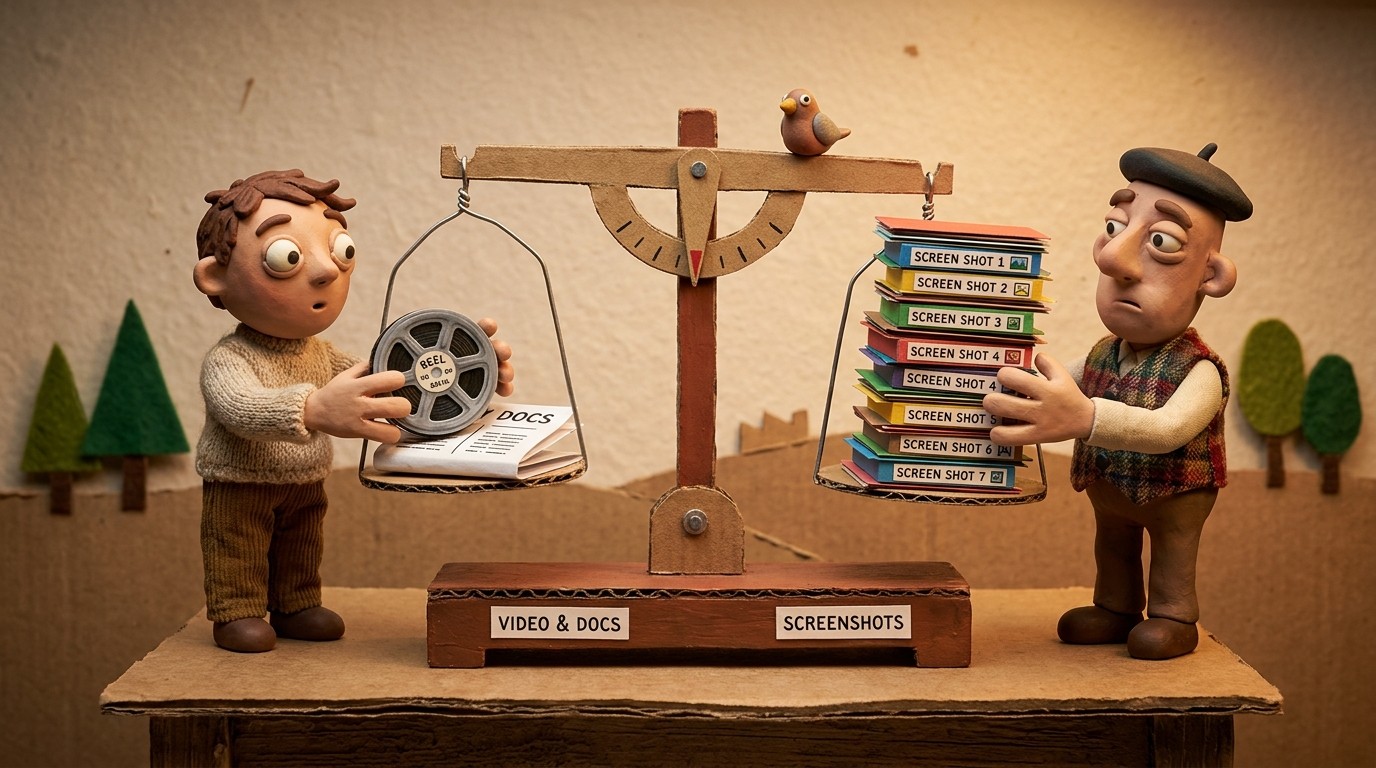
Pair every video with a written summary. The video conveys the experience; the written summary is the reference the new hire returns to when they need to check a specific step 3 weeks later. AI documentation tools generate both from the same recording — the video and the article are produced together without additional effort.
Set a clear completion expectation. "Watch these 8 videos before your first 1-on-1 with your manager" gives new hires a task. A library of 40 unlabeled videos gives them anxiety.
Include checkpoints. A short quiz or task list after each phase confirms the new hire absorbed the content and surfaces misunderstandings before they become problems.
Keeping remote onboarding documentation current
Remote onboarding libraries decay faster than teams expect. Tools change. Processes get updated. The product evolves. A new hire in month 12 following an onboarding guide written in month 1 is following a partially outdated map.
Two practices prevent this:
Build update triggers into your change management process. When a tool changes significantly, when a workflow is restructured, when the product has a major update — the onboarding documentation for that area gets flagged for re-recording. This only works if recording is fast enough to not be a burden.
Have each new hire report what was outdated or confusing. New hires are the best audit mechanism for onboarding documentation. A simple "here's what didn't match what I actually saw" form at the end of onboarding week 1 catches the most common stale content issues without a full documentation audit.
The production workflow: keeping recording fast
A remote onboarding library that's comprehensive and current requires recording to be fast. If producing or updating a video takes 3-4 hours, the library will accumulate debt with every product change and process update.
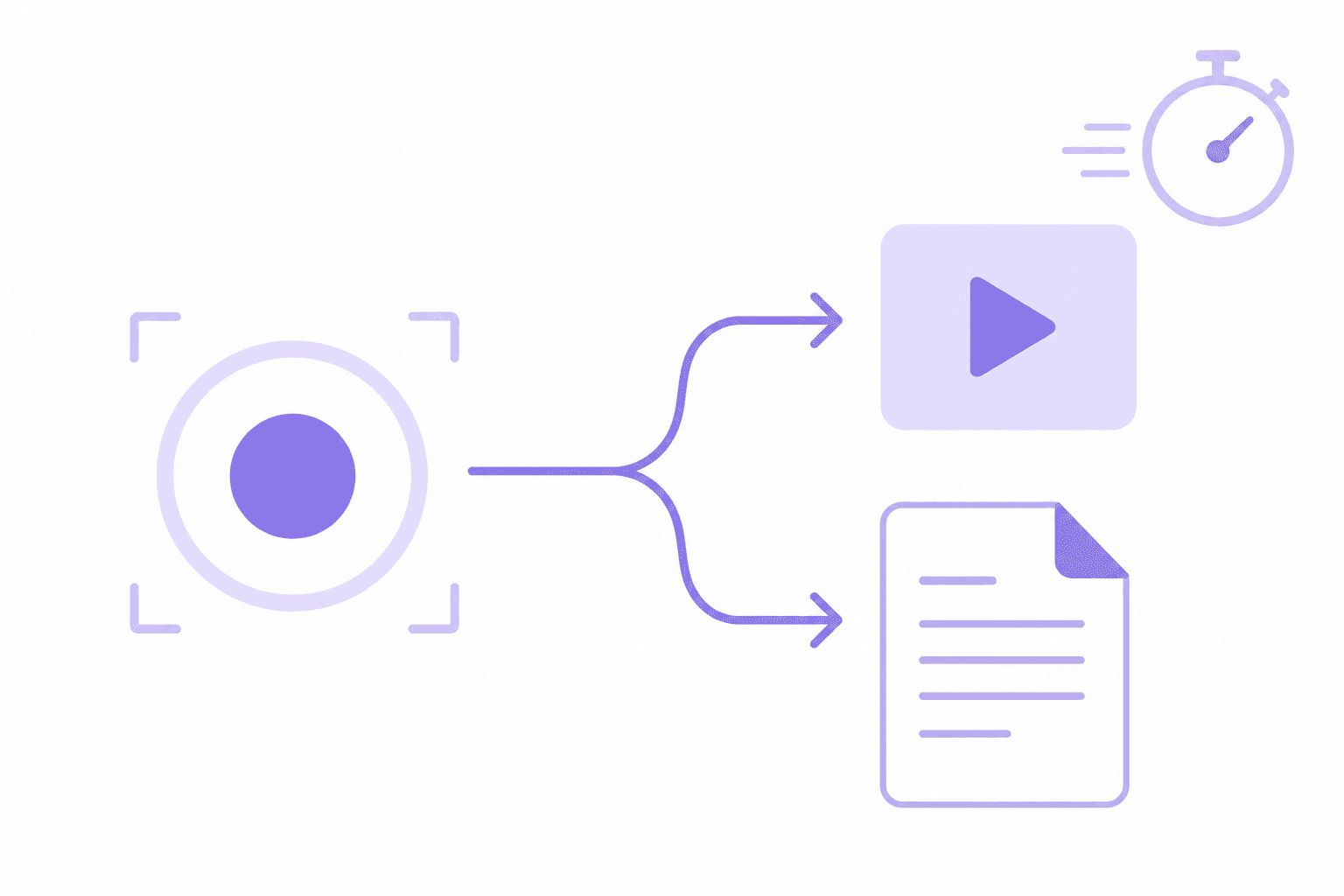
AI screen recording tools address this. An experienced team member records their screen silently while walking through a workflow — no scripting, no narration required. The AI generates a narration script contextualizing each step, produces a voiceover, and creates a written summary simultaneously.
For a full role-specific onboarding library of 10-15 walkthroughs, this represents a one-time production investment of a few days from the team members who own each workflow area. Updates to individual videos take 20-30 minutes when a workflow changes.
See how Clevera generates narrated onboarding videos from screen recordings