Best AI changelog generators in 2026: 10 tools compared

A changelog that nobody reads solves nothing. A changelog that takes 3 hours to write every sprint costs more than the value it returns. "AI changelog generator" now means three different jobs: git/CI that writes `CHANGELOG.md` or GitHub Releases, a customer-facing widget that announces what shipped, and a walkthrough that shows customers how to use it.
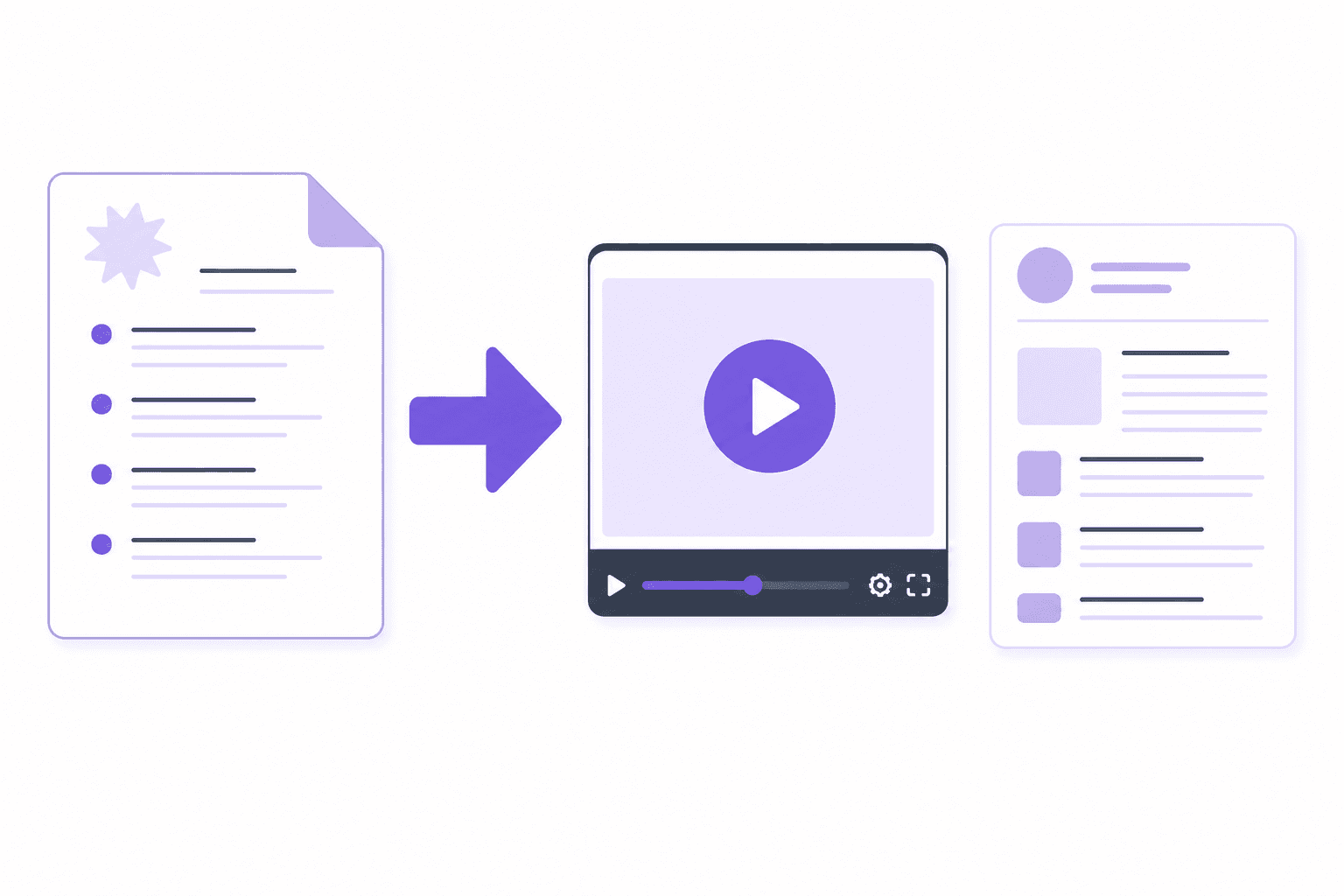
Clevera is not a GitHub Action. It does not parse pull requests into Markdown. It is the third job: record the new workflow and generate a how-to video plus a product-update article you can link from whatever changelog you already publish.
Pricing below was checked in September 2026.
Changelog generator vs release-note Action vs product walkthrough
Pick the job before you pick the tool.
Git/CI (internal, developer-facing). Source is commits, PR titles, labels, or changeset files. Output is a GitHub Release or repo `CHANGELOG.md`. Audience is engineering and QA. Traceability matters more than tone.
Customer widget (in-app or public page). Source is a human draft, a ticket in Linear/Jira, or an AI rewrite of git. Output is a newsfeed, badge, email, or popup. Audience is customers. Adoption and "what changed for me" matter more than semver.
Walkthrough / docs. Source is a screen recording of the new UI. Output is a how-to video and an article. Audience is the same customers who read the changelog entry. The link next to "New: bulk export" is what actually gets the feature used.
Most roundups pretend these are one market. They are not. A Release Drafter README will not teach a customer the new UI. An in-app widget will not bump npm versions. A tutorial maker will not draft GitHub Releases.
10 AI changelog generators compared
Tool | Job | Starting price | GitHub / Linear sync | Customer-facing |
|---|---|---|---|---|
Clevera | Walkthrough / docs | From $29/mo annual | No (screen recording) | Yes, when you pair the walkthrough with your changelog |
ReleaseGlow | Customer widget (AI from git) | From $19/mo (7-day trial) | GitHub yes | Yes |
PersonaBox | Customer (PR to changelog + social) | From $49/mo Pro | GitHub yes | Yes (hosted What's New; no in-app widget on the marketing site) |
Featurebase | Customer widget (AI from tickets) | Free; Growth from $29/seat/mo yearly | No GitHub; Jira/Linear drafts | Yes |
Beamer | Customer widget | Free under 1,000 MAU; Starter $49/mo annual | No | Yes |
Headway | Customer widget | Free; Pro $29/mo | No | Yes |
Release Drafter | Git/CI | Free OSS | GitHub yes | No |
Changesets | Git/CI | Free OSS | GitHub Action yes | No |
LLM + prompt | Git/CI or customer copy | Model usage only | Manual | Depends on the prompt |
changelog-ai | Git/CI | Hosted Free 3/mo; Pro $9/mo | GitHub tags yes | No |
Clevera

Best for: turning a shipped feature into a customer walkthrough the same day the changelog goes out
After you merge, someone still has to show the new UI. Clevera is the AI documentation generator for that step. Record with the desktop app, Chrome extension, or an upload. Generate a how-to video (AI voiceover), a product-update or how-to article, and other formats from the same source when you need them: product demo, teaser, styled/share-ready, or cleaned-up video.
LiveSync updates narration, overlays, styling, and edits on existing footage. Record again when the UI has changed. Clevera does not connect to GitHub and does not write `CHANGELOG.md`. Pair the walkthrough with ReleaseGlow, Featurebase, Beamer, or a GitHub Release and you get announcement plus adoption.
Starter is from $29 per month on annual billing.
ReleaseGlow
Best for: merge-to-customer changelog plus a small in-app widget, without a full feedback suite
ReleaseGlow connects a GitHub repo. Claude reads commits, PRs, and linked issues and rewrites them into customer-facing entries. It publishes a public changelog, a ~15kb in-app widget, and email digests on higher plans. Auto-translation starts on Starter. There is no forever-free plan on the live pricing page; a 7-day trial then Solo from $19 per month.
It still will not show the new screen. Link a Clevera how-to from the entry when the change is visual.
PersonaBox
Best for: PMM teams that want changelog, social, and newsletter drafts from merged PRs
PersonaBox detects merged GitHub PRs, reads diffs, and drafts What's New copy plus newsletters, LinkedIn/X posts, and blogs in brand voice. Pro is $49 per month, matching earlier public notes. Growth is $249 per month. There is no in-app announcement widget on the marketing site. Think "PR to marketing," not "Beamer clone."
Same gap as ReleaseGlow: customers who need a walkthrough still need a recording workflow.
Featurebase, Beamer, Headway (and Olvy)
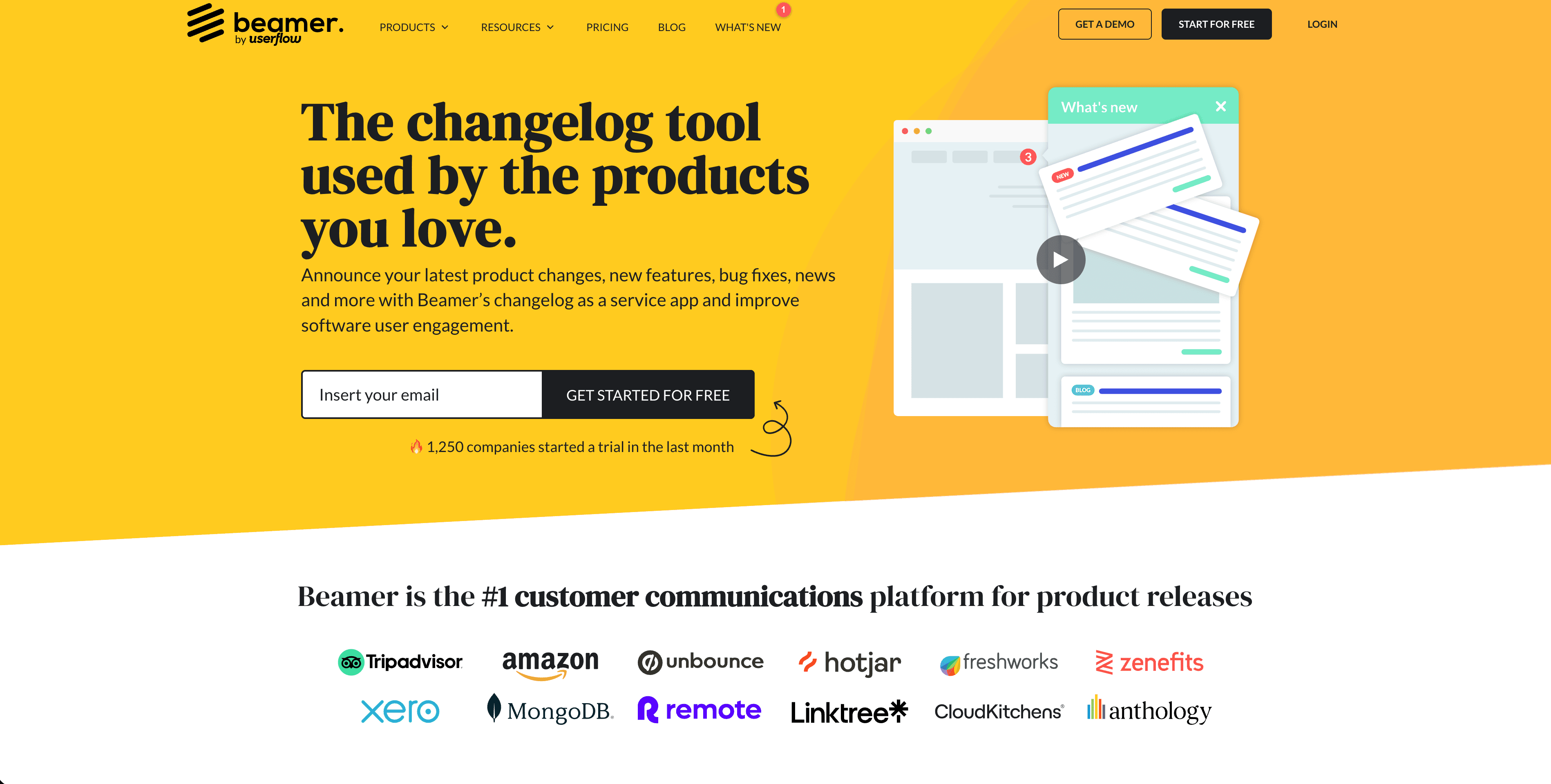


These are customer announcement products. AI is copy-assist, not a commit parser.
Featurebase drafts release notes from completed Jira/Linear features, then publishes a public page, widgets, and email. Free is 1 seat with no AI. Growth starts at $29 per seat per month billed yearly. There is no official GitHub-to-changelog sync.
Beamer is the classic in-app newsfeed: widget, banners, popups, analytics. AI Content Generator is Pro+. Annual Starter is $49 per month after a free tier under 1,000 MAU. It does not ingest git.
Headway is a lighter hosted changelog page plus widget. Free covers the public page. Pro is $29 per month for custom domain, scheduling, and team posting. No AI and no git ingest on the official feature list.
Olvy (not a table row) rewrites technical notes for customers and can import GitHub Releases. Essentials starts at $60 per month. Treat it as another widget, not a git bot.
Release Drafter, Changesets, changelog-ai, and an LLM prompt
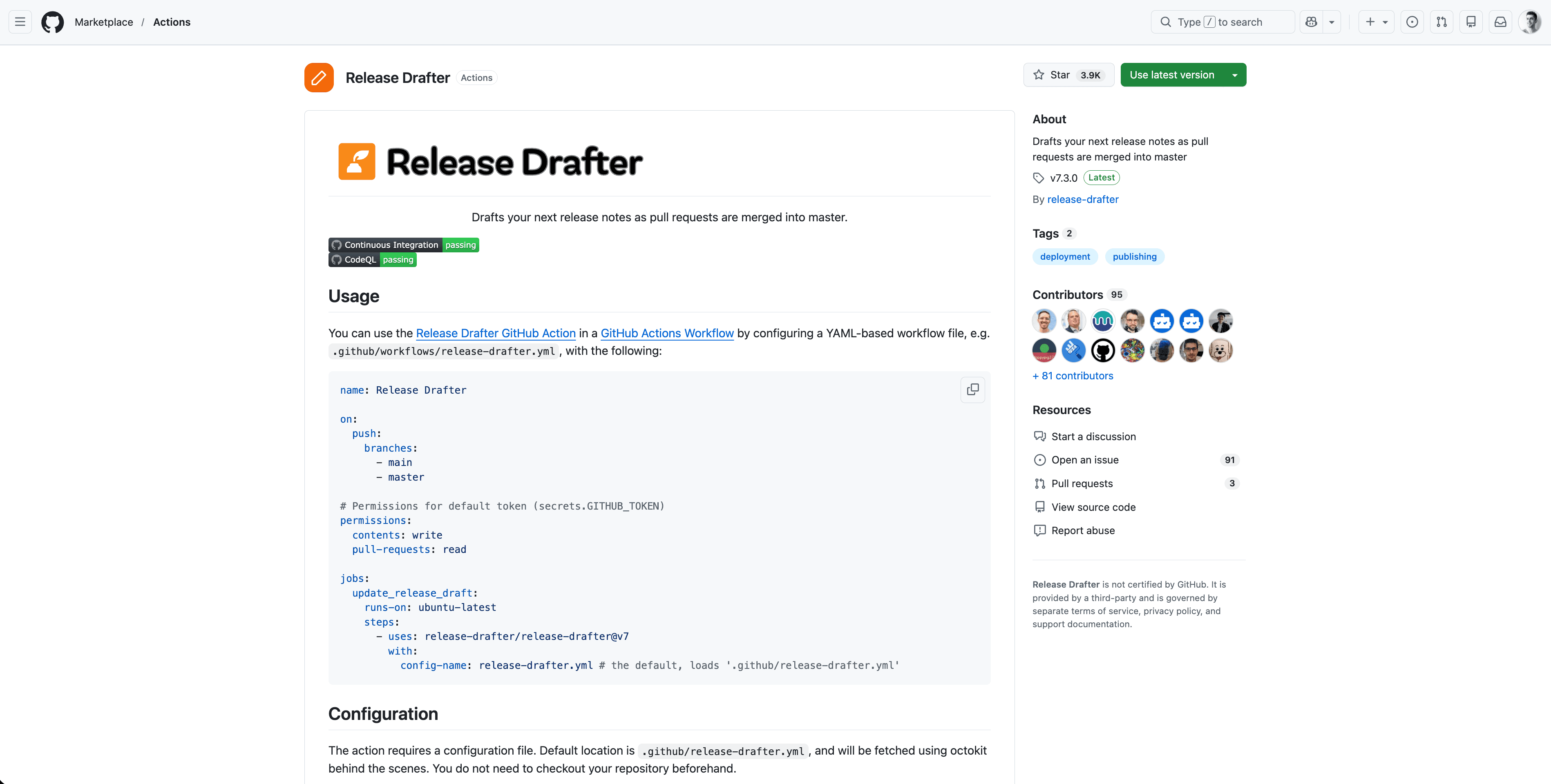
Release Drafter is a free GitHub Action that drafts the next GitHub Release from PR labels. Output is engineer-facing Markdown. It is the right first stage for internal notes, not a customer newsfeed.
Changesets is free MIT tooling for JS monorepos: contributors add a bump + summary, CI writes package versions and `CHANGELOG.md`. Developer-facing. Not a widget.
changelog-ai (zenpl/changelog-ai) turns GitHub commits between tags into grouped notes via Claude. Hosted Free is 3 changelogs per month. Pro is $9 per month. Early project. Use it when you want AI-rewritten tag-range notes as Markdown, not an in-app feed.
LLM + structured prompt is still a valid tenth option: paste PR titles into ChatGPT or Claude with a customer-voice template. No extra seat cost. Someone has to run it every sprint, and it still does not produce the walkthrough.
What to look for when choosing
Audience. Engineering changelog vs customer announcement vs how-to. One tool rarely owns all three.
Source. GitHub PRs, Linear/Jira tickets, a human brief, or a screen recording. More automation at the source means less sprint tax, as long as you accept the output's voice.
Publishing. In-app widgets get seen. A GitHub Releases page does not, unless your customers are other developers.
Walkthrough. The useful changelog links to documentation that shows the new UI. If your announcement tool cannot embed or link a tutorial, plan a manual step. Generating that tutorial the same day is a recording workflow, not a git Action.
Connecting the changelog to feature documentation
A changelog entry that says "New: bulk export" is less useful than one that says "New: bulk export. Export up to 10,000 records at once in CSV or Excel. [Watch a 3-minute walkthrough]."
Customers who read the entry and immediately see a tutorial are more likely to try the feature. See how Clevera generates narrated feature walkthroughs from screen recordings.
FAQ
What is an AI changelog generator? It is software that drafts release notes with a model. Some tools read git (ReleaseGlow, PersonaBox, Release Drafter plus a rewrite step). Some rewrite tickets or a brief (Featurebase, Beamer, Olvy). Some, like Clevera, generate the customer walkthrough that should sit next to the note. They are not interchangeable.
What's the best AI changelog generator for SaaS in 2026? For customer-facing copy from GitHub, start with ReleaseGlow or PersonaBox. For an in-app widget without git, Beamer, Headway, or Featurebase. For `CHANGELOG.md` and GitHub Releases, Release Drafter or Changesets. For showing customers the new UI, Clevera. Most SaaS teams need a widget or git tool plus a walkthrough, not one product that pretends to be all three.
Can AI write release notes from GitHub PRs? Yes. ReleaseGlow and PersonaBox are built for that. Release Drafter templates PR titles without a model. changelog-ai rewrites commits between tags. Featurebase drafts from Jira/Linear, not git. Clevera does not read PRs.
How do you turn a changelog entry into a customer walkthrough? Record the new workflow (desktop, Chrome extension, or upload), generate a how-to video and article, and paste the share link into the changelog entry or widget. Clevera's documentation generator is built for that same-day path.