Clevera vs Capture Sweet: which tool produces better documentation?
Clevera and Capture Sweet are both screen recording documentation tools — you record a workflow, and the tool generates documentation from it. On the surface, the use case looks identical. In practice, the depth of AI processing, the quality of the output, and the range of what each tool produces are meaningfully different.
This comparison covers the dimensions that matter most for teams choosing between them.
What they have in common
Both tools:
Record your screen as you perform a task
Use AI to generate documentation from the recording
Target product teams, CS teams, and anyone who needs to document software workflows
Reduce the manual effort involved in creating help content
The shared starting point is where the similarity ends.
AI narration and voiceover
This is the most significant difference between the 2 tools.
Clevera generates a contextual narration script from what it observes on screen. The AI analyzes the full context of your workflow — which application you're in, what each action does, what a user would need to understand to follow along — and writes a voiceover that explains each step. The narration is then generated using high-quality AI text-to-speech and synced precisely to the video. You don't narrate during recording. You don't write a script beforehand. The AI handles both.
The result is narration that reads like it was written by someone who understands the product, not just recorded the screen. "Navigate to Settings, then select the Integrations tab to connect your tools" versus "click Settings." That gap in explanation quality is the difference between documentation that helps users succeed and documentation they abandon mid-step.
Capture Sweet offers recording and basic AI-assisted documentation generation. The narration depth and contextual understanding of the AI is more limited, producing step labels and descriptions that tend toward the generic end of the spectrum.
Advantage: Clevera, clearly, for any documentation that will be read by customers or users who need to understand what they're doing.
Video output quality
Clevera doesn't just clean up footage — it reconstructs the video from the recording data. Accidental clicks, hesitations, wrong-path navigation, and dead air are removed automatically. Smart zoom highlights key interactions as they happen. Cursor movement is smoothed so it guides the viewer's eye rather than distracting them. Video timing is adjusted to match the narration naturally.
The output looks like a produced video, not a polished raw recording. This matters for customer-facing content where production quality affects perception of your product.
Capture Sweet processes recordings and produces a cleaner version of what was captured. The AI cleanup is lighter than Clevera's reconstruction approach, which shows in the output when recordings have imperfections.
Advantage: Clevera, particularly for customer-facing content.
Written article output
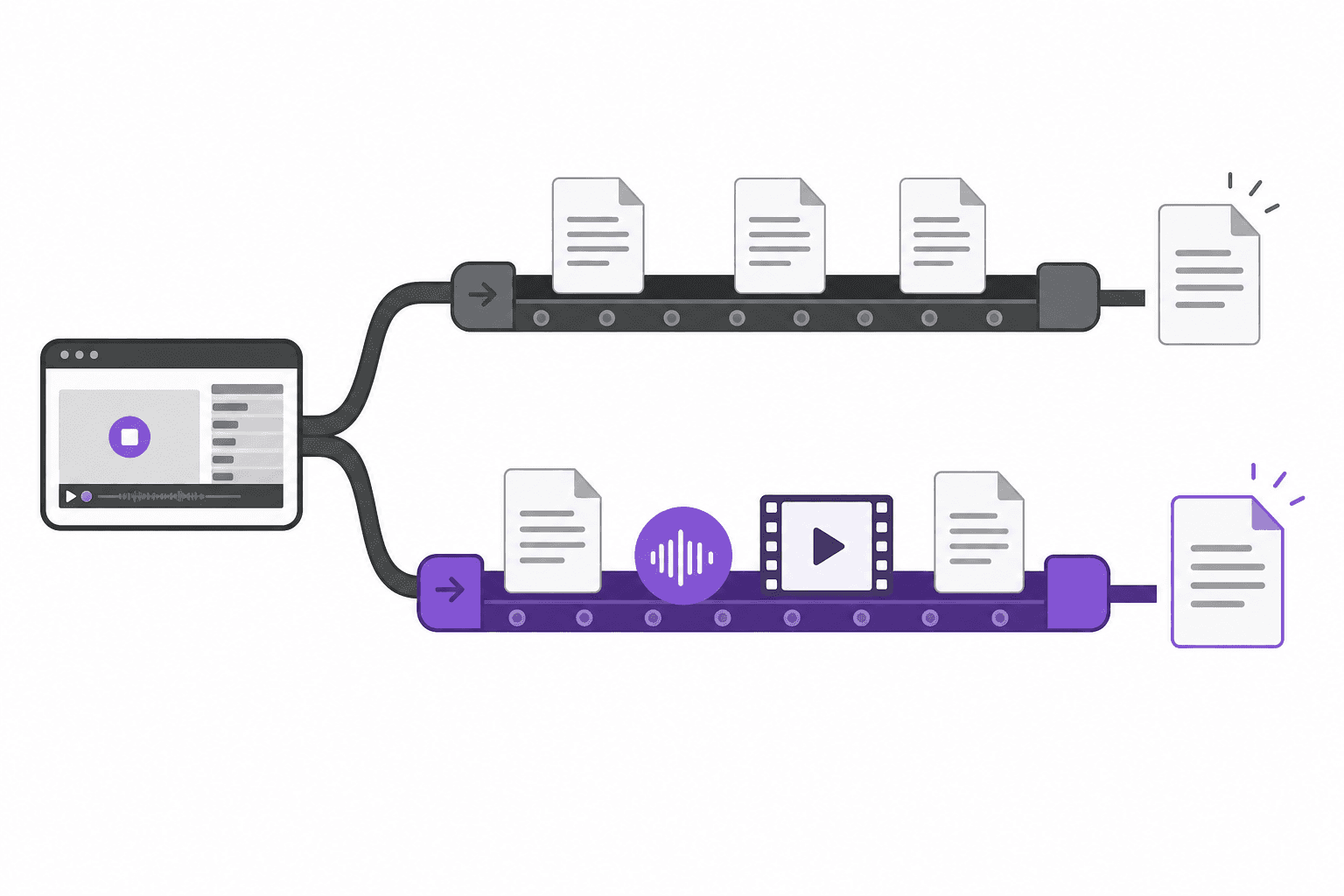
Clevera generates a structured help article simultaneously with the video — from the same recording session. The article includes numbered steps, embedded screenshots at the relevant moments, proper captions, contextual descriptions, and headers. It's formatted to be published directly, not to be used as a starting draft.
The video and article are generated together, so they cover the same workflow in complementary formats without requiring 2 separate recording sessions.
Capture Sweet generates written documentation from recordings. The structure and depth of the article output is more basic than Clevera's, and the level of contextual detail in step descriptions is limited.
Advantage: Clevera, especially for teams that need both video and article output at equivalent quality.
Publishing and integrations
Clevera exports articles directly to Notion, Confluence, Zendesk, GitHub, HelpScout, Gitbook, Intercom, ClickUp, Readme, Bitbucket, and more. When exported, the video appears as an embedded HTML block at the top of the article, with the written documentation beneath. Both assets publish to your platform of choice in one step.
Clevera's LiveSync feature means tutorial videos are live after publishing. Changes made in the editor — narration updates, style adjustments, added callouts — apply instantly across every embed. When your product UI changes and you re-record, the new version replaces the old one everywhere with no link changes.
Capture Sweet supports export options and integrations, though the range is more limited than Clevera's integration list.
Advantage: Clevera on integration breadth and LiveSync.
Language support
Clevera translates both the tutorial video (narration re-generated in the target language) and the written article into 70+ languages with one click. For SaaS products serving international users, this means localized documentation without a separate localization workflow.
Capture Sweet has more limited multilingual support.
Advantage: Clevera for teams with international users.
Ease of use and workflow
Both tools are designed to reduce friction: record your screen, get documentation. Clevera adds cloud processing time after recording (typically a few minutes depending on length) while the AI generates the video and article. Capture Sweet's processing is comparable for basic documentation.
Where Clevera adds a review step — watching the generated video and reading the article — is an investment that pays off in output quality. Most teams find the review is fast because the AI output is close to ready.
Comparable, with a slight edge to tools like Capture Sweet for very short, simple recordings where deep AI processing isn't necessary.
Pricing
Clevera's pricing: Starter at $29/month (billed annually), Pro at $99/month, and Business at $59/month. Full feature access scales with tier.
Capture Sweet pricing varies — check their current pricing page for accurate numbers.
Head-to-head summary
Clevera | Capture Sweet | |
|---|---|---|
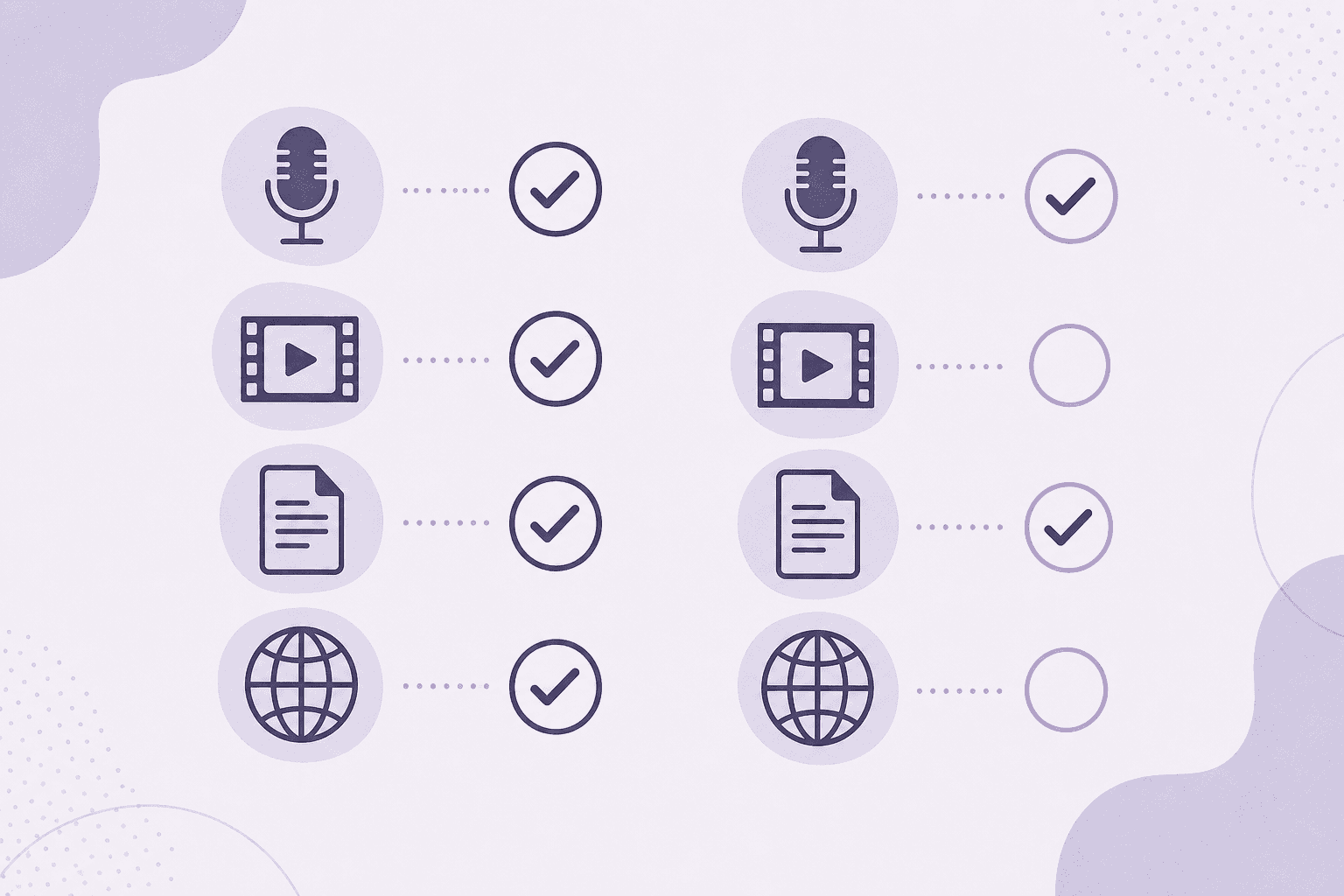
AI narration depth | Contextual, written from screen analysis | More limited |
Video output quality | Reconstructed, polished | Cleaned recording |
Written article output | Structured, publication-ready | Basic |
Both formats from one recording | Yes | Limited |
Direct publishing integrations | 10+ platforms | More limited |
LiveSync (live video updates) | Yes | No |
70+ language translation | Yes | No |
No narration required during recording | Yes | Depends |
Which one to choose
Choose Clevera if your documentation will be read by customers, users, or new employees who need to understand your software. If output quality matters, if you need both video and written formats, and if you need documentation to stay current as your product changes, Clevera is built exactly for that.
Capture Sweet may suit you if you're documenting simple internal workflows, you need a very quick output without a review step, or you prefer a lighter-weight tool for basic use cases where deep AI processing isn't necessary.
The clearest test: record the same workflow in both tools and compare the outputs side by side. The narration quality and article structure will show you the difference faster than any feature list.