AI knowledge base generator: build your help center from screen recordings
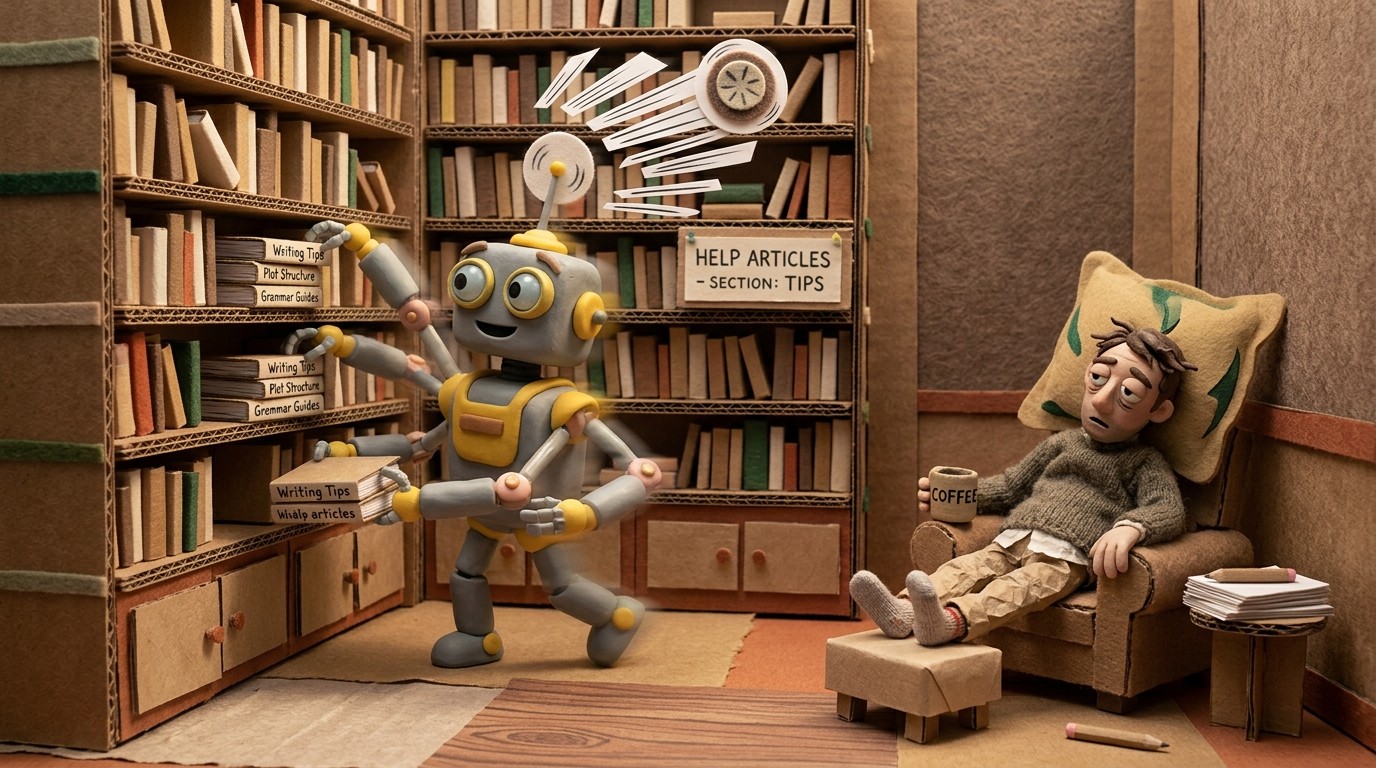
Most knowledge bases get built the slow way. Someone opens a blank doc, writes a title, tries to remember every step of the process they just did, searches for the right screenshot, resizes it, formats the callouts, and publishes something that's already slightly wrong because the product moved on while they were writing.
An AI knowledge base generator changes the starting point. Instead of a blank doc, you start with a screen recording. The AI watches what you did, documents it, adds screenshots at the right moments, and produces a structured help article you can publish in minutes.
New to the category? See how Clevera's AI documentation generator turns screen recordings into help articles and tutorial videos before you compare knowledge base tools.
What an automatic knowledge base creator actually does
"AI knowledge base tool" covers a wide range of products, from glorified chatbots to serious documentation platforms. The ones worth using share a few traits:
They start from what you do, not what you type. The best tools capture your workflow on screen and generate documentation from the recording. You're not writing. You're showing.
They generate structured content. Not a wall of text. Numbered steps, section headers, screenshots placed at the right point in the flow, code blocks where relevant.
They stay current. Documentation rots fast. A good AI knowledge base generator makes updating faster than leaving things stale.
Clevera hits all three. Record with the Clevera desktop app, the Chrome extension, or upload existing screen footage—and the AI generates a detailed, structured help article alongside the tutorial video. Same input session, two outputs.
How Clevera generates knowledge base articles
Here's what happens when you record with Clevera:
You walk through a feature or process on your Mac or Windows machine with the desktop app, in Chrome with the extension, or upload a video you already recorded. Clevera captures (or analyzes) your screen, mouse interactions, key presses, and application context where available.
After you stop recording, Clevera's AI agents analyze the recording in layers. One agent focuses on understanding the sequence of actions. A writer agent drafts the article using those actions as the source. A reviewer agent checks for accuracy and structure. The result is a help article that reads like a human wrote it, because the AI was trained to write the way good technical writers do.
Screenshots get selected automatically. Clevera picks the frames that show the important steps, adds captions, and places them in the article at the right position in the flow. You don't have to take screenshots manually or decide which ones to include.
What the generated article looks like
A knowledge base article from Clevera includes:
A clear title and introduction that explains what the article covers
Numbered steps with full sentences, not just "click here"
Auto-selected screenshots placed inline, with captions that describe the action
Subheadings where the process has distinct phases
Code blocks or formatted content where relevant
A written summary at key decision points
The article publishes with the tutorial video embedded at the top. Readers can watch the video for a full walkthrough or scan the article for specific steps, depending on how they learn.
Editing and refining the generated article
Clevera's article editor looks and works like Notion. You can add, remove, or rearrange any block. Change the heading hierarchy, rewrite a section, insert a callout box, add a table, or tell the AI to simplify, extend, or change the tone of any part of the content.
You can also instruct the AI directly: "Make this section shorter." "Add a note about what happens if the user skips this step." "Rewrite this in a more formal tone." The AI applies the change immediately.
For teams that need multiple people to review documentation before it goes live, real-time collaboration is built in. Multiple editors can work in the same article simultaneously, with live cursors.
Publishing to your knowledge base platform
Once your article is ready, you can export it to wherever your knowledge base lives. Clevera exports to Markdown and HTML, with direct integrations to:
Notion
Confluence
GitHub and GitLab
HelpScout
Zendesk
Intercom
Gitbook, Readme, Bitbucket, ClickUp
Each export includes the embedded video. The video uses LiveSync, which means future updates appear automatically in all your published locations without needing to re-export or replace files.
Keeping your knowledge base current
This is where most documentation strategies break down. You build a good knowledge base, the product ships 2 updates, and suddenly 30% of your articles have wrong screenshots and outdated instructions.
Because Clevera makes creating new articles fast, updating is nearly as fast as creating. When a flow changes, you re-record that section, generate a new article, and publish. What used to take a day takes 20 minutes.
For teams using the AI documentation generator workflow, the goal isn't to write less. It's to make accurate, up-to-date documentation affordable enough that you actually maintain it. For more on automating documentation from screen recordings, see that full guide.
Who benefits most from an AI knowledge base generator
Customer success teams who need to scale self-service content without adding headcount. Every common question becomes an article. Every new feature gets documented on the day it ships.
Product teams who want to document their own features accurately, without waiting for a technical writer or translating a PM's notes into something useful.
Support teams who want to reduce ticket volume by giving users answers before they need to ask. A well-maintained knowledge base deflects tickets. An AI knowledge base tool makes it feasible to keep it well-maintained.
Training teams building internal documentation for onboarding flows or process guides. The same recording workflow that works for external docs works equally well for internal ones.
If you're still building your knowledge base by hand, screen by screen, doc by doc, you're spending time on a problem that's already been solved. Record what you do. Let the AI document it. Publish. That's the workflow in 2026.