How to translate tutorial videos into 70+ languages with AI
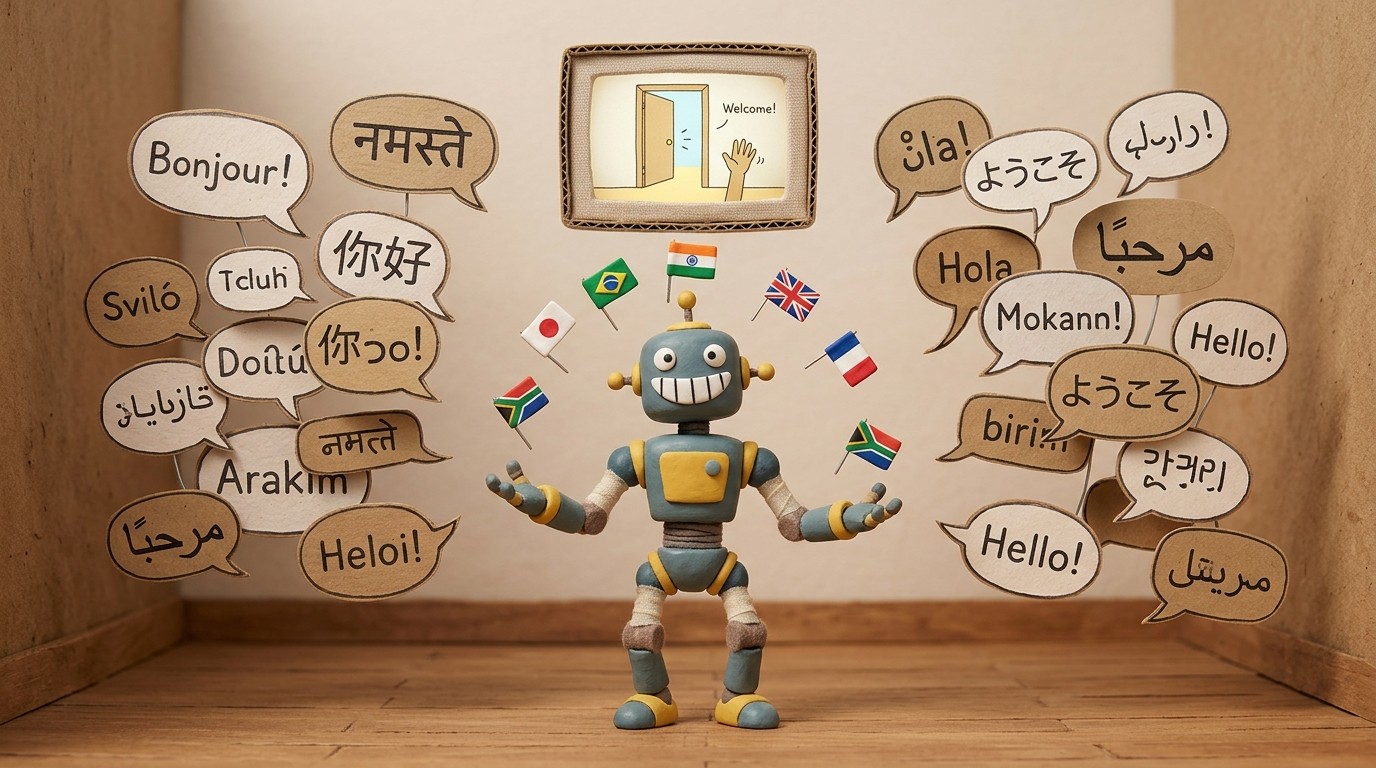
If your SaaS product serves users in more than one country, your tutorial videos almost certainly don't. Most teams create content in English and leave international users to figure things out on their own, or they run expensive localization projects that take weeks and stall every time the UI changes.
Translating tutorial videos used to require a translation agency, a studio, a new voice actor in each language, and a full post-production pass to re-sync audio. In 2026, that entire process takes about 30 seconds.
Why multilingual tutorial videos matter
User activation rates drop sharply when onboarding content isn't in the user's language. A product that looks polished in English can feel confusing or untrustworthy to someone reading instructions that don't match how they think.
A multilingual video generator closes this gap. Instead of asking your German users to follow an English walkthrough, you give them the same video narrated in German, with on-screen text translated to match. The product experience feels local even if your team never recorded a word in German.
For SaaS companies expanding into new markets, this is one of the fastest ways to improve activation without changing the product itself.
If you are choosing the broader help center stack at the same time, compare the best multilingual help center software for translated articles, tutorial videos, ticketing, and localization workflows.
How AI translates tutorial videos
Modern AI translation works at the layer of meaning, not just words. A good multilingual video clone doesn't just run your English transcript through a dictionary. It adapts the phrasing to sound natural in the target language, then regenerates the audio narration using an AI voice in that language, and resyncs everything to the original video timing.
The result is a video that plays, paces, and feels like it was recorded natively in that language, even though it was created once in English.
Clevera handles this translation in a single click. Once you've created a tutorial video using the Clevera desktop app, you can translate it into any of 70+ supported languages: German, Japanese, French, Portuguese, Spanish, Korean, Arabic, Hindi, and many more. The translated narration syncs automatically to the video timeline. The on-screen text and article content translate alongside it.
Step-by-step: translating a tutorial video with Clevera
Step 1: Record your tutorial in your primary language Open the Clevera app on Mac or Windows. Record your screen walkthrough. Speak if you want, stay silent if you prefer. Clevera's AI generates the narration script either way.
Step 2: Review and finalize the base video After processing, review the AI-generated script in the timeline editor. Edit any lines, adjust the voice or tone, and confirm the video is exactly how you want it in English (or whichever language you're starting from).
Step 3: Select your target languages Open the translation panel in Clevera. Choose as many languages as you need. All 70+ supported languages are available simultaneously.
Step 4: Generate translated versions Click translate. Clevera produces a localized version of the video for each language you selected. The AI adapts the narration, regenerates the audio with language-appropriate AI voices, and keeps the video structure and timing intact.
Step 5: Publish to your help center or embed in your app Each translated video can be exported as MP4 or embedded via HTML. Clevera's LiveSync feature means that if you update the base video later, the translated versions update too, with no manual re-translation needed.
What changes and what stays the same
When you translate a tutorial video, the video structure stays the same. Same screen recording, same cursor movements, same flow. What changes is the narration, the on-screen text, and the written article that Clevera generates alongside the video.
This matters because your product team only needs to record once. Every version, in every language, comes from that single source recording. When the UI changes and you need to re-record, you record once and the translations regenerate without a new localization project.
Coordinating multilingual teams with video collaboration
One challenge with creating content for global markets is coordination. Your team in Brazil needs to review the Portuguese version. Your team in Japan has feedback on the Japanese narration. Managing those review loops across time zones can be slower than the translation itself.
Clevera's real-time collaboration mode in the article editor lets multiple team members work in the same document simultaneously, with live cursors. Your global team can review and annotate translated content without routing files back and forth.
Common use cases for multilingual tutorial videos
Customer onboarding: New users in Germany, Brazil, or Korea get onboarding videos in their native language the day they sign up.
Feature release communications: When you ship a new feature, you translate the walkthrough into all your target markets before the announcement goes out.
Help center content: Your knowledge base serves users who search in their own language. Translated articles and embedded translated videos increase self-service success rates.
Sales enablement: Your sales team in France can show prospects a French-language product walkthrough without waiting for your central marketing team to produce it.
How to keep translated videos current
The most common failure mode in multilingual tutorial content is staleness. A UI change in English propagates to the English video, but the French and German versions sit frozen at the old interface.
Clevera's LiveSync addresses this. When you update a published video, including narration or phrasing changes, the update appears across all embeds, including translated versions. You don't re-export. You don't re-upload. You publish once, and it's done everywhere.
If you're building out your AI tutorial maker workflow at scale, translation shouldn't be a phase 2 afterthought. With a multilingual video generator built into the same tool you use for your English content, it can be automatic from day one.
Your users in every market deserve the same quality of documentation. You now have the tools to give it to them without multiplying your production effort.