Free SOP generator tools: what you actually get in 2026
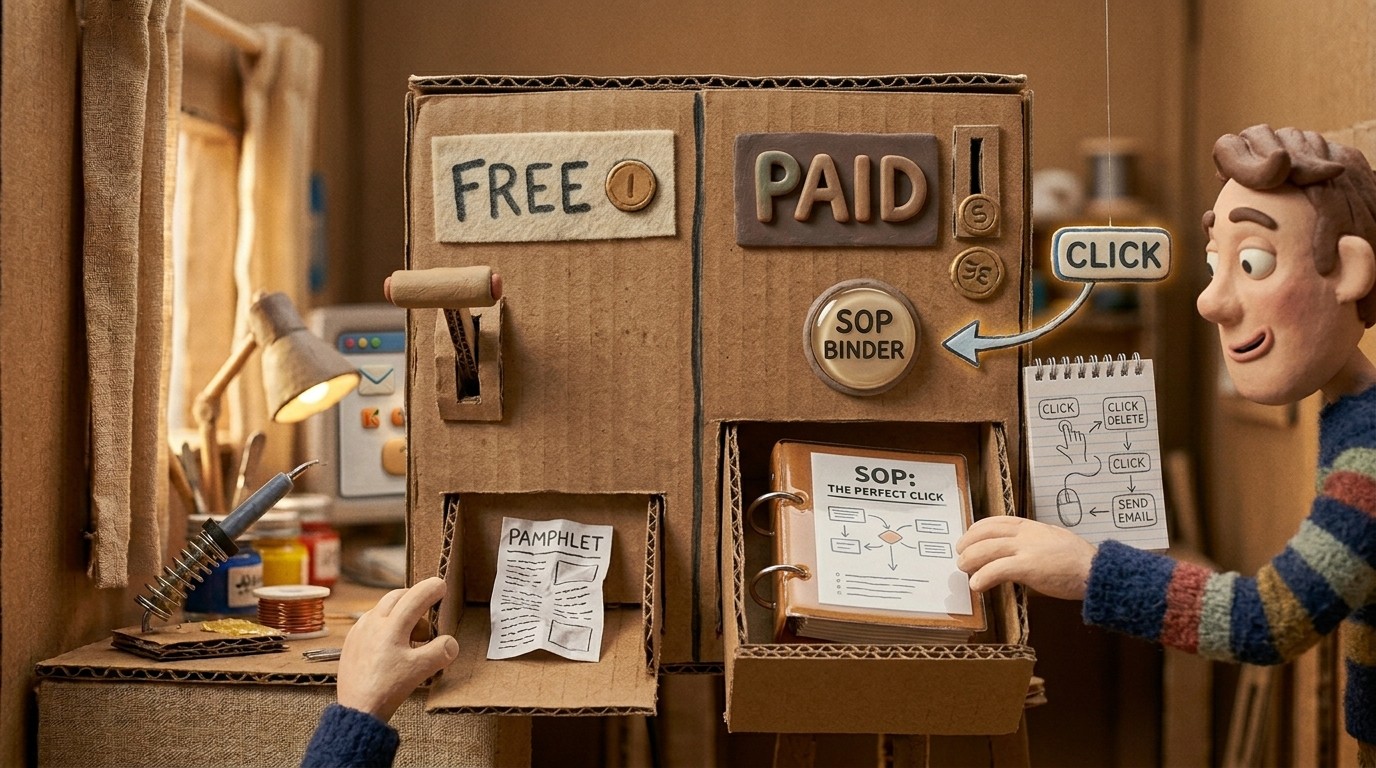
Every team needs SOPs. Not every team wants to pay for software to create them. So the search for a free SOP generator is a reasonable one. Before you commit time to a tool that might not serve you well, here's an honest breakdown of what's actually free, what has meaningful limitations, and when a paid option is worth the cost.
If you need narrated video, desktop capture, and structured procedures from the same recording, start with the AI SOP generator workflow. This page is for deciding when free tools are enough, and when they start costing more time than they save.
What free AI SOP generators typically offer
Several tools in the market offer free tiers that include some form of SOP generation:
Notion AI (free trial): Notion's AI can help write and format SOPs if you describe the process in text. It's a general-purpose writing assistant, not a dedicated SOP generator. You write, it improves and structures. You don't get automatic documentation from screen recordings.
Scribe (free tier): Scribe captures screen interactions via a browser extension and generates step-by-step guides automatically. The free tier is limited to 25 documents and doesn't include video output or AI narration. The guides are text + screenshots, no video.
Tango (free tier): Similar to Scribe. Browser-based capture, auto-generated step-by-step guides. Free tier has document limits and basic formatting. No video.
ChatGPT / Claude (free): General-purpose AI writing. You describe a process and get a written SOP. Accurate only to the degree your description is accurate. No screen capture integration.
These free tools are useful for getting started. Their limitations become apparent when you need video output, want to go beyond browser-based workflows, or need to publish at scale.
What a free SOP generator from screen recording can and can't do
The phrase "free SOP generator from screen recording" is doing a lot of work. Here's what's realistic:
Free tools that capture screen interactions tend to produce text guides and screenshots. That's genuinely useful. For simple, stable processes, that output may be all you need.
What free tools typically can't do:
Generate a narrated tutorial video alongside the written SOP
Support desktop application recording (most free tools only work in the browser)
Translate SOPs into multiple languages
Sync documentation across multiple publish destinations
Keep published documents live-updated when content changes
If your SOPs live in a browser-based tool, or you only need basic step-by-step guides, a free tier may be enough. If you need video output, desktop capture, or multi-language publishing, you'll hit those limits quickly.
What Clevera offers: $29/month for the full workflow
Clevera starts at $29/month (billed annually). That's not free, but it's significantly cheaper than the alternative: a technical writer, a video editor, and a localization service, all of which you don't need if Clevera is doing the work.
For $29/month, you get:
Full desktop screen recording (Mac and Windows), not just browser capture
AI-generated narrated tutorial video for every recording
AI-generated step-by-step help article with auto-selected screenshots
70+ language translation for both video and article
LiveSync for keeping published content current
Export to Notion, Confluence, HelpScout, Zendesk, GitHub, Intercom, and more
Real-time collaboration in the article editor
The question isn't really "free vs. paid." It's whether $29/month is cheaper than the time your team currently spends creating and updating documentation manually. For most teams producing more than a few SOPs per month, it is.
When to use a free SOP generator
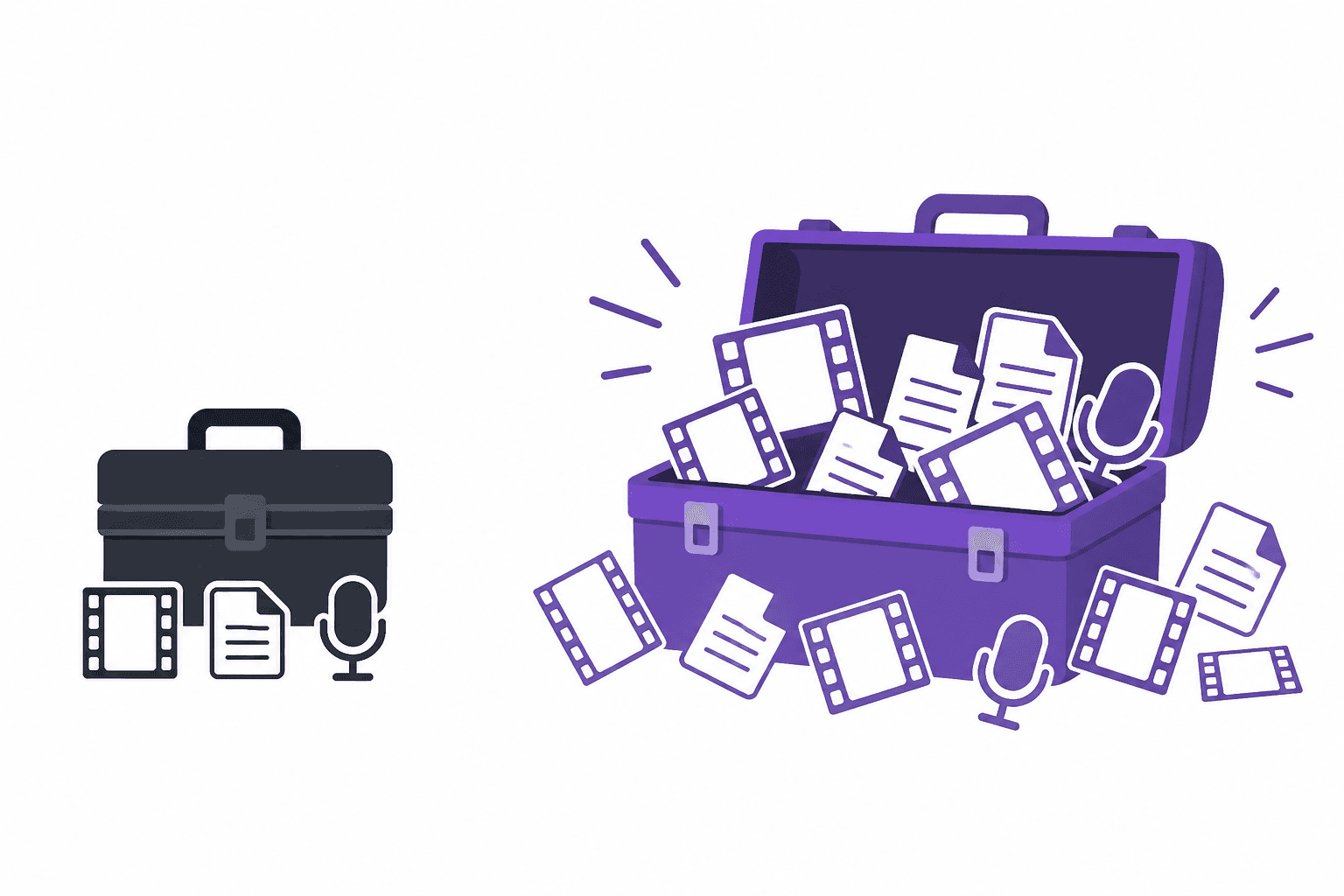
Use a free tool if:
You're creating SOPs for simple browser-based workflows
You need text + screenshots and don't need video
You're a solo operator or very early-stage team with limited documentation needs
You want to prototype a documentation workflow before committing to a paid tool
When to upgrade to a paid option
Consider a paid option when:
You need to document desktop application workflows (not just browser)
Your SOPs need to include narrated video for better comprehension
You need to keep documentation current as your product changes
You're publishing to multiple platforms and need consistent output
You need multi-language support for international teams or customers
Your team is producing more than 10-20 SOPs per month
For teams building a serious documentation practice, the AI SOP generator workflow is the right infrastructure. For a comparison of the best tools available, the best AI SOP software 2026 roundup breaks down the full landscape with specific use case guidance.
FAQ
What is an SOP generator?
An SOP generator is software that turns a recorded workflow into a standard operating procedure - usually step-by-step text with screenshots, and sometimes a narrated video. Free tiers often cap document count or limit capture to the browser; paid tools add desktop recording, AI narration, and publishing to help centers or wikis.
What are the best free SOP tools for SaaS teams?
Scribe and Tango are the most common free starting points for browser-based SOPs (screenshots + steps, no video). Notion AI can draft SOP text if you describe the process manually. SaaS teams that need narrated tutorial video, desktop app capture, or help-article output from one recording typically outgrow free tiers within a few months - see the AI SOP generator pillar for that workflow.
Free is a starting point, not a strategy. Know what you need, start where you are, and upgrade when the free tier stops being enough.