Tango.us alternatives in 2026: 6 tools for step-by-step guides and video

This page is about Tango (tango.us), the Chrome extension that turns a click-through of a web workflow into an annotated step-by-step guide. It is not about the Tango livestreaming app; if that is what you were looking for, none of the tools below will help.
Tango is good at exactly one job: you install the extension, click through a task in the browser, and it produces a screenshot guide you can share, embed, or show inside your app as an overlay. Teams outgrow it for predictable reasons: the free plan stops at five shared workflows and browser-only capture, desktop capture is Pro-only, there is no video output, no narration, and translation sits behind the Enterprise plan. The six Tango alternatives below each fix at least one of those, and the comparison table at the end shows which ones fix which.
Prices were checked on each vendor's pricing page on 7 September 2026 and are for annual billing unless noted.
Why teams look beyond Tango
They need to document desktop software, not only browser workflows (Tango's free plan is browser-only; desktop capture starts at $22 per user per month).
They want a narrated video walkthrough as well as, or instead of, a screenshot guide.
They want the narration to explain why a step matters, not just label where the click went.
They need the same guide in several languages without rebuilding it (Tango's workflow translation is Enterprise-only).
They need published content to stay current when they edit it, without re-exporting and re-sharing files.
1. Clevera

Clevera is the Tango alternative for teams that want more than a screenshot guide out of a recording. Record with the desktop app on Mac or Windows, capture web workflows with the Chrome extension, or upload a screen recording you already have. From that one recording you can generate a narrated how-to video, a product demo, a written help article or SOP, a teaser clip, or a cleaned-up version of the original, each as its own editable piece of content.
What Clevera does that Tango doesn't:
Narrated video from a silent recording. Clevera writes the script from what happens on screen and adds a natural AI voiceover; you do not have to talk while you record.
Video and article from the same recording. Generate a how-to video and a written guide as separate items and pair them on a share page or embed when you want both.
Desktop, Chrome extension, or upload. Full-OS capture on desktop, fast web capture in Chrome, or repurpose Loom, QuickTime, and OBS recordings without re-recording.
LiveSync. Edit a published video's narration, overlays, blur, or voice and every embed updates. (If your product's UI changes, you still record new footage; LiveSync does not re-film your app.)
70+ languages. Translate the narration and the article in one click.
Editor controls. Smart zoom, cursor smoothing, blur, highlights, title cards, and a sync editor for timing the voiceover.
Where Clevera is not the right fit: if all you need is the screenshot-style step list that Tango produces, and you never want video, Scribe is closer to like-for-like and cheaper per seat. Clevera also has no in-app overlay mode, so Tango's Guide Me walkthroughs are better served by Userpilot or by staying on Tango.
Best for: support, customer success, and product teams that want narrated tutorials plus written docs from one capture, across desktop and web apps.
Pricing: Starter $29/month (1 user), Pro $99 per user/month, Business $59 per user/month with a 5-seat minimum, all billed annually; free trial, no credit card.
2. Scribe
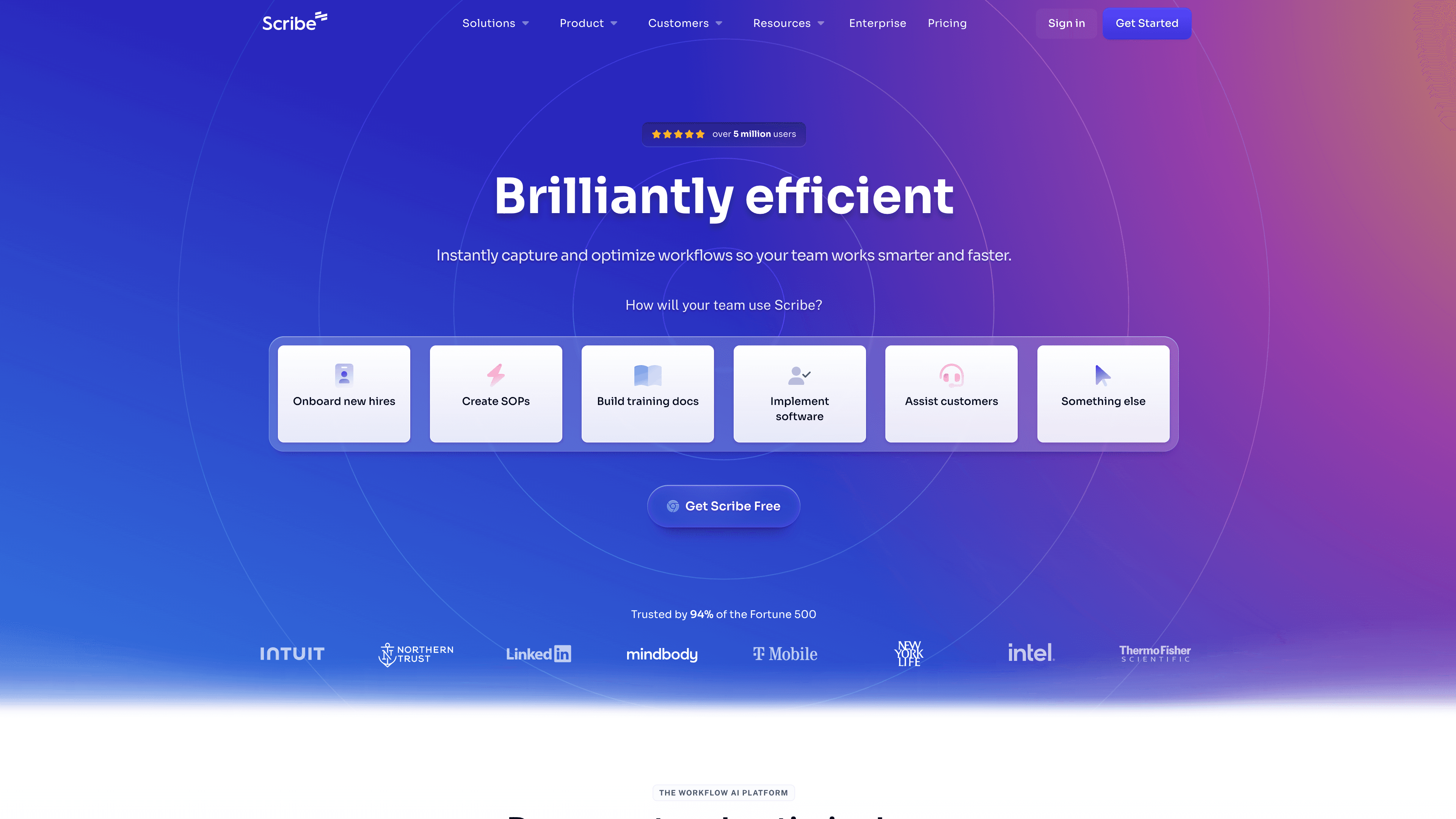
Scribe is the closest like-for-like replacement for Tango: capture a workflow, get an annotated screenshot guide. Two differences matter. Scribe's paid plans include desktop capture (the free Basic plan is browser-only, like Tango's), and its integrations with Confluence, Notion, and Zendesk are more mature.
Scribe does not produce video or narration. If your documentation is and will stay text-and-screenshots, it is the safe swap.
Best for: teams that want written step-by-step guides for desktop and browser workflows and nothing else.
Pricing: Basic free (browser only); Pro Personal $25 per seat/month; Pro Team $13 per seat/month with a 5-seat minimum.
3. Guidde
Guidde turns screen recordings into AI-narrated video guides and is the most common step up for teams moving from screenshots to video. The free plan allows 25 videos with a watermark and web capture only; desktop capture needs the Business plan.
Guidde does not generate a written article alongside the video, and translation is an Enterprise feature, so if you need docs in several formats or languages it gets expensive fast.
Best for: teams that want narrated video walkthroughs and are happy to keep written docs elsewhere.
Pricing: Free (25 videos, watermark); Pro $19 per creator/month; Business $39 per creator/month.
4. Clueso
Clueso converts screen recordings into polished tutorial videos with AI narration and can also produce articles. Output quality is strong and the editor is clean. Limits are metered: the free plan allows 10 minutes of video export a month, and the paid plans are quota-based per year.
Best for: small teams building a tutorial video library who are comfortable with export quotas.
Pricing: Free (10 min video exports/month); Solo $40/month; Business $120/month (2 users).
5. Loom
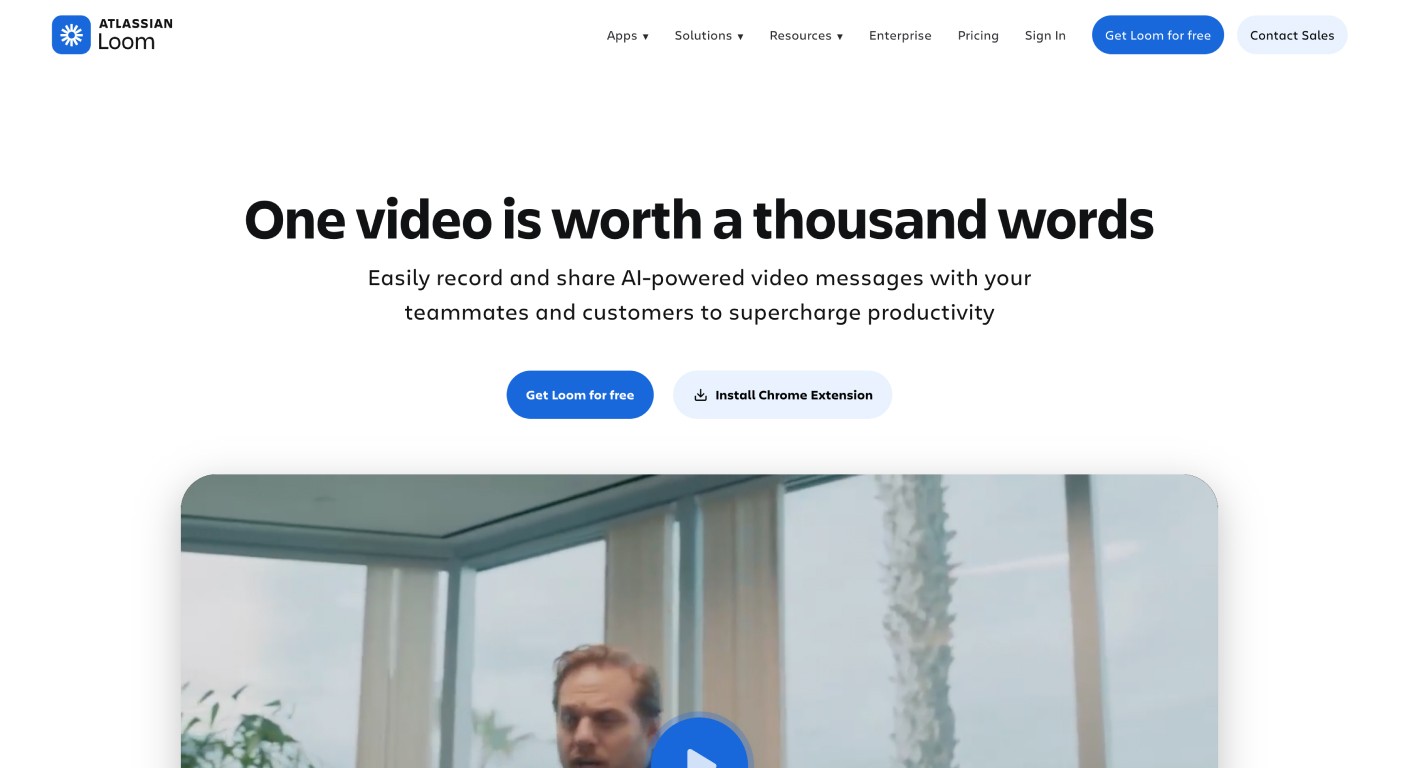
Loom is not a documentation tool, but many teams use Tango for quick internal walkthroughs, and for that job Loom is faster: record, get a link, send it. There is no step list, no AI narration, and no translation, so treat it as a communication tool rather than a knowledge base.
Best for: async explanations and one-off walkthroughs.
Pricing: Free (25 videos, 5-minute cap); Business $15 per user/month; Business + AI $20 per user/month.
6. Userpilot
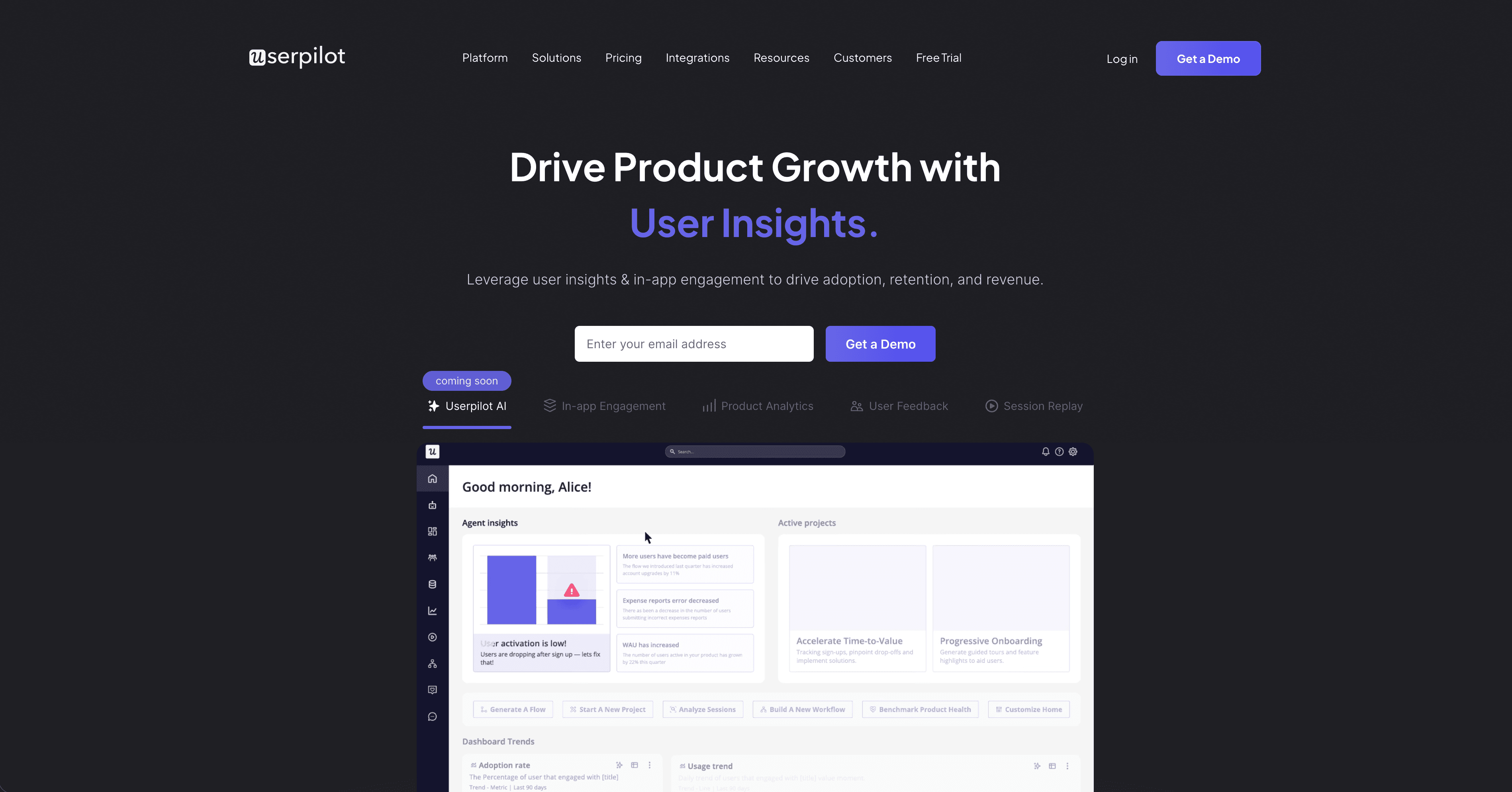
Userpilot is a product-adoption platform: tooltips, checklists, banners, and a resource center inside your web app, with segmentation and behavioural triggers. It overlaps with the part of Tango that shows guides as in-app overlays and goes much further, but it does not capture workflows or produce standalone guides or videos.
Best for: SaaS teams whose real need is in-app onboarding, not documentation.
Pricing: from $249/month.
Comparison: Tango vs the alternatives
Tool | Desktop capture | Video output | AI narration | Written guide | Translation | In-app overlays | Free plan |
|---|---|---|---|---|---|---|---|
Tango | Pro and up | No | No | Yes (screenshots) | Enterprise only | Yes | 5 workflows |
Clevera | Yes (desktop, Chrome extension, upload) | Yes | Yes | Yes | 70+ languages | No | Trial |
Scribe | Pro and up | No | No | Yes (screenshots) | Limited | No | Yes (browser) |
Guidde | Business and up | Yes | Yes | No | Enterprise only | No | 25 videos |
Clueso | Yes | Yes | Yes | Yes | Yes | No | 10 min/month |
Loom | Yes | Yes | No | No | No | No | 25 videos |
Userpilot | No (web only) | No | No | Limited | No | Yes | No |
Which Tango alternative should you choose?
You want screenshot guides, just with desktop capture: Scribe.
You want narrated video and can keep docs elsewhere: Guidde, or Clueso if you also want articles and can live with quotas.
You want in-app overlays with real targeting: Userpilot.
You want video and written docs from one recording, on desktop and web, in more than one language: Clevera.
You only need to explain something once, today: Loom.
FAQ
Is Tango free? Tango's free plan covers five shared workflows, browser capture only, and up to ten users. Desktop capture, unlimited workflows, and branded exports start at $22 per user per month (annual) for one or two users, or $15 per user for three or more.
What is the closest free alternative to Tango? Scribe's Basic plan, which is also browser-only. Guidde's free plan gives you 25 narrated videos with a watermark if you want video instead of screenshots.
Can I turn a Tango-style click-through into a video? Not in Tango. Record the same workflow with Clevera's Chrome extension or desktop app (or upload a recording) and it generates a narrated video and, if you want one, a written guide from the same footage.
Tango vs Loom: which is better for SaaS teams? Tango makes reusable step-by-step guides from browser workflows; Loom makes quick shareable videos. Use Loom when you need to explain something today, Tango or Scribe when you need a written guide people will search for later, and Clevera when you want both a narrated video and a publish-ready article from one capture.