Best AI SOP software in 2026
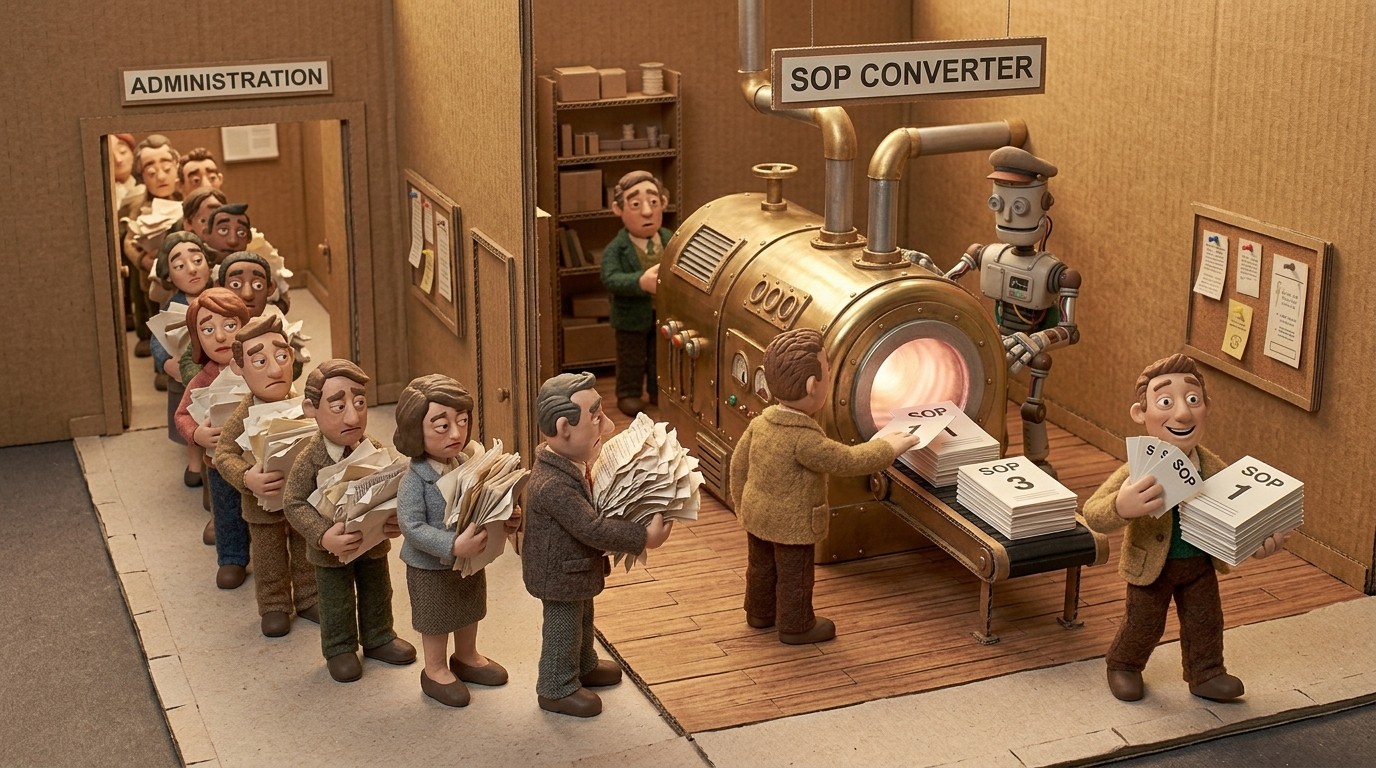
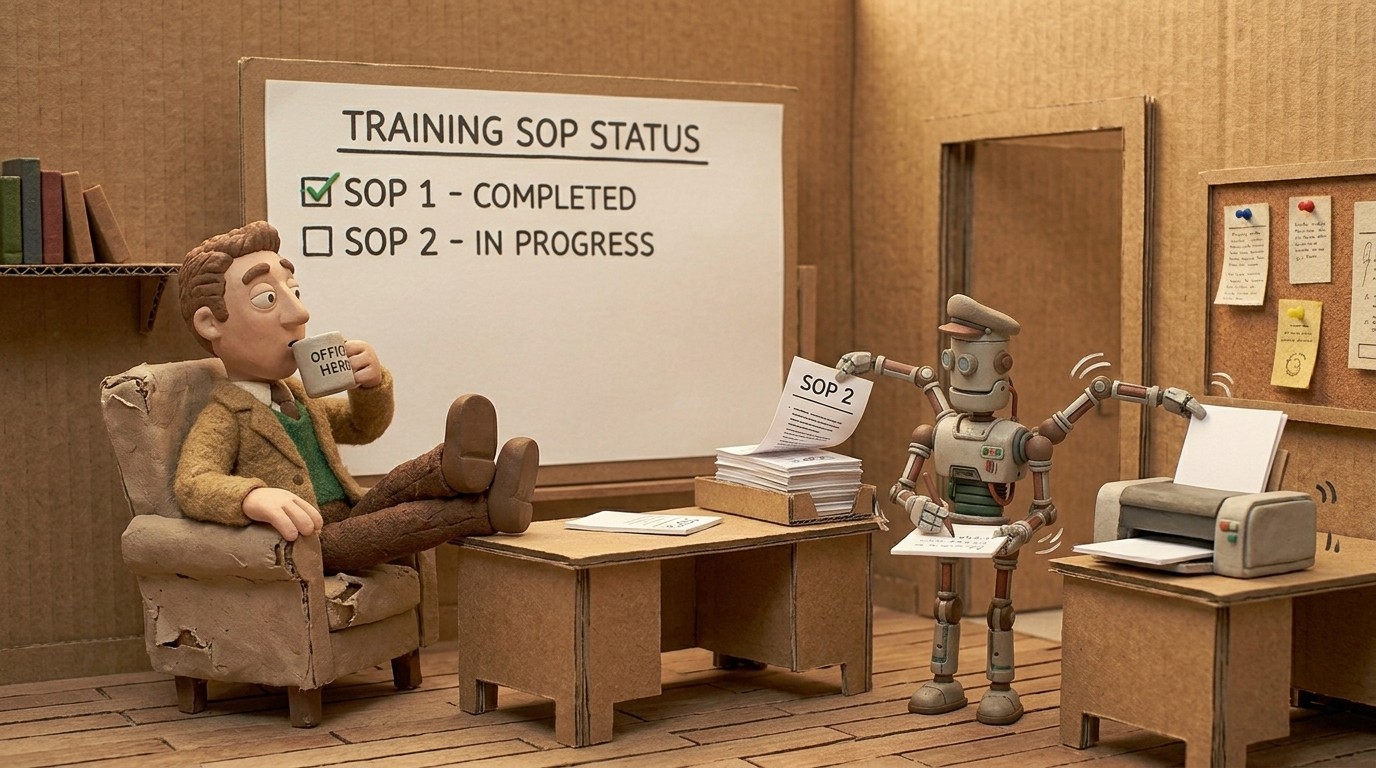
Standard operating procedures are only useful when they're current, detailed, and actually accessible. Most teams struggle with all 3. The best AI SOP software fixes this by watching you work and generating the documentation for you, so the process of creating SOPs doesn't compete with the work of doing them.
Here are the top tools, what each does well, and who they're built for.
Want to see the SOP creation workflow before reading a tool comparison? See how Clevera's AI SOP generator works — from screen recording to narrated SOP video and written document — then come back to compare tools.
What to look for in AI SOP software
Not all AI SOP tools work the same way. Before picking one, think through:
Capture method: does the tool require you to record your screen, install a browser extension, or manually trigger step captures? Screen-recording-based tools tend to produce richer output than click-capture tools because they see more context.
Output type: some tools produce only written documentation. Others generate both written SOPs and narrated video walkthroughs. For customer-facing SOPs or onboarding materials, video matters.
Editing and maintenance: how easy is it to update an SOP when the process changes? Tools that make re-creation fast are more valuable than tools that produce better first drafts but are painful to maintain.
Integration: where does the SOP live after it's created? Confluence, Notion, Zendesk, GitHub, and similar platforms are common targets.
1. Clevera

Best for: teams that need SOP videos and written documentation from a single recording
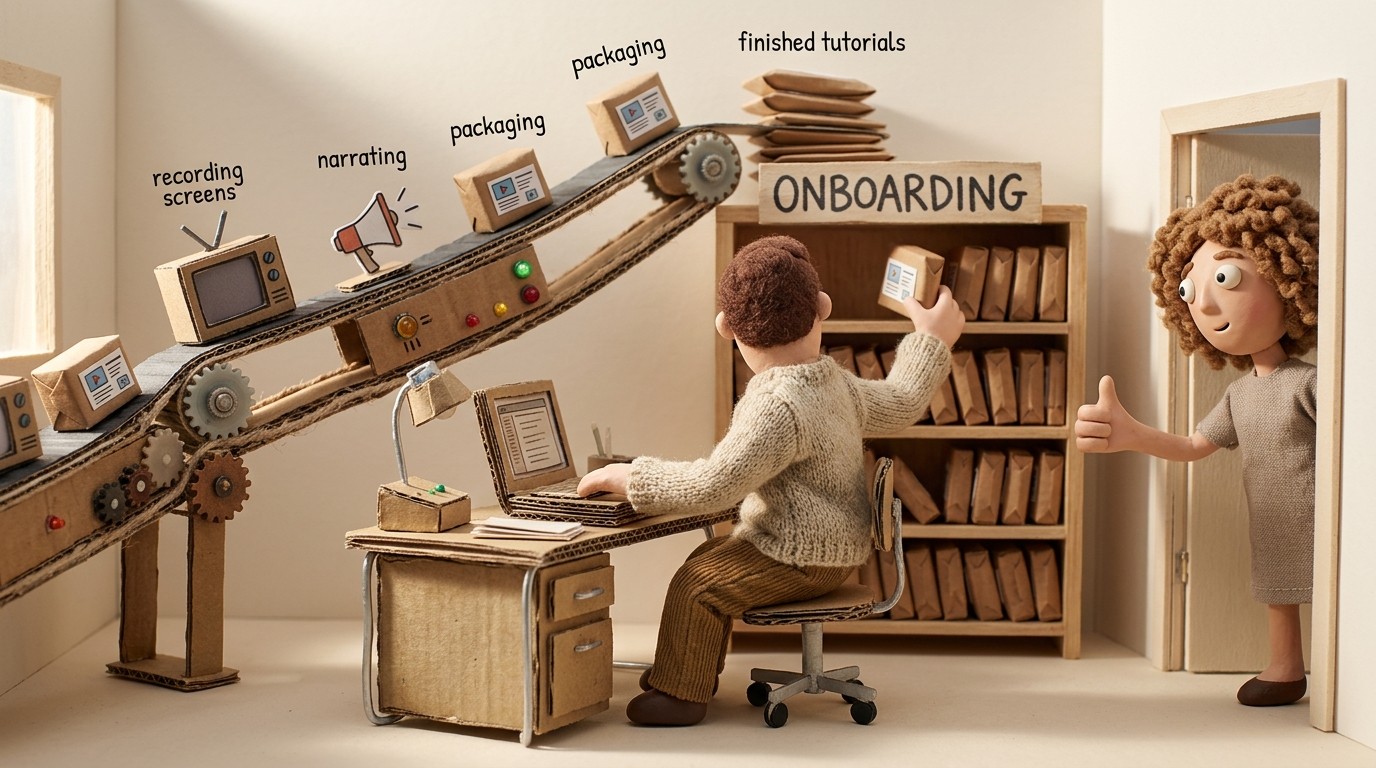
Clevera records your screen as you perform a process and automatically generates 2 things at once: a narrated tutorial video and a detailed step-by-step article. You record once, and both formats are ready.
The AI analyzes every action on screen, writes a voiceover script that explains what's happening and why, narrates it with a natural AI voice, and produces a structured article with embedded screenshots, captions, and headers. Accidental clicks and pauses are stripped out automatically.
What makes Clevera the strongest AI SOP software for most teams:
No narration required: You don't have to explain the process out loud while recording. The AI generates the voiceover from what it sees on screen. This means anyone on the team can record an SOP without prep or scripting, and the output quality stays consistent regardless of who records.
LiveSync for SOP videos: Publish a video SOP and update it at any time. The changes appear instantly everywhere the video is embedded. When a process changes, you update the narration or re-record the affected section, and every embed reflects the change immediately. No re-exporting, no broken links.
Rich article output: The SOP article isn't a basic screenshot list. It's a structured document with numbered steps, context-rich descriptions, and embedded visuals, ready to publish to Notion, Confluence, Zendesk, GitHub, HelpScout, ClickUp, Gitbook, and more.
Translate to 70+ languages: For global teams, Clevera translates both video and article into 70+ languages with one click. Your SOPs reach every region without creating separate workflows.
For ops leaders, CS teams, and product teams that need to document processes at scale and keep them current, Clevera is the most complete option available in 2026.
2. Scribe
Best for: quick browser-based SOP guides without video
Scribe captures your click-by-click workflow in a browser or desktop app and turns it into a step-by-step guide with annotated screenshots. It's fast for simple internal processes. The output is documentation-only, no video, and the depth of the written content is basic. Scribe works well for HR and ops teams documenting straightforward internal SOPs. It's less suited to customer-facing documentation or processes where a video walkthrough adds value.
3. Tango
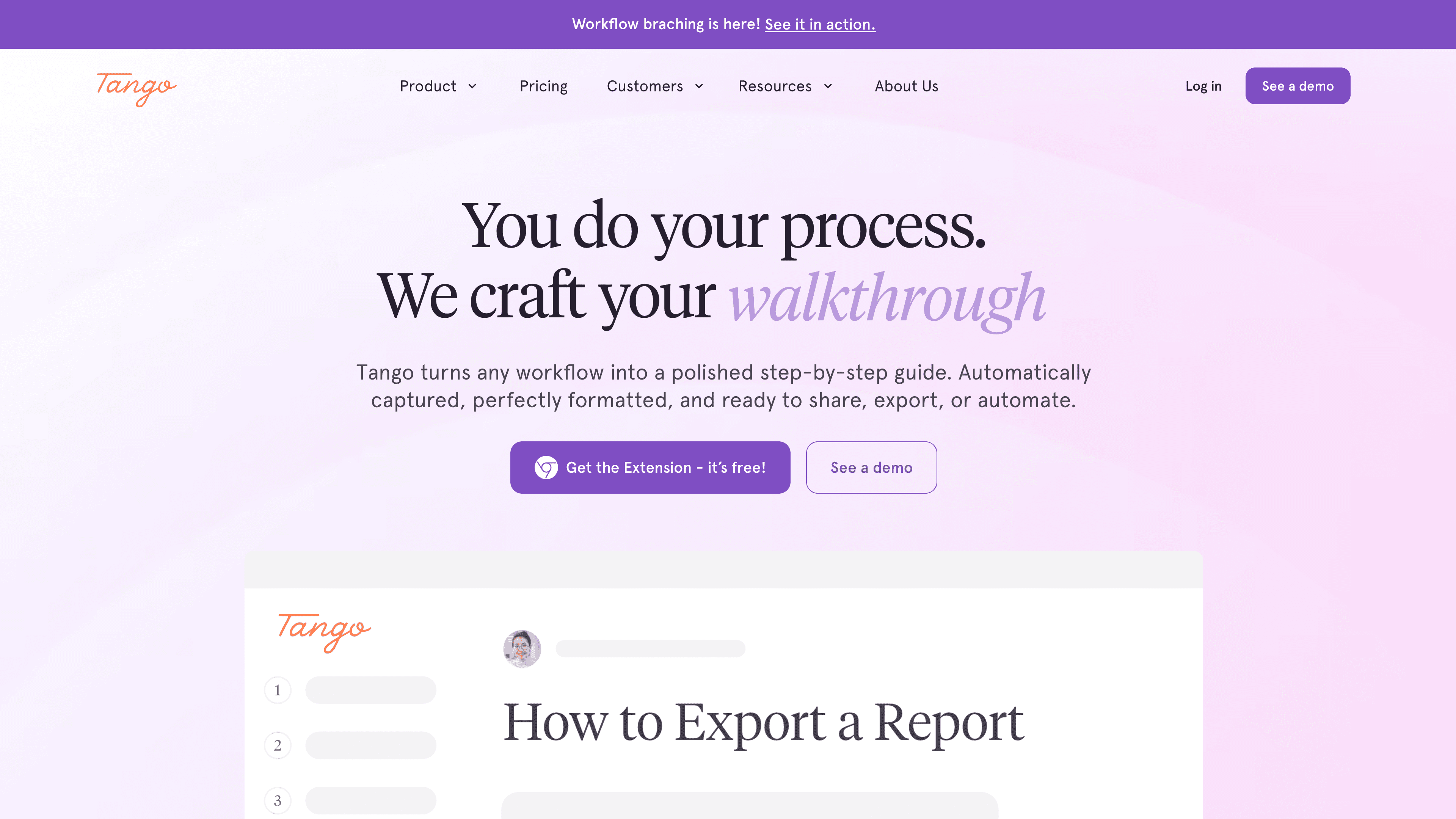
Best for: web app SOPs with clean step numbering
Tango captures browser-based workflows and produces numbered, screenshot-illustrated guides. It's clean and intuitive, and the browser extension makes capture frictionless for web apps. Like Scribe, it doesn't support video output and only works in the browser. For desktop software SOPs, you'll need a different tool.
4. Guidde
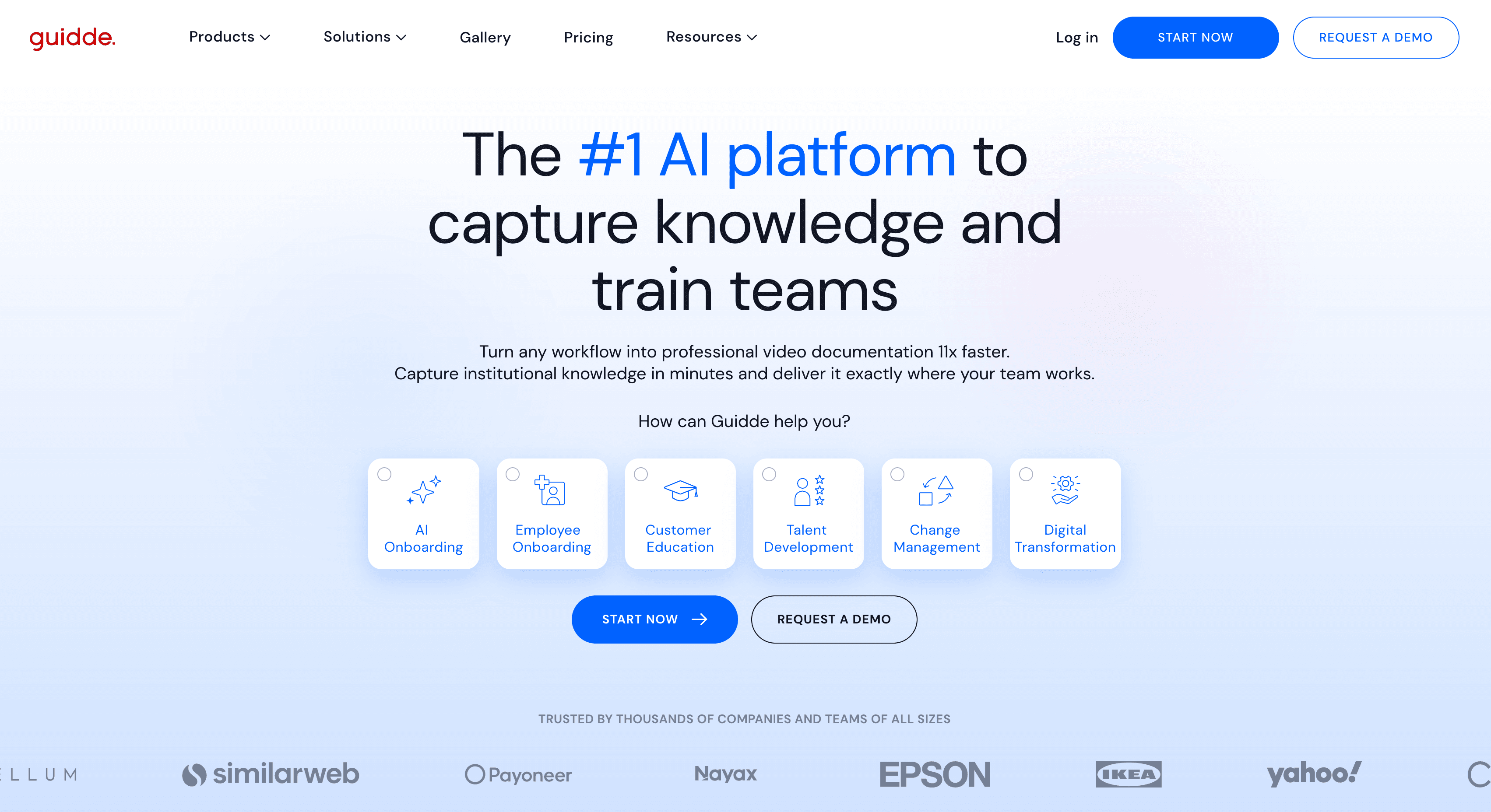
Best for: video-first SOPs with annotation overlays
Guidde records your screen and generates narrated step videos with auto-detected actions and on-screen callout annotations. The video output is its strongest feature. Written documentation is limited, so teams that need both formats will find Guidde incomplete by itself. Best for teams whose users prefer watching a process over reading it.
5. Clueso
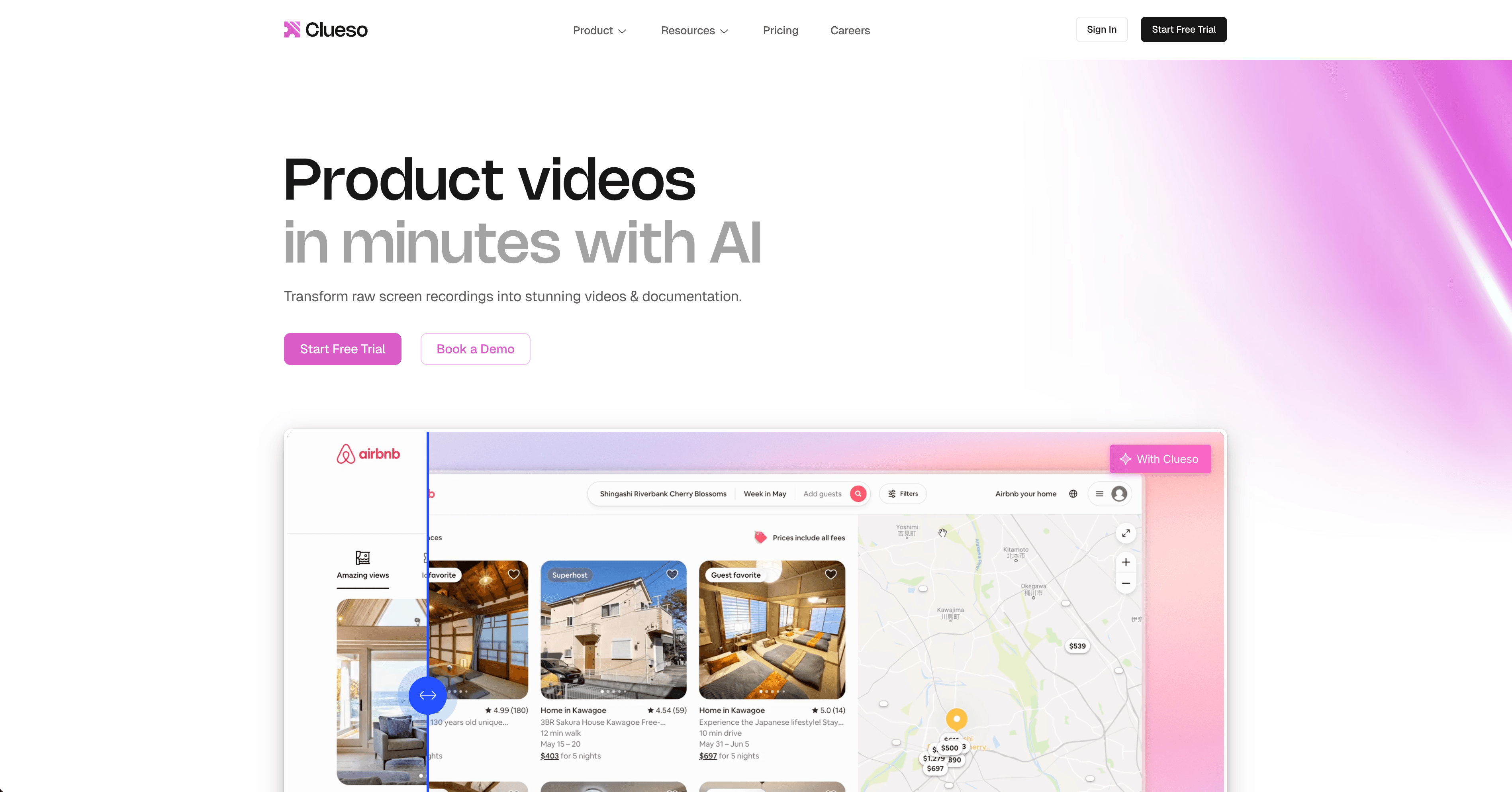
Best for: short video SOPs without extensive text
Clueso takes screen recordings and turns them into polished short walkthrough videos. The AI narration is solid for simple processes. It's video-focused with minimal written article support. A reasonable option for teams that only need video SOPs and don't require a written article alongside them.
6. Notion AI + manual process
Best for: teams with existing writers who just need AI assistance
If your team already writes SOPs manually and just wants AI help with structure and language, Notion AI speeds up the writing process without automating the capture. It won't watch your screen or generate steps automatically, but it can help you draft and refine text once you've described the process. Worth mentioning because not every team needs capture automation — some just need a better writing tool.
How to choose AI SOP software
If your SOPs need video alongside written documentation, and you need to produce and maintain them at scale, Clevera covers both with a single workflow. If you only need written step guides and work in a browser, Scribe or Tango are efficient. For video-only SOPs, Guidde and Clueso are solid.
The real test is maintenance. SOPs go stale fast. The best AI SOP software is the one that makes re-creation cheap enough that you actually keep your documentation current.