How to scale customer onboarding without a video team
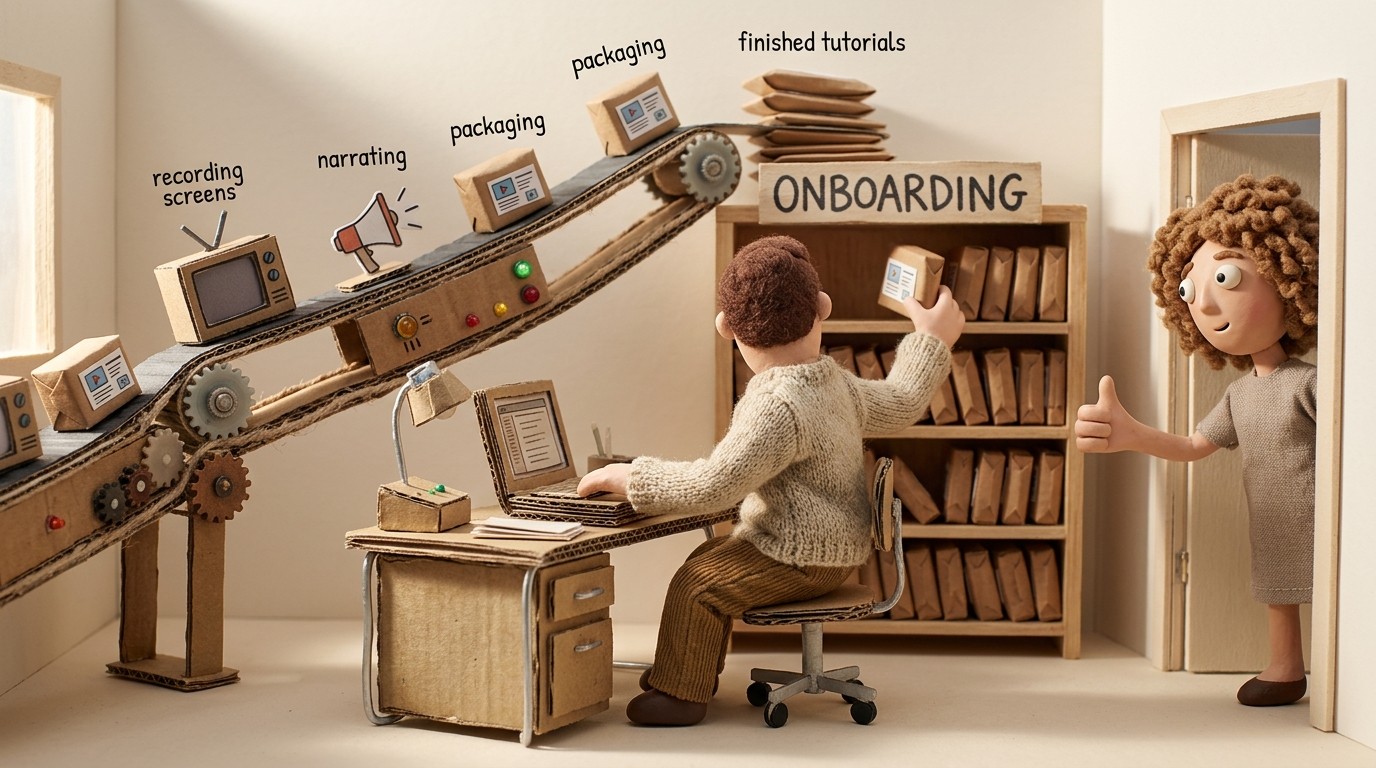
Most SaaS companies hit the same wall at some point. Onboarding works fine when it's manual — a CSM walks new customers through the product, answers questions live, and makes sure everyone gets started on the right foot. Then the customer base grows, the CS team gets stretched, and the quality of onboarding starts to slip.
The obvious fix — build onboarding videos — immediately runs into a different wall: "we don't have a video team."
The good news is you don't need one. Scaling customer onboarding without a video team is not only possible, it's what the majority of high-growth SaaS teams do today. This guide covers exactly how to do it — from the infrastructure you need to the AI tools that make video production accessible to anyone.
Why video is the right medium for scalable onboarding
Before getting into the how, it's worth being clear on why video matters specifically for scaling.
Written documentation scales well for reference — when users have a specific question and search for an answer, a well-written help article does the job. But for onboarding, where users are learning a workflow for the first time and need to see exactly what to do and in what order, video is consistently more effective.
The data backs this up: users who engage with tutorial video content during onboarding activate faster, reach the core value of the product sooner, and churn less in the first 90 days. They also open fewer support tickets about the topics covered in those videos.
The problem historically wasn't that teams didn't want onboarding videos — it was that making them required scripting, recording with a polished narration, professional editing, and a production timeline measured in weeks. That's no longer true.
Step 1: Identify your highest-friction onboarding moments
Before creating any content, spend an hour mapping where your onboarding actually breaks down.
Pull 3 data sources:
Support tickets from new users (days 0–14): What questions come up repeatedly in the first 2 weeks? These are the places where your current onboarding isn't answering what users need.
Drop-off points in your onboarding flow: Where do users go inactive or stop completing setup steps? If you have product analytics, you can see the exact steps where engagement falls off.
CSM call notes: If your team does any live onboarding calls, what questions come up every single time? What do CSMs explain over and over again?
The intersection of these 3 sources gives you a short list of 5–10 moments where better content would have the biggest impact on activation. Start there — not with a comprehensive library.
Step 2: Record your screen, not a performance
The mental model most people have for creating onboarding videos — studio setup, camera, teleprompter, multiple takes — is the wrong one. It's the model for broadcast video production, not SaaS onboarding content.
What you actually need is a screen recording of someone walking through the workflow. No camera. No narration required while recording. Just open the product, do the thing, and capture it.
A few practices that make recordings cleaner:
Move deliberately through each step, pausing briefly at key interactions
Use a demo account or clean test environment rather than a live customer account
Close notifications and unrelated tabs before starting
If you make a mistake, just pause and redo that section — you'll trim it in post
The person best qualified to record each workflow is usually the subject matter expert — the CSM who explains it on calls, the PM who built the feature, the support rep who answers questions about it. They don't need to be on camera or comfortable with public speaking. They just need to know the workflow.
Step 3: Use AI to generate narration, not your voice
This is the step that removes the biggest bottleneck for teams without a video production background.
With a tool like Clevera, you upload your screen recording and the AI generates a narration script based on what happened on screen — each click, field input, and navigation action is identified and explained in natural language. You review and edit the script, then the AI voices it over the video.
The output is a narrated tutorial video that sounds like a professional walkthrough, created from a raw screen recording with no microphone work and no editing skills required.
What this means in practice: a CSM can record a 5-minute workflow walkthrough during their lunch break, spend 10 minutes reviewing the AI-generated script, and have a publish-ready tutorial video by the end of the afternoon. Multiply that across your top 10 onboarding moments and you have a complete onboarding video library built in a week — by one person, with no video team.
Step 4: Get the written guide at the same time
Here's a production efficiency that most teams overlook: every onboarding video should be paired with a written step-by-step guide. Some users prefer reading to watching. Others watch the video once and then need to refer back to a specific step — and scrubbing through video to find it is frustrating.
Clevera generates both a narrated video and a formatted help article from the same recording. You don't do extra work for the second asset — it's produced alongside the video automatically. That means your onboarding library isn't just videos; it's a complete help center with both formats available for every workflow.
Step 5: Build a scalable onboarding content structure
Random tutorial videos don't scale. A structured library does.
Before you publish your first video, decide on a content architecture:
By user goal: Organize content around what users are trying to accomplish — "getting started," "connecting integrations," "inviting your team," "running your first report." This mirrors how users think, not how your product is structured.
By user type: If you have multiple user personas (admins vs. end users, technical vs. non-technical), consider separate onboarding tracks for each. A workflow that's simple for an admin is overwhelming for a non-technical end user seeing the product for the first time.
By onboarding stage: Separate first-run content (what to do on day 1) from expansion content (features to explore in weeks 2–4). Don't front-load everything. Users who are shown 15 things on day 1 remember almost none of them.
A simple structure might look like: a 3-video getting-started sequence (days 0–1), 5–7 workflow-specific tutorials (days 1–7), and a feature discovery library (weeks 2–4). That's a complete onboarding library — roughly 10–15 short videos — achievable by a single person in a week with AI tools.
Step 6: Embed video where users actually need it
A tutorial video that lives in a help center subfolder is less useful than one that appears exactly where a user gets stuck.
Think about delivery in layers:
In-product: Embed short tutorials directly in the product at the relevant moments — in empty states ("your dashboard is empty — here's how to add your first project"), in tooltips, or in onboarding checklists. When users can access the video without leaving the product, engagement is significantly higher.
Help center: Every tutorial should have a home in your help center, organized by the content structure you defined in Step 5. This is the fallback when users search for help.
Triggered emails: For onboarding email sequences, embed or link to the most relevant tutorial at each stage. Instead of explaining a step in paragraph form, link to a 3-minute video that shows it.
CSM follow-ups: When a CSM has a call with a new customer, the follow-up email should include links to the specific tutorials relevant to that customer's setup. That's async onboarding that reinforces the live session.
Step 7: Keep content current with minimal overhead
The fastest way to destroy an onboarding library is to let it go stale. Tutorial videos that show a UI from 6 months ago actively harm users — they follow the instructions, hit a wall when the interface doesn't match, and open a support ticket.
For a team without dedicated video resources, staying current requires two things:
Modular recordings: One video per workflow, not one long video covering everything. When a feature changes, you only re-record the affected clip — not the entire onboarding sequence.
LiveSync embedding: Clevera's LiveSync means you update a video once and every embedded instance — in your help center, in your product, in your Notion docs — updates automatically. You don't hunt down every place a video is embedded and re-link it. The update propagates from one place.
This combination — modular content plus LiveSync — is what makes a small team's onboarding library maintainable without a dedicated editor.
Step 8: Automate delivery with your existing tools
Customer onboarding automation software is not a separate platform purchase. It's connecting your existing tools:
Triggered in-app messages (via Intercom, Appcues, or similar) that fire specific tutorial videos based on user behavior — "you've created your account, here's how to complete setup"
Onboarding email sequences (via your email tool) that drip relevant tutorials over the first 14 days based on what the user has and hasn't done
Help widget inside your product that surfaces the right video when a user searches for help — powered by your help center content
For a full-stack view of which platforms cover content, in-app, project management, and email layers, see the best customer onboarding automation tools comparison (12 tools for 2026).
Step 9: Measure what's working and cut what isn't
A scalable onboarding program gets better over time, but only if you're measuring the right things.
Track per tutorial:
Views and completion rate: Are users watching? Are they finishing?
Impact on ticket volume: Does the relevant support ticket category decrease after publishing a tutorial?
Correlation with activation: Do users who watch onboarding videos activate at higher rates than those who don't?
Track overall:
Activation rate (% of users who reach your defined activation milestone within 14 days)
Time-to-activation (how long it takes users to reach activation)
First-30-day churn (users who leave before experiencing core value)
Review these monthly. Kill or update tutorials with low completion rates. Double down on the content that correlates with higher activation.
What "no video team" actually means in practice
To be concrete about what this workflow looks like for a real team:
A 3-person customer success team at a growth-stage SaaS company can build a 15-video onboarding library in a week. One person records each workflow — about 10 minutes of recording per tutorial. The AI generates narration and a paired help article. Each person does a 10-minute script review. The CSM lead organizes and publishes everything.
Total production time: roughly 4–5 hours of active work distributed across the team. No video editor. No voiceover artist. No production schedule.
The result: a scalable onboarding library that deflects support tickets, shortens time-to-activation, and gets better over time as the team adds and updates content — all without ever hiring a video production team.