Best Trainn alternatives for customer onboarding videos (2026)
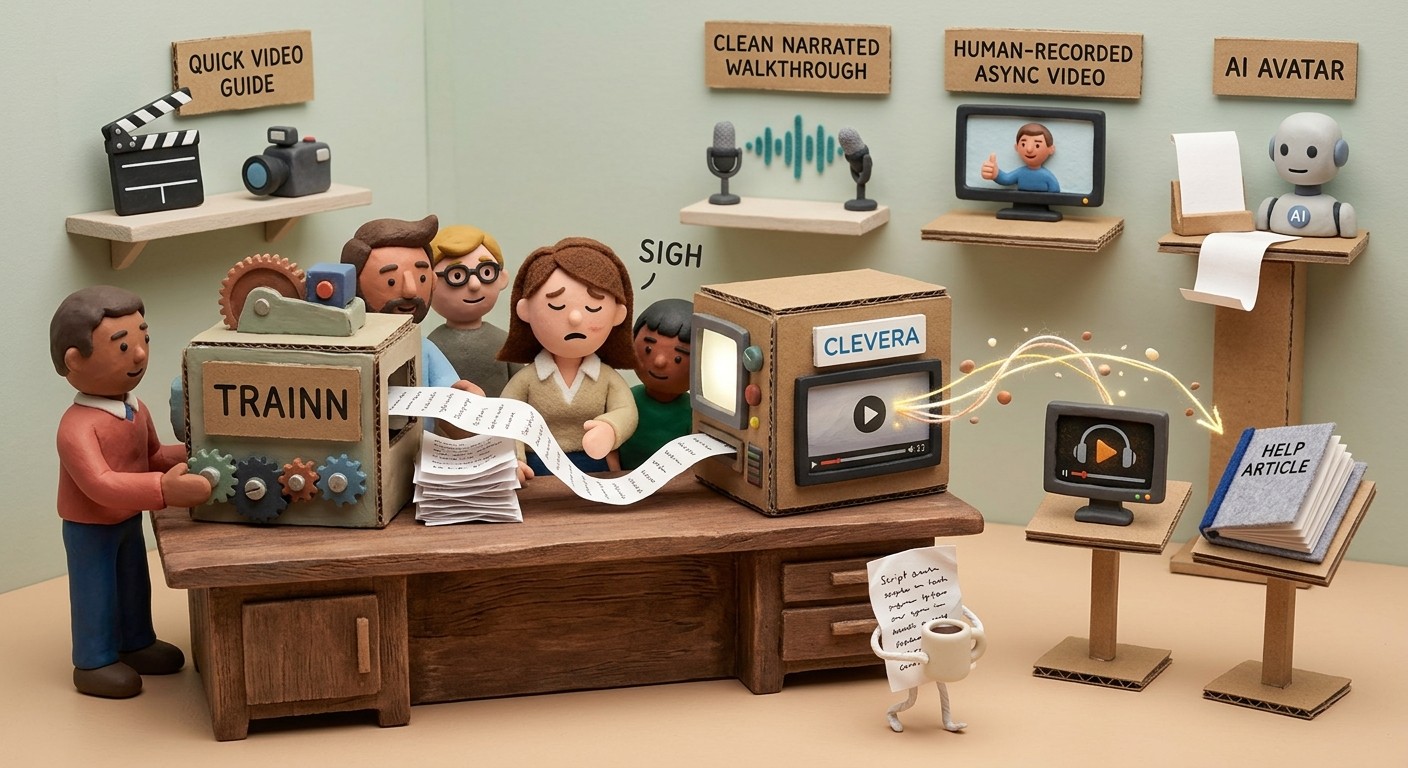
Trainn is a customer education platform built for SaaS companies that want to onboard and train customers through video content. It covers a reasonable breadth: video creation, an Academy builder for structured training programs, a course builder, and in-depth analytics on viewer engagement and learner progress.
The limitations that push teams to look elsewhere are consistent. Trainn's video authoring requires you to write the script first — the platform converts a written script to voiceover, but the writing is yours. The Academy and LMS features that make it genuinely differentiated are locked behind the highest-tier plans. And at $2,400/year as the entry point, it's not a lightweight commitment.
If you need customer onboarding video content that gets created faster, with less manual writing, and at a price that matches where your team actually is, these 5 alternatives are worth a close look.
The real gap: writing the content
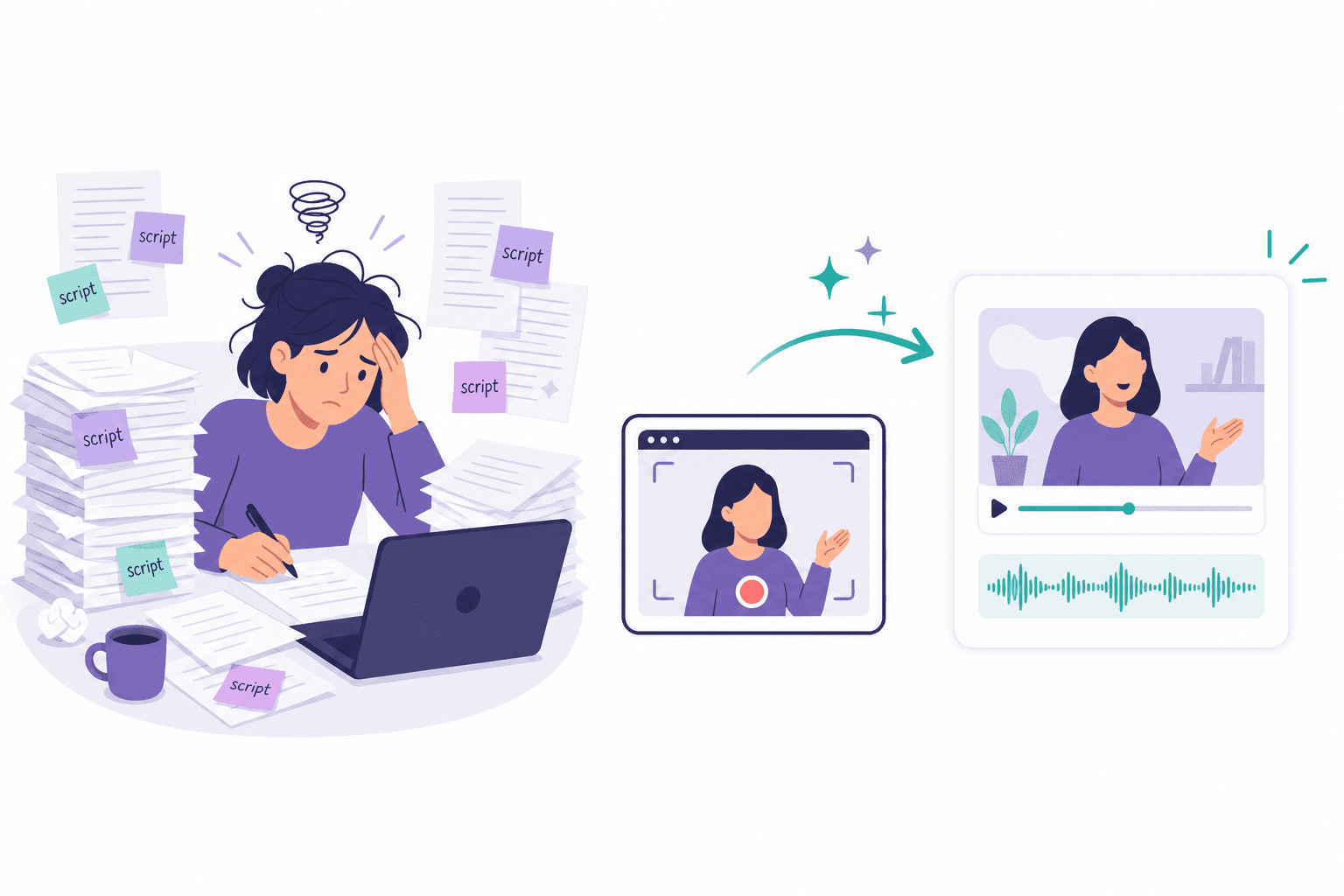
The most important thing to understand about Trainn — and most of its competitors — is that the content production bottleneck doesn't go away. Whether it's scripting narration, writing step descriptions, or assembling course material, someone on your team has to do that work. The platform converts content into a deliverable, but it doesn't generate the content from scratch.
The tools below range from "still requires content work, but cheaper" to "the AI generates all the content from a silent screen recording, automatically." Where you land depends on how much of that production burden you're willing to carry.
1. Clevera

Best for: AI-generated onboarding videos and how-to articles from silent screen recordings
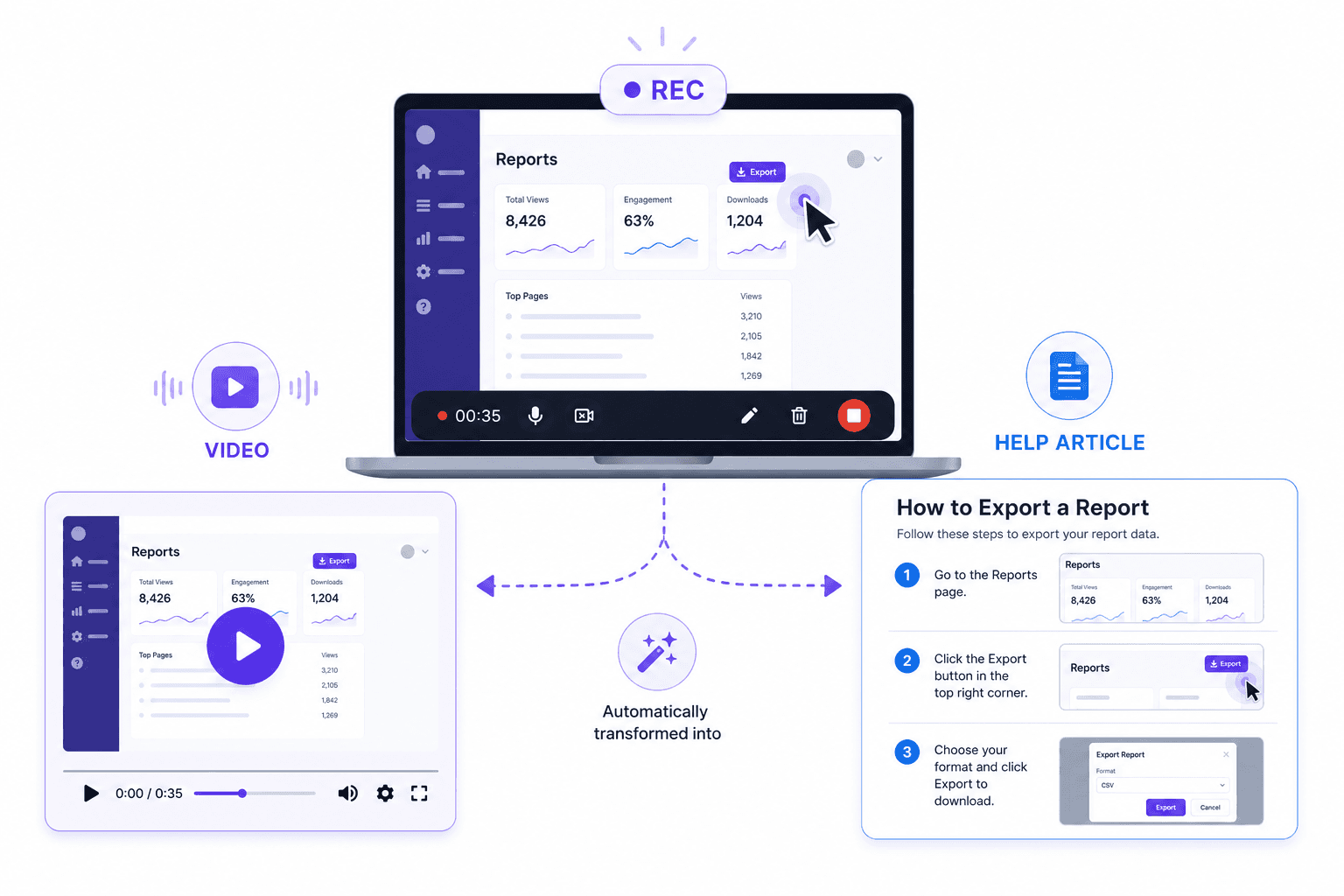
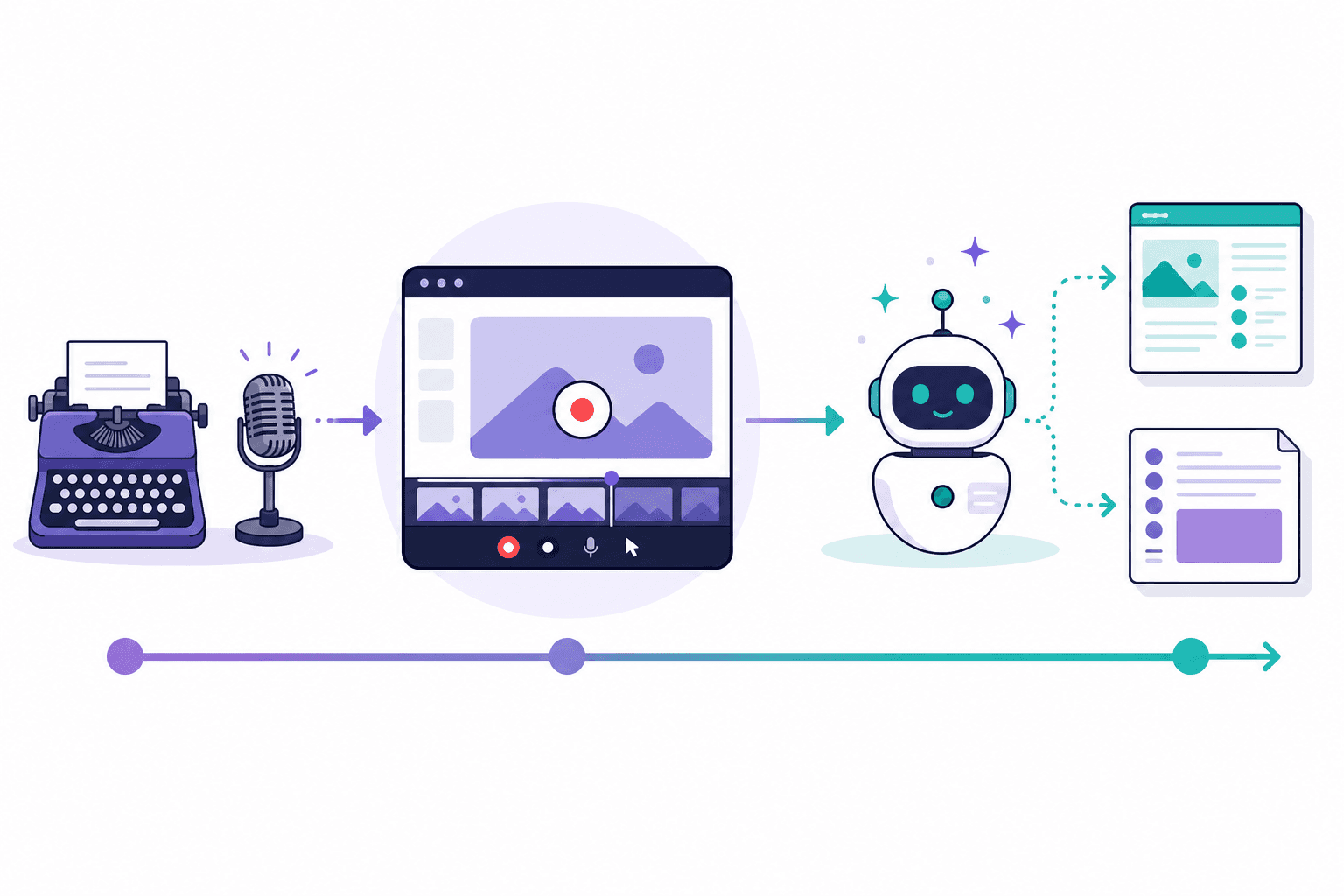
Clevera takes the most aggressive position on automation. You record your screen while walking through any product workflow — setting up an integration, completing a task, configuring a feature — without speaking a word. Clevera's AI analyzes the recording, writes a complete narration script from scratch based on what it sees on screen, generates a natural-sounding AI voiceover, and simultaneously produces a structured how-to article with numbered steps, titles, and screenshots.
Nothing is written manually. The AI understands context: it describes why you performed each action, not just what you clicked. That makes the output genuinely useful for customer onboarding — users learn the workflow, not just where the buttons are.
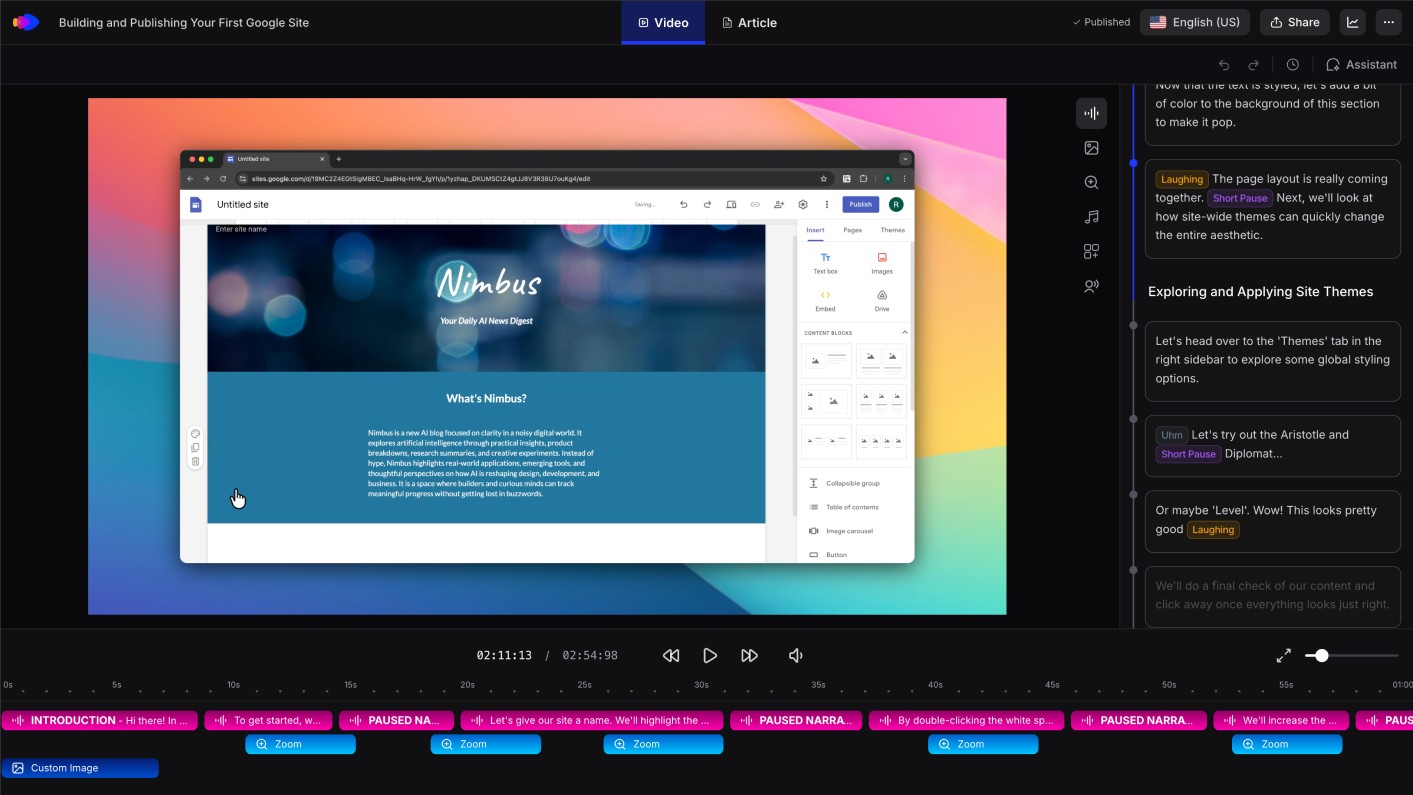
This is the core differentiator compared to Trainn. Trainn converts a script you wrote into a voiceover. Clevera generates the script itself, from a recording you can make in minutes without preparation.
Other details that matter for onboarding teams:
Articles export directly to Notion, Confluence, Zendesk, Intercom, GitHub, and more — wherever your help center or knowledge base lives
Published videos are live embeds: when your product UI changes, update the video and the changes appear in every embed instantly (LiveSync)
74-language translation for both video and article in one click — critical for global onboarding
Pricing starts at $29/month (annual), compared to Trainn's $200+/month equivalent
The one thing Trainn has that Clevera doesn't is a structured Academy and LMS for building full training courses with learner progress tracking. If that courseware layer is central to your customer education strategy, you'll want to keep it in mind.
Best for: SaaS product teams, customer success managers, and support leads who need to build onboarding video libraries and help center documentation without a dedicated scriptwriter or video editor.
See how Clevera handles customer onboarding video production
2. Guidde
Best for: fast AI-narrated onboarding videos without script writing
Guidde is the closest tool to Clevera's approach in terms of automation. Its "Magic Capture" workflow records your screen and generates AI-narrated video automatically — step-by-step descriptions appear with click indicators, and a voiceover narrates each action.
Guidde's narration is generated quickly but describes actions more literally than contextually — what you clicked rather than why it matters in the workflow. It also doesn't generate a written article alongside the video, which limits its usefulness for teams building full help centers.
For teams that specifically want narrated video demos for customer onboarding without the manual scripting that Trainn requires, Guidde is a fast, practical option.
Best for: CS and support teams that need quick narrated how-to videos for customer onboarding without writing scripts.
3. Clueso
Best for: clean narrated onboarding videos with minimal editing
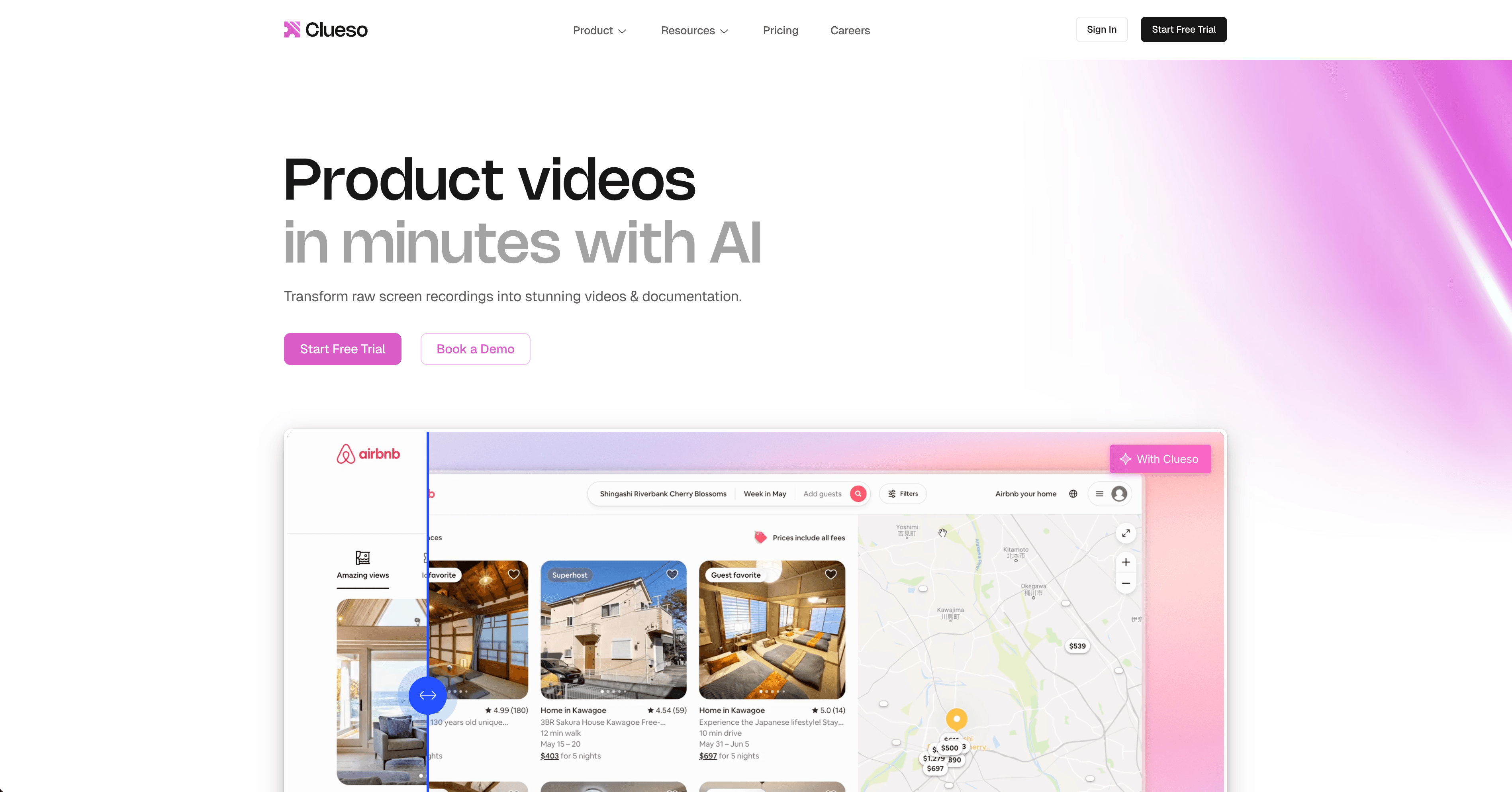
Clueso converts screen recordings into narrated video guides with AI-generated scripts and voiceover. The interface is minimal and the output looks polished without much post-production work. Like Guidde, it doesn't produce written documentation alongside the video.
Clueso is particularly focused on the onboarding and product walkthrough video use case, which aligns well with what Trainn users need. The content generation is automated, though the contextual depth of narration is lighter than Clevera.
Best for: Small product teams that want polished narrated onboarding videos without a production workflow.
4. Loom
Best for: async video communication for onboarding when a human presenter is preferred
Loom is a screen recording and async video communication tool that's widely used for onboarding. You record yourself walking through a product workflow, your face appears in the corner, and the video gets shared instantly via link.
Loom doesn't generate narration or documentation automatically — you're the narrator. What it does well is make human-presented async video extremely fast to produce and share. For onboarding flows where a personal, conversational tone matters more than polished production, Loom is a strong fit.
Loom added an AI Summary and transcript feature, but doesn't generate structured how-to articles or step-by-step guides from the recording.
Best for: Teams that prefer a human presenter for onboarding videos and value speed of production over production quality.
5. Synthesia
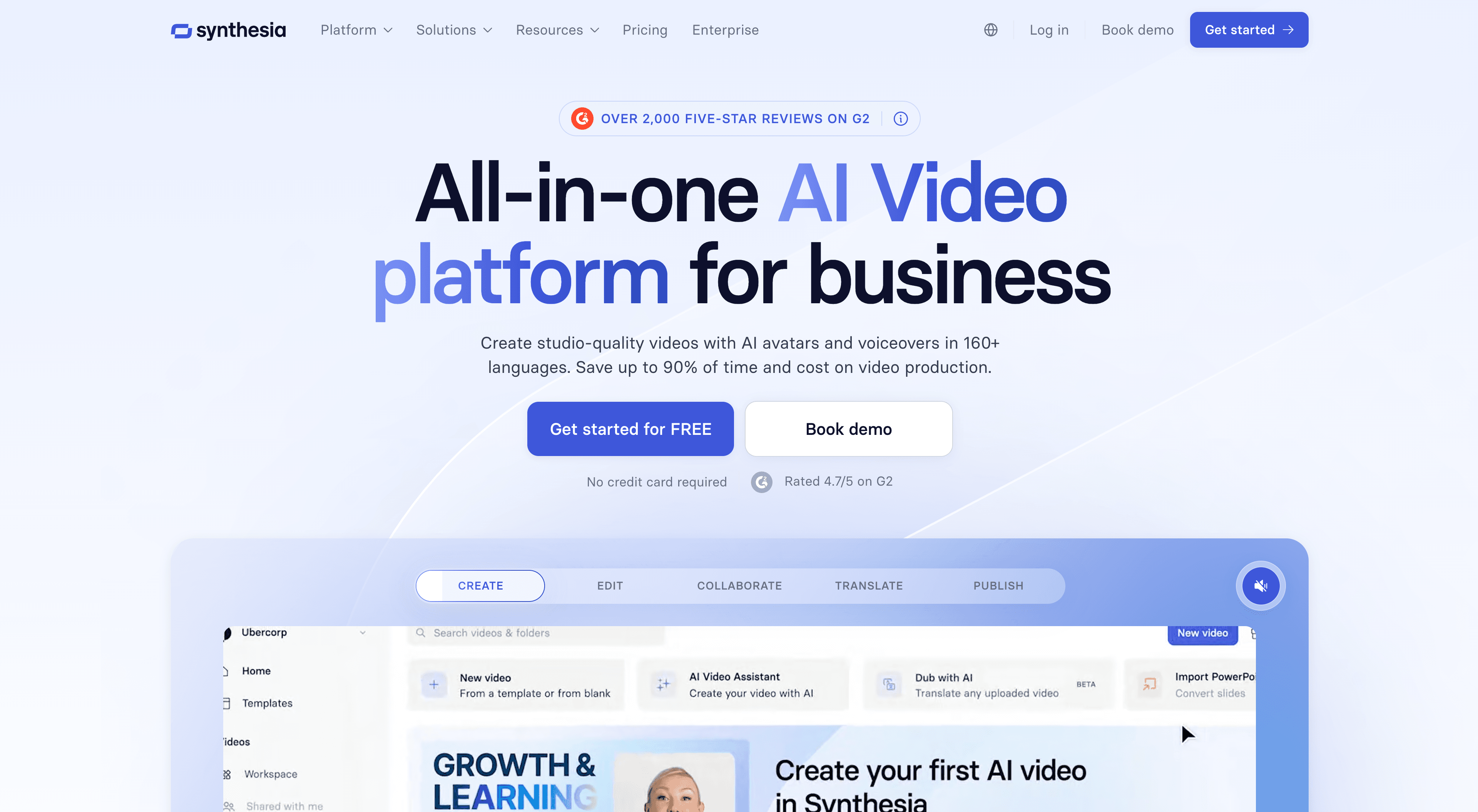
Best for: presenter-led onboarding videos with AI avatars, when scripts are available
Synthesia generates videos with AI avatar presenters reading a script you provide. There's no screen recording, no automatic content generation from on-screen actions — you write the script, Synthesia produces a polished presenter-led video at scale.
Where Synthesia is valuable for onboarding teams: creating welcome videos, feature announcement videos, and localized training content at scale across many languages (175+). If you have the script and want polished, multilingual video at scale without filming a human, Synthesia delivers.
If your bottleneck is writing the script, Synthesia doesn't help with that — it requires more manual content work than any other tool on this list.
Best for: Teams with scriptwriting capacity that need polished, presenter-led onboarding video at scale across multiple languages.
How to choose
If you need... | Best option |
|---|---|
AI writes the script from your screen recording | Clevera |
Fast AI-narrated video, no script writing | Guidde |
Clean narrated videos with minimal editing | Clueso |
Human-presented async video, fast to produce | Loom |
Polished avatar video from a written script | Synthesia |
Trainn's Academy and courseware layer makes it worth considering for teams building structured multi-module training programs. But for teams whose primary need is getting onboarding videos and help center articles out the door without a content production team, Clevera removes more of the manual work than any other tool here.