Best Microlearning Tools for SaaS Teams in 2026

SaaS teams don't have time for hour-long training modules. They need short, focused content that gets someone up to speed on a feature, a workflow, or a process — and stays accurate after the next product update. These are the best microlearning tools for SaaS teams in 2026, ranked by what actually moves the needle for fast-moving teams.
58% of employees prefer to learn at their own pace in short bursts · 17% more information retained when content is delivered in microlearning format vs. traditional sessions · 4–5 minutes is the optimal length for a microlearning video module · 49% of SaaS companies say outdated training content is their biggest L&D problem
What makes a microlearning tool right for SaaS teams?
Microlearning means delivering training in small, focused units — typically 2–5 minutes each — that target a single skill or concept. For SaaS companies, this matters more than in most industries: your product ships changes every two weeks, your onboarding needs to scale without adding headcount, and your employees learn best in the context of their actual work, not in a scheduled training session.
The best microlearning platforms for SaaS teams solve a specific problem: how do you create accurate, bite-sized training content fast enough to keep pace with the product?
That problem has two parts. The first is delivery — where employees find and consume training content. The second, and harder one, is creation — how training content gets made and kept current. Most microlearning software for SaaS teams is built for delivery. Very few are built for creation. The tools that handle both are where most teams should start.
There are three categories of tools in this list: AI content creation tools that turn screen recordings into narrated microlearning videos in minutes (Clevera); microlearning delivery platforms that distribute, track, and reinforce training through structured learning paths (Axonify, EdApp, 360Learning, TalentLMS, WorkRamp, Seismic Learning); and video creation tools for training that produce microlearning video content using AI avatars or async recording (Synthesia, Loom).
For most SaaS teams, the right stack combines one content creation tool with one delivery platform. This guide covers both.
Related: Looking for a full guide to creating employee training videos with AI? Start with the employee training video guide — it covers the end-to-end workflow, format decisions, and full tool comparison.
Quick comparison: best microlearning tools for SaaS teams 2026
Tool | Best for | Starting price | Content creation | Delivery & tracking |
|---|---|---|---|---|
Clevera | AI-generated microlearning videos + help articles | $29/mo | ✅ Core strength | Embed anywhere |
Axonify | Adaptive microlearning with spaced repetition | Custom | ➖ Import only | ✅ Core strength |
EdApp | Mobile-first microlearning at no cost to start | Free | Partial | ✅ Core strength |
360Learning | Collaborative LMS with peer-created microlearning | $8/user/mo | Partial | ✅ Core strength |
WorkRamp | LMS built specifically for SaaS GTM and ops teams | Custom | ➖ Import only | ✅ Core strength |
Seismic Learning | Sales and CS team enablement | Custom | Partial | ✅ Core strength |
TalentLMS | Affordable LMS with microlearning course builder | $89/mo | Partial | ✅ Core strength |
Synthesia | AI avatar microlearning video creation | $29/mo | ✅ Core strength | ➖ Embed only |
Loom | Quick async microlearning and knowledge sharing | Free / $12.50/mo | Partial | ➖ Watch-only |
The 9 best microlearning tools for SaaS teams in 2026
1. Clevera — Best for creating microlearning videos in minutes

The problem it solves: Most microlearning platforms are excellent at delivering training — but assume the content is already polished and ready. Getting a screen recording of a new feature into a narrated, captioned, 3-minute microlearning video used to take hours. Clevera makes it a 5-minute job.
What it actually does: Clevera is an AI-powered training video and help article generator built for teams that need to produce microlearning content fast. Record your screen — narrating as you go, or in silence — and Clevera generates the voiceover script, applies a natural AI voice from 100+ options, adds smart zoom and click highlights, and outputs a publish-ready video. The same recording simultaneously generates a step-by-step help article. For SaaS teams producing bite-sized tutorials on new features, workflows, or onboarding steps, this is exactly where the production bottleneck is.
Why it's built for microlearning specifically: Microlearning works best when content is short, focused, and updated frequently. Clevera's LiveSync feature means that when your product changes, you edit the script of any published video — and every place it's embedded updates automatically. No re-recording. No broken links. No stale content in your LMS or help center. For SaaS products that ship updates constantly, this is the feature that keeps a microlearning library actually usable over time.
Key features:
AI script generation from screen recordings — no manual writing required
100+ contextually-aware AI voices across 74 languages
Auto-generated step-by-step help articles alongside every video
Smart zoom, click highlights, and visual annotations applied automatically
LiveSync — edit once, update everywhere the video is published
74-language translation for global SaaS teams
Team roles (Admin / Editor / Viewer) + SAML/OIDC SSO
Embed anywhere: LMS, help centers, Notion, onboarding portals, email sequences
Best for: SaaS product, CS, and support teams creating short software tutorials, feature walkthroughs, onboarding modules, and help center content. Especially strong for teams that update their product frequently and can't afford a training library that's perpetually out of date.
Pricing: Starts at $29/month.
Honest take: Clevera isn't a microlearning LMS — it doesn't have a quiz engine or completion tracking built in. What it does is remove the biggest barrier to building a microlearning library: the time it takes to create good content. If your team is currently sharing rough Loom recordings as "training," or your help center is full of text-only articles nobody reads, Clevera is where to start.
2. Axonify — Best for adaptive microlearning with spaced repetition
What it does: Axonify is a frontline-focused microlearning platform built around two scientifically validated learning principles: spaced repetition and adaptive reinforcement. Employees complete short daily training bursts (3–5 minutes), and the platform adapts the content they see based on what they know and what they've forgotten. Over time, it builds durable knowledge rather than one-time compliance checkboxes.
Key features:
Adaptive question engine — surfaces content based on individual knowledge gaps
Spaced repetition scheduling built into the platform
Gamification and incentives to drive daily engagement
Mobile-first design with offline support
Analytics on individual and team knowledge confidence
Content import for existing SCORM and video content
Integrations with major HRIS and LMS platforms
Best for: SaaS companies with large frontline or field teams that need consistent, measurable knowledge retention across a distributed workforce. Particularly strong for customer support, sales enablement, and compliance-heavy roles where knowledge gaps directly impact customer outcomes.
Pricing: Custom (enterprise). Contact for pricing.
Honest take: Axonify's reinforcement model genuinely works — the research on spaced repetition is solid, and the platform is built around it more seriously than most competitors. The tradeoff is that it's built for reinforcing content, not creating it. You'll need to produce your training content elsewhere (Clevera for video tutorials, Synthesia for presenter-led modules) and import it into Axonify for structured delivery. For SaaS teams at scale with a real L&D budget, the combination is strong.
3. EdApp (SafetyCulture Training) — Best free-tier microlearning platform
What it does: EdApp, now part of SafetyCulture, is a mobile-first microlearning platform with a meaningful free tier. It includes a course builder, a library of pre-built microlearning templates, AI course generation, and a delivery platform with completion tracking. For SaaS teams starting out with microlearning — or teams that need to train external users like customers or partners — it's one of the most accessible starting points.
Key features:
Free plan for up to 10 users (unlimited learners on paid tiers)
Mobile-optimized microlearning course builder
80+ pre-built slide templates for rapid course creation
AI-generated course drafts from a topic or outline
Spaced repetition via the built-in Brain Boost feature
Leaderboards and achievement badges for engagement
SCORM import for existing content
Analytics on completion, performance, and engagement
Best for: Early-stage SaaS teams building their first structured microlearning program, and companies that need to deliver microlearning to external audiences (customers, resellers, partners) without high per-seat costs.
Pricing: Free up to 10 users. Premium from $2.95/user/month.
Honest take: EdApp punches above its price. The free tier is genuinely functional for small teams, not a hobbled demo. The AI course builder generates usable drafts quickly — though you'll want to add your own video content (exported from Clevera or Synthesia) rather than relying on the built-in text-and-image slides for anything technical. The mobile experience is one of the best in this category.
4. 360Learning — Best for collaborative, peer-created microlearning
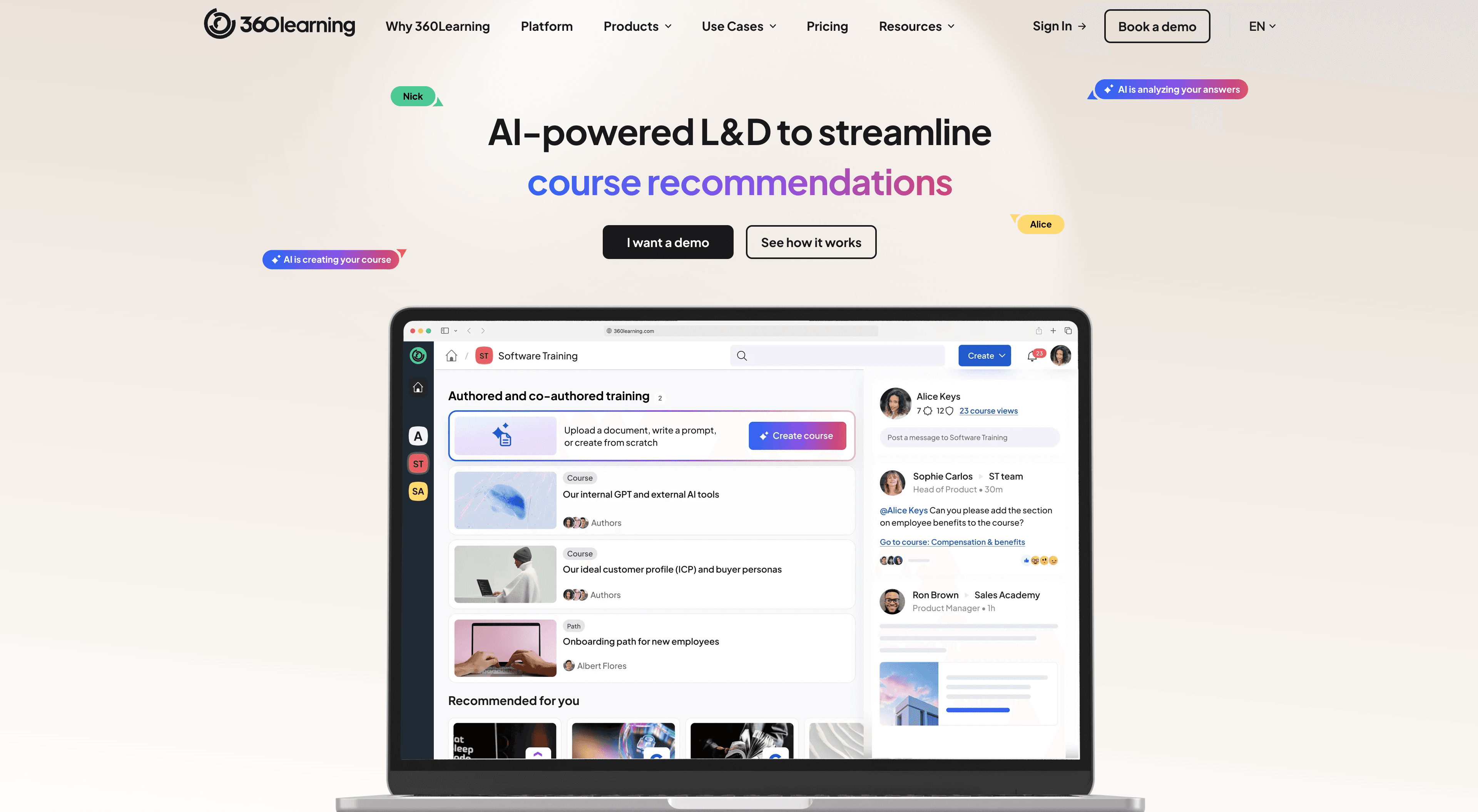
What it does: 360Learning is a collaborative LMS with a microlearning-native design. Its core idea: the people who know the most about any given topic — your top-performing sales rep, your senior engineer, your most effective CS manager — should be the ones creating training for their peers. The platform makes it fast for any employee to author a course, with an AI assistant that helps structure content and generate first drafts.
Key features:
Collaborative authoring — any employee can create a course with minimal friction
AI-powered course creation from a doc, outline, or topic description
Reaction system for learners to flag content that's confusing or outdated
Discussion threads inside courses for peer learning
Learning paths, cohort programs, and scheduled assignments
Analytics on completion, engagement, and course quality scores
Integrations with Slack, Salesforce, Workday, and major HRIS
Best for: SaaS companies that want to democratize training creation — getting product knowledge, sales insights, and process expertise out of people's heads and into structured microlearning without funneling everything through a central L&D team.
Pricing: From $8/user/month (Teams). Enterprise custom.
Honest take: 360Learning works because it removes the L&D bottleneck from the content creation equation. When the product manager can author a 5-minute microlearning module on the new feature they just shipped — and get immediate learner feedback when something is unclear — the training library stays current in a way that centralized L&D teams can't match alone. The tradeoff: peer-authored content varies in quality. Pair it with Clevera for technical tutorials where screen-recording quality matters.
5. WorkRamp — Best LMS built specifically for SaaS teams
What it does: WorkRamp is an LMS designed with SaaS companies in mind — specifically the GTM, CS, and ops teams that need to train employees, customers, and partners from a single platform. It includes structured learning paths, certification programs, and a content marketplace, with integrations baked in for the tools SaaS teams actually use (Salesforce, Slack, Zendesk, Gong).
Key features:
Unified platform for employee, customer, and partner training
Learning paths with prerequisites, milestones, and certifications
AI-powered content recommendations
Native integration with Salesforce, Slack, Zendesk, and Gong
Customer Academy — a branded learning portal for external learners
Content marketplace with licensed third-party courses
SCORM and video content import
Analytics tied to revenue and performance metrics (via CRM integration)
Best for: SaaS companies building formal training programs for sales, CS, support, and partner teams — especially where training completion is tied to onboarding milestones or partner certification requirements.
Pricing: Custom. Contact for pricing.
Honest take: WorkRamp is the most SaaS-native LMS in this list — it understands that training isn't just an HR function, it's a revenue function. The Salesforce integration that links training completion to deal progression is genuinely useful for enabling sales teams. It's not the cheapest option, but for a Series B+ SaaS company with a real GTM and CS enablement need, it's designed for exactly that use case.
6. Seismic Learning — Best for SaaS sales and CS enablement
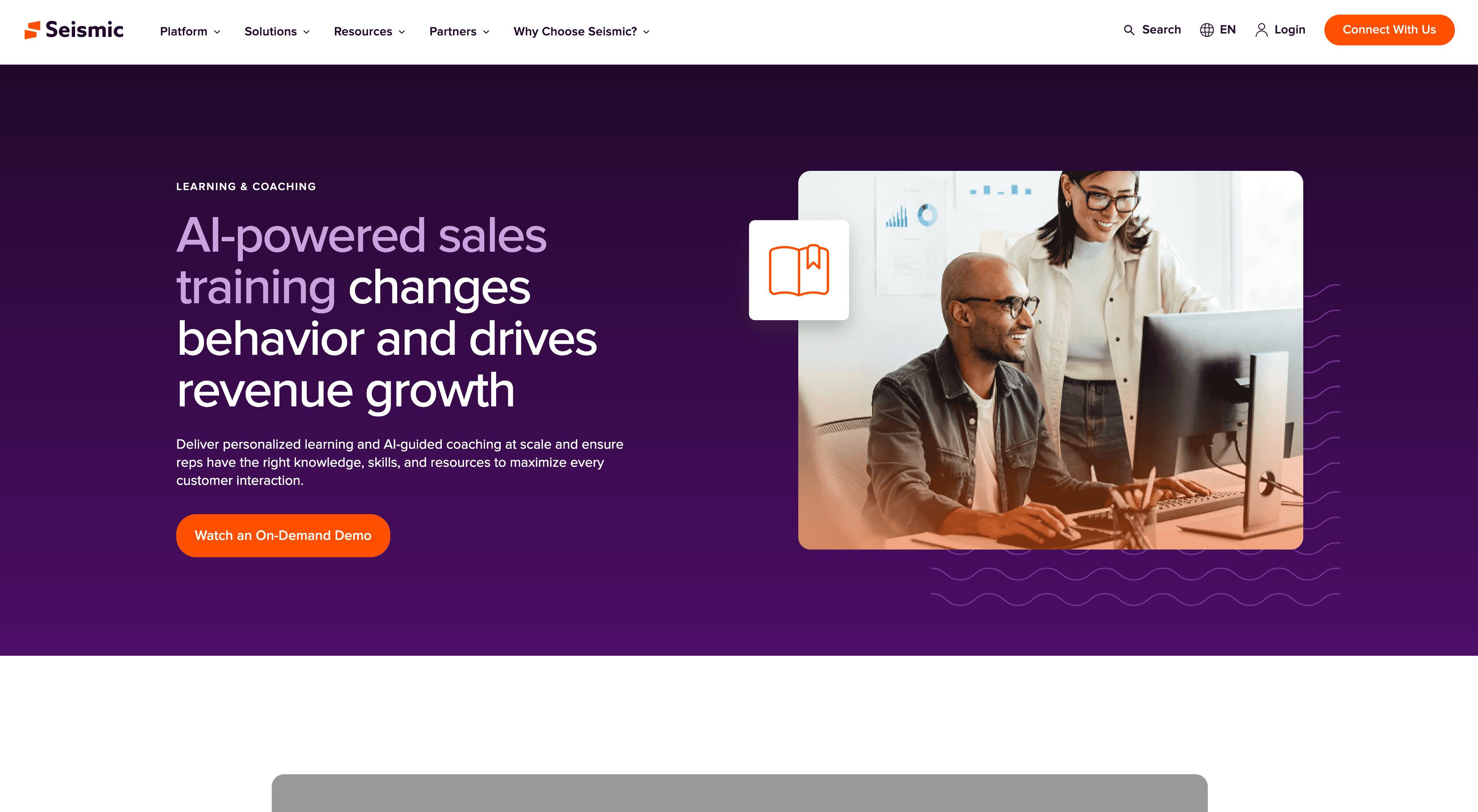
What it does: Seismic Learning (formerly Lessonly) is a training and coaching platform built around sales and customer success teams. Where most LMS platforms are designed for HR-led compliance training, Seismic Learning is designed for rep readiness: practice scenarios, AI-powered coaching feedback, and just-in-time training that surfaces automatically when a rep needs it. It sits at the intersection of LMS and sales enablement.
Key features:
Practice and coaching modules — reps practice calls or demos and get AI feedback
Just-in-time training surfaced in Salesforce and other CRM tools
Microlearning paths for onboarding new reps fast
AI-generated content suggestions based on rep performance data
Integration with Gong, Chorus, Salesloft, and Outreach
Content library synced with Seismic's broader sales enablement platform
Analytics on rep readiness, certification, and performance correlation
Best for: SaaS companies with active sales and CS teams that need to reduce time-to-productivity for new reps, maintain certification programs, and connect training outcomes to revenue performance.
Pricing: Custom. Contact for pricing.
Honest take: Seismic Learning is the right choice when your microlearning program is specifically about sales and CS rep performance — not general employee training. The AI coaching feedback on practice scenarios is one of the most differentiated features in the category. If you're using Seismic for content already, adding Learning to the stack is a natural extension.
7. TalentLMS — Best affordable microlearning LMS
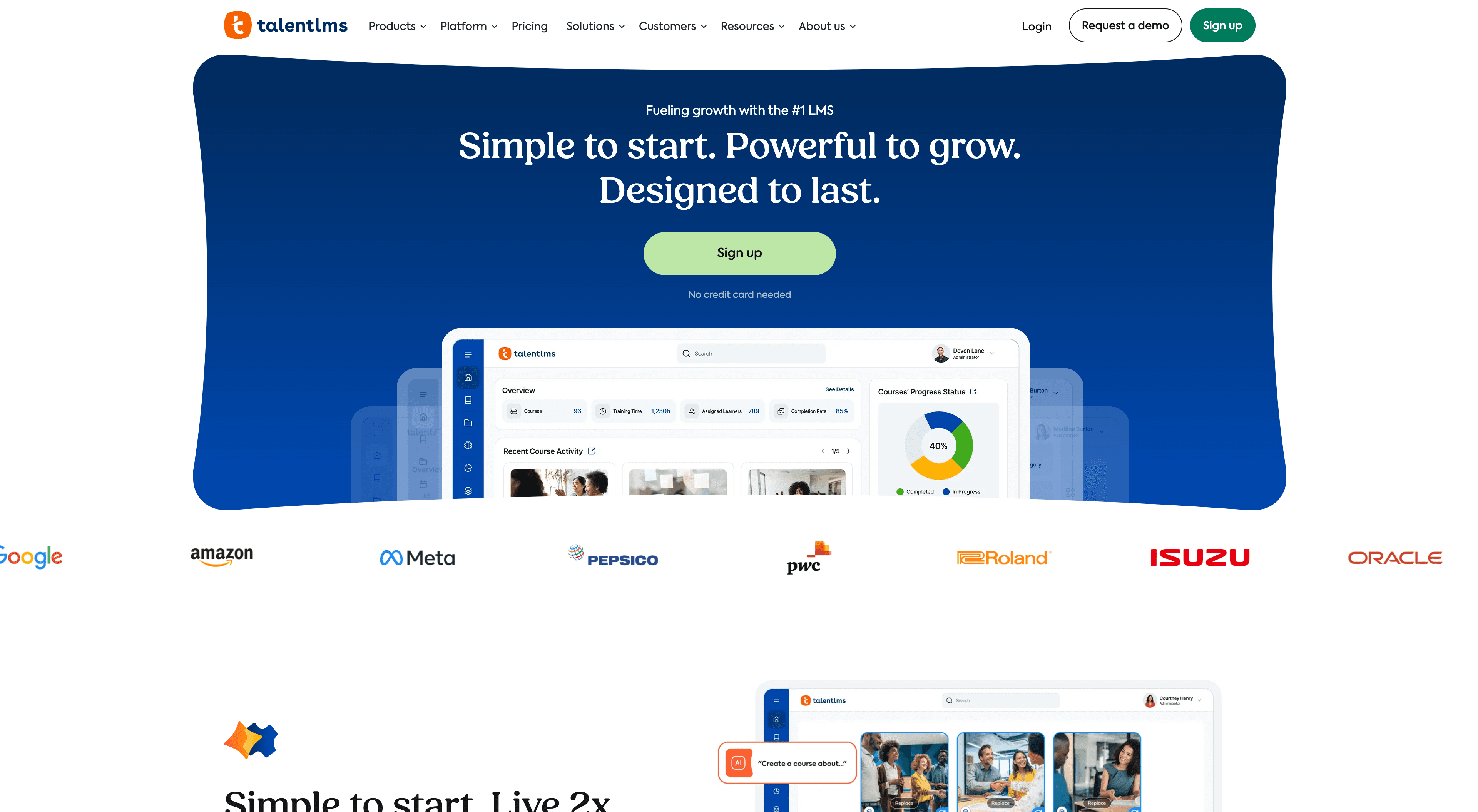
What it does: TalentLMS is one of the most widely used LMS platforms in the mid-market — recognized for being genuinely easy to set up and administer without an enterprise IT team. It includes a microlearning-capable course builder, gamification, completion tracking, and a growing set of AI features for content generation. For SaaS teams that need a capable LMS without a six-figure contract, it's one of the most practical options.
Key features:
Drag-and-drop course builder with microlearning templates
AI course generator — build a course outline and first draft from a topic
Gamification: points, badges, leaderboards, and certifications
Blended learning support (combine self-paced, instructor-led, and video)
White-label learner portal for customer or partner training
SCORM, xAPI, and video content import
370+ integrations including Slack, Zoom, Salesforce, and BambooHR
Detailed reporting and completion tracking
Best for: Growing SaaS teams that need a reliable, full-featured LMS without an enterprise procurement process — especially for internal employee training, onboarding, and compliance programs.
Pricing: From $89/month (up to 40 users). Per-user pricing for larger teams.
Honest take: TalentLMS is the most frequently cited LMS for teams that want "it works, it's not expensive, I can set it up in a day." The AI course builder is genuinely useful for getting a draft course structure out quickly — pair it with Clevera-generated videos as the content layer for anything technical. The reporting is solid and the UI is clean enough that employees actually log in.
8. Synthesia — Best for AI avatar microlearning video creation
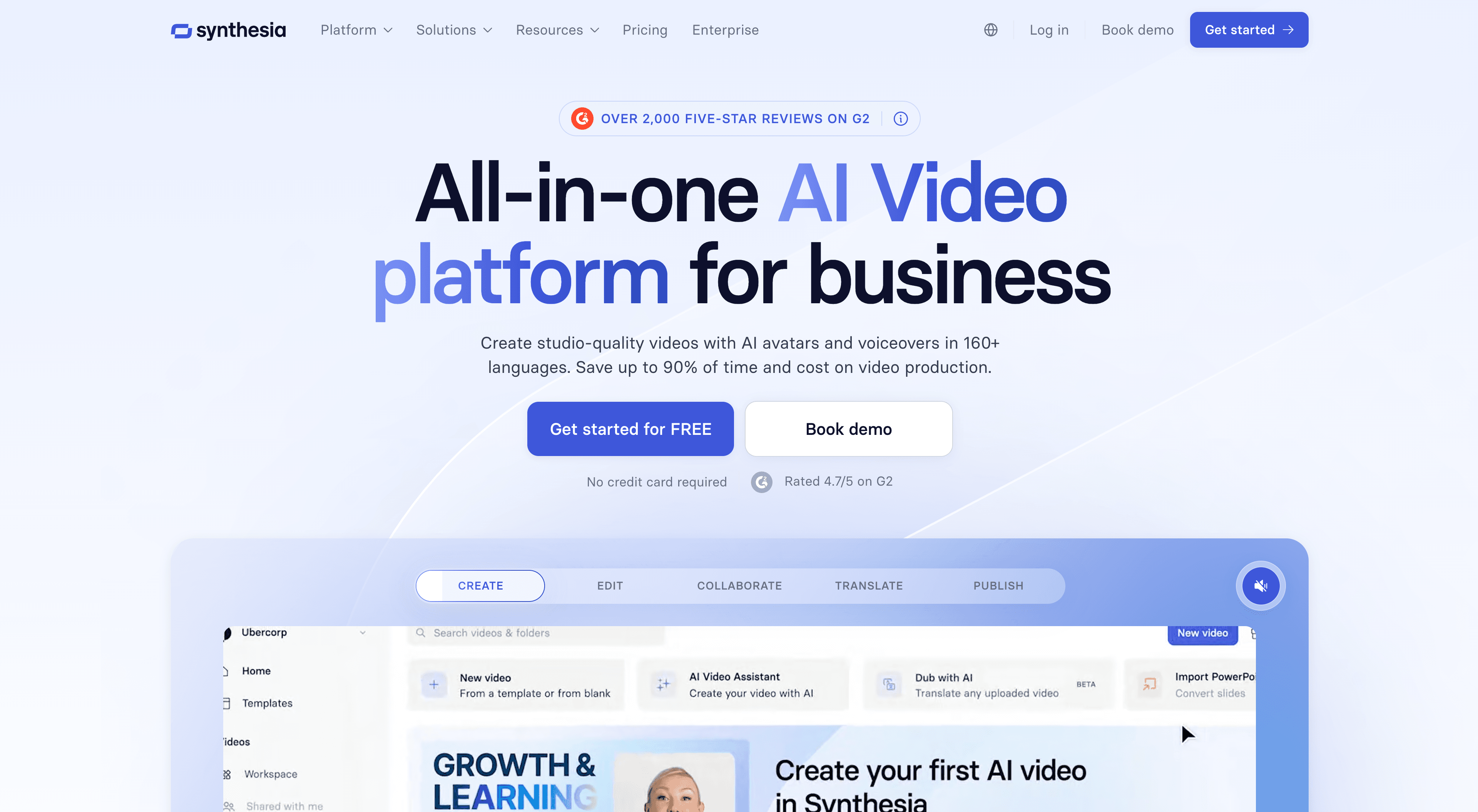
What it does: Synthesia generates microlearning videos from a text script using one of 230+ AI avatars. You write the training script, pick a presenter, select a language, and get a finished video — no camera, no recording, no re-shooting when the script changes. For microlearning content that's presenter-driven — compliance overviews, culture training, leadership messages — it's one of the fastest paths from idea to finished video.
Key features:
230+ AI avatars with diverse representation
Custom avatar creation from personal footage
140+ language and accent options for global SaaS teams
Microlearning-specific templates
SCORM export for LMS delivery
Screen recording module (recent addition)
Brand kit for consistent visual identity
Best for: SaaS L&D teams producing presenter-led microlearning modules — compliance, HR policies, culture content, leadership communication — at scale. Particularly strong for companies delivering the same training across multiple language markets without re-shooting.
Pricing: Starts at $29/month (Personal). Teams from $89/month.
Honest take: Synthesia handles presenter-style microlearning well. For software tutorials or anything that happens on a screen, it's the wrong tool — that's where Clevera's screen recording approach outperforms it. Use Synthesia for the modules where a human face builds trust and context, and Clevera for the modules where showing the product is the training.
9. Loom — Best for informal, async microlearning
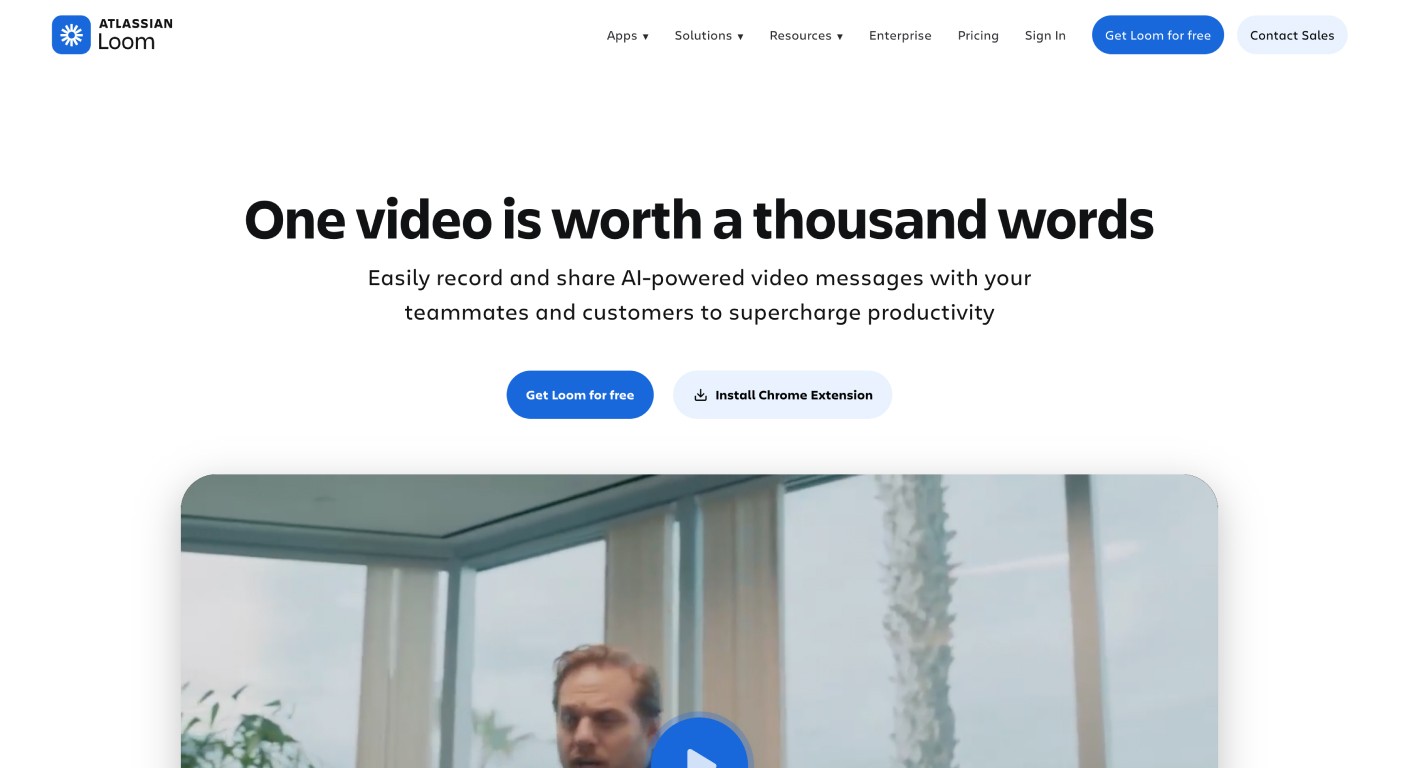
What it does: Loom is a screen and webcam recording tool that has added meaningful AI features: transcription, AI-generated summaries, filler word removal, and basic editing. Many SaaS teams already use Loom for internal communication — the AI layer extends it toward lightweight microlearning for just-in-time knowledge sharing and informal process walkthroughs.
Key features:
Screen + webcam recording in one click
AI transcript, summary, and chapter generation
Filler word and silence removal
Viewer engagement analytics (watch time, reactions, comments)
Basic video editing (trim, replace audio sections)
Integrations with Notion, Confluence, Slack, and most productivity tools
Best for: Teams that need to share process knowledge quickly and informally — manager-to-team walkthroughs, ad-hoc feature explanations, just-in-time training on something that just changed. Not a replacement for structured microlearning but excellent for filling the gaps.
Pricing: Free (25 videos). Business from $12.50/user/month.
Honest take: Loom is the fastest way to record and share something — 90 seconds to record, immediate share link, done. The AI features clean up the rough edges. If your team needs a polished, narrated, branded microlearning video with a companion help article and LiveSync, Loom isn't the tool. If your team lead needs to explain the new pricing workflow to the team in the next 10 minutes, nothing is faster.
How to choose the right microlearning tools for your SaaS team
Start with the content creation problem, not the delivery problem.
Most teams buy an LMS first and then discover that creating the actual content is the bottleneck. Before evaluating delivery platforms, ask: how will your team produce training content at the pace your product ships? If the answer is "we'll figure it out," the delivery platform won't matter — you'll have nothing to put in it.
Match the tool to your content type:
Software tutorials, feature walkthroughs, process training → Screen recording + AI generation is your path. Clevera turns a raw recording into a narrated, captioned microlearning video and a companion help article in 5–10 minutes. Start here before evaluating any LMS.
Presenter-led compliance, culture, or policy training → Synthesia for scale and global localization. If a real face matters, HeyGen for custom avatars.
Structured delivery with completion tracking and certifications → Pick one LMS. WorkRamp for SaaS-specific GTM and CS teams. 360Learning if you want employees to create content for each other. TalentLMS for a capable, no-headache option that doesn't require an enterprise contract. EdApp if you're just starting and budget is tight.
Sales and CS rep readiness → Seismic Learning, especially if you're already in the Seismic ecosystem.
Reinforcement and knowledge retention at scale → Layer Axonify on top of your content creation and delivery stack.
Quick async knowledge sharing → Loom for speed. Not for formal microlearning, but invaluable for the moments between formal training.
Match to your team size and production capacity:
1–2 person L&D team (or none): Clevera + TalentLMS or EdApp covers the full creation-to-delivery loop without requiring dedicated producers. Both are genuinely no-code. Ship professional microlearning content without a production background.
5–15 person L&D team: Add 360Learning or WorkRamp for structured programs, and Synthesia if you have compliance or culture training needs. Clevera serves as the content engine for all technical and product training.
Large L&D function: Full stack — Clevera for tutorials and help content, Synthesia for presenter-led modules, WorkRamp or Seismic Learning for structured enablement, Axonify for frontline reinforcement.
The one thing every SaaS microlearning stack needs:
Your training library is only as useful as it is accurate. For SaaS teams with fast-moving products, the single biggest microlearning problem isn't engagement rates or quiz completion — it's content that goes stale two weeks after it's created. LiveSync in Clevera means that problem doesn't exist. Edit once, update everywhere. That's what makes microlearning viable at the pace SaaS companies move.
Why SaaS teams struggle to build a microlearning library — and how AI fixes it
The math on microlearning is compelling: shorter content, higher retention, faster time-to-competency. The barrier isn't motivation — it's production. Creating one polished 4-minute microlearning video the traditional way takes 2–5 hours of recording, editing, narration, and formatting. At that rate, a team producing 3 new features per sprint can never keep up.
AI changes the production math. With Clevera, a screen recording becomes a narrated, captioned, ready-to-publish microlearning video in 5–10 minutes. The same recording generates a step-by-step help article. And when the product changes — which it always does — LiveSync means every embedded copy of that video updates in seconds, not days.
The SaaS teams building the most effective microlearning libraries in 2026 aren't the ones with the biggest L&D budgets. They're the ones who removed the production bottleneck first.
Frequently asked questions about microlearning tools for SaaS teams
What is the best microlearning platform for SaaS companies? For SaaS teams, the answer depends on whether you need tools to create microlearning content or deliver it. For creation, Clevera is the fastest path from screen recording to a polished narrated video — and the only tool that simultaneously generates a companion help article. For delivery, WorkRamp is built specifically for SaaS GTM and CS teams, while TalentLMS and EdApp are strong options for teams that want a capable LMS without a complex procurement process.
What's the difference between a microlearning tool and an LMS? A microlearning tool focuses on producing short, focused training content. An LMS (Learning Management System) focuses on organizing, delivering, and tracking that content at scale. The best SaaS training stacks combine both: a tool like Clevera or Synthesia for content creation, and a platform like WorkRamp or 360Learning for structured delivery. Some platforms (EdApp, 360Learning) overlap both functions.
How long should microlearning videos be for SaaS teams? The research consistently points to 2–5 minutes as the optimal length for microlearning modules. For software tutorials specifically, 2–4 minutes covering one workflow or feature is the target. If your content runs longer, split it into a series rather than extending the runtime — completion rates drop significantly beyond 5 minutes.
Do SaaS microlearning tools integrate with existing LMS platforms? Yes. Most microlearning content tools export SCORM-compatible files that work with any major LMS. Clevera videos can be embedded directly via an embed code into any LMS, help center, Notion page, or onboarding portal — and because LiveSync keeps the embedded version current, you don't need to re-export or re-upload when content changes.
How do I keep microlearning content up to date as my product changes? This is the central problem for SaaS teams. The standard answer — re-record whenever something changes — doesn't scale. Clevera's LiveSync approach is the most practical solution: when you edit a published video's script, every embedded instance of that video updates automatically. This means your microlearning library can stay accurate even when you ship product updates every two weeks.
What's the best free microlearning tool for SaaS teams? EdApp offers a genuinely functional free tier for up to 10 users, and Loom's free plan allows 25 videos — enough to start building an informal microlearning library. For teams that need to create polished AI-narrated tutorials at no cost to start, Clevera's trial gives you a realistic picture of the full workflow before committing.
Can microlearning replace traditional onboarding? Microlearning works best as a complement to, not a replacement for, structured onboarding. The most effective SaaS onboarding programs combine a clear learning path (delivered via an LMS like WorkRamp) with bite-sized microlearning modules (created in Clevera or Synthesia) that employees return to when they need to recall a specific workflow. On its own, a library of microlearning videos without structure or context can be hard for new employees to navigate. Together, the path and the modules are more effective than either alone.
Build your microlearning library without a production team
SaaS teams don't have time to re-record training videos every sprint. Clevera turns a screen recording into a narrated, captioned microlearning video — and a companion help article — in minutes. When your product changes, edit the script and every published copy updates automatically.
No video editor. No voice actor. No stale training content.