Lightweight DAP for SaaS companies: what it is and when you need one
Heavy DAPs like Pendo and WalkMe aren't built for lean SaaS teams. Here's what a lightweight DAP looks like and how a video-first approach gets results faster.
 Roozbeh Firoozmand7 min read
Digital adoption platforms — DAPs — have been around long enough to develop a reputation problem. Mention Pendo or WalkMe to most SaaS founders and you'll get a reaction somewhere between "too expensive" and "too complex for us right now."
They're not wrong. The traditional DAP category was built for enterprise: large organizations managing software rollouts across thousands of employees, dealing with compliance requirements, and justifying six-figure contracts with IT procurement teams.
But the problem those platforms solve — helping users actually understand and adopt your product — isn't exclusive to enterprises. Every SaaS company has it. The difference is that most SaaS companies need a lightweight DAP that fits their team size, budget, and speed of execution.
This post explains what that looks like, what to look for, and how a video-first approach changes the equation.
What is a digital adoption platform, exactly?
A digital adoption platform is software that helps users learn and adopt another piece of software. It typically works by:
- Overlaying guidance on top of a product's UI (tooltips, tours, checklists)
- Delivering help content in context (resource centers, in-app widgets)
- Tracking which features users are actually using and where they get stuck
- Triggering targeted content based on user behavior
The goal is to reduce time-to-value for new users, increase feature discovery for existing ones, and reduce support load — without requiring users to leave the product to find help.
A heavyweight enterprise DAP bundles all of this into a single, deeply integrated platform with analytics, segmentation, A/B testing, compliance controls, and a dedicated implementation team. A lightweight DAP for SaaS companies does the core things — guide users, deliver content — without the overhead.
When does a SaaS company actually need a DAP?
You probably need some form of digital adoption tooling if:
- New users regularly get stuck in the same places: If your support inbox gets the same questions every week about a specific workflow, in-app guidance can intercept that friction before it becomes a ticket.
- Feature adoption is lower than expected: Users signed up and are active, but they're not using the features that drive retention. Targeted guidance at the right moment can close that gap.
- Your onboarding relies on 1:1 calls or Loom videos sent over email: These work at small scale, but they're hard to maintain, impossible to measure, and don't scale.
- You're entering new markets: If you're expanding into non-English-speaking markets, delivering onboarding and guidance content in users' native languages becomes a meaningful part of adoption.
You probably don't need a DAP yet if you have fewer than a few hundred users and can still do meaningful 1:1 onboarding. At that stage, the signal you get from direct conversations with users is more valuable than automating the process.
What makes a DAP "lightweight"?
The term means different things to different vendors, but for a SaaS company these are the practical characteristics:
Fast setup without engineers: You shouldn't need to spend 3 sprints integrating the tool. A lightweight DAP should be installable via a JavaScript snippet or browser extension, with no backend work required.
No-code content creation: Creating tooltips, tours, or tutorial content shouldn't require a developer. It should be doable by a product manager, customer success manager, or documentation writer.
Affordable at growth stage: Enterprise DAPs start at thousands of dollars per month. Lightweight options should be accessible at the $30-$300/month range for early to mid-stage teams.
Focused scope: You don't need A/B testing, predictive analytics, and multi-app orchestration in your first DAP. You need the ability to show users the right guidance at the right moment and track whether it's working.
The video-first DAP approach
Most in-app guidance tools focus on UI overlays: tooltips, modals, checklists, and product tours that overlay the product itself. These are valuable, but they have a significant limitation — they're fragile. Every time your UI changes, your overlays break and need to be rebuilt.
A video-first DAP takes a different approach: instead of (or alongside) UI overlays, you build a library of tutorial videos and help articles that users can access on demand. This content lives in a resource center inside your product, in your help center, and directly on the pages where users need it.
The advantages:
- Less brittle: Tutorial videos don't break when you ship a UI update. You update the video once, and the change propagates everywhere it's embedded (with LiveSync-capable tools like Clevera).
- Higher quality: A well-produced tutorial video communicates more clearly than a tooltip sequence that tries to explain a multi-step workflow.
- Works async: Users can pause, rewind, and rewatch. That's more helpful for complex features than a linear product tour.
- Searchable: When users have a specific question mid-workflow, they need to find the answer fast. Searchable video + article content scales better than tours that assume users will follow a linear path.
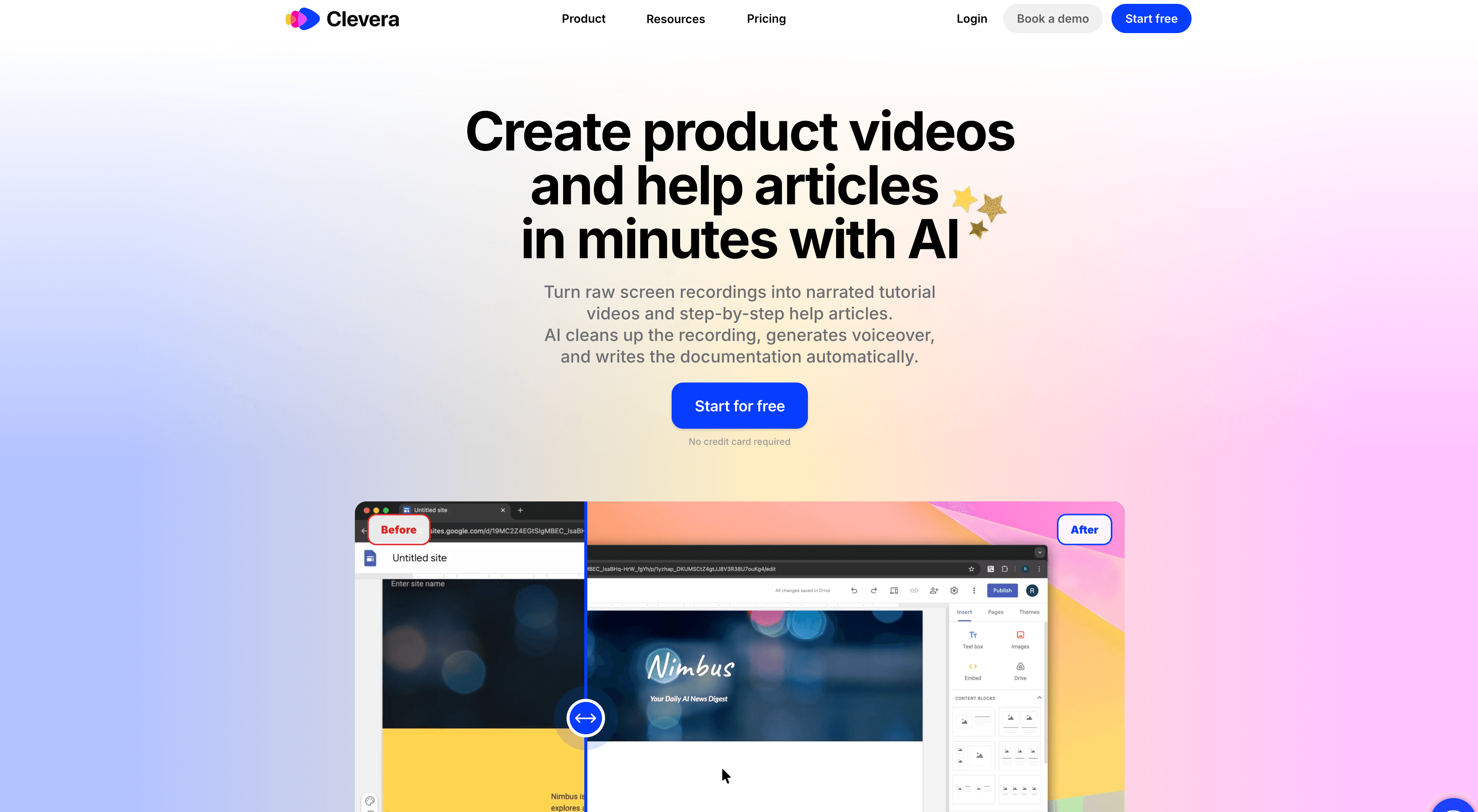
Clevera is built around this model. You record your screen, Clevera generates a narrated tutorial video and a written help article, and you publish that content to wherever your users will find it — including embedded inside your product. LiveSync ensures that when you update content, every embedded instance updates automatically.
Frequently asked questions about lightweight DAPs
Do I need a standalone DAP, or can I use my existing tools?
Depends on what you already have. If you're on Intercom, it has product tours and help article support built in — that may be enough to start. If you're using Zendesk or Freshdesk, their guide products give you a help center but limited in-app guidance. A standalone lightweight DAP adds dedicated in-app overlay capabilities that most support platforms don't offer natively.
What's the difference between a DAP and an onboarding tool?
Onboarding tools (like user onboarding checklists and welcome tours) are one part of what a DAP does. A DAP covers the full user lifecycle — onboarding, feature adoption, ongoing education, and eventually re-engagement. If you're only focused on the first-run experience, an onboarding-specific tool may be enough.
How important is analytics in a DAP?
Very, once you're past the early stage. You want to know whether users who see a tooltip actually do the thing the tooltip is pointing them to. Without that feedback loop, you're guessing about what works. For early-stage teams, even basic analytics — did users complete the tour? did they click the help article? — is enough to start iterating.
Can I build a DAP strategy without overlays?
Yes, and many teams do. A strong help center with well-organized tutorial videos and articles, surfaced through a search widget inside your product, is a legitimate digital adoption strategy. It's lower-touch than overlays and doesn't guide users proactively, but it scales well and has very low maintenance overhead — especially when you use LiveSync to keep video content current.
What about AI-powered in-app help?
A growing number of tools now offer AI chat widgets that answer product questions using your help content as a knowledge base. These can dramatically reduce time-to-answer for users who are stuck. The prerequisite is having high-quality documentation and tutorial content for the AI to pull from — which is exactly where a tool like Clevera adds value.

What to look for in a lightweight DAP
If you're evaluating options, here's a practical checklist:
- Can a non-technical team member create and publish content without engineering help?
- Does it support both in-app overlays and on-demand help content, or just one?
- How does it handle UI changes — do tours break automatically when the product ships?
- Does it include video support, or just text-based tooltips and articles?
- Can you translate content into multiple languages without re-creating it?
- What does the analytics and reporting look like — can you measure guide completion and feature adoption impact?
- What's the integration story — does it connect to your CRM, product analytics, and help desk?
Not every tool will check every box. But this list helps you identify what you actually need versus what's nice to have.
The bottom line
The enterprise DAP market is not built for most SaaS companies. The good news is that you don't need a $50,000-a-year platform to drive product adoption — you need the right lightweight approach for your stage.
For many growth-stage SaaS teams, that means starting with video-first documentation (tutorials, walkthroughs, help articles) delivered through a help widget and a searchable knowledge base, then layering in in-app overlays as your product and user base mature. The tools to do this have gotten much better, much faster, and much more affordable.