Best in-app guidance platforms in 2026: 7 tools
Compare the best in-app guidance platforms for SaaS in 2026 — DAPs, overlays, and video-first tutorial tools that cut support tickets.
 Roozbeh Firoozmand7 min read
In-app guidance software helps users understand your product without leaving it - through tooltips, walkthroughs, checklists, and tutorial content delivered at the moment of need. The category has expanded significantly over the past few years, with a clear split forming between heavyweight digital adoption platforms (DAPs) built for enterprise and lighter tools that prioritize speed of setup and video-first content delivery.
This list covers 7 of the strongest options in 2026, what each one does well, and which type of team each fits best.
How to think about in-app guidance
Before diving into the tools, it helps to be clear about what you're actually trying to accomplish.
In-app guidance broadly covers 2 things:
1. Interactive UI overlays: Tooltips, modals, product tours, checklists, and hotspots that live inside your product and guide users through it in real time. Tools like Pendo, Appcues, and Userpilot specialize in this.
2. On-demand tutorial content: Video walkthroughs and help articles that users access when they're stuck or exploring a feature. This can live inside the product via a help widget, or in a connected help center. Tools like Clevera specialize in this.
The best digital adoption strategies combine both. But they require different tooling - and many teams start with one, then add the other as they mature.
1. Clevera
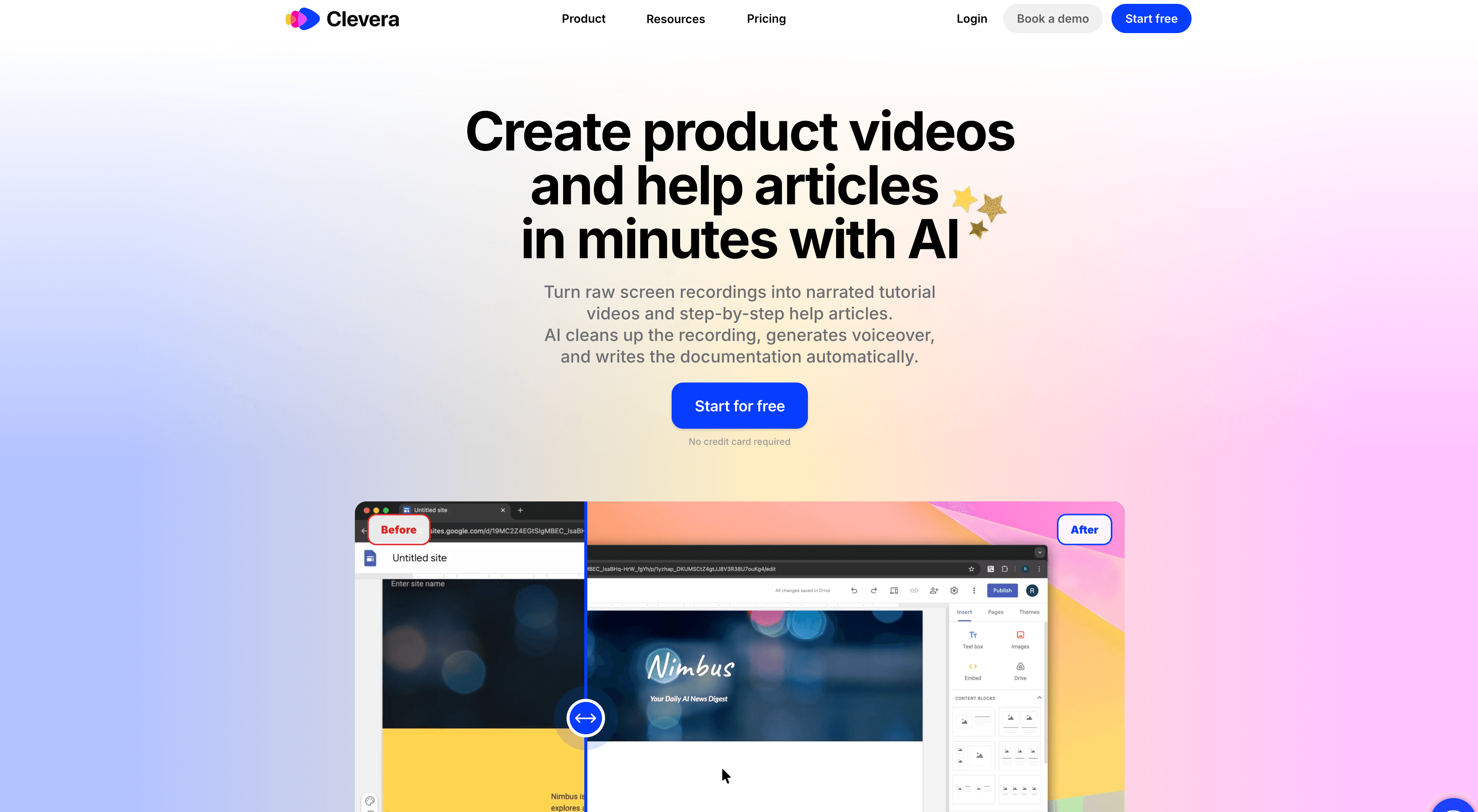
Clevera is the best choice for teams whose primary in-app guidance strategy is video and documentation content - tutorial videos, feature walkthroughs, and help articles that users can access on demand.
You record your screen once (desktop app, Chrome extension, or upload — no live narration needed). From that source you can generate a how-to video, an article, and other formats as separate Content items, then embed the video, publish the article, or pair them in the product or help center.
What makes Clevera stand out for product adoption teams:
- Multiple outputs: One recording can become a how-to video, an article, and other formats as independent items. Pair them on a share page or in your help center when you want both.
- LiveSync: Update a video once and every embedded instance - in your app, in your docs, in your help center - updates automatically.
- 70+ language translation: Translate tutorial videos and help articles in a single click. Essential for global products where English-only guidance creates adoption friction.
- Smart zoom and cursor smoothing: Recordings are cleaned up automatically, so the tutorial content looks polished without manual editing.
Best for: SaaS teams building a library of tutorial videos and help content to drive product adoption. Works especially well alongside a lightweight in-app overlay tool.
Pricing: Starter $29/mo, Pro $99/mo, Business $59/mo (annual)
2. Appcues
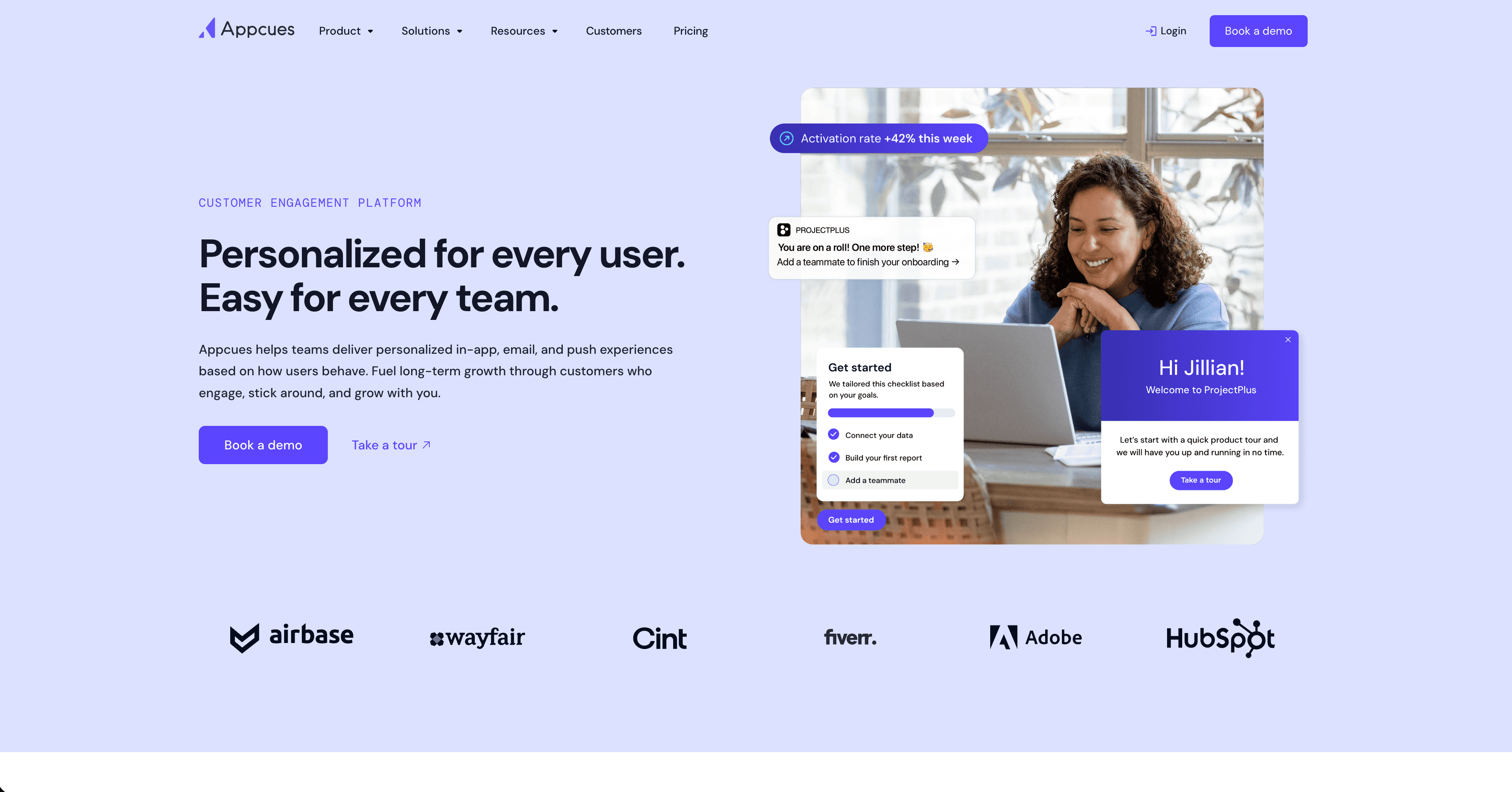
Appcues is one of the most widely used no-code product adoption platforms. It lets you build in-app flows - onboarding checklists, modal announcements, tooltips, NPS surveys - without engineering support.
The visual builder is strong, and it integrates well with Segment, HubSpot, and most major analytics tools. It's mid-market in both scope and price: more capable than the smallest tools, less complex than enterprise platforms like WalkMe.
Best for: Growth-stage SaaS teams who want to build and iterate on in-app flows without relying on engineers.
Pricing: From $249/month (check current pricing - plans change frequently)
3. Pendo
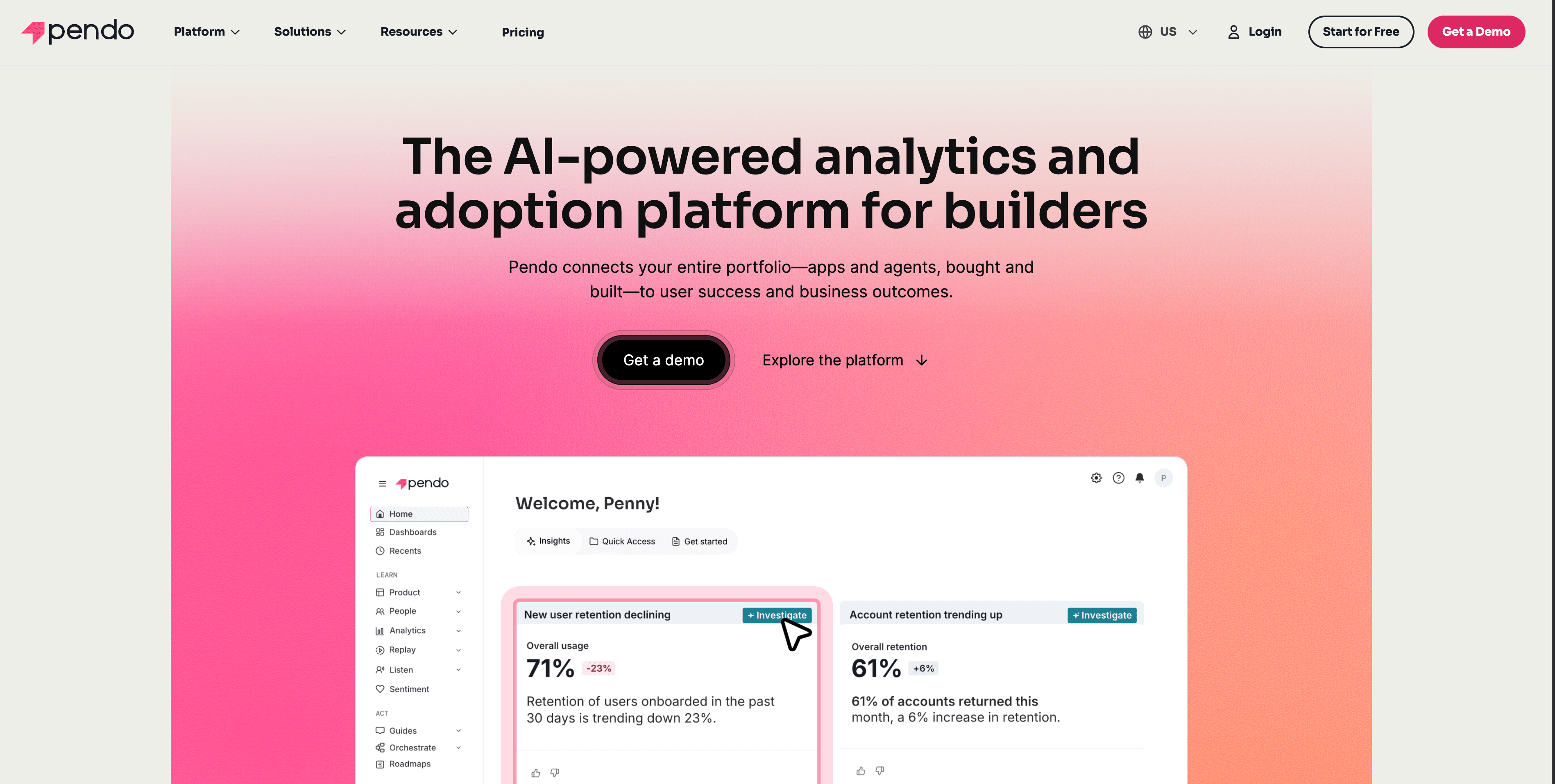
Pendo combines in-app guidance with product analytics - it tracks feature usage, NPS, and user paths, then lets you target specific user segments with guides, tooltips, and announcements based on their behavior.
The analytics layer is Pendo's biggest differentiator. You can see which features users aren't discovering, then create targeted guidance to drive adoption. It's a more sophisticated product than Appcues and priced accordingly.
Best for: Product teams that want to combine behavioral analytics with in-app guidance in one platform.
Pricing: Starts around $7,000/year; enterprise plans vary
4. Userpilot
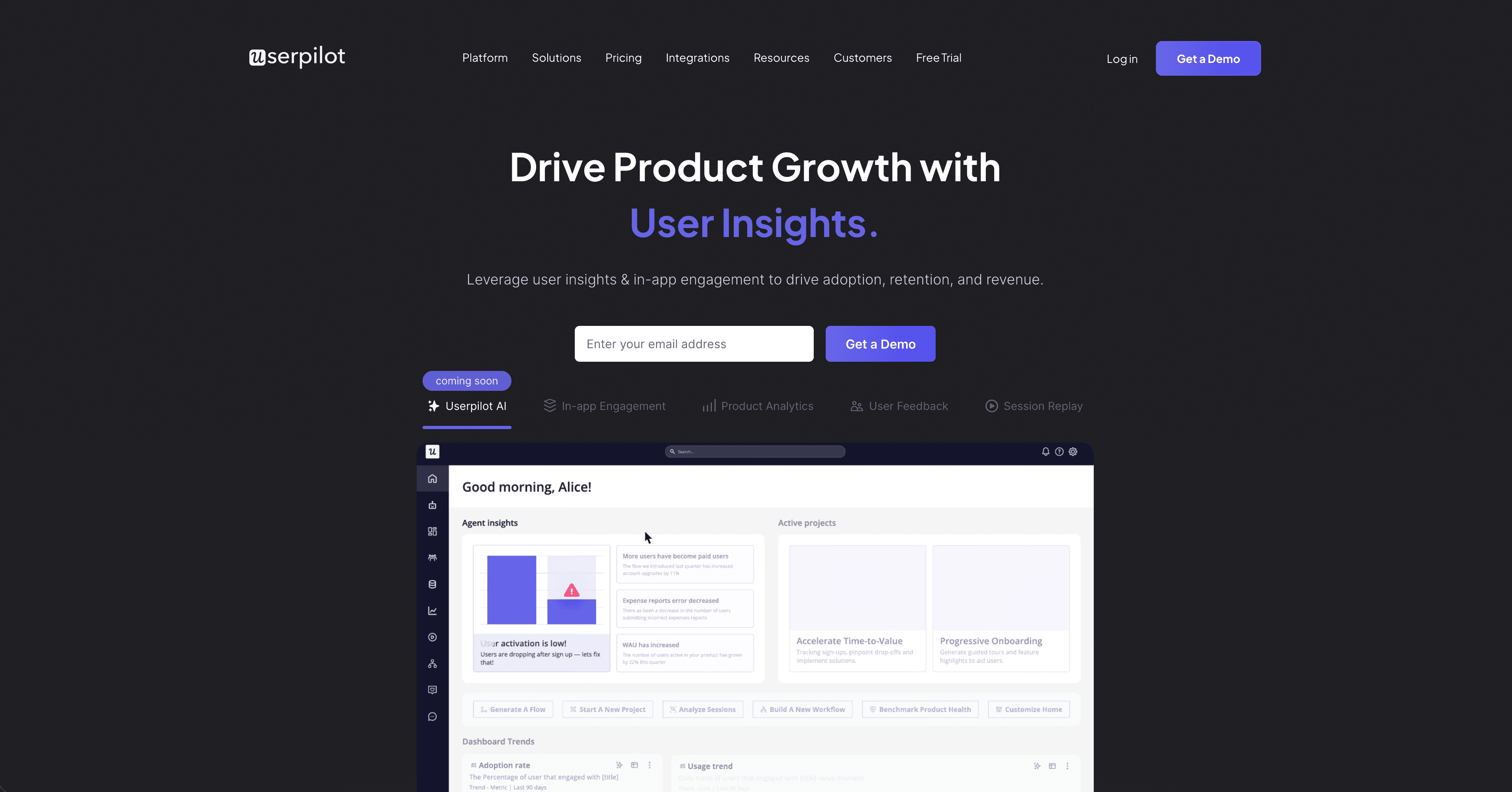
Userpilot focuses on product activation and feature adoption. It supports onboarding checklists, tooltips, banners, and in-app resource centers where users can search help content without leaving the product.
The resource center feature is particularly relevant here - it's a lightweight help widget that can surface video content, help articles, and links to your documentation directly inside your product.
Best for: SaaS teams focused on activation metrics and feature discovery, with a need for an in-product resource center.
Pricing: Starter from $249/month
5. WalkMe
WalkMe is the enterprise end of the DAP market. It supports complex workflow guidance, cross-app automation, deep analytics, and compliance features. It's used primarily at large organizations with multiple internal tools and significant change management challenges.
Implementation typically requires dedicated resources and a longer setup timeline. For most SaaS companies, WalkMe is more tool than they need. It's mentioned here for completeness - teams at scale or in regulated industries may find it worth the investment.
Best for: Enterprise organizations managing large-scale software adoption across complex internal tool stacks.
Pricing: Custom (request a quote)
6. Intercom
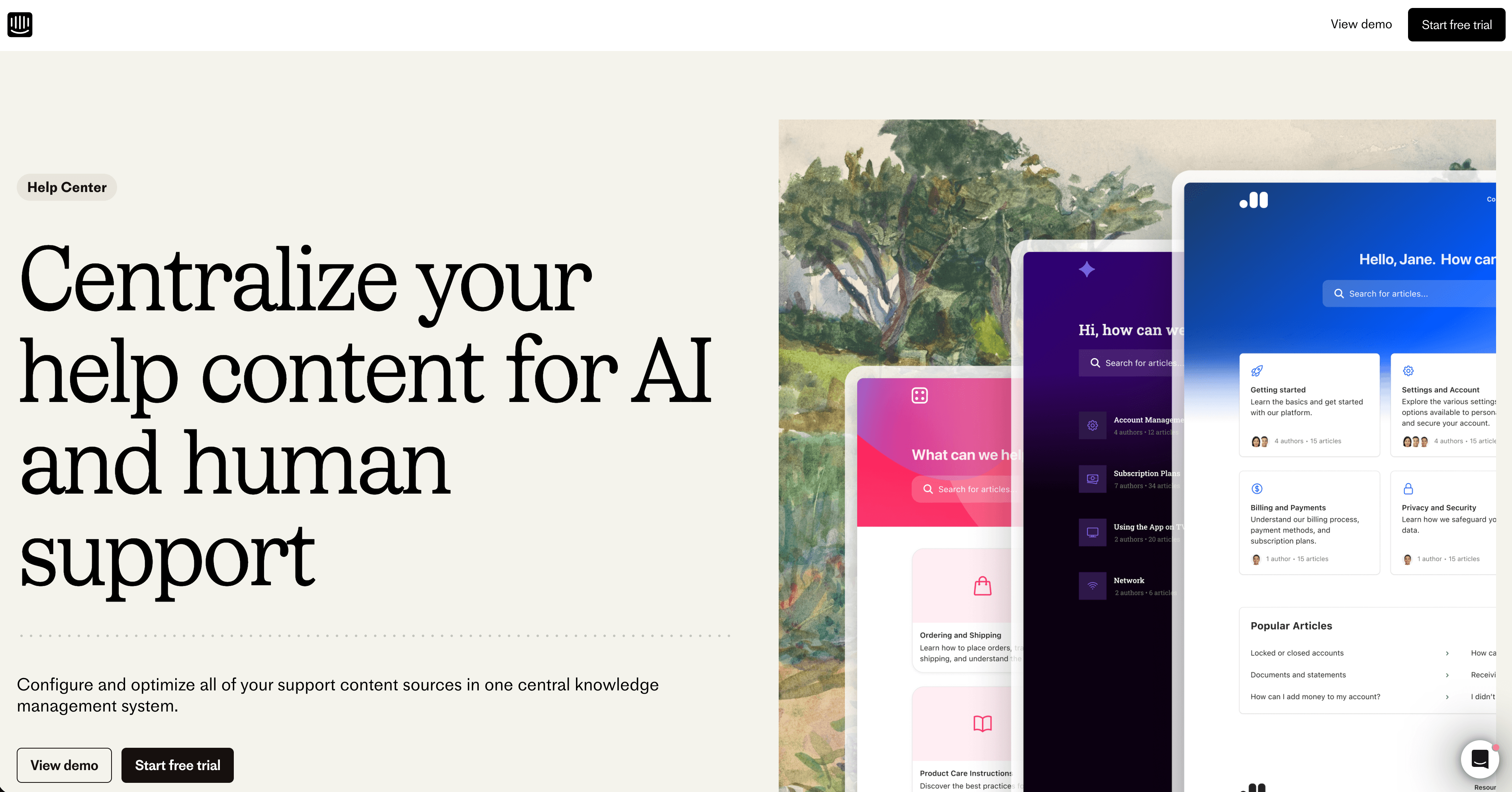
Intercom isn't a traditional in-app guidance tool, but its product tours, checklists, and in-app messaging features are widely used for onboarding. It also connects directly to a help center, making it easier to surface the right documentation at the right moment.
Where Intercom shines is the combination of proactive guidance (push messages, tours) and reactive support (chat, tickets) in one platform. For many SaaS teams, this unified view justifies the cost.
Best for: Teams that want in-app guidance and customer support in one tool, without needing a standalone DAP.
Pricing: From $74/month (Essential); varies significantly by seat count and features
7. Chameleon
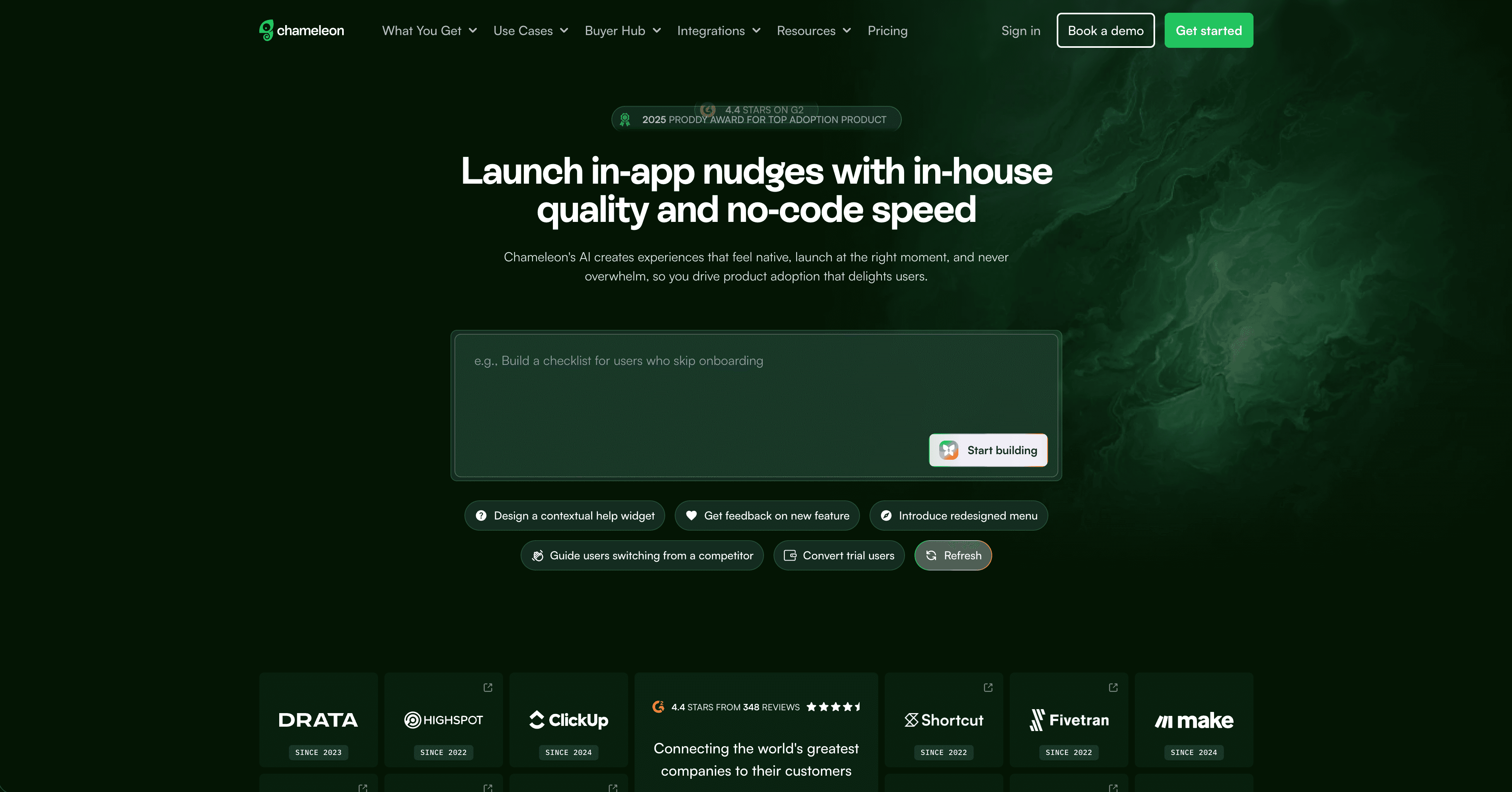
Chameleon is a product adoption tool focused on in-app experiences - tours, tooltips, microsurveys, and launchers. It's code-light and integrates with most major SaaS stacks.
It's a strong mid-market option for teams who find Appcues or Userpilot too heavy or too expensive. The launcher feature (a persistent in-app menu surfacing checklists, announcements, and content) is one of its more distinctive capabilities.
Best for: Mid-market SaaS teams who want a clean, modern product adoption tool without enterprise pricing.
Pricing: Startup from $279/month
How these tools compare
| Tool | In-app overlays | Tutorial video | Help articles | Translation | Analytics |
|---|---|---|---|---|---|
| Clevera | No (via embed) | Yes | Yes | 70+ languages | No |
| Appcues | Yes | No | No | Limited | Basic |
| Pendo | Yes | No | No | No | Advanced |
| Userpilot | Yes | No | Limited | No | Basic |
| WalkMe | Yes | No | No | Limited | Advanced |
| Intercom | Yes | No | Yes (articles) | Limited | Basic |
| Chameleon | Yes | No | No | No | Basic |
Which tool is right for your team?
For in-app overlays, tours, and checklists: Appcues, Userpilot, or Chameleon are the most practical starting points for growth-stage SaaS. Pendo if you need analytics depth; WalkMe if you're enterprise.
For tutorial video content and help documentation: Clevera is the strongest option - from one screen recording you can generate a how-to video, an article, and other formats as separate items, keep published videos current with LiveSync, and translate into 70+ languages.
For both: Many teams pair Clevera (for video and documentation content) with one of the overlay tools (for in-product tours and checklists). The 2 approaches are complementary - one guides users proactively at key moments, the other gives them content to reference when they need it.
The right product adoption tools stack depends on where your adoption friction actually lives. Start by identifying whether your problem is "users don't discover features" (overlay tools) or "users discover features but can't figure them out" (documentation and video content) - then pick accordingly.
FAQ
What is in-app guidance software?
In-app guidance software helps users understand and navigate your product without leaving it. It delivers tooltips, product tours, onboarding checklists, walkthrough videos, and help articles at the moment of need - inside the product interface. The category covers two main approaches: interactive UI overlays (product tours, modals, checklists) built by tools like Pendo, Appcues, and Userpilot, and on-demand tutorial content (video walkthroughs, help articles) produced by tools like Clevera. Most mature SaaS adoption strategies combine both.
What are the best in-app guidance tools for small SaaS teams?
For small SaaS teams, the best options balance fast setup and practical features without enterprise pricing. For in-app overlays and onboarding checklists, Appcues, Chameleon, and Userpilot are the most accessible starting points - all offer no-code builders and work without engineering resources. If your primary challenge is building tutorial video content and help documentation rather than UI overlays, Clevera is the most efficient choice: one screen recording can become a narrated how-to video, a help article, and other formats as independent items, with LiveSync keeping published videos current as your product changes.