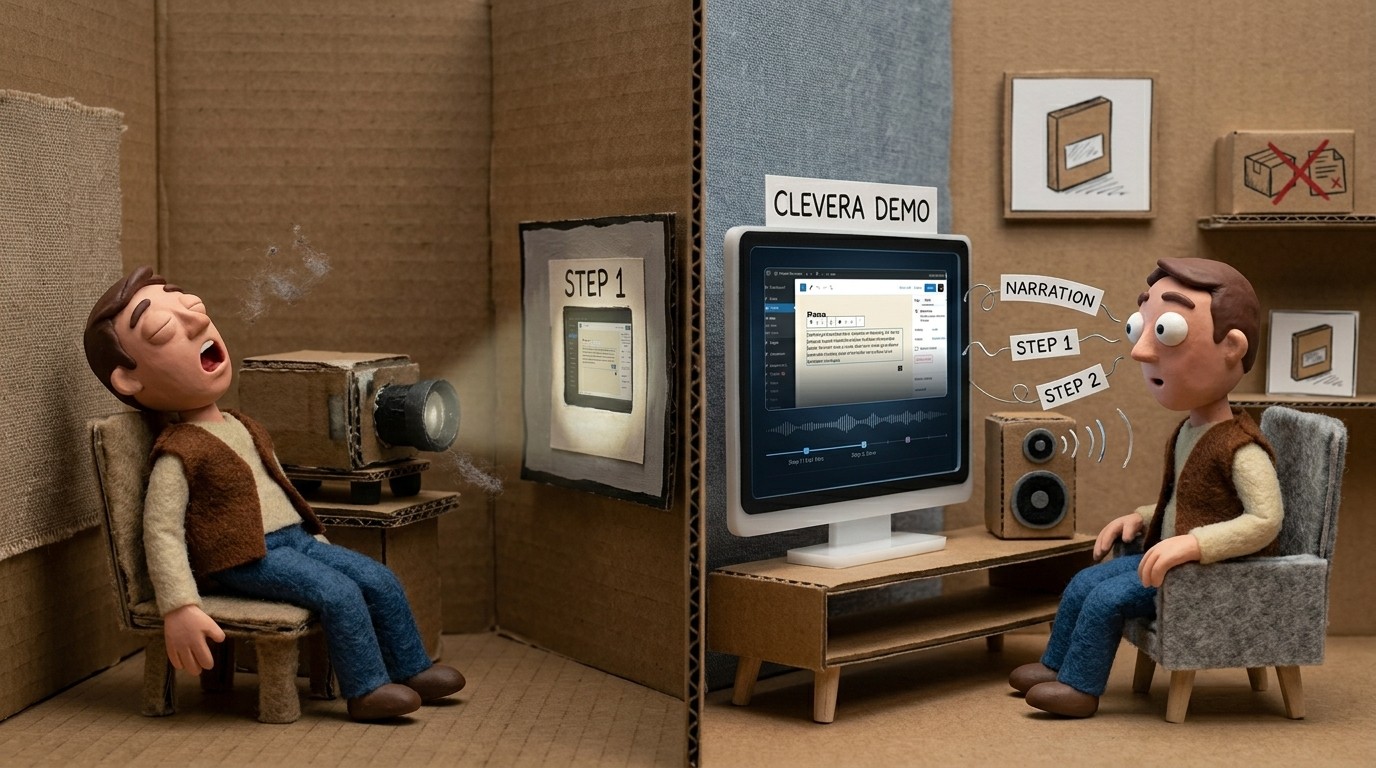
What is a digital adoption platform — and do you actually need one?

The term "digital adoption platform" gets thrown around a lot, but the definition is murkier than it should be. Some vendors use it to describe enterprise software with AI-powered analytics and multi-app orchestration. Others use it to describe a simple tooltip builder. The category has expanded fast enough that "DAP" can mean very different things depending on who's talking.
This post gives you a clear answer to the core questions: what is a digital adoption platform, how does it actually work, and whether your team needs one at all.
What a digital adoption platform is
A digital adoption platform is software that helps users learn to use other software — faster, with less friction, and without requiring 1:1 support for every new feature or workflow.
In practice, a DAP does some combination of the following:
In-app guidance: Tooltips, product tours, checklists, and modals that appear inside your product to walk users through key workflows
On-demand help content: Tutorial videos, help articles, and guides that users can access when they're stuck — often surfaced through a help widget inside the product
Behavioral analytics: Tracking which features users are and aren't discovering, where they drop off, and how guidance affects behavior
Targeted messaging: Delivering specific content to specific user segments based on their behavior, role, or lifecycle stage
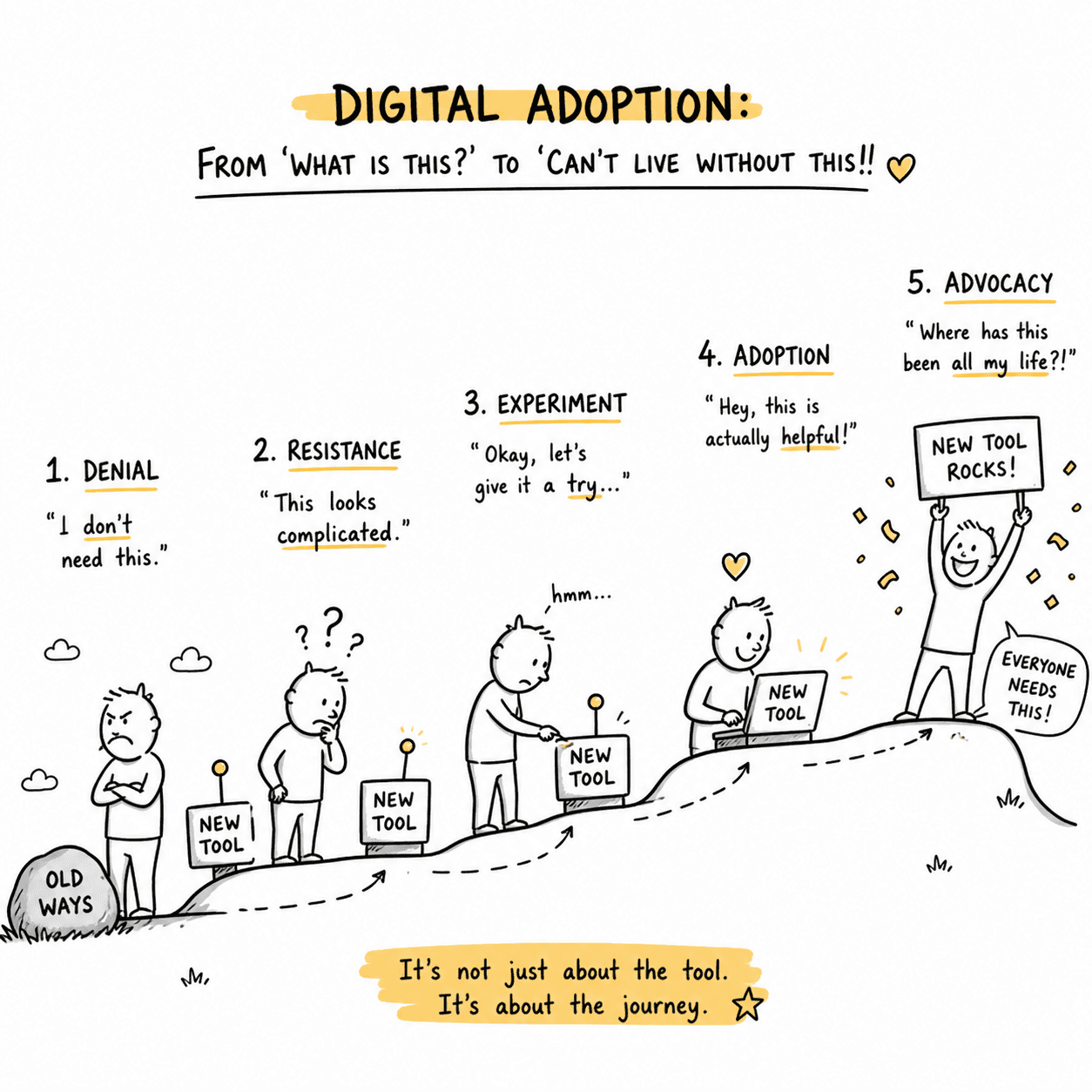
Enterprise DAPs (like WalkMe, Pendo, and Whatfix) typically include all of these in a deeply integrated platform. Lightweight DAPs and adjacent tools cover specific parts of this list at a more accessible scale.
How digital adoption platforms work
The mechanics vary by tool, but most DAPs work by sitting as a layer on top of your product:
For in-app overlays: The DAP injects a JavaScript widget into your product. That widget renders tooltips, tours, checklists, and other UI elements on top of your existing interface, based on rules you configure (what page the user is on, what action they just took, how far they are in onboarding).
For help content: The DAP hosts a resource center — typically a small widget or panel accessible from within the product — where users can search tutorials, watch videos, read articles, or access checklists without leaving the app.
For analytics: The DAP tracks user behavior (feature usage, guide completion, click patterns) and reports on it in a dashboard, so you can see whether guidance is improving adoption metrics.
Content is usually created in a visual editor — you configure tooltips and tours by clicking through your own product, selecting the elements you want to annotate, and adding instructions. No coding required for most tools.
Why companies use digital adoption platforms
The business case for digital adoption tooling comes down to a few related problems:
Slow time-to-value: Users sign up and churn before they experience the core benefit of the product. Better onboarding guidance shortens the path from signup to activation.
High support volume from basic questions: A significant percentage of support tickets aren't about bugs — they're about users not knowing how to do something. In-app guidance and searchable tutorial content deflect those tickets before they happen.
Low feature adoption: Users find 1-2 features and never explore the rest. Targeted guidance drives discovery of functionality that increases retention and expansion revenue.
Distributed teams and global users: When you can't do 1:1 training for every user, scalable content — tutorial videos, help articles, in-app walkthroughs — does the work instead.
Do you actually need a DAP?
Probably not a full enterprise DAP. Possibly some form of digital adoption tooling.
Here's a practical framework:
You need digital adoption tooling if:
New users regularly get stuck at the same points in your product
You're answering the same support questions repeatedly
Your feature adoption metrics show users missing key functionality
You're scaling to markets where you can't do high-touch onboarding
You might not need it yet if:
You have fewer than a few hundred users and can still do meaningful 1:1 onboarding
Your product is simple enough that users figure it out without guidance
You haven't invested in basic documentation and tutorial content yet — start there first
You definitely don't need WalkMe if:
You're a small or mid-size team without dedicated implementation resources
Your budget is under $5,000/month for this category
You don't have a complex multi-app environment with enterprise change management needs
Frequently asked questions about digital adoption platforms
What's the difference between a DAP and an onboarding tool?
Onboarding tools focus on the first-run experience — getting new users started. A DAP covers the full user lifecycle: onboarding, feature discovery, ongoing education, and re-engagement. Most DAPs include onboarding as one component of a broader adoption strategy.
Does a digital adoption platform replace a help center?
No — they serve different jobs. A help center is where users go when they have a question and search for an answer. A DAP delivers guidance proactively, at the moment a user is likely to need it, without the user having to search. The two are complementary.
Is a DAP the same as a product tour tool?
Product tours are one feature within a DAP, not the whole thing. A DAP typically also includes analytics, lifecycle-stage messaging, help content surfacing, and targeting. A product tour tool (like a basic popup library) does just the tours.
Can a small team use a DAP?
Yes, but not necessarily the enterprise category. Small teams are usually better served by lightweight tools — video tutorial platforms like Clevera for documentation content, lightweight overlay tools like Appcues or Chameleon for in-app guidance, or a platform like Intercom that bundles basic guidance with support in one tool.

What should I look for in a digital adoption platform?
Depends on your stage:
For early-stage teams: fast setup, no-code content creation, affordable pricing, and the ability to create tutorial videos and help articles without a production team.
For growth-stage teams: add user segmentation (so you can deliver different content to different user types), behavioral analytics (so you can measure whether guidance is working), and integrations with your CRM and product analytics stack.
For enterprise teams: add compliance features, multi-app support, advanced analytics, and the implementation resources that enterprise DAPs require.
How do DAPs handle content that gets stale?
This is one of the biggest practical challenges with in-app overlays: every time your product UI changes, any tooltip or tour that references the changed elements breaks and needs to be rebuilt.
Tools that use tutorial video content instead of (or alongside) overlays have a lower maintenance burden. Clevera's LiveSync feature, for example, means you update a video once and every embedded instance — across your help center, your docs, your in-app widget — updates automatically. That's very different from maintaining dozens of individual tooltips that each need updating when the UI changes.
The bottom line
A digital adoption platform is any tool that helps users adopt software — through in-app guidance, on-demand tutorial content, targeted messaging, or behavioral analytics.
Whether you need one, and which kind, depends on where your adoption friction actually lives and what resources you have to address it. For most small and mid-size SaaS companies, that means starting with strong tutorial content and help documentation — the foundation that every digital adoption strategy needs before adding layers on top.