Best WalkMe alternatives for small teams in 2026

WalkMe is one of the most powerful digital adoption platforms on the market. It's also one of the most expensive, most complex, and most resource-intensive to implement and maintain. It's built for large enterprises managing software adoption across thousands of employees - not for a 15-person SaaS company or a 3-person customer success team.
If you're looking for a WalkMe alternative for small teams, you're not looking for less of WalkMe. You're looking for something that solves the same core problem - helping users understand and adopt your product - without requiring a dedicated implementation team, a 6-figure contract, or months of setup.
Here's what actually fits.
What small teams need (that WalkMe over-delivers on)
To pick the right alternative, it helps to be clear about what a small team actually needs from a digital adoption tool:
Fast setup: You can't spend 3 months implementing it. It should be live in days, not quarters.
No-code content creation: The person creating tutorials and guides probably isn't an engineer. The tool needs to work without developer involvement.
Affordable pricing: Most small teams have a $30-$300/month budget for this category, not $50,000/year.
Focused scope: You don't need predictive analytics, multi-app orchestration, or enterprise SSO on day one. You need to guide users through your product.
With those criteria in mind, here are the alternatives worth evaluating.
1. Clevera

Clevera is the best WalkMe alternative for small SaaS teams whose primary need is tutorial video content and help documentation - the building blocks of a sustainable digital adoption strategy.
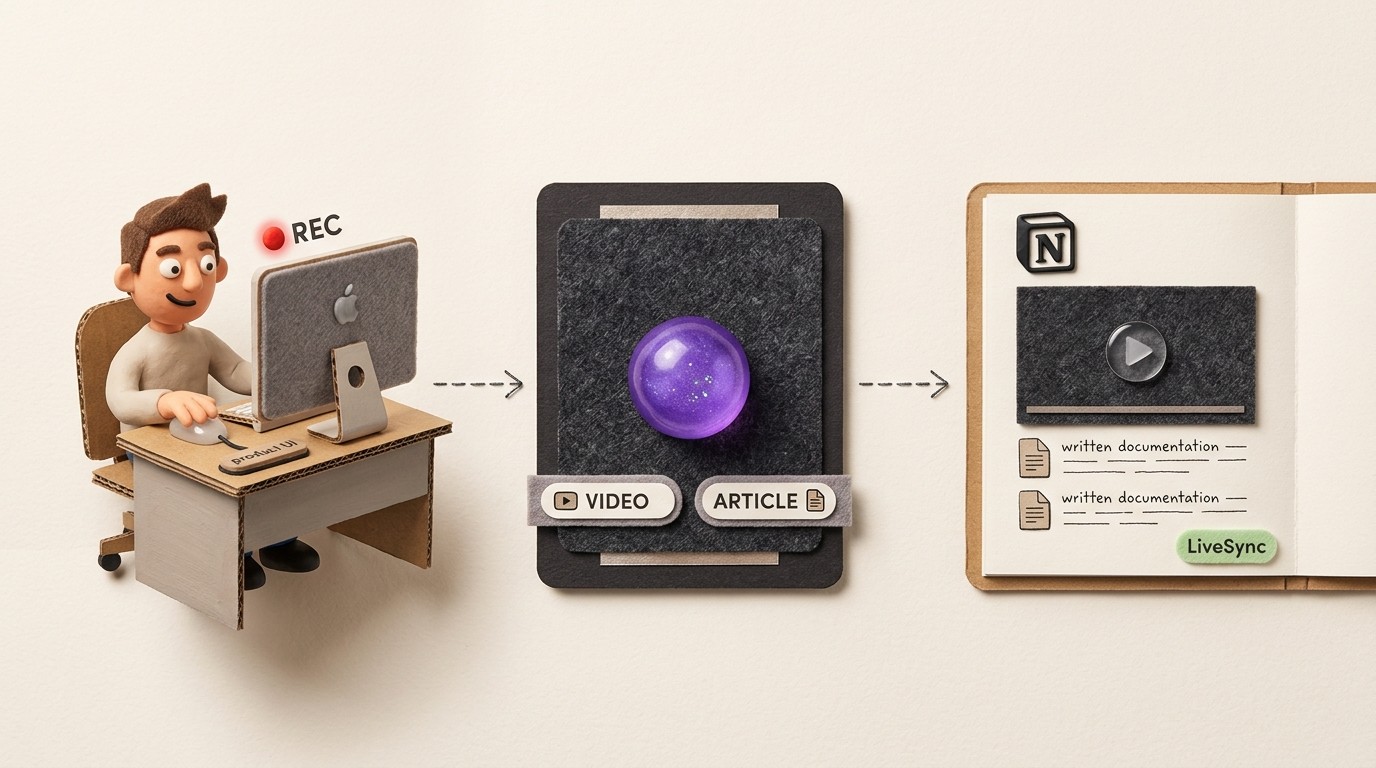
Instead of in-app overlays that break every time you ship a UI update, Clevera helps you build a library of narrated tutorial videos and help articles that users can access on demand. You record your screen (no live narration required), and Clevera generates an AI-narrated video and a formatted help article simultaneously.
Why Clevera works for small teams:
No implementation overhead: You can be recording and publishing tutorials the same day you sign up. No developer work, no JavaScript installation, no setup calls.
Low maintenance: LiveSync keeps all embedded tutorial content up to date automatically. When your product changes, you update the video once and every embedded instance updates. No WalkMe-style content fragility where every UI change breaks your tooltips.
Affordable: Starts at $29/month - not $50,000/year.
Multilingual: 70+ language translation in a single click. Useful for small teams serving global users without a dedicated localization budget.
Multiple outputs: one recording can become a video, a written guide and more. Several assets from one recording session.
Best for: Small SaaS teams, customer success managers, and documentation teams who want to build tutorial content and help documentation without enterprise tooling.
Pricing: Starter $29/mo, Pro $99/mo, Business $59/mo (annual)
2. Appcues
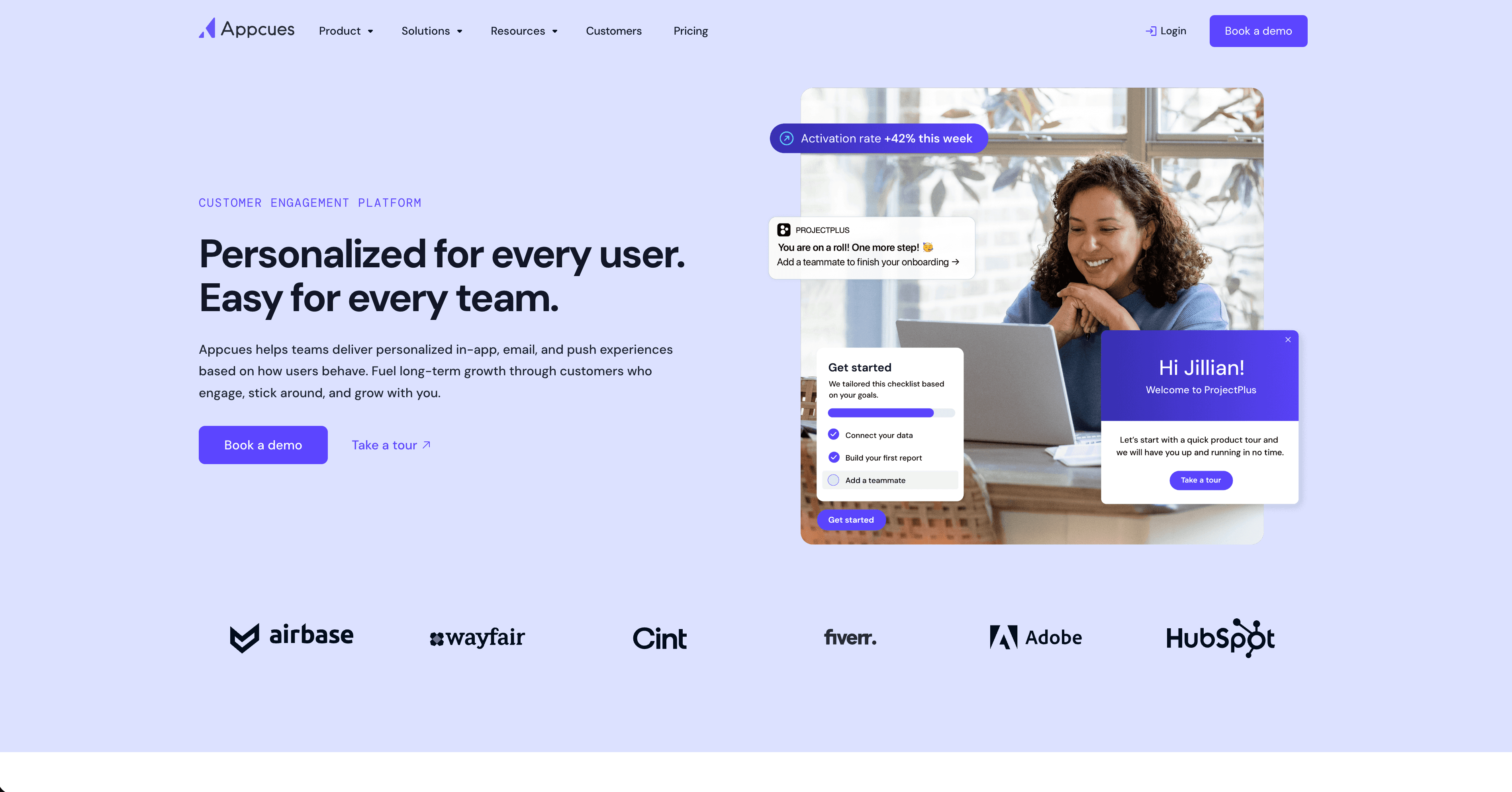
Appcues is a no-code product adoption platform that lets non-technical team members build in-app flows - onboarding checklists, modal announcements, tooltips, and product tours - using a visual editor.
It's the most widely-used WalkMe alternative in the mid-market. Setup is genuinely manageable without engineering, and it integrates with Segment, HubSpot, and most analytics tools. The tradeoff: pricing starts around $250/month, which is affordable relative to WalkMe but significant for very small teams.
Best for: Growth-stage SaaS companies that want in-app overlays and onboarding flows without enterprise complexity.
Pricing: From ~$249/month
3. Userpilot
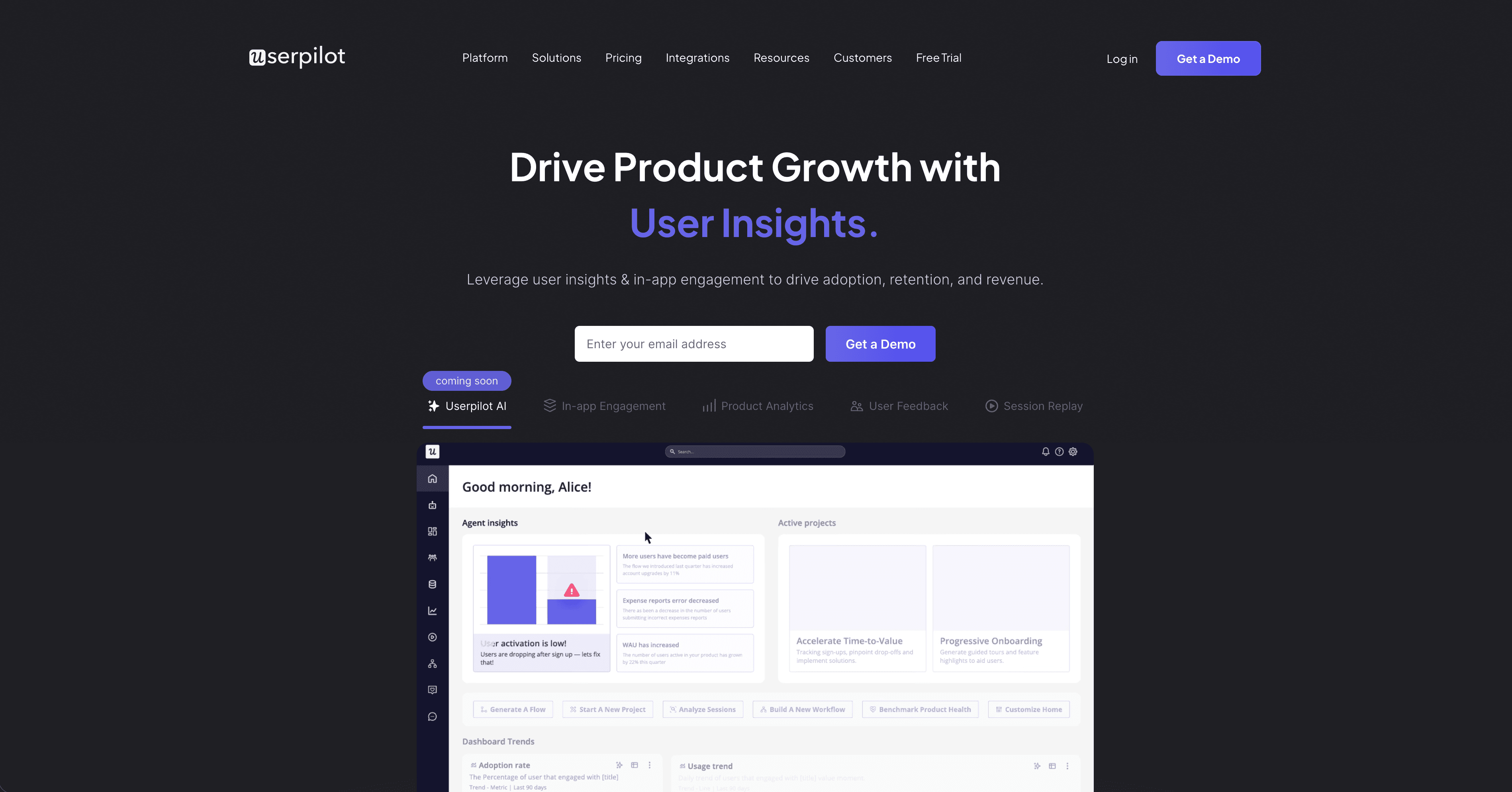
Userpilot covers in-app experiences - tours, tooltips, banners, and a resource center - alongside basic analytics. The resource center is a particularly useful feature: it's an in-app help widget where users can search for content, watch tutorial videos, and find checklists without leaving the product.
For small teams, Userpilot is often a better fit than Appcues because its resource center makes it easier to surface tutorial content inside the product without building complex flows.
Best for: Small to mid-size SaaS teams who want in-app guidance with a searchable help widget.
Pricing: Starter from ~$249/month
4. Chameleon
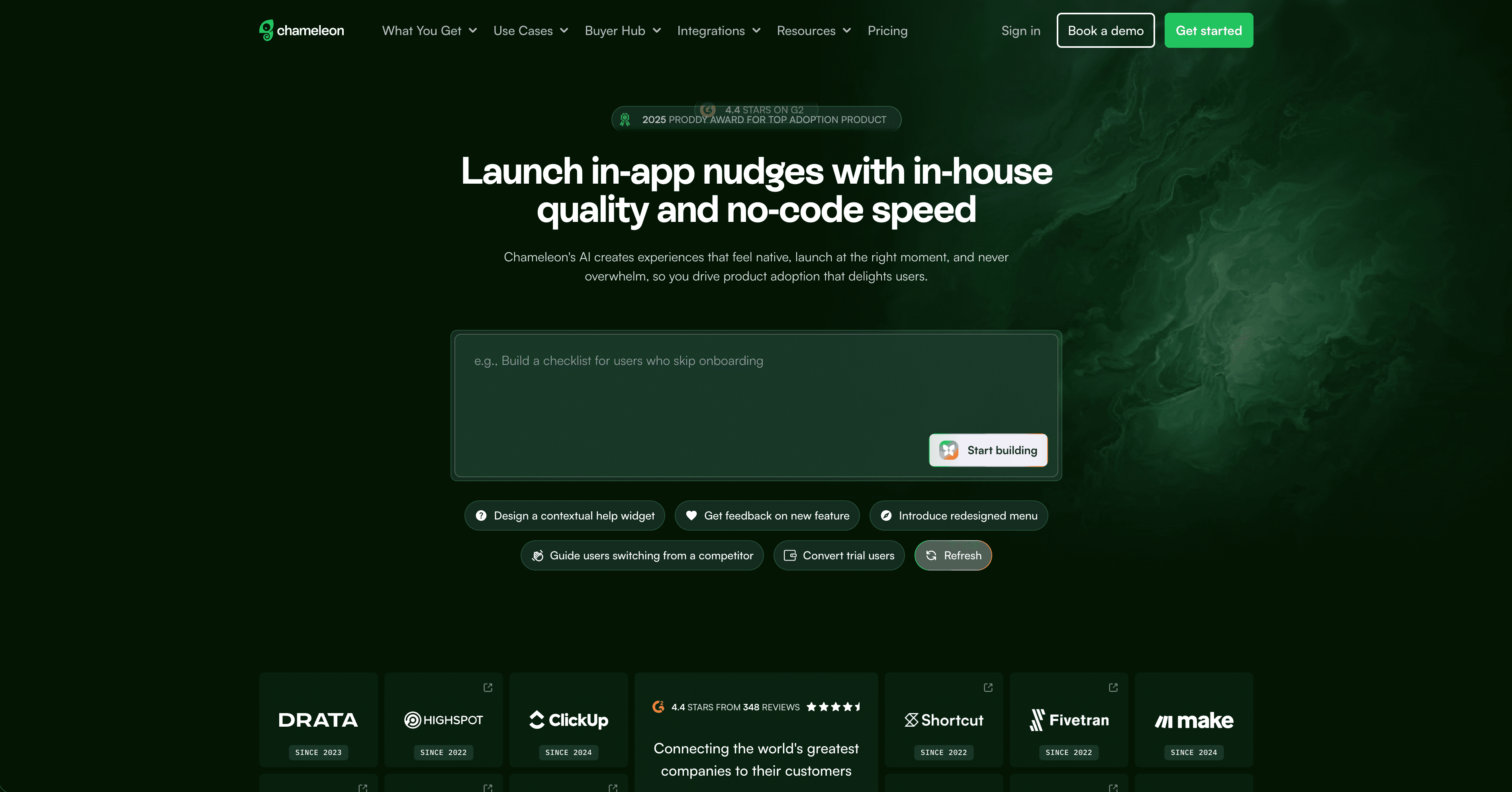
Chameleon is a product adoption tool with a focus on in-app experiences - launchers, tooltips, microsurveys, and tours. It's modern, developer-friendly, and integrates cleanly with most SaaS stacks.
For small teams, Chameleon's standout feature is the launcher - a persistent in-app button that surfaces a menu of checklists, announcements, and help content. It's less complex than WalkMe's full suite but covers the in-app guidance use case well.
Best for: Technical small teams who want a modern, developer-friendly product adoption tool.
Pricing: Startup from ~$279/month
5. Intercom
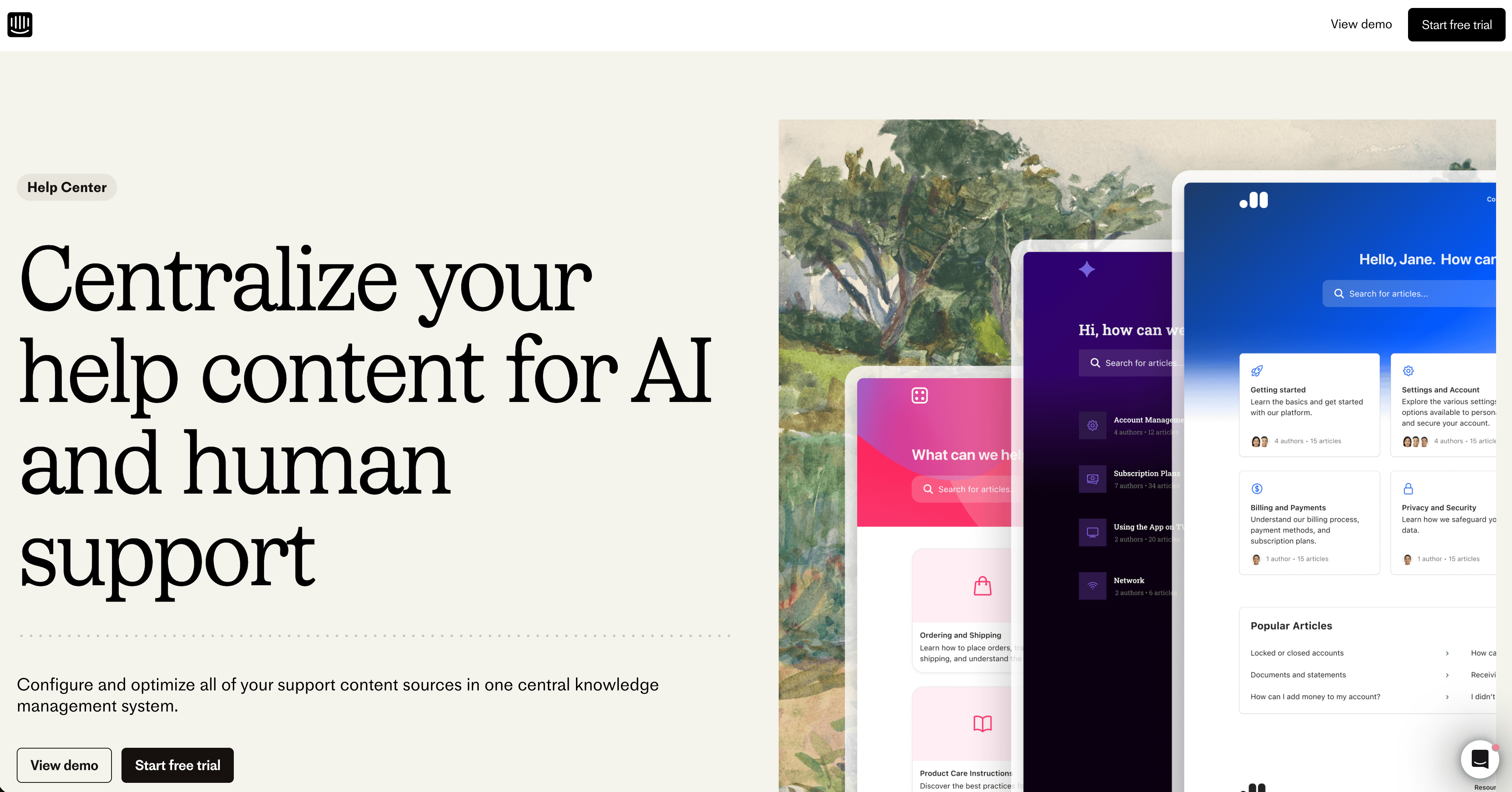
Intercom isn't a DAP, but small teams often choose it as a WalkMe alternative because it bundles in-app messaging, product tours, checklists, a help center, and customer support in one platform. For a team that doesn't want to manage multiple tools, that consolidation has real value.
The in-app tours and onboarding checklists are less powerful than dedicated DAPs - but for simple onboarding flows, they're often enough.
Best for: Small teams that want to consolidate support, messaging, and basic in-app guidance in one tool.
Pricing: From $74/month (Essential); pricing scales quickly with seat count and features
WalkMe vs small-team alternatives: key differences
WalkMe | Clevera | Appcues | Userpilot | Chameleon | Intercom | |
|---|---|---|---|---|---|---|
Setup time | Months | Hours | Days | Days | Days | Days |
In-app overlays | Yes | No | Yes | Yes | Yes | Limited |
Tutorial videos | No | Yes | No | No | No | No |
Help articles | No | Yes | No | No | No | Yes |
Translation | Limited | 70+ languages | No | No | No | Limited |
Pricing | $50K+/year | From $29/mo | From $249/mo | From $249/mo | From $279/mo | From $74/mo |
Small team fit | Poor | Excellent | Good | Good | Good | Good |
How to choose
If your problem is "users get in-app and don't know what to do next": You need in-app overlays - tooltips, checklists, or a resource center. Appcues, Userpilot, or Chameleon will serve you better than WalkMe at a fraction of the cost.
If your problem is "users can't figure out specific workflows and keep opening support tickets": You need tutorial content. Clevera is the fastest way to build a library of narrated video tutorials and help articles that users can self-serve.
If you need both: Pair Clevera (for tutorial content and documentation) with a lightweight overlay tool like Chameleon or Appcues (for in-app prompts). Many small teams use this combination - Clevera for the "what do I do and how?" content, an overlay tool for proactive nudges at key moments.
The one thing almost no small team needs is WalkMe itself. The value is real at enterprise scale with complex adoption challenges. At small team scale, the cost, complexity, and implementation overhead make it the wrong tool for the job.
FAQ
Is there a free WalkMe alternative? There are free or low-cost alternatives depending on what you need. Loom can work for informal walkthroughs, some in-app guidance tools offer trials, and Clevera starts at a small-team price point for AI-generated tutorial videos and help articles. For a true enterprise DAP replacement, most tools move into paid plans quickly.
What do WalkMe alternatives cost? WalkMe itself often runs in the tens of thousands per year for enterprise contracts. Small-team alternatives typically land in a much lower band: Clevera from about $29/month, Intercom from about $74/month, and in-app guidance tools such as Appcues, Userpilot, and Chameleon from roughly $249–$279/month depending on plan and seats. Many teams pair a lightweight overlay tool with a tutorial platform rather than paying WalkMe-scale pricing.
What is the best WalkMe alternative for SMBs? For SMBs that need in-app checklists and tooltips, Appcues, Userpilot, or Chameleon are better fits than WalkMe. For teams that mainly need scalable tutorial content, Clevera is often the better choice because it creates narrated videos and written help docs without a long implementation project.
What does WalkMe do and who are its competitors? WalkMe is a digital adoption platform used to guide users through software with in-app flows, prompts, analytics, and automation. Common WalkMe competitors include Appcues, Userpilot, Chameleon, Whatfix, Pendo, Intercom, and lighter documentation-led options like Clevera.