AI training video maker for software teams: what it is and why it works
Training videos for software products have traditionally been expensive and slow to produce. You needed a script, a clean recording, a narrated voiceover, a video editor, and someone with enough time to put it all together. Most software teams couldn't sustain that workflow for every feature, every onboarding flow, and every internal process — so they either had incomplete training libraries or relied on written docs alone.
AI training video makers change that dynamic. For software teams specifically, they're one of the most practical tools to adopt in 2026.
What is an AI training video maker?
An AI training video maker is a tool that takes a screen recording and automatically produces a finished training video from it — complete with narration, edited footage, and visual polish — without requiring manual video editing or audio recording.
The core mechanic: you record your screen while performing the task or demonstrating the feature you want to train on. The AI watches what you did, writes a narration script based on the on-screen activity, generates a natural-sounding voiceover, edits out mistakes and pauses, and produces a polished video ready to share or embed.
For software teams, where nearly all training content is screen-based, this approach covers the full scope of what you need to document: product walkthroughs, internal tool training, onboarding flows, admin configurations, troubleshooting guides, and more.
Why AI training video makers are particularly useful for software teams
Your product changes constantly. Software products ship updates frequently. Every time a UI changes or a new feature ships, training videos go out of date. With a traditional production workflow, updating a video costs nearly as much time as creating it in the first place. AI-generated videos can be re-created in minutes, which means training libraries can actually stay current.
Your team shouldn't need a video production background. In a conventional workflow, producing quality training video requires specific skills: comfortable on-mic delivery, video editing knowledge, familiarity with export settings. These skills aren't common across product, CS, and support teams. An AI training video maker removes the skill requirement — anyone who can perform a task in the software can record a training video for it.
Scale matters. A SaaS product might have dozens of distinct features, each needing its own training module. Producing all of them manually is a months-long project. Automating production means a team can build a complete training library in days rather than months.
Bite-sized training videos work better. Research consistently supports breaking training into short, focused modules rather than comprehensive walkthroughs. An AI training video maker makes it practical to create short individual videos for each feature or workflow, since the per-video production cost is low. Longer formats that were necessary to justify manual production time are no longer the default.
How Clevera works as an AI training video maker
Clevera is a Mac and Windows app that records your screen and automatically generates a narrated training video and a step-by-step written article from that recording. Here's how the workflow applies to software team training:
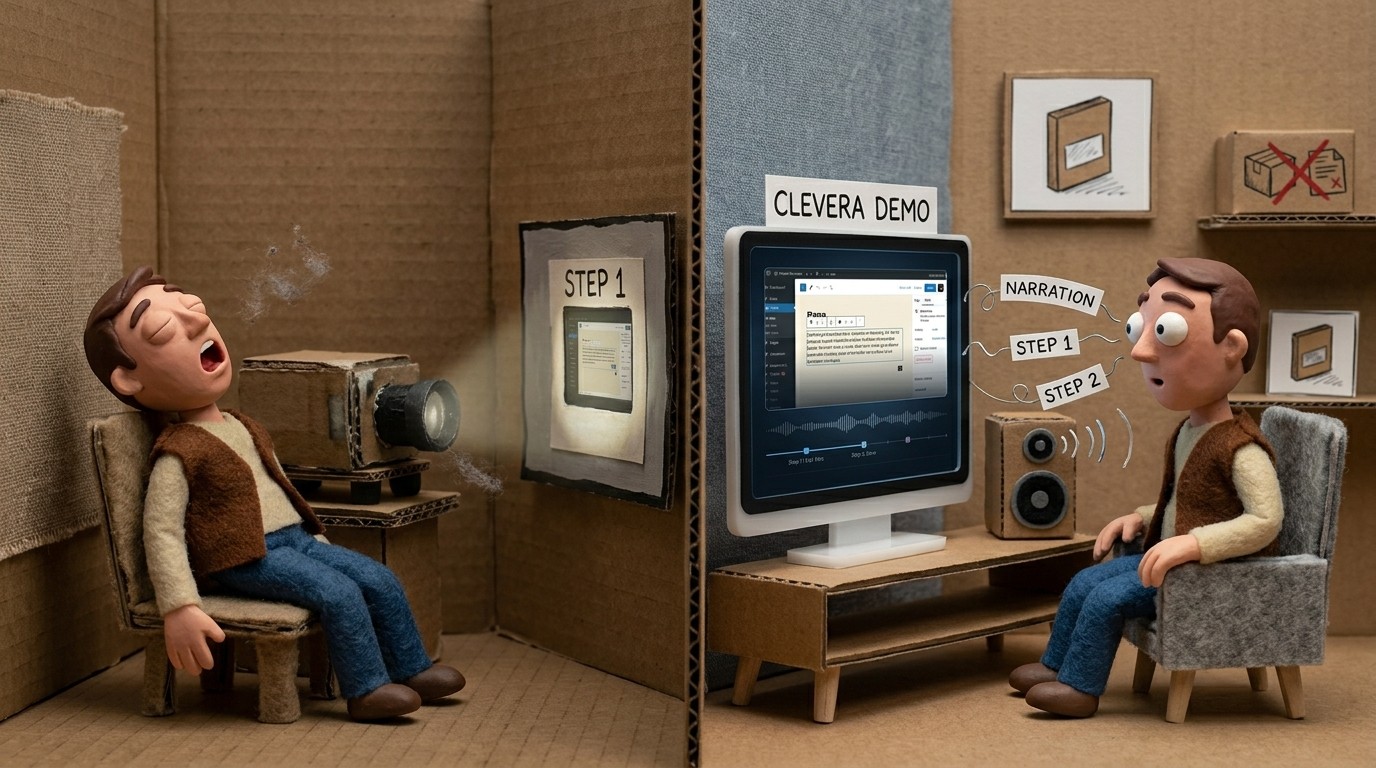
Record the workflow: Open Clevera and record your screen while demonstrating the task, feature, or process you're training on. Don't narrate — Clevera's AI writes the voiceover from what it observes on screen. This means any team member who knows the product can record training content, regardless of their comfort speaking on camera or mic.
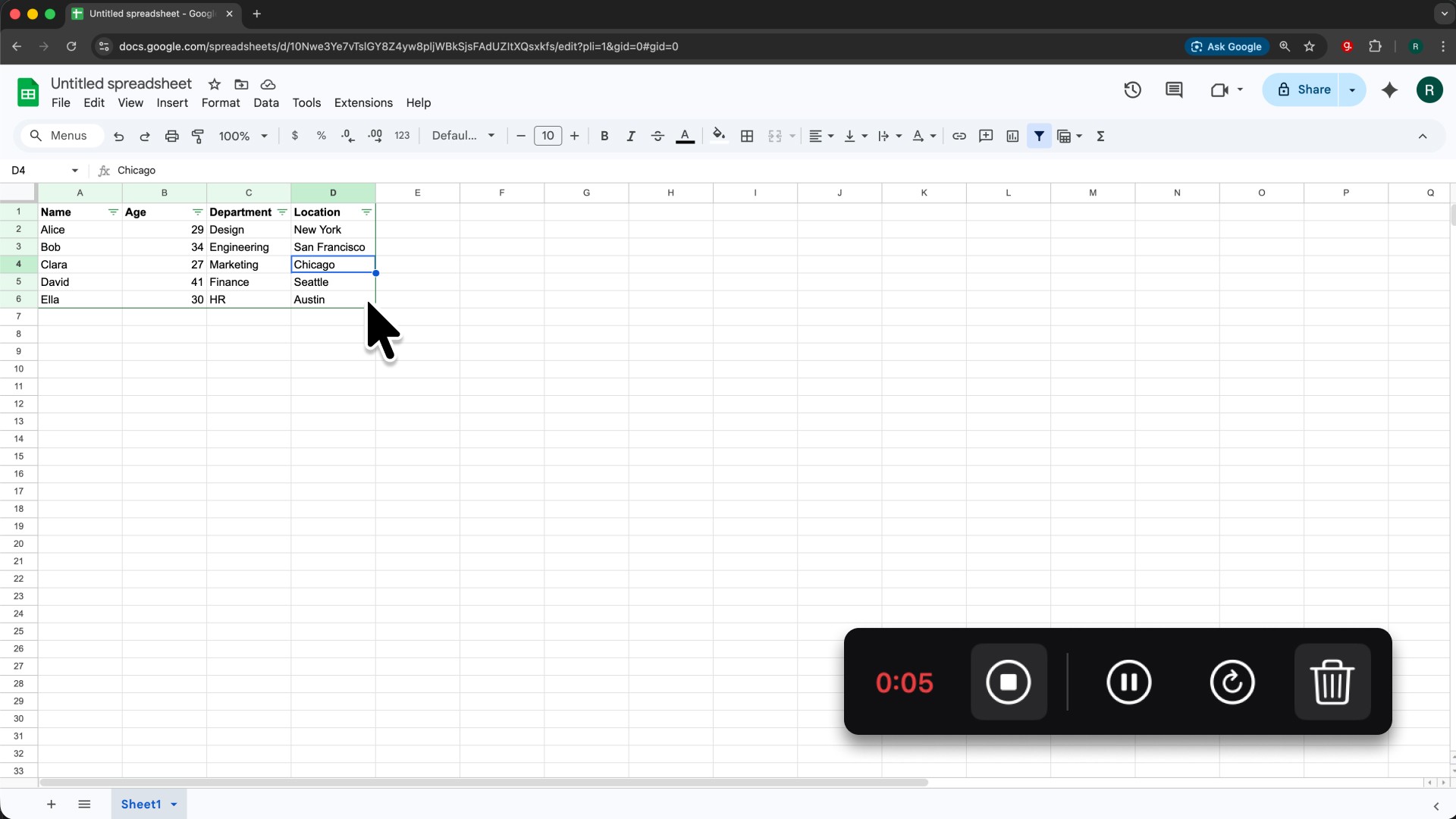
AI handles the production: After you stop recording, Clevera processes the footage. The AI identifies meaningful steps, removes accidental actions and pauses, writes a context-rich narration script, generates a natural-sounding AI voiceover, applies smart zoom on key interactions, and smooths cursor movement. What comes back is a finished training video, not raw footage.
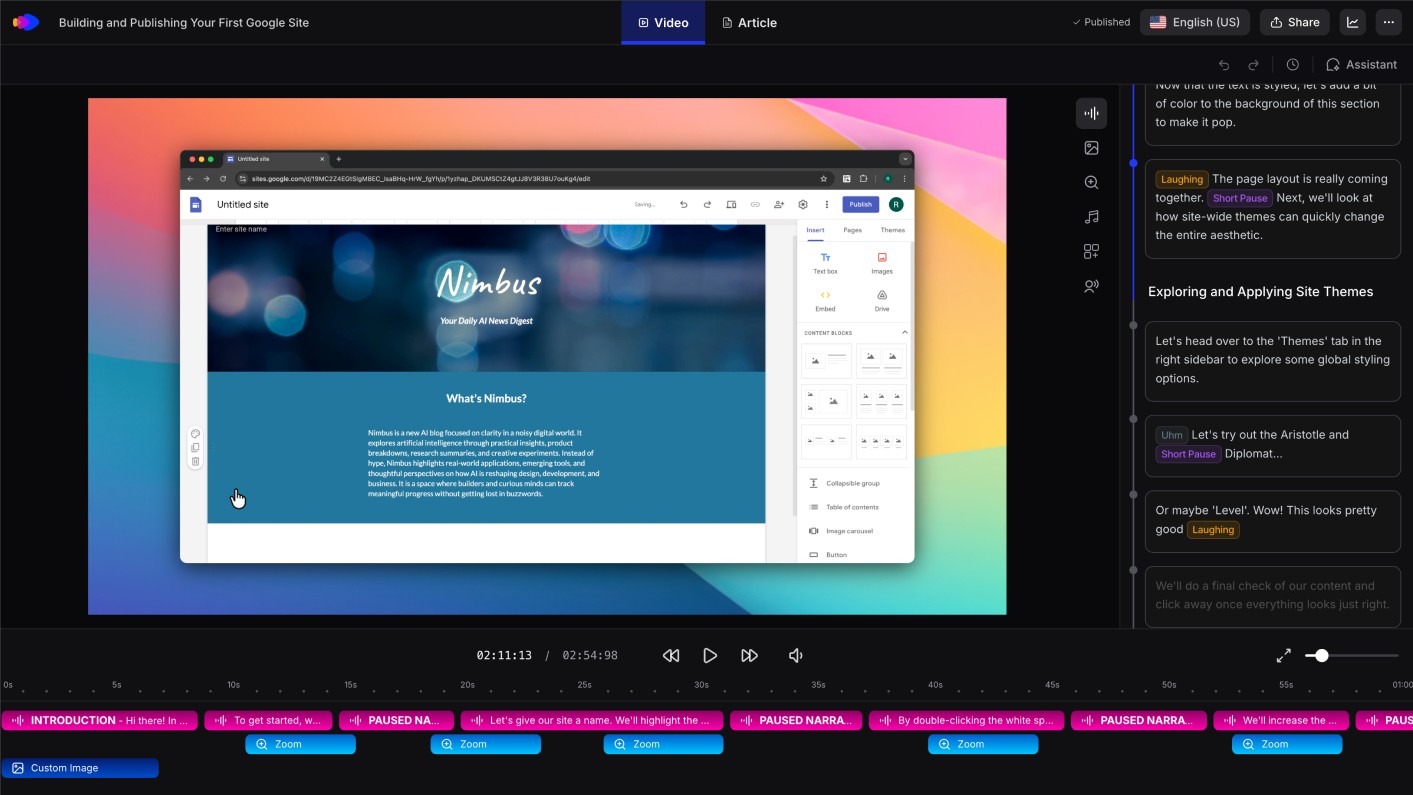
Written training article alongside: Clevera simultaneously generates a step-by-step training article with numbered steps, embedded screenshots, captions, and headers. Your team members who prefer reading over watching get an equally polished written format from the same recording session.
Publish to your employee training platform: export the video as MP4 or embed it as HTML. The article publishes directly to Notion, Confluence, GitHub, HelpScout, ClickUp, and other platforms your team already uses. Both formats are ready immediately.
Update without starting over: when the product updates, re-record the affected workflow. The new training video replaces the old one in the same time it took to create it originally. Clevera's LiveSync feature means changes to a published video's narration or style apply instantly across every embed — useful for updates that don't require new footage.
What to look for in an AI training video maker for software teams
Screen recording as the input: tools that require manual step input, text descriptions, or pre-written scripts add friction. Look for tools that work directly from your screen activity.
No narration required during recording: requiring live narration limits who on your team can produce training content. AI voiceover generation from screen context removes this barrier.
Both video and written output: bite-sized training videos are effective, but some learners reference written instructions. A tool that produces both formats from one recording doubles the utility of each session.
Direct publishing to training platforms: avoid tools that produce a file and leave the upload and formatting to you. Direct integration with your documentation and training platforms removes a friction point per video, which matters when you're producing at scale.
Translate for global teams: if your software team is global or your product serves international users, the ability to translate training content into multiple languages without a separate localization step is a practical advantage. Clevera translates both video narration and written articles into 70+ languages with one click.
Common training content software teams should produce first
If you're building a training video library from scratch, here's where to start:
Core product onboarding: the 3-5 workflows every new user or customer needs to complete in their first session. These are the highest-leverage training videos because they affect every user.
Feature-specific how-tos: short, focused videos for each distinct feature, especially the ones that generate the most support questions. Check your support ticket history and build videos for the top 10 questions.
Internal tool training: any tool your team uses internally — project management, analytics, CRM, data platforms — that has a learning curve for new hires. Recording these once means every new team member gets consistent training rather than a different explanation from whoever onboards them.
Admin and configuration: setup flows, permission management, integrations. These are used infrequently but are important when needed. Having a clear training video reduces support load and enables self-service.
The pattern: start with what's broken (most-asked support questions), then build out from there.