Best AI video editing tools in 2026: 8 compared
"AI video editing" is four jobs sharing one search query. Some tools generate a finished video from a screen recording. Some speed up cuts on footage you already shot. Some synthesize a presenter from a script. Some remain full nonlinear editors with AI bolted on. Pick the job first, or you buy a timeline for a workflow that should never open one.
Pricing and G2 figures below were checked in September 2026.
Two kinds of AI video tools, plus two more jobs
AI video generators take a recording or a prompt and construct finished output. For software tutorials, that means mistake removal, a written script, voiceover, timing, and visual polish without a long edit session.
AI-assisted editors keep you in the cut. Transcription, filler-word removal, auto-captions, and scene detection make each action faster. You still decide the story.
Two other jobs now sit on the same SERP. Clip-repurposing tools slice a long video into Shorts-style clips. Avatar studios render a presenter from text and skip the screen entirely. Mixing those four jobs in one ranking without labels is why so many "best AI video editor" lists send product teams to the wrong product.
AI video editing tools compared
Tool | Job | Starting price | G2 | User voice preserved | Best for |
|---|---|---|---|---|---|
Clevera | Generator | From $29/mo annual | No public G2 yet | Partial | Software tutorials, demos, and help articles from screen recordings |
Descript | Editor | Free; Hobbyist from $16/person/mo annual | 4.6 (837, listed on Descript.com) | Yes | Podcasts, interviews, and talking-head edits |
Runway | Generator | Free; Standard from $12/mo annual | Not verified | No | Prompt-to-video, effects, and creative B-roll |
CapCut | NLE | Free; Teams typically $15-30/seat/mo annual | Not verified | Yes | Short-form social timelines and templates |
Synthesia | Avatar | Free; Starter $29/mo monthly | 4.7 (vendor) | No | Presenter-led training without a camera |
Adobe Premiere | NLE | From $22.99/mo, annual billed monthly | 4.5 (1,673) | Yes | Broadcast and agency timelines already in Adobe |
OpusClip | Editor | Free; Starter from $15/mo | 4.6 (118) | Yes | Turning long videos into social clips |
VEED | Editor | Free; Creator from £10/user/mo yearly (UK pricing page) | Not verified | Yes | Browser captions, social resize, and rough cuts |
Partial for Clevera: how-to and product-demo videos use synthetic AI voiceover. Styled/share-ready and cleaned-up videos keep your microphone. Teasers use music and title cards, not AI narration. CapCut list prices are geo- and platform-gated; confirm in-app. VEED showed GBP on the official pricing page we checked.
1. Clevera

Best for: tutorial videos, product demos, onboarding, and how-to content from screen recordings
Clevera is built for software screen recordings, not interviews or prompt-native films. Capture with the desktop app (macOS or Windows, full OS), the Chrome extension (web in Chrome), or an upload. One source can yield independent Content items: a how-to video, a product demo, a teaser clip, a styled/share-ready video, a cleaned-up video, and an article. Videos and articles stay separate unless you pair them for a share page or embed.
How-to and demo formats use synthetic AI voiceover. The model removes accidental clicks and off-path navigation, writes a contextual script, applies smart zoom, and smooths the cursor. Styled/share-ready video keeps your voice and camera PiP, closer to a polished raw walkthrough. Cleaned-up video keeps your voice and tightens filler, repeats, and long pauses. Teasers skip AI voiceover and use music, title cards, and pacing.
The article is a structured how-to with screenshots in a Notion-like editor, ready for Notion, Confluence, GitHub, HelpScout, and other help-center destinations listed in Clevera's product docs.
LiveSync updates narration, overlays, styling, and edits on existing footage. It does not replace screen content when the product UI changes. Record or upload again when the interface has moved.
Clevera also translates tutorial videos and articles into 70+ languages. For tutorial, documentation, and demo video from a screen recording, it is the tool to start with in 2026.
2. Descript
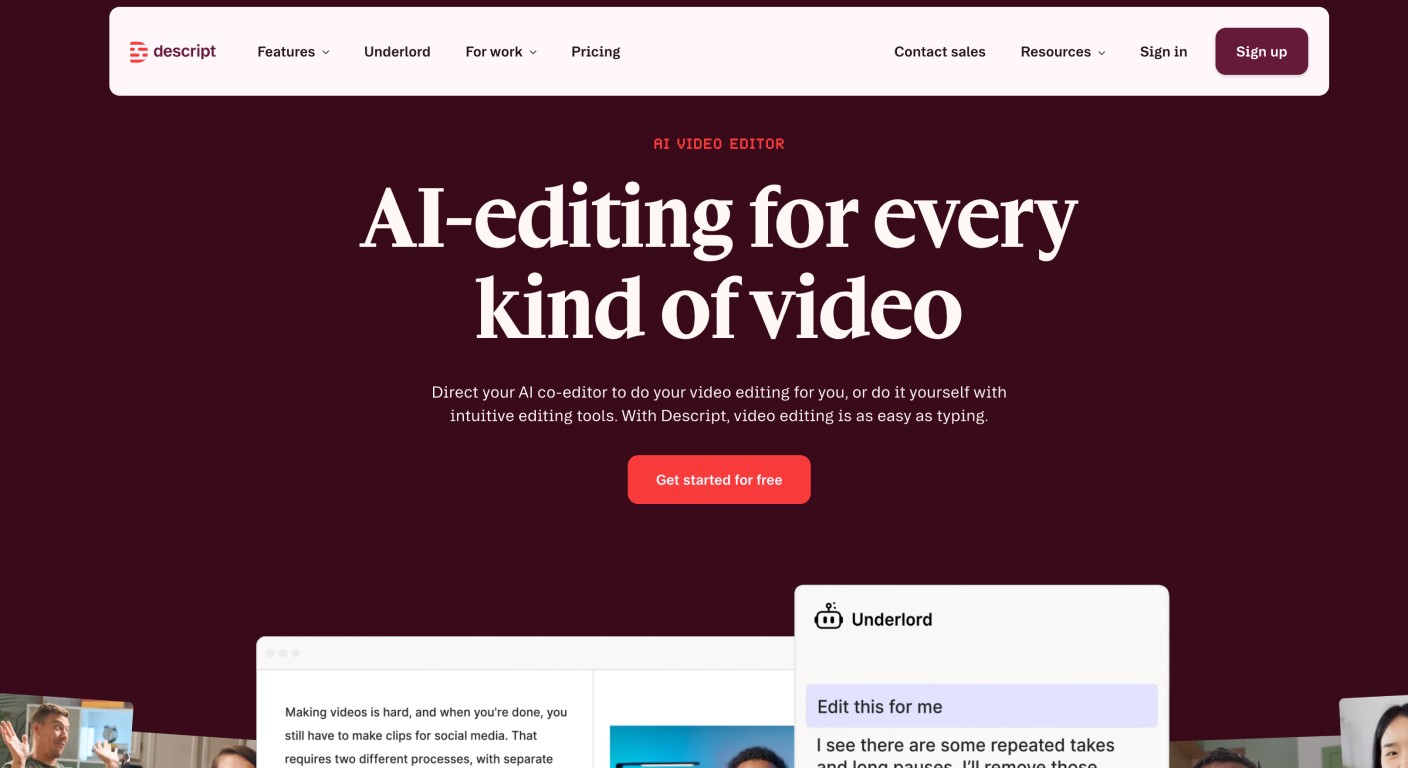
Best for: long-form video and podcast editing with AI assistance
Descript is an editor first. Import or record, get a transcript, and cut the video by editing the document. Underlord can polish cuts and scripts from prompts. Studio Sound, filler-word removal, captions, voice clones, and screen recording all live in the same project. You still shape the story. The AI does not generate a finished software tutorial and a help article from a silent product walkthrough.
Best fit: marketing video, interviews, podcasts, and documentary-style work where structure is the job. If you are comparing Descript itself rather than the broader editor category, see Descript alternatives.
3. Runway
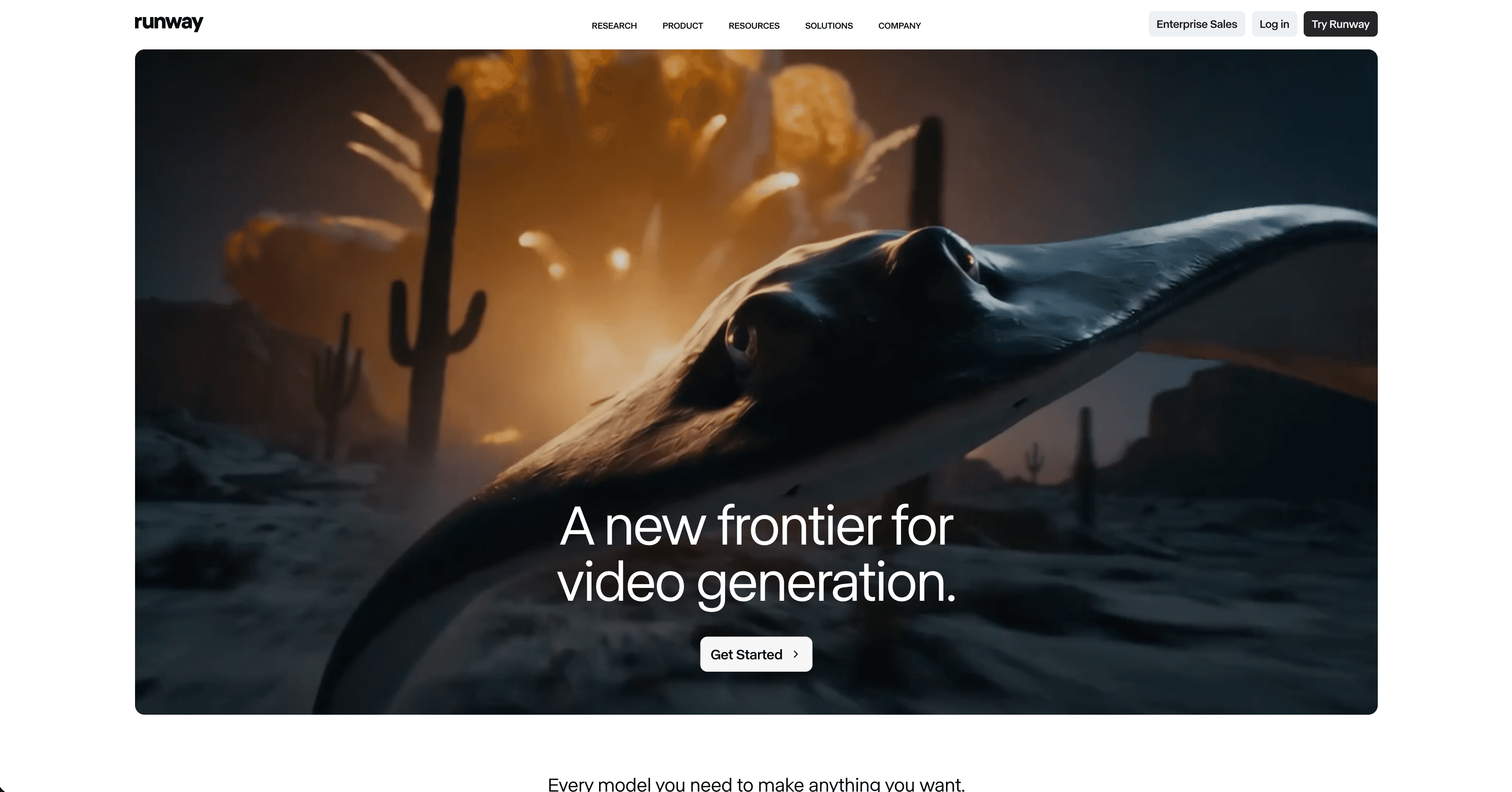
Best for: generative AI effects and AI-native video production
Runway is a prompt-to-video and effects platform (text- and image-to-video, inpainting, motion tools, brand kits). Credits meter generation. It is not a documentation or tutorial tool. Use it when the input is a creative brief, not a product UI recording.
4. CapCut
Best for: short-form social video with fast AI auto-editing
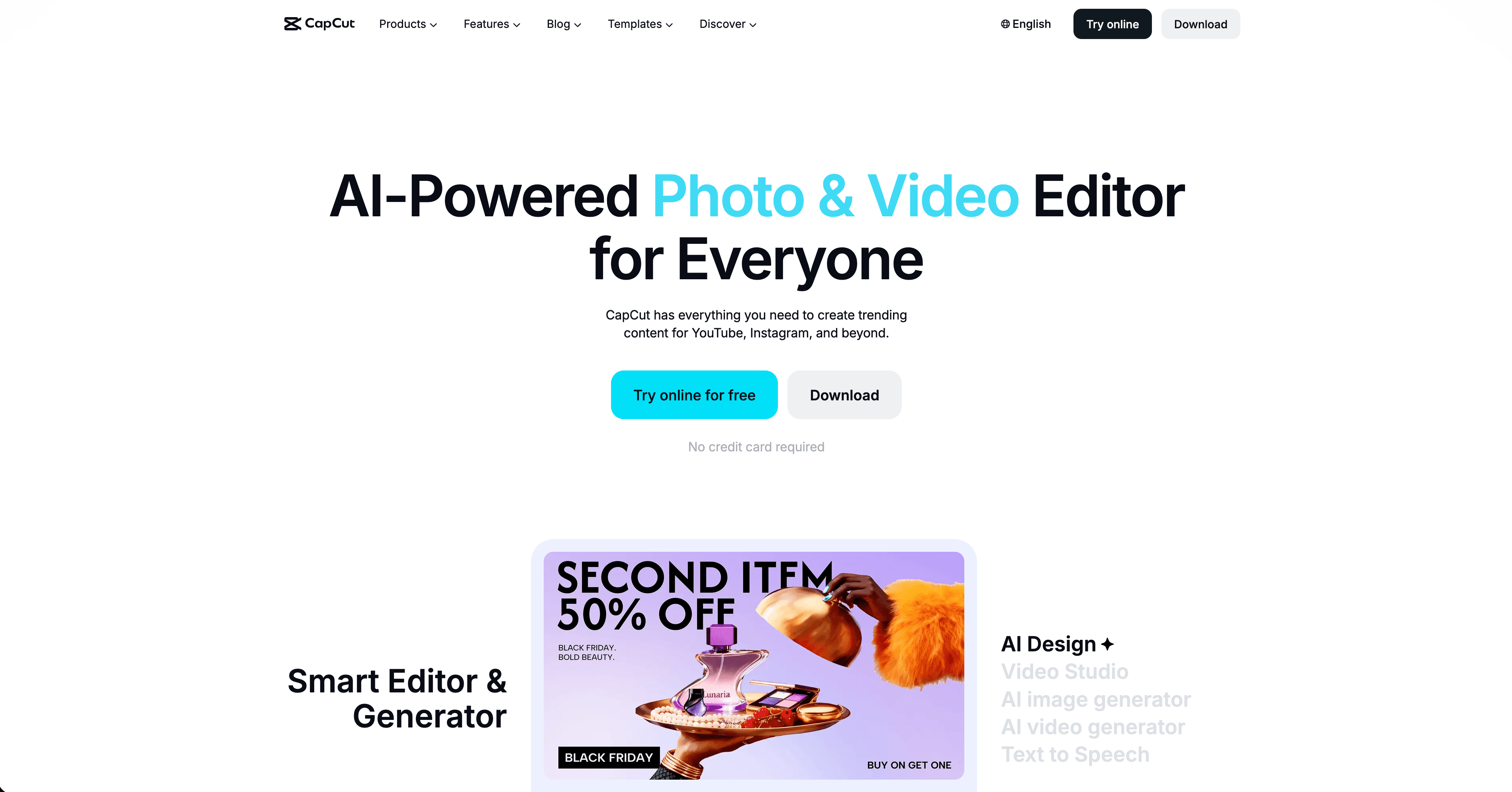
CapCut is a consumer NLE with templates, auto-captions, TTS, background removal, and generators across mobile, desktop, and web. Paid Standard/Pro stickers are geo-gated; Teams is typically listed around $15-30 per seat per month on annual billing. It is a companion for TikTok, Reels, and Shorts, not a replacement for a software how-to library.
5. Synthesia
Best for: AI avatar training videos without on-camera presenters
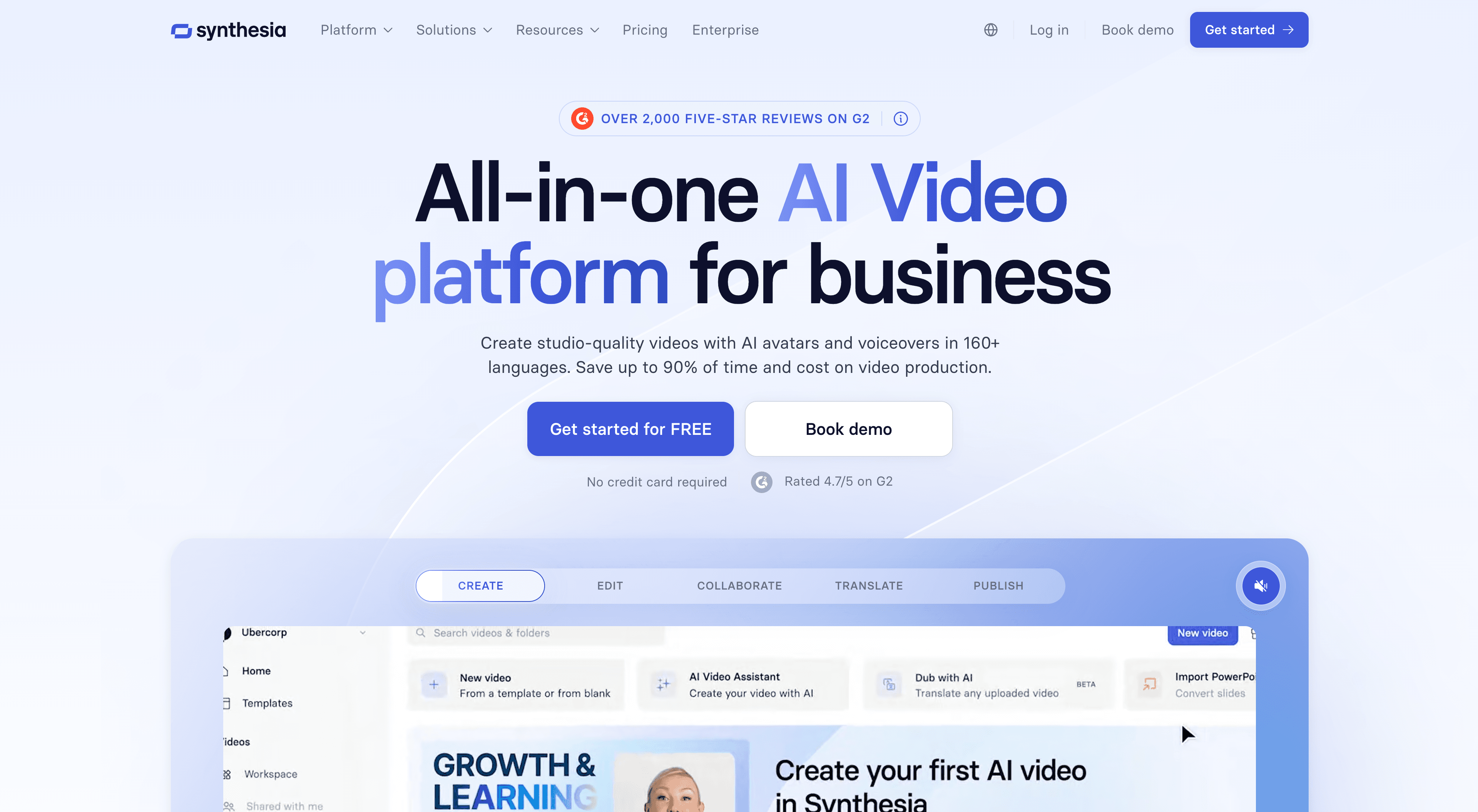
You type a script, pick an avatar, and Synthesia renders a presenter in 160+ languages. There is a Chrome screen recorder and document-to-video assist, but the product is presenter-forward, not UI-forward. For policy, HR, and enablement talks, that is the point. For "click here, then here" software tutorials, a screen-capture generator is the better match.
6. Adobe Premiere with AI features
Best for: professional video production with AI as a supporting layer
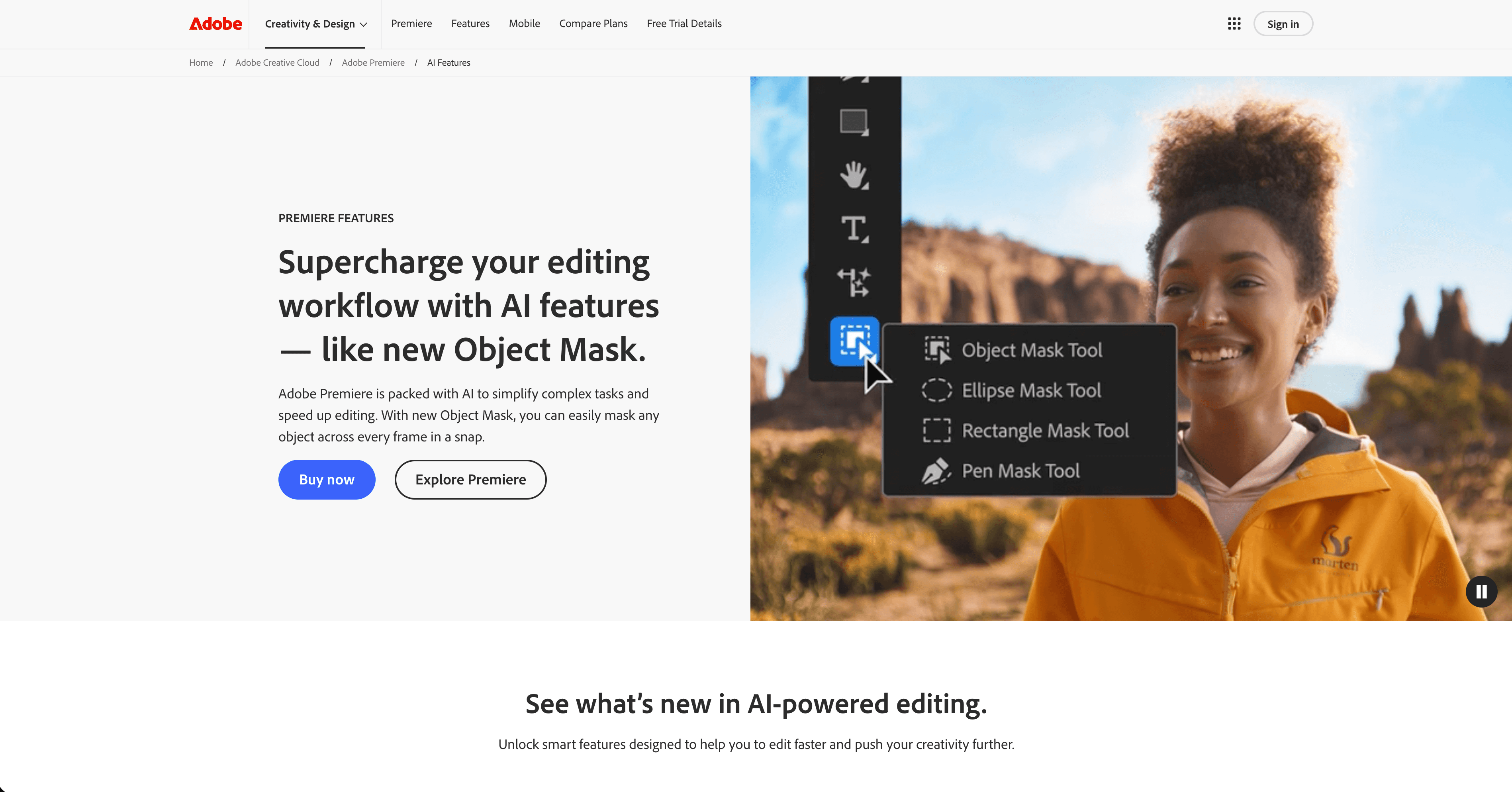
Premiere remains a full NLE. Auto Reframe, transcript-based cutting, audio enhancement, and Generative Extend speed an existing Adobe workflow. They do not replace it. If the team already lives in Creative Cloud and ships agency-grade cuts, the AI layer is worth it. If nobody on the team opens a timeline today, do not start here for product tutorials.
7. OpusClip
Best for: turning long videos into short social clips
OpusClip scores a long recording, cuts candidate clips, adds captions and hooks, and reframes for 9:16. Credits track source minutes. Free exports are watermarked and vertical-only. This is clip-repurposing, not tutorial production. It will not write a how-to script, strip a wrong click from a product UI, or publish a help article. If the source is a finished webinar or podcast and the job is daily Shorts, it fits. If the source is a silent screen walkthrough of your app, start with Clevera instead.
8. VEED
Best for: browser captions, social resize, and rough cuts
VEED is a web editor with auto subtitles, filler-word cuts, background removal, brand kits, and a generation studio. Official pricing we checked was in GBP (Creator from £10 per user per month billed yearly). It is a strong social and marketing rough-cut tool. It is not a screen-recording generator for SaaS help centers. Use it when you already have talking-head or campaign footage and need captions or a resize. Use Clevera when the footage is the product UI and the output should be a how-to or demo.
The right question before choosing
What does the raw input look like? A screen recording of software leads you to Clevera. A recorded interview leads you to Descript. A text script for training leads you to Synthesia. A long video you need to chop for social leads you to OpusClip or VEED. A creative brief for a brand clip leads you to Runway. An agency timeline already in Adobe stays in Premiere.
If the job is a reusable product tutorial, narrated how-to video plus a publish-ready help article, compare dedicated best AI tutorial maker tools rather than general-purpose AI video editors.
The tools that save time are the ones built for your input type. Rankings that mix generators, editors, avatars, and NLEs without naming the job give you a list, not an answer.
FAQ
What are the best AI video editing tools in 2026? It depends on the job. For software tutorials and product demos from a screen recording, start with Clevera. For podcasts and interviews, Descript. For prompt-native creative video, Runway. For Shorts-style social, CapCut, OpusClip, or VEED. For avatar training talks, Synthesia. For a full NLE, Premiere.
What's the difference between an AI video generator and an AI video editor? A generator constructs finished output from a recording or prompt so you are not living in a timeline. An editor keeps you in the cut and uses AI to make each trim, caption, or cleanup faster. Clevera's how-to and demo formats are generators. Descript, VEED, and Premiere are editors. OpusClip is an editor aimed at clip-repurposing.
Which AI video editor is best for software tutorials? Clevera. Capture desktop, Chrome, or an upload, then generate a how-to or demo with AI voiceover, plus a separate article you can publish to a help center. Descript and Premiere can edit a tutorial you already narrated. They do not replace that workflow.
Does Clevera replace Descript or Premiere? No. Clevera replaces the "record the product, then spend a day in an editor" path for how-to and demo content. Descript still wins when the story is spoken-word. Premiere still wins when you need frame-accurate color, layered audio, and agency delivery. Many teams use Clevera for the product library and keep Descript or Premiere for campaigns.