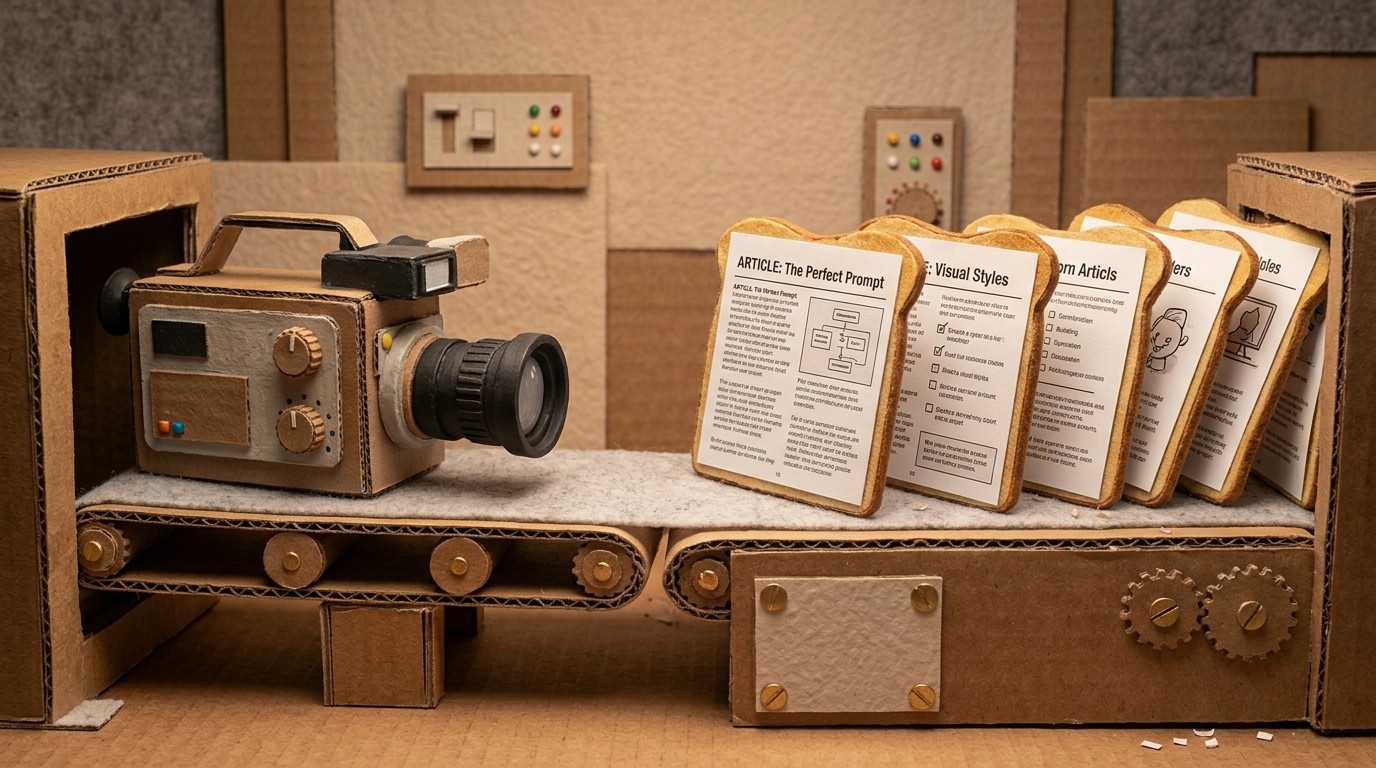
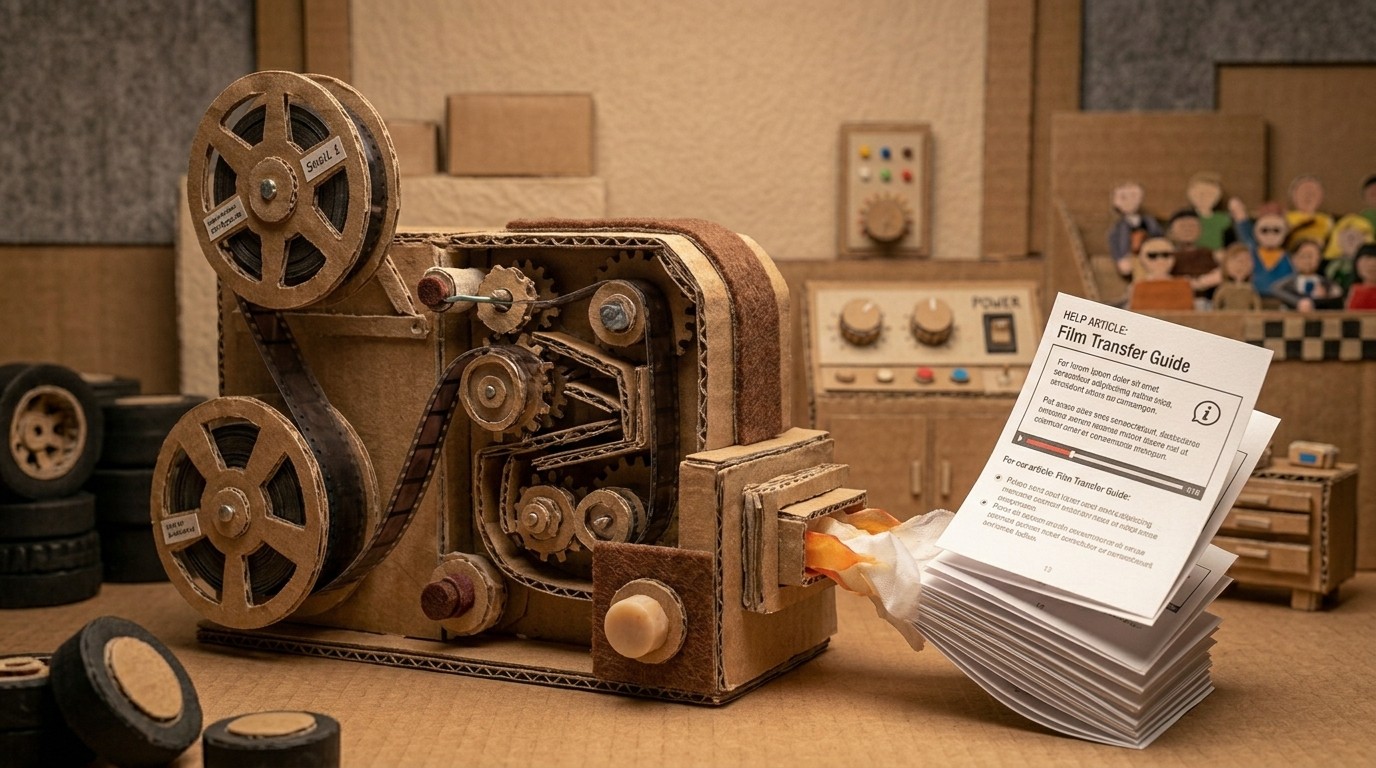
How to speed up your video production workflow with AI
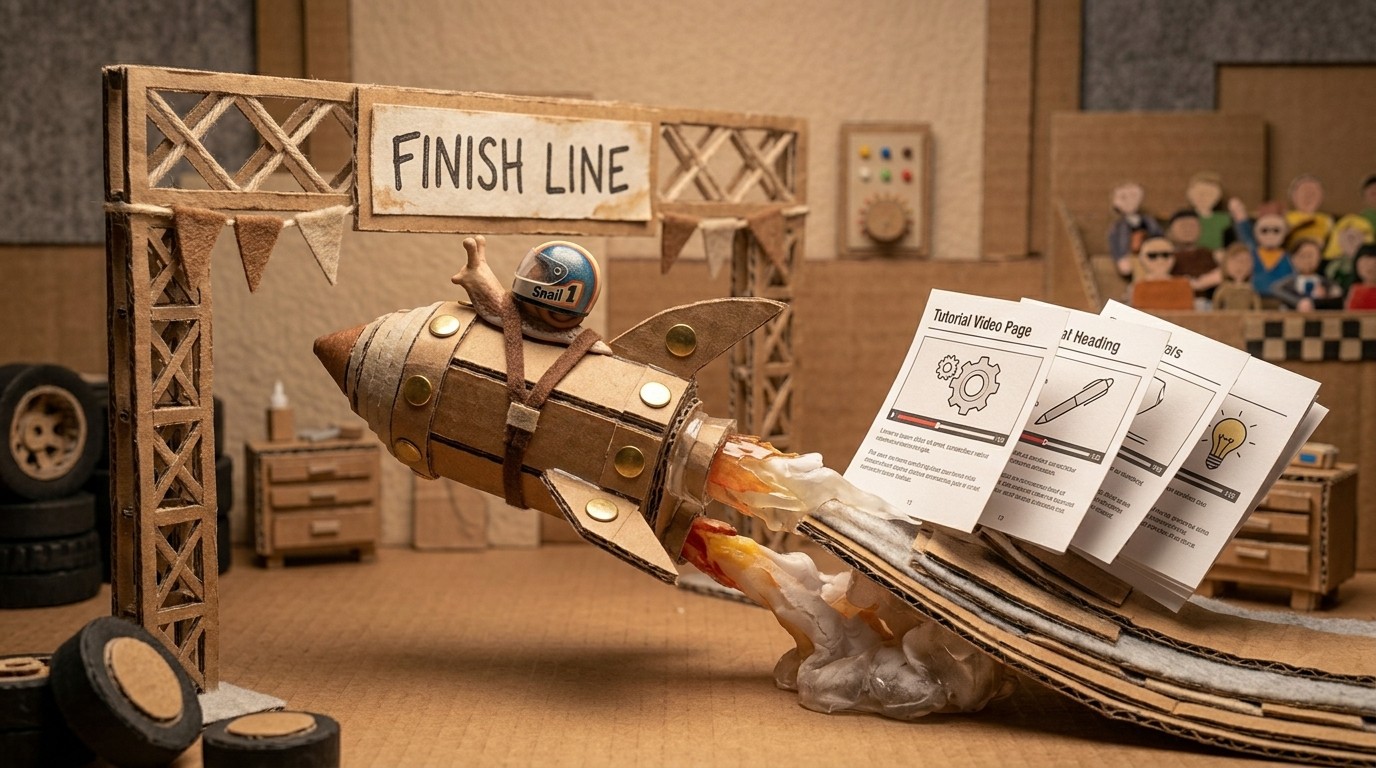
Most video production workflows have the same bottleneck: the gap between recording something and having a finished, publishable video. That gap is filled with manual editing, script writing, voiceover recording, syncing audio, picking screenshots, and formatting. For a team that needs to produce 10 tutorials a month, that gap is what kills the plan.
The good news is that most of what fills that gap can now be automated. Here's how to build a fast video production workflow that doesn't require a video editor or a dedicated production team.
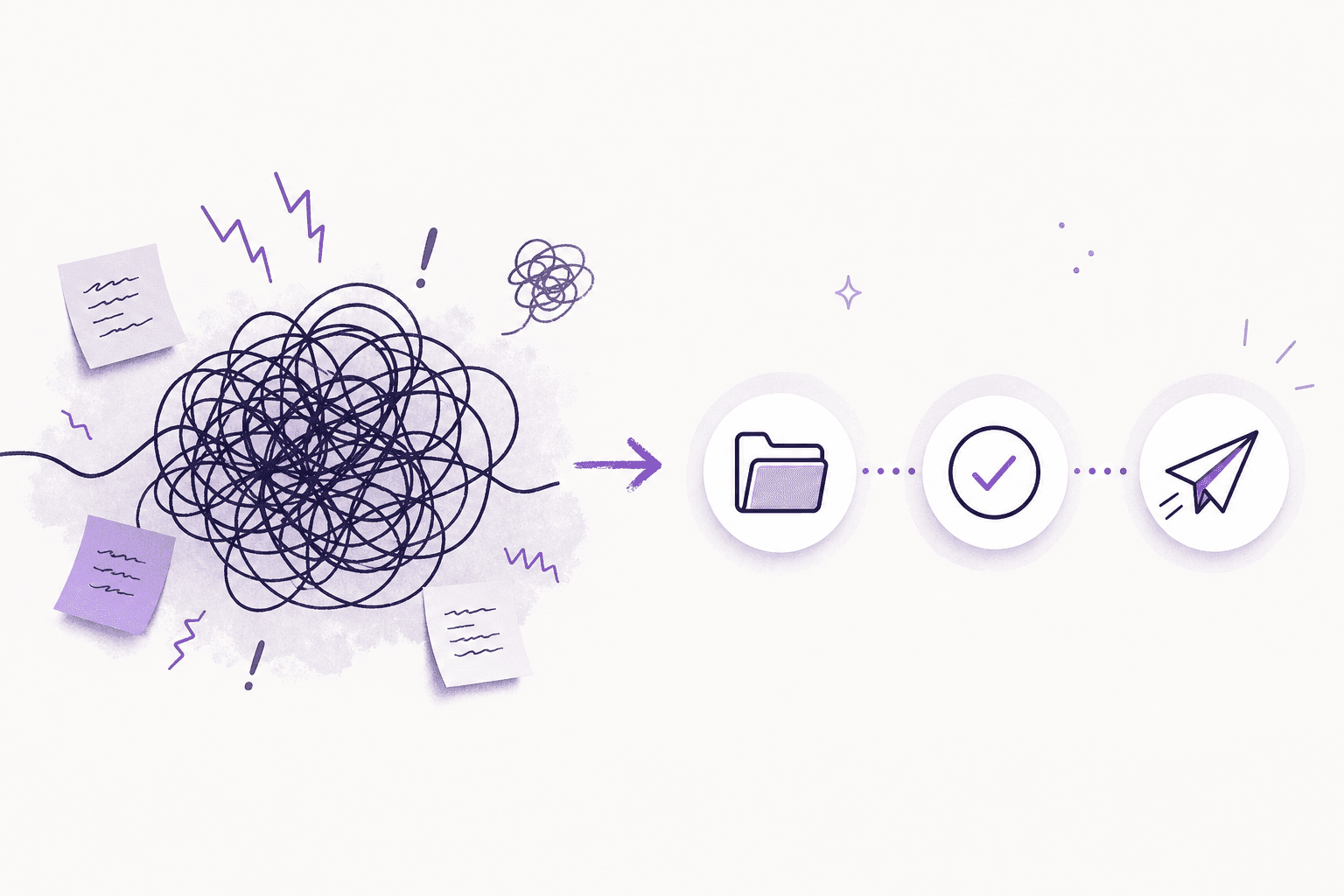
Where time goes in a traditional workflow
A traditional tutorial video workflow looks something like this:
Record screen (fast)
Edit out mistakes and dead time (slow)
Write a voiceover script (slow)
Record voiceover narration (slow, requires retakes)
Sync audio to video (tedious)
Add captions or callouts (time-consuming)
Export and upload (fast)
Write the companion help article (slow)
Take and insert screenshots (slow)
Steps 2 through 9 can easily turn a 5-minute recording into a 3-hour production task. That's not a video production problem. That's a documentation problem disguised as a video problem.
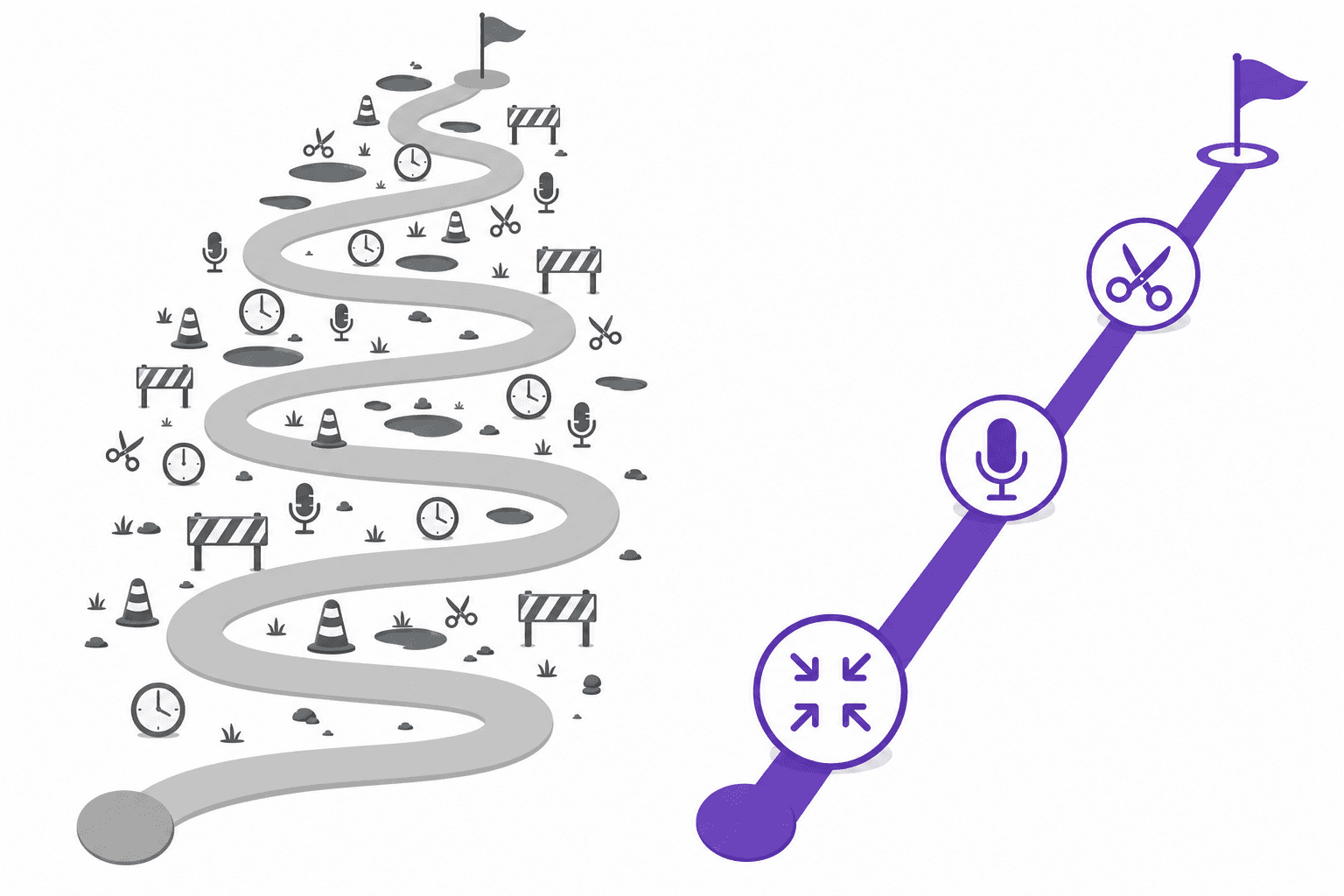
How AI compresses the workflow
Modern AI tools can handle steps 2 through 9 automatically if your recording tool is built for it. Clevera is designed around exactly this: record once, get everything else automatically.
When you record with the Clevera desktop app (Mac or Windows), the AI handles:
Removing accidental clicks, pauses, and irrelevant footage
Analyzing the on-screen context to understand what you're doing
Writing a voiceover script that explains each action naturally
Generating the narration using AI voices (no mic needed)
Syncing audio timing precisely to the video
Applying smart zoom to highlight key areas
Smoothing cursor movements for a polished look
Selecting the right screenshots for the companion help article
Generating the full step-by-step article with captions
The recording step is the only part that requires your time. Everything else runs while you do something else.
The fast video production loop
With Clevera, the workflow compresses to this:
Record: Walk through the process in your product. Speak if you want. Stay silent if you don't. 5-10 minutes for a typical feature walkthrough.
Review: Open the timeline editor. The AI has already generated your script and narration. Read through it, make any changes, adjust the voice or tone if needed. 5-10 minutes for most videos.
Publish: Export as MP4 or embed with the HTML snippet. Publish the article to your knowledge base platform. The whole process takes under 30 minutes from recording to published.
For teams that previously spent a day or two on each tutorial, this is a 5-10x compression in production time.
Keeping the workflow fast as you scale
The bigger the tutorial library, the more important workflow speed becomes. Here's what keeps a streamlined video production workflow fast over time:
Reuse your voice settings. Once you've configured your preferred AI voice, tone, and style in Clevera, it applies automatically to every new video. You're not re-configuring for each project.
Update with LiveSync. When the product UI changes, you don't rebuild a video from scratch. Re-record the changed section, generate a new version, and publish. Clevera's LiveSync updates the embedded video everywhere it's published, instantly.
Translate once. After finalizing a video, translate it into your target languages with one click. Clevera supports 70+ languages. You're not running separate localization projects for each market.
Collaborate without bottlenecks. Multiple team members can create and edit content simultaneously. The workflow doesn't require a central video producer to be the bottleneck.
What to stop doing in your video production workflow
Speed isn't just about adding better tools. It's also about stopping things that slow you down:
Stop writing scripts before recording. If you're spending an hour scripting before you hit record, skip it. The AI generates the script from what you actually did on screen. Your recording is more accurate than your pre-written script anyway.
Stop taking screenshots manually. Clevera selects and places screenshots automatically from the recording. Manual screenshot capture is one of the most time-consuming parts of documentation, and it's entirely avoidable.
Stop using separate tools for video and docs. Every tool handoff adds friction. Clevera produces both the video and the help article from the same recording. One tool, one workflow, two outputs.
Building a sustainable tutorial production cadence
The goal of speeding up your video production workflow isn't to make more videos faster for the sake of it. It's to make the cadence sustainable. When producing a tutorial takes 25 minutes instead of 3 hours, you can actually keep documentation current, ship content when features ship, and respond to support gaps with a new article instead of a Slack thread.
For teams looking to build a complete AI tutorial maker setup, the workflow above is the starting point. For a closer look at creating tutorial videos faster in practice, that guide goes deeper on the specific steps.
The bottleneck in video production is not the recording. It never was. It's everything that happens after the recording. Automate that, and the whole system changes.