Create training videos faster with AI in 2026
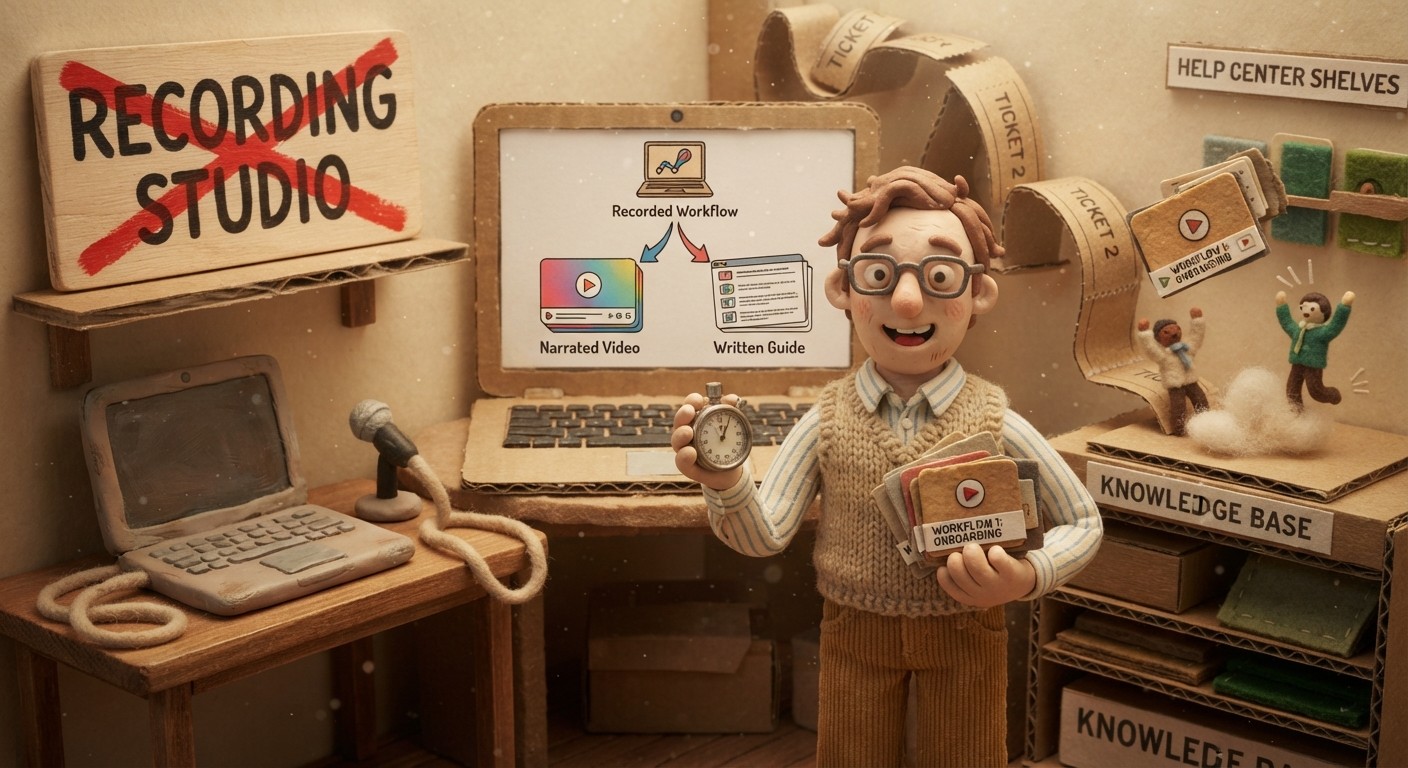
Training content usually gets stuck between 2 bad options: ship a rough screen recording now, or wait weeks for a polished video. Neither works well for SaaS teams that release product changes every sprint. You need training videos fast enough to keep up with the product, but clear enough that customers and teammates can actually follow them.
AI changes the production workflow. Instead of writing a script, recording narration, editing footage, and then writing a separate guide, you record the task once and let AI turn that source into a narrated video plus written documentation. That is the practical path to create training videos faster without lowering the quality bar.
Why training video production gets slow
Most teams underestimate the hidden work behind a good software training video. The recording is only the visible part. Someone also needs to choose the scope, write the narration, capture clean footage, cut mistakes, add zooms or highlights, publish the final file, and then write the text version for people who prefer to skim.
The workflow gets even slower when the product changes. A button moves, a setting gets renamed, or a setup screen gains a new step. Suddenly the old video is inaccurate, and the team has to decide whether to leave stale content live or spend another afternoon rebuilding it.
The goal is not to make training videos more casual. The goal is to remove the production steps that do not require human judgment, so your team can spend its effort on what the training should teach.
The faster workflow: record once, generate twice
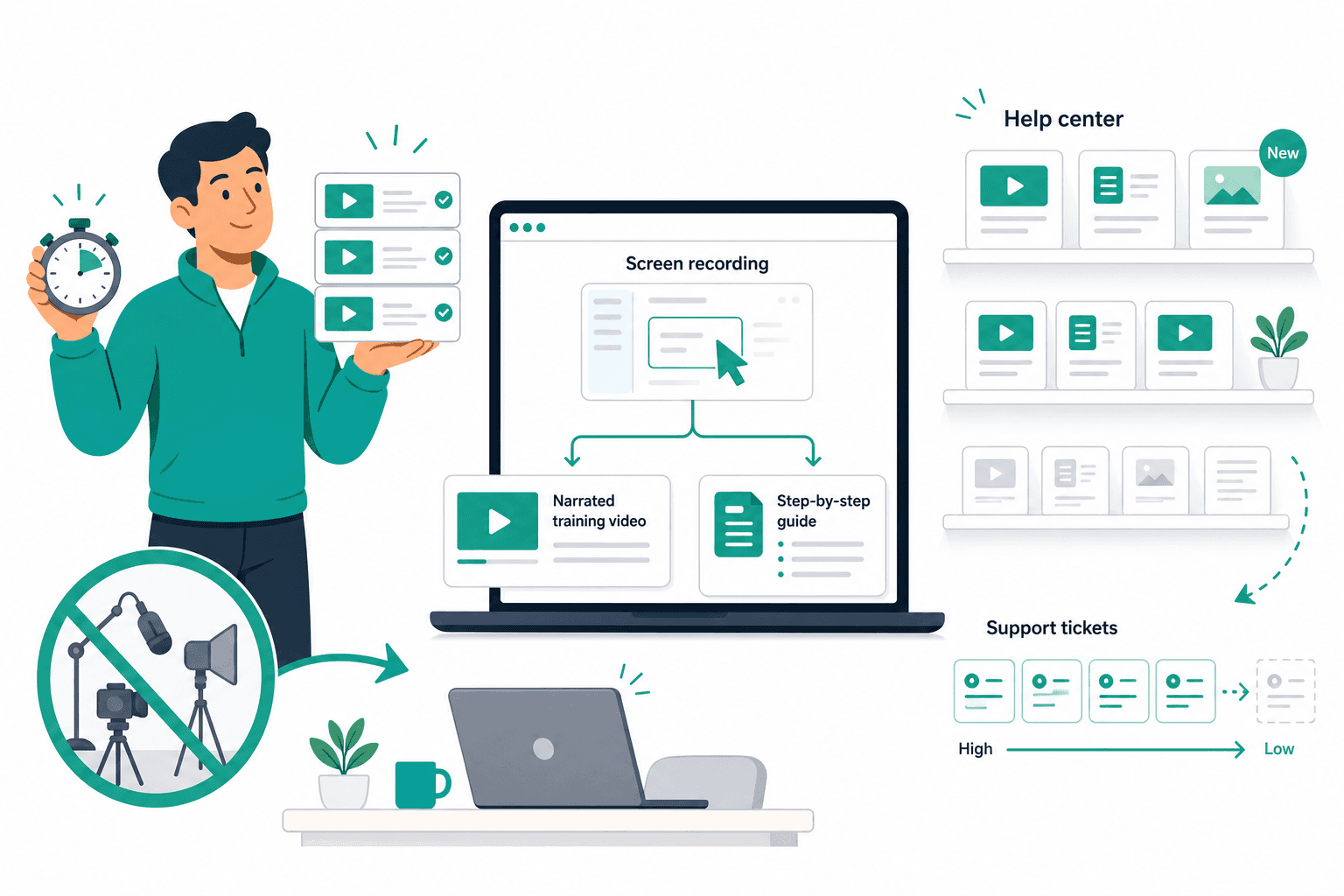
The fastest reliable workflow starts with a screen recording. Open the product, perform the task at a natural pace, and keep the scope tight. One video should teach one workflow: set up an integration, invite a teammate, export a report, configure a rule, or fix a common error.
With Clevera, you can record from the desktop app, the Chrome extension, or an uploaded screen recording. You do not need to narrate live for AI-narrated how-to videos. Clevera analyzes the visible workflow, writes the voiceover script, generates synthetic narration, applies smart zoom to important interactions, smooths cursor movement, and creates a written article from the same source.
That second output matters. A training video is useful when someone wants to watch the workflow end to end. A written guide is useful when they are mid-task and need to check step 4. Creating both from the same recording makes the training asset more reusable without doubling the work.
A 30-minute training video process
For focused product workflows, use this production rhythm.
1. Choose one task
Start with a specific task, not a broad feature. "How to connect Salesforce" is stronger than "CRM settings overview." A narrow task keeps the video short, makes the title easier to search, and makes future updates smaller.
2. Prepare the screen
Close irrelevant tabs, reset test data, and open the product at the first screen the viewer needs to see. If the workflow requires permissions, sample data, or an integration account, set that up before recording.
3. Record the workflow
Walk through the task at a normal pace. If you make a small mistake, keep going. Clevera can remove pauses, accidental clicks, and rough moments during generation, which means the recording does not need to be a perfect performance.
4. Review the AI-generated video and article
Check the narration for accuracy, adjust any sentence that needs product-specific language, and confirm the article steps match the workflow. The best edits are usually small: a clearer term, a warning callout, or a sharper explanation of why a step matters.
5. Publish where people already look
Put the video and article in the place the viewer expects to find them: your help center, onboarding checklist, internal wiki, LMS, or product resource center. Link the guide from the relevant product surface when possible.
What to create first
If you are trying to speed up training video production across a full product, do not start with a giant curriculum. Start where the demand is already visible.
Build videos for your top 5 support questions first. Then cover the first-session onboarding tasks every new user needs. After that, create training for high-value features that users miss, misuse, or ask your team to explain on calls.
For internal teams, use the same logic. Start with the workflows new hires ask about most often, then document recurring operational tasks that depend on one person's memory.
How to keep fast videos from going stale
Speed only helps if the training stays accurate. A fast production workflow should include a maintenance trigger: every product launch, every UI change, and every repeated support question should prompt a quick content check.
Clevera's LiveSync helps when a published video needs narration, overlay, styling, or timing changes. You update the video once, republish it, and the embed updates wherever it appears. If the product UI itself changed, record or upload new footage, then regenerate the training video and article from that updated source.
This keeps the maintenance model honest. AI can shorten the work, but the source recording still needs to show the current product.
Build the library while the product moves
The teams that win with training video are not the ones that make one perfect course. They are the ones that make training content part of the product release habit. A feature ships, someone records the workflow, Clevera generates the video and article, and the help center gets updated before support tickets pile up.
That is how you create training videos faster without creating a mess. Record the real workflow, generate both formats, review for accuracy, and publish where the viewer already needs help.
For step-by-step product education, pair this workflow with the AI tutorial maker cluster so training videos and written guides reinforce the same tasks.