Sales enablement video for SaaS: AI demo workflows
After a discovery call, a prospect asks: "Can you send me a quick walkthrough of how the reporting feature works?" A sales rep who can respond within 2 hours with a specific, well-produced sales enablement video is in a different position than one who sends a generic product tour or schedules another call.
The gap between those two responses - and the sales impact of closing it - is what AI-generated demo videos are solving for sales teams.
The problem with traditional sales demo video
Sales teams have known for years that video follow-up content converts better than text alone. Buyers who can watch a product walk a specific workflow don't need to imagine how it works - they see it. That confidence accelerates decisions.
The problem has always been production. Creating a clean, narrated video of a specific feature requires either a screen recording with narration (which requires a confident presenter and multiple takes), an edited video from a proper recording session, or a hand-off to a marketing team with its own backlog and approval process.
A typical deal involves 5–7 stakeholders who each want to see different parts of the product. Producing a tailored video walkthrough for each person, for each deal, for each rep across a team of 15 - manually - doesn't scale.
How AI-generated video changes the equation
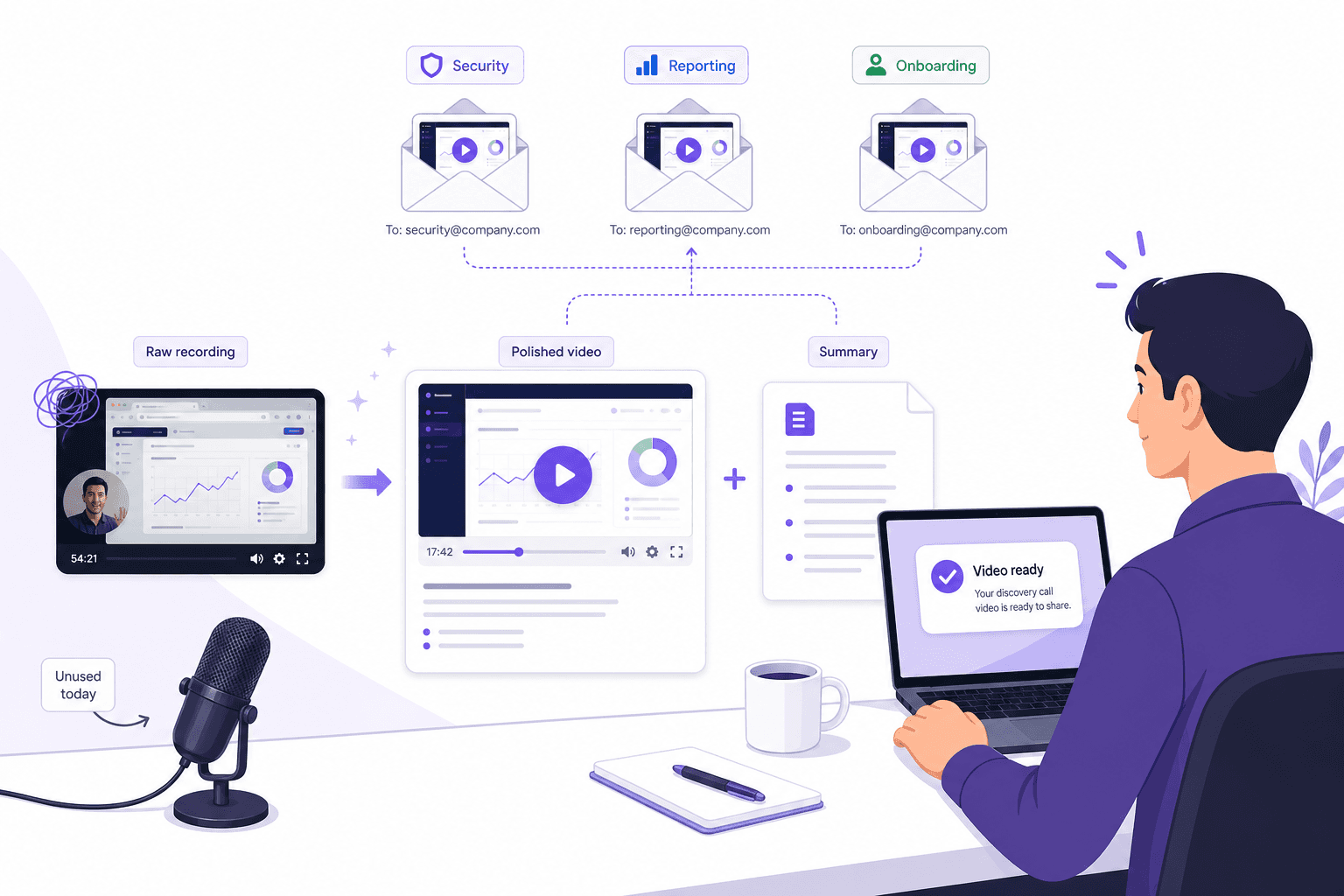
AI-generated product demo videos reverse the production constraint. A sales rep records their screen silently while walking through the specific workflow a prospect asked about - no narration, no preparation. The AI generates the voiceover script, produces a narrated video, and creates a written article from the same recording.
The production time for a 5-minute walkthrough goes from 2–3 hours to 20–30 minutes. The output is a polished, professional-sounding video - not a screen recording with a sales rep speaking over it from a noisy office.
For sales teams, this creates a capability that previously only existed for high-ticket, high-production-budget deals: a library of specific, personalized follow-up content that can be assembled quickly for any prospect question.
4 ways sales teams use AI demo videos in the sales cycle
1. Post-discovery follow-up
After a discovery call, most prospects have 1–3 specific workflows they want to see. A sales rep who sends a targeted video walkthrough of each one - within the same business day - stands out in a prospect's inbox and gives them something concrete to share with their buying committee.
The key is specificity. A general product tour video doesn't answer "how does the API authentication work?" A 3-minute silent recording of that exact flow, converted to a narrated video, does.
2. Multi-stakeholder deal support
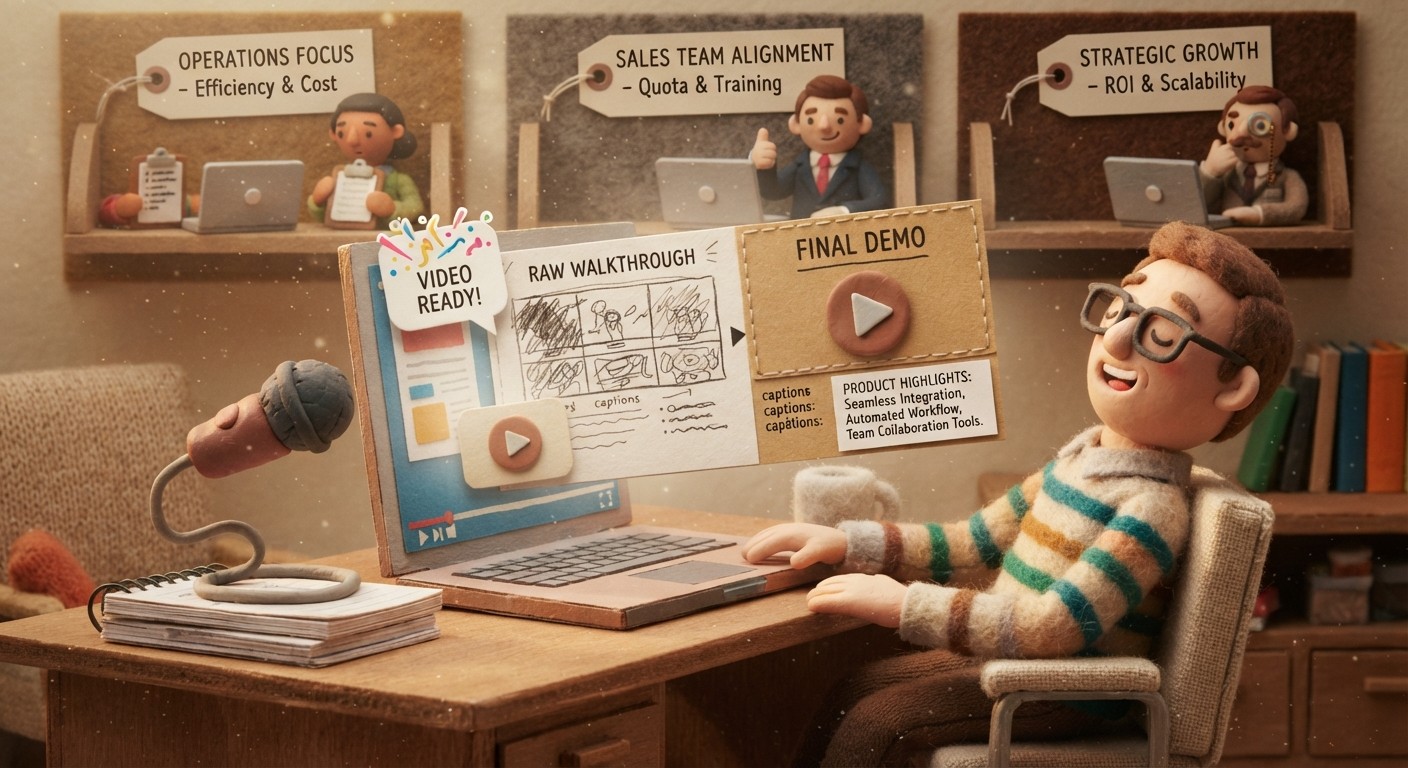
B2B deals involve multiple stakeholders who care about different things. The IT lead needs to see the security configuration. The operations manager wants to see the workflow automation. The end users want to see the day-to-day interface.
With AI-generated demo videos, a rep can produce a separate focused walkthrough for each stakeholder without scheduling 3 additional calls. Prospects who can forward a relevant video to each internal champion accelerate internal buy-in without requiring the seller's involvement at every step.
3. Objection handling at scale
Common objections have common answers. "Does it integrate with Salesforce?" "Can you show me the permission controls?" "How does the import work?"
Sales teams can build a library of short, narrated video answers to the most common objections - each one a 2–4 minute focused walkthrough of the relevant feature. When an objection comes up in a deal, the rep sends the relevant video rather than scheduling another demo.
4. Asynchronous demos for international and remote buyers
Not every prospect is available for a live demo call in your time zone. An async video walkthrough - professional, narrated, specific to the prospect's use case - lets a prospect evaluate the product on their own time and share it with colleagues before any live conversation happens.
For sales teams with international pipelines, AI-generated async demos reduce the time-to-first-meaningful-engagement from days (waiting for a mutually available call time) to hours.
The difference between a generic demo and a useful one
The ROI of sales demo videos correlates directly with specificity. A generic product tour video has some value. A video that specifically demonstrates the exact workflow a prospect asked about, with narration that explains why each step is relevant to their use case, converts at a higher rate because it answers the question the prospect actually had.
This is where Clevera's AI approach is distinct from simply recording narration yourself. When you record a workflow silently and the AI analyzes it, the narration script isn't just "click here, then click there." It explains what each action accomplishes in context - "click Export to publish the report as a shareable link, so your team can view the latest data without needing product access." That level of contextual explanation is what makes a demo video feel like a competent walkthrough rather than a feature tour.
Building a sales demo video library
For clickable tours and sandbox-style buyer exploration, use the dedicated interactive demo software comparison. This page stays focused on video-based sales enablement.
The teams that get the most from AI demo video in sales cycles are the ones that build a structured library rather than producing one-off videos per deal.
A practical structure:
Core product tour: 5–8 minutes covering the primary value proposition
Feature-specific walkthroughs: 2–4 minute focused videos for each major feature set
Integration walkthroughs: short videos for the most commonly requested integrations
Common objection answers: focused videos for the 8–10 most frequent prospect objections
Use-case demos: 4–6 minute videos tailored to the top 3–5 buyer personas
With Clevera's AI generation, building a library of 25–30 videos takes a week of recording time rather than months of production work. The library stays current through LiveSync - when you update a video, every sales follow-up that references it reflects the change.
See how Clevera's product demo generator works for sales teams