Best Arcade alternatives for interactive product demos (2026)

Arcade is one of the most popular tools for building interactive product tours, and for good reason. Screenshot-based, shareable, and fast to produce — it's a strong fit for teams that want a clickable walkthrough on a marketing page or a leave-behind after a sales call.
But teams outgrow it. The copy behind every tooltip and step is yours to write. There's no narration, no written documentation alongside the tour, and no AI that can take a screen recording and turn it into something useful without manual work. When those things start to matter, the search for an Arcade alternative begins.
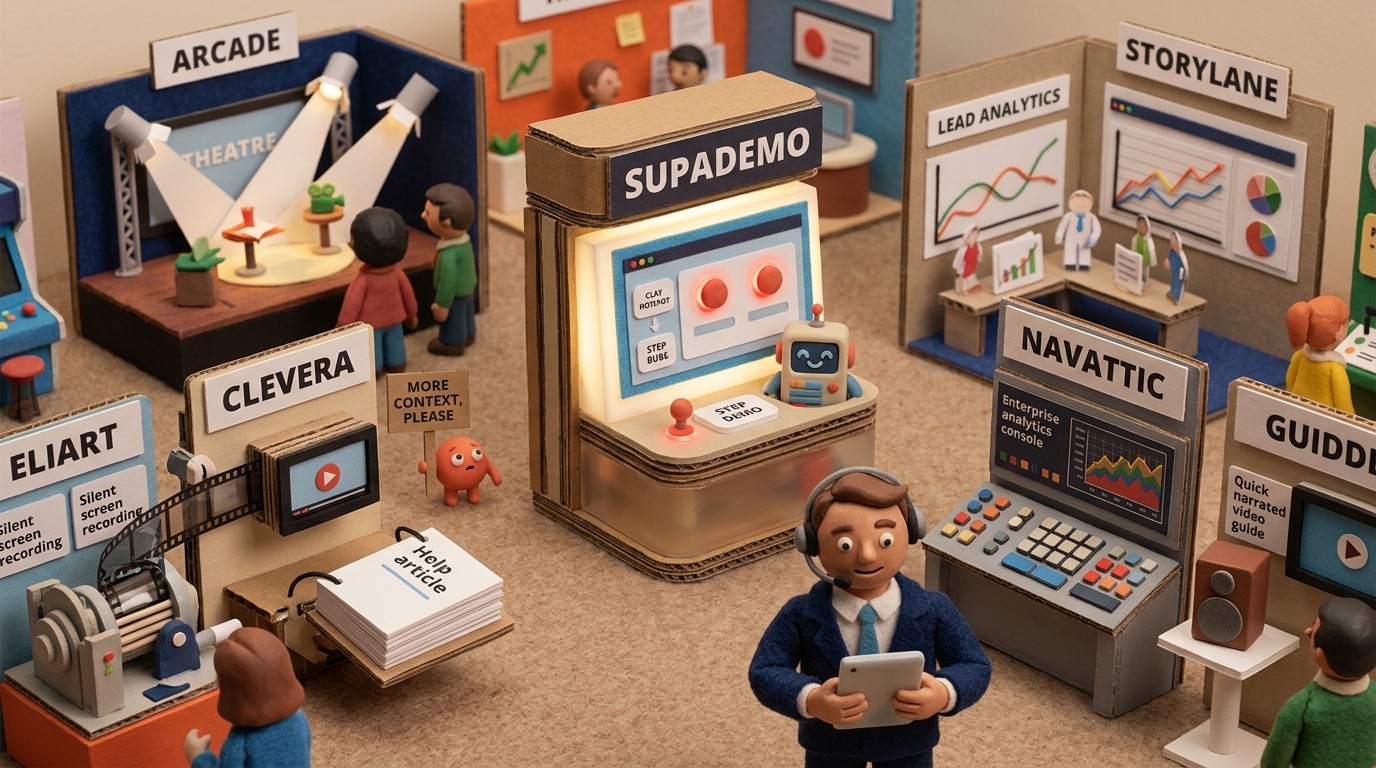
This list covers the 5 strongest options, with a clear sense of which use case each one fits.

Why teams look for Arcade alternatives
Arcade does the interactive demo job well at a surface level. The gaps show up when:
You need a narrated video, not just a sequence of screenshots with tooltips
You want to document a process for onboarding or training, not just show a feature
You need the AI to write the content for you rather than spending hours on tooltip copy
You need both a video and a written guide published together
You want the demo to update automatically when the content changes, without relinking
None of these are things Arcade is built to do. The tools below are.

1. Clevera
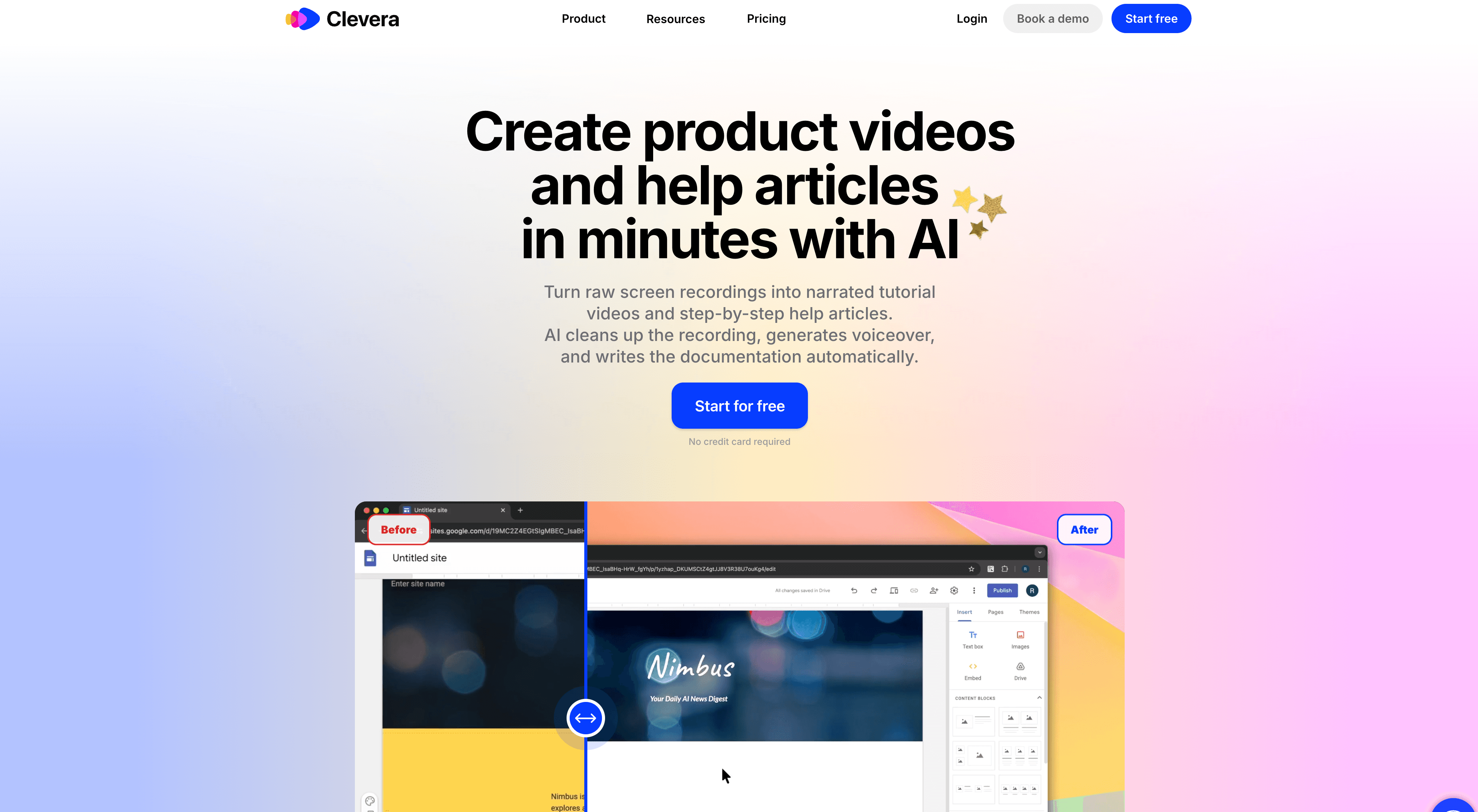
Best for: narrated video demos and written how-to articles from a single silent screen recording
Clevera takes a fundamentally different approach to product demos. Instead of building a clickable screenshot tour, you record your screen while walking through the product — and Clevera's AI takes over from there.
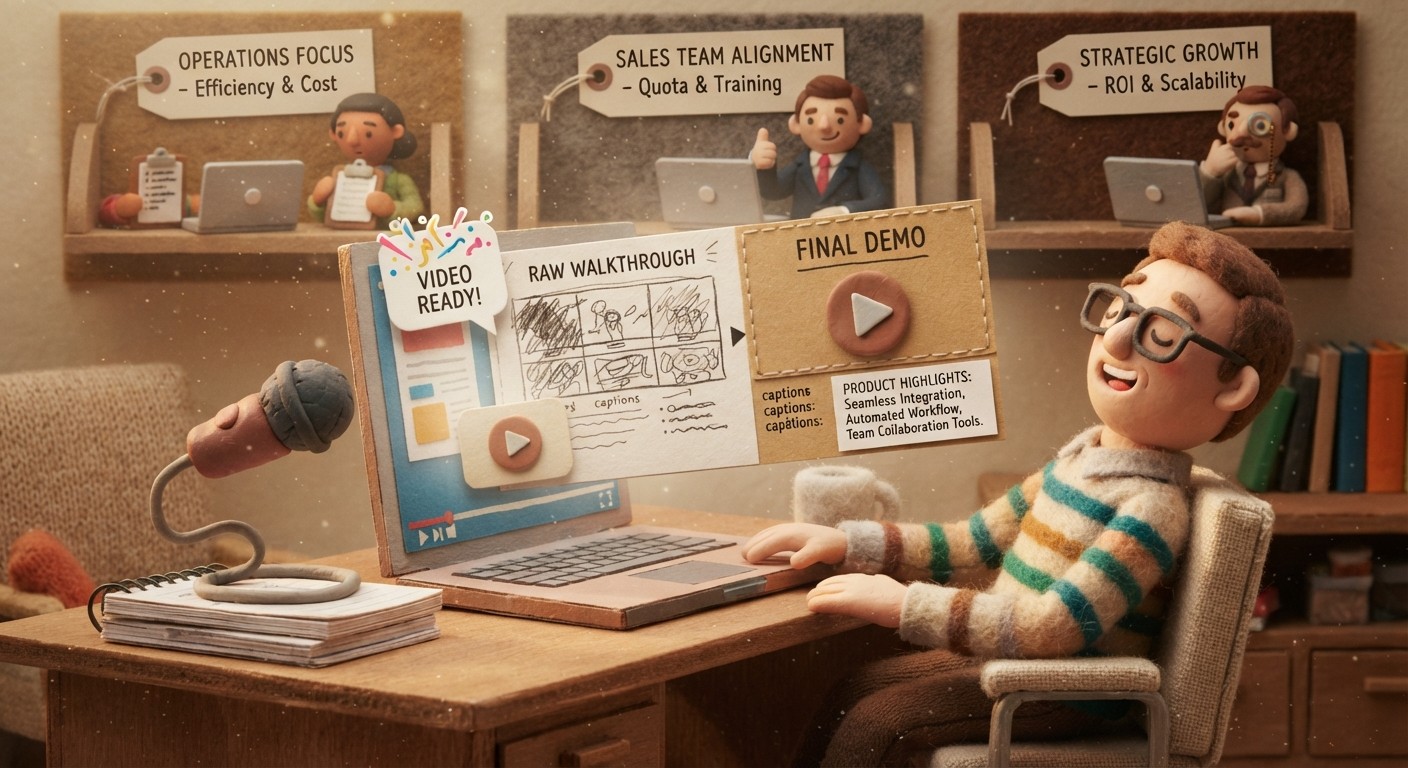
The AI analyzes every on-screen action and generates a complete narration script automatically. No scripting, no writing tooltips, no recording yourself talking. Clevera can work from a completely silent recording and still produce a demo where a natural-sounding AI voice explains exactly what's happening and why at each step. That's the core differentiator: the content gets written for you, not by you.
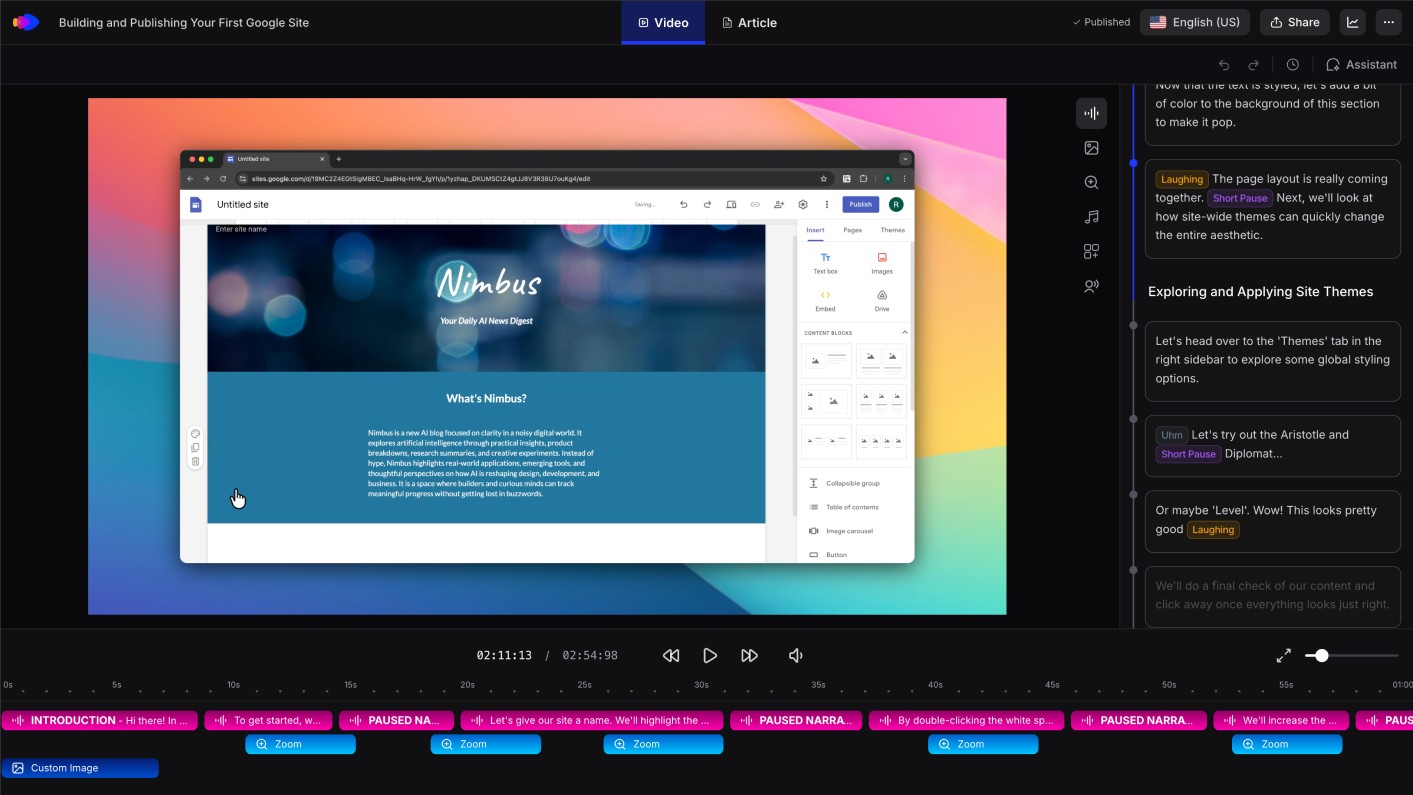
From that same recording, Clevera also generates a structured how-to article: numbered steps, step titles, captions, and screenshots selected automatically. One recording. One polished video. One ready-to-publish written guide.
A few other things that matter in practice:
LiveSync: published videos are live embeds. Update the narration, visuals, or structure later, and changes appear instantly everywhere the video is embedded. No re-exporting, no replacing links.
70+ languages: translate both the video and the article to any of 74 languages with one click.
Direct publishing: articles export as Markdown or HTML and publish directly to Notion, Confluence, Zendesk, Intercom, GitHub, Gitbook, and more.
Pricing: Starter at $29/month (annual).
Where Clevera wins over Arcade is coverage. Arcade produces one format (interactive tour) that requires you to write all the copy. Clevera produces 2 formats (video + article) and writes all the content automatically. If your demos need to live in a help center, onboarding flow, or documentation site rather than just a marketing page, Clevera is the stronger fit.
Best for: Product teams, customer success managers, and documentation leads who need professional narrated demos and written guides without a production team or a scriptwriter.
See how Clevera's product walkthrough software compares
2. Storylane
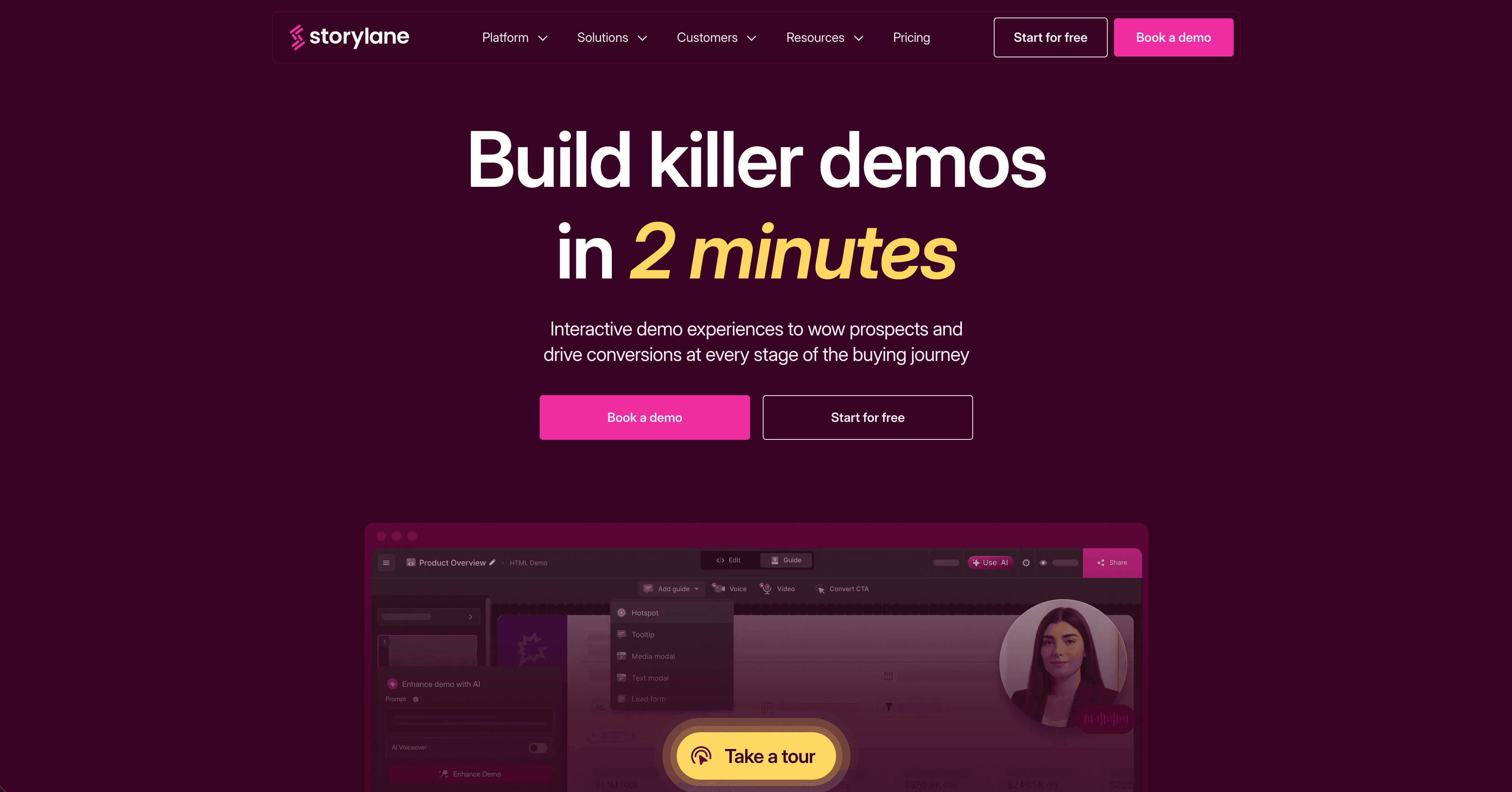
Best for: interactive demos with a more affordable entry point than Arcade
Storylane is the closest direct alternative to Arcade. It builds clickable, HTML-based product tours from screen recordings or live captures, with similar flow logic and branching between steps. The interface is polished and the output looks professional.
The main reasons teams switch from Arcade to Storylane are pricing and customization flexibility. Storylane's plans are generally more accessible, and the editing experience gives more control over the demo flow without needing a developer.
Like Arcade, the copy and tooltip content are still manual. Storylane doesn't generate narration or written documentation. If those are your requirements, you'll need a different tool.
Best for: SaaS teams that want a direct Arcade replacement with more pricing flexibility and comparable interactive demo output.
3. Navattic
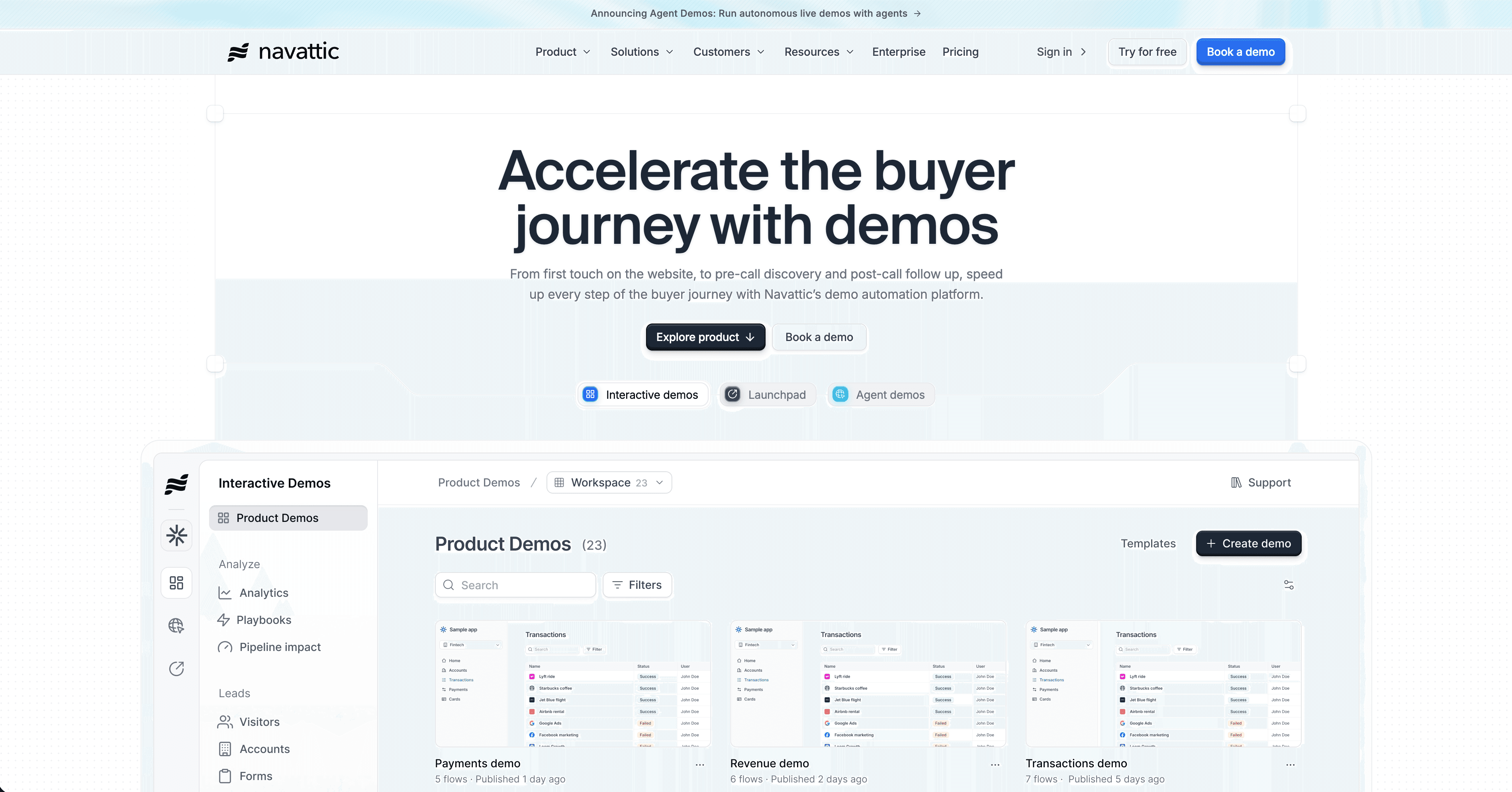
Best for: interactive demos for mid-market and enterprise with advanced analytics
Navattic targets larger teams where demo performance data matters as much as demo quality. The platform builds screenshot-based interactive tours similar to Arcade, but adds stronger analytics, lead capture integration, and account-level demo personalization.
Pricing starts significantly higher than Arcade — Navattic is positioned as an enterprise interactive demo platform, not a lightweight tool. If you're running demos at scale for a mid-market or enterprise sales motion and need to track engagement per account, Navattic earns the price.
For smaller teams or teams that need narrated video alongside demos, it's probably more than you need.
Best for: Enterprise sales teams that need interactive demos with account-level analytics and CRM integration.
4. Supademo
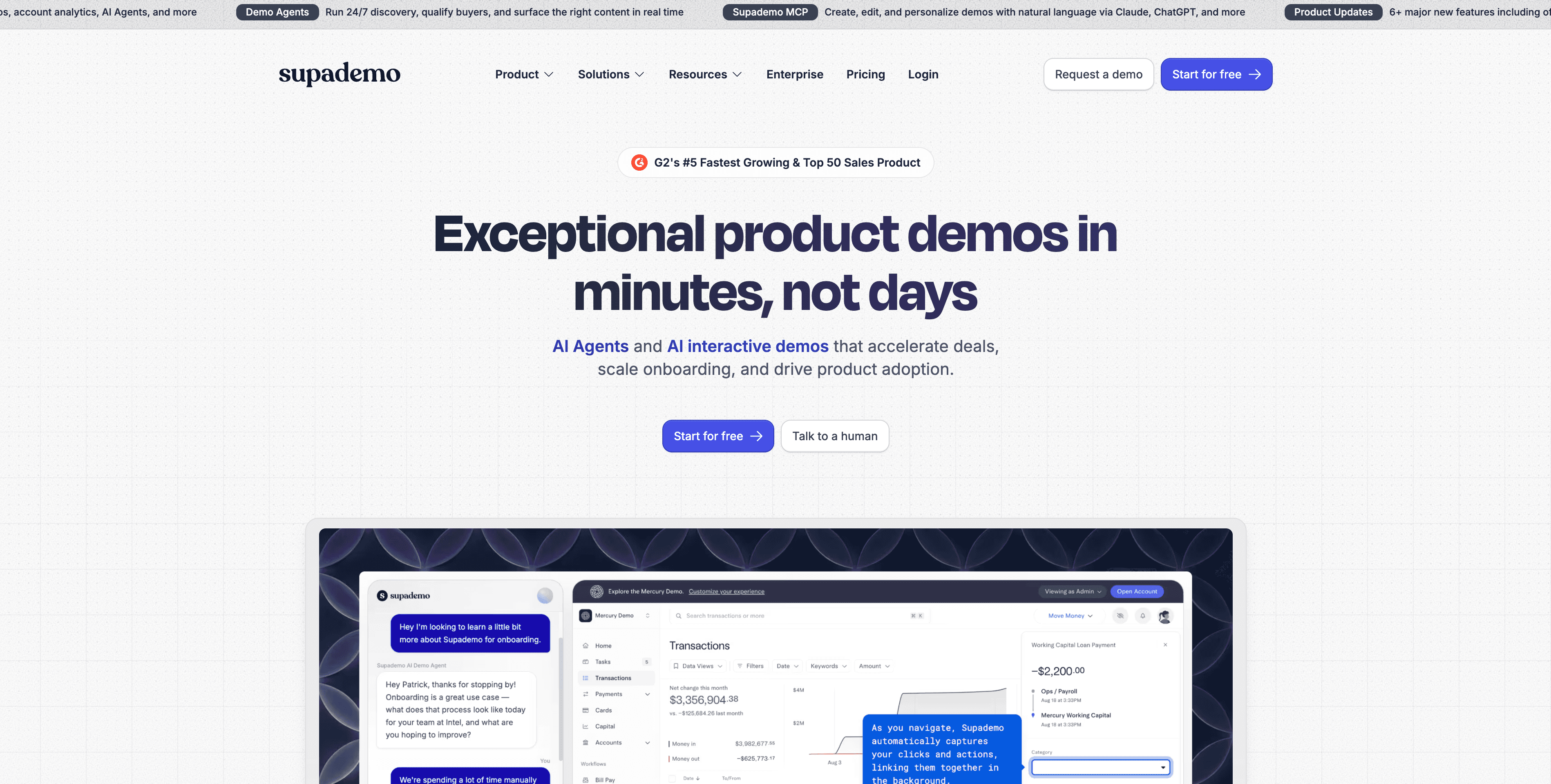
Best for: budget-friendly interactive demos for early-stage teams
Supademo is the most accessible interactive demo tool on this list — designed for early-stage SaaS companies that need a decent-looking product tour without significant investment. The free plan is genuinely usable, and paid plans stay affordable as you scale.
The output is similar to Arcade at a surface level: screenshot-based tours with hotspots and step text. The editing experience is simpler, which makes it faster to produce but less customizable.
Content is still manual. No AI-generated narration or documentation. For teams that just need to get something up on a marketing page quickly, Supademo gets the job done at a fraction of the cost.
Best for: Early-stage startups and small teams that need a quick interactive product tour without committing significant budget.
5. Guidde
Best for: AI-narrated video walkthroughs without interactive tour functionality
Guidde is closer to Clevera than to Arcade in terms of output format. It records your screen and generates AI voiceover narration per step automatically, producing a short narrated video walkthrough with visual click annotations.
The key limitation compared to Clevera is content depth. Guidde's AI narration describes what you clicked rather than explaining the purpose of each action in context. It also doesn't generate a written article alongside the video. For teams that need quick narrated video demos without a documentation component, Guidde is a solid, fast option.
Best for: Teams that want AI-narrated video demos quickly and don't need written documentation or deep contextual narration.
How to choose
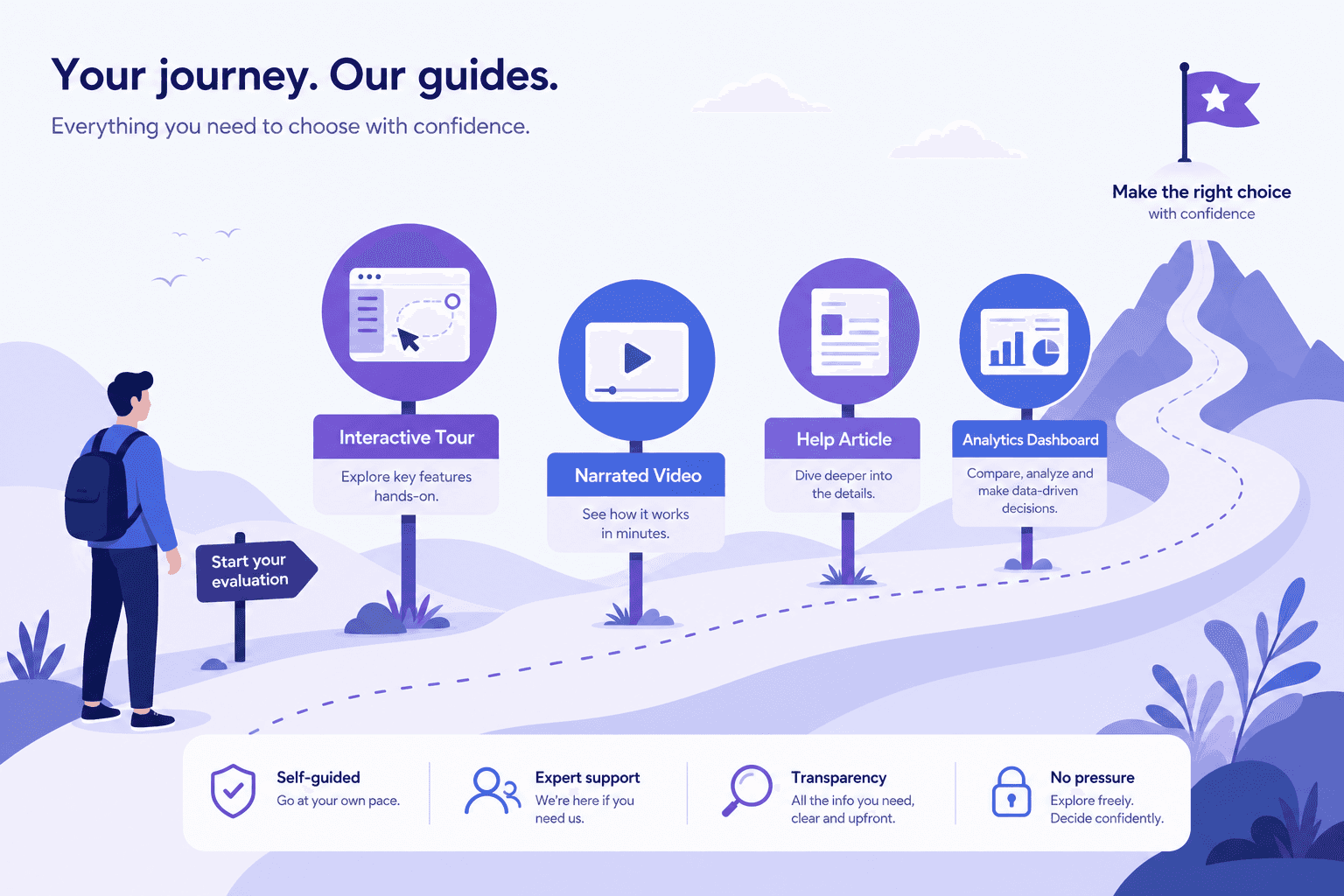
The right Arcade alternative depends on what you need the demo to actually do:
If you need... | Best option |
|---|---|
Narrated video + written article, AI-generated | Clevera |
Direct Arcade replacement at lower cost | Storylane |
Enterprise interactive demos with analytics | Navattic |
Quick interactive tour on a small budget | Supademo |
Fast AI-narrated video only | Guidde |
If you're replacing Arcade because you need more formats, more automation, or content that works beyond a marketing page, the tools above split clearly by use case. For teams where the pain is that every demo requires too much manual writing, Clevera removes that entirely — the AI handles the content from a recording you can make silently, in minutes.